
Add a WhatsApp order button to your website — free
A button that opens WhatsApp is easy. A button that sends you a complete order — products, quantities, address, total — takes about fifteen minutes and costs nothing. Here is how to add both, and which one you actually want.
By Manan Agrawal, Founder · Updated August 23, 2026
45 live customer stores
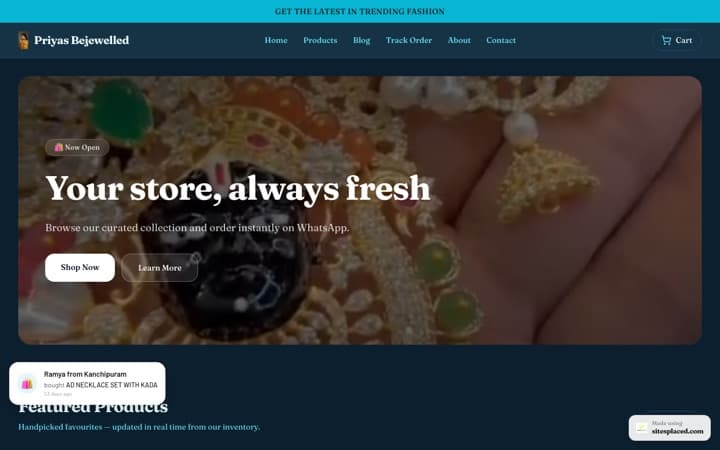
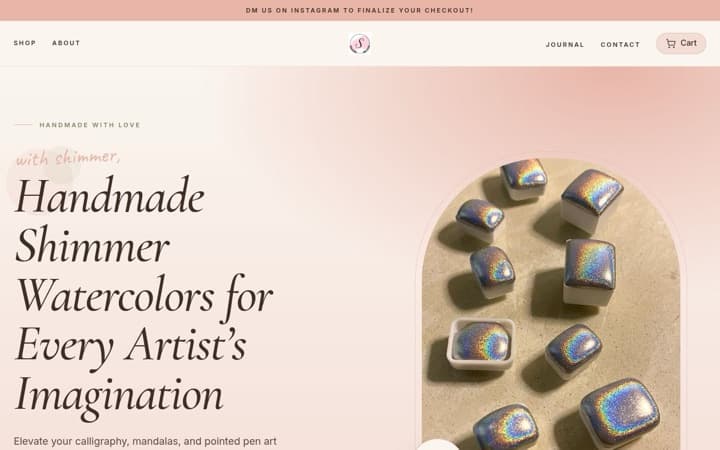

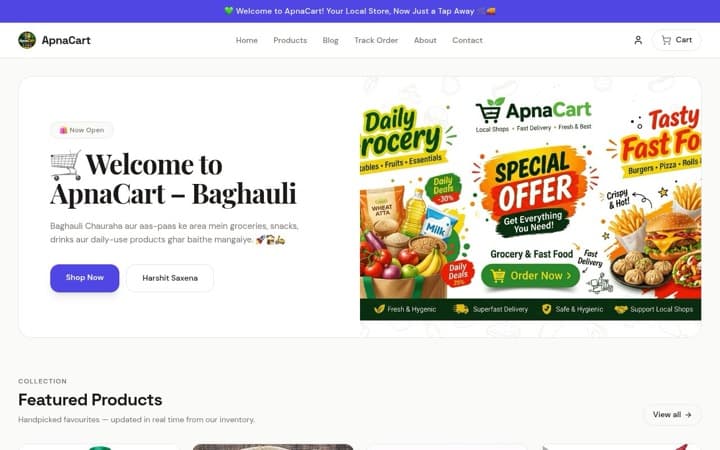
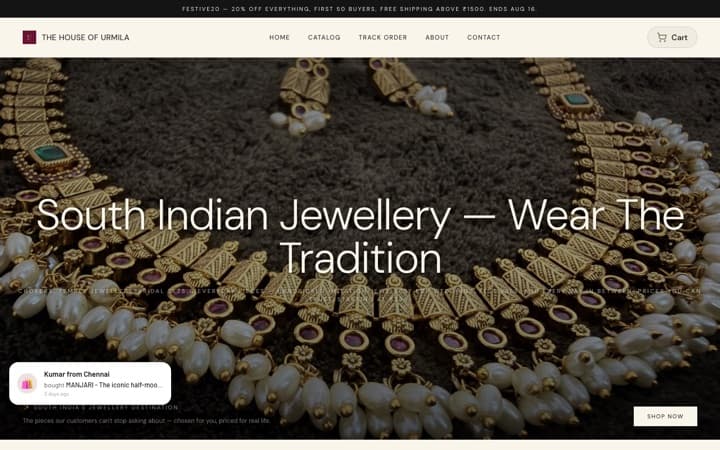
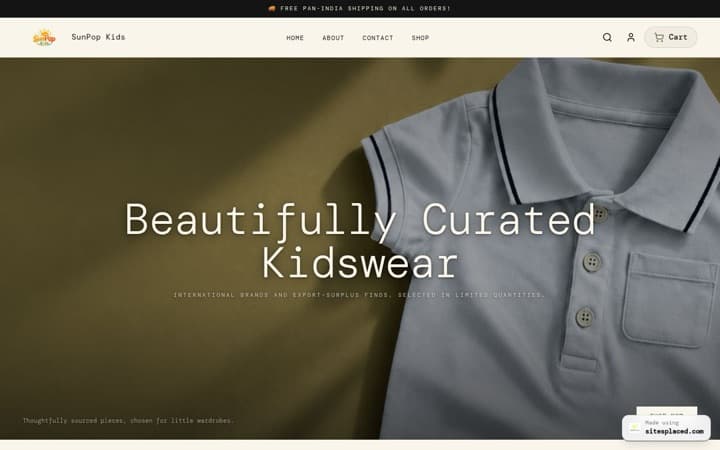
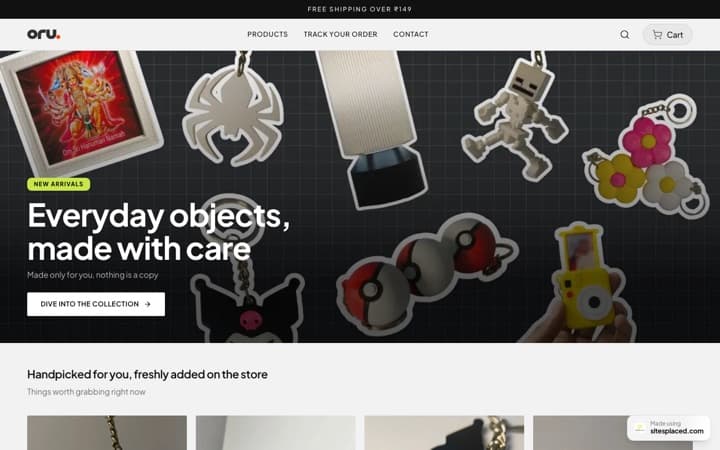
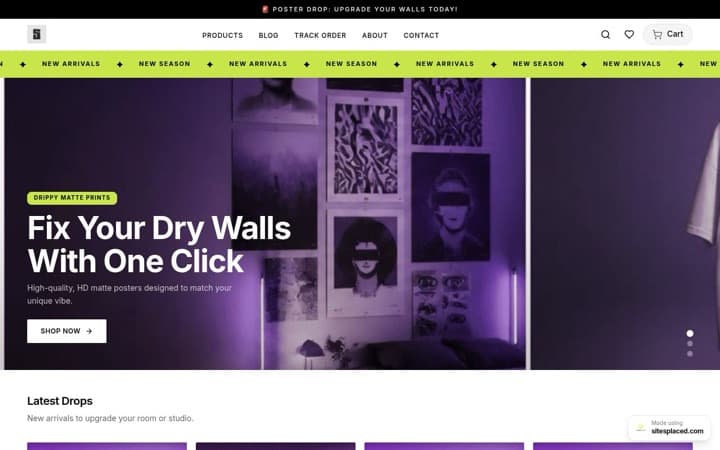

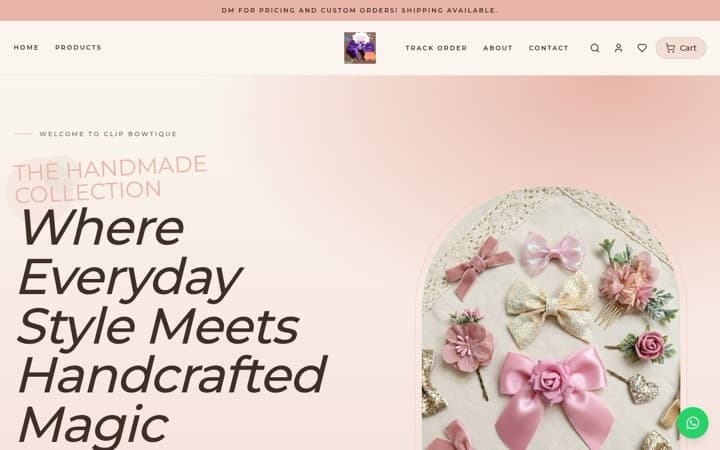
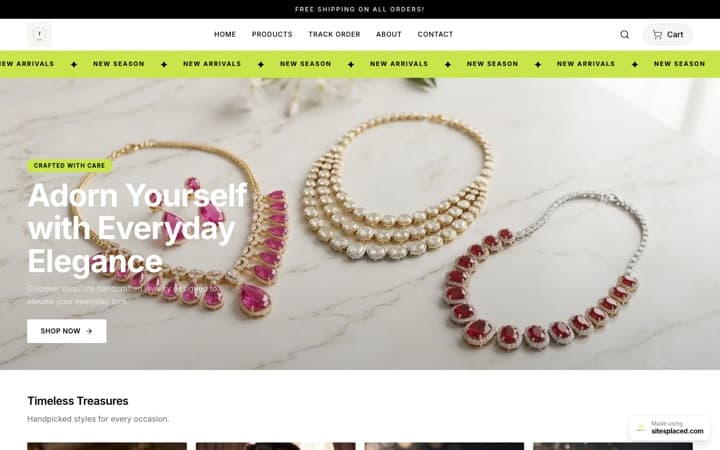
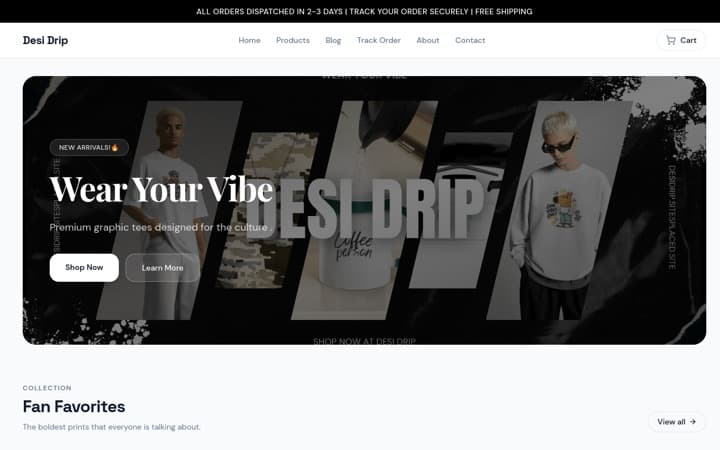
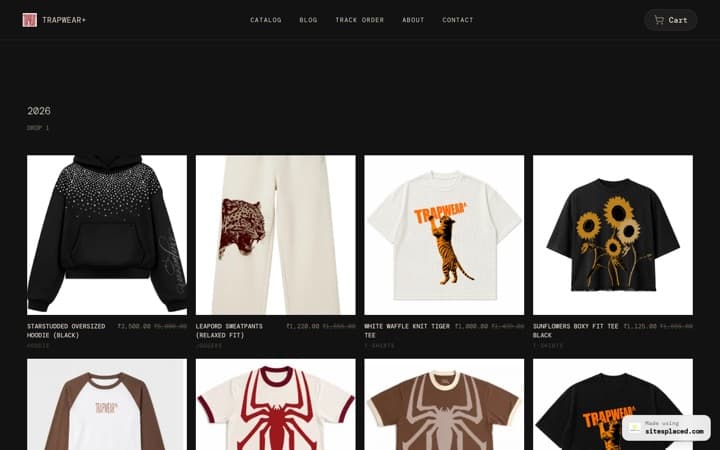
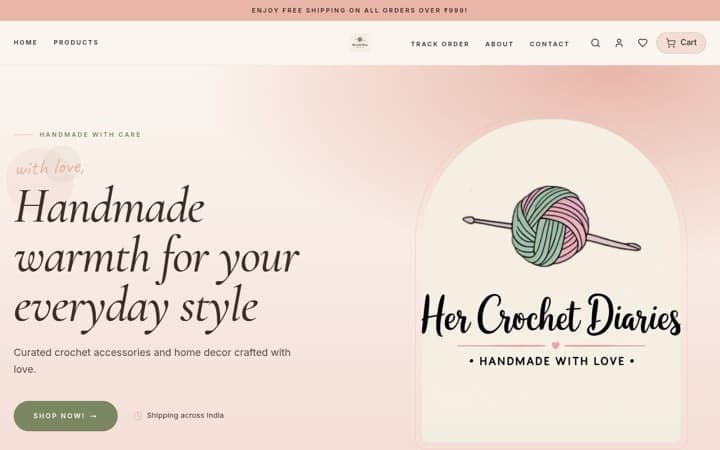

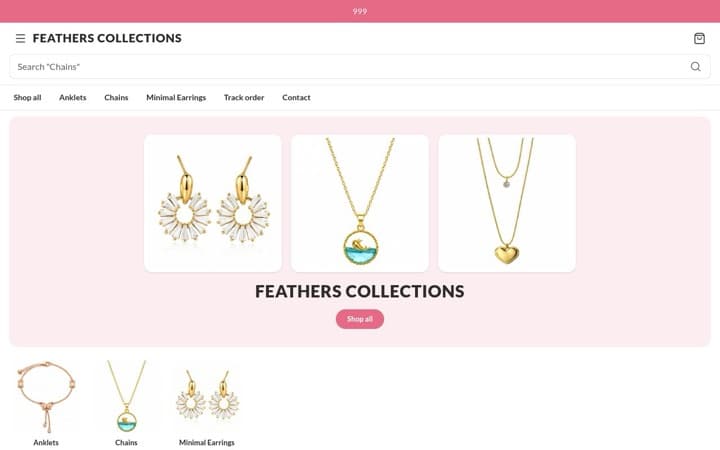
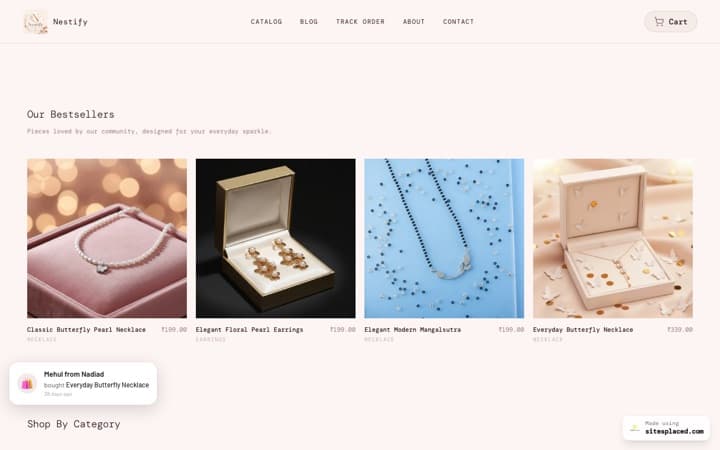
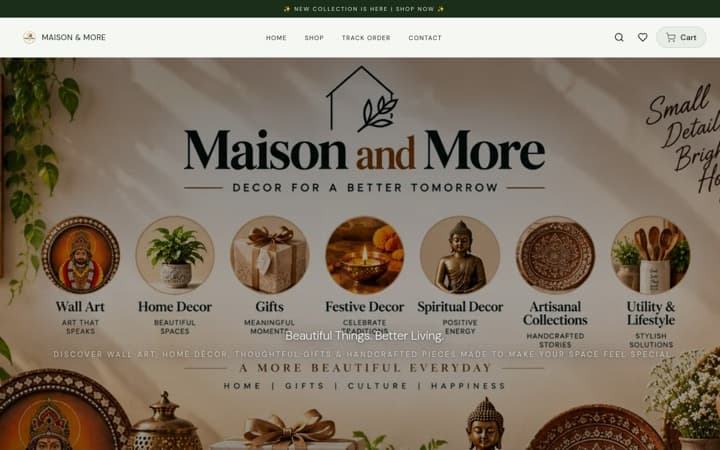
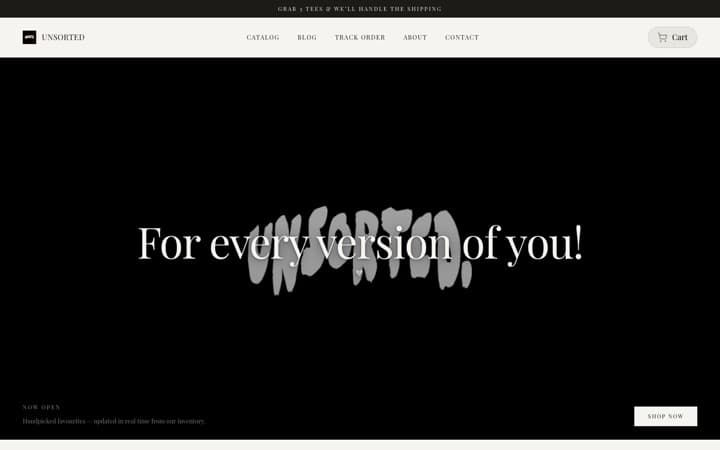


Every store here is live and taking orders · read the SitesPlaced reviews from their owners
The short answer: any website can get an ‘Order on WhatsApp’ button with a wa.me link and a prefilled message (use the free generator below). But a link only opens a chat. To receive orders with the cart, address and total already filled in, put your products on a free SitesPlaced store: the ‘Checkout on WhatsApp’ button, the floating chat bubble and a WhatsApp contact form are all built in on the ₹0 plan, with 0% commission.
Three kinds of WhatsApp order button
‘WhatsApp order button’ means three different things depending on who is asking, and they give you very different results. Start by deciding what you want to arrive in your chat.
- ✓A plain wa.me link. The button points to https://wa.me/your-number with optional prefilled text. It works on any site, but the customer arrives in an empty chat and the rest is manual.
- ✓A floating chat button. The green bubble that follows the visitor around the page. Great for questions, weak for orders — there is still no cart, no address field and no record.
- ✓A WhatsApp checkout button. The button sits on a real cart. The buyer picks items, types their address and taps once; WhatsApp opens with a full order message and the order is saved with an ID.
Most sellers searching for this want the third kind and end up with the first. The table below shows why the difference matters once you get more than a handful of orders a day.
Manual DM link vs catalogue vs store checkout
| wa.me link on a button | WhatsApp catalogue link | SitesPlaced WhatsApp checkout | |
|---|---|---|---|
| What the customer sends | A blank chat or your prefilled text | A ‘Hi, I’m interested in…’ message | Name, phone, address, items, quantities and total |
| Cart with quantities and variants | ✗ | Partial | ✓ |
| Address and pincode collected | ✗ — you ask in chat | ✗ — you ask in chat | ✓ — typed by the buyer |
| Order saved outside the chat | ✗ | ✗ | ✓ — order ID in your dashboard |
| UPI / COD / card option | ✗ | ✗ | ✓ — Razorpay, COD or WhatsApp |
| Setup time | 1 minute | 10 minutes | About 15 minutes |
| Cost | Free | Free | Free on SitesPlaced |
How each approach behaves in practice, August 2026. WhatsApp catalogue behaviour is as published by WhatsApp at the time of writing; features change.
Step by step: add the order button on SitesPlaced
There is no code, no plugin and nothing to host. One number in one field powers every WhatsApp button on the store.
Open a free store on SitesPlaced
Go to /stores, pick one of 16 store themes and add your products — name, photo, price. Publishing is ₹0 and there is no product cap on the free plan.
Add your WhatsApp number in Store details
Dashboard → Settings → Store details → WhatsApp number. Use the international format (91 followed by your ten digits). This single field powers every WhatsApp button on the store.
Keep ‘Show WhatsApp checkout’ on
Under Settings → Checkout, the WhatsApp option is enabled by default. You can rename the button (for example ‘Order on WhatsApp’) and make WhatsApp the default method instead of a direct order.
Switch on the floating button
Settings → Sales boosters has a ‘Show a floating WhatsApp button’ toggle with an optional prefilled message. Your store’s contact page also sends enquiries straight to your WhatsApp, and every product page links to it.
Share the link
Copy your store link into your Instagram bio, WhatsApp Business profile and status. Add our free WhatsApp QR code to packaging so repeat customers land straight on the store.
Everything above is on the free plan: ₹0 to publish, unlimited products, 0% commission, with Razorpay, COD, WhatsApp checkout, Shiprocket and Shipmozo included. The ₹499/month Growth plan (early-bird; ₹999 after the first 50 stores) adds a custom domain, branding removal, AI copy, analytics, Meta Pixel + Conversions API and WhatsApp Business API alerts sent from your own number. See pricing.
What the button actually sends
This is the part a plain link can never do. When a buyer taps ‘Checkout on WhatsApp’, the store first saves the order to your dashboard, then opens WhatsApp with a message like this already typed out:
Hi, I want to order:
Name: Ananya R.
Phone: 98xxxxxx21
Address: 14, Lake View Road
City: Pune
Pincode: 411001
Items:
- Cotton saree (Indigo) x1 — ₹1,450
- Blouse piece x2 — ₹600
Total: ₹2,050
Store: your free store link
9:41 pm ✓✓
You reply with a UPI request or confirm COD, and the order already has a number in your dashboard for when you pack it. Nothing to copy out of the chat, nothing to lose.
Where to put the button
One button in one place is a start. Six placements turn WhatsApp into a channel rather than a contact method, and every one of them is covered by the same store link.
Product page
A ‘Have questions about this product?’ block leads to your contact page, whose form opens WhatsApp with the buyer’s name, phone and question prefilled.
Cart and checkout
The ‘Checkout on WhatsApp’ button sends the whole cart with the buyer’s details — the one that actually replaces ‘DM to order’.
Floating button
A green bubble on every page, with a prefilled opener such as ‘Hi! I saw your store and have a question…’.
Instagram bio and Reels
Your store link is the button. One tap from the bio opens the catalogue; two taps later the order is in your WhatsApp.
Packaging and bills
A printed WhatsApp QR code turns a delivered parcel into a reorder channel — no typing a number.
Paid ads
Send click-to-WhatsApp or website ads to the store, not to a bare number, so every click can become a structured order.
Free tools for the plain-link version
If you only need a link or a QR code today — for a site you already have, a flyer or a visiting card — these two tools build it in seconds, no account needed.
WhatsApp link generator
Turn your number plus a prefilled message into a wa.me link you can paste anywhere — bio, website button, ad.
Open the toolFree toolWhatsApp QR code generator
A scannable QR that opens a chat with you. Print it on packaging, bills, visiting cards and shop boards.
Open the toolWhen to upgrade: alerts from your own number
WhatsApp checkout costs nothing, and for many stores it is all they ever need. The ₹499/month Growth plan is for the moment you also take UPI, card and COD orders that do not come through WhatsApp, and you want those to reach you the same way.
- ✓Every new order sends you an alert and the customer a confirmation, from your own WhatsApp Business number via Meta’s Cloud API — you bring your own credentials.
- ✓A custom domain (yourbrand.in) instead of the free link, and the SitesPlaced badge removed.
- ✓AI-written product descriptions, store analytics, and Meta Pixel + Conversions API so Instagram ads report real purchases.
Early-bird pricing is ₹499/month for the first 50 stores; it moves to ₹999 after that. Razorpay, Shiprocket and Shipmozo are integrated on both plans.
Razorpay, Shiprocket, Shipmozo, WhatsApp API, Meta CAPI: all built in.
Razorpay, cash on delivery, WhatsApp checkout, Shiprocket and Shipmozo are on the free plan. From ₹199/month (Starter): Meta Pixel + Conversions API, your own domain, branding removal, AI and analytics. The ₹499/month Growth plan adds WhatsApp Business API alerts and the 1-click checkouts, bring your own credentials. No app store, no per-integration fees.
Payments
- Free

UPI, cards, net banking and wallets at checkout. SitesPlaced takes 0% commission; Razorpay's standard gateway fee applies.
razorpay.com - Free

StripeNew
Card, Apple Pay and Google Pay from customers worldwide. Connect your own Stripe account with a restricted key — payments land in your Stripe balance and SitesPlaced takes 0% commission.
stripe.com - Free

PayPalNew
Customers pay with their PayPal balance or a card. Connect your own PayPal app — the money lands in your PayPal balance and SitesPlaced takes 0% commission.
paypal.com - Free

PhonePeNew
UPI, cards, net banking and wallets at checkout on your own PhonePe Business account. Money settles straight to you and SitesPlaced takes 0% commission; PhonePe's standard gateway fee applies.
phonepe.com - Free

CashfreeNew
UPI, cards, net banking, wallets and pay-later at checkout on your own Cashfree account. Money settles straight to you and SitesPlaced takes 0% commission; Cashfree's standard gateway fee applies.
cashfree.com - Free

- Free
COD at checkout with an optional COD charge you set.
- Free

- ₹499

Sell with ShiprocketNew
1-click checkout by Shiprocket — saved addresses, UPI/cards/COD and RTO scoring, without your own payment gateway. Shiprocket collects and settles to you; SitesPlaced takes 0%, Shiprocket charges 2% per order.
shiprocket.in - ₹499
Razorpay Magic CheckoutNew
1-click checkout on your own Razorpay account — saved addresses, UPI/cards/COD in one step, with COD intelligence and RTO protection. Money settles straight to your Razorpay. Can run alongside Shiprocket checkout.
razorpay.com
Shipping
- Free
Push orders to Shiprocket, get AWB numbers back, and show live tracking on your Track Order page.
shiprocket.in - Free

ShippoNew
USPS, UPS, FedEx, DHL and Royal Mail labels for US, UK and international orders — around 5¢ a label with no monthly fee, billed to your own Shippo account.
goshippo.com - Free

ShipmozoNew
Courier selection, pickup scheduling and tracking status synced back to each order.
shipmozo.com - Free
Rehbar PostNew
Compare courier rates, book the shipment, print the label and track it back — on your own Rehbar Post account.
rehbarpost.com
Fulfilment
- Free

Qikink
Print-on-demand for India — t-shirts, hoodies and mugs printed and shipped domestically from your own Qikink account.
qikink.com - Free

PrintifyNew
Print-on-demand t-shirts, hoodies, mugs and posters. Link a product to your own Printify catalogue and paid orders are sent for printing automatically — Printify bills your account, we take nothing.
printify.com
Messaging
- ₹499
Every new order sends you an alert and the customer a confirmation, from your own WhatsApp Business number via Meta's Cloud API. Bring your own credentials.
business.whatsapp.com
Marketing
- ₹199+

Meta Pixel + Conversions APINew
Your own Pixel on the storefront plus server-side Purchase events from the order record, deduplicated, so Instagram and Facebook ads report real sales. Bring your own credentials.
facebook.com - ₹499

Import the product reviews you already collected in Judge.me on Shopify or WooCommerce onto your product pages, matched by product name. Bring your own API token; SitesPlaced also collects and moderates its own product reviews on every plan.
judge.me - ₹499

Resend emailNew
Email the subscribers your store collected — a new drop, a reopening — from your own domain through your own Resend account. Bring your own API key; sending, limits and unsubscribes stay on your Resend account.
resend.com - ₹199+
Custom head code
Paste Google Analytics, Clarity or any tag into your live site.
Growth
- ₹199+
yourbrand.com with one-click DNS setup for most Indian registrars.
- Free


Create and edit your store by chatting with your AI assistant.
modelcontextprotocol.io - Free
Bring a catalogue in from Instagram, your existing website, a PDF, dm2buy or Shopexer.
- Free
A public API for your store. A custom website with no backend of its own can read your products, send a shopper to your checkout with a prepared cart, read and update orders, look up tracking and receive webhooks.
- Free
WooCommerceNew
Keep your WooCommerce shop. A plugin copies every order into SitesPlaced, so you get the order dashboard, the mobile app, courier booking and a tracking page. WooCommerce stays in charge of payment, stock and cancellation.
- Free
ShopifyNew
Early access, not open to everyone yet. Keep your Shopify shop and copy its orders into SitesPlaced for the order dashboard, courier booking and a tracking page. Ask us for access.
Put a real order button on your site today
Open a free store, drop in your WhatsApp number and the Checkout on WhatsApp button is live — cart, address and total included. ₹0 to publish, unlimited products, 0% commission.
Open my free store →Already have a website? Keep it, and link its ‘Order’ button to your SitesPlaced store.
Frequently asked questions
How do I add a WhatsApp order button to my website for free?
The quickest way is a wa.me link: https://wa.me/91XXXXXXXXXX?text=your%20message, placed on any button. Our free WhatsApp link generator builds it for you. If you want the button to send a real order — items, quantities, address and total — open a free store on SitesPlaced, add your number under Store details and the ‘Checkout on WhatsApp’ button is already there.
What is the difference between a WhatsApp chat button and a WhatsApp order button?
A chat button opens a conversation; the customer still has to type what they want and you still have to ask for the address. An order button is attached to a cart, so the message that arrives already contains the products, quantities, the delivery address and the total, and the order is saved with an ID you can track.
Does the order on WhatsApp button work on mobile and desktop?
Yes. wa.me links open the WhatsApp app on phones and WhatsApp Web or Desktop on a computer. SitesPlaced stores open the link in a new tab after saving the order, so the buyer never loses the store page.
Can I change the button text to ‘Order on WhatsApp’?
Yes. In Settings → Checkout you can rename the WhatsApp checkout button, set WhatsApp as the default checkout method and customise the success message. The floating button’s prefilled message is editable under Sales boosters.
Will I get a WhatsApp alert when someone orders?
With WhatsApp checkout the order itself arrives in your WhatsApp as the customer’s message, so you see it instantly. For orders paid by UPI, card or COD without WhatsApp, the ₹499/month Growth plan adds WhatsApp Business API alerts: every new order pings you, and the customer gets a confirmation, from your own WhatsApp Business number.


