
The best portfolio website for software engineers
The best portfolio website for a software engineer is the one that ships in minutes and shows real, running projects — not the one you spend a month perfecting. Pick a developer-first template, link your GitHub, and be live today.
By Manan Agrawal, Founder · Updated July 16, 2026
The short answer: the best portfolio website for a software engineer shows three to six real projects with working GitHub and live links, states your stack clearly — and goes live fast. SitesPlaced’s developer-first templates (terminal, bento, CS) are built around exactly that, with AI-written content and instant publishing, free for everyone. Speed matters more than you’d think: in our data from 469 real builds, 72% of the sites that are live today were published within 10 minutes of starting — and sites not published on day one mostly never launched at all. GitHub Pages is the best pick if you would rather hand-code your own.
How fast do portfolios actually ship? Our real data
We measured creation-to-publish timestamps across 469 real websites and stores built on SitesPlaced between February and July 2026. The numbers are blunt about what works:
of live sites went from blank account to published within 10 minutes
of live sites were published the same day they were started
real builds analyzed — February to July 2026, snapshot July 4
sites built on SitesPlaced are websites and portfolios, not stores
The distribution isn’t a bell curve — it’s a cliff. Sites that weren’t published on day one mostly never got published at all. For an engineer, the lesson is the same one you already know from shipping software: momentum is the whole game. Publish the imperfect version in your first sitting and iterate on a live URL — don’t leave your portfolio as an unmerged branch. Methodology, caveats and the full findings are in the build-time data study.
Real portfolios, live right now
Proof beats promises — real people published these on SitesPlaced, including a CS student's project-first portfolio. Open any of them in a new tab.
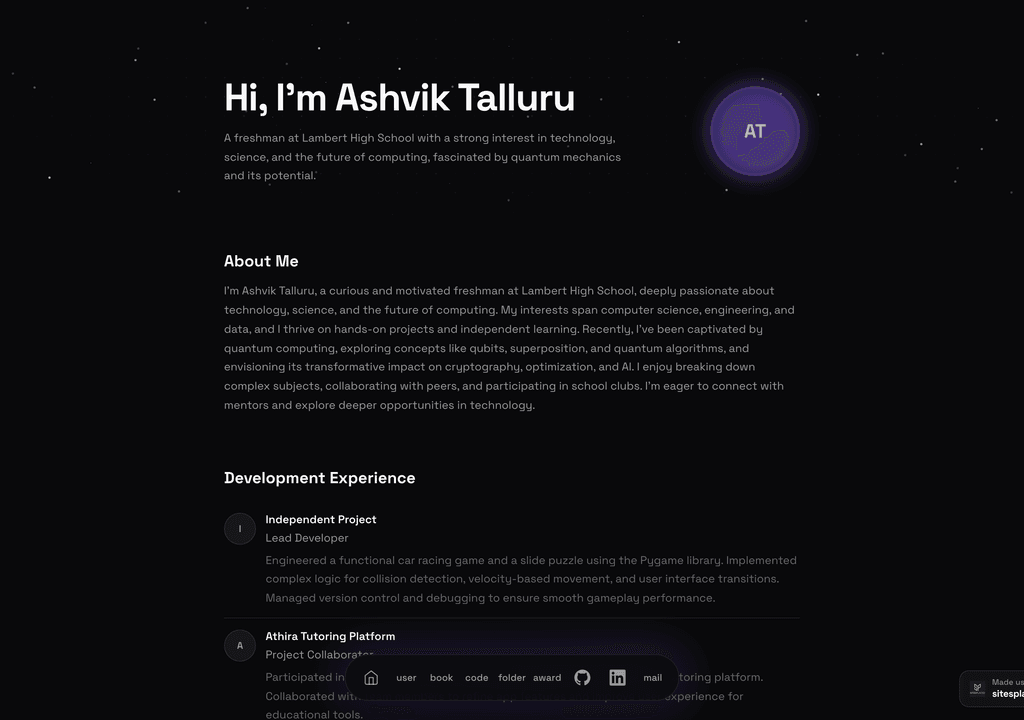
Ashvik Talluru
A computer-science student's project-first portfolio with real builds, experience and links.
Visit live site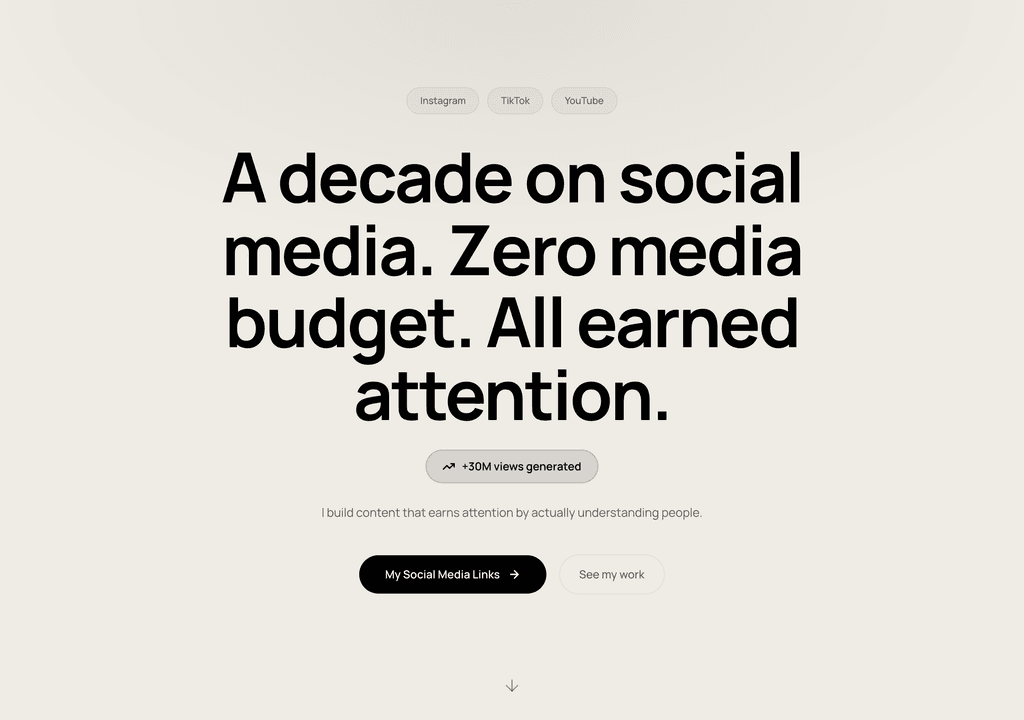
Steve Corbin Jr.
A social-media specialist's portfolio that turns a decade of earned attention into inbound clients.
Visit live site
J. Riley Brewington
A content specialist showcasing multi-platform growth, testimonials and a clear booking path.
Visit live siteGenerate your student portfolio in 60 seconds
Fill in four fields and watch a live preview build itself. When you like it, publish the real thing free on SitesPlaced — AI writes the first draft from your résumé.
No plan, no card. Publish at aisha-verma.sitesplaced.com
Portfolio
Aisha Verma
Software Engineer & Builder
VIT
About
Projects
Experience
Contact
Live preview · your real site is fully editable
What do recruiters look for in a developer portfolio?
A hiring manager scanning a developer portfolio is asking three quick questions: can you build, can you ship, and can you explain it? They want a couple of real projects they can open, a sense of your stack, and a clear story for each — not a wall of repos with no context.
That is why structure beats flash. The strongest developer portfolios lead with three to six projects, each with a one-line what-and-why, a GitHub link and a live demo, followed by a tidy stack and an easy way to get in touch. The templates here are built around exactly that pattern — and if you are targeting your first role, the same structure is what works for an internship portfolio too.
What a software engineer's portfolio must include
- ✓A one-line identity at the top — “Full-stack engineer building web apps in React and Go” beats a vague tagline
- ✓Three to six projects, each with a working GitHub link and a live demo where possible
- ✓A short how-it’s-built note per project: the stack, the hard problem, the decision you’re proud of
- ✓Skills matched to the roles you want — a focused list, not every technology you have ever touched
- ✓Experience, internships or open-source contributions with dates
- ✓A contact section and a résumé link a recruiter can grab in one click
Want to see these principles on real pages? We annotated ten of them in our software developer portfolio examples breakdown.
Software engineer portfolio options compared
| Feature | SitesPlaced | GitHub Pages | Wix | |
|---|---|---|---|---|
| Developer-first templates | ✓ Terminal, Bento, CS | DIY | Generic | Profile |
| GitHub / live project links | ✓ | ✓ | ✓ | Limited |
| Stack & skills section | ✓ Structured | DIY | Manual | Tags |
| AI writes your content | ✓ | ✗ | ✗ | ✗ |
| No build/deploy setup | ✓ Instant publish | Git + CI | ✓ | ✓ |
| Custom domain | ✓ Optional | ✓ | Paid | ✗ |
| Free to publish | ✓ | ✓ | Free tier | ✓ |
| Time to live | Minutes | Hours+ | Hours | Minutes |
Indicative comparison for a software engineer or developer, July 2026.
Weighing more no-cost options beyond these four? We ranked them honestly — including where each one hides its paywall — in the best free portfolio builders.
Developer-first templates
Live demos you can open and clone — from a terminal/IDE aesthetic to an Apple-style bento grid and a CS-focused layout. All free to publish for everyone.
 CS
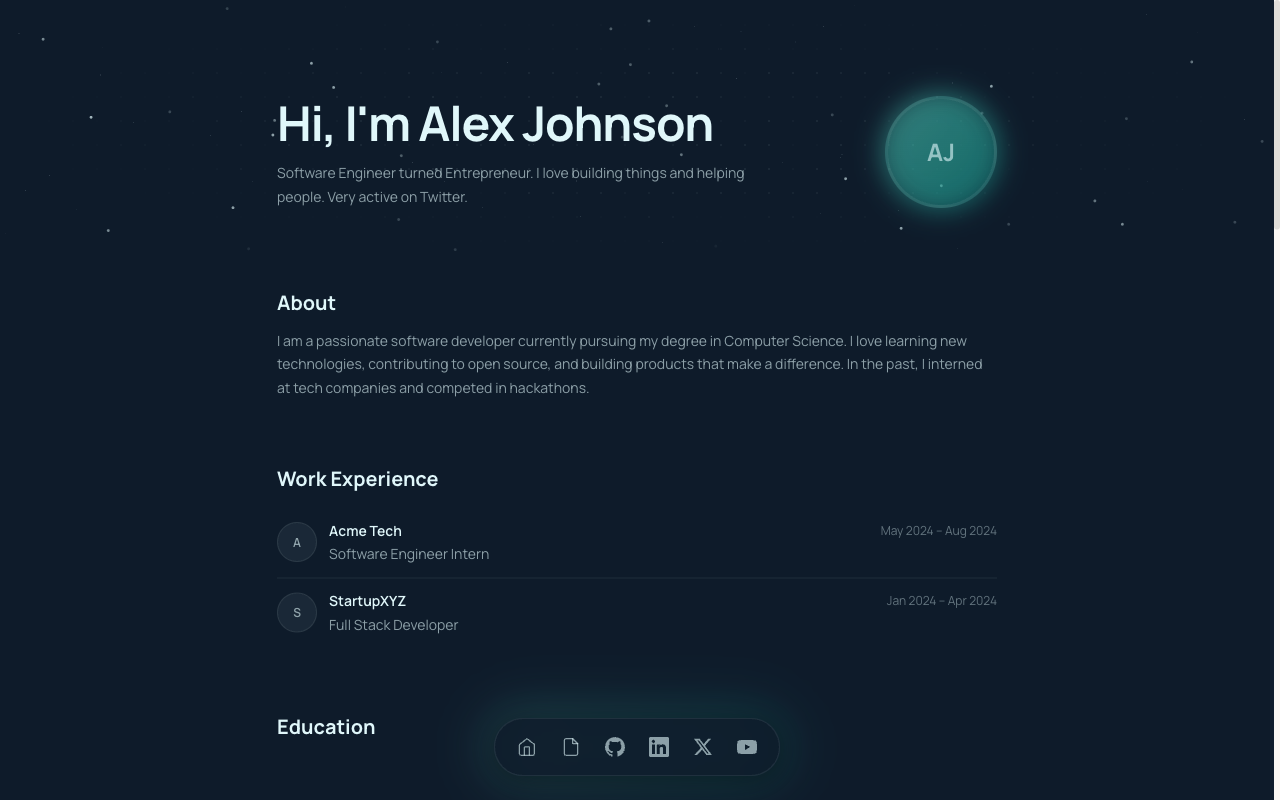
CSCS Student Portfolio
Built for CS and B.Tech students — projects, GitHub, stack and experience in a developer-first layout.
View live demo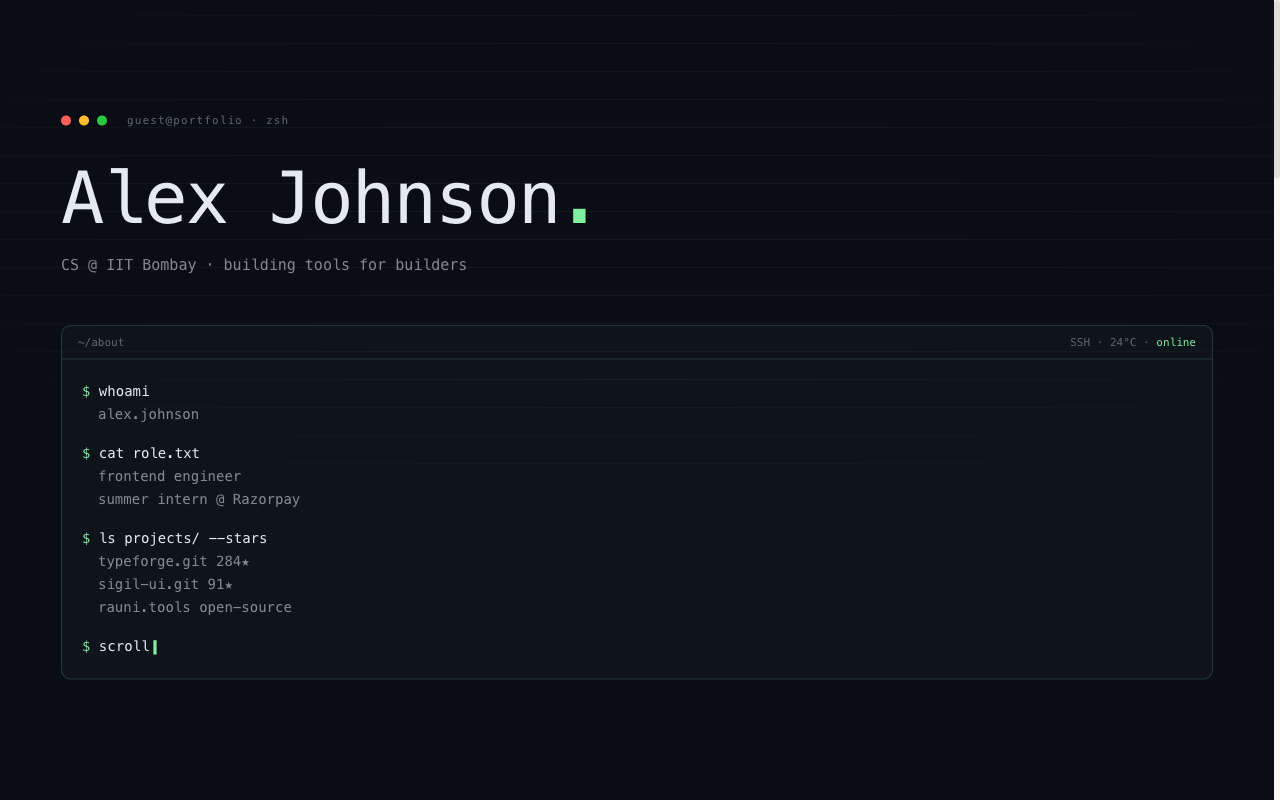 Developer
Terminal Portfolio
IDE / terminal aesthetic — code-style hero, mono type, projects laid out like a command log.
View live demo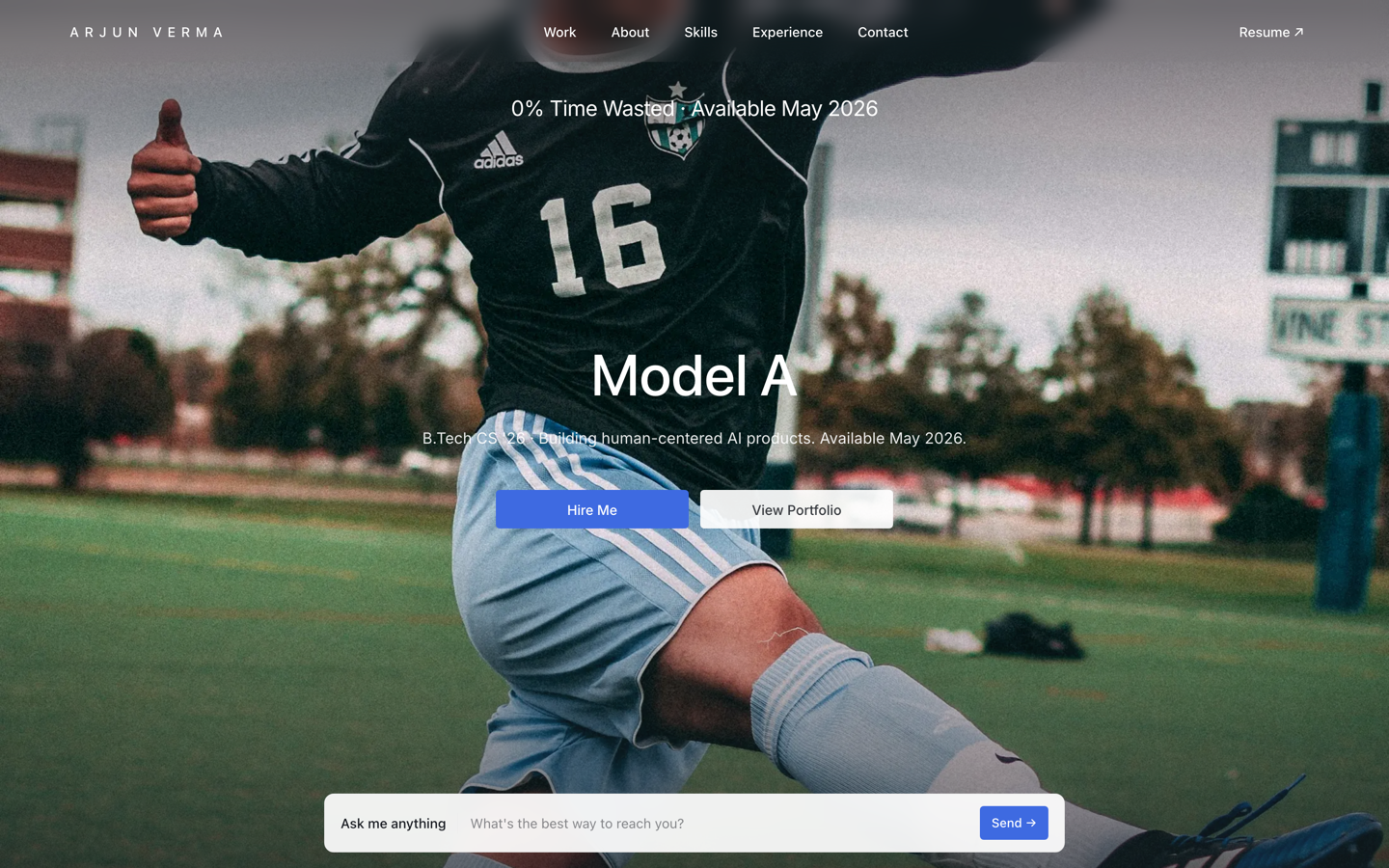 Premium
Tesla — Engineering Portfolio
Premium portfolio inspired by Tesla — full-viewport hero, electric-blue accent, scroll scenes.
View live demo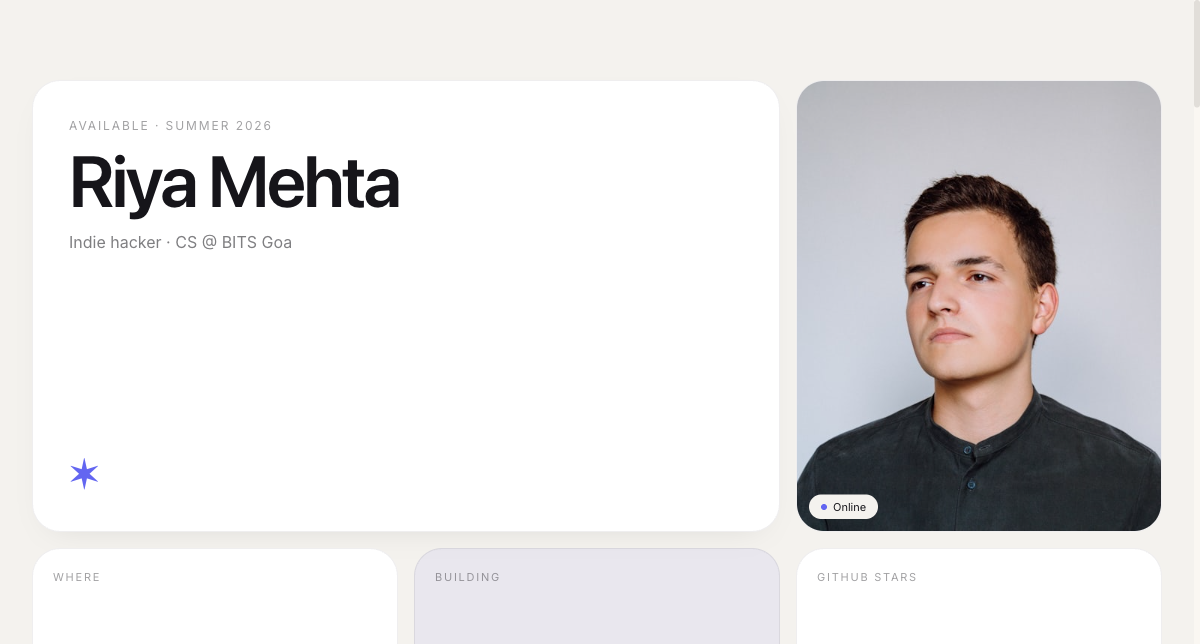 Modern
Bento Portfolio
Apple-style bento grid that organises skills, projects and links into tidy, scannable tiles.
View live demo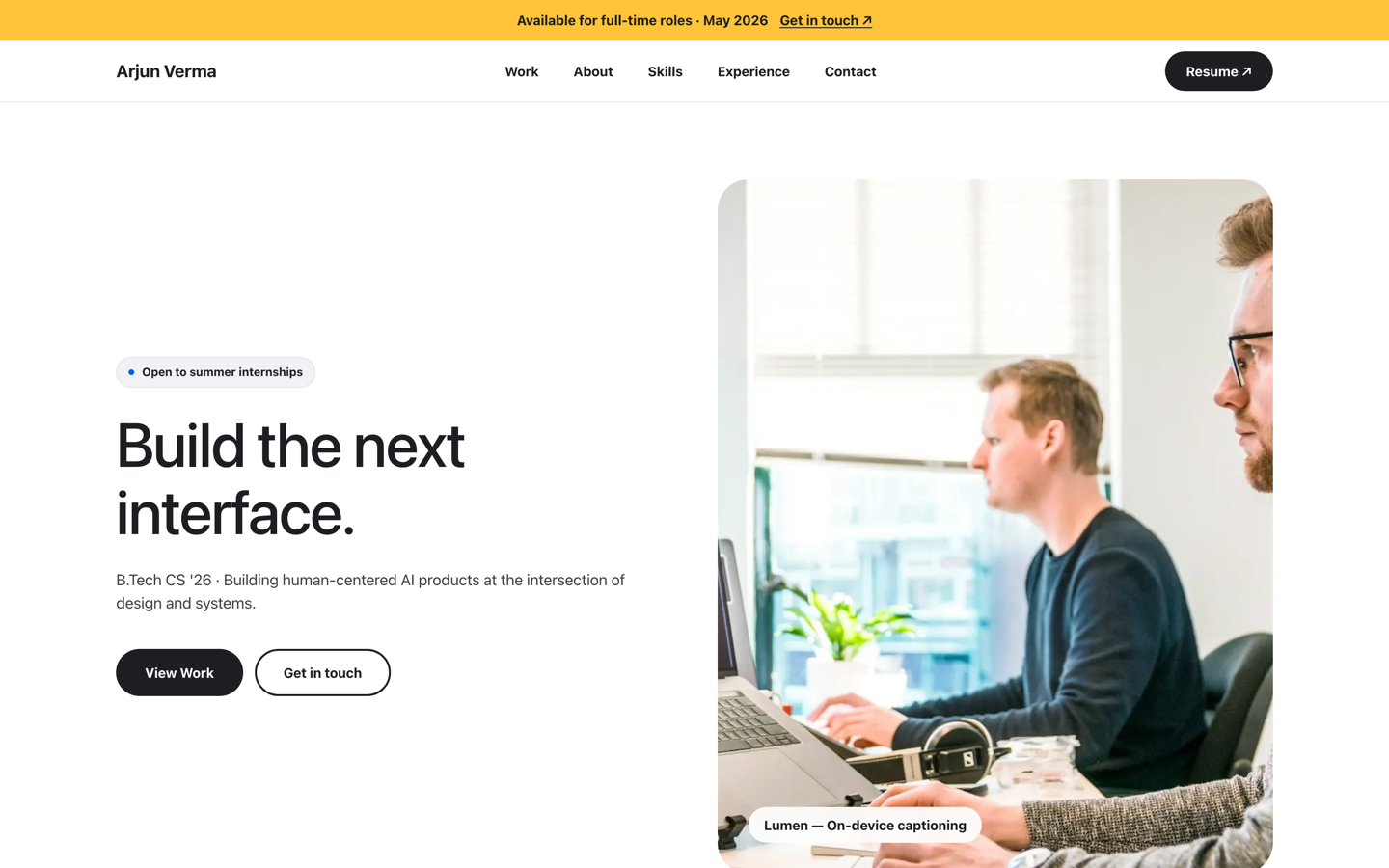 Premium
Meta — Builder Portfolio
Builder portfolio inspired by Meta — rounded photo tiles and a bold dual-CTA system.
View live demo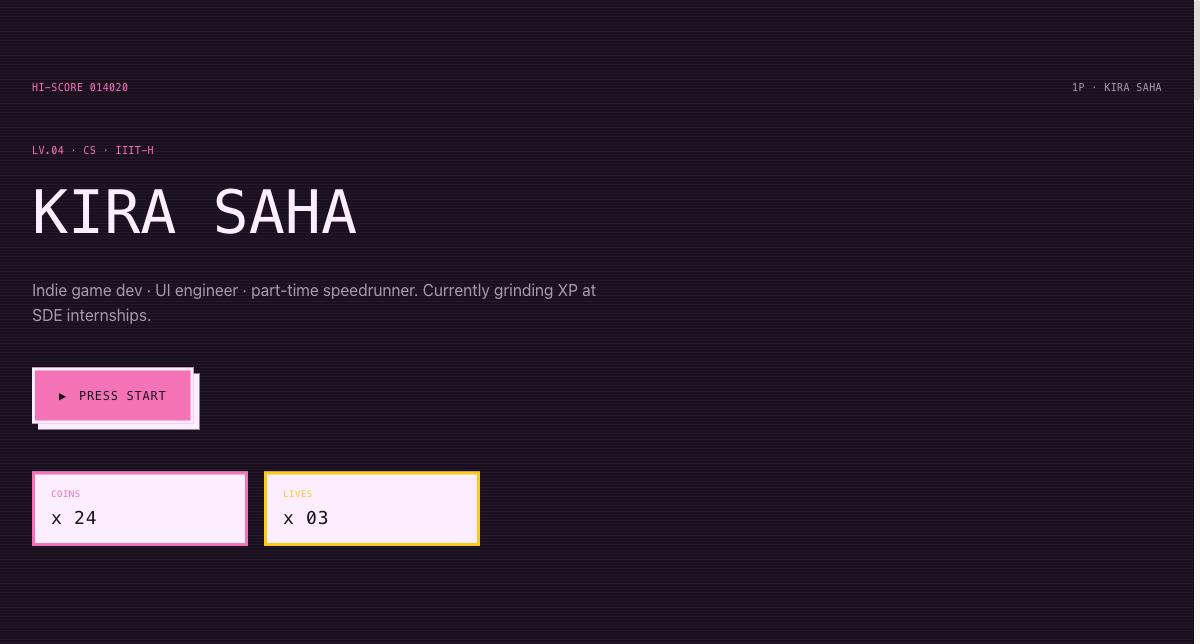 Playful
Arcade Cabinet Portfolio
Playful 8-bit arcade-cabinet portfolio — memorable, and great for game and creative-tech students.
View live demoGitHub Pages or SitesPlaced?
Choose SitesPlaced if you…
- • Want a polished, developer-styled portfolio live in minutes
- • Would rather link projects than build and deploy a site
- • Want AI to draft your project write-ups and bio
- • Want premium templates and free publishing — students remove the badge forever for a one-time ₹99
- • Want to focus on your projects, not on site maintenance
Choose GitHub Pages if you…
- • Want to hand-code a fully custom front end
- • Want the site itself to demonstrate your CSS/JS skills
- • Are comfortable with Git, build tools and deploys
- • Have time for ongoing tweaks and maintenance
Build your software engineer portfolio
Pick a developer-first template, link your GitHub and live projects, and let AI write the rest. Publish at username.sitesplaced.com in minutes — free for everyone, no build step, no maintenance; students remove the badge forever for a one-time ₹99.
Build my portfolio free →Frequently asked questions
What is the best portfolio website for software engineers?
For most developers, the best portfolio is one that ships fast and shows projects with working GitHub and live links, presents your stack clearly, and loads fast. SitesPlaced offers developer-first templates (terminal, bento, CS) that do exactly this, with AI-written content and instant publishing — free for everyone, with students removing the badge forever for a one-time ₹99. GitHub Pages is the best choice if you want to hand-code your own.
How long does it take to make a software engineer portfolio?
Minutes, when the first draft is generated for you. Across 325 live sites on SitesPlaced, 72% were created, edited and published within 10 minutes of starting, 80% within the first hour, and 88% within the same day. Hand-coding and deploying your own site on GitHub Pages typically takes a weekend by comparison. The full numbers are in our build-time data study of 469 real builds.
Should a software engineer use GitHub Pages or a builder?
It depends on what you want to signal and how much time you have. GitHub Pages lets you hand-code a fully custom site and demonstrates front-end skill, but takes longer and you maintain it. SitesPlaced gets a polished, developer-styled portfolio live in minutes with no build or deploy step — and it is free to build and publish for everyone. Many engineers use SitesPlaced now and migrate to a hand-built site later.
What should a software engineer's portfolio include?
A clear headline (e.g. 'Full-stack engineer'), three to six projects with GitHub and live demo links, your stack and skills, experience or internships, and a contact section plus résumé link. Lead with the projects that best match the roles you want.
Do recruiters actually look at developer portfolios?
Yes — especially for internships, new-grad and junior roles, where a working portfolio with real projects is strong evidence you can build. A clickable demo or a clean GitHub-linked project often does more than another bullet on a résumé.
Is it free for students?
Yes — and for everyone, not just students. Anyone builds and publishes on SitesPlaced for free, premium developer templates included, with no card and no coding beyond linking your own projects. Your site goes live on a username.sitesplaced.com URL with a small 'Made using sitesplaced.com' badge; students remove that badge forever with a one-time ₹99.