
Student portfolio examples that get interviews
The fastest way to build a great portfolio is to start from one that already works. These are real, clickable student portfolios — open them, see what makes them convert, then clone the closest fit and make it yours.
By Manan Agrawal, Founder · Updated June 10, 2026
The best student portfolio examples lead with projects, state a clear identity, and keep every link working. The live demos below — from clean recruiter-ready layouts to premium Tesla, Apple and BMW M styles — show this in action. Each one is a SitesPlaced template you can clone and publish free at username.sitesplaced.com — in our data from 469 real builds, 72% of published sites went live within 10 minutes of starting.
Real student portfolios, live right now
Proof beats promises. Real students built and published these on SitesPlaced — open any in a new tab to see what a finished one looks like.
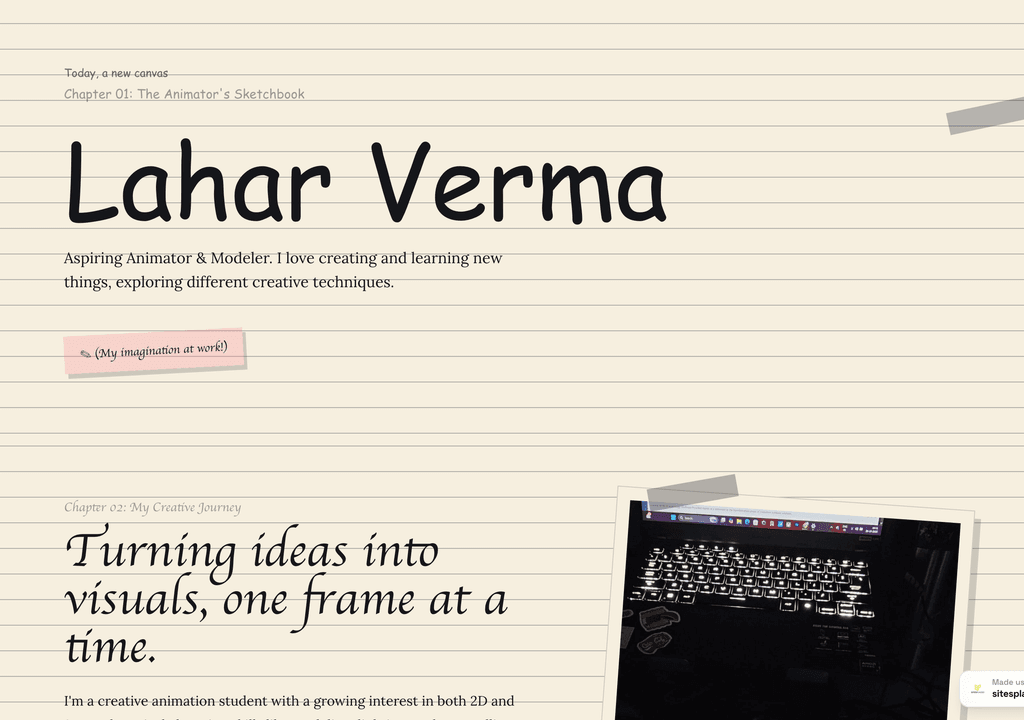
Lahar Verma
An aspiring animator's sketchbook-style portfolio — projects and creative journey, chapter by chapter.
Visit live site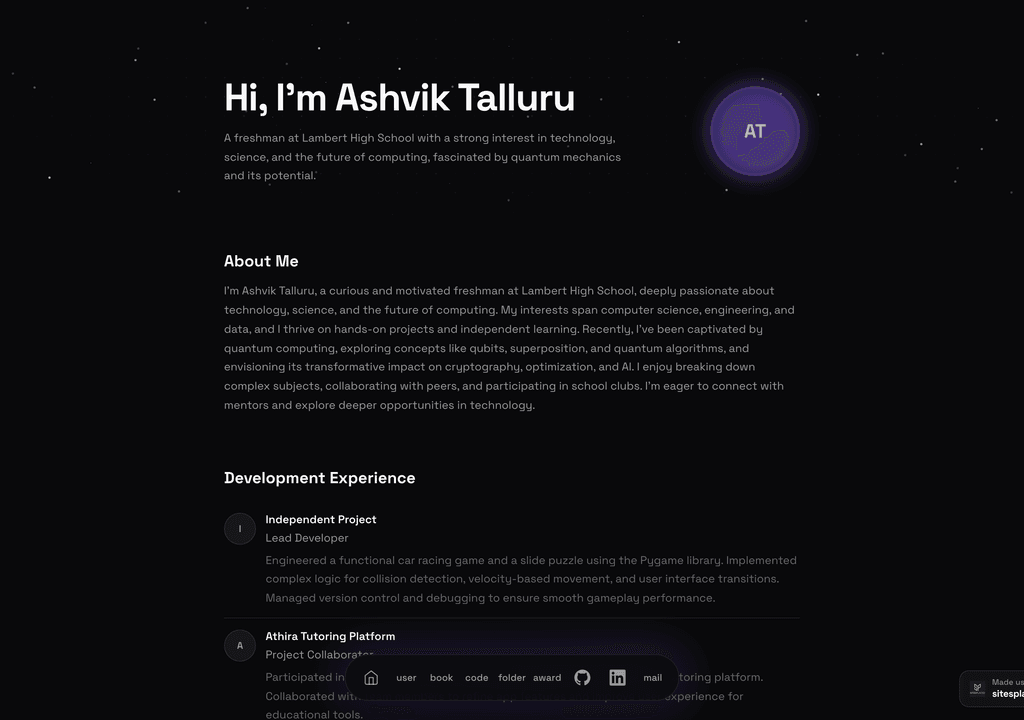
Ashvik Talluru
A computer-science student's project-first portfolio with real builds, experience and links.
Visit live site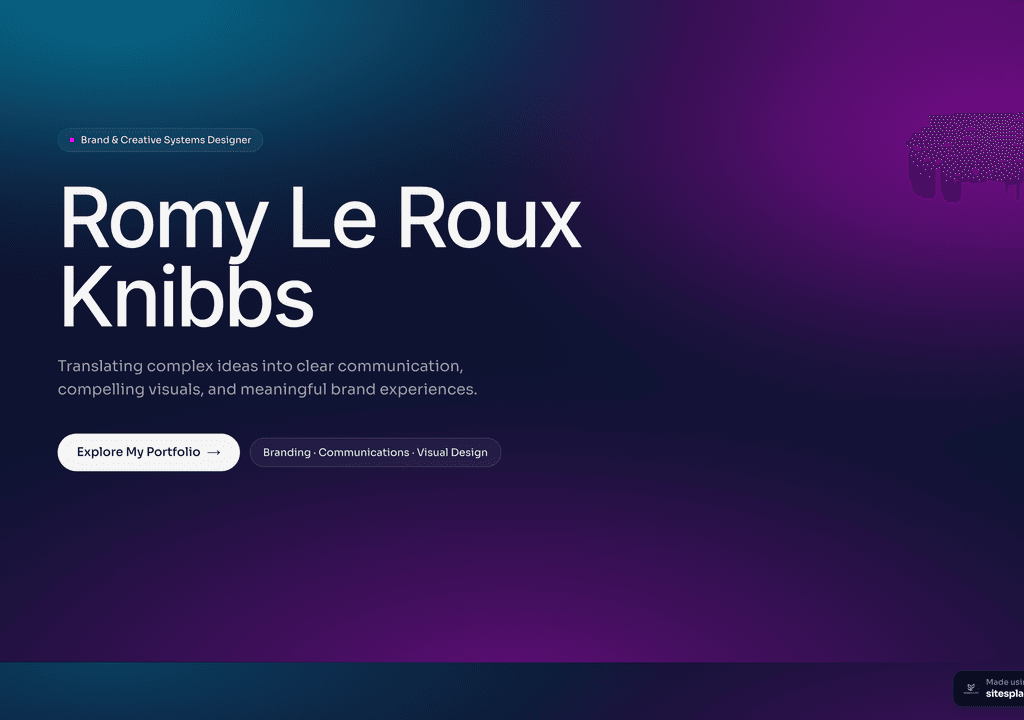
Romy Le Roux Knibbs
A brand & communications designer's portfolio — case studies in a polished, gradient-led layout.
Visit live siteGenerate your student portfolio in 60 seconds
Fill in four fields and watch a live preview build itself. When you like it, publish the real thing free on SitesPlaced — AI writes the first draft from your résumé.
No plan, no card. Publish at aisha-verma.sitesplaced.com
Portfolio
Aisha Verma
Software Engineer & Builder
VIT
About
Projects
Experience
Contact
Live preview · your real site is fully editable
Recruiter-ready student portfolio examples
These are working portfolios, not screenshots — open them on your phone (where recruiters often will) and notice how the projects lead, how the intro reads, and how skills are presented.
 Popular
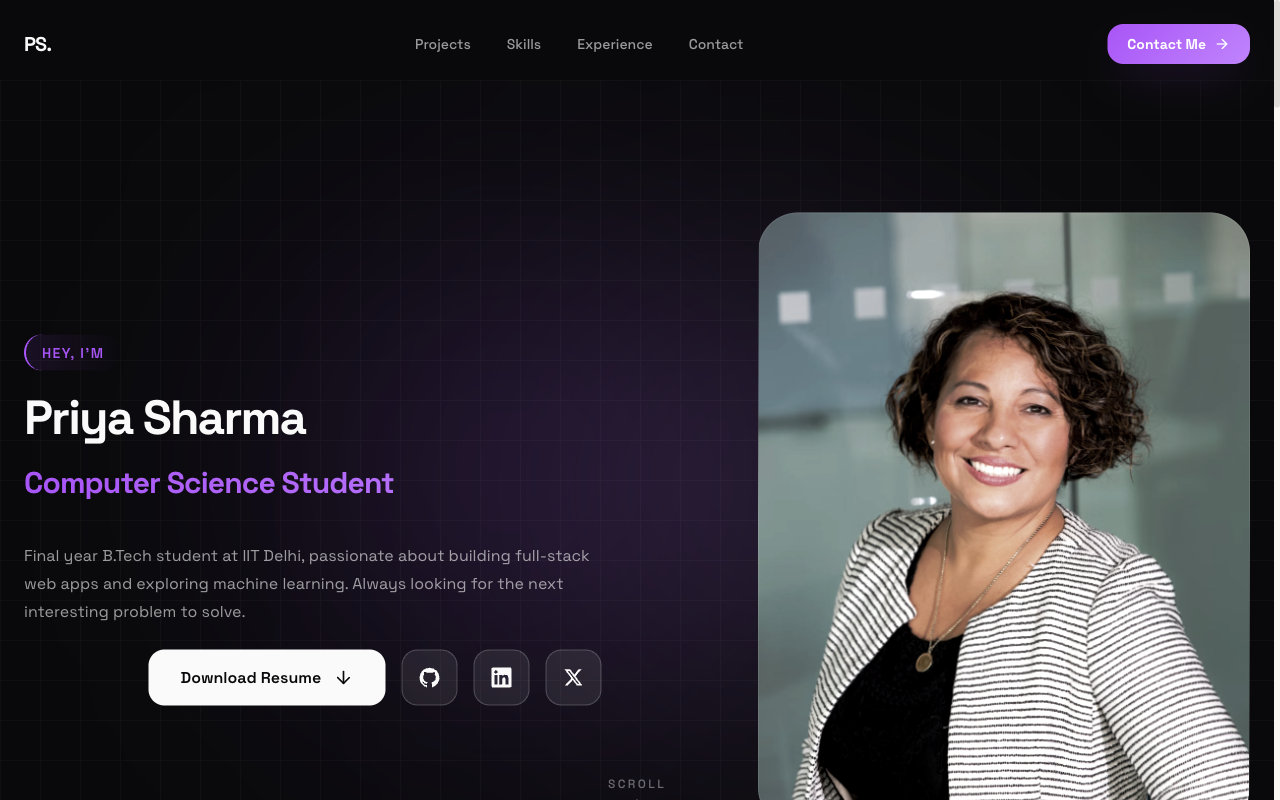
Flagship — Student Portfolio
Recruiter-friendly, projects-first layout. The safe, strong default for placements and internships.
View live demo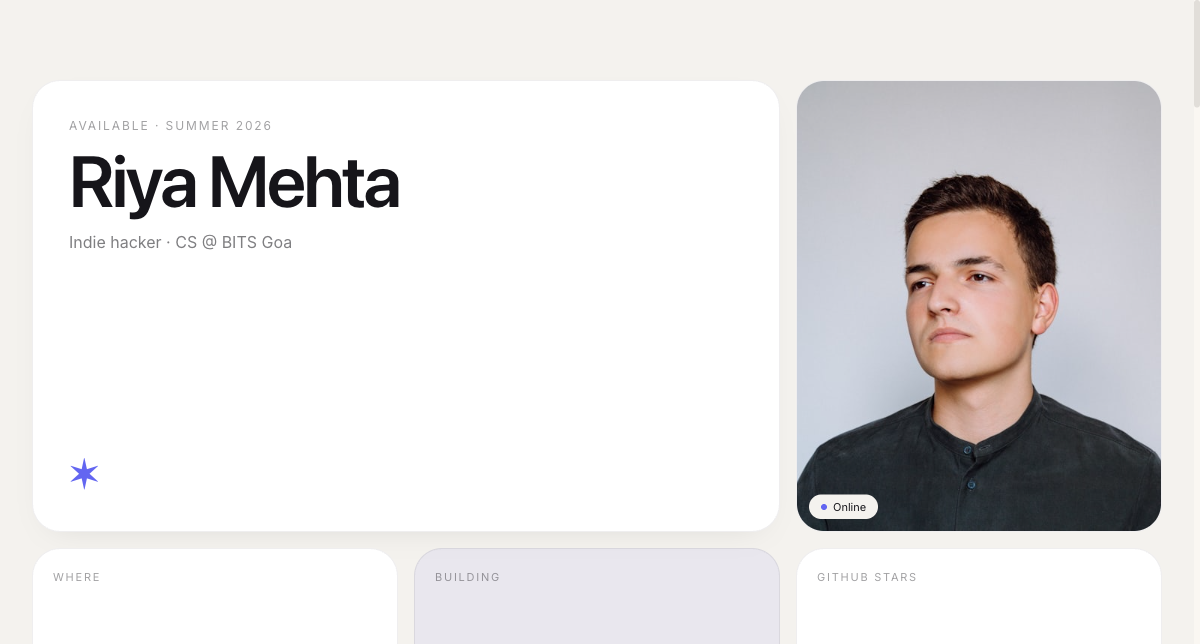 Modern
Bento Portfolio
Apple-style bento grid that organises skills, projects and links into tidy, scannable tiles.
View live demo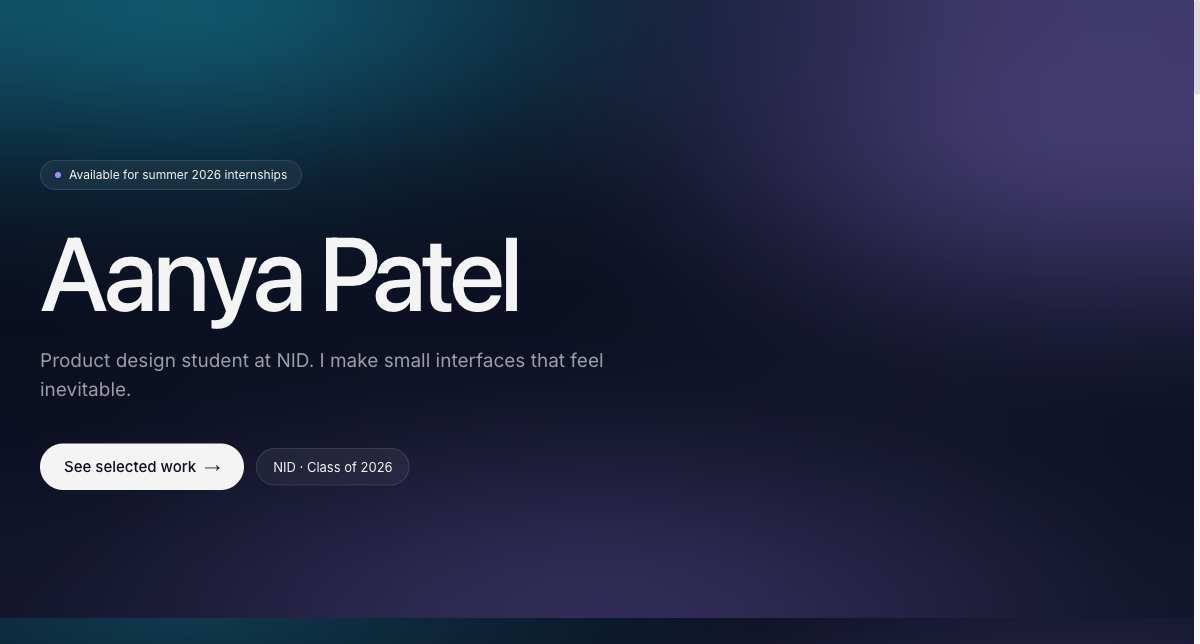 Creative
Aurora Portfolio
Soft-gradient, design-forward portfolio for students who want creative but still professional.
View live demo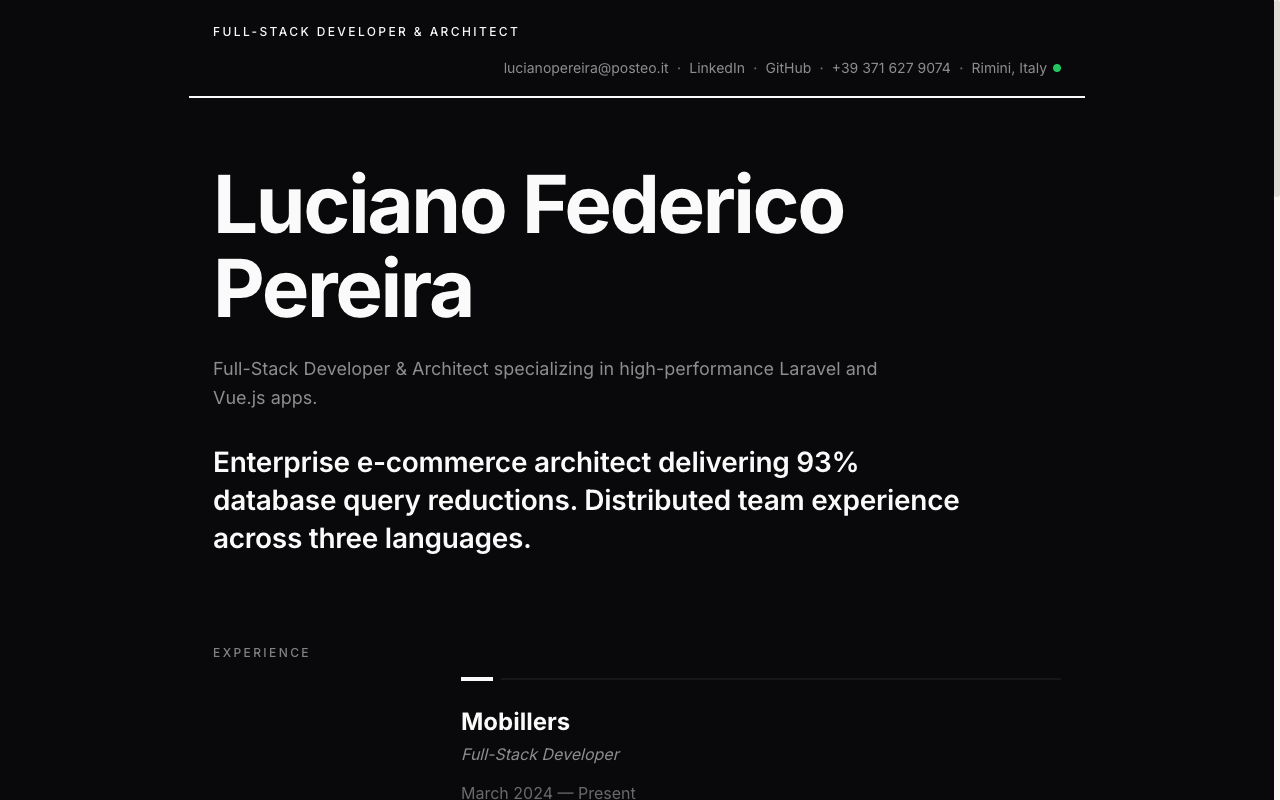 Resume
Resume Portfolio
Your CV as a website — a clean, linkable one-pager recruiters can skim in seconds.
View live demo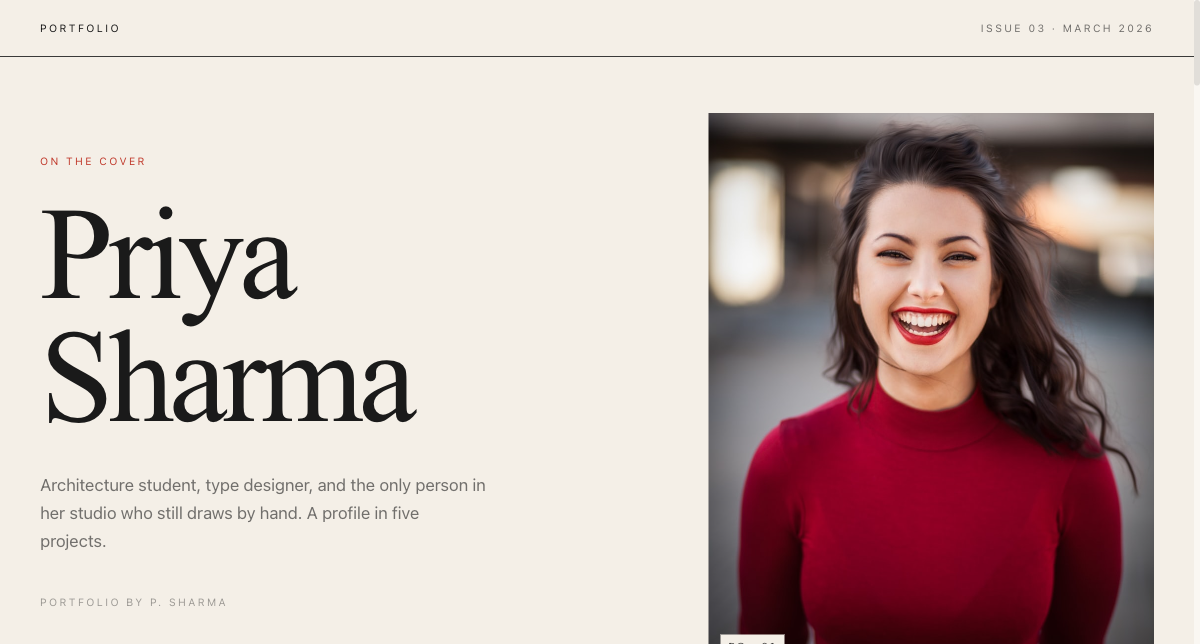 Editorial
Magazine Portfolio
Editorial magazine layout for design, media and communication students with a strong visual story.
View live demo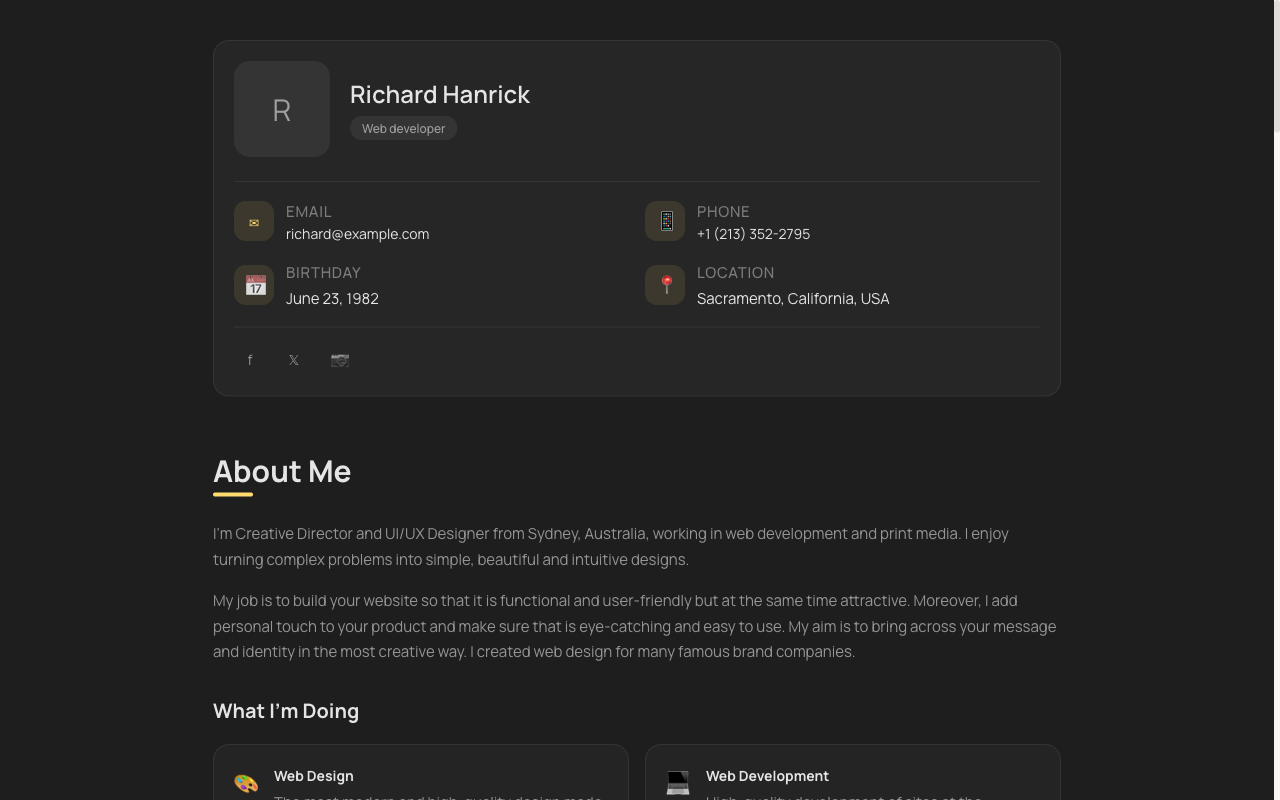 Minimal
vCard Portfolio
Compact digital visiting card — name, role, links and contact in one tidy, shareable page.
View live demoPremium examples — free for students
You do not have to choose a basic look to stay free. These company-themed portfolios — inspired by Tesla, Apple, BMW M, Uber and Meta — are free to build and publish for everyone, and they make a fresher look genuinely premium.
 Premium
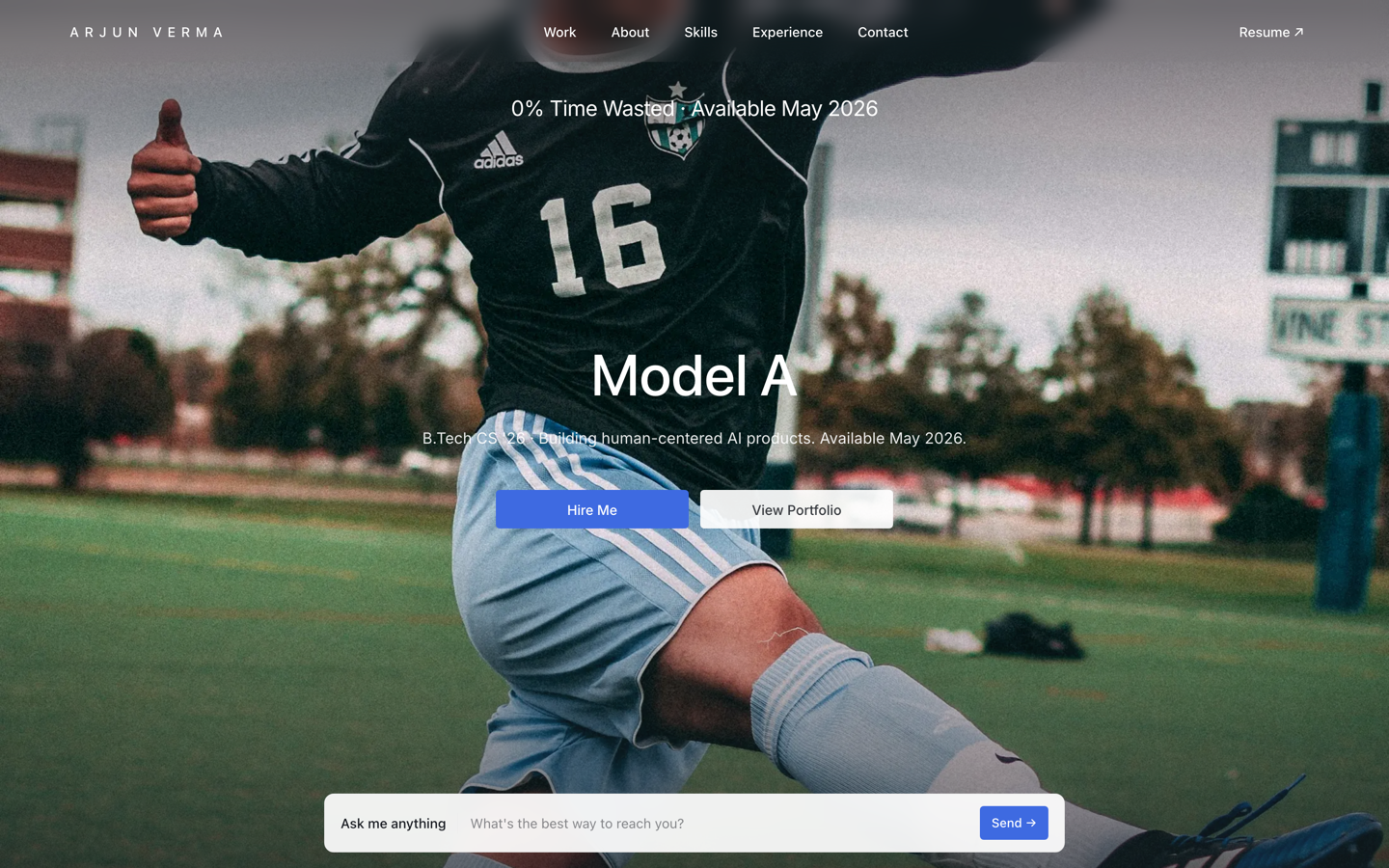
Tesla — Engineering Portfolio
Premium portfolio inspired by Tesla — full-viewport hero, electric-blue accent, scroll scenes.
View live demo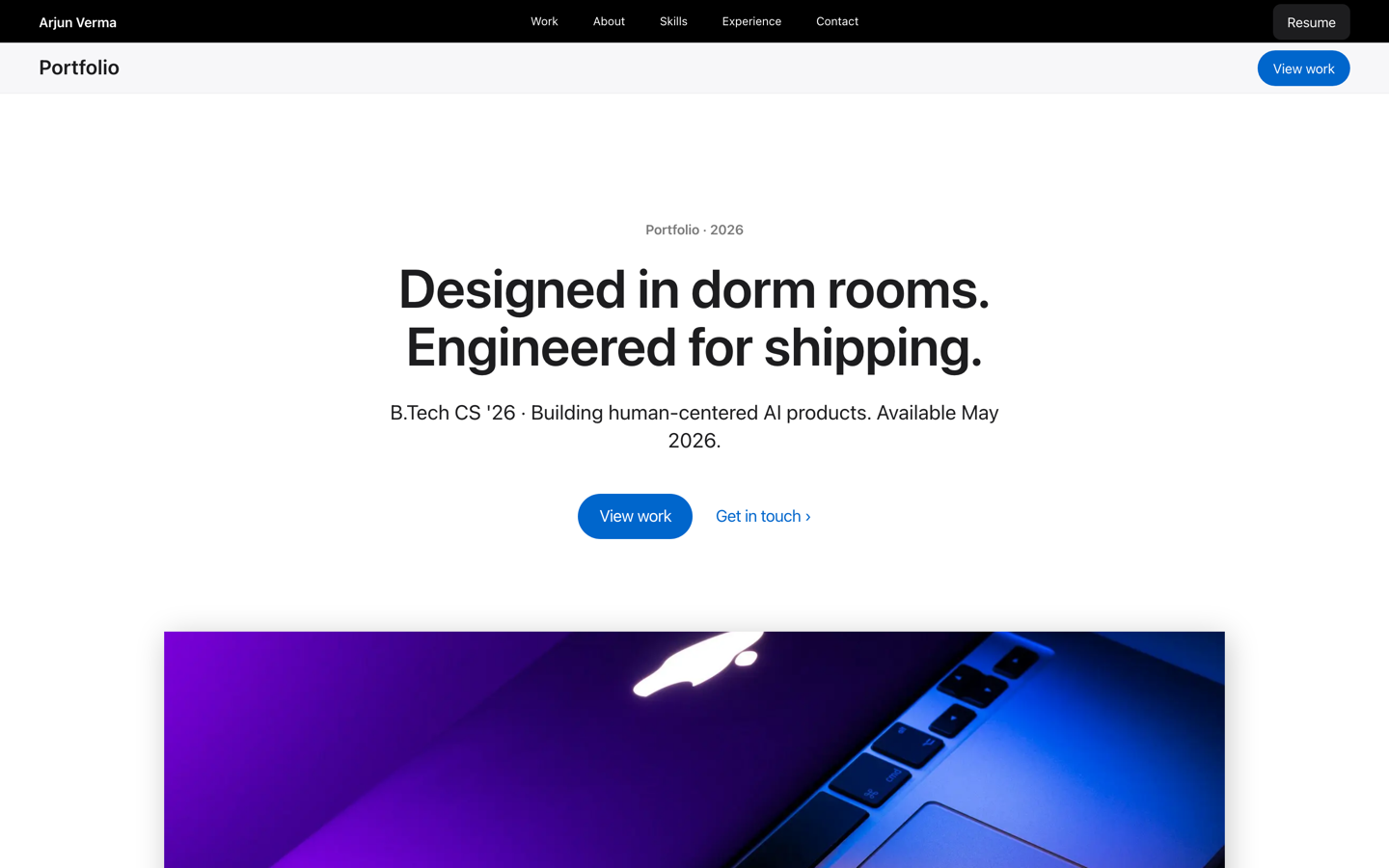 Premium
Apple — Builder Portfolio
Museum-grade builder portfolio inspired by Apple — calm tiles and gallery rhythm for polished engineers.
View live demo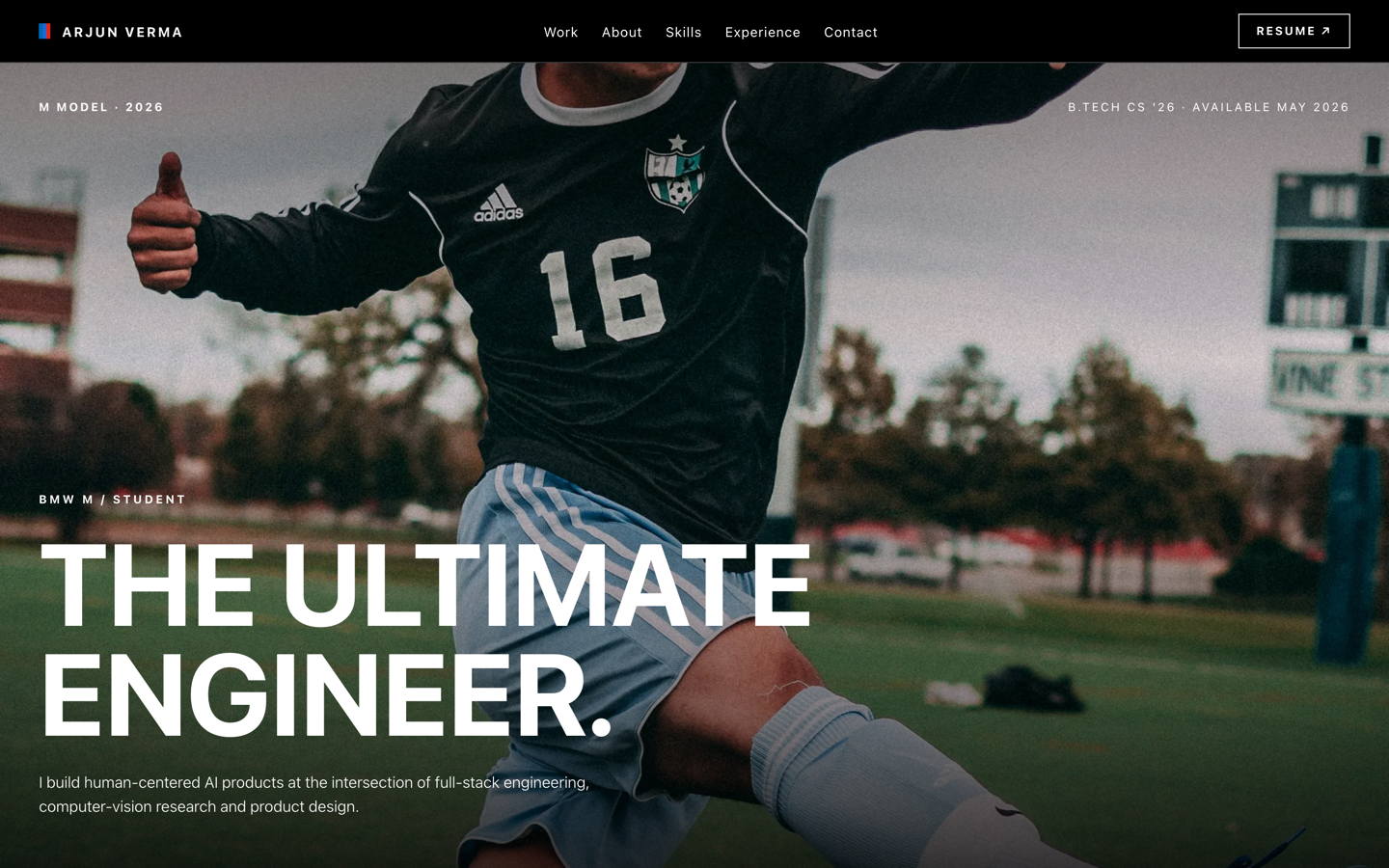 Premium
BMW M — Motorsport Portfolio
Motorsport-grade portfolio inspired by BMW M — pure black, tricolor accents, full-bleed photography.
View live demo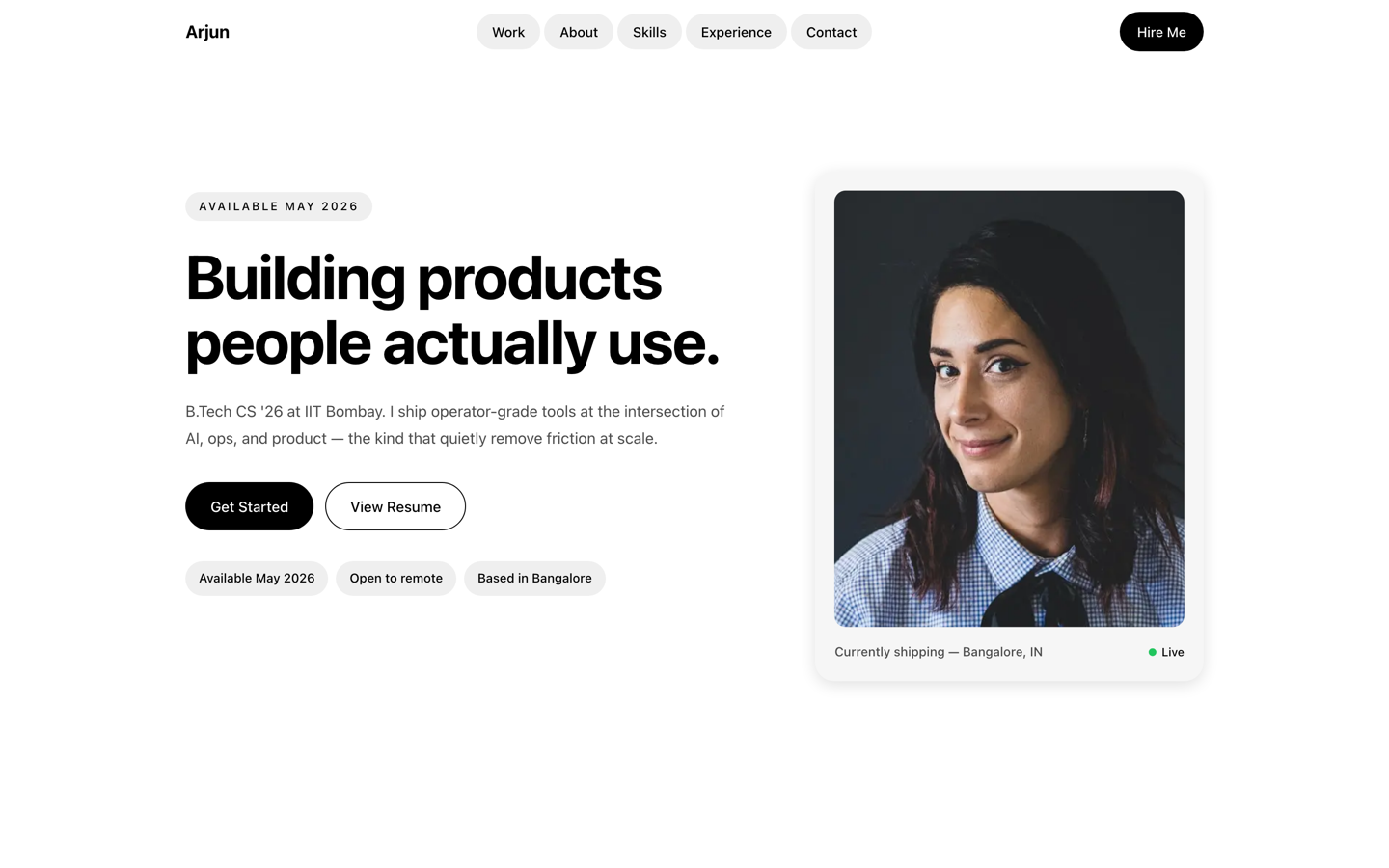 Premium
Uber — Operator Portfolio
Operator portfolio inspired by Uber — pill shapes and clean cards for PM, ops and CS students.
View live demo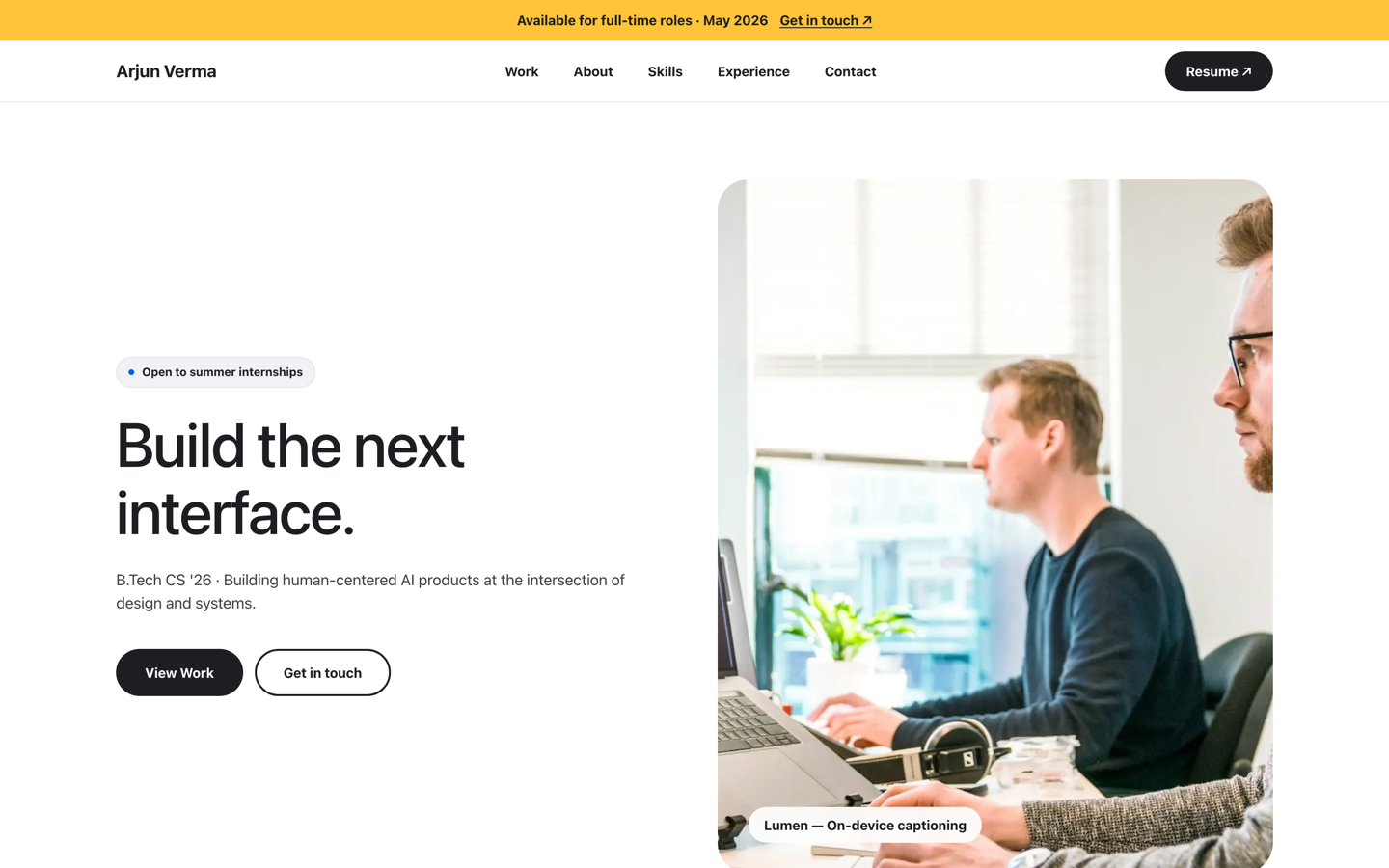 Premium
Meta — Builder Portfolio
Builder portfolio inspired by Meta — rounded photo tiles and a bold dual-CTA system.
View live demoModernBento Portfolio
Apple-style bento grid that organises skills, projects and links into tidy, scannable tiles.
View live demo5 things the best examples get right
Projects-first layout
Recruiters scan for proof. The best student portfolios put three to six real projects, with live or GitHub links, above everything else — not buried below a long bio.
A one-line identity
A single clear line — 'Final-year CS student building web apps' — instantly tells a recruiter who you are. Vague headlines lose the seconds you have.
Working links
Every project links to something openable: a live demo, a GitHub repo, a case study. A dead link is worse than no link.
Skills that match the role
A focused, honest skills list mirrored to the jobs you want beats a wall of every technology you have ever touched.
Clean, fast, mobile-ready
Recruiters often open links on a phone. The strongest examples load fast and read perfectly on a small screen.
How do you turn an example into your portfolio?
- ✓Pick the example closest to your branch and personality
- ✓Let AI draft your bio, projects and skills from your résumé
- ✓Swap in your three to six best projects with working links
- ✓Trim your skills to the ones that match the roles you want
- ✓Publish at yourname.sitesplaced.com and add the link to your résumé and LinkedIn
Build your portfolio from a proven example
Clone the example you like, let AI write your first draft, and publish free at yourname.sitesplaced.com. No card, no coding — just your projects, live and shareable before your next application.
Build my portfolio free →Want the builder rundown? See the free student portfolio builder.
Frequently asked questions
What should a student portfolio include?
A short intro that says who you are, your branch and college, three to six projects with live or GitHub links, your skills, any internships or experience, achievements, and a clear contact section. The examples here are structured exactly this way, so you can copy the structure and swap in your own work.
Can I use these student portfolio examples as templates?
Yes. Every example on this page is a live SitesPlaced template you can open and clone. Pick the closest fit, let AI draft your content from your résumé, and publish free at username.sitesplaced.com — free for everyone, no card.
What makes a student portfolio stand out to recruiters?
Proof and clarity. Lead with real projects a recruiter can open, state who you are in one line, keep it skimmable, and make sure links work. A focused portfolio of strong projects beats a long list of weak ones.
Do I need projects to make a portfolio?
Even one or two solid projects are enough to start — a course project, a hackathon build, a small app, a design case study. The examples here work with a handful of projects, and you can keep adding as you build more.
Are these student portfolio examples free to build?
Yes. Everyone builds and publishes on SitesPlaced for free — students included — with the premium templates, a free username.sitesplaced.com URL, no card and no coding. Students can also remove the small "Made using sitesplaced.com" badge forever with a one-time ₹99 (or $3) if they want.