
WhatsApp catalogue link for your Instagram bio — and what to use instead
A WhatsApp catalogue link gets your products in front of anyone who taps your bio. It also stops there: no cart, no address, no payment. Here is how to get the link, where it falls short, and how to replace it with a free store link that still sends orders to WhatsApp.
By Manan Agrawal, Founder · Updated August 23, 2026
45 live customer stores
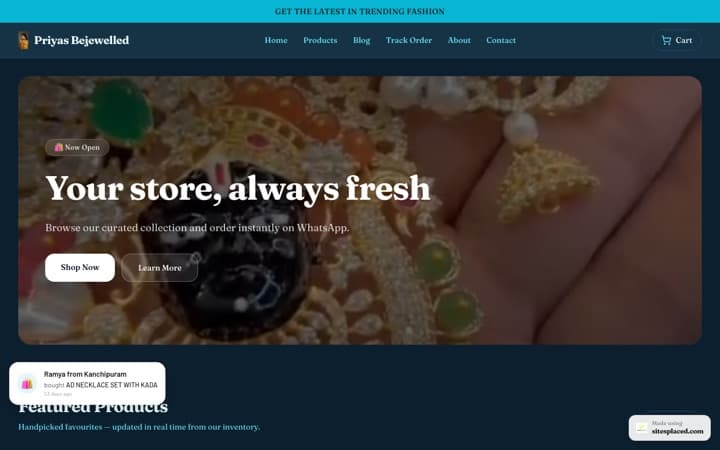
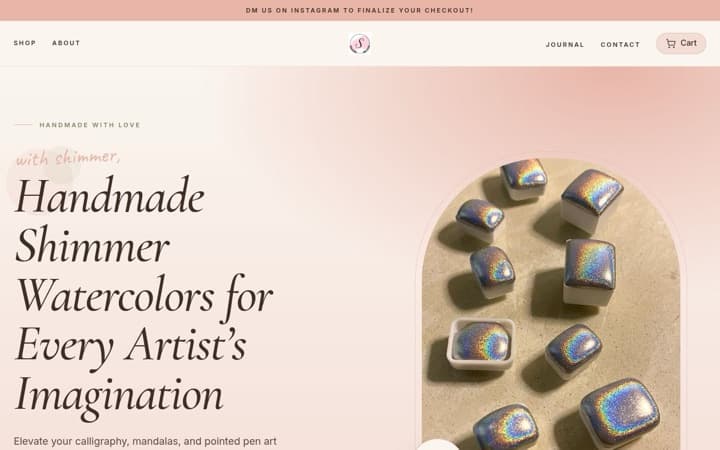
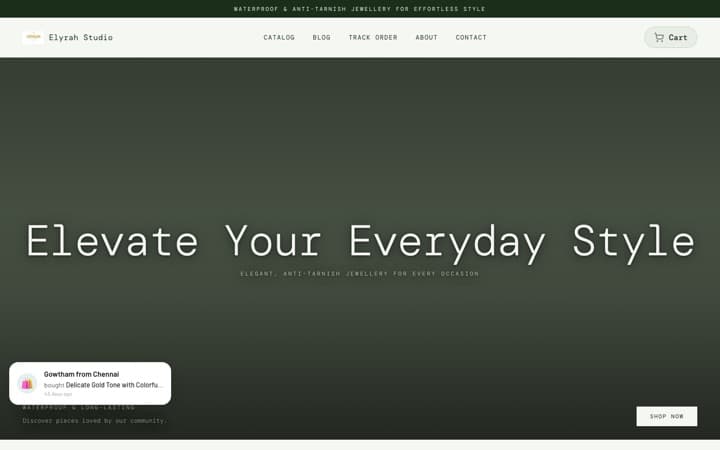
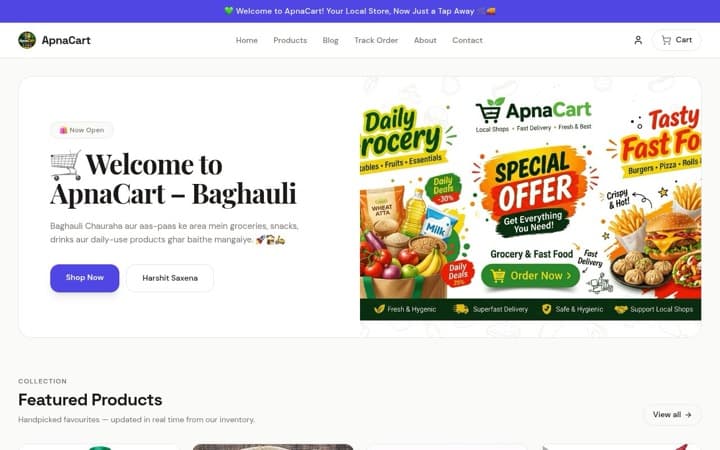
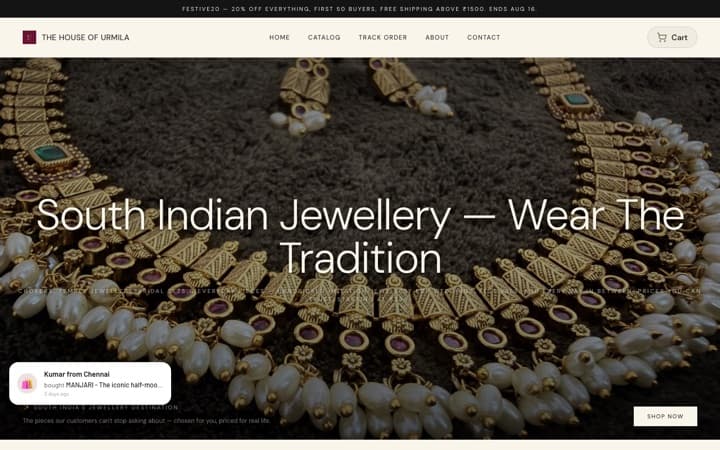
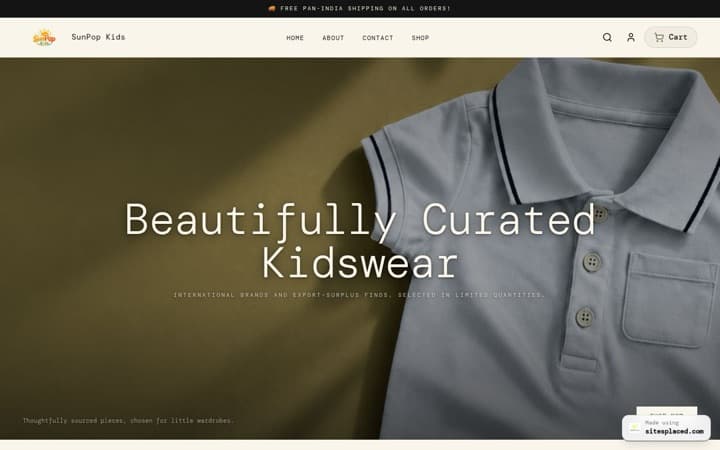
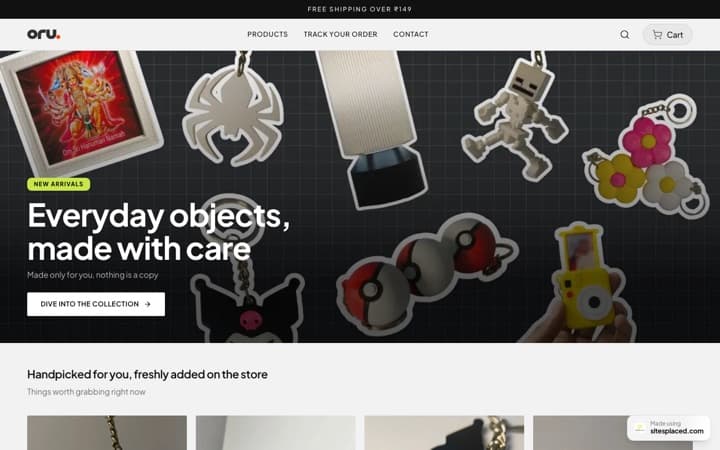
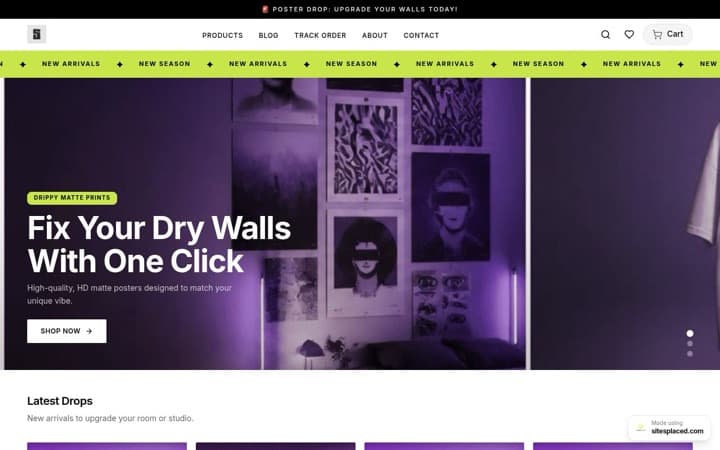
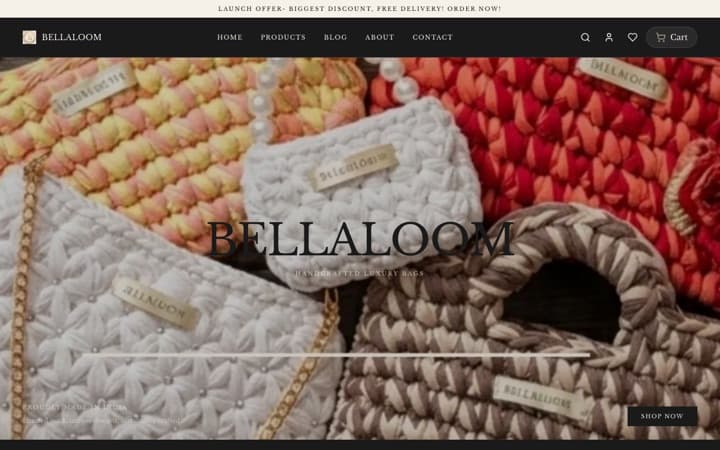
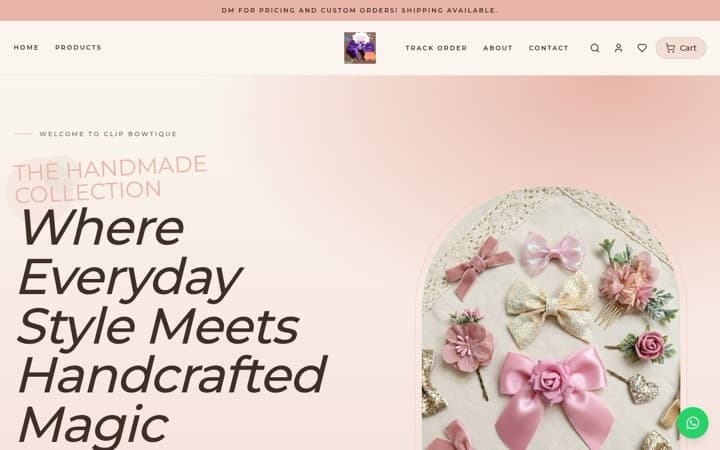
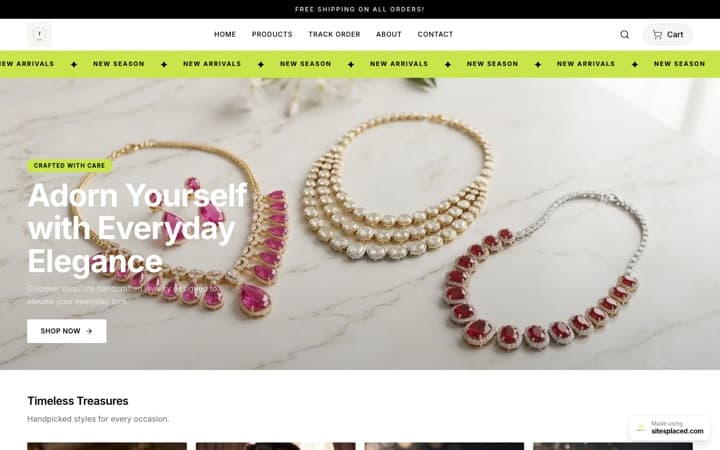
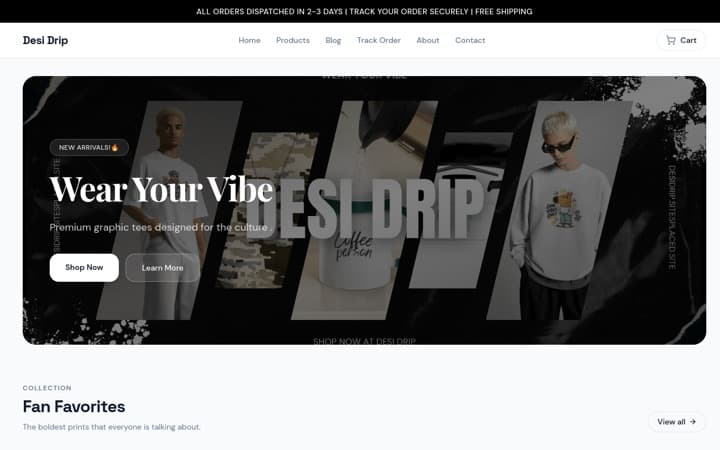
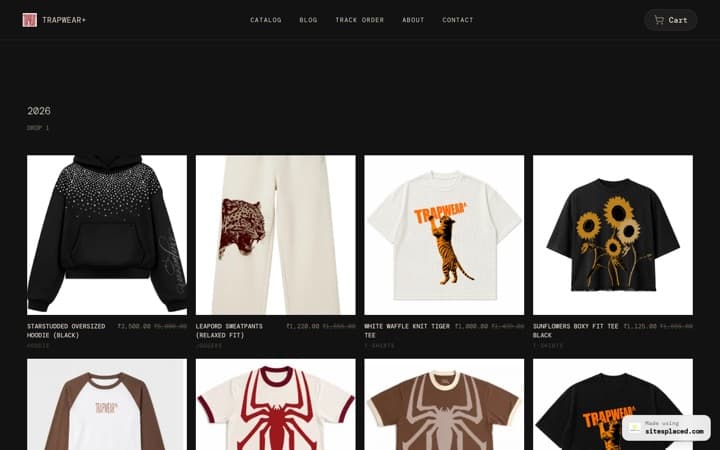
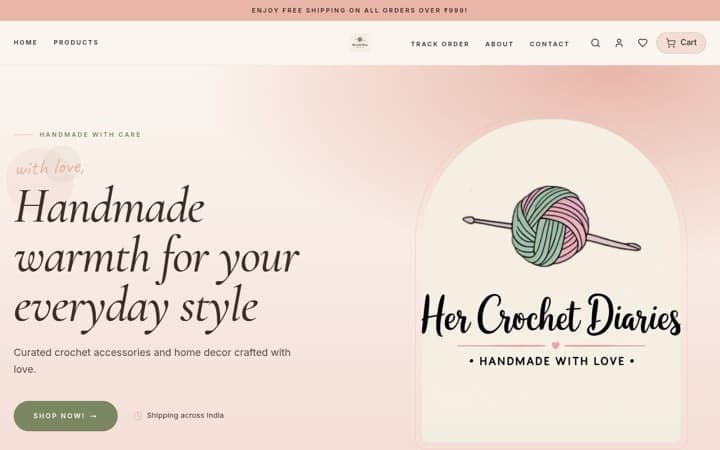

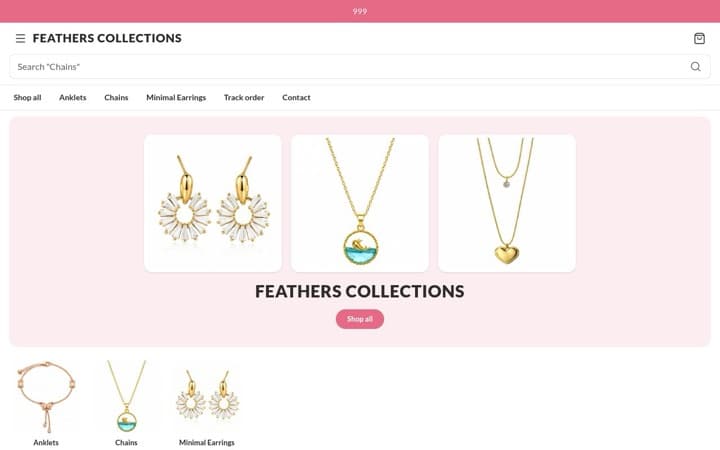
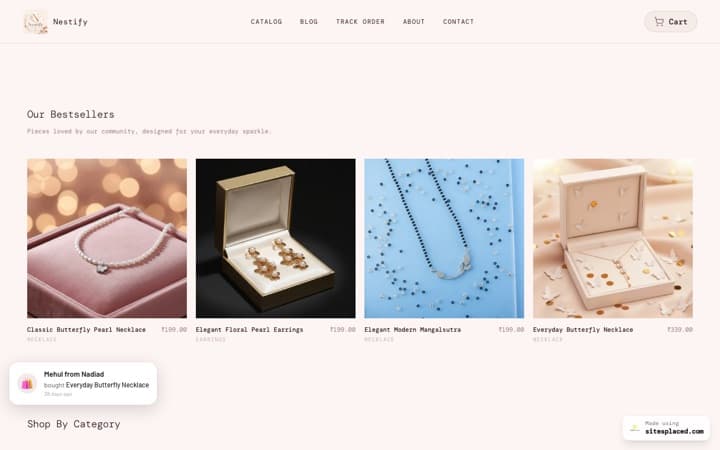
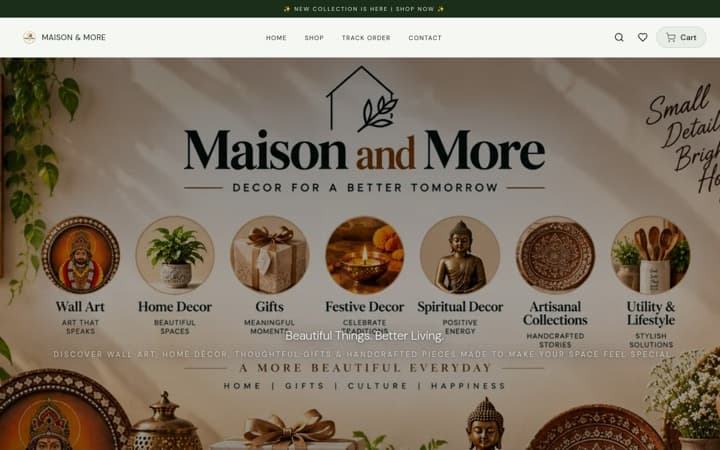
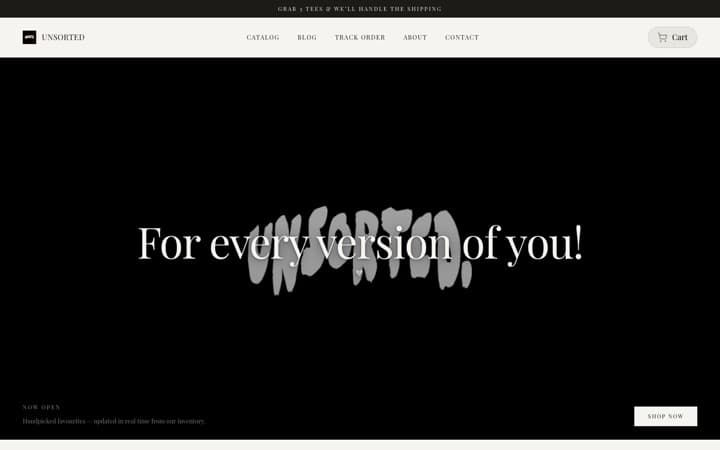


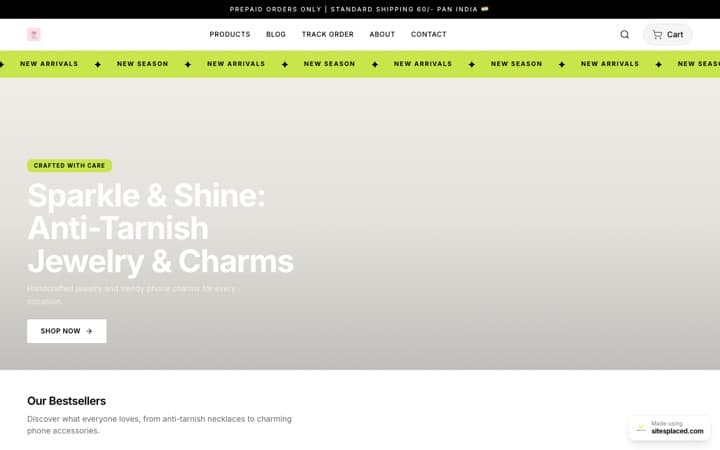
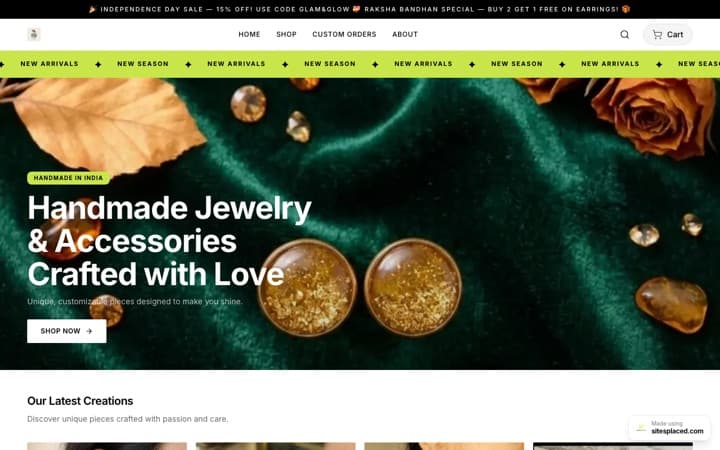
Every store here is live and taking orders · read the SitesPlaced reviews from their owners
Your WhatsApp catalogue link comes from the WhatsApp Business app (Business tools → Catalogue → share) and looks like wa.me/c/ followed by your number. It works in an Instagram bio, but the buyer lands inside WhatsApp with a single product and no way to pay. A free SitesPlaced store link gives the same one-tap catalogue with a cart, address fields, UPI and COD, and a ‘Checkout on WhatsApp’ button, so the order still arrives in your chat — fully formed. ₹0 to publish, unlimited products, 0% commission.
How to get and share your WhatsApp catalogue link
If you have the WhatsApp Business app, the catalogue is built in. Add products with a photo, name, price and description, then share the whole catalogue or a single item from the share menu. The link format, as published by WhatsApp in August 2026, is wa.me/c/ followed by your number in international format; product links add a product ID. Paste it into the website field of your Instagram profile and it becomes a tappable bio link.
That is genuinely useful for a seller who is just starting: the catalogue is free, lives where your customers already are, and takes ten minutes. The trouble begins with the second order of the day.
What a catalogue link cannot do
- ✓There is no cart. A customer who wants three items sends three separate enquiries, and you add them up.
- ✓There is no address form. You ask for the address in chat, they send a voice note, you type it out.
- ✓There is no payment step. Money arrives as a UPI screenshot you have to match to a conversation.
- ✓Stock is whatever you last updated in the app, and a sold-out item can still be enquired about.
- ✓It only opens inside WhatsApp, so a customer on a laptop or someone without your number saved gets a weaker experience.
- ✓It is not a web page, so nobody finds it on Google, and it carries WhatsApp’s branding rather than yours.
None of these are bugs — a catalogue is a brochure, not a shop. The question is whether your bio link should open a brochure or a shop.
Catalogue link vs manual DMs vs store link
| Manual DMs (number in bio) | WhatsApp catalogue link | SitesPlaced store link | |
|---|---|---|---|
| Where it opens | Inside WhatsApp only | Inside WhatsApp only | Any browser, any device |
| Cart, quantities, variants | ✗ | ✗ — one product per enquiry | ✓ |
| Address and pincode fields | ✗ | ✗ | ✓ |
| Online payment (UPI, cards) | ✗ | ✗ | ✓ via Razorpay, 0% commission |
| Cash on delivery option | ✗ | ✗ | ✓ with an optional COD charge |
| Order still arrives on WhatsApp | ✓ | ✓ | ✓ — ‘Checkout on WhatsApp’ |
| Your own brand domain | ✗ | ✗ | ✓ from ₹199/month (Starter) |
| Found on Google | ✗ | ✗ | ✓ — the store is a real website |
| Cost | Free | Free | Free to publish, unlimited products |
WhatsApp catalogue behaviour as published by WhatsApp in August 2026; features change. SitesPlaced column reflects the free plan unless marked.
Make a store link for your bio in five steps
The store is a real website with your products on it. The link goes wherever the catalogue link went, and the order still ends up in WhatsApp when the customer prefers to chat.
Create a free store and pick a theme
Open /stores, choose from 16 store themes and name your store. If your products are already on Instagram, use the importer to pull the posts in as products instead of re-uploading.
Add products with price, variants and stock
Each product gets photos, a description, price, sizes or colours and a stock count. Sold-out items show as out of stock instead of taking orders you cannot fulfil.
Connect the store to WhatsApp
Settings → Store details → WhatsApp number. ‘Checkout on WhatsApp’ is on by default, so every order can still land in your chat — now with the address and total attached.
Copy your store link into the Instagram bio
Replace the catalogue link in your bio with the store link. One tap opens the catalogue; the same link works in WhatsApp status, broadcasts and your WhatsApp Business profile website field.
Add a QR code for offline customers
Generate a free WhatsApp QR code for packaging and shop boards, and use the store link for the website field so scanners land on a page they can actually order from.
Everything above is on the free plan: ₹0 to publish, unlimited products, 0% commission, with Razorpay, COD, WhatsApp checkout, Shiprocket and Shipmozo included. The ₹499/month Growth plan (early-bird; ₹999 after the first 50 stores) adds a custom domain, branding removal, AI copy, analytics, Meta Pixel + Conversions API and WhatsApp Business API alerts sent from your own number. See pricing.
See what the bio link opens
These are live SitesPlaced demo stores across clothing, shoes, beauty, wellness, jewellery, home decor, furniture, gifts, electronics, food and pet supplies. Each is a theme you can start from; every one includes the WhatsApp checkout, cart and address fields described above.
 Clothing
Clothing Store
Laid out like Jnorss. Edge-to-edge photos, the sizes still in stock on every card, and a save-% tag on anything on sale.
View live demo Beauty
Beauty Store
Laid out like Bella Vita. Bestsellers and New arrivals tabs, a benefit line with star ratings and Add to cart on every card, an offer band, and a bottom menu on phones.
View live demo Jewellery
Jewellery Store
Laid out like GIVA. A search box that stays open, two rows of category tiles, shop-by-price tiles, and each finish shown as a photo on the product page.
View live demo Home
HomeHome & Decor Store
Laid out like Troost. A dark header, a calm product grid, a photo mosaic of your categories, and each rug or print design shown as a photo on the product page.
View live demo Electronics
Electronics Store
Laid out like boAt. Categories above the banner, a strip of key specs on each card, and coupon offers laid out on the product page.
View live demo Food
FoodFood Store
Laid out like The Whole Truth. A giant type headline instead of a banner photo, colourful category cards, and pack sizes right on the product card.
View live demo Footwear
Footwear Store
Laid out like Neeman’s. Big cards with each colour shown as a photo, a square size grid with the size chart on the product page, and a card that works out the price after your best published coupon.
View live demo Gifts
GiftsGifts & Lifestyle Store
Laid out like Chumbak. A home page of big stacked category photos, shop by occasion, and a preview of the shopper’s own photo on personalised products.
View live demo Wellness
Wellness Store
Laid out like Power Gummies. A colour spotlight panel for every product, shop by concern, benefits as an icon list and pack cards with their own prices on the product page, and a bottom menu on phones.
View live demo Pet
PetPet Store
Laid out like Heads Up For Tails. Shop by pet (All, Dogs, Cats), a discount band and a quick Add on every card, deal tiles worked out from your real prices, and a bottom menu on phones.
View live demo Furniture
Furniture & Mattress Store
Laid out like The Sleep Company. Call and WhatsApp buttons in the header and on every product page, room tabs that switch the category tiles, sizes listed with their own prices, and a talk-to-us block.
View live demoWhich link should go in your bio?
Use the store link when
- • You sell more than a few items or have sizes and colours to choose from.
- • You want UPI or card payment at the moment of decision, not a screenshot later.
- • You ship by courier and need a correct address and pincode every time.
- • You want the same link to work in the bio, on packaging, in ads and on Google.
A catalogue link is fine when
- • You have a handful of products and take only a few orders a week.
- • Most customers are regulars who already chat with you and pay by UPI on trust.
- • You are testing demand before putting a product range together.
- • You are happy to collect every address by hand for now.
Free link and QR tools
Whichever link you choose, you will want a clean wa.me link with a prefilled opener and a QR code for the physical world. Both tools are free and need no account.
WhatsApp link generator
Turn your number plus a prefilled message into a wa.me link you can paste anywhere — bio, website button, ad.
Open the toolFree toolWhatsApp QR code generator
A scannable QR that opens a chat with you. Print it on packaging, bills, visiting cards and shop boards.
Open the toolFrom bio link to brand
The free store link is enough to sell. When the store becomes the business, the ₹499/month Growth plan (early-bird; ₹999 after the first 50 stores) moves it onto your own domain, removes the SitesPlaced badge, writes product copy with AI, adds analytics and Meta Pixel + Conversions API for Instagram ads, and sends order alerts and confirmations from your own WhatsApp Business number through the WhatsApp Business API. Razorpay, Shiprocket and Shipmozo stay integrated on both plans.
Razorpay, Shiprocket, Shipmozo, WhatsApp API, Meta CAPI: all built in.
Razorpay, cash on delivery, WhatsApp checkout, Shiprocket and Shipmozo are on the free plan. From ₹199/month (Starter): Meta Pixel + Conversions API, your own domain, branding removal, AI and analytics. The ₹499/month Growth plan adds WhatsApp Business API alerts and the 1-click checkouts, bring your own credentials. No app store, no per-integration fees.
Payments
- Free

UPI, cards, net banking and wallets at checkout. SitesPlaced takes 0% commission; Razorpay's standard gateway fee applies.
razorpay.com - Free

StripeNew
Card, Apple Pay and Google Pay from customers worldwide. Connect your own Stripe account with a restricted key — payments land in your Stripe balance and SitesPlaced takes 0% commission.
stripe.com - Free

PayPalNew
Customers pay with their PayPal balance or a card. Connect your own PayPal app — the money lands in your PayPal balance and SitesPlaced takes 0% commission.
paypal.com - Free

PhonePeNew
UPI, cards, net banking and wallets at checkout on your own PhonePe Business account. Money settles straight to you and SitesPlaced takes 0% commission; PhonePe's standard gateway fee applies.
phonepe.com - Free

CashfreeNew
UPI, cards, net banking, wallets and pay-later at checkout on your own Cashfree account. Money settles straight to you and SitesPlaced takes 0% commission; Cashfree's standard gateway fee applies.
cashfree.com - Free

- Free
COD at checkout with an optional COD charge you set.
- Free

- ₹499

Sell with ShiprocketNew
1-click checkout by Shiprocket — saved addresses, UPI/cards/COD and RTO scoring, without your own payment gateway. Shiprocket collects and settles to you; SitesPlaced takes 0%, Shiprocket charges 2% per order.
shiprocket.in - ₹499
Razorpay Magic CheckoutNew
1-click checkout on your own Razorpay account — saved addresses, UPI/cards/COD in one step, with COD intelligence and RTO protection. Money settles straight to your Razorpay. Can run alongside Shiprocket checkout.
razorpay.com
Shipping
- Free
Push orders to Shiprocket, get AWB numbers back, and show live tracking on your Track Order page.
shiprocket.in - Free

ShippoNew
USPS, UPS, FedEx, DHL and Royal Mail labels for US, UK and international orders — around 5¢ a label with no monthly fee, billed to your own Shippo account.
goshippo.com - Free

ShipmozoNew
Courier selection, pickup scheduling and tracking status synced back to each order.
shipmozo.com - Free
Rehbar PostNew
Compare courier rates, book the shipment, print the label and track it back — on your own Rehbar Post account.
rehbarpost.com
Fulfilment
- Free

Qikink
Print-on-demand for India — t-shirts, hoodies and mugs printed and shipped domestically from your own Qikink account.
qikink.com - Free

PrintifyNew
Print-on-demand t-shirts, hoodies, mugs and posters. Link a product to your own Printify catalogue and paid orders are sent for printing automatically — Printify bills your account, we take nothing.
printify.com
Messaging
- ₹499
Every new order sends you an alert and the customer a confirmation, from your own WhatsApp Business number via Meta's Cloud API. Bring your own credentials.
business.whatsapp.com
Marketing
- ₹199+

Meta Pixel + Conversions APINew
Your own Pixel on the storefront plus server-side Purchase events from the order record, deduplicated, so Instagram and Facebook ads report real sales. Bring your own credentials.
facebook.com - ₹499

Import the product reviews you already collected in Judge.me on Shopify or WooCommerce onto your product pages, matched by product name. Bring your own API token; SitesPlaced also collects and moderates its own product reviews on every plan.
judge.me - ₹499

Resend emailNew
Email the subscribers your store collected — a new drop, a reopening — from your own domain through your own Resend account. Bring your own API key; sending, limits and unsubscribes stay on your Resend account.
resend.com - ₹199+
Custom head code
Paste Google Analytics, Clarity or any tag into your live site.
Growth
- ₹199+
yourbrand.com with one-click DNS setup for most Indian registrars.
- Free


Create and edit your store by chatting with your AI assistant.
modelcontextprotocol.io - Free
Bring a catalogue in from Instagram, your existing website, a PDF, dm2buy or Shopexer.
- Free
A public API for your store. A custom website with no backend of its own can read your products, send a shopper to your checkout with a prepared cart, read and update orders, look up tracking and receive webhooks.
- Free
WooCommerceNew
Keep your WooCommerce shop. A plugin copies every order into SitesPlaced, so you get the order dashboard, the mobile app, courier booking and a tracking page. WooCommerce stays in charge of payment, stock and cancellation.
- Free
ShopifyNew
Early access, not open to everyone yet. Keep your Shopify shop and copy its orders into SitesPlaced for the order dashboard, courier booking and a tracking page. Ask us for access.
Replace the catalogue link with a store link
Import your Instagram posts as products, add your WhatsApp number, and paste one link into your bio. Customers get a cart and checkout; you still get the order on WhatsApp. Free to publish, 0% commission.
Create my store link →Keep your WhatsApp catalogue if you like — the store link simply gives new visitors a way to order.
Frequently asked questions
How do I get my WhatsApp catalogue link?
In the WhatsApp Business app, open Business tools → Catalogue, then use the share option to copy the catalogue link; it uses the wa.me/c/ format followed by your number. Individual products have their own share links too. Steps are as documented by WhatsApp in August 2026 and may change with app updates.
Can I put a WhatsApp catalogue link in my Instagram bio?
Yes — paste it into the website field of your Instagram profile. The limitation is what happens after the tap: the visitor lands inside WhatsApp, can only enquire about one item at a time, and you still collect the address and payment by hand. A store link gives the same one-tap experience with a cart and checkout attached.
Is a SitesPlaced store link free like the WhatsApp catalogue?
Yes. Publishing a store is ₹0 with unlimited products and 0% commission, and it includes Razorpay for UPI and cards, cash on delivery, WhatsApp checkout, and Shiprocket and Shipmozo shipping. The ₹499/month Growth plan is optional, for a custom domain, branding removal, AI copy, analytics, Meta Pixel + Conversions API and WhatsApp Business API alerts.
Can I keep my WhatsApp catalogue and use a store link as well?
Yes, and many sellers do. Keep the catalogue for customers who are already chatting with you, and put the store link in your bio, status and broadcasts where new customers arrive. Orders from the store still reach you on WhatsApp through the ‘Checkout on WhatsApp’ button.
Will the store link work with WhatsApp Business API notifications?
On the ₹499/month plan, every order — including UPI and COD orders placed without a chat — sends you an alert and the customer a confirmation from your own WhatsApp Business number via Meta’s Cloud API. You bring your own Meta credentials; SitesPlaced handles the templates and delivery.


