
A UI/UX designer portfolio built around case studies
Hiring managers don't hire pretty screens — they hire judgment. The portfolios that get interviews are two to four deep case studies on your own website. Here is the structure, the NDA workarounds, and the fastest way to ship it.
By Manan Agrawal, Founder · Updated June 10, 2026
The best UI/UX portfolio websites are case-study-first: problem, process, outcome — on your own domain. SitesPlaced gives you that structure with AI drafting the first pass from your résumé, live in minutes — free to build and publish at username.sitesplaced.com, with ₹199/month only for a custom domain or to remove the badge. Behance and Dribbble are supplements, not substitutes.
Real portfolios, live right now
Real freelancers, designers and creators built and published these on SitesPlaced — open any of them in a new tab.
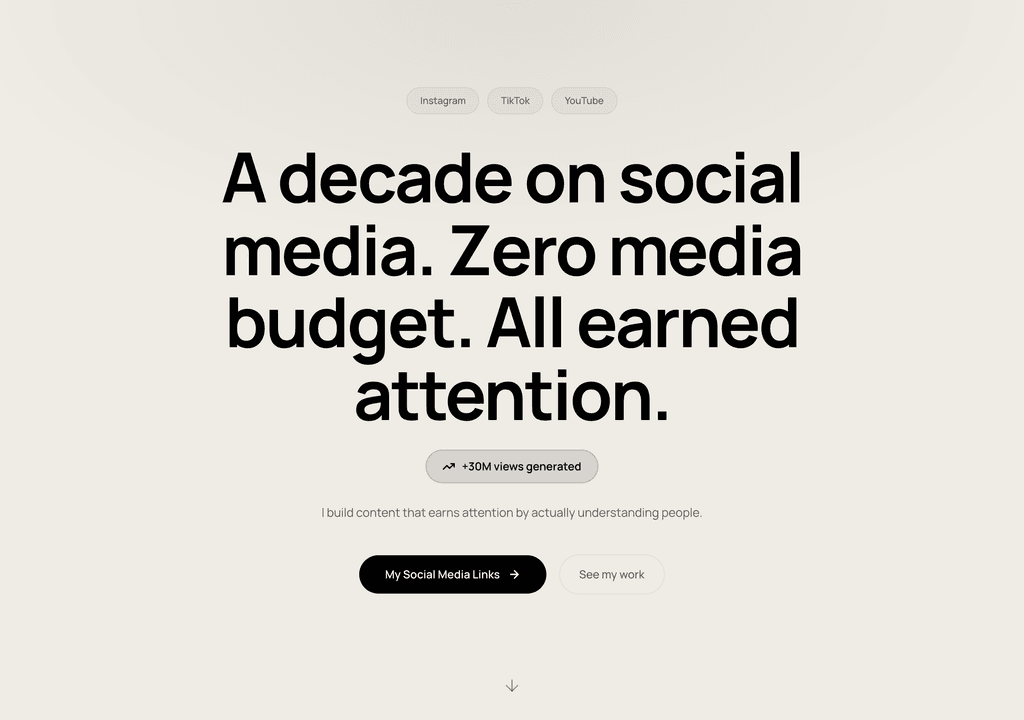
Steve Corbin Jr.
A social-media specialist's portfolio that turns a decade of earned attention into inbound clients.
Visit live site
J. Riley Brewington
A content specialist showcasing multi-platform growth, testimonials and a clear booking path.
Visit live site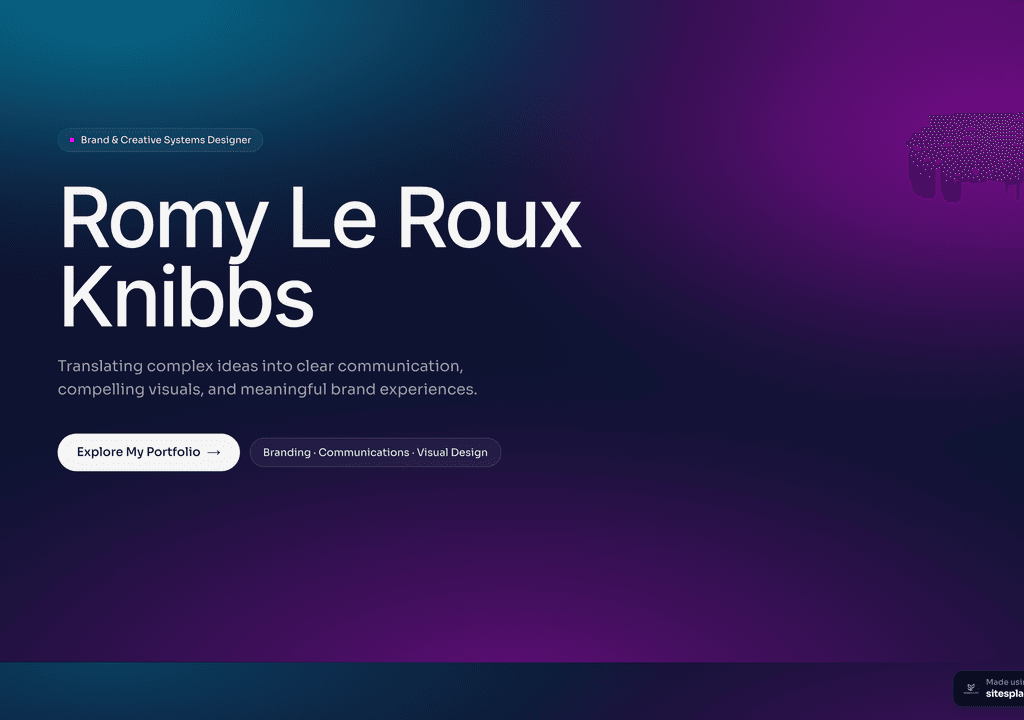
Romy Le Roux Knibbs
A brand & communications designer's portfolio — case studies in a polished, gradient-led layout.
Visit live siteCase studies first: problem → process → outcome
A UX portfolio is not a gallery; it is an argument that you can think. The unit of that argument is the case study, and the structure has become a quiet industry standard: what was broken, what you did about it, and what changed because of you. Two to four of these, done deeply, outperform a dozen project thumbnails every time.
- ✓Problem: the user pain, the business goal and the constraints — two paragraphs, not ten
- ✓Your role: exactly what you owned, especially on team projects; vagueness reads as inflation
- ✓Process: research notes, user flows, wireframes, the iteration that failed and why
- ✓Outcome: shipped screens plus numbers — conversion, task success, retention — or honest qualitative results
- ✓Reflection: one thing you would do differently; seniors notice this section more than juniors expect
The discipline is editing. If a case study takes more than five minutes to read, it will not be read. Lead every section with the conclusion and let the artifacts carry the detail.
What hiring managers actually scan for
Watch a design lead review portfolios and the pattern is consistent: a first pass of under two minutes per candidate. They open your site, read your one-liner, click the first case study, skim for structure, and jump straight to outcomes. Only if that pass survives do they go back and read properly.
Design your portfolio for that skim. A homepage that says what kind of designer you are in one sentence, case-study cards with the problem in the title (“Cutting checkout drop-off for a B2C fintech” beats “Mobile app redesign”), readable headings inside each study, and your résumé one click away. The visual polish of the site matters — you are a designer — but information scent matters more.
Handling NDA work without an empty portfolio
Most working product designers have their best work locked behind NDAs. You can still show it — carefully. Anonymise the client (“a leading Indian lending app”), recreate key screens with dummy data, blur identifying UI, and present sanitised flows and wireframes instead of final visuals. State clearly that details are under NDA and offer a deeper walkthrough in interviews; hiring managers deal with this daily and respect the discretion.
If everything you have done is unshowable, write one case study about the process alone — research approach, decision framework, collaboration — and pair it with a personal or speculative project where you can show every screen. One open project plus one sanitised NDA story is a complete portfolio.
How to build your UI/UX portfolio website
Choose two to four projects
Pick for story strength, not visual polish — the project where you changed a metric beats the one with the prettiest screens.
Write the skeletons
Problem, role, process, outcome for each project in bullet form first. AI on SitesPlaced drafts this structure from your résumé and notes.
Pick a case-study template
Start from a layout with per-project pages and readable long-form sections — not a masonry grid built for illustrations.
Add artifacts, then edit hard
Wireframes, flows, research snippets, final screens. Cut every image that doesn't advance the story.
Publish and link it everywhere
Live at yourname.sitesplaced.com or your own domain. Put the link on your résumé, LinkedIn and job applications the same day.
UI/UX portfolio platforms compared
The usual shortlist: Behance and Dribbble as community profiles, a Notion page as the quick hack, and Framer for designers who want to craft the site itself. Here is how they compare as your primary portfolio:
| Feature | SitesPlaced | Behance | Dribbble | Notion | Framer |
|---|---|---|---|---|---|
| Long-form case studies | ✓ Per-project pages | Profile posts | Shots only | ✓ (page docs) | ✓ (you build it) |
| Your own address & branding | ✓ Subdomain or domain | ✗ behance.net/you | ✗ dribbble.com/you | Domain on paid plan | Domain on paid plan |
| Reads as a real website | ✓ | Profile | Profile | Doc-like | ✓ |
| AI writes your first draft | ✓ From your résumé | ✗ | ✗ | AI assist | AI assist |
| No-code, low fiddle | ✓ Template + fill in | ✓ | ✓ | ✓ but doc-style | Steep learning curve |
| Free to publish for everyone | ✓ On a subdomain | ✓ (profile) | Free tier | Free tier (no domain) | Free tier (badge) |
| Entry price | Free to build & publish | Free profile | Freemium | See official pricing | See official pricing |
| Custom domain + remove badge | ₹199/mo plan | ✗ | Paid plan | Paid plan | Paid plan |
Indicative comparison for a designer’s primary portfolio, June 2026. Check Notion and Framer pricing pages for current rates.
A fair note on Framer: if you are a designer who enjoys building sites, it is genuinely excellent — and the site becomes a work sample in itself. The trade-off is time. If you would rather spend the weekend on the case studies than on the container, a template-first builder gets you to a live portfolio in an afternoon.
Publish your design portfolio free
Building and publishing is free for everyone — not a trial, the full builder with premium templates included and a free username.sitesplaced.com URL. If you are a design student applying for internships or your first product role, that one-time ₹99 to remove the badge forever is the only optional extra. Pick a case-study template, let AI structure your class projects into proper studies, and send a real link with your applications. See the guide for design students for examples of what works.
Templates that suit UI/UX work
Case-study-friendly layouts with strong typography and per-project pages. Open the demos and clone the one that fits how you present.
 Design
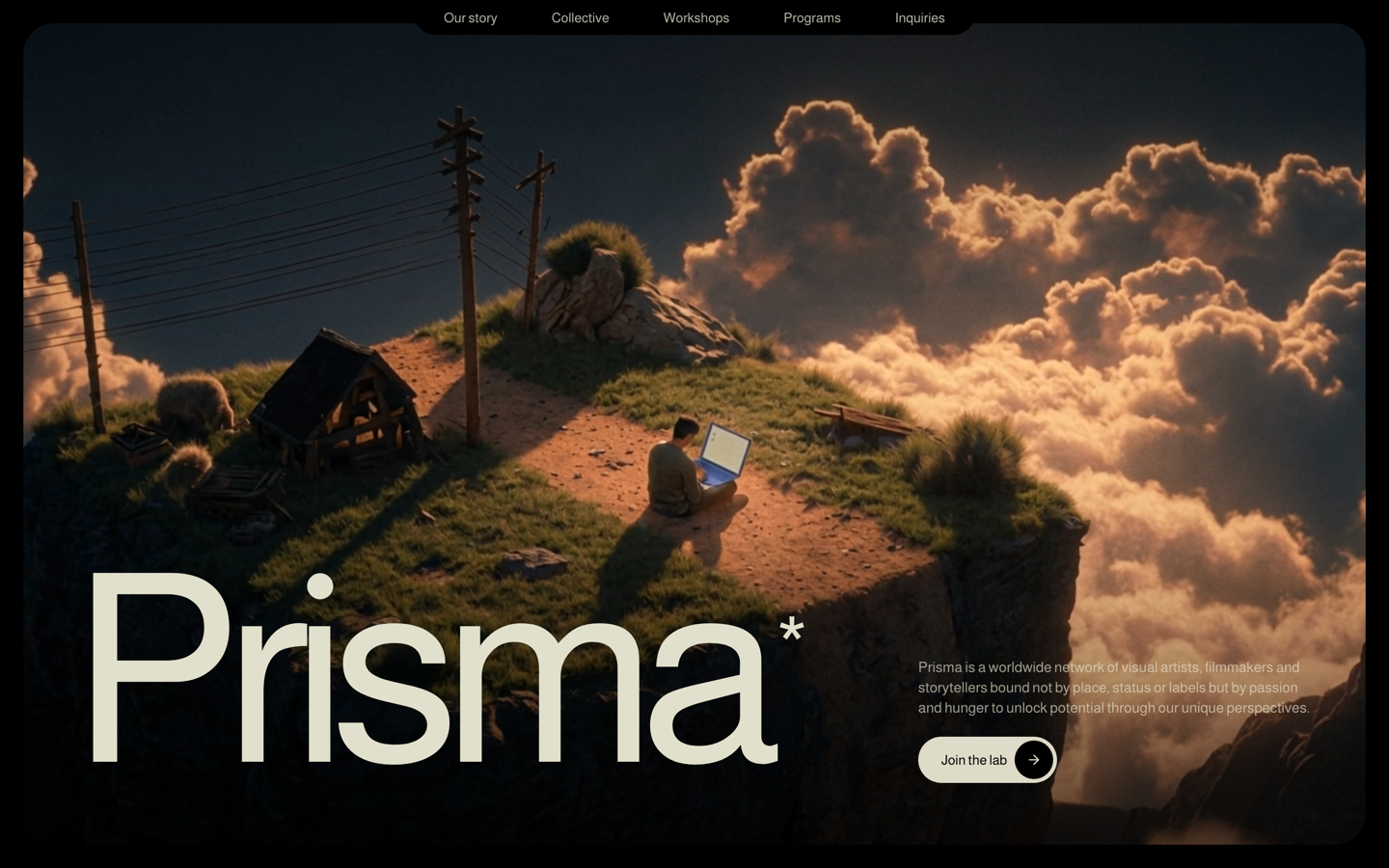
Prisma — Creative Studio
Bold, art-directed studio site with case-study scroll scenes. For brand, graphic and creative designers.
View live demo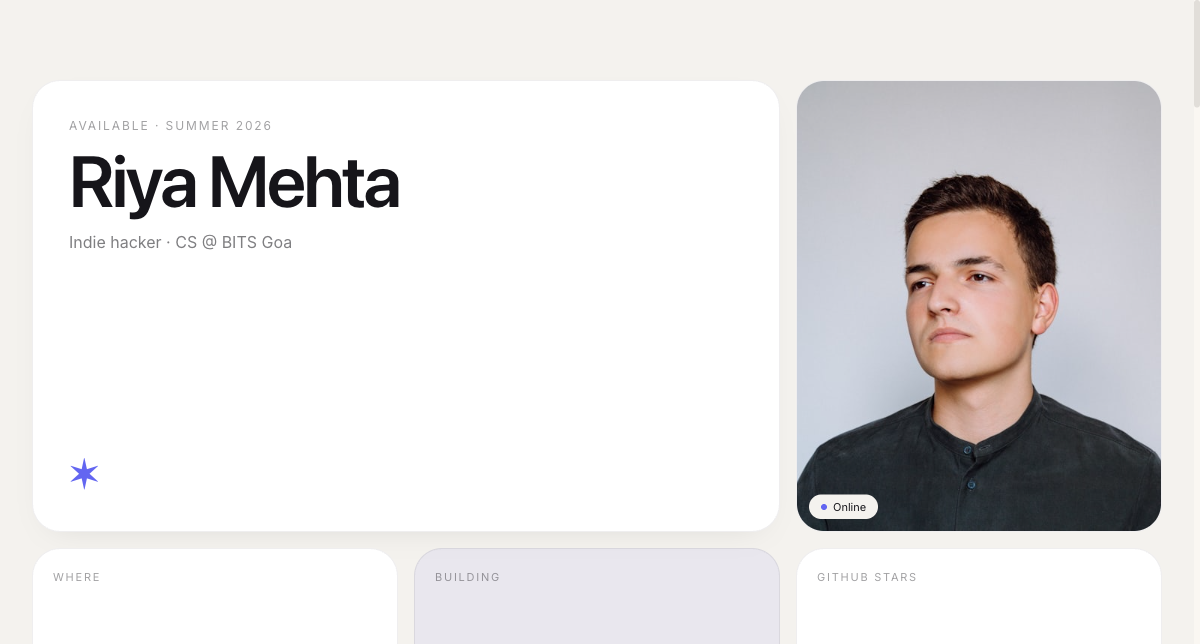 Modern
Bento Portfolio
Apple-style bento grid that organises skills, projects and links into tidy, scannable tiles.
View live demo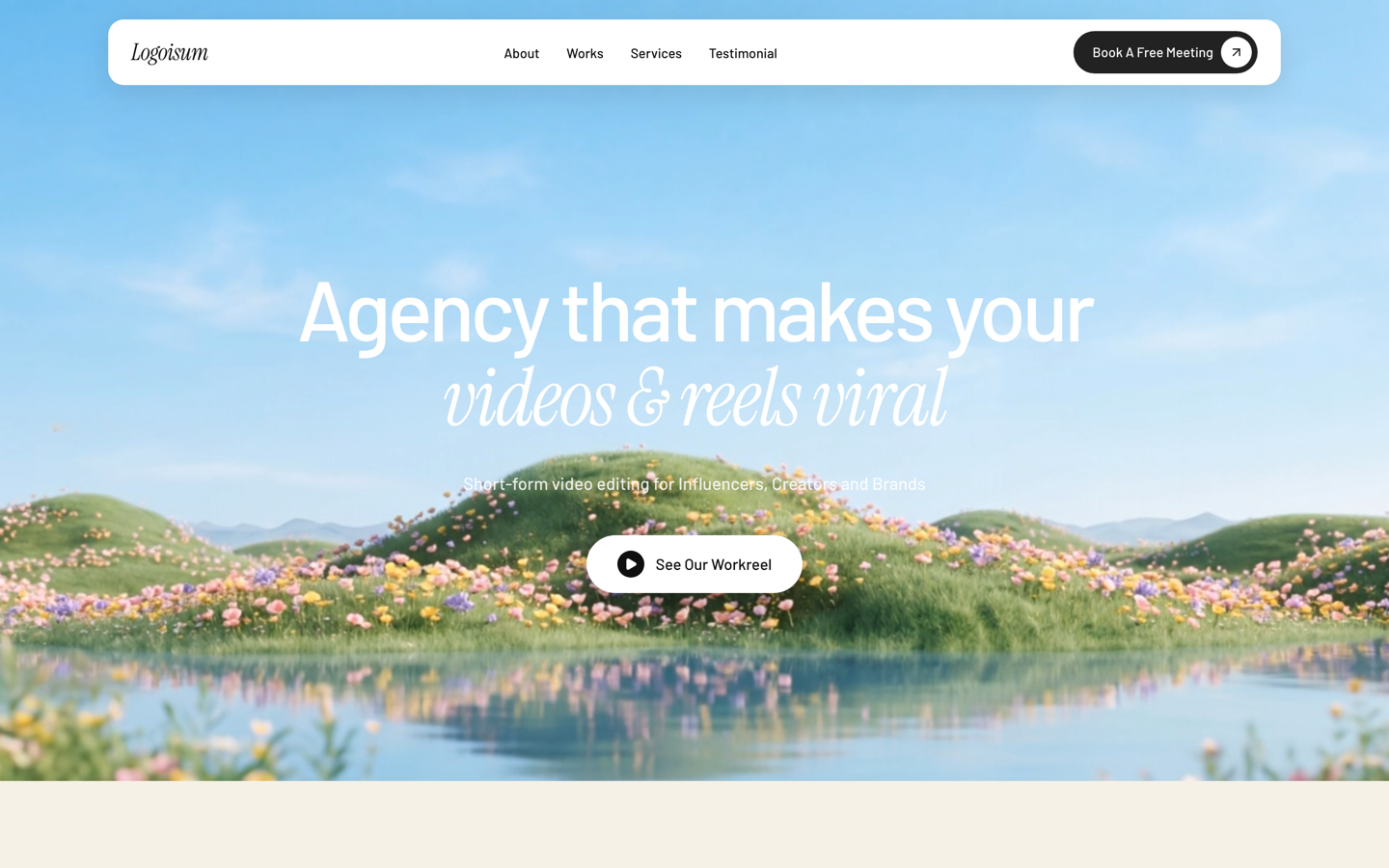 Agency
Logoisum — Design Agency
Punchy agency-style portfolio with a logo/brand wall and services. For freelance designers going solo-studio.
View live demoWhich option is right for you?
Choose SitesPlaced if you…
- • Want case-study pages live this week, on your own address
- • Would rather perfect the studies than build the container
- • Want AI to draft structure and copy from your résumé
- • Want to publish completely free — everyone does, on a username.sitesplaced.com URL
- • Want a custom domain and the badge removed — one flat ₹199/month (students: one-time ₹99)
Consider the alternatives if you…
- • Want the site itself to be a craft demonstration (Framer)
- • Mainly want community visibility and peer feedback (Behance, Dribbble)
- • Need a private, doc-style portfolio for one application (Notion)
- • Already have a personal site you actively maintain
Ship the portfolio before the application closes
Pick a case-study template, let AI draft your problem-process-outcome structure from your résumé, and publish at yourname.sitesplaced.com in minutes. Free to build and publish; ₹199/month only for a custom domain or to remove the badge (students: a one-time ₹99).
Build my UX portfolio →Frequently asked questions
What are the best UI UX portfolio websites built on?
The strongest UI/UX portfolios are personal websites with two to four deep case studies — usually on a builder like SitesPlaced or Framer — with Behance and Dribbble used only as supplements. Recruiters consistently say they read case studies, not shot galleries, so the platform matters less than having problem → process → outcome pages on your own address.
What makes a good UX design portfolio website?
Two to four case studies that each tell one story: the problem and constraints, your process with real artifacts (research notes, wireframes, iterations), and the outcome with numbers where you have them. Add a clear one-line positioning, a scannable homepage, and a résumé link. Depth on a few projects beats breadth across many.
What are the best UX portfolio sites for getting hired?
The ones hiring managers can scan in two minutes: your own website with case studies up front. SitesPlaced gets you there fastest — case-study-ready templates, AI drafts the structure from your résumé, and everyone publishes free at username.sitesplaced.com. Behance and Dribbble are fine for visibility but read as feeds, not portfolios; Notion pages work but look like documents.
How do I show NDA work in my UI UX portfolio?
Describe the problem, your role and the outcome without revealing the client's identifying details: anonymise the company, blur or recreate sensitive screens, and present redrawn flows or sanitised wireframes. State plainly that the work is under NDA and offer a walkthrough in interviews. Process artifacts usually demonstrate your thinking better than final UI anyway.
Can students build a UI designer portfolio website for free?
Yes — everyone publishes free on SitesPlaced, students included, premium templates and a free username.sitesplaced.com URL, no card required. Students remove the small "Made using sitesplaced.com" badge with a one-time ₹99 (or $3) forever; otherwise a custom domain and badge removal are ₹199/month. Pick a case-study template, let AI draft your structure from your résumé, and you have a live portfolio at yourname.sitesplaced.com before your next application deadline.