
Student portfolio templates — free & recruiter-ready
Don't start from a blank page. Start from a finished, professionally designed template, swap in your details, and publish. From clean recruiter layouts to premium company-themed designs — all free for students.
By Manan Agrawal, Founder · Updated June 10, 2026
SitesPlaced offers free, recruiter-ready student portfolio templates — clean layouts plus premium company-themed designs. Clone the one you like, let AI write your content from your résumé, and publish at yourname.sitesplaced.com in minutes. No card, no coding, fully customisable.
Real student portfolios, live right now
Real students built and published these on SitesPlaced — open any in a new tab to see what a finished one looks like.
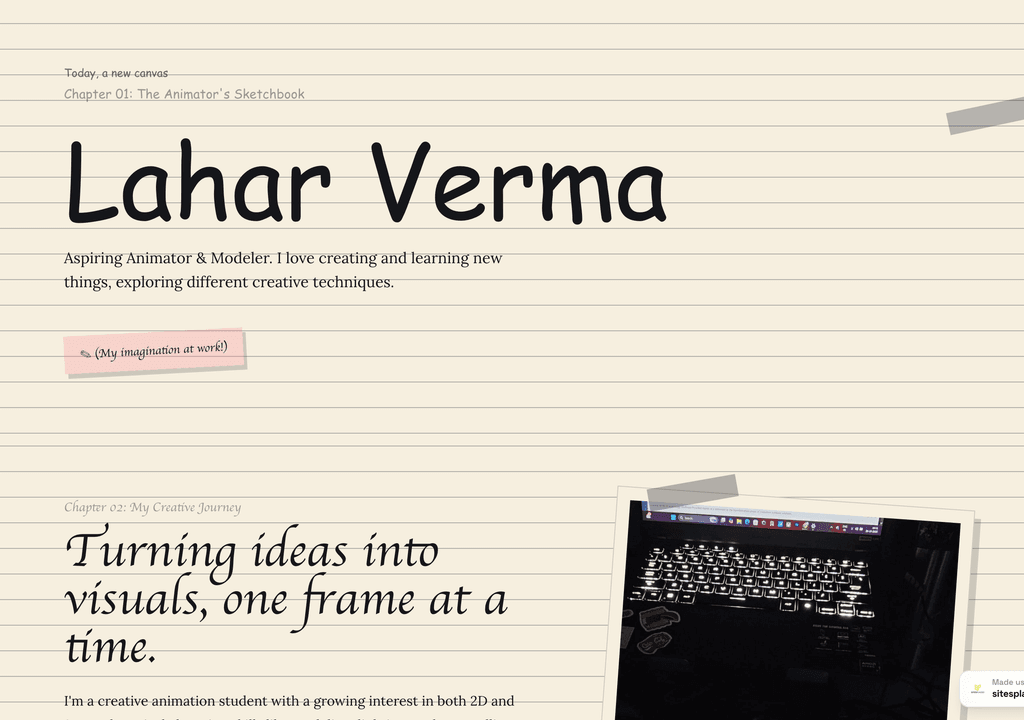
Lahar Verma
An aspiring animator's sketchbook-style portfolio — projects and creative journey, chapter by chapter.
Visit live site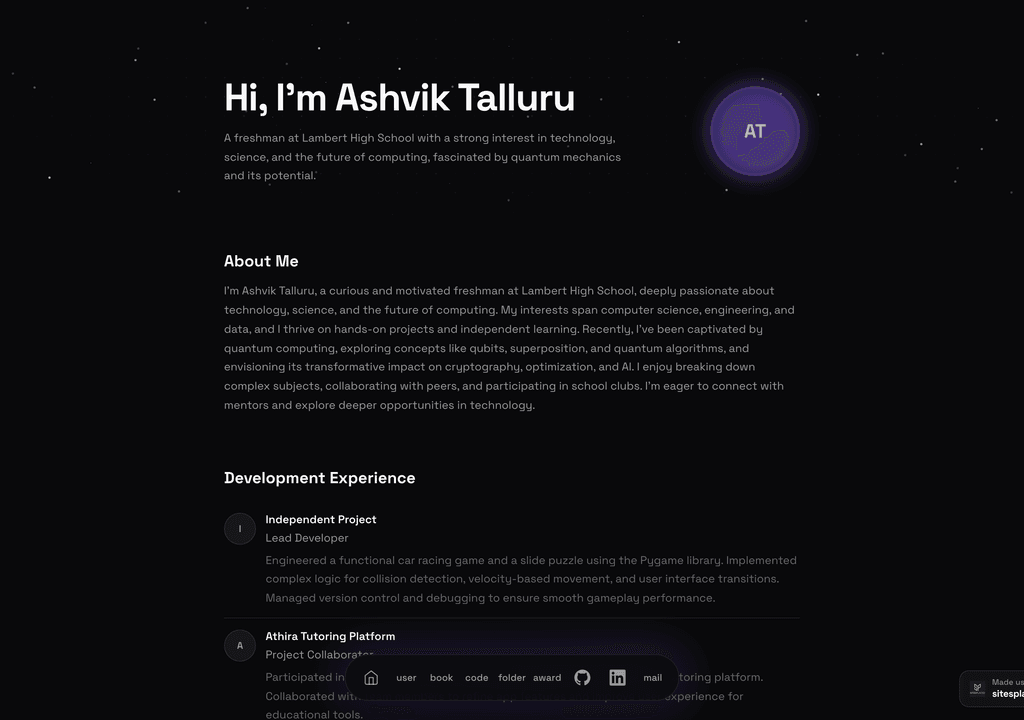
Ashvik Talluru
A computer-science student's project-first portfolio with real builds, experience and links.
Visit live site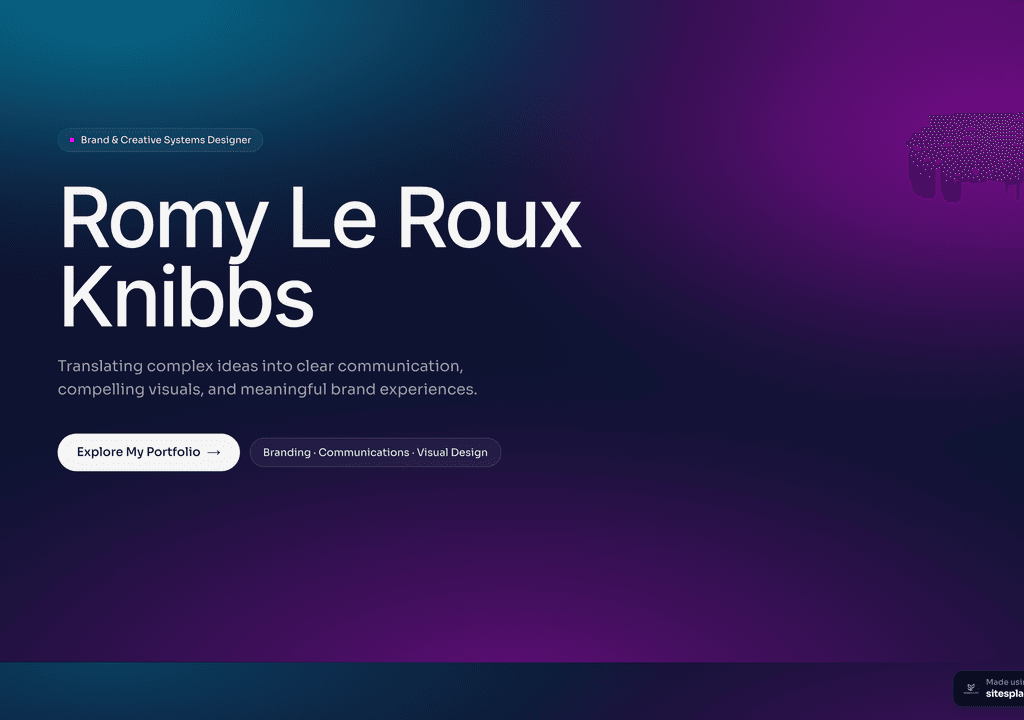
Romy Le Roux Knibbs
A brand & communications designer's portfolio — case studies in a polished, gradient-led layout.
Visit live siteGenerate your student portfolio in 60 seconds
Fill in four fields and watch a live preview build itself. When you like it, publish the real thing free on SitesPlaced — AI writes the first draft from your résumé.
No plan, no card. Publish at aisha-verma.sitesplaced.com
Portfolio
Aisha Verma
Software Engineer & Builder
VIT
About
Projects
Experience
Contact
Live preview · your real site is fully editable
Recruiter-ready student templates
These layouts are built for how recruiters read a student portfolio — projects first, skimmable, fast on mobile. Open each live demo and clone the closest fit.
 Popular
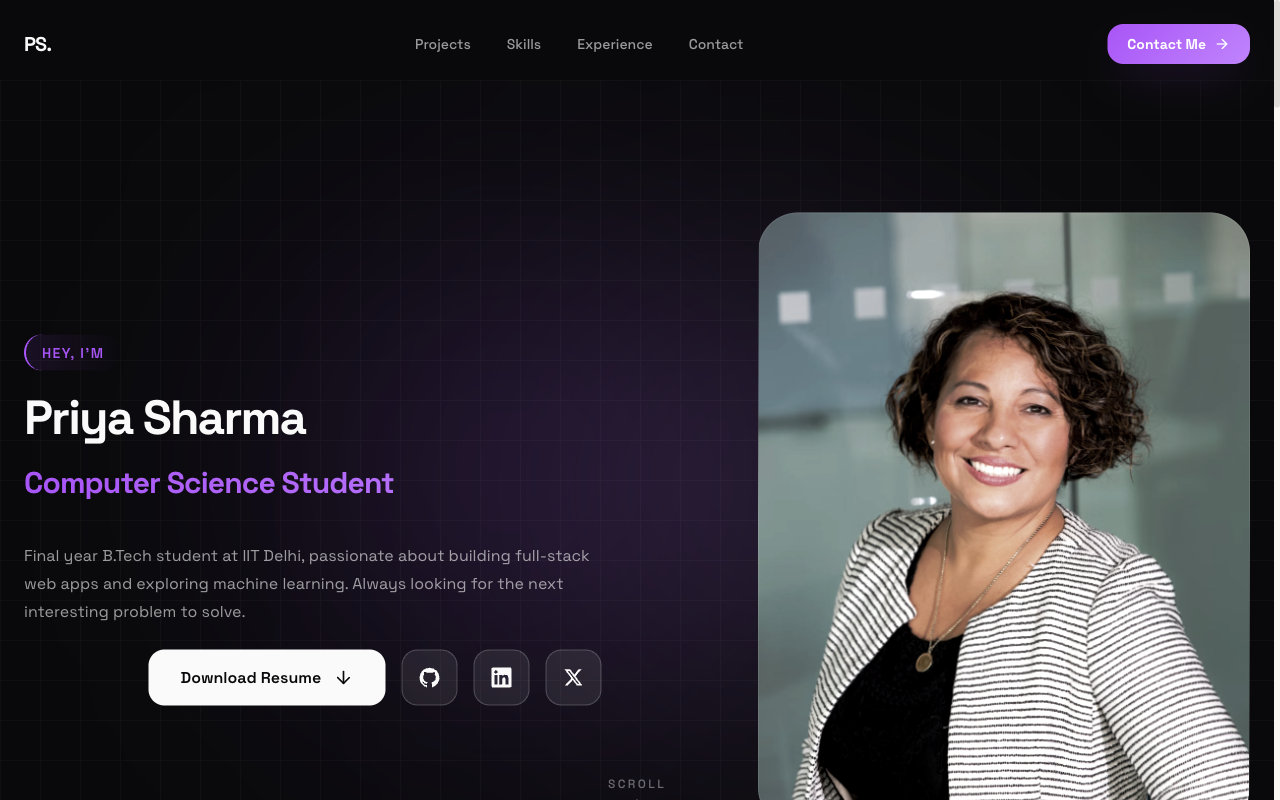
Flagship — Student Portfolio
Recruiter-friendly, projects-first layout. The safe, strong default for placements and internships.
View live demo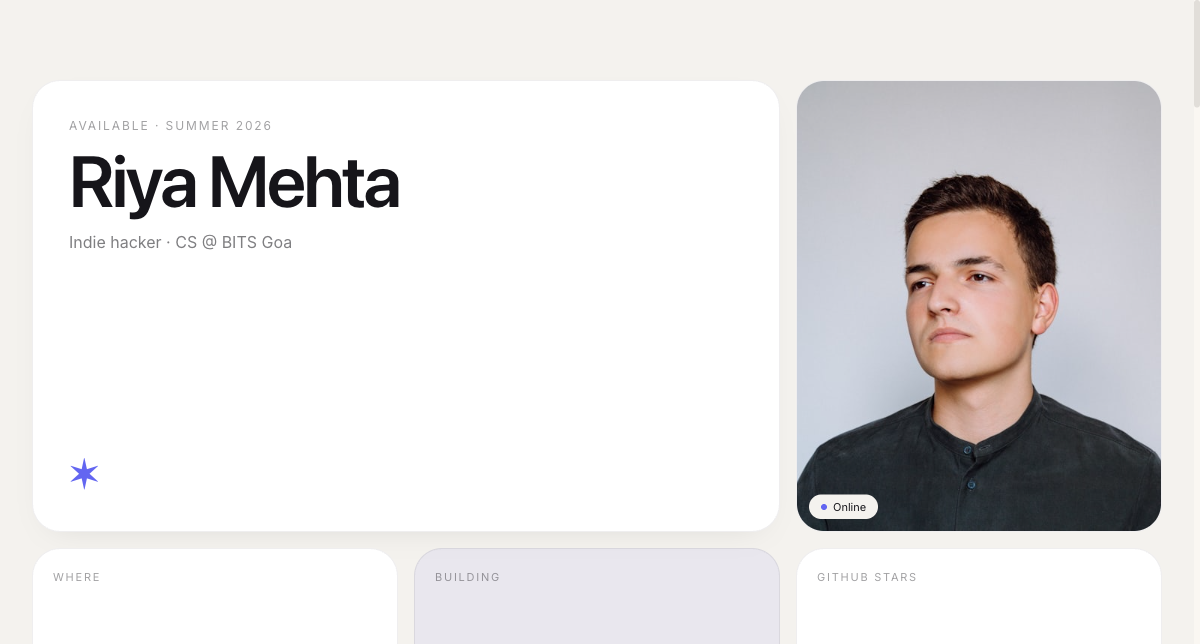 Modern
Bento Portfolio
Apple-style bento grid that organises skills, projects and links into tidy, scannable tiles.
View live demo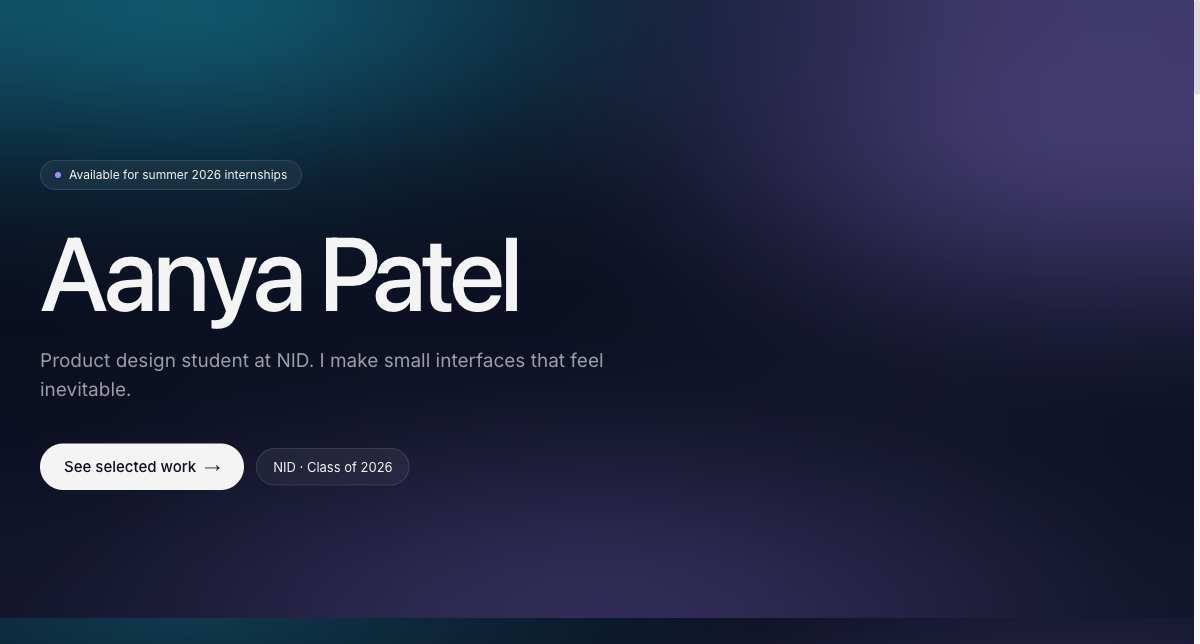 Creative
Aurora Portfolio
Soft-gradient, design-forward portfolio for students who want creative but still professional.
View live demo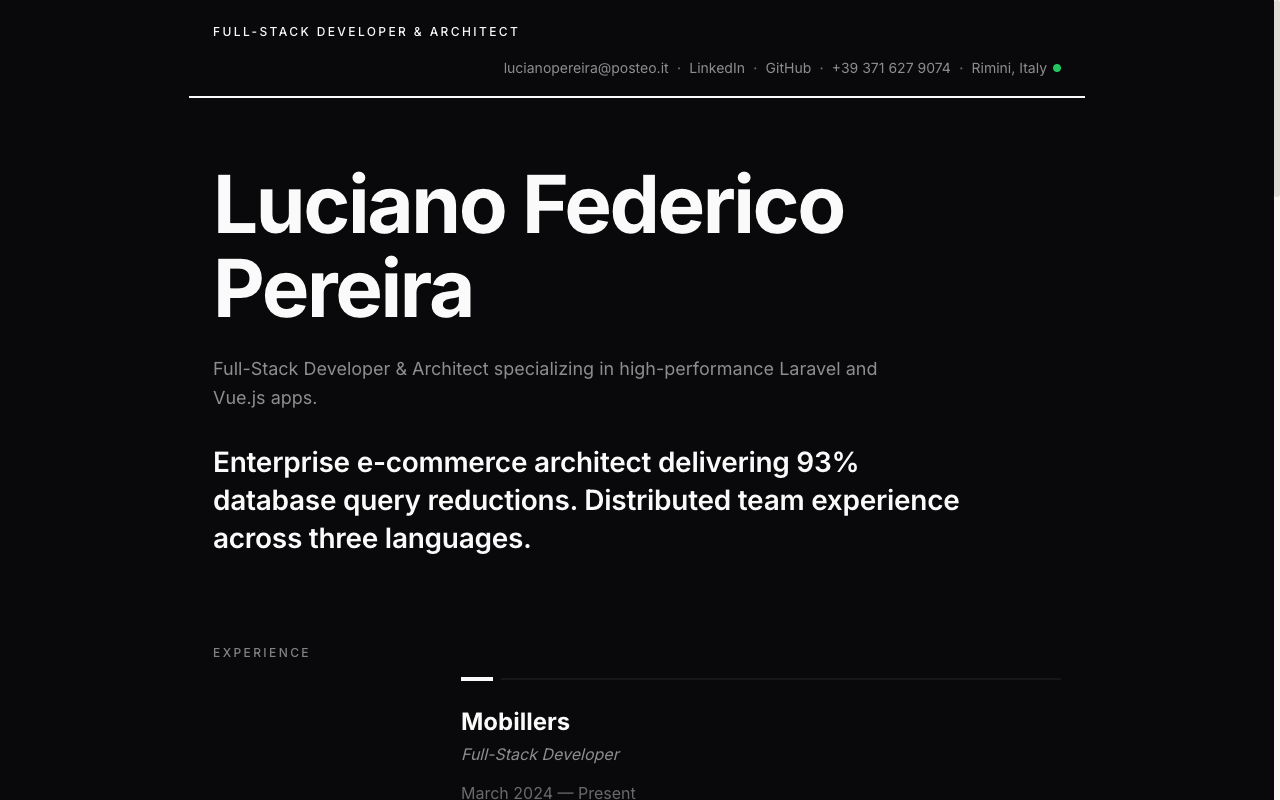 Resume
Resume Portfolio
Your CV as a website — a clean, linkable one-pager recruiters can skim in seconds.
View live demo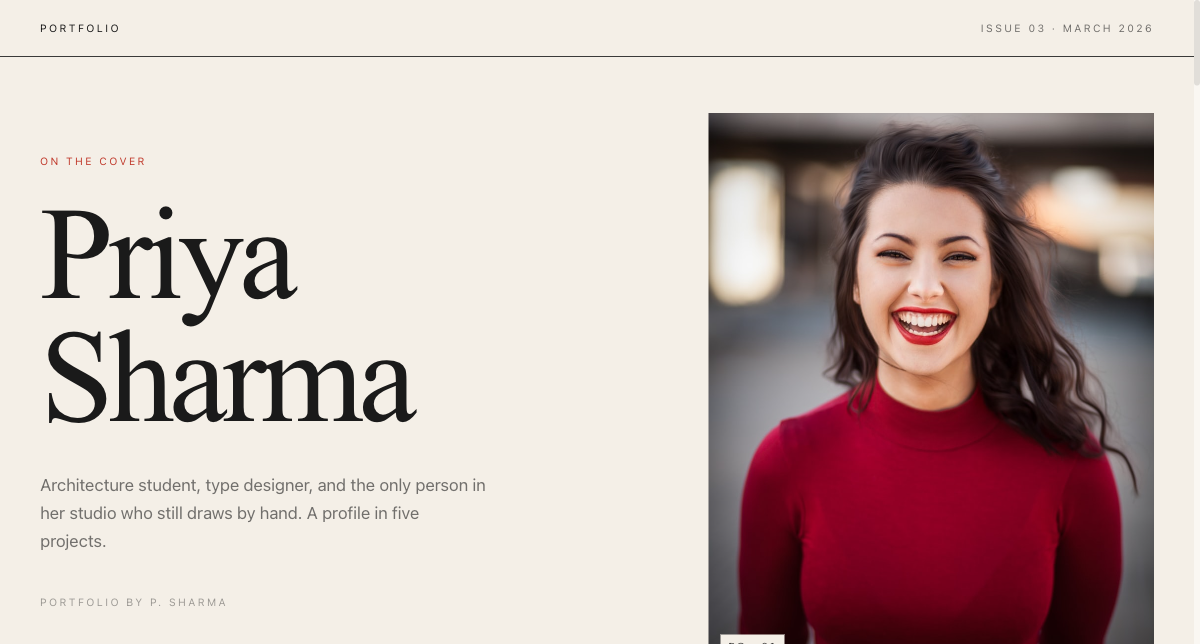 Editorial
Magazine Portfolio
Editorial magazine layout for design, media and communication students with a strong visual story.
View live demo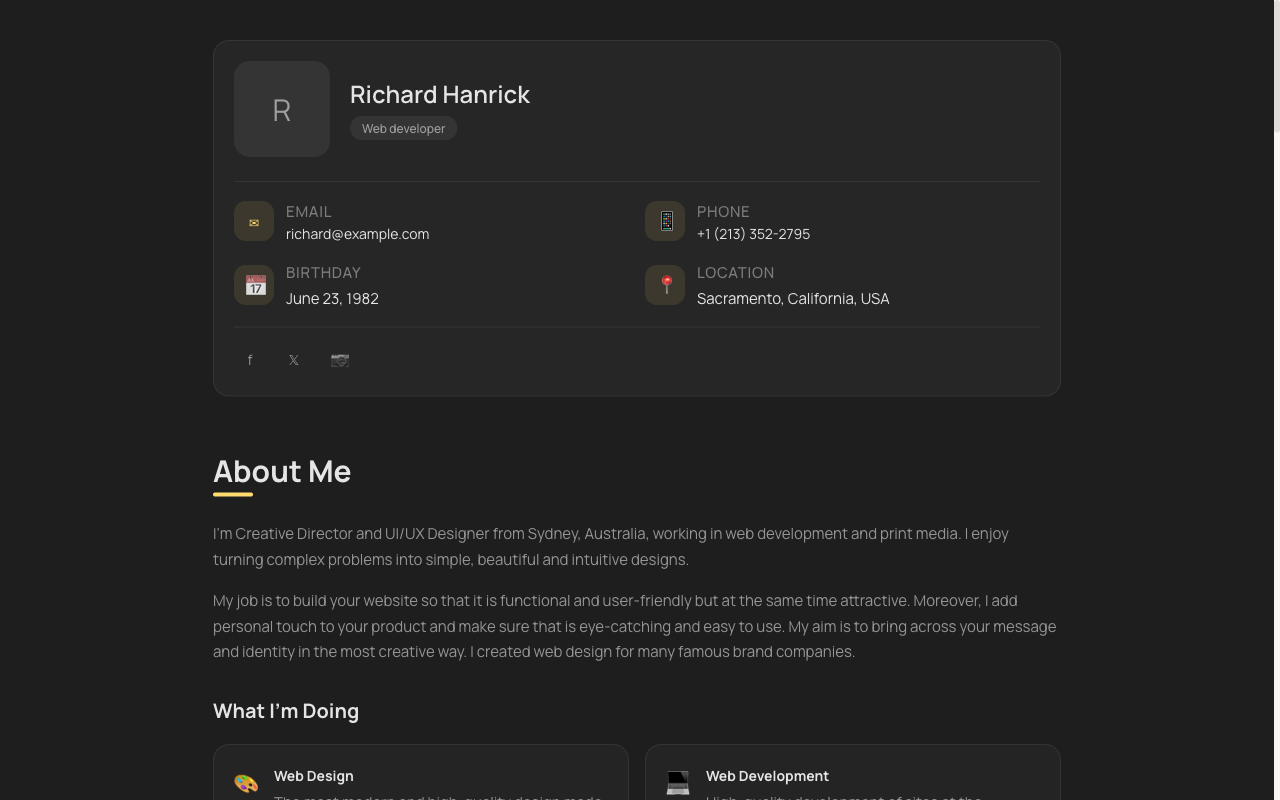 Minimal
vCard Portfolio
Compact digital visiting card — name, role, links and contact in one tidy, shareable page.
View live demoPremium templates — free for students
Company-themed portfolios inspired by Tesla, Apple, BMW M, Uber and Meta. They make a fresher look genuinely premium, and they are free to publish as a student.
 Premium
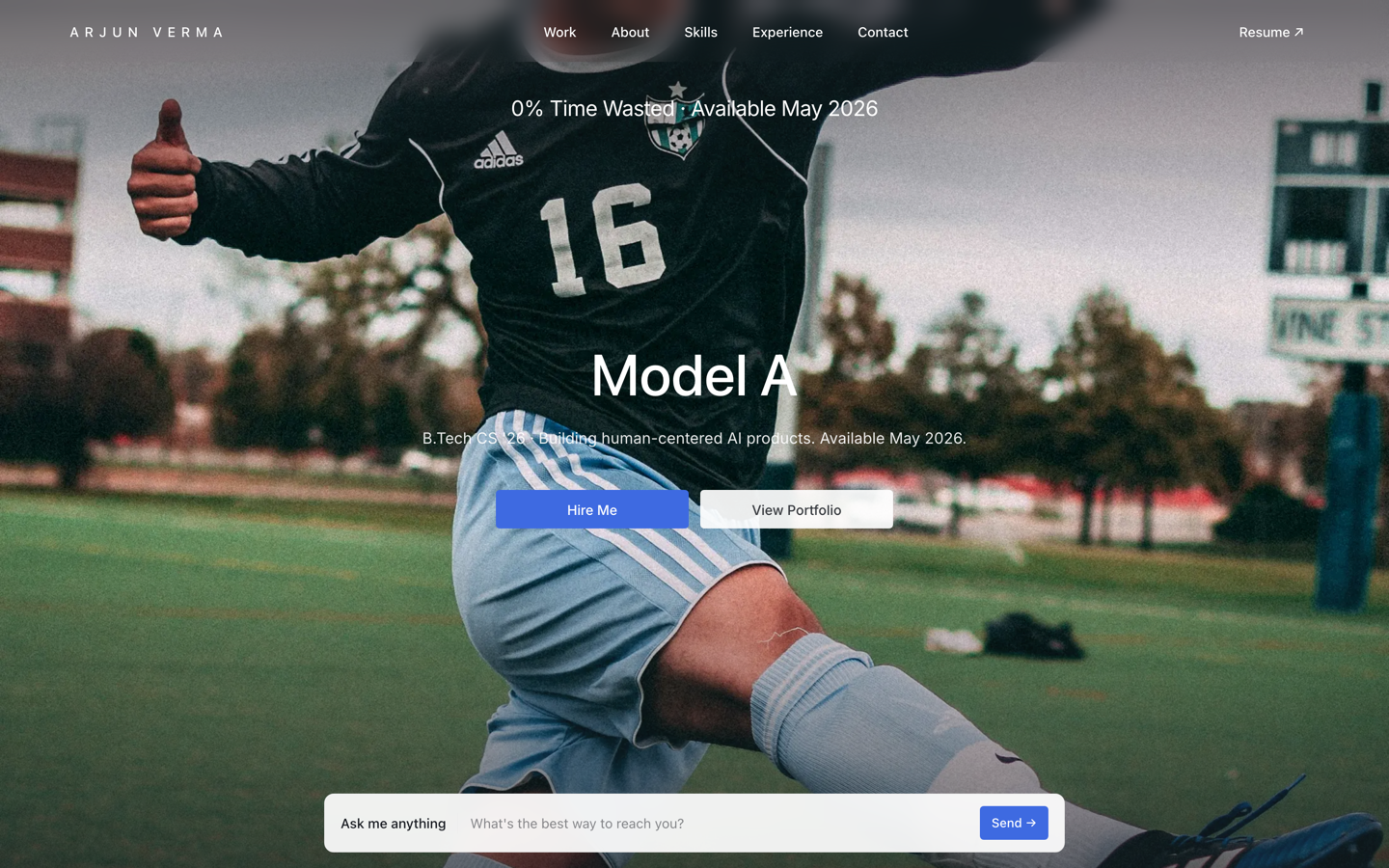
Tesla — Engineering Portfolio
Premium portfolio inspired by Tesla — full-viewport hero, electric-blue accent, scroll scenes.
View live demo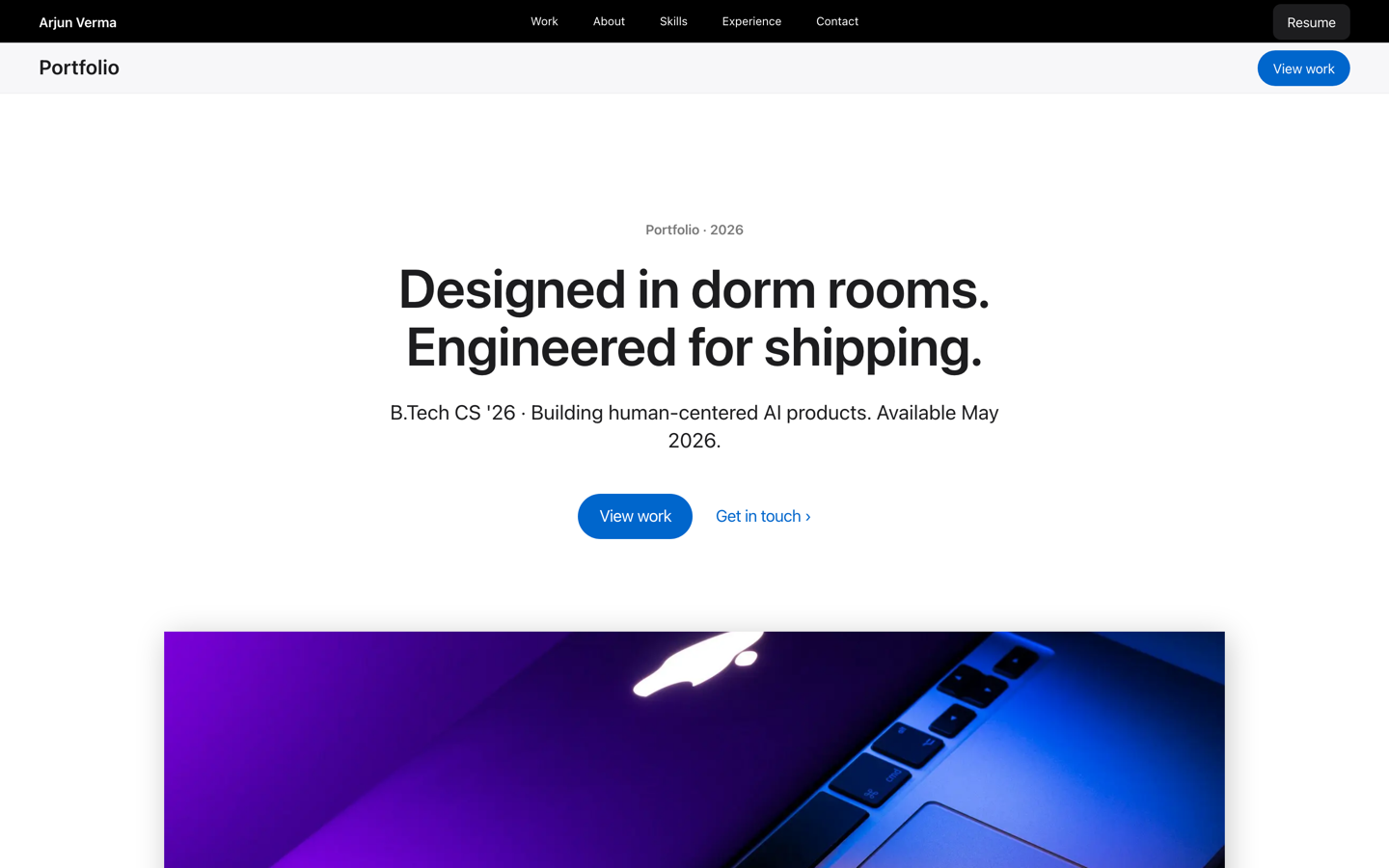 Premium
Apple — Builder Portfolio
Museum-grade builder portfolio inspired by Apple — calm tiles and gallery rhythm for polished engineers.
View live demo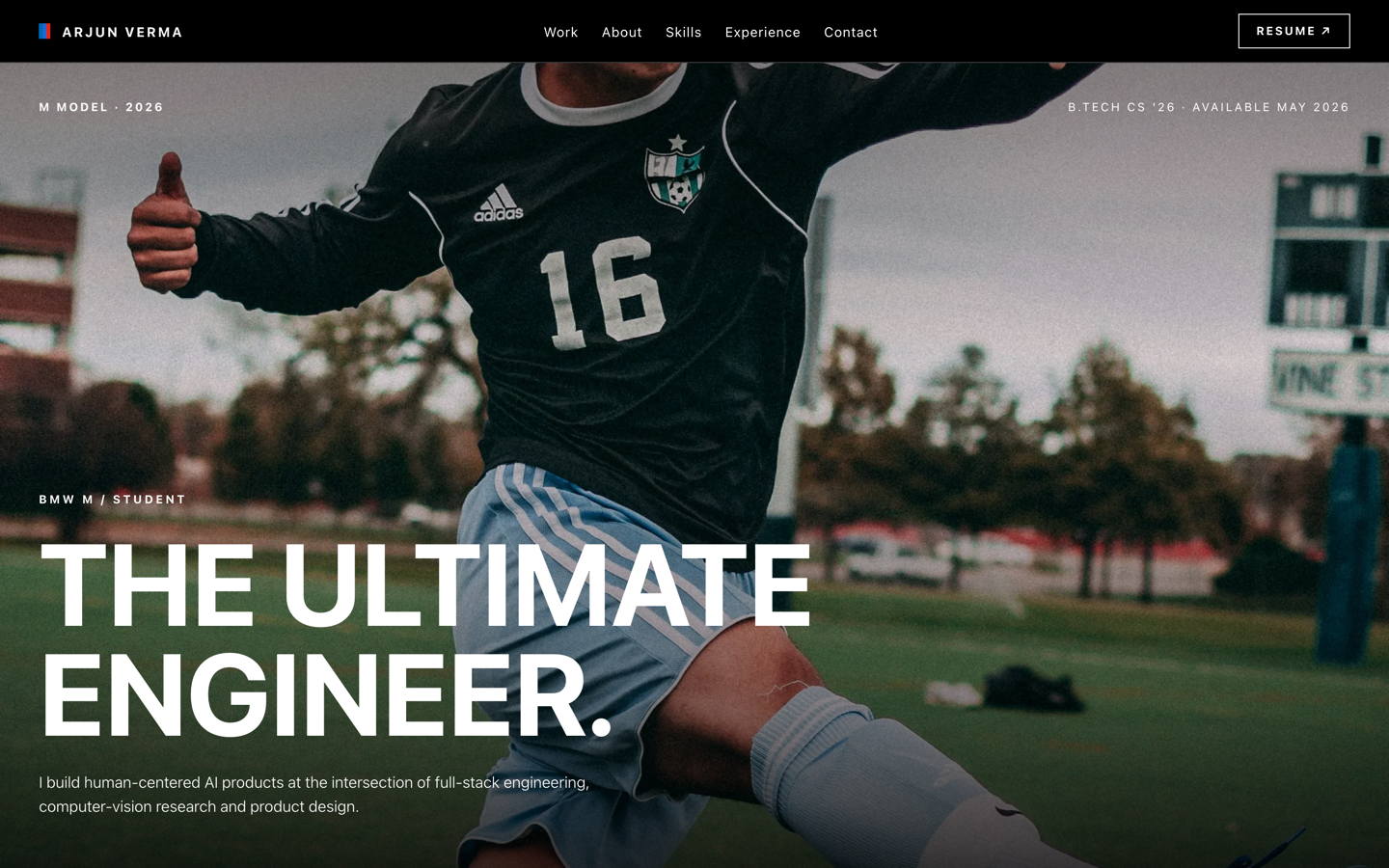 Premium
BMW M — Motorsport Portfolio
Motorsport-grade portfolio inspired by BMW M — pure black, tricolor accents, full-bleed photography.
View live demo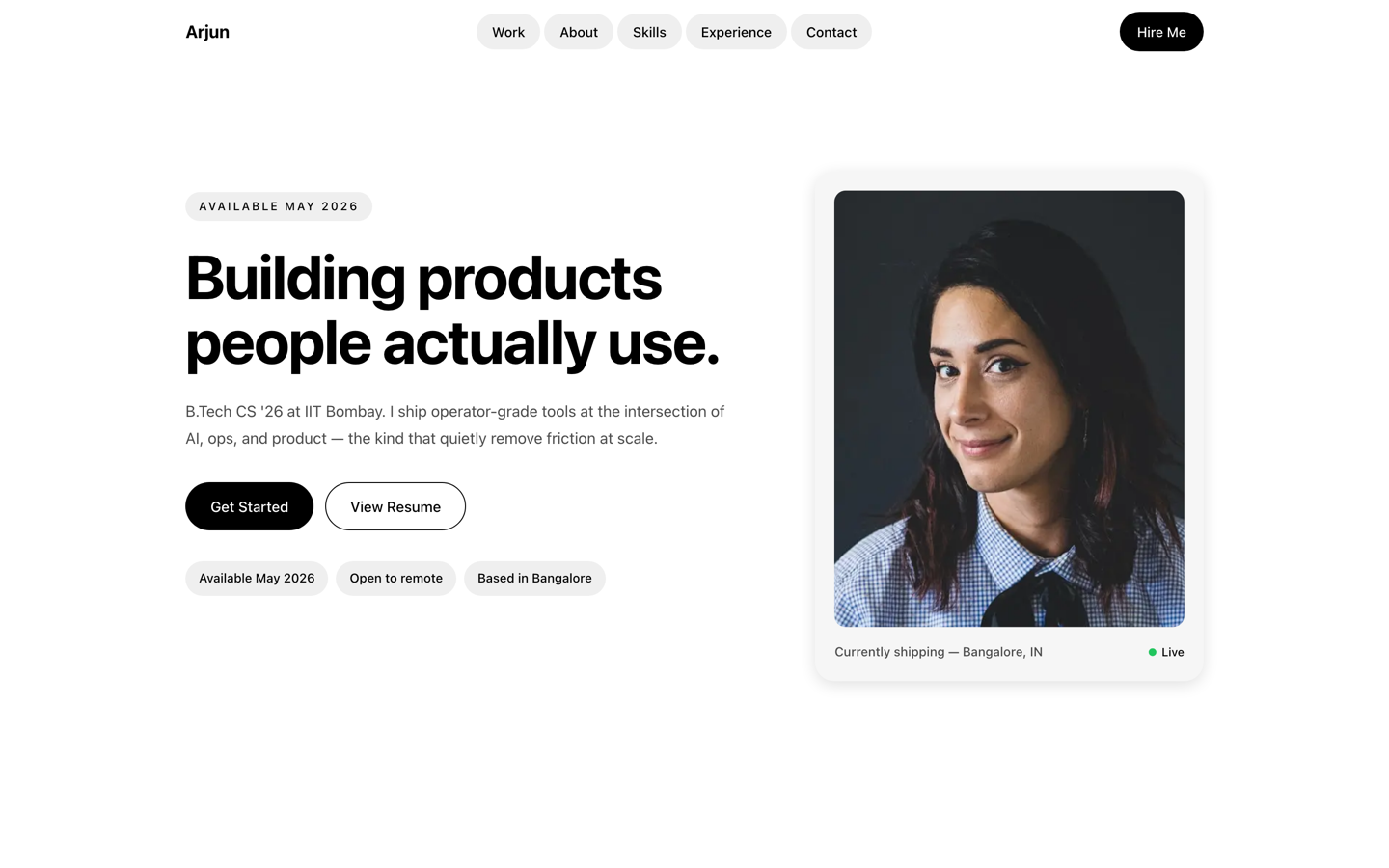 Premium
Uber — Operator Portfolio
Operator portfolio inspired by Uber — pill shapes and clean cards for PM, ops and CS students.
View live demo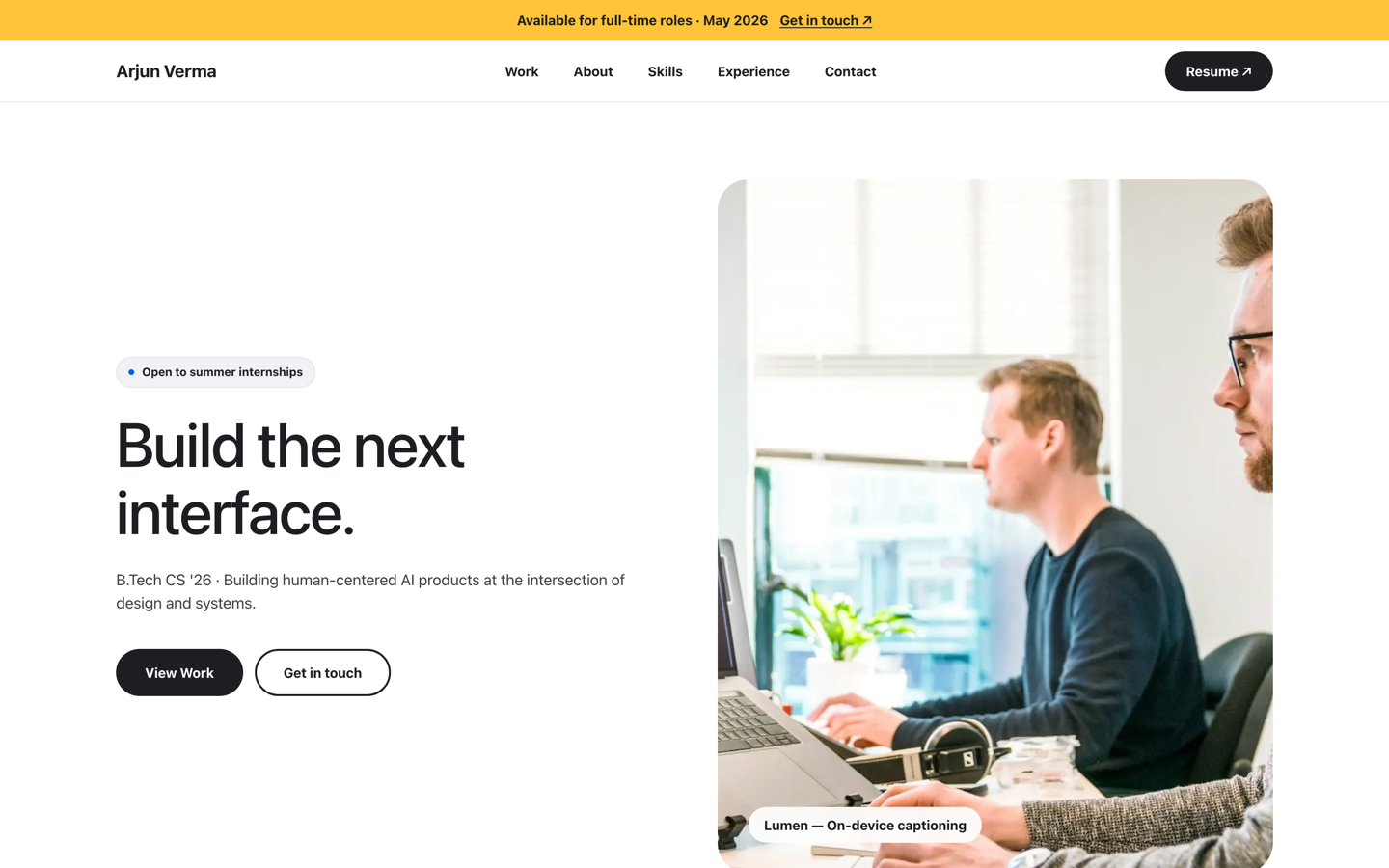 Premium
Meta — Builder Portfolio
Builder portfolio inspired by Meta — rounded photo tiles and a bold dual-CTA system.
View live demoModernBento Portfolio
Apple-style bento grid that organises skills, projects and links into tidy, scannable tiles.
View live demoHow do you choose a student portfolio template?
- ✓CS / developer → terminal, CS or bento for a code-forward, projects-first look
- ✓Design / media → magazine or aurora for a strong visual story
- ✓Want premium → Tesla, Apple, BMW M, Uber or Meta company-themed styles
- ✓Clean one-pager → resume or vCard for a simple, scannable layout
- ✓Not sure → start with a recruiter-ready default; you can switch templates anytime
From template to live portfolio
- ✓Open the live demos and pick the template closest to your branch and style
- ✓Clone it and let AI draft your bio, projects and skills from your résumé
- ✓Swap in your three to six best projects with working links
- ✓Adjust colours, sections and text — all no-code
- ✓Publish at yourname.sitesplaced.com and share the link
Pick a template and publish free
Choose a recruiter-ready or premium template, let AI fill it from your résumé, and go live at yourname.sitesplaced.com in minutes. Free for students, no card, no coding.
Browse & build free →Want our full student template catalogue? See the Studio templates.
Frequently asked questions
Where can I get free student portfolio templates?
On SitesPlaced. Students get free, recruiter-ready portfolio templates — clean layouts plus premium company-themed designs (Tesla, Apple, BMW M, Uber, Meta) — that you clone, fill with AI-written content, and publish at no cost. Building, publishing, AI and a custom domain are all free for students; the only optional charge is a one-time ₹99 (or $3 internationally) to remove the small SitesPlaced badge. No subscription, no coding.
Which student portfolio template should I pick?
Match it to your branch and personality. CS and developer students suit terminal, CS and bento layouts; design and media students suit magazine and aurora; anyone wanting a premium look can use the company-themed templates; a resume-style template suits a clean one-pager. You can switch templates anytime, so start with whatever fits and refine later.
Are the templates customisable?
Yes. You can change text, colours, sections, projects and images — all no-code. AI drafts your content from your résumé, and you tweak from there. The template gives you a strong starting point so you are editing, not designing from scratch.
Do I need design skills to use these templates?
No. Each template is professionally designed and recruiter-ready out of the box. You just add your details and projects; the layout, spacing and styling are already handled.
Are premium templates really free for students?
Yes. The premium company-themed templates are free for students to build and publish — no plan, no card. They make a fresher look genuinely high-end at zero cost. The only optional extra is a one-time ₹99 (or $3 internationally) to remove the small SitesPlaced badge for good.