
A photography portfolio website builder built around your images
Your photographs should not sit inside a generic template with cramped thumbnails. This is how to get a full-bleed, fast-loading photography portfolio live in minutes — and how the popular builders compare.
By Manan Agrawal, Founder · Updated June 10, 2026
SitesPlaced is a photography portfolio website builder that puts the images first. The Photographer template gives you a bento-grid gallery, lightbox, category filters and a booking form; AI drafts your copy, images are optimised automatically, and you are live at yourname.sitesplaced.com in minutes — free to build and publish, with the ₹199/month plan only for a custom domain or to remove the badge. Format and Squarespace are the main alternatives.
Real portfolios, live right now
Real freelancers, designers and creators built and published these on SitesPlaced — open any of them in a new tab.

Steve Corbin Jr.
A social-media specialist's portfolio that turns a decade of earned attention into inbound clients.
Visit live site
J. Riley Brewington
A content specialist showcasing multi-platform growth, testimonials and a clear booking path.
Visit live site
Romy Le Roux Knibbs
A brand & communications designer's portfolio — case studies in a polished, gradient-led layout.
Visit live siteWhat should a website for a photography portfolio actually do?
A photography portfolio website has one job: make someone stop scrolling and look. That means the site itself has to disappear. The best photography portfolios share the same bones — big, edge-to-edge images, a gallery that opens into a clean lightbox, and almost no chrome competing with the work.
The second, less glamorous job is speed. Photographers upload the heaviest pages on the internet, and a gallery that takes eight seconds to paint on a phone loses the client before the first image loads. Whatever builder you choose, automatic image optimisation and lazy loading are non-negotiable — resizing fifty JPEGs by hand before every upload is not a workflow.
- ✓Full-bleed, gallery-grade layouts with a lightbox — not a blog theme with photos squeezed in
- ✓Categories that match how clients search: weddings, portraits, fashion, travel, products
- ✓Automatic image compression, responsive sizing and lazy loading so pages stay fast
- ✓A booking or enquiry form on the site itself, so leads do not die in Instagram DMs
- ✓Your own address — yourname.sitesplaced.com or a custom domain — that looks right on a business card
The Photographer template on SitesPlaced is built around this checklist, so you start from a finished photography site rather than a blank canvas.
How the photography website builder works
Pick the Photographer template
Start from a finished, gallery-first design with a bento grid, lightbox and booking form — no blank page, no design decisions you don't want to make.
Let AI draft your copy
Paste your Instagram bio, LinkedIn or a short description of your work and AI writes your about section, services and gallery intros. You edit, not write.
Upload your best 20–40 images
Drag photos into categories — weddings, portraits, fashion, travel. The builder compresses, resizes and lazy-loads them automatically.
Set your packages and enquiry form
Add your shoot packages and switch on the lead form so enquiries arrive with the date, event type and budget already filled in.
Publish in minutes
Go live at yourname.sitesplaced.com instantly, or connect your own domain. Update galleries any time without touching code.
Best photography website builder: SitesPlaced vs Format vs Squarespace vs Pixieset
These are the four platforms photographers compare most. Format is a dedicated photography platform, Squarespace a polished general-purpose builder, and Pixieset primarily a client-gallery delivery tool that also offers websites. Here is how they stack up for a public-facing portfolio that wins bookings:
| Feature | SitesPlaced | Format | Squarespace | Pixieset |
|---|---|---|---|---|
| Built for photography | ✓ Photographer template | ✓ Photo-only platform | General templates | Gallery delivery first |
| Full-bleed galleries + lightbox | ✓ Bento grid + lightbox | ✓ | Theme-dependent | ✓ (client galleries) |
| AI writes your first draft | ✓ From your bio/links | ✗ | AI assist (paid plans) | ✗ |
| Booking / lead form | ✓ Built in | Contact forms | ✓ | Limited |
| Image optimisation handled | ✓ Automatic | ✓ | ✓ | ✓ |
| Entry price | Free to build & publish (₹199/mo plan for domain + no badge) | See official pricing | See official pricing | See official pricing |
| Time to a live site | Minutes | Hours | Hours | Hours |
Indicative comparison for a photographer’s public portfolio, June 2026. Plans change — check Format’s pricing, Squarespace’s pricing and Pixieset’s pricing for current rates.
The honest summary: if you want a photography-only ecosystem and don’t mind the price, Format is excellent. If you want maximum design control and have a weekend to spend, Squarespace works. If you mostly need client proofing, Pixieset is the right tool — many photographers pair it with a SitesPlaced portfolio. If you want a finished photography site live today at a price that makes sense in India, that is what SitesPlaced is for.
What does a photography website builder cost?
On SitesPlaced, building AND publishing are free — your portfolio goes live at yourname.sitesplaced.com with the premium Photographer template, hosting, SSL, image optimisation and the booking form all included, plus a small “Made using sitesplaced.com” badge. You pay ₹199/month only when you want a custom domain, to remove the badge or to unlock AI. There are no per-image fees and no storage tiers to outgrow.
Format, Squarespace and Pixieset price in dollars and publish their rates on the pricing pages linked above; for an equivalent portfolio-plus-booking site they generally land several times higher per month. For a full breakdown of every route — builders, freelancers, agencies and domains — see how much a portfolio website costs in India.
The best fashion photographer website builder (and wedding, too)
Niches change what “best” means. A fashion photographer’s site should read like an editorial spread: oversized imagery, restrained type, a campaigns section with client names, and nothing cute between the viewer and the photograph. A wedding photographer’s site sells trust instead — full real-wedding stories rather than scattered highlights, testimonials near the enquiry form, and packages that pre-qualify the budget before the first call.
The Photographer template covers both: switch the gallery to the carousel showcase and strip the palette back for fashion work, or lead with story-based categories and reviews for weddings. Either way the structure — images first, booking form close behind — stays the same.
Photography hosting sites: where should your images live?
“Photography hosting sites” usually mixes up two different needs. Your portfolio images — the public, web-resolution versions — should live on your website builder, which compresses and serves them from a CDN automatically. Export at around 2048px on the long edge at 80% JPEG quality; nobody needs a 48MP file in a gallery, and Google rewards the faster page.
Your client deliveries — full-resolution downloads, proofing and selects — belong on a gallery service like Pixieset. Keeping the two separate keeps your public site fast and your client files private. If you also embed your Instagram feed on the site, do it the lightweight way — here is how to embed social media without slowing your site down.
Photography portfolio templates
Open the live demos, then clone the closest fit and replace the images with yours. The Photographer template is the purpose-built pick; Glacial Arch and Prisma suit photographers with an editorial or studio leaning.
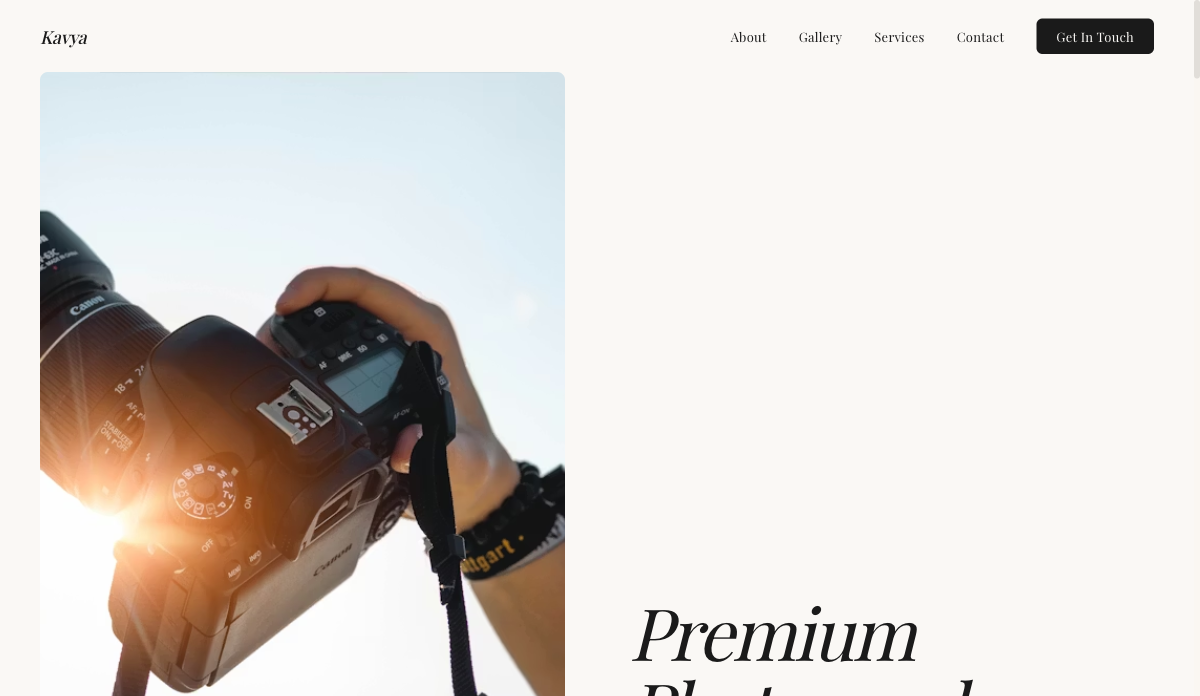 Visual
Photographer — Visual Portfolio
Full-bleed gallery layout with lightbox and category filters. For photographers, visual artists and stylists.
View live demo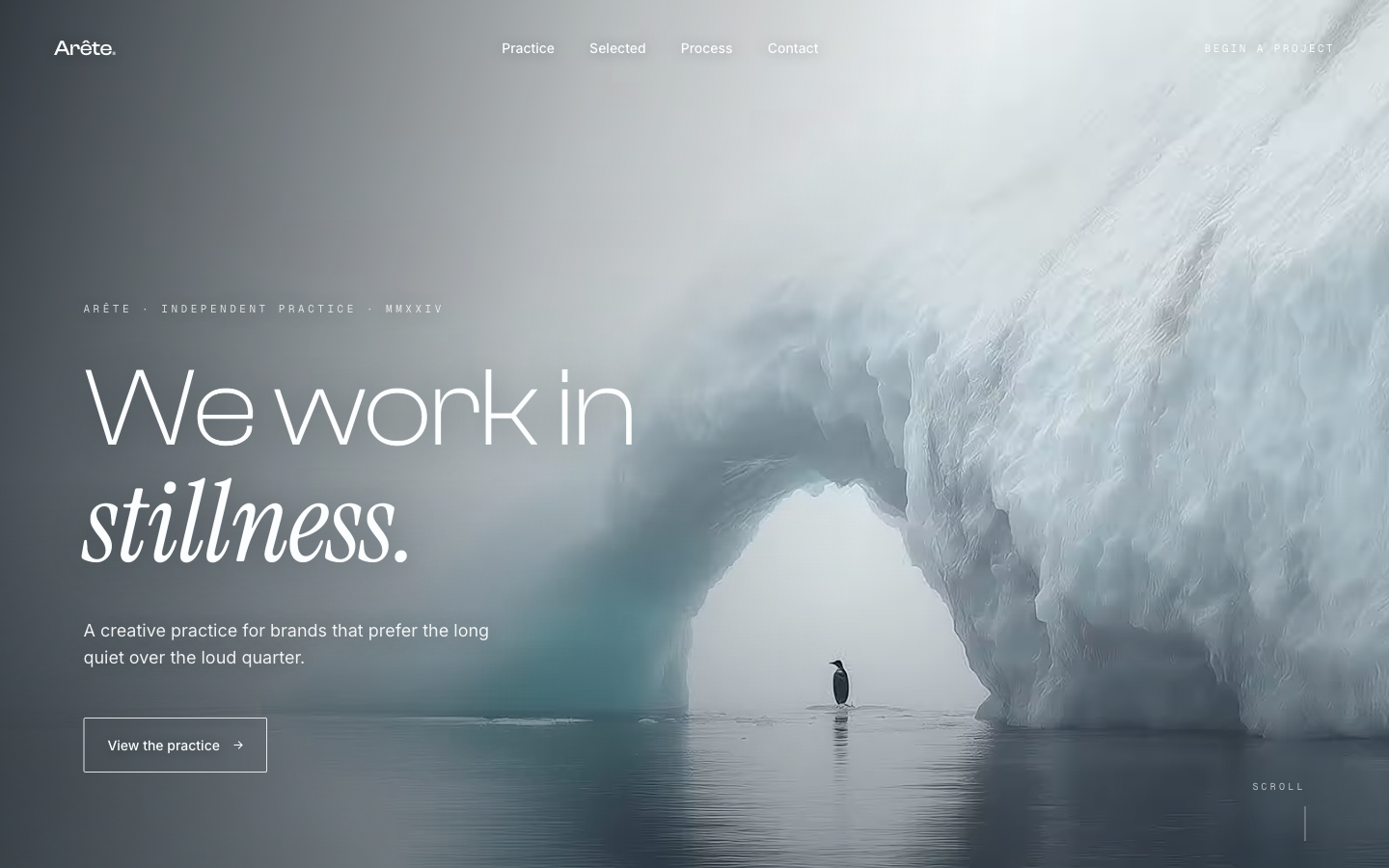 Editorial
Glacial Arch — Editorial
Quiet, editorial landing with refined type and whitespace. For design studios and art directors who want restraint.
View live demo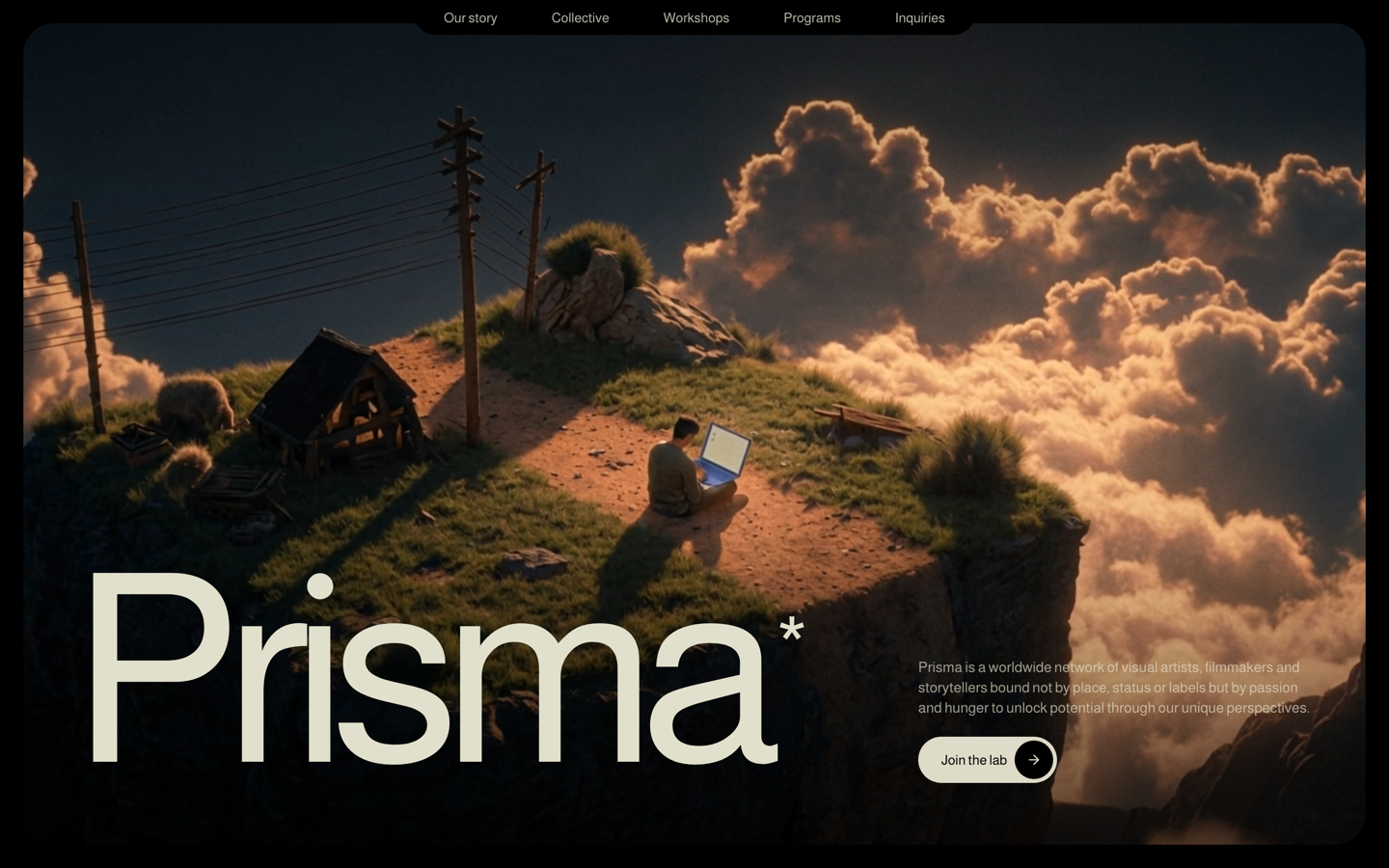 Design
Prisma — Creative Studio
Bold, art-directed studio site with case-study scroll scenes. For brand, graphic and creative designers.
View live demoWhich photography website builder is right for you?
Choose SitesPlaced if you…
- • Want a gallery-grade photography portfolio live today, not next weekend
- • Would rather have AI draft the words while you pick the images
- • Want booking enquiries on your own site instead of Instagram DMs
- • Want to publish free, with one flat ₹199/month only for a custom domain or to remove the badge
- • Want image optimisation and hosting handled for you
Consider Format or Squarespace if you…
- • Want a photography-only ecosystem with proofing built into one (Format)
- • Enjoy designing and want deep visual control over every page (Squarespace)
- • Already pay for one of them and are happy with the cost
- • Bill mostly international clients and price in dollars anyway
Put your photography on a site that does it justice
Pick the Photographer template, drop in your best images, let AI write the first draft, and publish at yourname.sitesplaced.com in minutes. Free to build and publish — pay ₹199/month only for a custom domain or to remove the badge.
Build my photography portfolio →Want examples and strategy first? Read the photographer portfolio guide on the blog.
Frequently asked questions
What is the best photography website builder?
For most photographers in India, SitesPlaced is the best photography website builder: the Photographer template ships with a bento-grid gallery, lightbox and booking form, AI drafts your copy, and you publish free at yourname.sitesplaced.com with a small “Made using sitesplaced.com” badge. The ₹199/month plan is optional — for a custom domain, removing the badge and AI. Format is the strongest photography-only alternative and Squarespace the strongest general-purpose one — both cost noticeably more once you compare their official pricing pages.
What is the best website for a photography portfolio?
The best website for a photography portfolio is one that puts images first: full-bleed galleries, a lightbox, minimal UI around the photos and fast loading on mobile. SitesPlaced's Photographer template is built around exactly that structure, with categories for weddings, portraits, fashion or travel and a lead form so enquiries land in one place.
How much does a photography website builder cost?
On SitesPlaced, building AND publishing are free for everyone — premium templates, hosting, SSL and image optimisation are included, and your site goes live at yourname.sitesplaced.com with a small “Made using sitesplaced.com” badge. You pay ₹199/month only when you want a custom domain, to remove the badge or to unlock AI. Format, Squarespace and Pixieset publish their own rates on their pricing pages — they typically sit higher for an equivalent portfolio-plus-booking site.
What is the best fashion photographer website builder?
Fashion photographers need editorial, full-bleed layouts with almost no interface around the images, plus space for campaigns and client logos. SitesPlaced's Photographer template handles this with its carousel showcase and category galleries; among dedicated platforms, Format's editorial themes are the closest alternative.
Which photography hosting sites should I use for my portfolio?
You usually don't need a separate photography hosting site for your portfolio — your website builder hosts and optimises web-resolution images itself. Export at roughly 2048px on the long edge at 80% JPEG quality. Keep full-resolution client deliveries on a proofing service like Pixieset, and keep your public portfolio on your own website.
Can I build a photography portfolio website for free?
Yes — on SitesPlaced you build AND publish your full photography portfolio for free with no card, premium templates included. It goes live at yourname.sitesplaced.com with a small “Made using sitesplaced.com” badge. The ₹199/month plan is optional, for a custom domain, removing the badge and AI.