

Custom Domain for Your Instagram Store
Your store can live at yourstore.com instead of yourstore.sitesplaced.com. Here's why it matters and how to connect your own domain in minutes.
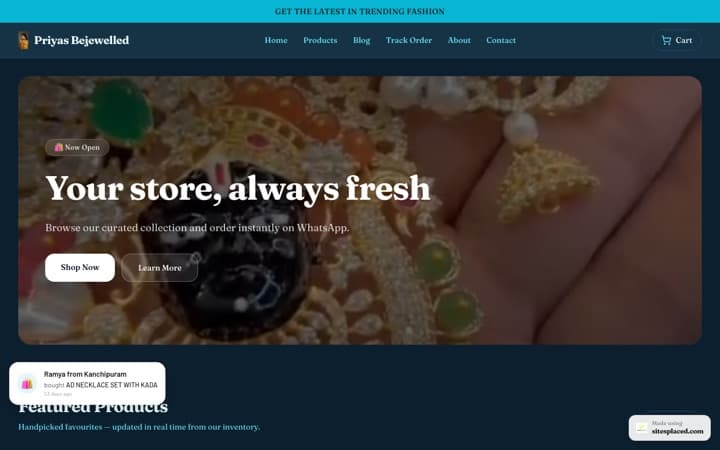
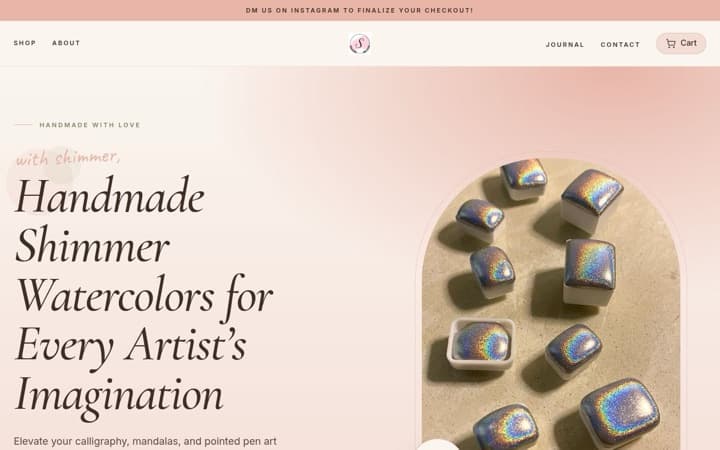
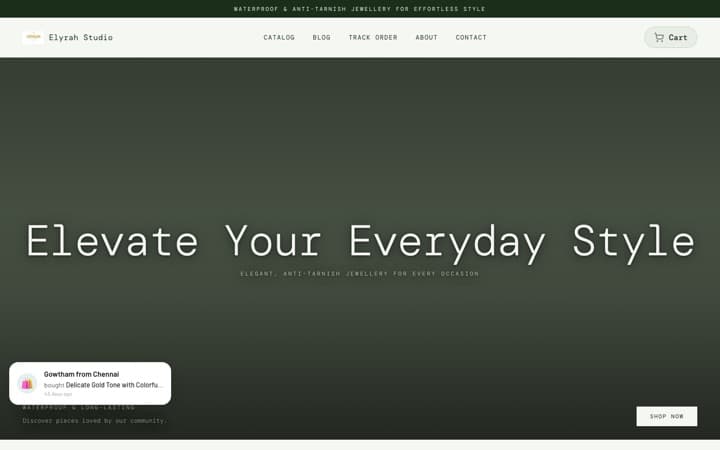
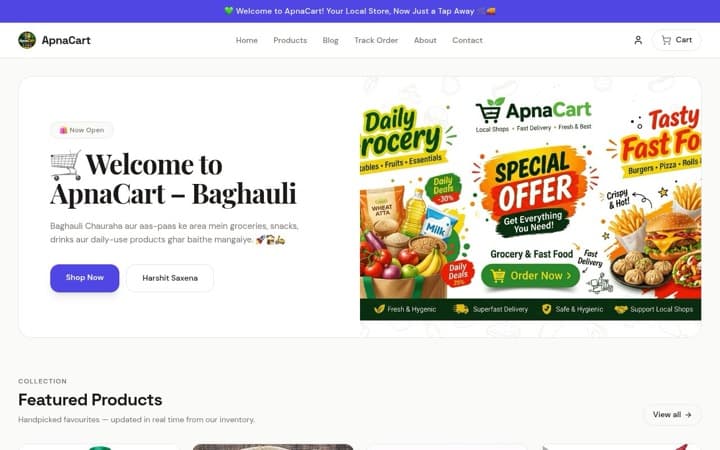
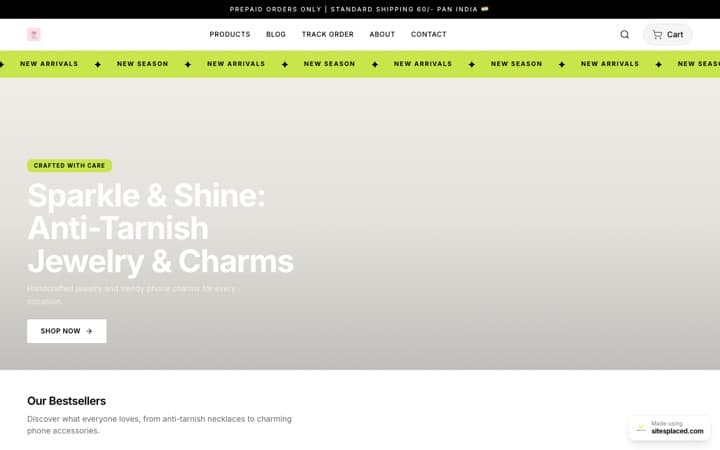
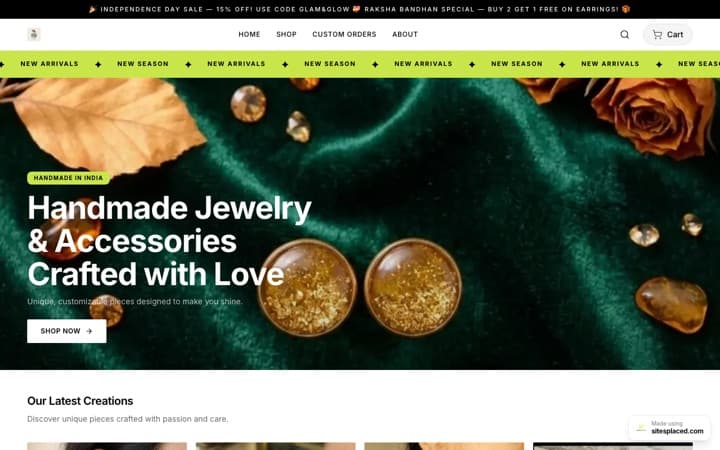
A custom domain is your own URL (e.g. myshop.com) that points to your Instagram store instead of the default SitesPlaced subdomain. You buy the domain from any registrar (GoDaddy, Namecheap, etc.), add the DNS records SitesPlaced gives you, and your store loads on your domain. Included on paid plans so you look professional without extra cost.
Why use a custom domain?
- • Trust — Shoppers see your brand in the URL, not a third-party name.
- • Branding — Link in bio becomes yourstore.com instead of a long subdomain.
- • Consistency — Same domain for store, future blog, or landing pages.
How to add your domain on SitesPlaced
In your store dashboard, go to Settings (or Domain). Enter your domain. SitesPlaced will show you the DNS records to add (usually an A record or CNAME). In your domain registrar's DNS settings, add those records. Propagation can take a few minutes to 48 hours. Once verified, your store will be available at your custom domain and you can use that link in your Instagram bio. If you haven't built the store yet, set up a website for your Instagram store first — the domain plugs in on top.