
Turn your Instagram into a real website or store
Paste your handle — we read your bio, posts and products and build a themed, written, checkout-ready site in under a minute. Free to publish.
By Manan Agrawal, Founder · Updated June 10, 2026
26 live customer stores

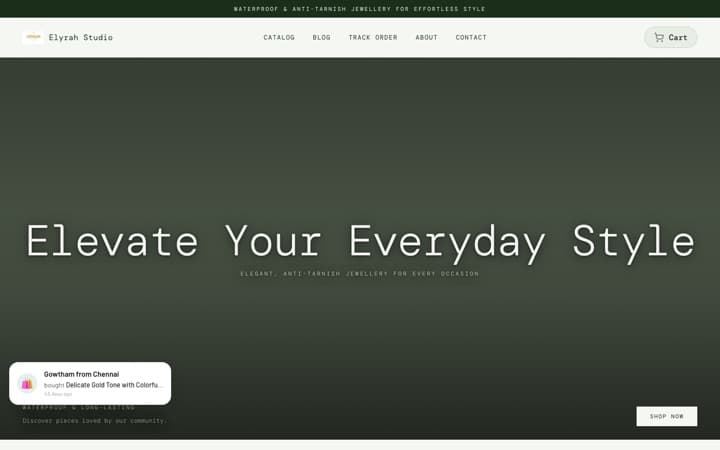

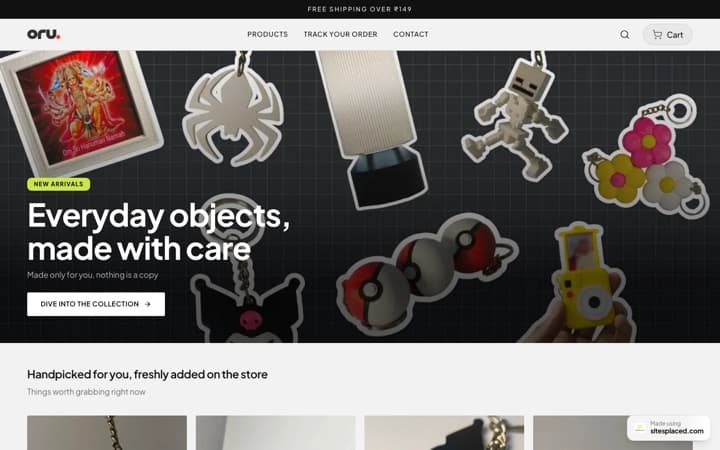




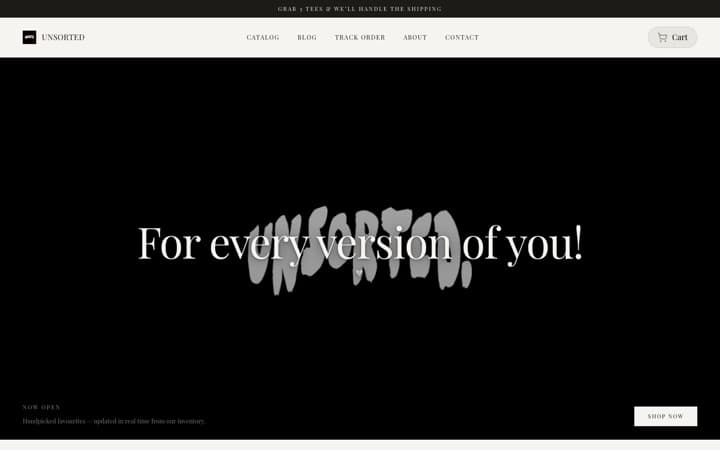


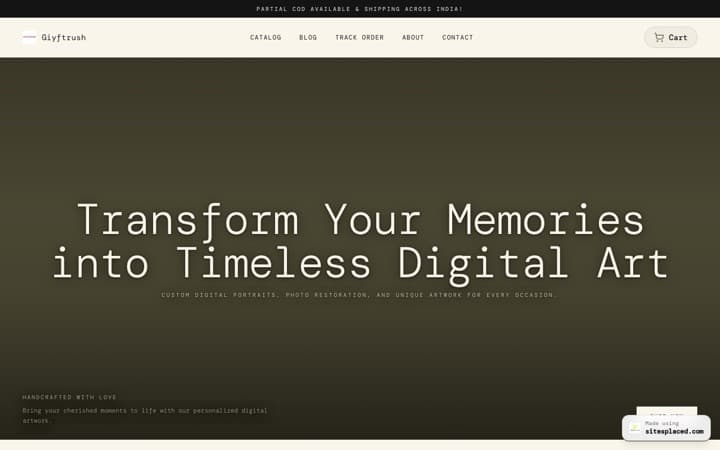
Every store here is live and taking orders · read the SitesPlaced reviews from their owners
Real sellers on SitesPlaced
 sitesplaced.official@thehouseofurmila
The House of Urmila · Jewellery
Testimonial video · July 22, 2026
View on Instagramsitesplaced.official@talkingtails_
The Pet Journal · Pet products
Testimonial video · August 11, 2026
View on Instagramsitesplaced.official@surroor_house
Surroor House · Clothing store
Store launch · August 13, 2026
View on InstagramMore ratings and press coverage — read the SitesPlaced reviews



Syndicated across 207 outlets (2.1M+ potential reach)All coverage
To turn your Instagram into a website, go to sitesplaced.com/import, enter your @handle, and SitesPlaced auto-builds a site or store from your bio, posts and products — theme, copy and product photos included. Preview it, then publish free on your own URL.
A real Instagram, turned into a real store
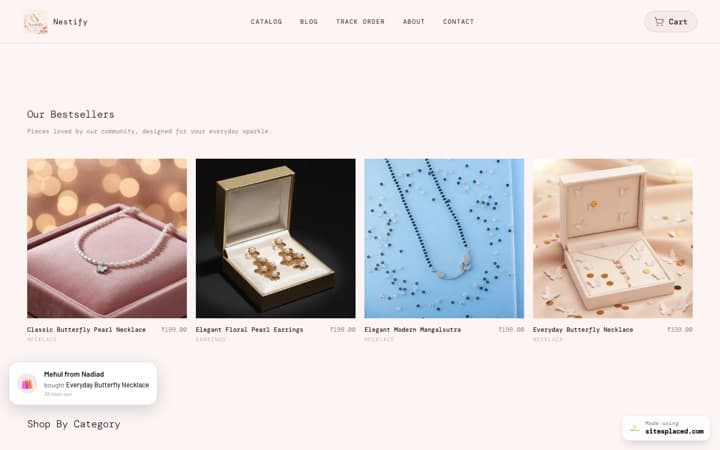
We ran our importer on a public Instagram jewellery shop. The first card is the actual store it generated — brand theme, products and copy pulled straight from the posts.
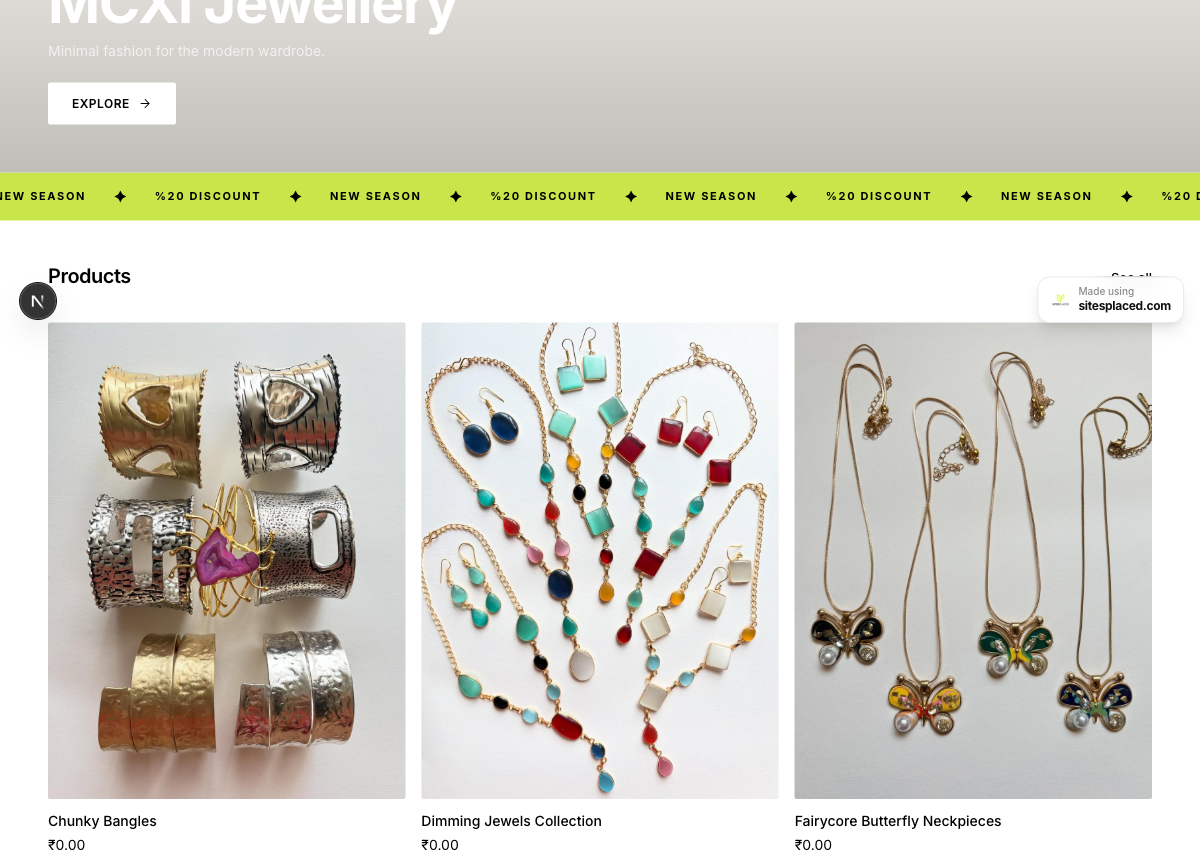
Bio, brand theme and 10 products pulled straight from her Instagram posts — a checkout-ready store.
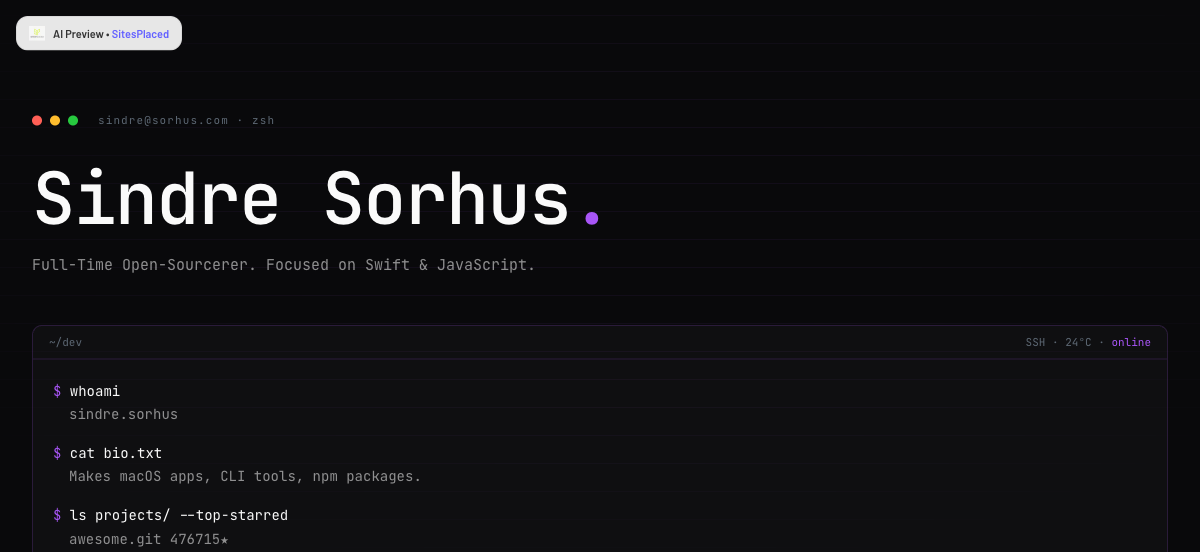
Bio, stack and top-starred repos turned into a terminal-style developer portfolio.

Bio, follower stats and video themes turned into a bold creator landing page.
How to convert your Instagram into a website
Paste your handle
Go to /import, pick Instagram and type your @username. No login or account connection needed.
We read your profile
We pull your bio, profile photo, external links and recent posts (images + captions) from your public profile.
AI builds your site
AI picks a theme that matches your brand, writes your copy, and turns posts into products or sections with their real images.
Preview & publish
Review the generated site or store, tweak anything, and publish free on your own sitesplaced.com URL — or add a custom domain.
What gets imported from your Instagram
The importer pulls everything it can from your public profile so you start with a finished site, not a blank canvas:
- ✓Your brand name, bio and profile photo (used as your logo)
- ✓Your bio link and any other external links
- ✓Your recent posts — images become product photos or gallery sections
- ✓Captions — turned into product names and descriptions by AI
- ✓A theme and colour palette matched to your brand’s vibe
- ✓Written homepage, about and product copy — no blank pages
Instagram shop or content creator — you get the right output
The importer detects what you do. If your posts are products, it builds a store with UPI, COD and WhatsApp checkout. If you’re a creator or personal brand, it builds a website with your content and links. Either way it’s a real site on your own URL — and you can switch templates or edit anything afterwards.
Razorpay, Shiprocket, Shipmozo, WhatsApp API, Meta CAPI: all built in.
Razorpay, cash on delivery, WhatsApp checkout, Shiprocket and Shipmozo are on the free plan. From ₹199/month (Starter): Meta Pixel + Conversions API, your own domain, branding removal, AI and analytics. The ₹499/month Growth plan adds WhatsApp Business API alerts and the 1-click checkouts, bring your own credentials. No app store, no per-integration fees.
Payments
- Free

UPI, cards, net banking and wallets at checkout. SitesPlaced takes 0% commission; Razorpay's standard gateway fee applies.
razorpay.com - Free

StripeNew
Card, Apple Pay and Google Pay from customers worldwide. Connect your own Stripe account with a restricted key — payments land in your Stripe balance and SitesPlaced takes 0% commission.
stripe.com - Free

PayPalNew
Customers pay with their PayPal balance or a card. Connect your own PayPal app — the money lands in your PayPal balance and SitesPlaced takes 0% commission.
paypal.com - Free

PhonePeNew
UPI, cards, net banking and wallets at checkout on your own PhonePe Business account. Money settles straight to you and SitesPlaced takes 0% commission; PhonePe's standard gateway fee applies.
phonepe.com - Free

CashfreeNew
UPI, cards, net banking, wallets and pay-later at checkout on your own Cashfree account. Money settles straight to you and SitesPlaced takes 0% commission; Cashfree's standard gateway fee applies.
cashfree.com - Free
COD at checkout with an optional COD charge you set.
- Free

- ₹499

Sell with ShiprocketNew
1-click checkout by Shiprocket — saved addresses, UPI/cards/COD and RTO scoring, without your own payment gateway. Shiprocket collects and settles to you; SitesPlaced takes 0%, Shiprocket charges 2% per order.
shiprocket.in - ₹499
Razorpay Magic CheckoutNew
1-click checkout on your own Razorpay account — saved addresses, UPI/cards/COD in one step, with COD intelligence and RTO protection. Money settles straight to your Razorpay. Can run alongside Shiprocket checkout.
razorpay.com
Shipping
- Free
Push orders to Shiprocket, get AWB numbers back, and show live tracking on your Track Order page.
shiprocket.in - Free

ShippoNew
USPS, UPS, FedEx, DHL and Royal Mail labels for US, UK and international orders — around 5¢ a label with no monthly fee, billed to your own Shippo account.
goshippo.com - Free

ShipmozoNew
Courier selection, pickup scheduling and tracking status synced back to each order.
shipmozo.com - Free
Rehbar PostNew
Compare courier rates, book the shipment, print the label and track it back — on your own Rehbar Post account.
rehbarpost.com
Fulfilment
- Free

Qikink
Print-on-demand for India — t-shirts, hoodies and mugs printed and shipped domestically from your own Qikink account.
qikink.com - Free

PrintifyNew
Print-on-demand t-shirts, hoodies, mugs and posters. Link a product to your own Printify catalogue and paid orders are sent for printing automatically — Printify bills your account, we take nothing.
printify.com
Messaging
- ₹499
Every new order sends you an alert and the customer a confirmation, from your own WhatsApp Business number via Meta's Cloud API. Bring your own credentials.
business.whatsapp.com
Marketing
- ₹199+

Meta Pixel + Conversions APINew
Your own Pixel on the storefront plus server-side Purchase events from the order record, deduplicated, so Instagram and Facebook ads report real sales. Bring your own credentials.
facebook.com - ₹499

Import the product reviews you already collected in Judge.me on Shopify or WooCommerce onto your product pages, matched by product name. Bring your own API token; SitesPlaced also collects and moderates its own product reviews on every plan.
judge.me - ₹199+
Custom head code
Paste Google Analytics, Clarity or any tag into your live site.
Growth
- ₹199+
yourbrand.com with one-click DNS setup for most Indian registrars.
- Free


Create and edit your store by chatting with your AI assistant.
modelcontextprotocol.io - Free
Bring a catalogue in from Instagram, your existing website, a PDF, dm2buy or Shopexer.
Turn your Instagram into a website now
Paste your @handle and watch a complete site or store build itself from your profile. Free to build, free to publish — no credit card.
Import my Instagram free →Works with website, TikTok, Shopify, GitHub, Linktree and a PDF too.
Frequently asked questions
Can I turn my Instagram into a website for free?
Yes. Paste your Instagram handle at sitesplaced.com/import and we build a complete site or store from your profile — bio, profile photo, posts and products. It's free to build and free to publish (with a small SitesPlaced badge); a custom domain and branding removal are optional paid upgrades.
How does the Instagram importer work?
We read your public Instagram profile — your bio, links and recent posts — then AI picks a matching theme, writes your store/site copy, and turns your posts into products or sections with their real images. You preview the result and publish in one click.
Do I need to connect or give access to my Instagram account?
No login or account connection is required for public profiles. You just type your @handle. We only read what's already public.
Will it import my products and prices?
It imports your post images and captions and turns them into products automatically. Instagram captions rarely include clean prices, so prices come in as ‘set price’ for you to confirm in the editor — everything else (name, description, photo) is filled in.
Is this better than just a link in bio?
A link-in-bio is a list of links; this is a real website or store with your products, an about page, contact and (for stores) UPI/COD/WhatsApp checkout — all on your own URL, and you still keep your link-in-bio.