


How to sell digital products online in 2026 — the practical version
No motivational preamble. What actually sells, what to charge, how to stop your files being passed around, what each platform takes, and how to be live this afternoon.
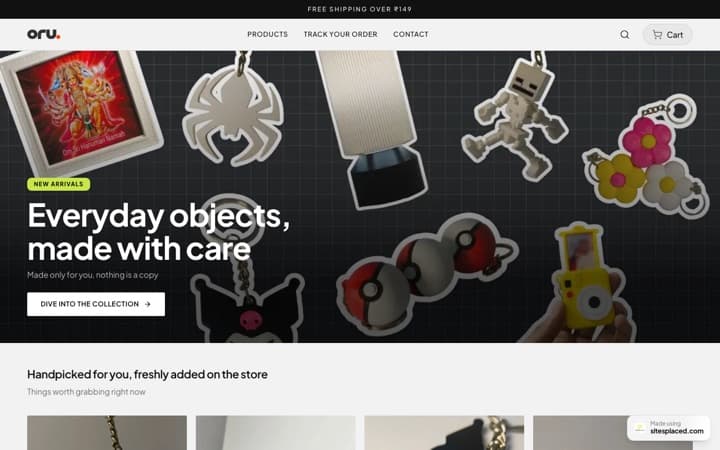
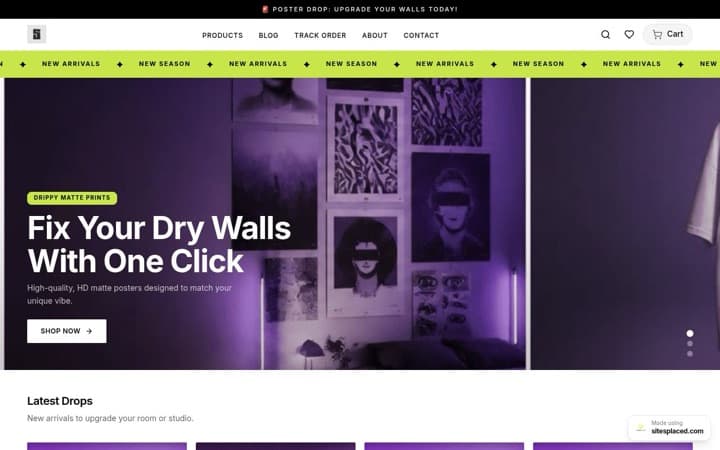
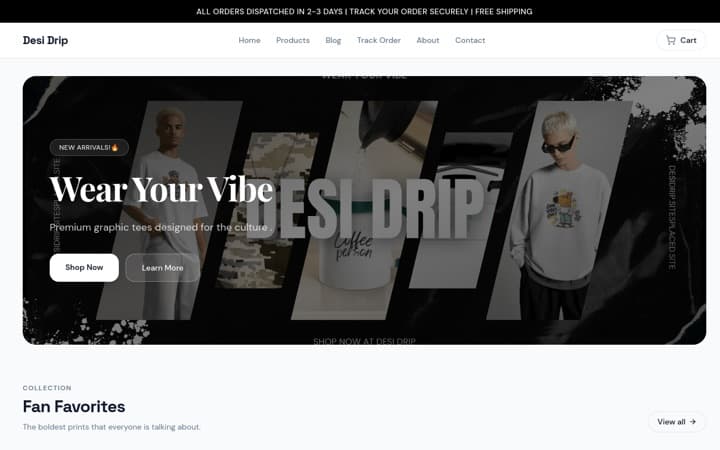
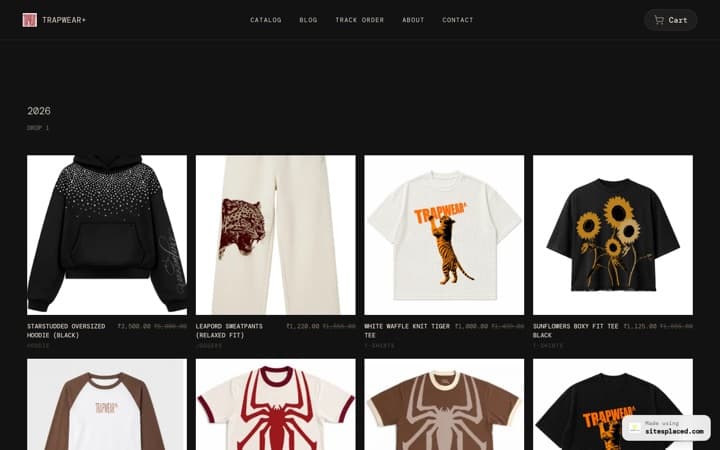
Selling a digital product needs three things: a file worth paying for, a way to take payment, and a way to deliver the file that does not leak it. The fastest route is a store that handles all three — upload the file, connect your own Stripe account, and every buyer gets an expiring download link automatically. On SitesPlaced that is free to publish with 0% commission, and $14.99/month when you want your own domain and unlimited downloads. Most platforms instead take 5-10% of every sale, forever.
TL;DR
- • Digital products have no stock, no shipping and near-100% margin — the appeal is obvious.
- • The real decisions are pricing, delivery security, and how much of each sale the platform keeps.
- • Commission platforms (Gumroad 10%, Beacons 9%, Payhip 5%) cost more than a flat fee above roughly $150-300/month.
- • Protect files with expiring per-buyer links and download limits — not by hoping a URL stays secret.
- • You are the seller of record, so sales tax is yours. Stripe Tax can calculate it at checkout.
What actually sells
The pattern across every category is the same: something that saves a specific person a specific afternoon.
- • Templates — Canva, Notion, Figma, spreadsheets, resume packs. Bought by people who could make it themselves but would rather not.
- • Presets and filters — Lightroom presets, LUTs, Photoshop actions. Sold on a before-and-after, always.
- • Ebooks and guides — narrow beats broad. 'Sourdough for people with no time' outsells 'the complete baking book'.
- • Audio — sample packs, loops, sound effects. Producers buy constantly and repeatedly.
- • Art and print files — illustrations, patterns, printable wall art, embroidery and cut files.
- • Courses and workshops — the highest price point, and the most work to make.
Pricing, briefly
Under-pricing is the more common mistake. A $7 template and a $27 template take the same effort to make and market; the second one respects both of you.
- • Anchor to the time you save someone, not the time it took you.
- • Bundle rather than discount — three presets at $29 beats one at $12 marked down.
- • Test one price change before assuming demand is flat. Most creators never do this once.
How to protect the file
The wrong model is a public link you hope nobody shares. The right one is a link that belongs to one buyer and stops working.
- • Files are stored privately on Cloudflare R2 with public access switched off and no domain attached — there is no URL to guess or share.
- • Each buyer gets their own signed link that expires after minutes, issued only after we check their purchase.
- • You choose how many downloads each buyer gets and how long their link lives.
- • Refunded someone? Disable their link from the order and it stops working immediately.
- • Nothing stops a buyer sharing a file they have already downloaded — that is true on every platform. Limits, expiry and revocation are the real controls, and you have all three.
What the platforms take
| Platform | Monthly | Cut of each sale | On $1,000/month |
|---|---|---|---|
| SitesPlaced | $0 free, or $14.99 | 0% | $14.99 |
| Gumroad | $0 | 10% + 50c | about $105 |
| Beacons (free) | $0 | 9% | about $90 |
| Payhip (free) | $0 | 5% | about $50 |
| Payhip Growth | $29 | 2% | about $49 |
| Sellfy Starter | $29 | 0% under the cap | $29 |
| Stan Store | $29 | 0% | $29 |
Figures from each platform's own pricing page, checked late August 2026. Payment processing fees (Stripe, PayPal) apply on all of them including ours. Competitor prices are from their own pricing pages, checked late August 2026. Plans change — confirm before you switch.
The rule of thumb: below roughly $150-300 a month, a percentage is cheaper than a subscription. Above it, a flat fee wins and keeps winning.
Setting it up
- Create a store and pick a theme, or describe your business and let AI draft it.
- Add a product, choose 'digital download', and upload your file.
- Set the download limit and how long links stay valid — five downloads over thirty days suits most sellers.
- Connect your own Stripe account with a restricted key, and PayPal if you want the second button.
- Publish. A cart of only downloads asks for a name and email — no address, no phone.
One thing people miss: you can sell files and physical products from the same store. Add a print alongside the download and the checkout asks for an address only when it needs one.
The tax part nobody mentions
If you use a platform that is 'merchant of record' — Gumroad, Lemon Squeezy, Paddle — they are the legal seller and handle US sales tax and EU VAT. That is a real service and part of what their percentage buys.
On a store where you connect your own Stripe account, you are the seller. You can switch on Stripe Tax so it is calculated at checkout, but filing is yours. In the US, states can require you to collect once you pass a threshold — commonly around $100,000 or 200 orders a year, though it varies. Worth an accountant's half hour if you are close.
Frequently asked questions
What is the cheapest way to sell digital products?
Below about $150 a month in sales, a no-monthly-fee platform that takes a percentage (like Gumroad at 10%) works out cheaper. Above that, a flat fee with 0% commission wins — SitesPlaced is free to publish and $14.99/month for a custom domain and unlimited downloads.
How do I stop people sharing my files?
Give each buyer their own link that expires and only works a set number of times, and be able to revoke it. Nothing prevents someone re-sharing a file they have already downloaded — no platform can — but limits, expiry and revocation are the real controls.
Do I need a website to sell digital products?
No, but it compounds. A product page on someone else's platform sells today; a site with a blog on your own domain earns search traffic that keeps sending buyers for years.
Do I have to charge sales tax?
It depends where you and your buyers are. Merchant-of-record platforms handle it for you as part of their fee. If you connect your own Stripe account you are the seller — enable Stripe Tax to calculate it at checkout, and talk to an accountant if you are near a threshold.
Can I sell digital and physical products together?
Yes. On SitesPlaced they live in the same store and the checkout adapts — a downloads-only cart asks for name and email, and address fields appear only when something needs posting.
Sell your first download this afternoon
Free to publish, 0% commission, your own Stripe account. Upload a file, set a price, and every buyer gets a protected link automatically.