


WhatsApp order system for small business in India: take orders free, with UPI, COD and shipping.
There are three ways to take orders on WhatsApp: reply to chats by hand, use the WhatsApp Business catalogue, or share a store link with WhatsApp checkout. The third is the only one that keeps prices and stock correct, collects the address, takes UPI or COD, gives every order an ID and pushes it to a courier with tracking. On SitesPlaced that store link is free, with unlimited products and 0% commission. Here is how each method compares, then the exact setup.
The three ways to take WhatsApp orders
1. Manual chat. A customer messages “price?”, you answer, they ask about sizes, you answer, they say “book one”, you ask for the address, they send it in three messages, you send a UPI ID, they send a screenshot, you check the bank app. It works for the first twenty orders. It is also why most small sellers spend their evenings typing.
2. WhatsApp Business catalogue. The WhatsApp Business app lets you list items with a photo and price, and customers can send you a cart as a message. That fixes “what do you sell” but not the rest: the catalogue does not stop a sold-out item from being ordered, does not collect a structured address, does not take payment and does not produce an order record outside the chat thread.
3. A store link with WhatsApp checkout. The customer opens your store, picks a product and variant, and either pays by UPI on the spot, chooses cash on delivery, or taps the WhatsApp button. In every case the store composes the order, records it with an ID and an address, and the WhatsApp message you receive already contains everything. That is the system this guide sets up.
Manual vs catalogue vs store link
| What you need | Manual chat | WhatsApp Business catalogue | Store link (SitesPlaced) |
|---|---|---|---|
| Cost | ₹0 | ₹0 | ₹0 on SitesPlaced, 0% commission |
| Prices and stock | Retyped in every chat | Listed in the app; stock not enforced | Live prices, stock, variants; out-of-stock items cannot be ordered |
| Address collection | Line by line, by hand | By hand after the cart message | Collected on the store (phone, city, state, pincode mandatory) |
| UPI payment | Ask, wait, check screenshot | Ask, wait, check screenshot | Razorpay UPI on the store before the order is sent |
| Cash on delivery | Agreed in chat | Agreed in chat | A checkout option, with an optional COD charge |
| Order ID and record | Scroll back through chats | Scroll back through chats | Dashboard record with custom order ID (e.g. BAKE-0042) |
| Shipping and tracking | Separate courier app | Separate courier app | Shiprocket or Shipmozo, AWB and Track Order page |
| Invoice | Manual | Manual | PDF invoice per order |
| Automatic confirmations from your number | You type them | You type them | ₹499 plan: WhatsApp Business API, owner alert + customer confirmation |
| Works with Meta ads tracking | No | No | ₹499 plan: Pixel + Conversions API |
Paid WhatsApp-first builders such as WSTORES (from ₹399/month) and StoreMaker (from ₹222/month) charge a monthly fee for the store-link column, as listed on their pricing pages in August 2026; plans change, so confirm before you buy. On SitesPlaced it is free.
Why the store link wins
Every problem with chat selling comes from the same place: the chat is the only record. A store link moves the record out of the chat. Prices live in one place, so you never quote an old price. Stock is enforced, so two customers cannot both buy the last piece. Variants are picked by the customer, so “which colour?” stops being a follow-up question. The address arrives as phone, city, state and pincode in separate fields, which is exactly what the courier needs. UPI is paid on the store through Razorpay, so the “did it go through?” screenshot disappears. COD is a checkbox with a charge you set. Every order gets an ID you can say out loud on the phone, a PDF invoice, and a tracking page the customer can open instead of messaging you.
The WhatsApp message still happens. It just arrives complete. That is the difference between WhatsApp as your order system and WhatsApp as your notification system.
Step by step on SitesPlaced
- 1
Create a free store
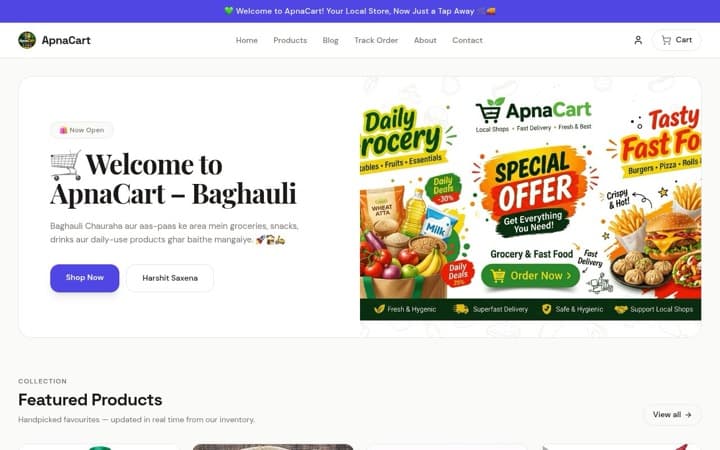
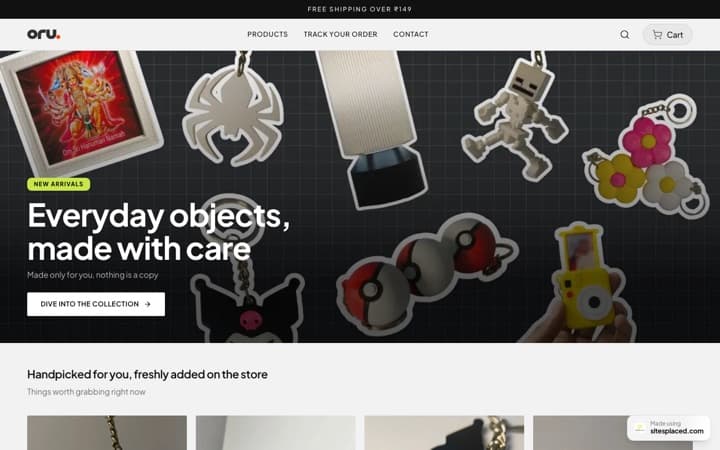
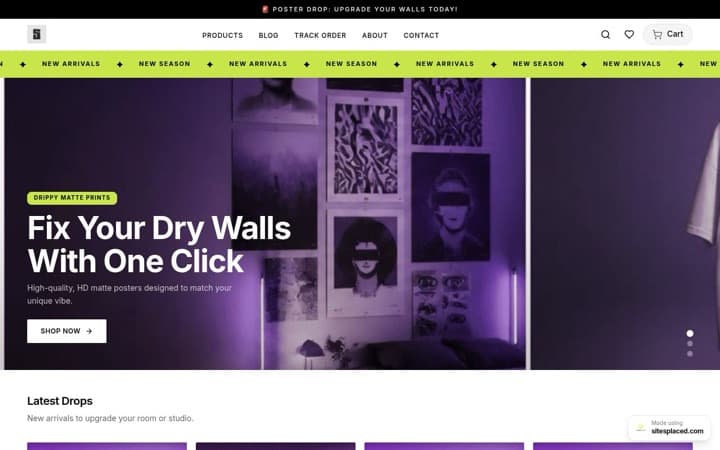
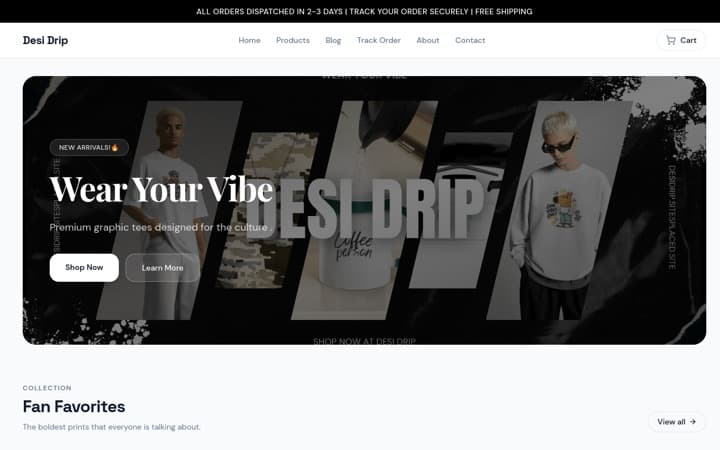
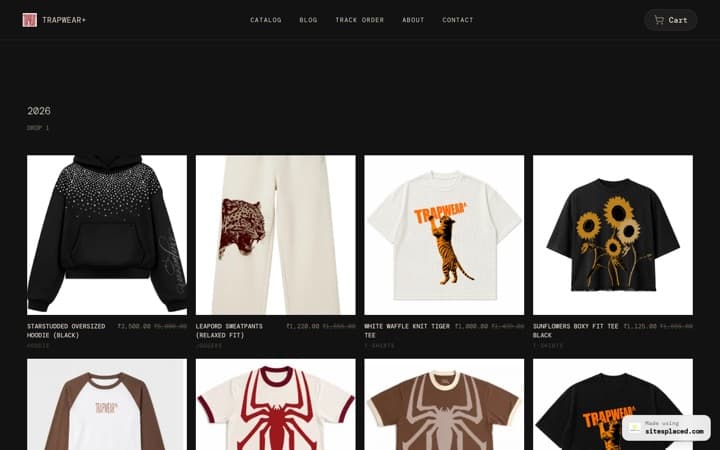
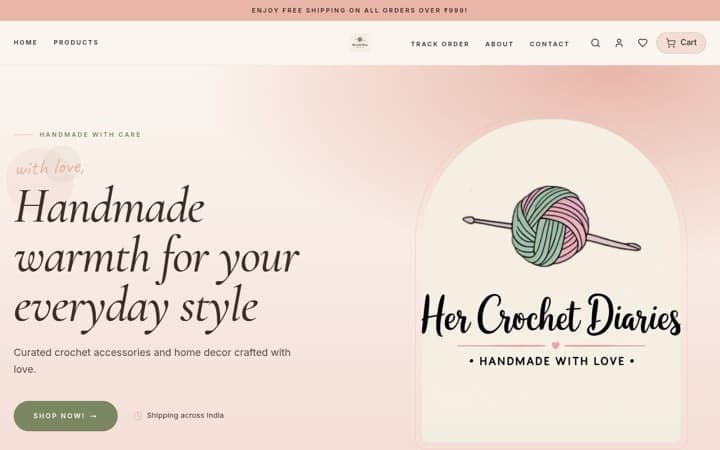
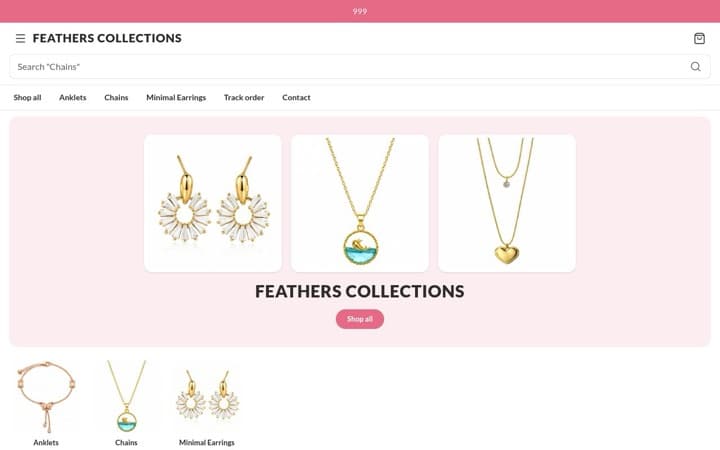
Sign up on SitesPlaced, choose a store theme and give it a name. There are 16 themes, all on the free plan: the Grocery Store for kiranas, the Food Store for home kitchens and snack brands, Clothing, Footwear, Jewellery and Beauty stores for boutiques, the Gifts & Lifestyle Store for gift shops, the Pet Store for pet supplies, and the General Store for pharmacies, stationers and anyone who just wants a clean list. Nothing is gated behind a card, a trial or a UPI mandate.
- 2
Add products, or import them
Add each product with a price, photos, stock count and variants such as size, weight or flavour. If your catalogue already exists somewhere, skip the typing: paste your Instagram handle, a PDF menu, an existing website or a dm2buy or Shopexer store URL into the importer and it rebuilds products, prices, images, variants and categories for you. Product badges (Bestseller, New, Limited) and Buy-X-Get-Y offers are on the free plan too.
- 3
Switch on WhatsApp checkout, Razorpay and COD
In store settings, enter the WhatsApp number orders should go to and enable WhatsApp checkout. Connect Razorpay so customers can pay by UPI, card, net banking or wallet on the store itself. Enable cash on delivery and, if you want, a COD charge to cover the courier’s collection fee. All three can be live at once; the customer picks.
- 4
Connect shipping and set delivery options
Connect Shiprocket or Shipmozo. Orders can be pushed to either, the AWB is stored on the order, and customers get a Track Order page. Set Standard and Express delivery options with their own fees, and choose a prefix for order IDs so every order reads like BAKE-0042 instead of a timestamp in a chat.
- 5
Share the link everywhere customers already are
Publish on your sitesplaced.com URL. Put it in your WhatsApp status, the website field of your WhatsApp Business profile, your Instagram bio, your Google Business profile and on the counter as a QR. Reply to “price?” messages with the link instead of a paragraph.
- 6
Work orders from the dashboard
Every order, whether it came through WhatsApp checkout, UPI or COD, appears in the dashboard with its ID, items, address and payment status. Download the PDF invoice, mark it packed, push it to Shiprocket or Shipmozo. Shopper accounts are opt-in if you want repeat customers to see their history, and newsletter capture collects emails for your next drop.
- 7
Optional: automate the messages and track your ads
On the ₹499/month plan (early-bird, ₹999 after the first 50 stores), connect your own WhatsApp Business number through Meta’s Cloud API with your own credentials. From then on an owner alert and a customer confirmation go out automatically for every order, from your number, using approved message templates. The same plan adds Meta Pixel plus the Conversions API, so if you run Instagram or Facebook ads the Purchase event is sent server-side and deduplicated. Also included: your own domain, branding removal, AI copy and analytics.
Steps 1 to 6 cost ₹0 and take about twenty minutes if your products are already on Instagram. Step 7 is the only paid part, and it is optional. For a closer look at the automated messages, read WhatsApp Business API order notifications for an online store.
When manual WhatsApp is still enough
- Stay manual if you sell fewer than five things, they never sell out, every customer is local and pays cash, and you enjoy the conversation. A link would be overhead.
- Stay on the Business catalogue if your menu is short and stable and you are happy confirming addresses and payments by hand, for now.
- Move to a store link the first time you quote a wrong price, sell something you did not have, lose an address in a chat, or want to run an ad. That usually happens around order thirty.
Who this works for
Home bakers and cloud kitchens taking pre-orders for the weekend. Boutiques and jewellers whose customers come from Instagram and want to pay by UPI. Kiranas and grocery delivery using the Grocery Store theme with Standard and Express slots. Pharmacies, stationers, nurseries, pet shops, anyone whose customers already message them on WhatsApp and who wants the order to arrive typed, paid and addressed. If your customers come mostly from Instagram, the Stores page for Instagram and WhatsApp sellers walks through that specific setup, and WhatsApp checkout for Instagram stores shows the customer-side flow screen by screen.
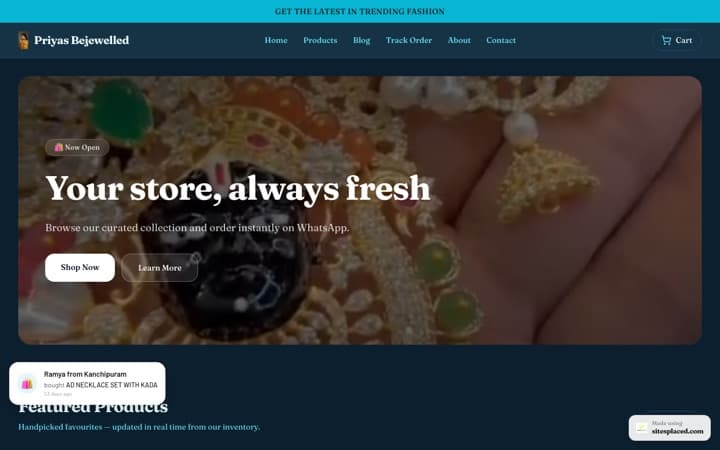
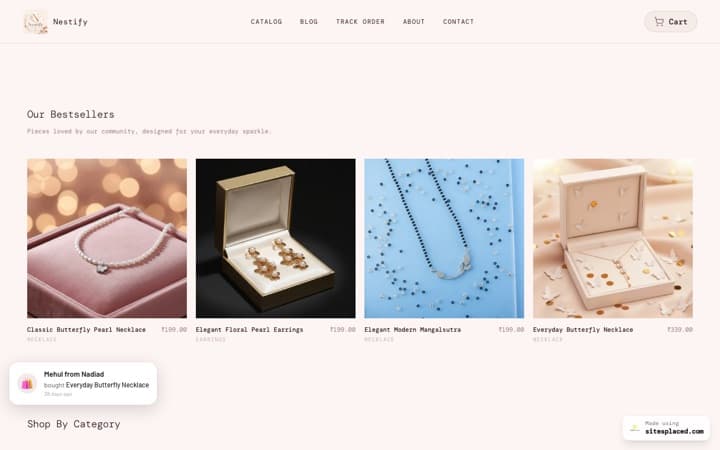
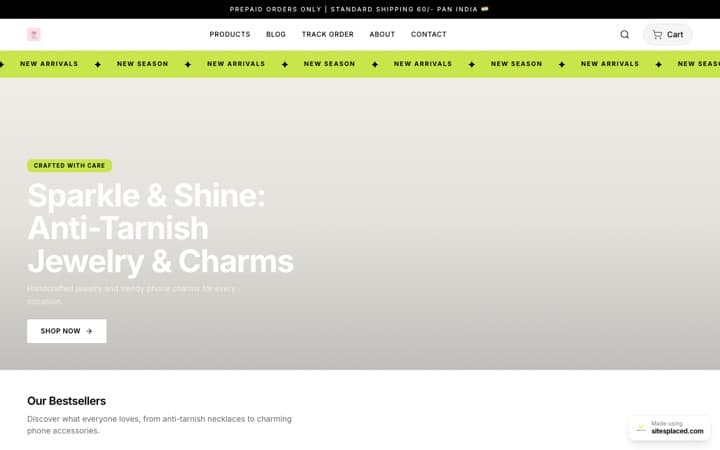
Two stores running this system today: The House of Urmila, a jewellery brand, and Surroor House, a t-shirt label. For the conversion side, see how WhatsApp checkout increases sales.
Frequently asked questions
How do I take orders on WhatsApp for free?
Create a free store on SitesPlaced, add your products with prices, stock and variants, switch on WhatsApp checkout, and share the store link in your WhatsApp status, Instagram bio and Google Business profile. Customers pick items on the store and the order arrives on WhatsApp as a structured message with items, quantities, total and delivery address, while a copy lands in your dashboard with an order ID. Razorpay UPI and cash on delivery can be enabled alongside. There is no monthly fee and 0% commission.
What is a WhatsApp order button?
A WhatsApp order button is a checkout option on a product page or cart that opens WhatsApp with a pre-filled order message to the seller's number. On SitesPlaced it is built into the storefront: the customer picks products and variants, the store composes the message with the order details, and the same order is recorded in your dashboard so nothing lives only in a chat thread.
Should I use the WhatsApp Business catalogue or a store link?
The WhatsApp Business catalogue is fine for a short, stable menu where you are happy to confirm payment and address by hand. A store link is better once you have variants, stock that runs out, UPI and COD as options, shipping with tracking, or more than a handful of orders a day, because it collects the address, takes payment and generates an order ID without you typing anything.
Can customers pay by UPI when ordering on WhatsApp?
Yes. On a SitesPlaced store, WhatsApp checkout, Razorpay (UPI, cards, net banking, wallets) and cash on delivery can all be enabled at once. A customer can pay by UPI on the store before the WhatsApp message is sent, so you stop asking for payment screenshots. Razorpay's own gateway fee applies; SitesPlaced charges 0% commission.
Can order confirmations be sent from my own WhatsApp number automatically?
Yes, on the ₹499/month plan. SitesPlaced connects to Meta's WhatsApp Cloud API with your own WhatsApp Business number and credentials, then sends an owner alert and a customer confirmation for every order automatically. The free plan gives you WhatsApp checkout (the customer-initiated message); the paid plan adds outbound messages from your number.
Do I need a website to sell on WhatsApp?
No, you can sell from the chat alone, and many sellers start that way. But a free store link takes ten minutes to set up and removes the three biggest time sinks of chat selling: retyping prices and availability, collecting addresses line by line, and chasing payment confirmations. It also gives every order an ID and a tracking page.
Turn your WhatsApp into an order system. Free.
Store link with WhatsApp checkout, Razorpay UPI, COD, Shiprocket or Shipmozo and order IDs. ₹0, no card, no mandate. Questions? Message us on WhatsApp.