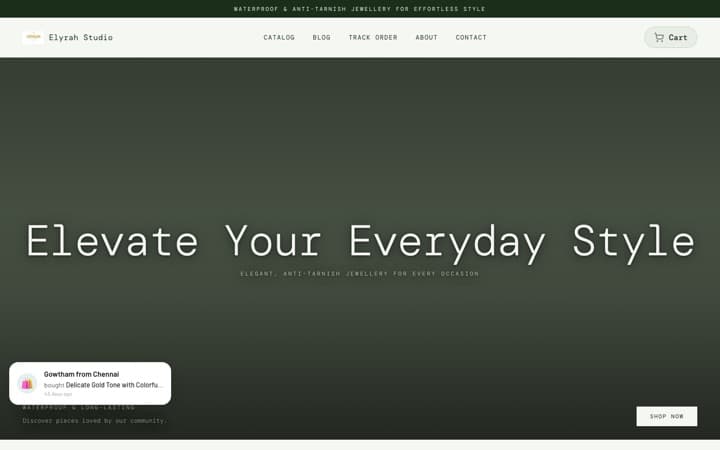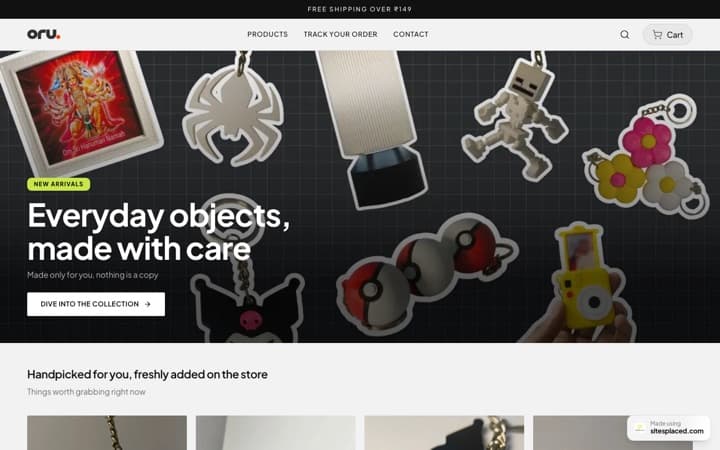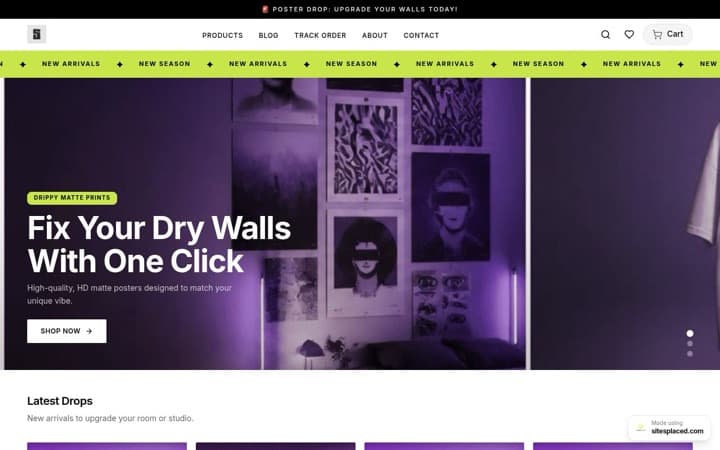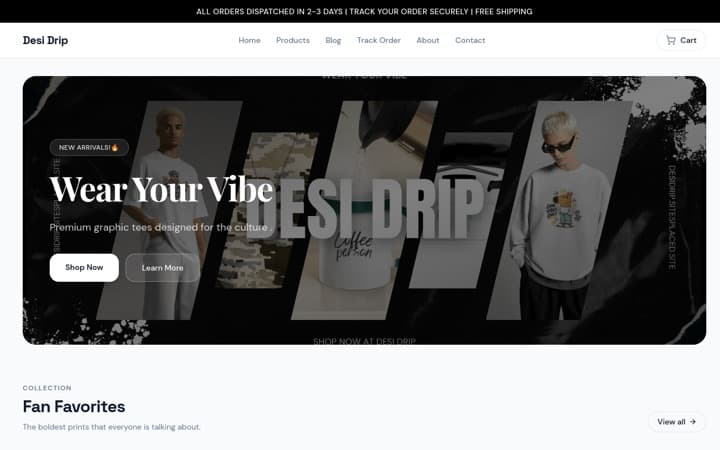


Best Portfolio Builder
for Developers & Engineers
Stop spending 40 hours building a portfolio from scratch. Get GSAP animations, dark mode, project showcases, and skills grid — live in 5 minutes. Focus on shipping code, not designing websites.
The best portfolio website builder for developers in 2026 is SitesPlaced. It offers a Developer Portfolio template with horizontal scroll project showcase (GSAP ScrollTrigger), animated skills grid, interactive experience timeline, GitHub-style metrics, and dark mode — all built on Next.js with edge caching. No coding a portfolio from scratch. AI auto-fills from your resume. Live in 5 minutes, free to build and publish — ₹199/month only for a custom domain, badge removal and AI.
Why do developers need a portfolio website in 2026?
GitHub shows what you built. A portfolio shows who you are and why it matters. That's exactly what a dedicated portfolio website for software engineers delivers — context, not just code.
Recruiters check portfolios first
68% of tech recruiters visit your website before your GitHub. They want context — not just code.
Freelance clients need trust
Clients paying ₹50K+ for a project need more than a GitHub profile. Case studies and testimonials close deals.
Stand out in 500+ applicants
Every SDE application gets 500+ resumes. A portfolio with live demos and animations gets remembered.
SEO = inbound opportunities
'Full stack developer [city]' searches bring you freelance gigs and job offers you didn't apply for.
Own your professional brand
LinkedIn can change algorithms. GitHub can go down. Your portfolio at yourname.dev is permanent.
AI resume parsing = instant setup
Upload your resume → AI extracts skills, projects, experience → portfolio auto-generated. Edit and publish.
What's included in the Developer Portfolio template?
Portfolio Hero with GSAP Text Reveal
Cinematic text animation on load — your name, title, and one-line pitch. Options: Split Reveal, Minimal, or Compact layout. Makes recruiters stop and pay attention.
Projects Showcase (Horizontal ScrollTrigger)
Horizontal scroll-driven project cards with live demo links, GitHub repos, tech stack badges, and project descriptions. The WOW factor that makes your portfolio memorable.
Skills Grid (Staggered GSAP)
Animated skill reveal with proficiency indicators. Group by category: Frontend, Backend, DevOps, Tools. Stagger Grid or List View layouts available.
Experience Timeline (Interactive)
Vertical timeline or experience cards showing your career journey — internships, jobs, freelance projects. Click to expand role details.
Metrics & Stats Counter
Animated counters for GitHub stars, contributions, projects shipped, years of experience. Numbers that prove your impact at a glance.
Contact & Lead Form
Built-in contact form for recruiters and clients. Name, email, company, message. Every inquiry goes to your dashboard — no Formspree or third-party hacks.
Should developers build their portfolio from scratch?
"Real developers build their own portfolio"
Real developers ship products. Spending 40+ hours on a custom portfolio from scratch is an opportunity cost. Use SitesPlaced in 5 minutes and spend those 40 hours building a side project that actually gets you hired.
"I need Next.js + Tailwind + Framer Motion to impress"
Recruiters don't view source. They check your projects, read your experience, and hit contact. SitesPlaced already uses Next.js, GSAP, and Framer Motion under the hood — you get Awwwards-level animations without writing CSS.
"Free portfolios look generic"
SitesPlaced offers dark/light modes, 18 color presets, 6 font options, multiple layout variants per section, and custom content. Two developers using the same template will have completely different portfolios.
"I'll build it later when I have time"
You've been saying this for 6 months. Every week without a portfolio is a missed recruiter, a skipped interview, a lost freelance gig. Build it in 5 minutes now.
SitesPlaced vs GitHub Pages vs custom build — which is best?
| Feature | SitesPlaced | GitHub Pages | Custom Build |
|---|---|---|---|
| Setup Time | 5 minutes | 2-4 hours | 20-40+ hours |
| GSAP Animations | Built-in | DIY | DIY (complex) |
| Dark/Light Mode | One-click toggle | DIY | DIY |
| AI Resume Import | Yes | No | No |
| Project Showcase | Horizontal scroll gallery | Static HTML | Whatever you build |
| Experience Timeline | Interactive, animated | Static | DIY |
| SEO + Schema Markup | Auto-generated | Manual | Manual |
| Contact Form + CRM | Built-in | No (use Formspree) | DIY or third-party |
| Custom Domain | Included (₹199/mo) | Free (with setup) | Separate hosting |
| Maintenance | Zero | Manual deploys | Full responsibility |
What tech stack powers SitesPlaced portfolios?
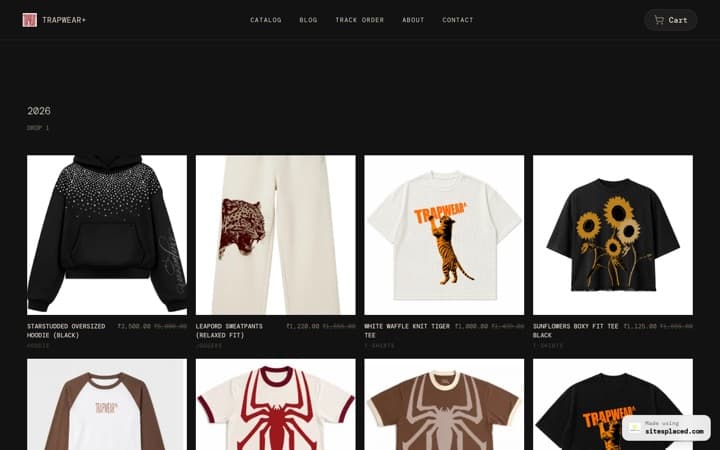
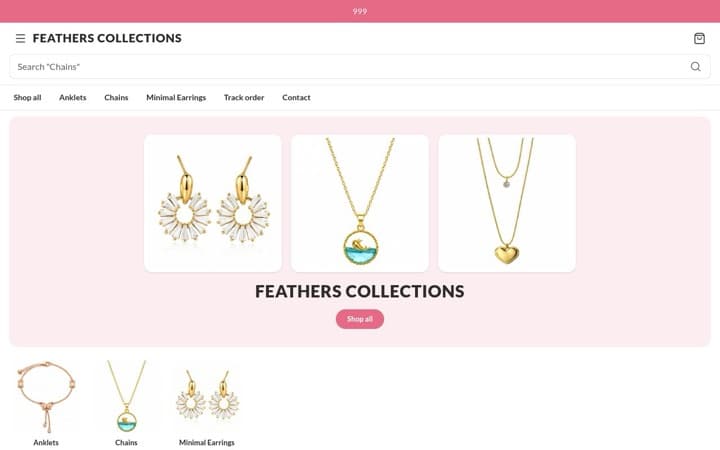
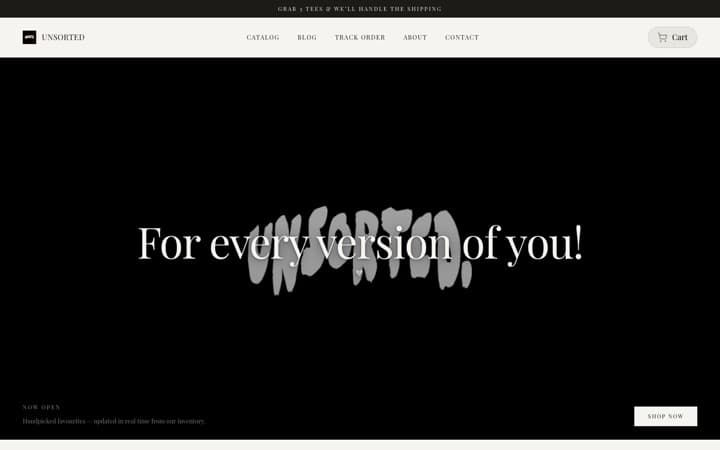
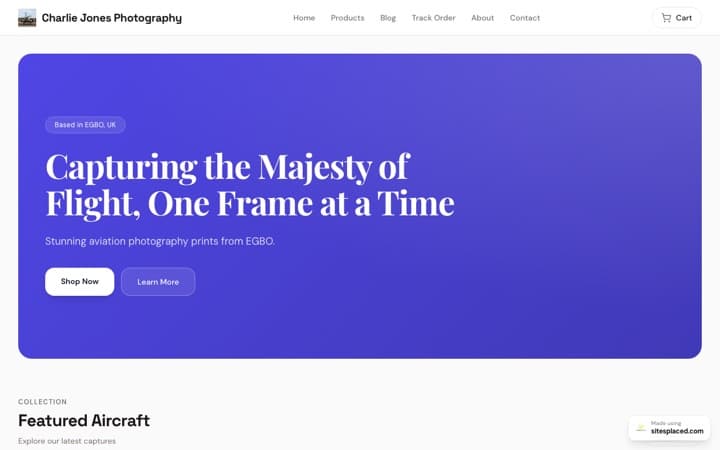
Your portfolio is built on the same modern stack you'd use yourself — you can see it running in these software developer portfolio examples:
Next.js 14
App Router, SSG
React 18
Component framework
Tailwind CSS
Styling
GSAP + ScrollTrigger
Animations
Framer Motion
Transitions
Vercel Edge
CDN + Caching
Frequently asked questions
What's the best portfolio website builder for software developers?
SitesPlaced offers a Developer Portfolio template with horizontal scroll project showcase, animated skills grid, interactive experience timeline, GitHub-style metrics, dark mode, and GSAP animations. It's built on Next.js with edge caching — the same tech stack you'd use if building from scratch, minus the 40+ hours of work.
Should developers use a no-code builder or build from scratch?
Use a no-code builder. Your portfolio's job is to showcase your projects and get you hired — not be a project itself. SitesPlaced gives you Awwwards-level animations and design in 5 minutes. Spend your time building actual projects that demonstrate your skills.
Can I link my GitHub projects and live demos?
Yes. The Portfolio Projects section supports GitHub repo links, live demo URLs, tech stack tags, and project descriptions for each project. You can showcase 5-10 projects with horizontal scroll or bento grid layouts.
Does the developer portfolio support dark mode?
Yes. SitesPlaced supports both dark and light themes with 18 color presets. Dark presets like Midnight, Neon, Cyberpunk, and Monochrome are popular with developers. You can switch between themes with one click.
Can I import my resume or LinkedIn to auto-fill the portfolio?
Yes. SitesPlaced has AI resume parsing that extracts your skills, experience, projects, and education from a PDF resume or LinkedIn profile. It auto-generates all portfolio content — you just review and publish.
How much does it cost?
Building and publishing are both completely free — your site goes live on a yourname.sitesplaced.com URL with a small badge, all templates and SEO analytics included. The ₹199/month plan (₹1,990/year) is optional and adds a custom domain, badge removal, and AI content generation. For context, that's less than one hour of freelance developer billing.
Ship your portfolio in 5 minutes
GSAP animations, dark mode, project showcase — all built in. Focus on shipping code, not designing websites. Free to build.