
Free student portfolio builder — publish in minutes
Build a portfolio website that actually gets you internships and placements — for free. Pick a template, let AI write your first draft, and go live at yourname.sitesplaced.com. No plan, no card, no coding.
By Manan Agrawal, Founder · Updated June 10, 2026
SitesPlaced is a genuinely free student portfolio builder — build and publish at no cost, including the premium templates. There is no plan to buy and no card required. AI writes your first draft from your résumé, you go live at yourname.sitesplaced.com in minutes, and you can drop the link straight into your résumé, LinkedIn and internship applications.
Real student portfolios, live right now
Real students built and published these on SitesPlaced — open any in a new tab to see what a finished one looks like.
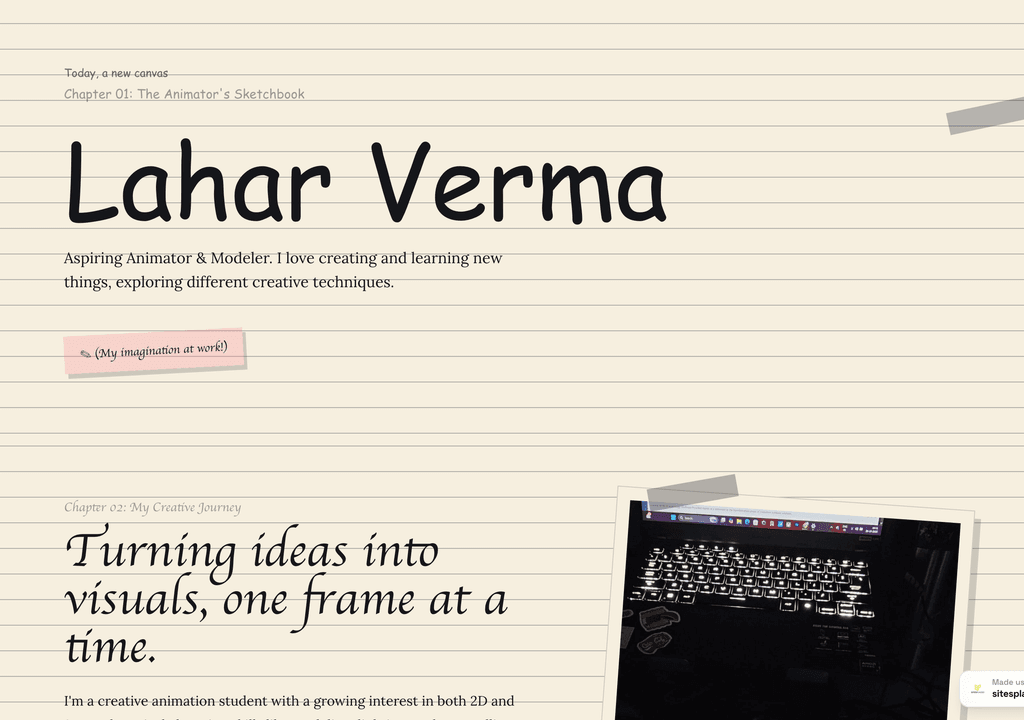
Lahar Verma
An aspiring animator's sketchbook-style portfolio — projects and creative journey, chapter by chapter.
Visit live site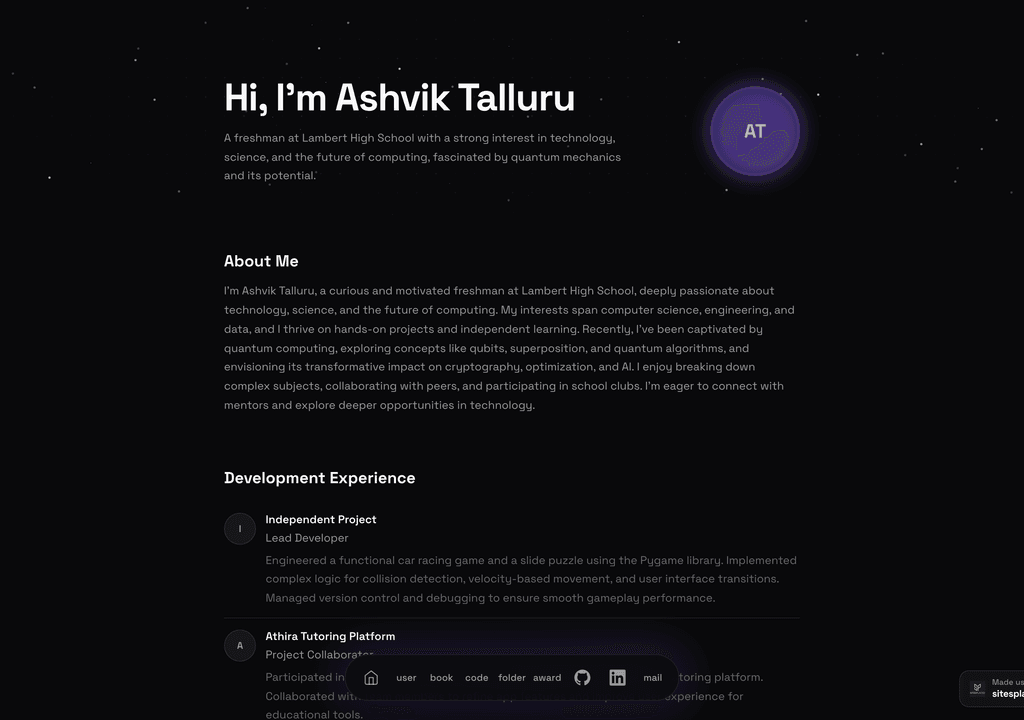
Ashvik Talluru
A computer-science student's project-first portfolio with real builds, experience and links.
Visit live site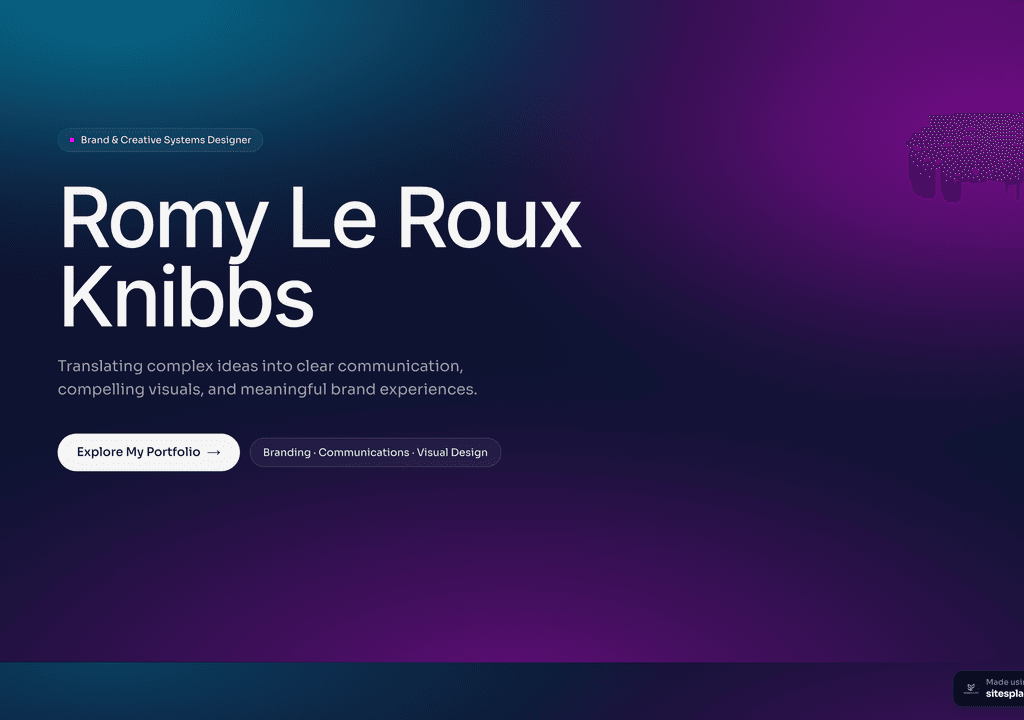
Romy Le Roux Knibbs
A brand & communications designer's portfolio — case studies in a polished, gradient-led layout.
Visit live siteGenerate your student portfolio in 60 seconds
Fill in four fields and watch a live preview build itself. When you like it, publish the real thing free on SitesPlaced — AI writes the first draft from your résumé.
No plan, no card. Publish at aisha-verma.sitesplaced.com
Portfolio
Aisha Verma
Software Engineer & Builder
VIT
About
Projects
Experience
Contact
Live preview · your real site is fully editable
Why does a portfolio beat a résumé alone?
A résumé tells; a portfolio proves. Two lines on a CV saying you “built an app” are forgettable — a live link a recruiter can open, click through and try is not. In a stack of identical résumés, the candidate with a real portfolio is the one who looks serious, prepared and a step ahead.
And it costs you nothing. A free portfolio is the single highest-leverage thing a student can make before placement season: it works while you sleep, it is the same link in every application, and it turns your projects into something a recruiter can actually experience instead of imagine.
What do you get with the free builder?
- ✓Free hosting and a free yourname.sitesplaced.com link — publish at no cost
- ✓Premium, recruiter-ready templates, including company-themed designs
- ✓AI that writes your bio, project descriptions and skills from your résumé
- ✓Sections for projects, GitHub/live links, skills, experience and contact
- ✓Fully no-code editing — change anything by typing, not coding
- ✓Option to add your own custom domain later if you want one
Build your portfolio in 4 steps
Pick a template
Choose from clean, recruiter-friendly student templates or a premium company-themed design — all free to publish.
Add your details (or résumé)
Paste a few details or your résumé, and AI drafts your bio, projects and skills for you.
Edit and personalise
Tweak the text, add project links and images, reorder sections — all no-code.
Publish and share
Go live at yourname.sitesplaced.com and put the link in your résumé, LinkedIn and applications.
Why students choose SitesPlaced
Actually free
Build and publish at no cost, premium templates included. No trial that expires, no card on file, no surprise paywall before you can share your link.
AI does the writing
The hardest part of a portfolio is the words. Paste your résumé and AI drafts your bio, projects and skills, so you start from a full page, not an empty one.
Recruiter-ready design
Clean, fast, professional templates that make a fresher look hireable — no design skills required.
One link everywhere
Your portfolio lives at a single link you reuse across your résumé, LinkedIn and every application.
Free student portfolio templates
These are live student portfolios you can open and clone — all free to publish. Find the one that fits your branch and personality, and make it yours.
 Popular
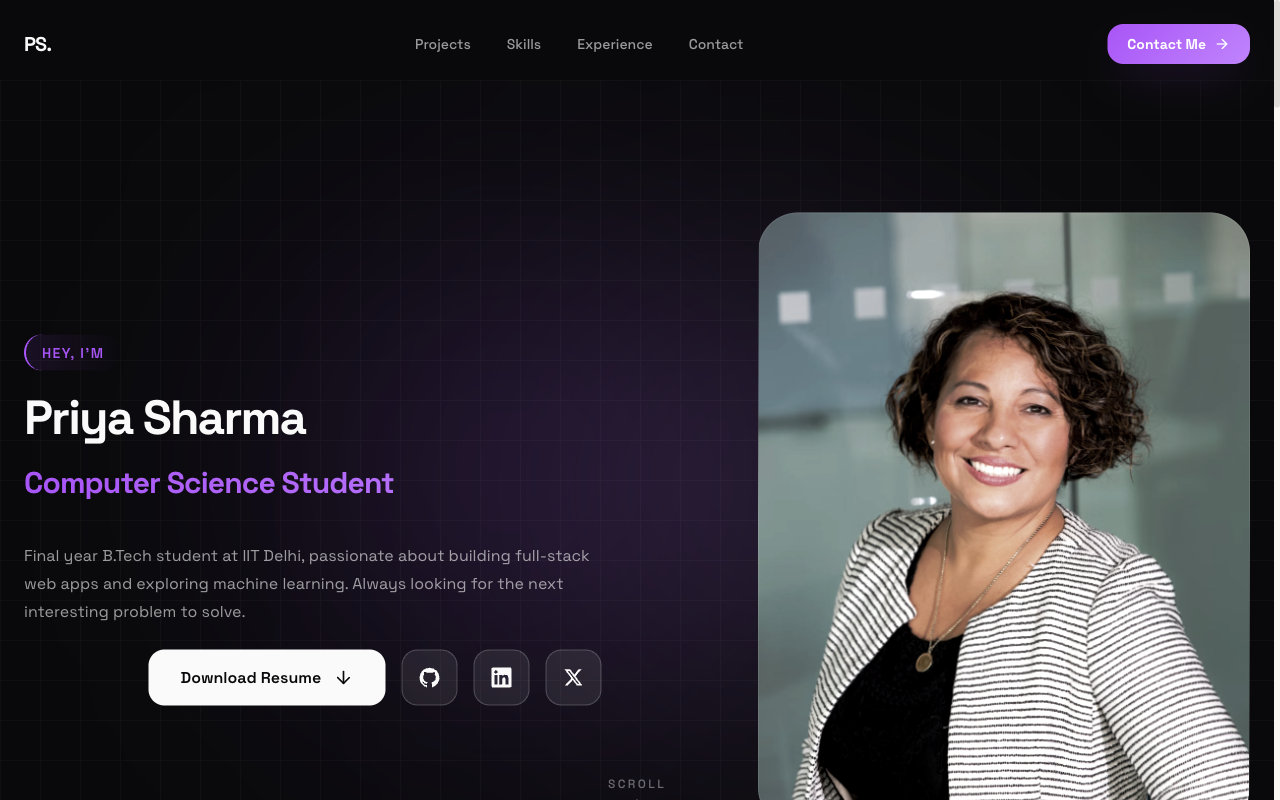
Flagship — Student Portfolio
Recruiter-friendly, projects-first layout. The safe, strong default for placements and internships.
View live demo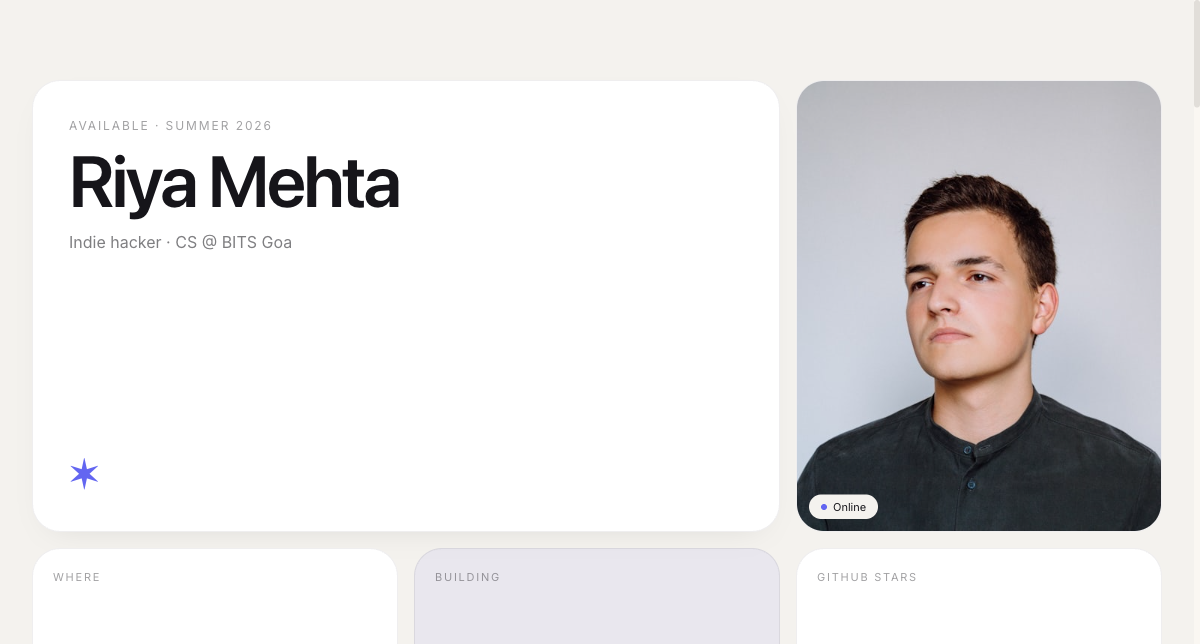 Modern
Bento Portfolio
Apple-style bento grid that organises skills, projects and links into tidy, scannable tiles.
View live demo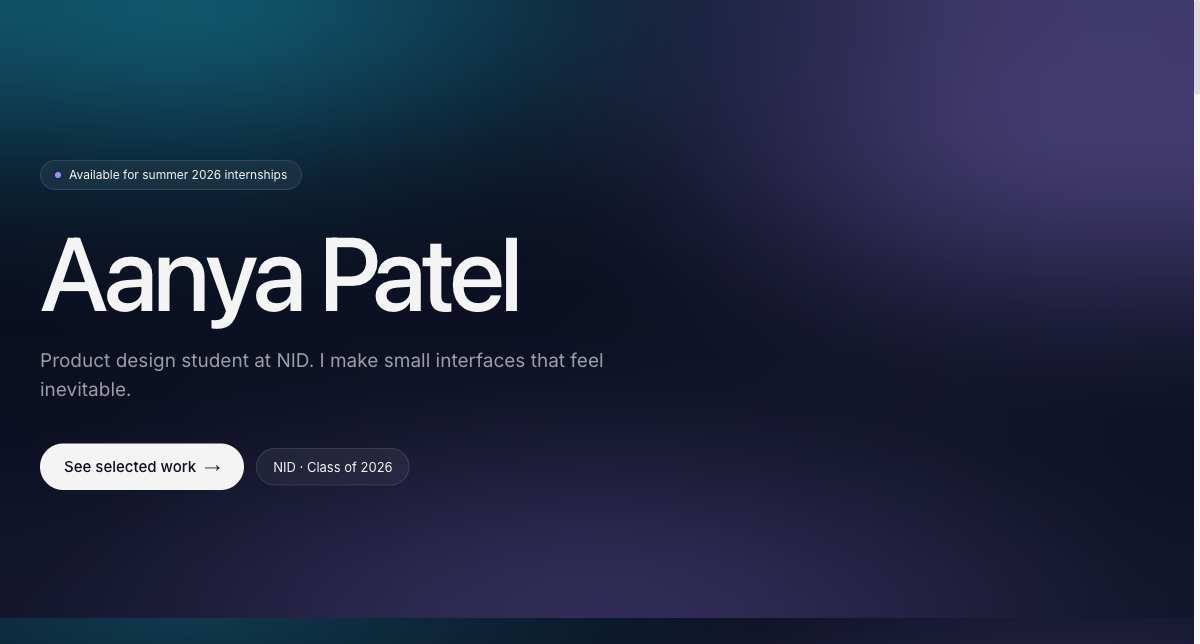 Creative
Aurora Portfolio
Soft-gradient, design-forward portfolio for students who want creative but still professional.
View live demo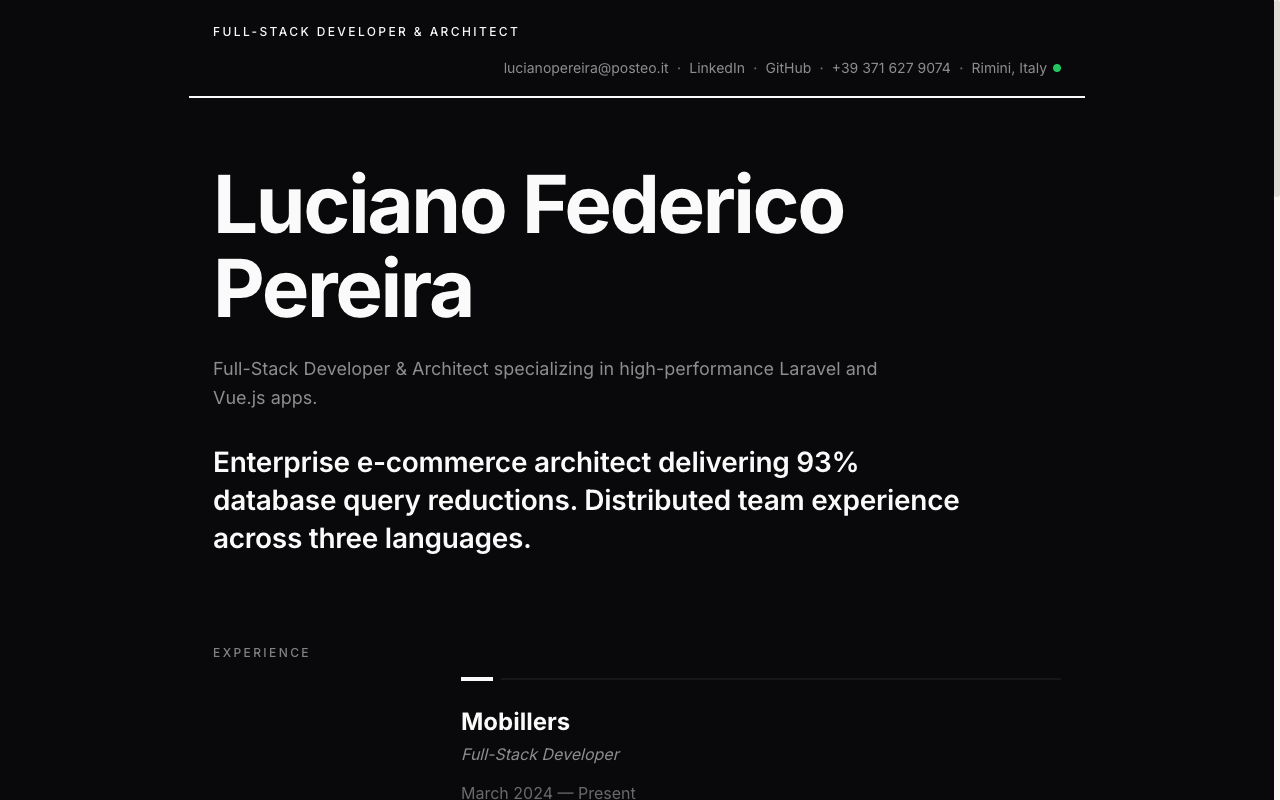 Resume
Resume Portfolio
Your CV as a website — a clean, linkable one-pager recruiters can skim in seconds.
View live demo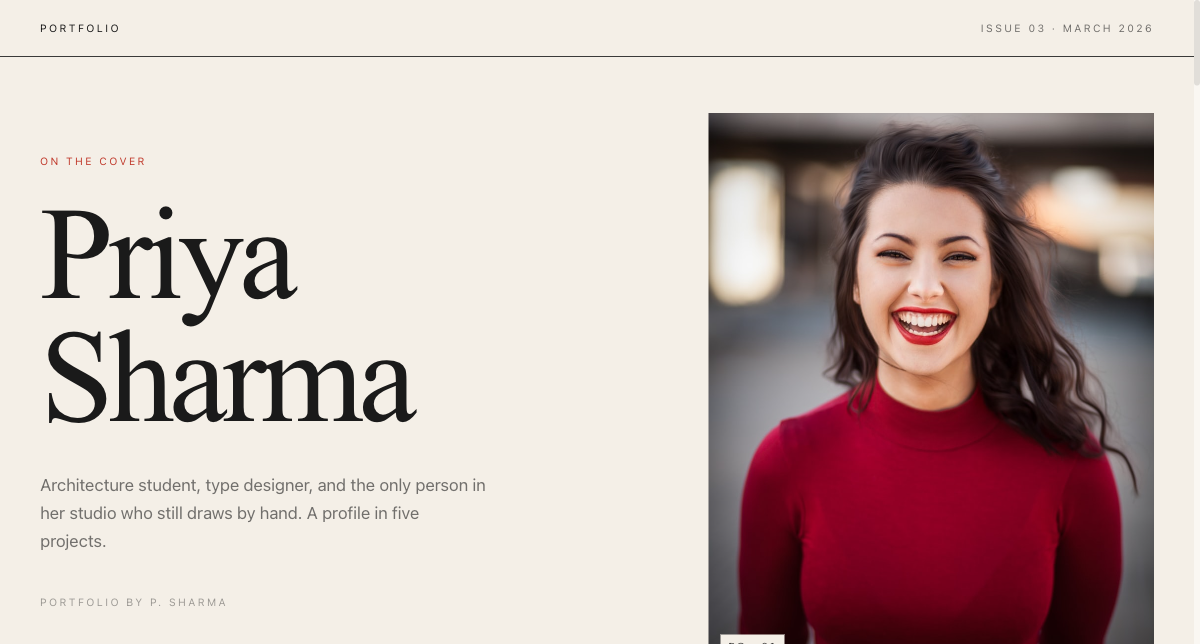 Editorial
Magazine Portfolio
Editorial magazine layout for design, media and communication students with a strong visual story.
View live demo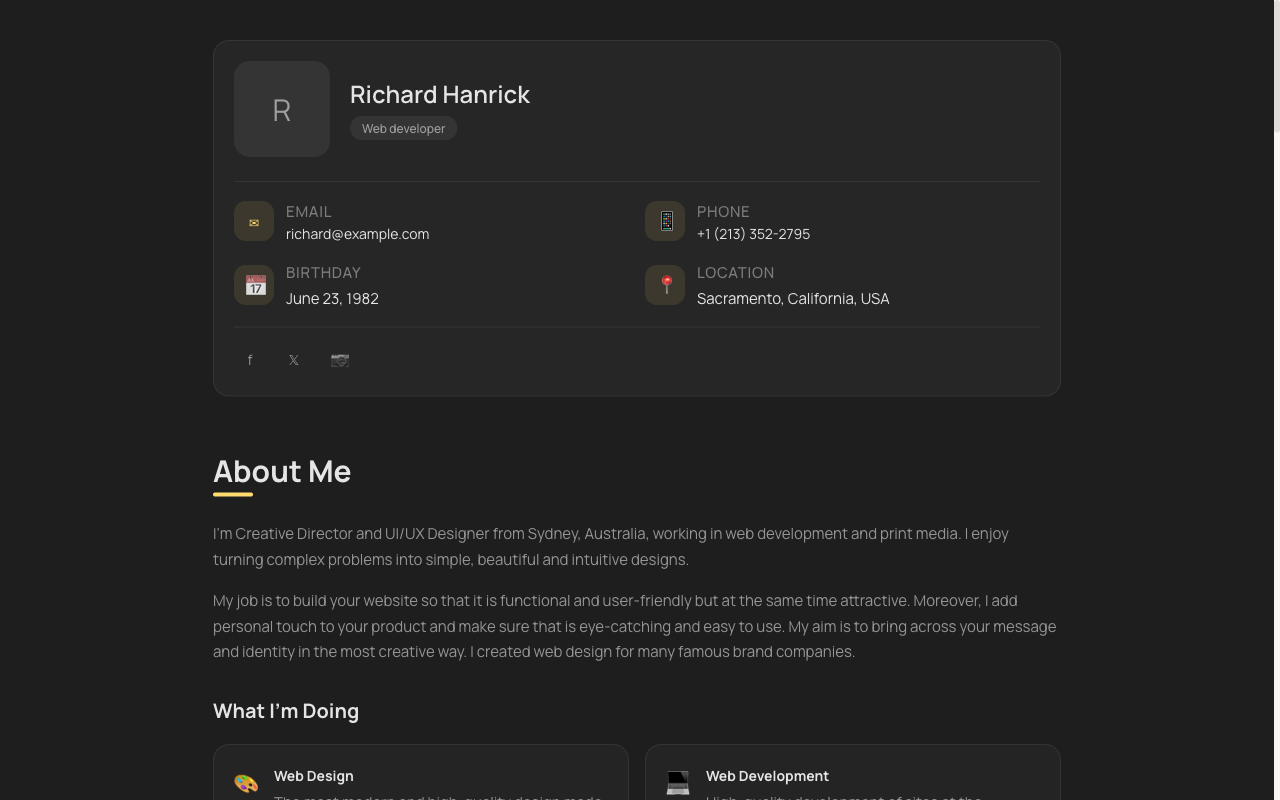 Minimal
vCard Portfolio
Compact digital visiting card — name, role, links and contact in one tidy, shareable page.
View live demoBuild your student portfolio free
Pick a template, let AI write your first draft from your résumé, and publish at yourname.sitesplaced.com — free, no card, no coding. Add your projects and share the link before your next application.
Start building free →Want to see what's possible first? Browse student portfolio examples.
Frequently asked questions
Is the student portfolio builder really free?
Yes. On SitesPlaced, students build and publish a portfolio website for free — including the premium, company-themed templates. There is no plan to buy and no card required. You publish at yourname.sitesplaced.com, and you can connect a custom domain later if you want one.
What's the catch with free portfolio builders?
With most free tiers, the catch is ads, heavy platform branding, locked templates, or a paywall before you can publish or share. SitesPlaced's student tier avoids all of that: you publish free, share freely, and the premium templates are included. The only paid options are extras you choose, like a custom domain.
How fast can I build my student portfolio?
Minutes. Pick a student template, paste a few details (or your résumé), and AI writes the first draft of your bio, projects and skills. You edit, then publish. Most students go from nothing to a live portfolio link in a single sitting.
Do I need to know how to code?
No. The builder is fully no-code — you choose a template and fill in your details. AI drafts the content for you, so you are editing text rather than writing HTML or fighting a blank page.
Can I put my free portfolio link in my résumé and LinkedIn?
Absolutely — that is the whole point. Your portfolio publishes to a clean link you can drop into your résumé header, LinkedIn, internship applications and email signature, so recruiters can see your projects in one tap.
What can I include in my student portfolio?
Everything that gets you hired: an intro, your branch and college, projects with links (GitHub, live demos, case studies), skills, internships or experience, achievements, and a contact section. The templates are structured so you just fill in the blanks.
Will my free portfolio look professional?
Yes. The free student templates include clean, recruiter-friendly layouts and premium company-themed designs (Tesla, Apple, BMW M, Uber, Meta styles). A free portfolio on SitesPlaced looks like something you paid for.