
An event planner website that wins bigger bookings
Couples and companies hire on trust and taste. A website that shows the events you’ve actually pulled off — with clear service tiers and an easy enquiry — turns a referral into a signed client.
By Manan Agrawal, Founder · Updated June 10, 2026
An event planner’s website is your portfolio, your pitch and your enquiry desk in one. It should showcase real past events with photos and outcomes, lay out service tiers so clients self-select by budget, and capture enquiries with the date and headcount so you can quote fast and look organised from the first reply. With SitesPlaced Studio, event planners can publish a professional site free in minutes — premium templates, AI that writes your copy, and no coding.
Real sites, live right now
These aren’t mockups — they’re real people who built and published on SitesPlaced. Open any of them in a new tab.
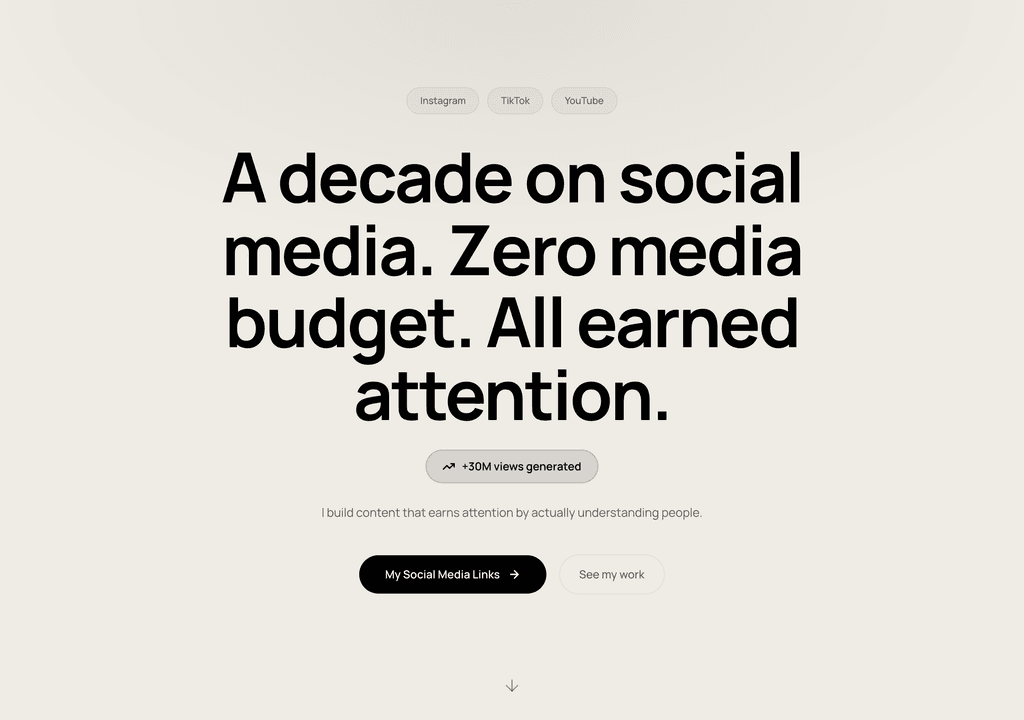
Steve Corbin Jr.
A social-media specialist's portfolio that turns a decade of earned attention into inbound clients.
Visit live site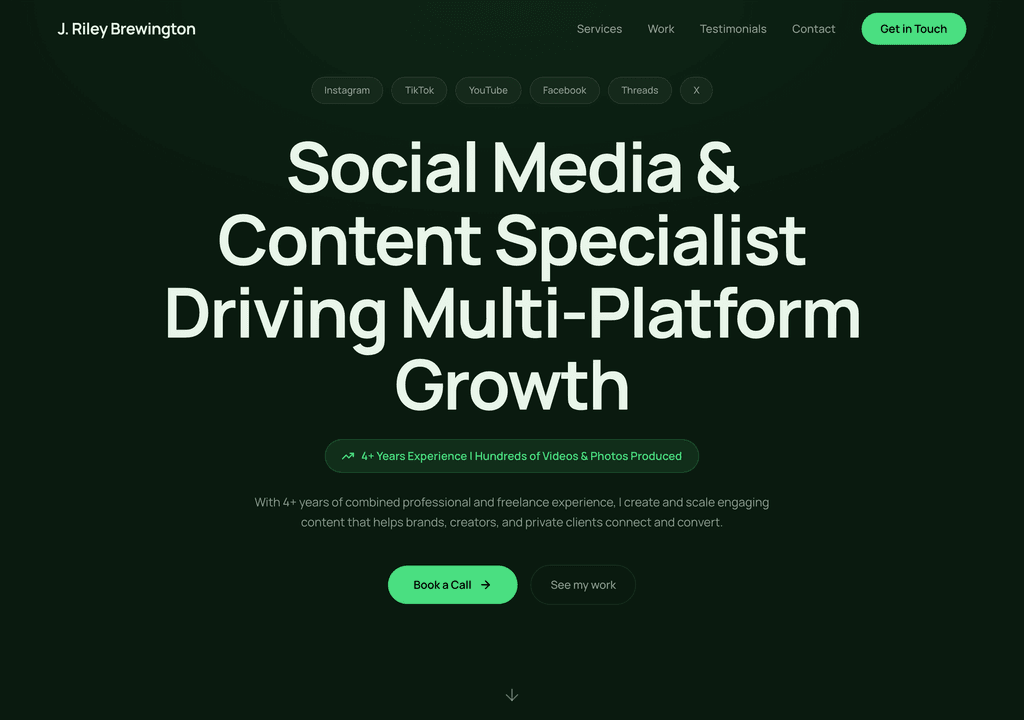
J. Riley Brewington
A content specialist showcasing multi-platform growth, testimonials and a clear booking path.
Visit live site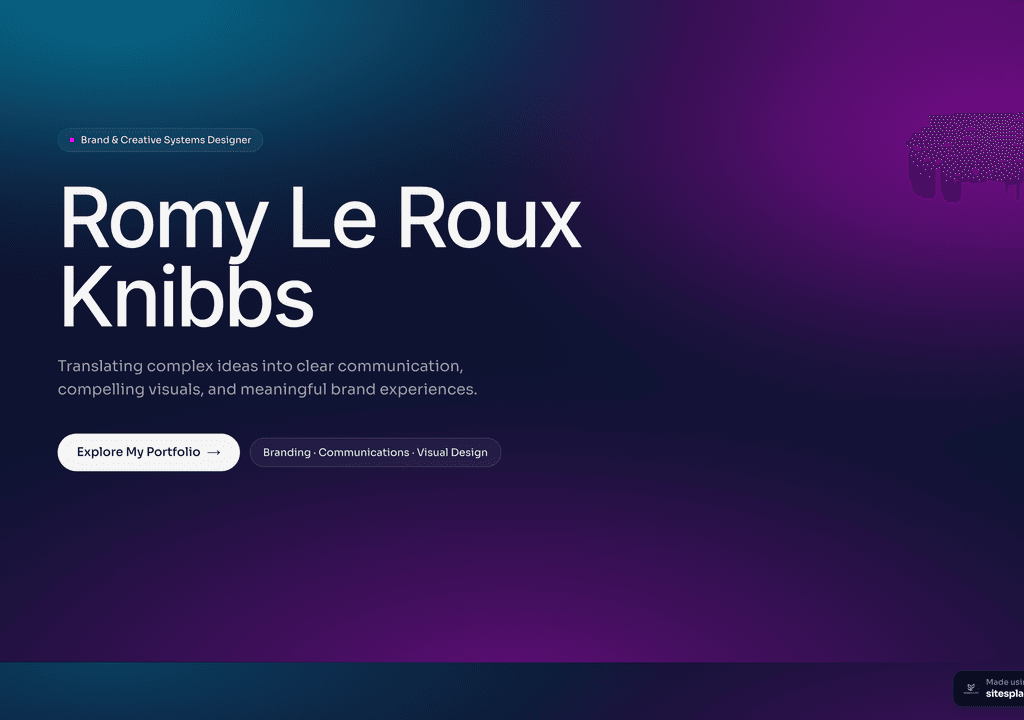
Romy Le Roux Knibbs
A brand & communications designer's portfolio — case studies in a polished, gradient-led layout.
Visit live siteWhy event planners need a website in 2026
Event planning runs on referrals and reputation, which feels like it shouldn’t need a website. But the moment a referral hears your name, they look you up — and a planner with no site, or a stale Facebook page, instantly seems smaller and riskier for the biggest day of someone’s life.
- ✓Every referral Googles you before they call — your site decides whether you look like a safe pair of hands for a ₹15-lakh wedding or a corporate launch.
- ✓Past events are your strongest sales tool: real photos prove you can deliver the scale and style a client is imagining.
- ✓Service tiers (full planning vs. day-of coordination vs. décor only) help clients place themselves and stop you fielding mismatched enquiries.
- ✓An enquiry form that asks for date, venue, headcount and budget lets you quote accurately and respond before competitors do.
- ✓Testimonials from named couples or companies carry enormous weight in a trust-driven business.
- ✓You look like an established operation, not a side hustle — which justifies higher fees and bigger contracts.
What a great event planner website should include
An event planner’s site needs to prove taste, scale and reliability fast. Include:
- ✓A portfolio of 4–8 past events with photos, the event type, and a line on what you handled.
- ✓Clear service tiers — full planning, partial, day-of coordination, décor-only — with what each covers.
- ✓A short ‘about’ with your experience, the kinds of events you specialise in, and a real photo.
- ✓Named testimonials from couples or corporate clients, ideally with the venue or occasion.
- ✓An enquiry form capturing event date, type, location, headcount and rough budget.
- ✓Trusted vendor or venue logos if you have partnerships, to signal you’re plugged into the local scene.
How to build your event planner website (no coding)
You don’t need a developer or weeks of work. It’s free to build and publish — premium templates included, no ads, no card. Your site goes live in minutes on a username.sitesplaced.com address, and you can add a custom domain or remove the small badge whenever you want.
Pick a template
Start from a event planners-ready website template — designed, responsive and ready to make yours. No blank page, no design skills needed.
Let AI fill it in
Answer a few questions or paste your details, and AI writes your headline, about, services and project copy for you.
Make it yours
Swap colours, fonts, photos and sections with a live visual editor. Add your logo, contact details and the things that make you, you.
Publish free
Go live in minutes on yourname.sitesplaced.com. Add a custom domain or remove branding later — you’re never forced to pay to be seen.
Show the events, segment the offer, capture the date
Clients don’t hire your services description — they hire the feeling they get from your past events. Lead with photography from real weddings, launches or birthdays you’ve produced, and caption each with the scale: ‘300-guest destination wedding, Udaipur’ or ‘brand launch for 150, corporate AV and décor’. Specifics like guest count and city make a prospect picture you running their event.
The fastest way to lose a good lead is a vague offer. A bride wanting only day-of coordination shouldn’t have to guess whether you’ll take her on, and a company needing full production shouldn’t fear you’re too small. Spell out three or four tiers so clients self-qualify — and so price-shoppers don’t eat your time.
Your enquiry form is where organisation shows. Ask for the date first; availability is the dealbreaker. Capturing event type, location, headcount and budget in one form lets you reply with a tailored note instead of a back-and-forth, and a fast, specific reply is often what wins the booking over an equally talented planner.
Templates to start from
Pick one of these, make it yours, and publish — open a demo to see it live.
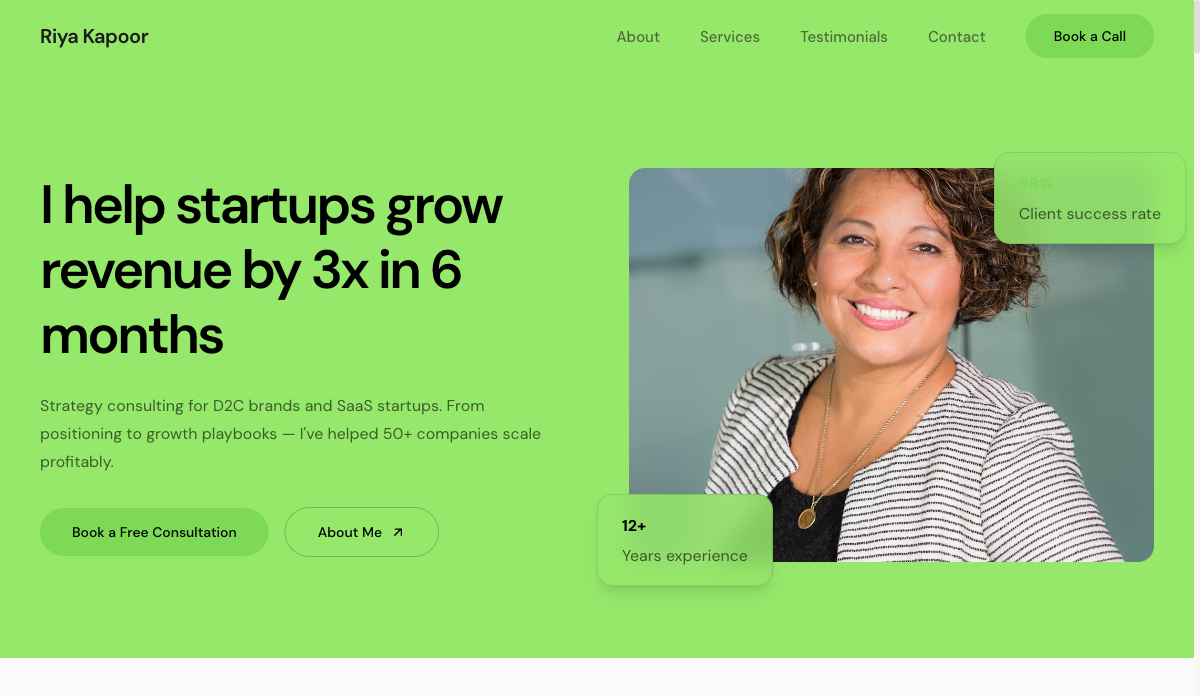 Services
Consultant — Freelancer
Service-led freelancer site with packages, testimonials and a lead form. For consultants, coaches and strategists.
View live demo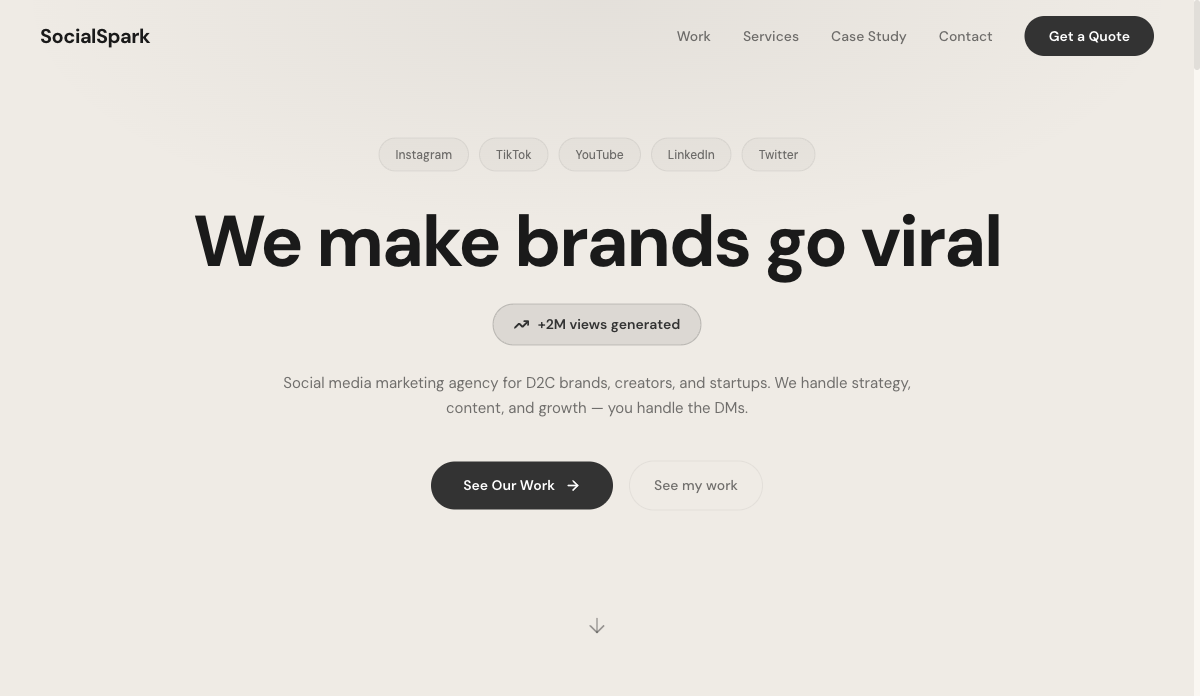 Social
Social Media Freelancer
Results-first portfolio with metrics, content grid and packages. For social media managers and content creators.
View live demo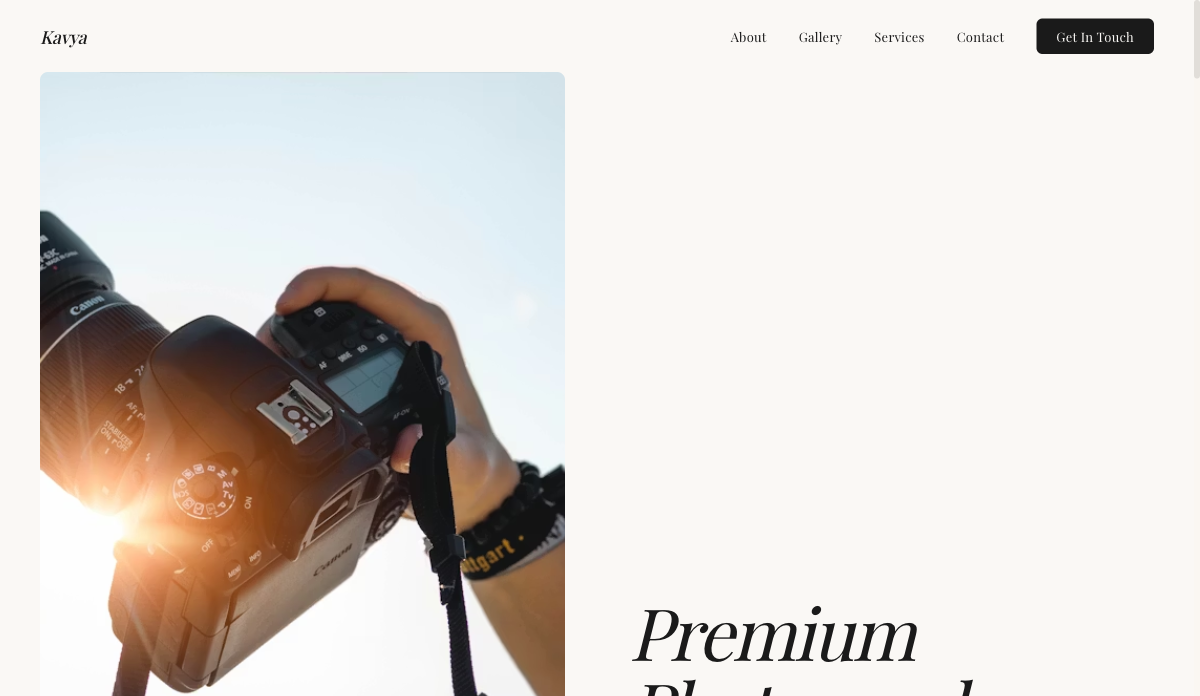 Visual
Photographer — Visual Portfolio
Full-bleed gallery layout with lightbox and category filters. For photographers, visual artists and stylists.
View live demo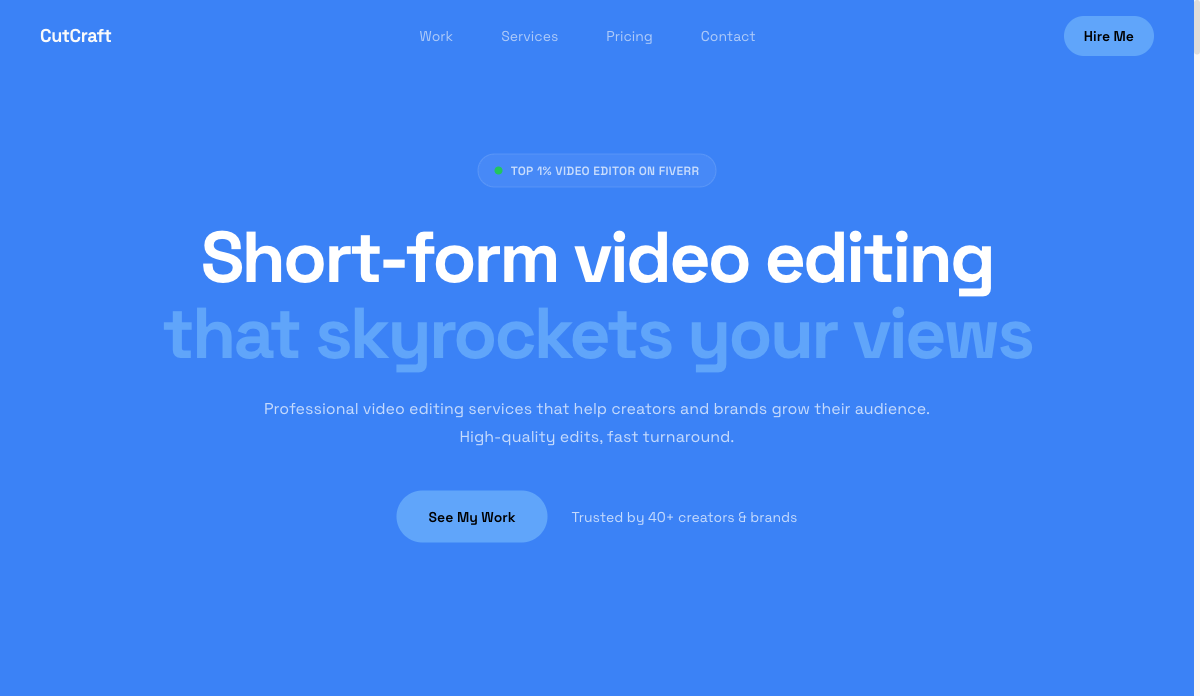 Video
VideoEditor — Video & Motion
Video-hero portfolio with reel embeds and before/after blocks. For video editors, motion designers and filmmakers.
View live demo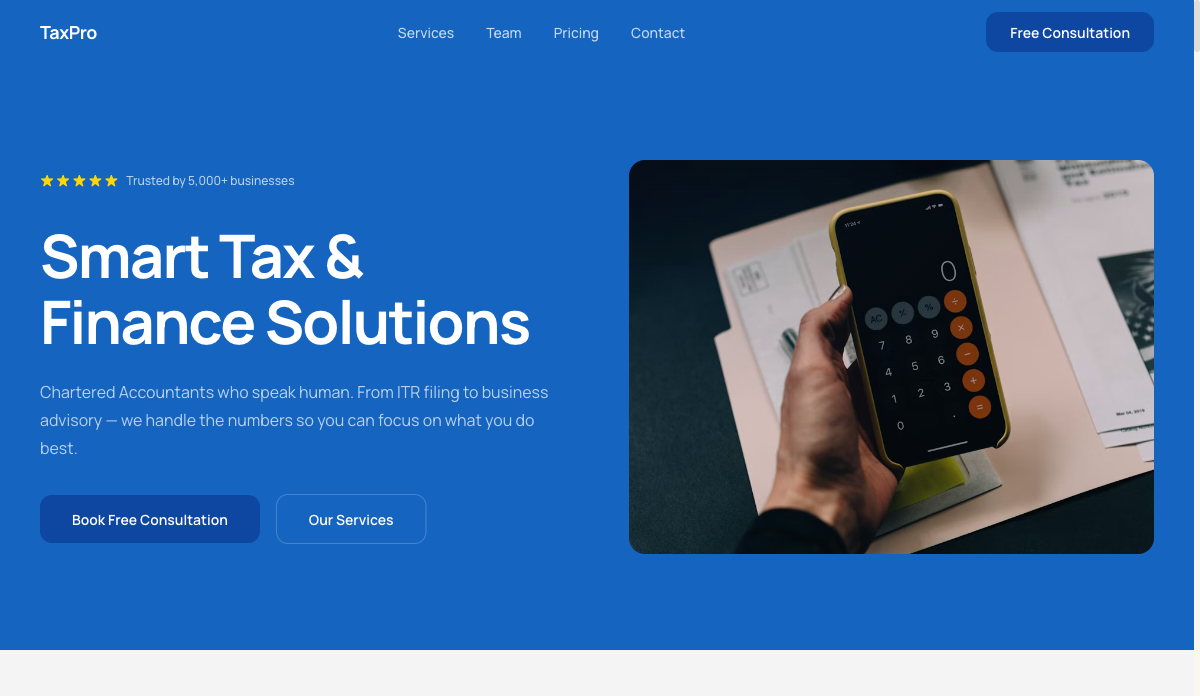 Finance
Accountant — Finance & Tax
Trust-building site with credentials, services and booking. For accountants, CAs and finance freelancers.
View live demo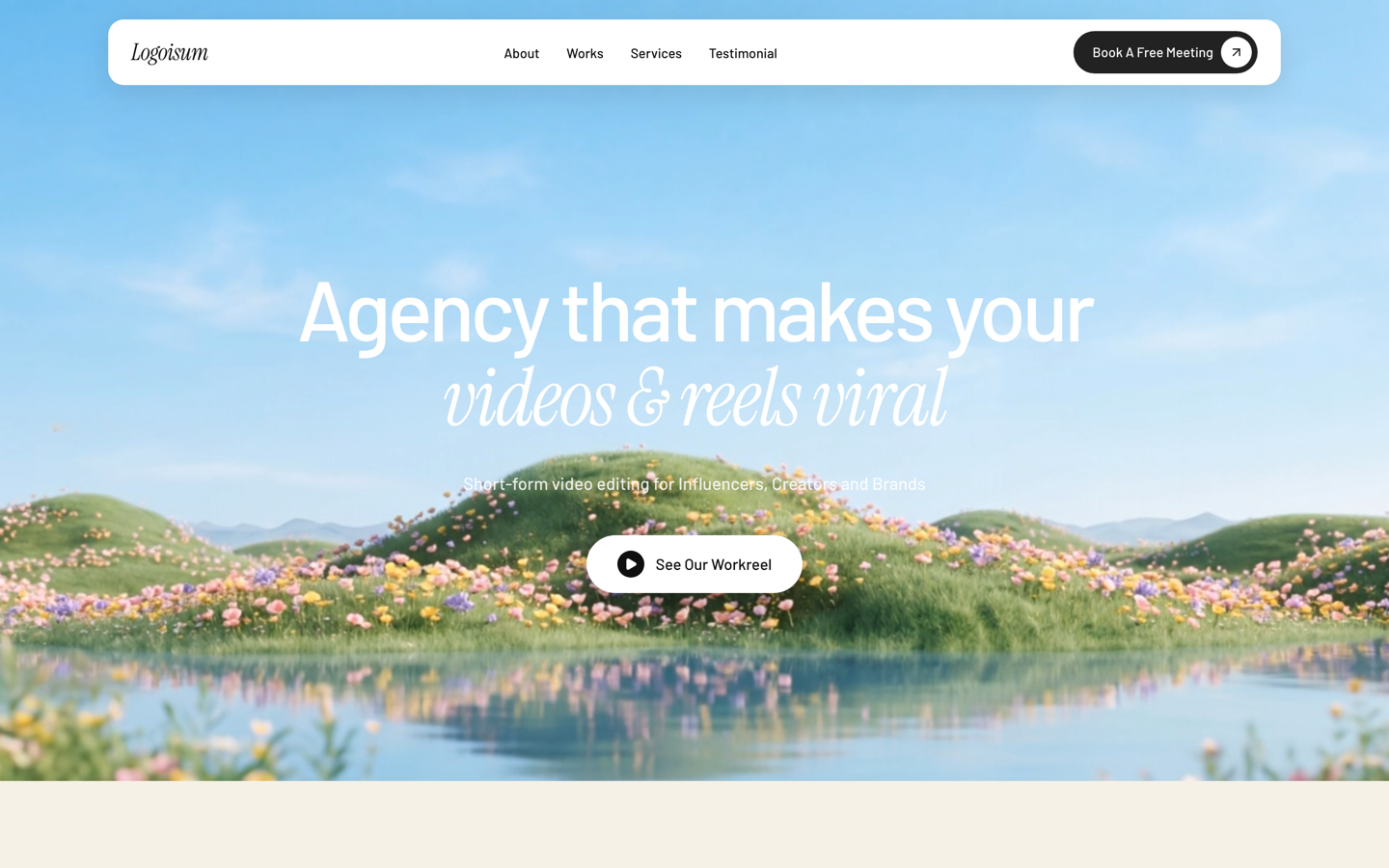 Agency
Logoisum — Design Agency
Punchy agency-style portfolio with a logo/brand wall and services. For freelance designers going solo-studio.
View live demoWays to get a event planner website, compared
| SitesPlaced | Web agency | DIY builder | Social / marketplace only | |
|---|---|---|---|---|
| Cost to launch | Free | ₹25k–₹1L+ | ₹500–2k/mo | Free, but rented |
| Time to live | Minutes | 2–6 weeks | Days | Minutes |
| You own it | ✓ Yours | ✓ (you pay) | ✓ | ✗ Platform’s |
| No coding | ✓ | Done for you | ✓ | ✓ |
| Found on Google | ✓ SEO-ready | Depends | ✓ | Limited |
| AI writes your content | ✓ | ✗ | ✗ | ✗ |
Indicative comparison of the common ways to put a small business online, June 2026.
Build your event planner website free
Pick a event planners-ready template, let AI write your content, and publish in minutes. It’s free to build and publish — premium templates included, no ads, no card. Your site goes live in minutes on a username.sitesplaced.com address, and you can add a custom domain or remove the small badge whenever you want.
Build my website free →Frequently asked questions
Do event planners really need a website when most work comes from referrals?
Yes — referrals still check you out online before committing. A site with real past events and testimonials turns a warm referral into a confident booking, and it’s where you look established enough to be trusted with a major event.
What should an event planner website include?
A portfolio of past events with photos, clear service tiers, named testimonials, an ‘about’ that proves experience, and an enquiry form that captures the date, headcount and budget so you can quote quickly.
How do I show events when some clients want privacy?
Use the photos you’re permitted to share and describe others generically — ‘private 200-guest wedding, Goa’. A handful of strong, well-captioned events proves your range without breaching any client’s confidentiality.
What does an event planner website cost?
It can be free. On SitesPlaced you build and publish for free with premium templates included; you only pay later for a custom domain or to remove the small badge.
How do clients enquire or check my availability?
Add an enquiry form that asks for their event date, type, location, headcount and budget, plus a WhatsApp button. You get qualified leads with the details you need to quote, instead of vague ‘are you free?’ messages.