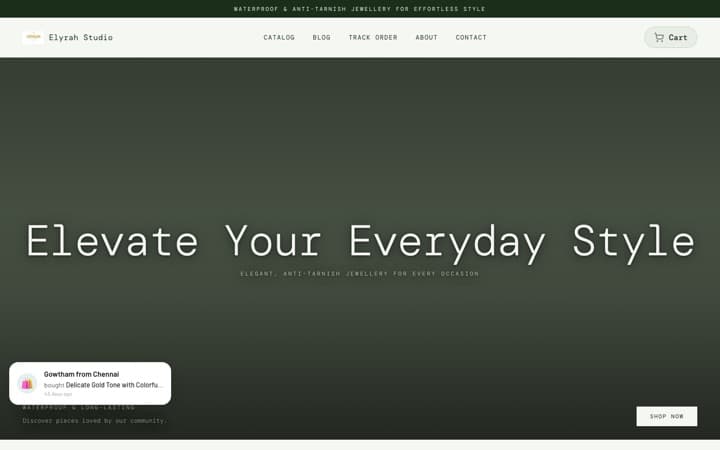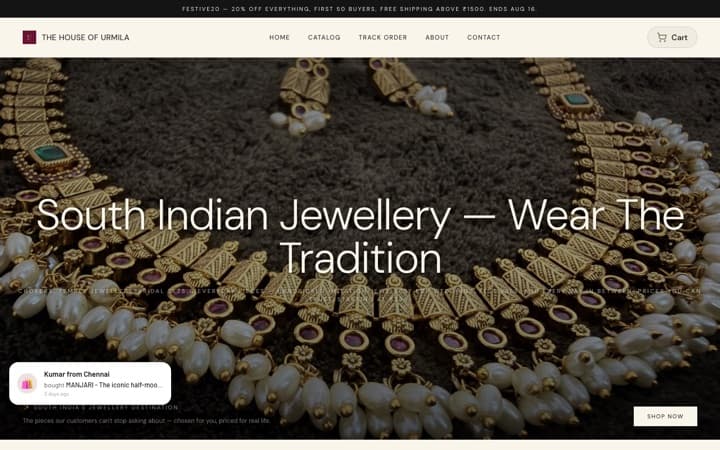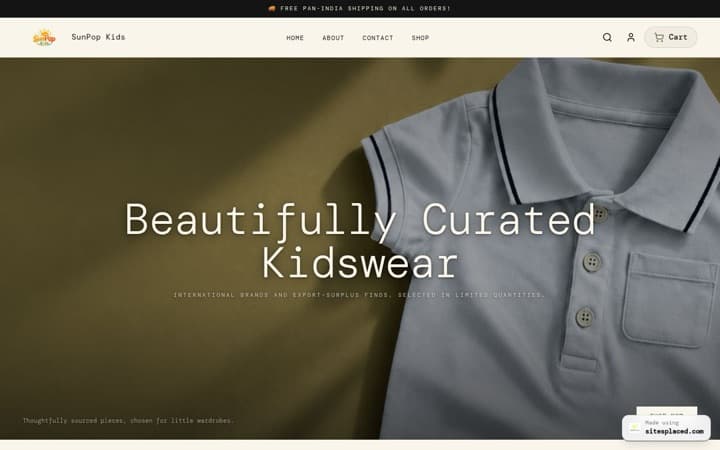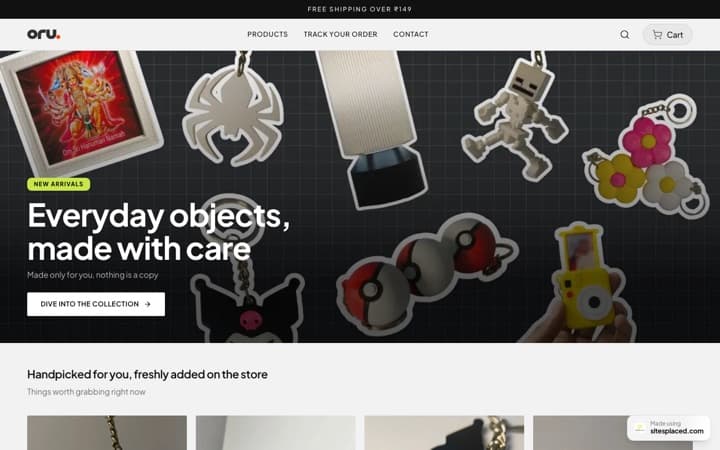


Best Portfolio Website
for Photographers
Your photos deserve more than an Instagram grid. Build a portfolio website with stunning galleries, lightbox previews, and booking forms that turn admirers into paying clients.
The best photography portfolio website builder in 2026 is SitesPlaced — a dedicated Photographer template with bento grid gallery, lightbox modal, booking lead forms, and automatic image optimization, free to build and publish (₹199/month optional for a custom domain). Format, Squarespace, and Pixieset are the main alternatives; this guide compares all four, covers real costs, and lists genuinely free options.
Why do photographers need a portfolio website beyond Instagram?
Instagram is a discovery tool. Your portfolio website is a closing tool. Here's why the distinction matters:
You own the experience
No algorithm deciding which photos people see. Your portfolio shows your best work in the exact order you choose.
Full-resolution images
Instagram compresses everything. Your portfolio displays full-quality images with lightbox zoom — the way photos should be viewed.
Google brings new clients
'Wedding photographer [city]' gets 10K+ searches/month. Your portfolio ranks. Your Instagram doesn't.
Pricing transparency
Show your packages with clear deliverables. Clients who see pricing self-qualify — you stop wasting time on budget mismatches.
Professional credibility
kavyalens.com beats a DM. Brands and high-budget clients expect a professional web presence before booking.
Booking automation
Built-in lead forms capture event details, dates, and requirements 24/7. Wake up to qualified inquiries.
Gallery styles available in the Photographer template
Bento Grid Gallery
Mixed-size image tiles that create visual rhythm. Large hero shots next to smaller detail images. The most popular style for wedding and portrait photographers.
Best for: Wedding, Portrait, Fashion photographyMasonry Layout
Pinterest-style flowing grid that adapts to each image's aspect ratio. No cropping, every image displayed in its original proportions.
Best for: Street, Landscape, Documentary photographyCarousel Showcase
Full-width sliding gallery with immersive view. Each image gets center stage. Perfect for photographers who want each shot to breathe.
Best for: Editorial, Fine Art, Product photographyLightbox Modal
Click any thumbnail to expand into a full-screen overlay with navigation arrows. The most user-friendly way to browse detailed images.
Best for: All photography styles — standard for professional portfoliosHow to set up your portfolio by photography niche
Wedding Photographer
Hero Tip: Lead with your best ceremony or couple shot. Include '500+ weddings shot' metric.
Ideal Section Order: Hero → Gallery (Bento Grid) → Testimonials → Packages → Booking Form
Pricing Strategy: Show 2-3 packages: Coverage Only, Full Day, Multi-Day
Portrait Photographer
Hero Tip: Split layout — your best portrait on one side, booking CTA on the other.
Ideal Section Order: Hero → Gallery (Masonry) → About/Story → Pricing → Contact
Pricing Strategy: Per-session pricing: Headshot ₹5K, Family ₹10K, Corporate ₹15K
Product Photographer
Hero Tip: Show a before/after or a stunning product flat-lay. Lead with brand logos.
Ideal Section Order: Hero → Brand Marquee → Gallery (Grid) → Process → Pricing → Lead Form
Pricing Strategy: Per-product pricing: ₹500-2K per product, bulk discounts
Event Photographer
Hero Tip: High-energy crowd or stage shot. Include 'X events covered' stat.
Ideal Section Order: Hero → Stats → Gallery (Carousel) → Testimonials → Packages → Contact
Pricing Strategy: Half-day, Full-day, Multi-day packages with deliverable counts
Fashion Photographer
Hero Tip: Full-bleed editorial shot with minimal text. Let the styling and lighting speak first.
Ideal Section Order: Hero → Editorial Gallery (Carousel) → Campaigns/Clients → About → Contact
Pricing Strategy: Day-rate or campaign-based pricing; many fashion photographers keep rates off-site and use the lead form to qualify briefs
SitesPlaced vs Format vs Squarespace vs Pixieset — which photography website builder is best?
These are the four platforms photographers compare most in 2026. Format is a photography-only platform, Squarespace is a general-purpose builder with strong templates, and Pixieset is primarily a client-gallery delivery tool that also offers websites. If you'd rather skip the research and just get building, start with our photography portfolio website builder guide. Here's how they stack up for a public-facing portfolio that wins bookings:
| Feature | SitesPlaced | Format | Squarespace | Pixieset |
|---|---|---|---|---|
| Photographer Template | Dedicated | Photography-only | Generic gallery | Gallery-first |
| Bento Grid Gallery | Yes | Grid themes | Limited | No |
| Lightbox Preview | Built-in | Built-in | Built-in | Built-in |
| Booking Lead Form | Built-in | Contact form | Paid add-on | Basic |
| Service Pricing Section | Built-in | Manual build | Manual build | No |
| AI-Drafted Content | Yes | No | Limited | No |
| SEO Optimization | Auto (meta + schema) | Basic | Basic | Minimal |
| Setup Time | 5 minutes | 1-3 hours | 3-6 hours | 1-2 hours |
| Starting Price | Free to build & publish | See format.com | See squarespace.com | See pixieset.com |
| Custom Domain | Included | Paid plan | Included | Paid plan |
| Client Gallery Delivery | No | Yes | No | Yes (core product) |
* Competitor pricing changes frequently — check the official pricing pages linked above for current plans. Pixieset excels at client gallery delivery (proofing & downloads). Many photographers use SitesPlaced for the public portfolio + booking and Pixieset for private client galleries.
What does a photography portfolio website cost?
A photography portfolio website costs anywhere from ₹0 to ₹50,000+ per year depending on the route you take. There are three realistic options in 2026:
Website builder (₹199–₹1,500/month)
The sweet spot for most photographers. SitesPlaced is free to build and publish the Photographer template, galleries and booking form; the ₹199/month plan is optional and adds a custom domain, badge removal and AI. Format, Squarespace, and Pixieset sit higher — check their official pricing pages (linked in the comparison above) since plans change often.
Custom-built website (₹20,000–₹50,000+ one-time)
A developer or agency builds it for you. You get full control but pay again for every change, plus annual hosting and maintenance. Overkill unless you need unusual functionality like print sales with fulfillment.
Free options (₹0)
Behance or a free builder preview. Fine for sharing work, but you don't get your own domain, booking form, or SEO presence — the things that actually convert searches into paid shoots.
Searching for Format photography portfolio website pricing? Format's current plans are listed on format.com/pricing. Before you commit, compare what you actually need: if it's a portfolio + booking form (not client proofing), SitesPlaced covers it free to build and publish (₹199/month optional for a custom domain) with less setup. If you mainly deliver private galleries to clients, Pixieset's pricing page is the one to study.
Best free portfolio website options for photographers
If you're starting out — or you're a photography student — there are genuinely free ways to get your work online in 2026. Our roundup of the best free portfolio builders covers the full field; the three most relevant to photographers:
SitesPlaced free build & publish
Anyone can build AND publish a full photography portfolio for free — no card — live on a yourname.sitesplaced.com URL with a small badge. ₹199/month is optional, for a custom domain, removing the badge, and AI. Photography students get the badge removed for a one-time ₹99 ($3), forever.
Behance
Adobe's free portfolio community. Great for discovery and peer feedback, but your work lives on behance.net, not your own domain — and there's no booking form or SEO control.
GitHub Pages
Free static hosting if you can write HTML/CSS. Powerful but slow to set up, and you'll hand-optimize every image yourself. Best for photographer-developers only.
Free portfolios on Behance are a good supplement, not a replacement: when a client Googles "wedding photographer + your city", it's your own website that ranks and captures the inquiry. If you're a student, see the free student portfolio guide — publishing is free for everyone on SitesPlaced.
What's the best website builder for fashion photographers?
Fashion photography portfolios have different rules from wedding or event portfolios. Art directors and brand producers reviewing your book expect full-bleed editorial images, almost no interface, and a clear campaigns/clients list. The builder you choose needs to get out of the way of the work.
What to set up:
- Carousel Showcase gallery — one editorial frame at a time, full-width, with swipe navigation. The bento grid works for variety; the carousel works for impact.
- Campaigns & clients section— list the brands, magazines, and agencies you've shot for. This is the first credibility check in fashion.
- No public pricing — fashion work is day-rate or campaign-quoted. Use the lead form to capture briefs instead of publishing packages.
- Tear sheets — published editorial pages (magazine spreads) carry more weight than standalone images. Give them their own category.
SitesPlaced's Photographer template handles this with the Carousel Showcase layout and a brand marquee section. Among dedicated platforms, Format's editorial themes are the closest alternative for fashion books.
Where should photographers host their images?
"Photography hosting" means two different things, and mixing them up costs photographers money:
- Portfolio hosting (public)— the 20–30 best images on your website. Host these on your website builder itself. SitesPlaced stores and serves them with automatic optimization and edge caching, so a 10MB export never reaches a visitor's phone.
- Client gallery hosting (private) — hundreds of full-resolution deliverables per shoot, with proofing and downloads. This is what Pixieset and similar gallery services are built for. Don't put these on your public site — they bloat it and clients shouldn't browse other clients' shoots.
Export settings that keep your portfolio fast and sharp:
- Long edge: 2048px (2560px max for full-bleed heroes)
- Format: JPEG at 75–85% quality — visually lossless on screens
- Color space: sRGB (wide-gamut exports shift colors on most displays)
- Watermarks: skip them on the portfolio — they cheapen the presentation; use them in client proofing galleries instead
Photography portfolio website checklist
Frequently asked questions
What's the best website builder for photographers?
SitesPlaced offers a dedicated Photographer template with bento grid gallery, lightbox modal, category-based image organization, testimonials, booking forms, and pricing packages. It's built specifically for visual portfolios — no coding required, live in 5 minutes, and free to build AND publish. The ₹199/month Starter plan is optional, for a custom domain, badge removal and AI.
What is the best photography website builder for beginners?
Pick a builder that doesn't require coding or design decisions: SitesPlaced gives beginners a ready photography portfolio layout where you only swap in your images and text — AI even drafts the copy from a short description. Format and Squarespace are solid alternatives but take longer to set up.
What's the best website builder for fashion photographers?
Fashion photographers need full-bleed editorial galleries, a campaigns/clients section, and minimal UI around the images. SitesPlaced's Photographer template with the Carousel Showcase gallery does this out of the box; Format's editorial themes are the closest dedicated-platform alternative.
Can I build a photography portfolio website for free?
Yes — on SitesPlaced you build AND publish your full photography portfolio for free, no card. Your site goes live on a yourname.sitesplaced.com URL with a small badge. You only pay ₹199/month if you want a custom domain, want to remove the badge, and want AI content. Free alternatives like Behance host your work but don't give you your own website, domain, or booking form.
Where should I host the photos for my portfolio website?
Host portfolio images on your website builder itself — SitesPlaced stores and optimizes them with edge caching, so there's nothing extra to manage. Export at around 2048px on the long edge at 80% JPEG quality. Keep full-resolution client deliveries on a gallery service like Pixieset instead of your public site.
Can I organize photos into categories like Wedding, Portrait, Product?
Yes. The Visual Showcase section supports category-based organization. You can create separate gallery sections for each category, or use the bento grid with category filters to let visitors browse specific styles.
Will my high-resolution photos load fast on the website?
Yes. SitesPlaced automatically optimizes images for web delivery with edge caching through Vercel. Your photos load fast on any device without quality loss. The platform handles responsive image sizing automatically.
Can clients book shoots directly from my website?
Yes. The built-in lead form captures name, email, phone, event type, and date. You can add custom fields for location, number of hours, and special requirements. Every inquiry goes to your SitesPlaced dashboard.
How much does a photography portfolio website cost?
Building and publishing are both free — your portfolio goes live on a yourname.sitesplaced.com URL at no cost. The optional Starter plan is ₹199/month (₹1,990/year — save 2 months) and adds a custom domain, removes the small badge, and turns on AI. Compare that to ₹20K-₹50K for a custom photography website. You get 2GB storage, gallery sections, and all premium features.
Is it better than Pixieset or SmugMug for Indian photographers?
For a portfolio/booking website, yes. Pixieset and SmugMug are primarily for client gallery delivery (proofing & downloads). SitesPlaced is for your public-facing portfolio with SEO, lead capture, and pricing — the website that brings you new clients. Many photographers use both: SitesPlaced for the portfolio, Pixieset for gallery delivery.
Showcase your photography today
Build a stunning photography portfolio in 5 minutes. Gallery layouts, lightbox, booking forms — everything you need. Free to build.