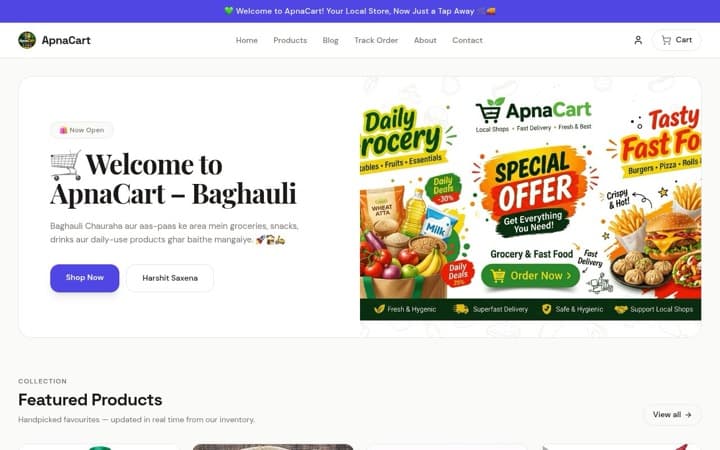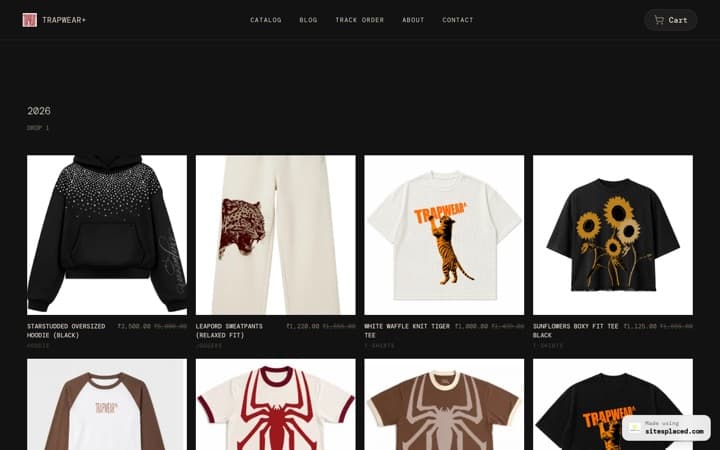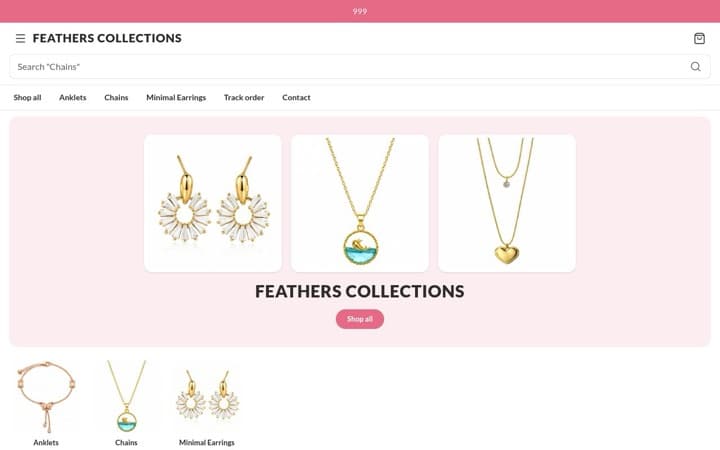



Feature Guide · 2026
WhatsApp Checkout for Your Instagram Store
Your customers already use WhatsApp. WhatsApp checkout turns their intent into a clear, structured order — with items, quantity, and address — so you stop chasing screenshots and missed details.
WhatsApp checkout lets customers send you a pre-filled order message from your Instagram store to your WhatsApp number. They click "Order via WhatsApp" on your store, add address and notes, and hit send. You receive one message with the full order and can confirm, share payment details (UPI/bank), or send an invoice. SitesPlaced supports this natively so every order appears in your order management dashboard.
How it works (customer side)
- Customer browses your store (from your Instagram bio link).
- They add items to cart and click "Order via WhatsApp" (or similar CTA).
- They’re taken to WhatsApp with a pre-written message: cart summary + optional address/notes.
- They send the message to your business number. You get the order in WhatsApp and in SitesPlaced.
- You confirm, share UPI/bank or send invoice; they pay. You ship (e.g. via Shiprocket).
Why WhatsApp checkout beats plain DMs
- • Structured data — You get product names, quantities, and address in one block, not scattered across chats.
- • Fewer errors — No typos in addresses or wrong items; the store generates the summary.
- • Orders in your dashboard — Every WhatsApp checkout order syncs to SitesPlaced so you can track status, print invoices, and create shipments.
- • Optional online payment — You can still use Razorpay for "Pay Now" before WhatsApp, or use WhatsApp for COD/UPI-after-order.