
A freelancer website that wins better clients
A link in your bio disappears the moment someone scrolls. A website you own works around the clock — it shows your best work, states your services and pricing, and turns visitors into paid enquiries.
By Manan Agrawal, Founder · Updated June 10, 2026
A freelancer website is the highest-leverage asset you can own: it’s where serious clients size you up before they pay. It needs three things to do its job — your best work shown clearly, services and pricing that are easy to understand, and one obvious way to get in touch. With SitesPlaced Studio, freelancers can publish a professional site free in minutes — premium templates, AI that writes your copy, and no coding.
Real sites, live right now
These aren’t mockups — they’re real people who built and published on SitesPlaced. Open any of them in a new tab.
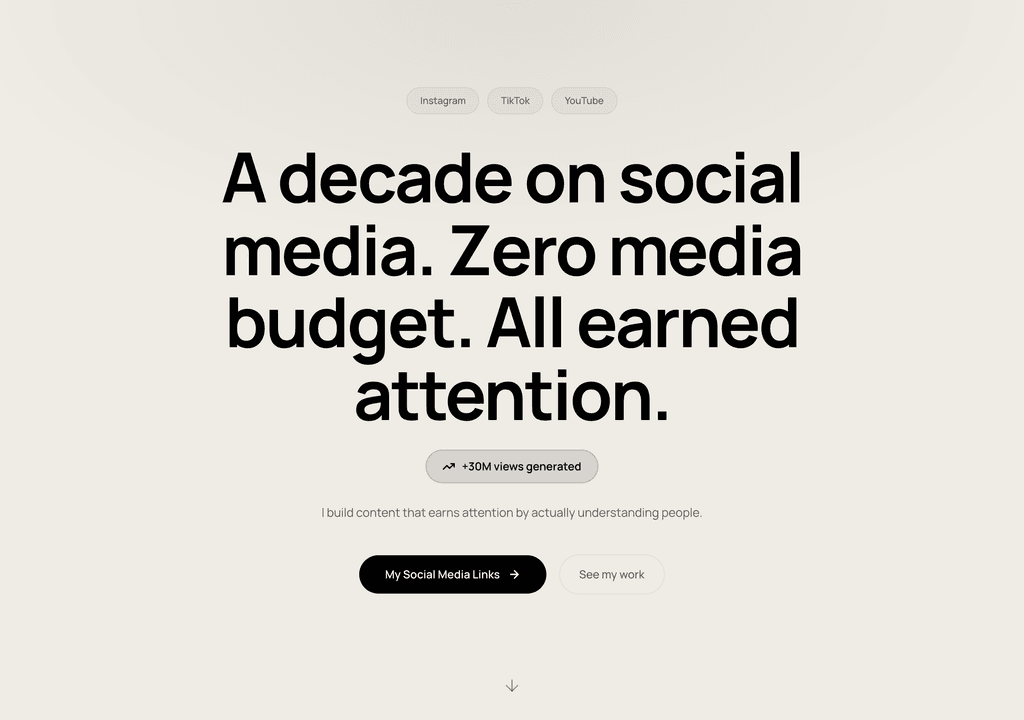
Steve Corbin Jr.
A social-media specialist's portfolio that turns a decade of earned attention into inbound clients.
Visit live site
J. Riley Brewington
A content specialist showcasing multi-platform growth, testimonials and a clear booking path.
Visit live site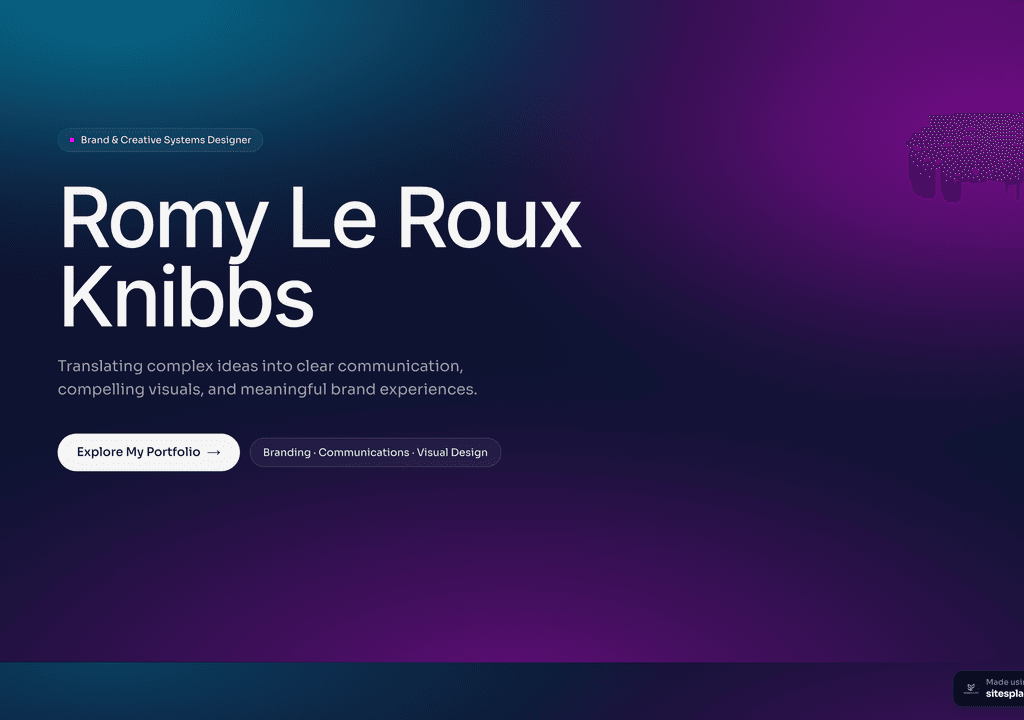
Romy Le Roux Knibbs
A brand & communications designer's portfolio — case studies in a polished, gradient-led layout.
Visit live siteWhy freelancers need a website in 2026
Most freelancers run their whole business through Instagram DMs, LinkedIn posts or word of mouth. Those are great for being discovered, but they’re rented ground: the platform owns your audience, buries your old work, and makes you look like everyone else. A website flips the dynamic before a client even messages you.
- ✓Clients Google you before they hire you — a real site decides whether they take you seriously or move on.
- ✓You can charge more: a polished site signals you’re a professional, not a hobbyist, which justifies higher rates.
- ✓Your work lives in one organised place instead of scattered across posts that vanish down a feed.
- ✓You control the story — services, process, testimonials and pricing, framed exactly how you want.
- ✓It works while you sleep: an enquiry form means leads land in your inbox even when you’re heads-down on a project.
- ✓You own it forever — no algorithm change or banned account can take your client pipeline away.
What a great freelancer website should include
A freelancer site doesn’t need to be big — it needs to answer a client’s questions fast and make the next step obvious. Aim for a focused one-pager or a handful of sections that cover:
- ✓A clear headline that says exactly what you do and who for (e.g. ‘Brand designer for early-stage startups’).
- ✓3–6 of your best projects or case studies — quality over quantity, with the outcome you delivered.
- ✓A short ‘about’ that builds trust: your experience, your approach, and a real photo of you.
- ✓Services and packages with at least a starting price or ‘from ₹X’ — vague pricing scares serious clients away.
- ✓Social proof: 2–3 testimonials, client logos, or measurable results.
- ✓One clear call to action — a contact form, WhatsApp button or ‘book a call’ link, not five competing options.
How to build your freelancer website (no coding)
You don’t need a developer or weeks of work. It’s free to build and publish — premium templates included, no ads, no card. Your site goes live in minutes on a username.sitesplaced.com address, and you can add a custom domain or remove the small badge whenever you want.
Pick a template
Start from a freelancers-ready website template — designed, responsive and ready to make yours. No blank page, no design skills needed.
Let AI fill it in
Answer a few questions or paste your details, and AI writes your headline, about, services and project copy for you.
Make it yours
Swap colours, fonts, photos and sections with a live visual editor. Add your logo, contact details and the things that make you, you.
Publish free
Go live in minutes on yourname.sitesplaced.com. Add a custom domain or remove branding later — you’re never forced to pay to be seen.
How to price and present your services so clients say yes
The single biggest reason a freelancer site fails to convert is hidden pricing. When a visitor can’t tell whether you cost ₹5,000 or ₹50,000, they assume you’re out of budget and leave. You don’t have to publish an exact rate card, but you should anchor expectations — ‘Projects from ₹25,000’ or ‘Retainers from ₹15,000/month’ filters out tyre-kickers and pre-qualifies the people who do reach out.
Frame your work around outcomes, not deliverables. ‘I’ll redesign your store and lift conversions’ beats ‘I make websites.’ Each case study should follow a simple arc: the problem, what you did, and the result. Even rough numbers (‘bookings up 30%’) make you far more believable than adjectives.
Finally, reduce the effort of saying yes. A single contact form or WhatsApp button that lands in your inbox converts far better than a buried email address. The fewer decisions a client has to make to reach you, the more enquiries you’ll get.
Templates to start from
Pick one of these, make it yours, and publish — open a demo to see it live.
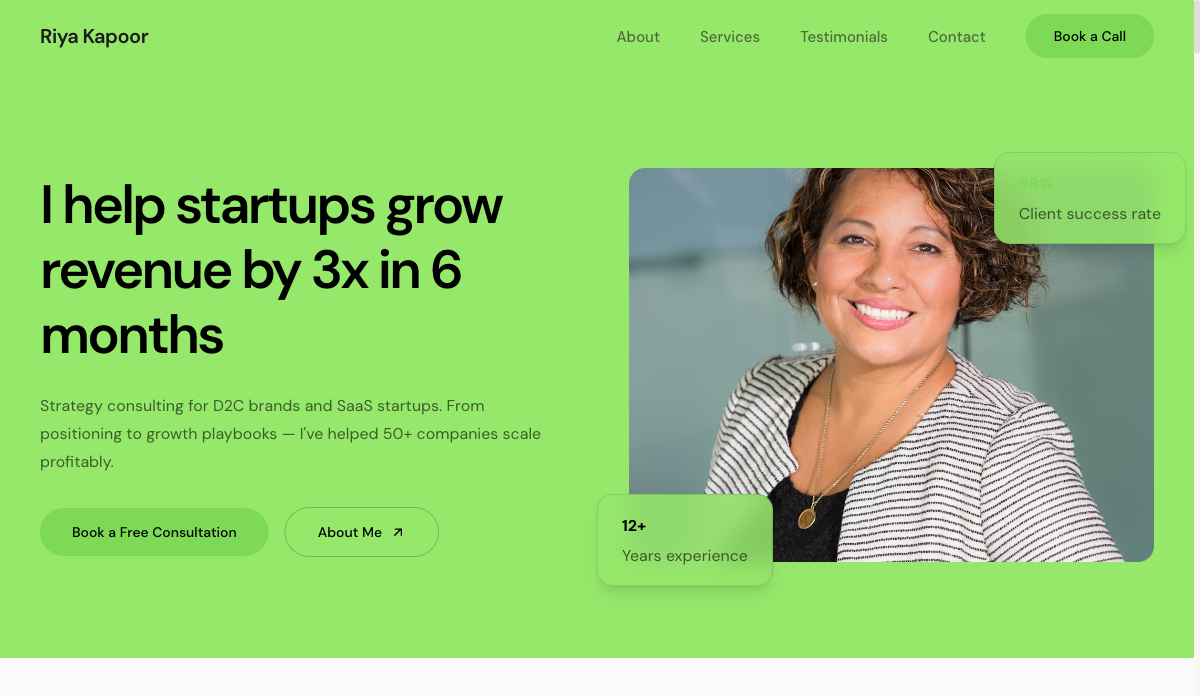 Services
Consultant — Freelancer
Service-led freelancer site with packages, testimonials and a lead form. For consultants, coaches and strategists.
View live demo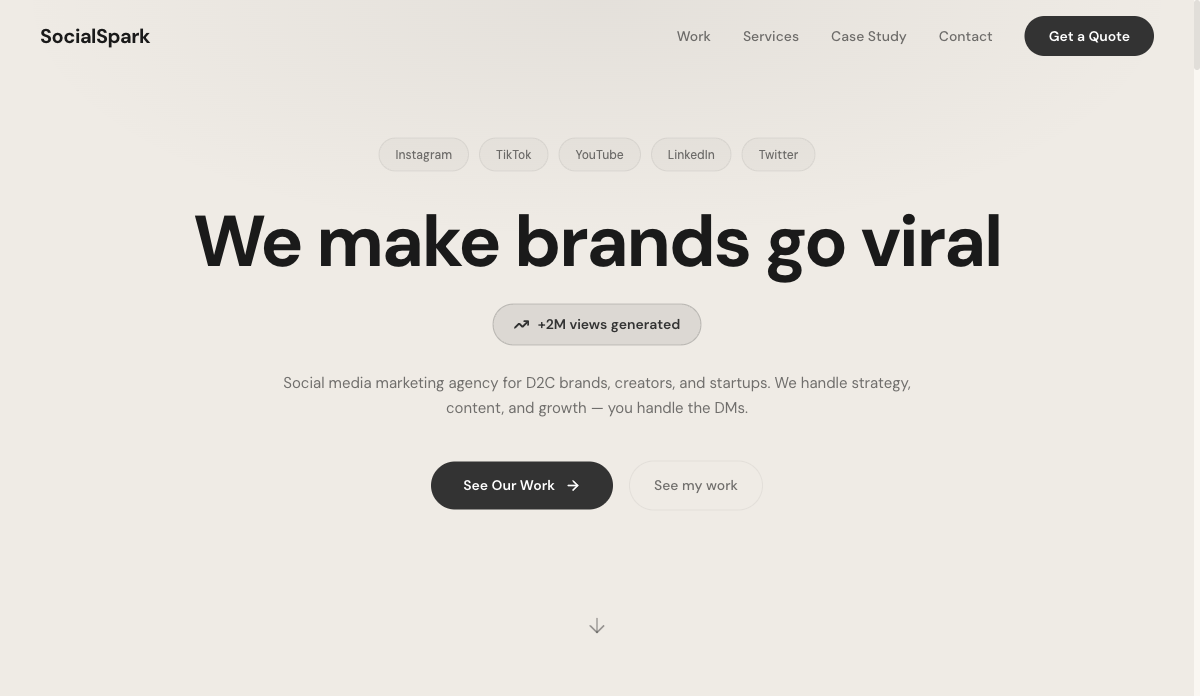 Social
Social Media Freelancer
Results-first portfolio with metrics, content grid and packages. For social media managers and content creators.
View live demo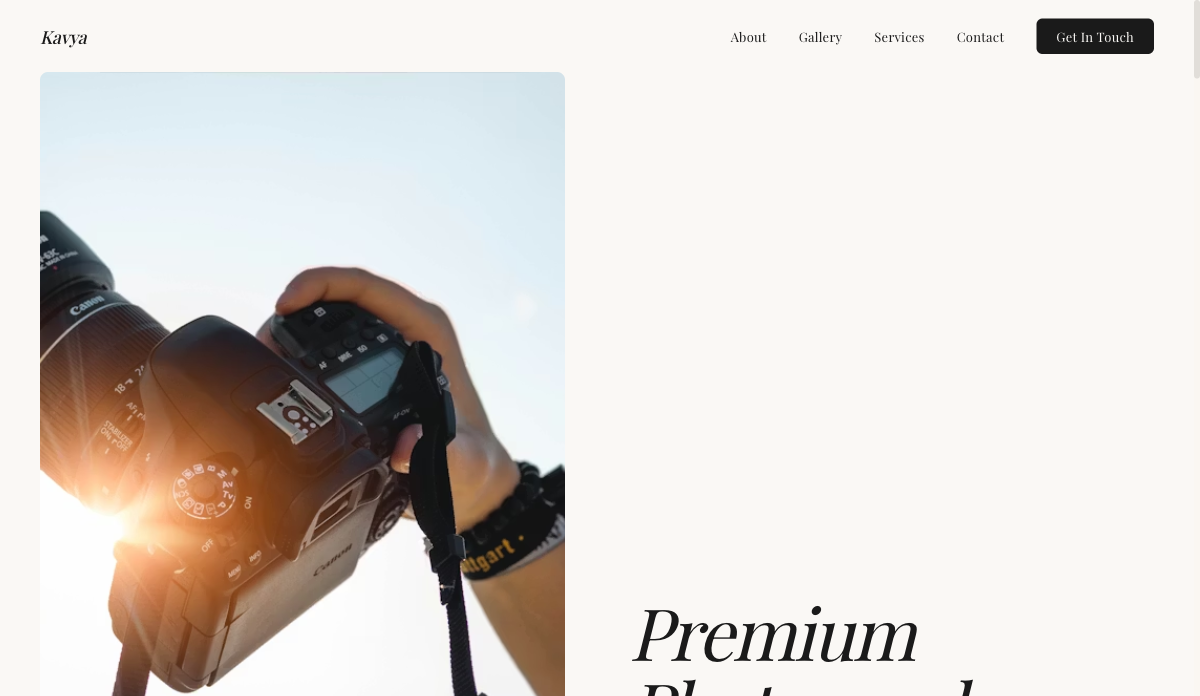 Visual
Photographer — Visual Portfolio
Full-bleed gallery layout with lightbox and category filters. For photographers, visual artists and stylists.
View live demo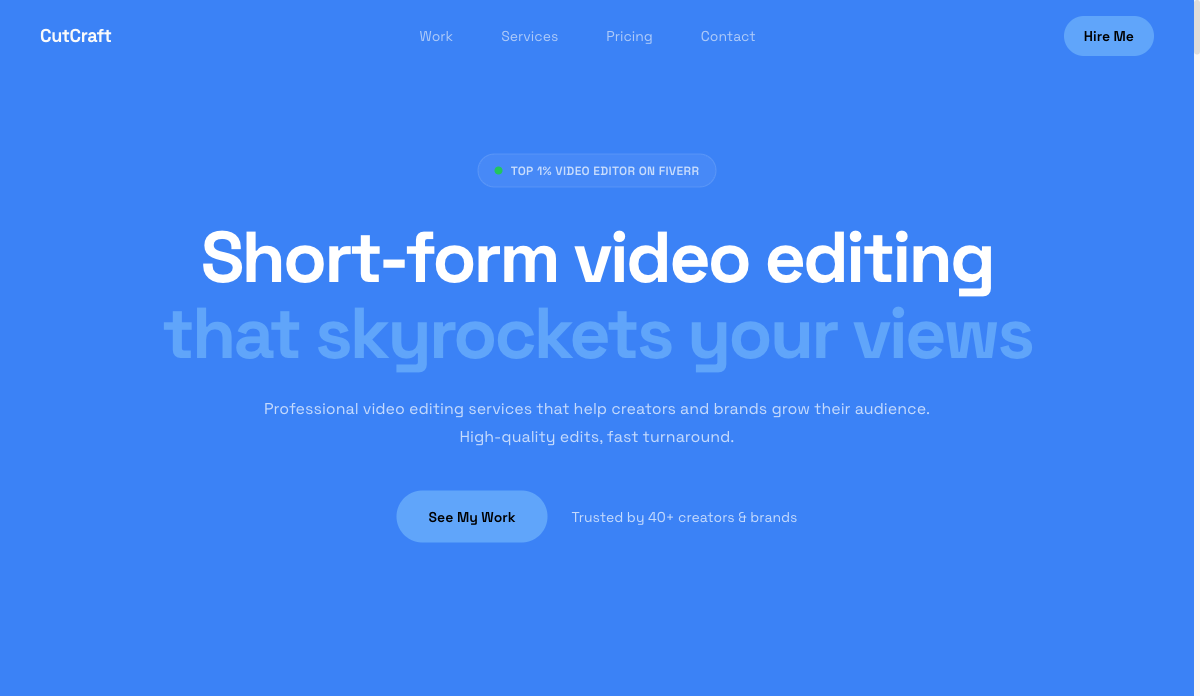 Video
VideoEditor — Video & Motion
Video-hero portfolio with reel embeds and before/after blocks. For video editors, motion designers and filmmakers.
View live demo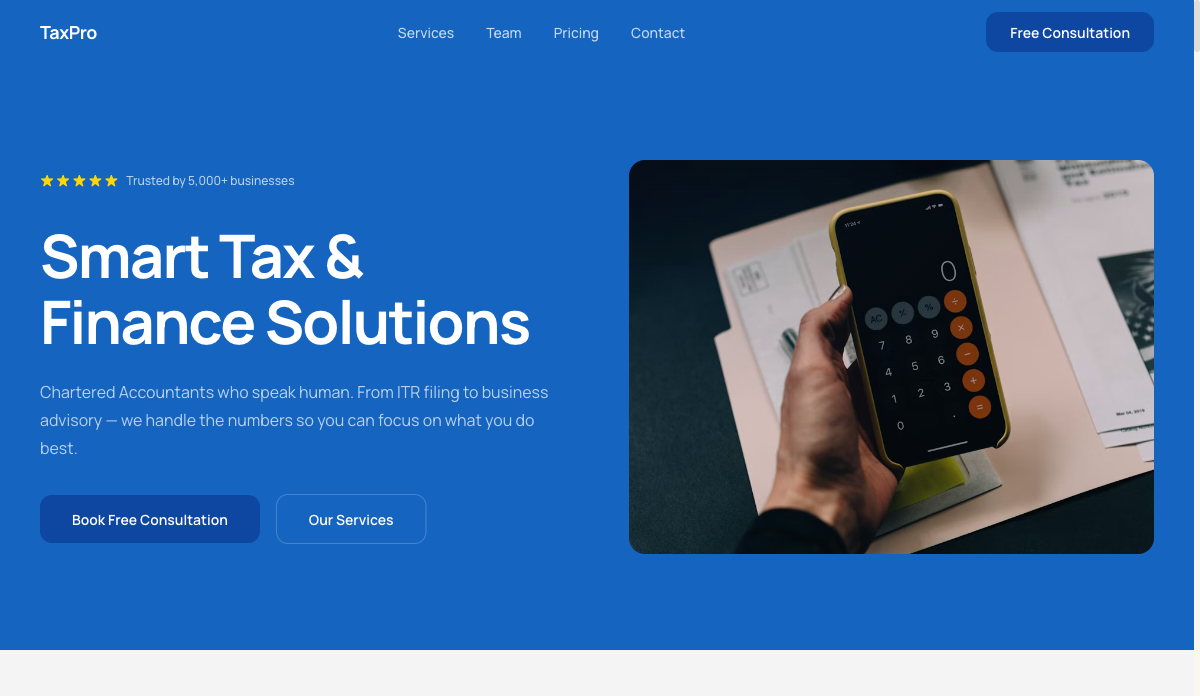 Finance
Accountant — Finance & Tax
Trust-building site with credentials, services and booking. For accountants, CAs and finance freelancers.
View live demo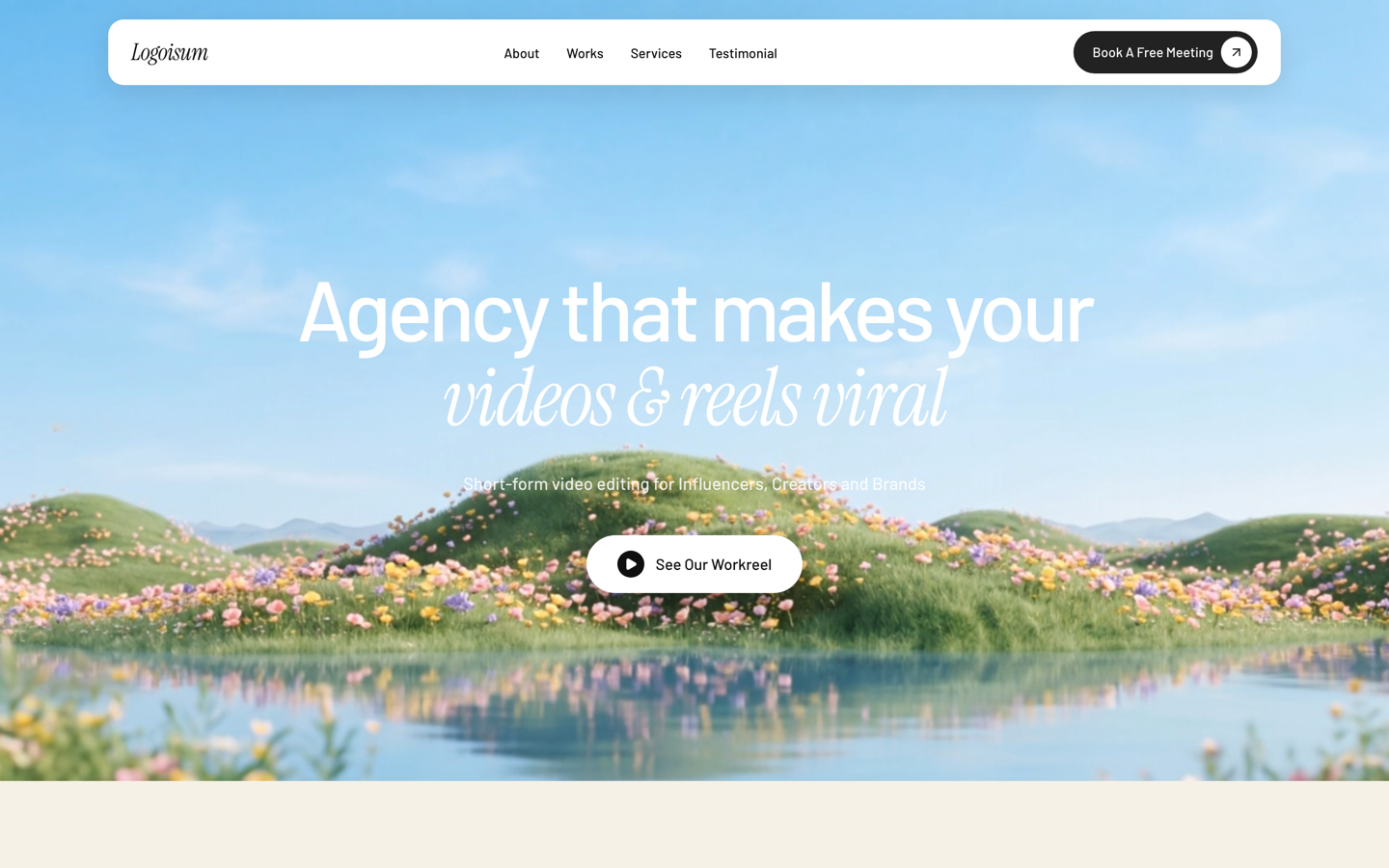 Agency
Logoisum — Design Agency
Punchy agency-style portfolio with a logo/brand wall and services. For freelance designers going solo-studio.
View live demoWays to get a freelancer website, compared
| SitesPlaced | Web agency | DIY builder | Social / marketplace only | |
|---|---|---|---|---|
| Cost to launch | Free | ₹25k–₹1L+ | ₹500–2k/mo | Free, but rented |
| Time to live | Minutes | 2–6 weeks | Days | Minutes |
| You own it | ✓ Yours | ✓ (you pay) | ✓ | ✗ Platform’s |
| No coding | ✓ | Done for you | ✓ | ✓ |
| Found on Google | ✓ SEO-ready | Depends | ✓ | Limited |
| AI writes your content | ✓ | ✗ | ✗ | ✗ |
Indicative comparison of the common ways to put a small business online, June 2026.
Build your freelancer website free
Pick a freelancers-ready template, let AI write your content, and publish in minutes. It’s free to build and publish — premium templates included, no ads, no card. Your site goes live in minutes on a username.sitesplaced.com address, and you can add a custom domain or remove the small badge whenever you want.
Build my website free →Frequently asked questions
Do freelancers really need a website if they have Instagram or LinkedIn?
Yes. Social profiles are great for discovery, but they belong to the platform, bury your older work, and make you look like every other account. A website is the one place a serious client checks before paying — it lets you control your pricing, your story and your call to action. The two work best together: social brings people in, your website closes them.
What should a freelancer website cost?
It can be free. On SitesPlaced you build and publish a freelancer website for free with premium templates included — no ads, no card. A web agency typically charges ₹25,000–₹1,00,000+ and takes weeks; you only pay later if you want a custom domain or to remove the small badge.
How long does it take to build a freelancer website?
Minutes, not weeks. Pick a freelancer-ready template, let AI write your headline, about and service copy from a few details, swap in your projects and photo, and publish. Most freelancers go live the same day.
What pages does a freelance website need?
Most freelancers do well with a focused one-pager: a headline, a few projects, an about section, services with starting prices, testimonials, and a contact form. Add separate pages only if you have a lot of work to organise.
Can I add my own domain later?
Yes. You can start free at yourname.sitesplaced.com and connect a custom domain like yourname.com whenever you’re ready — your site and links stay the same.