
The best portfolio website for designers
Your work is the best argument you have — but only if it is shown properly. These are designer-grade portfolio templates built around real case studies, with AI to write the words and a custom domain so it is unmistakably yours.
By Manan Agrawal, Founder · Updated June 10, 2026
The best portfolio website for a designer is one you own, on your own domain, with case-study-ready layouts. SitesPlaced gives designers exactly that — brand, UX, photography, motion and 3D templates, AI-written content, and setup help — free to build AND publish, with ₹199/month only for a custom domain or to remove the badge. It is where serious clients judge your work, beyond any Behance or Dribbble profile you do not control.
Real portfolios, live right now
Real freelancers, designers and creators built and published these on SitesPlaced — open any of them in a new tab.
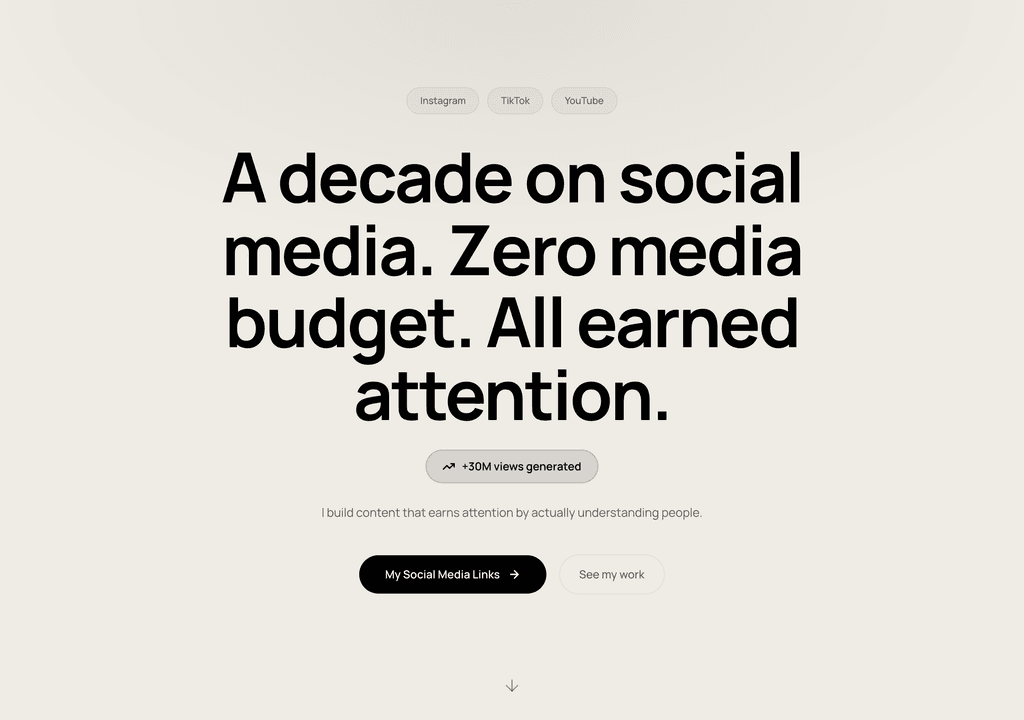
Steve Corbin Jr.
A social-media specialist's portfolio that turns a decade of earned attention into inbound clients.
Visit live site
J. Riley Brewington
A content specialist showcasing multi-platform growth, testimonials and a clear booking path.
Visit live site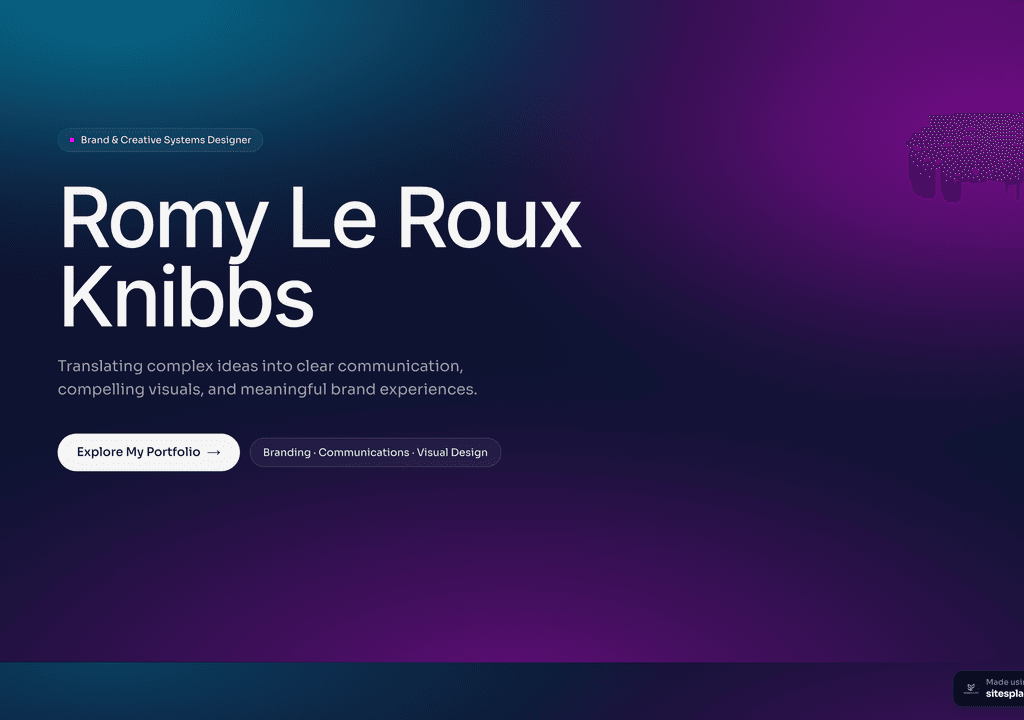
Romy Le Roux Knibbs
A brand & communications designer's portfolio — case studies in a polished, gradient-led layout.
Visit live siteWhy does a designer need their own portfolio website?
Profile platforms are wonderful for discovery, but they flatten your work into a grid and wrap it in someone else’s brand and rules. When a real client is deciding whether to hire you, they want depth: the thinking behind the work, the before and after, the outcome. That is a case study, and a feed cannot hold one.
A portfolio website you own does three things a profile cannot — it shows full case studies, it ranks on Google so clients find you, and it represents your taste rather than a platform’s template. For a designer, that control is not vanity; it is how premium clients decide.
What makes a great designer portfolio?
- ✓A confident hero that states who you are and what you do in one line
- ✓Three to six deep case studies — problem, process, decisions, outcome
- ✓Real images at real size; let the work breathe instead of cramming a grid
- ✓A clear about section, your services or rates, and credible social proof
- ✓One obvious way to contact or book you, on every screen
- ✓Your own domain, fast load, and clean SEO so you are findable
Own website vs profile platforms
| For a designer | Your SitesPlaced site | Wix/Squarespace | Behance/Dribbble |
|---|---|---|---|
| Designer-grade templates | ✓ Case-study ready | Generic | Profile only |
| Your own custom domain | ✓ | Limited | ✗ |
| You own & control it | ✓ Fully | Platform's rules | Platform owns it |
| AI writes your content | ✓ From a few words | ✗ | ✗ |
| Set-up help | ✓ A real person | Self | Self |
| SEO / found on Google | ✓ Indexable | Partial | Profile in a feed |
| Time to live | Minutes | Hours | Minutes (but generic) |
| Price | Free to build & publish (₹199/mo plan) | Free–paid | Free |
Indicative comparison for a working designer, June 2026.
Designer portfolio templates — live demos
These are real, clickable portfolios across design disciplines — brand and visual, photography, motion and editing, agency and 3D. Open the closest fit and clone it; AI will draft your copy from a few words.
 Design
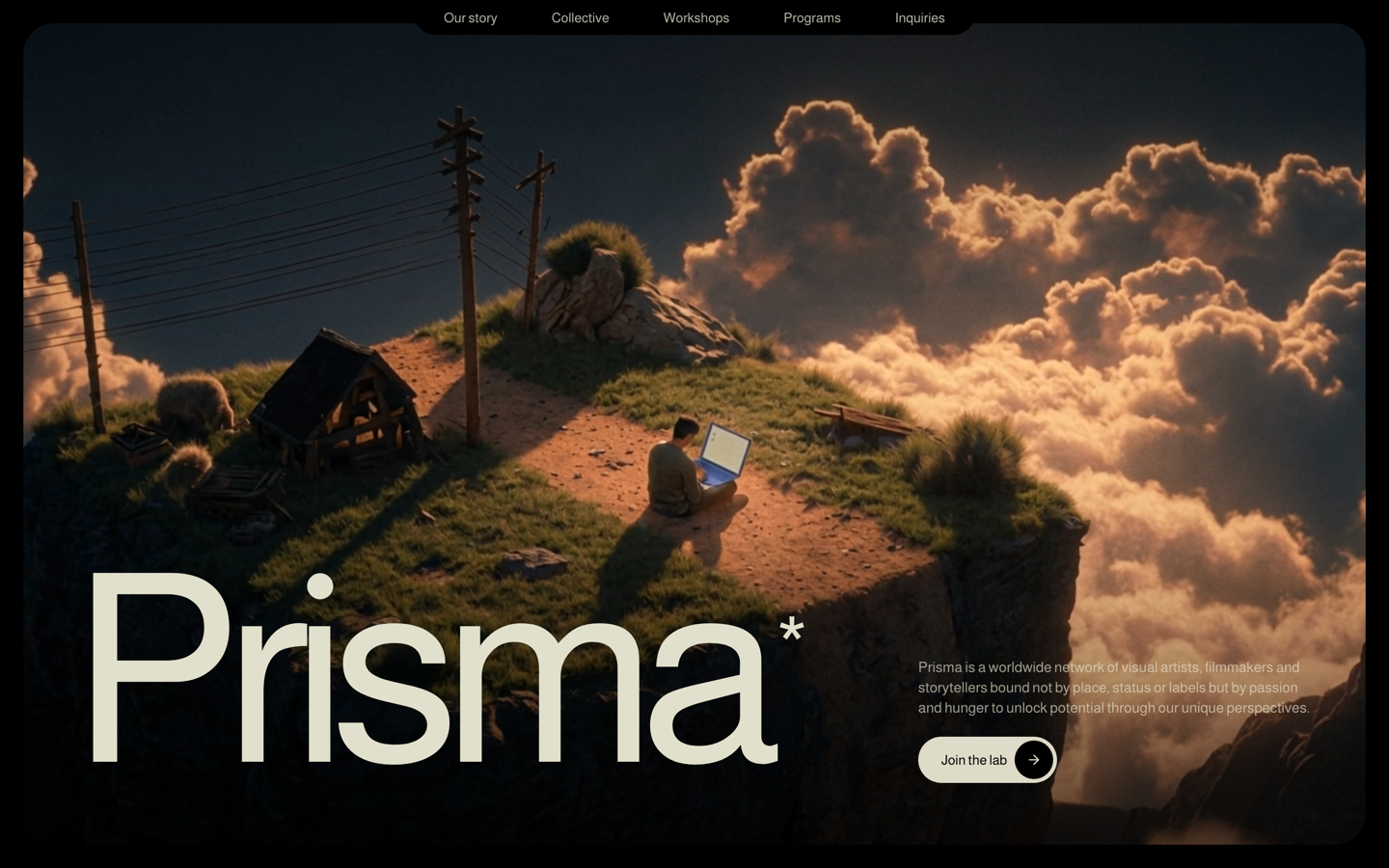
Prisma — Creative Studio
Bold, art-directed studio site with case-study scroll scenes. For brand, graphic and creative designers.
View live demo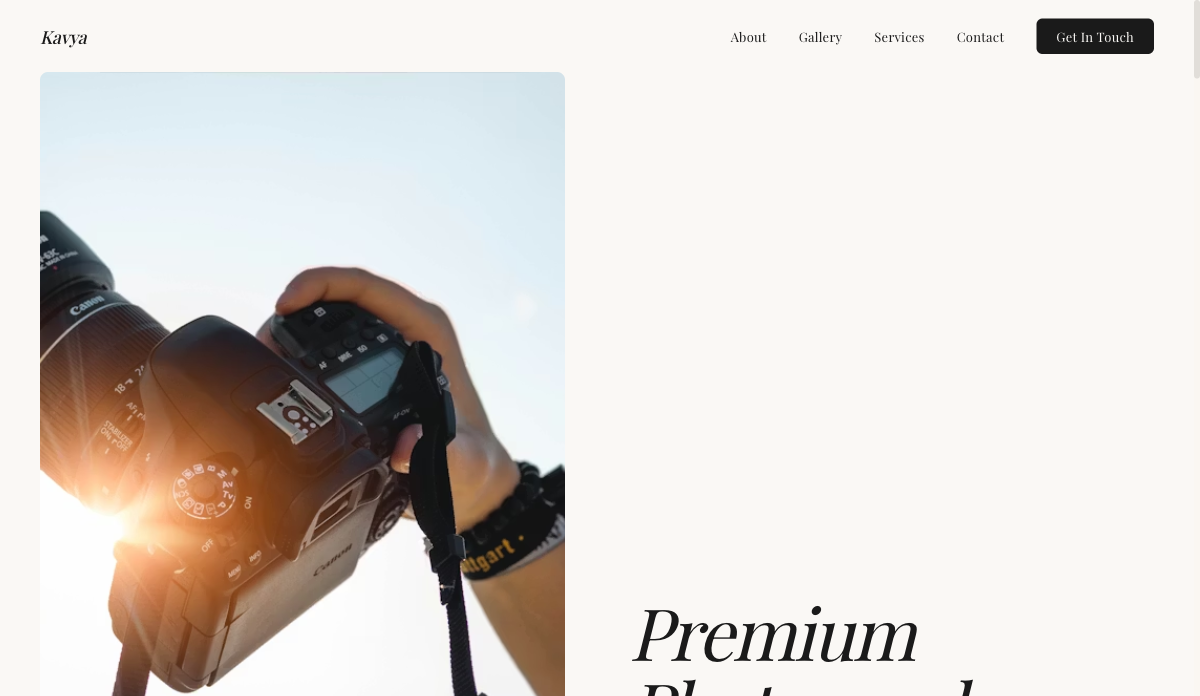 Visual
Photographer — Visual Portfolio
Full-bleed gallery layout with lightbox and category filters. For photographers, visual artists and stylists.
View live demo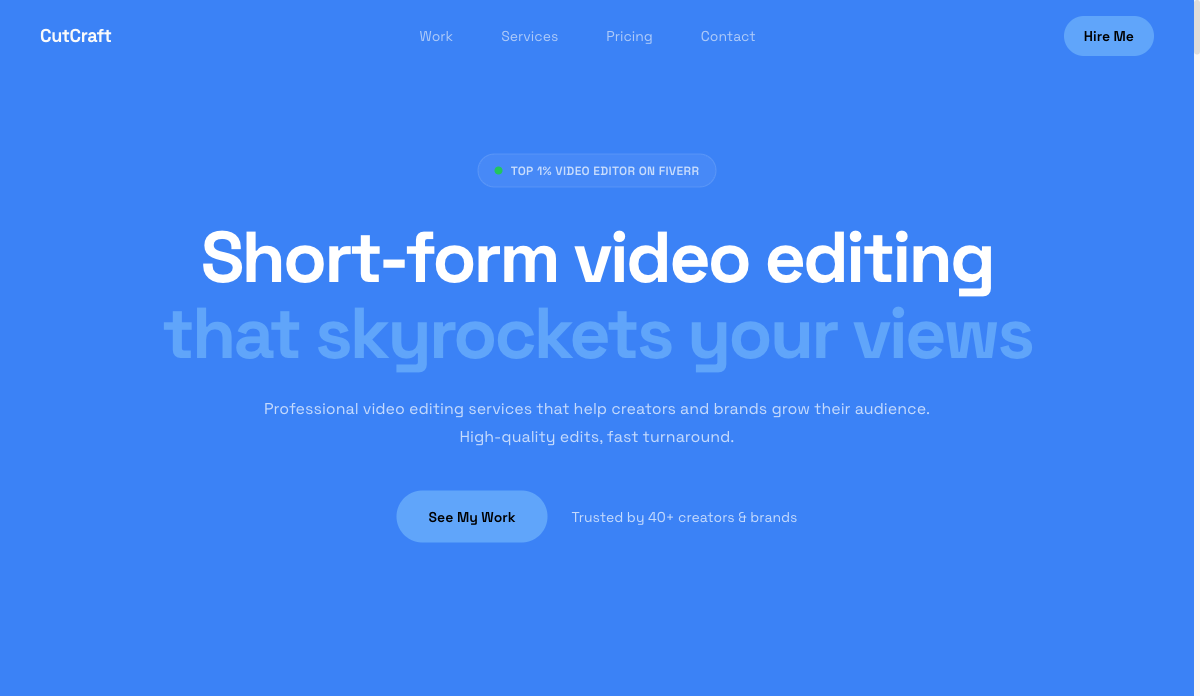 Video
VideoEditor — Video & Motion
Video-hero portfolio with reel embeds and before/after blocks. For video editors, motion designers and filmmakers.
View live demo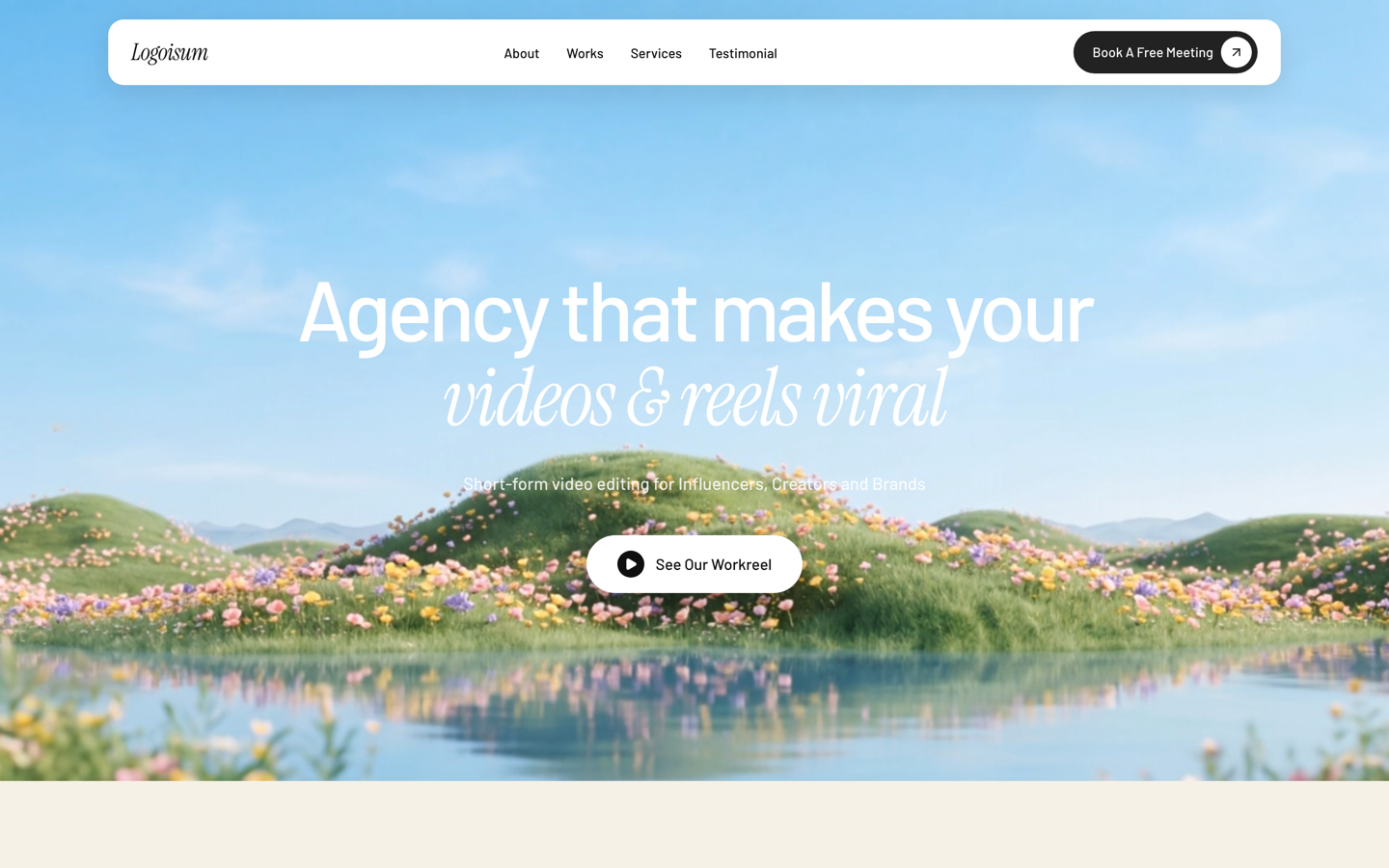 Agency
Logoisum — Design Agency
Punchy agency-style portfolio with a logo/brand wall and services. For freelance designers going solo-studio.
View live demo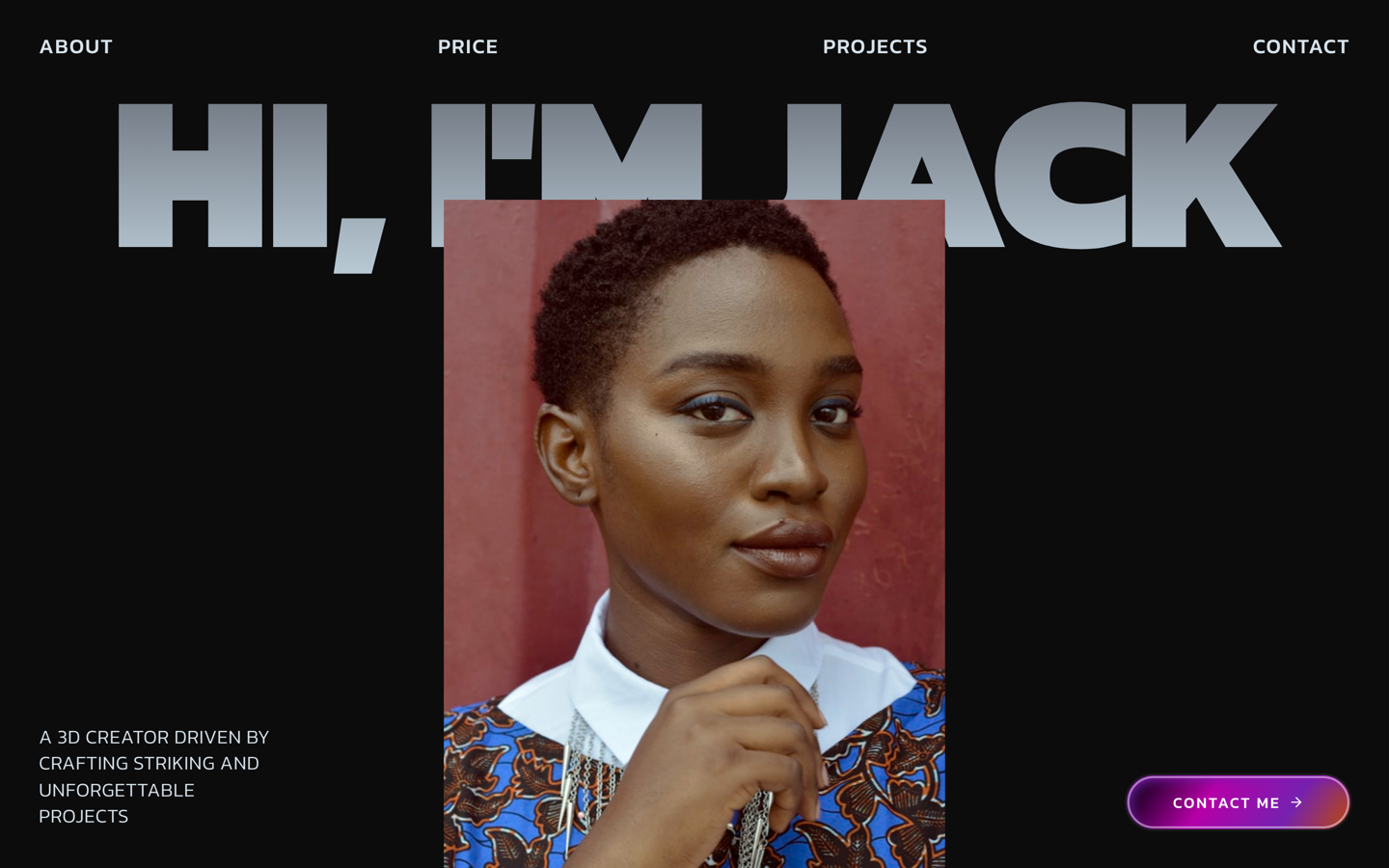 3D
3DJack3D — 3D Creator
Interactive 3D portfolio for motion, CGI and product visualisation. For 3D artists and creative technologists.
View live demo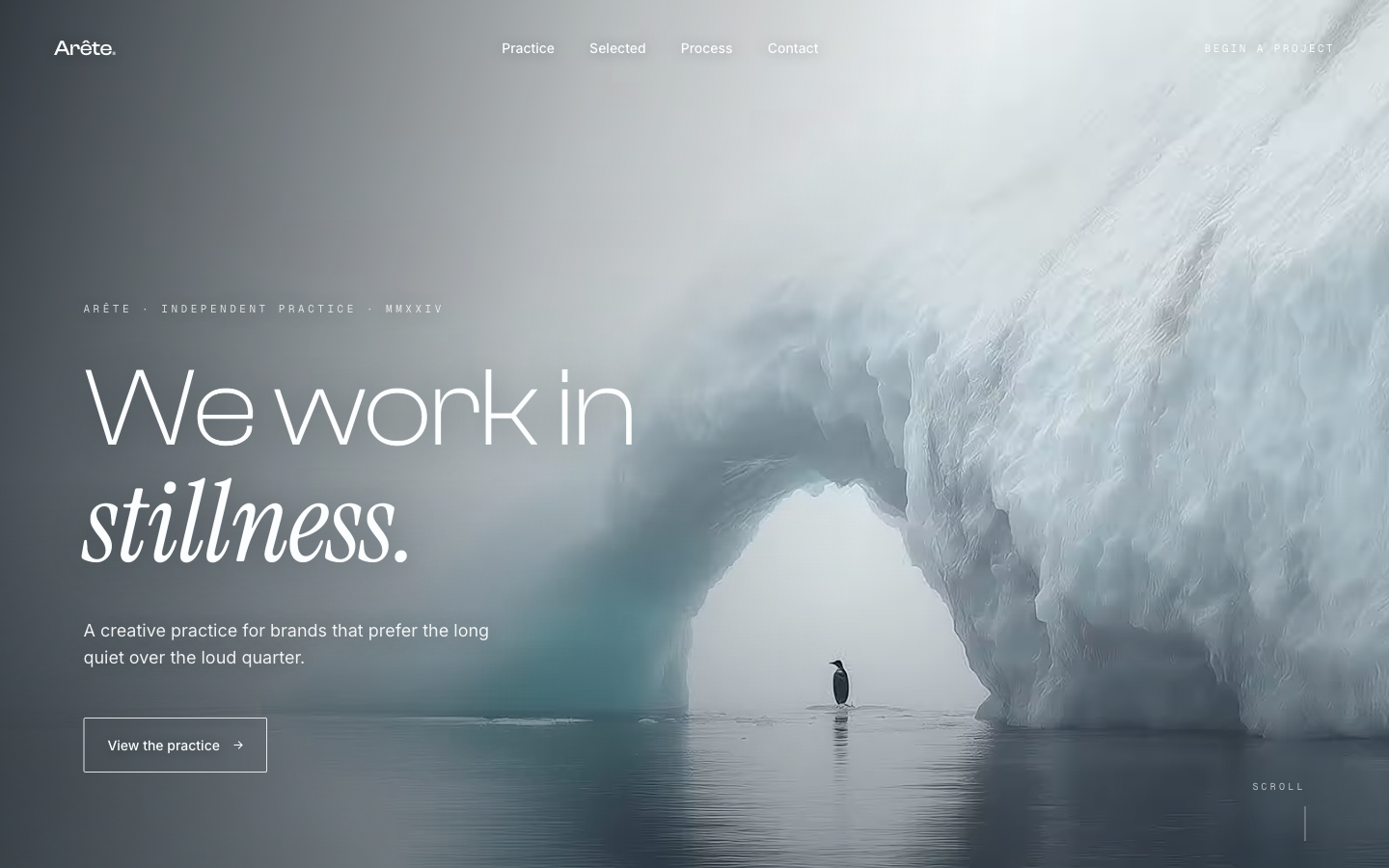 Editorial
Glacial Arch — Editorial
Quiet, editorial landing with refined type and whitespace. For design studios and art directors who want restraint.
View live demoWhy designers build on SitesPlaced
Start finished, not blank
Designer-grade templates with case-study structure baked in. You curate work and tweak — you do not design a site from zero.
AI writes the words
Describe a project in a sentence and AI drafts the case-study copy and bio, so the writing never blocks the launch.
It is yours
Your own domain, your branding, full control and ownership — not a profile inside someone else's product.
Set up for you
A real person helps you launch and connect your domain, so your portfolio is live and polished fast.
Portfolio mistakes designers make
Designers are great at making work and surprisingly hard on their own portfolios. The most common missteps are not about visual polish — they are about how the work is framed:
- ✓Showing outcomes with no context — a beautiful screen tells a client nothing about the thinking behind it
- ✓Too many projects — six considered case studies read as more senior than twenty thumbnails
- ✓Burying the best work below the fold while leading with older or weaker pieces
- ✓Writing for other designers instead of the client or recruiter who is actually hiring
- ✓Skipping the about and contact, so a convinced visitor has nowhere to go next
- ✓Relying only on a profile platform you do not control, with no site of your own
The fix is structure and editing: lead with your strongest case study, tell the story of each project from problem to outcome, and make it effortless to get in touch. The templates here are built around that narrative, so the hard design decisions are already made for you.
Build a portfolio that wins the work
Build AND publish free, with hosting included. Pick a designer-grade template, let AI draft your case studies, and go live with a site that represents your taste — not a platform's. Pay ₹199/month only for a custom domain or to remove the badge.
Build your designer portfolio →Looking for your exact niche? See the specialised guides below.
Frequently asked questions
What is the best portfolio website for designers?
The best designer portfolio is one you own, with case-study-ready layouts that show the work properly. On SitesPlaced you start from designer-grade templates (brand, UX, photography, motion, 3D), AI drafts your content, and you publish — free to build AND publish, live on a username.sitesplaced.com URL with a small 'Made using sitesplaced.com' badge. Pay ₹199/month only for a custom domain or to remove the badge. It beats relying only on a Behance or Dribbble profile you do not control.
Should a designer use Behance/Dribbble or their own website?
Use both, but own a website. Behance and Dribbble are great for discovery and community, but they put your work inside someone else's feed with their branding and rules. Your own portfolio website is where serious clients judge you — it shows full case studies, ranks on Google, and represents your brand, not a platform's.
What should a designer's portfolio website include?
A strong hero, three to six in-depth case studies (problem, process, outcome), a clear about section, your services or rates, social proof, and an easy way to contact or book you. SitesPlaced templates are structured around exactly this so you fill in content rather than design from scratch.
Do I need to code to build a designer portfolio?
No. SitesPlaced is fully no-code — pick a template, drop in your projects and images, and AI writes the copy. A real person can help you set it up, and you can connect your own custom domain.
How much does a designer portfolio website cost?
It is free to build AND publish on SitesPlaced, with hosting included — your site goes live on a username.sitesplaced.com URL with a small 'Made using sitesplaced.com' badge. You pay ₹199/month (about $7.99/month) only for a custom domain or to remove the badge, which also unlocks AI and higher limits.