
How to accept orders on WhatsApp without losing them in chats
Taking orders on WhatsApp is the easiest way to start selling in India and the easiest way to lose track of what you sold. This guide shows a system that keeps the chat — and adds a cart, an address and an order number to it.
By Manan Agrawal, Founder · Updated August 23, 2026
45 live customer stores



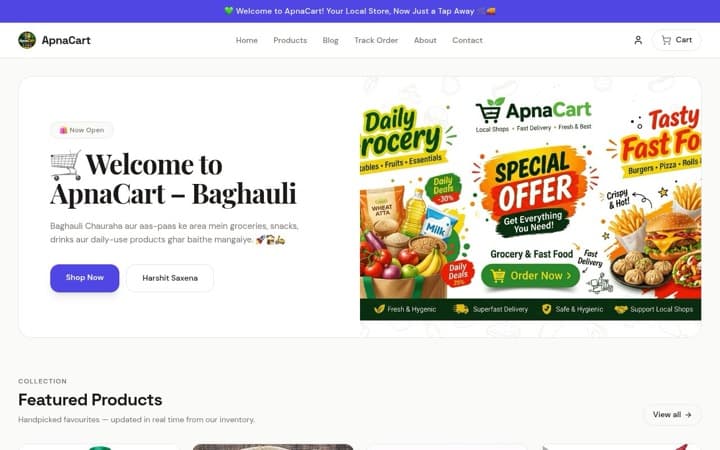


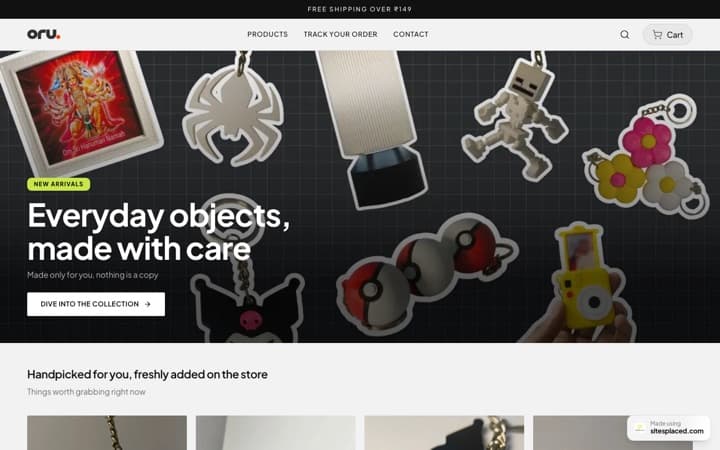





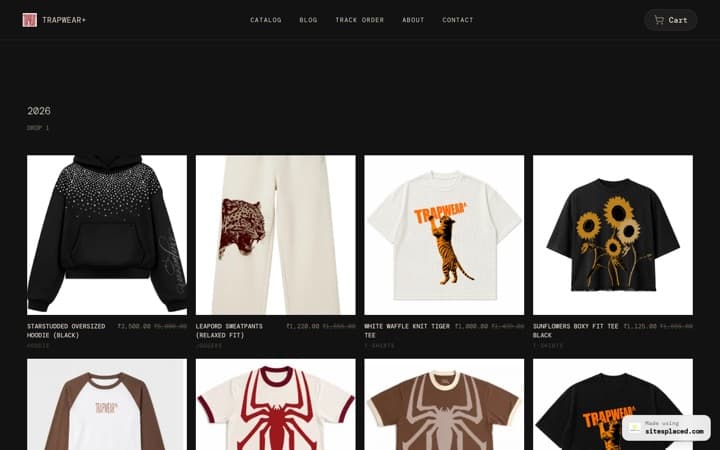


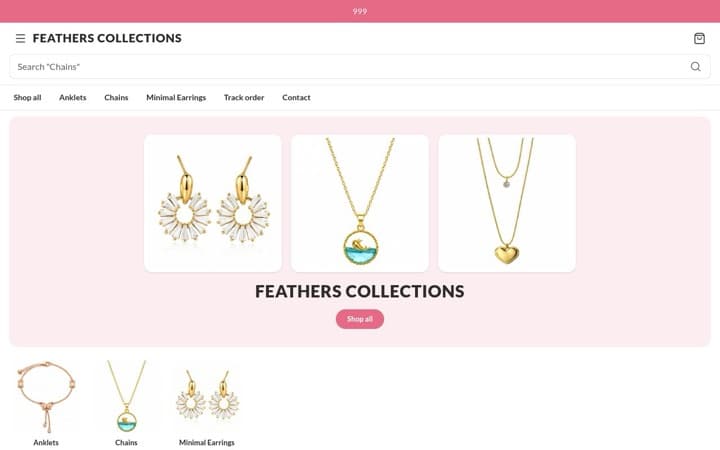







Every store here is live and taking orders · read the SitesPlaced reviews from their owners
Real sellers on SitesPlaced
 sitesplaced.official@thehouseofurmila
The House of Urmila · Jewellery
Testimonial video · July 22, 2026
View on Instagramsitesplaced.official@talkingtails_
The Pet Journal · Pet products
Testimonial video · August 11, 2026
View on Instagramsitesplaced.official@surroor_house
Surroor House · Clothing store
Store launch · August 13, 2026
View on InstagramMore ratings and press coverage — read the SitesPlaced reviews
To accept orders on WhatsApp reliably, stop taking them as free-text messages. Share one store link; the customer picks products, types their address and taps ‘Checkout on WhatsApp’. You receive a single message with the items, quantities, address and total, and the same order is saved in a dashboard with an order ID. On SitesPlaced that flow is free — ₹0 to publish, unlimited products, 0% commission, with UPI via Razorpay, cash on delivery and Shiprocket included.
Why WhatsApp orders go missing
A WhatsApp order usually arrives in four or five messages spread over an hour: a screenshot of a product, a question about size, ‘how much with delivery?’, a voice note with the address, and a UPI screenshot. Each piece lives in a different place in the thread. At five orders a week that is fine. At five orders a day the cracks show.
- ✓Addresses are copied out by hand, so pincodes get typed wrong and parcels bounce.
- ✓‘Did my payment go through?’ screenshots pile up with no way to tie them to an order.
- ✓A customer who messages at 11 pm gets a reply at 9 am and has often bought elsewhere.
- ✓Nothing tells you what you actually sold this month without scrolling every chat.
- ✓When stock runs out, the product is still being ‘ordered’ in chats you haven’t opened.
None of this is a reason to leave WhatsApp. Buyers trust it, they already have it open, and the conversation is where your repeat business comes from. The fix is to change what arrives in the chat.
Three ways to take orders on WhatsApp, compared
Most businesses move through these in order. The third is where the work per order stops growing with the number of orders.
| Manual DMs | WhatsApp catalogue | Store link with WhatsApp checkout | |
|---|---|---|---|
| How the order reaches you | A thread of messages you piece together | A ‘Hi, I’m interested in…’ message per product | One message with items, address and total |
| Who types the address | You ask, they reply, you copy it out | You ask, they reply, you copy it out | The customer, into proper fields |
| Stock and price accuracy | From memory | Manual updates in the app | Live from the store; sold-out items can’t be ordered |
| Order record | The chat itself | The chat itself | Order ID in a dashboard, plus the chat |
| Payment collection | UPI screenshot | UPI screenshot | UPI or card via Razorpay, COD, or pay after confirming on WhatsApp |
| Works when you’re busy | No — replies stall | Partly | Yes — orders arrive fully formed |
| Cost | Free | Free | Free on SitesPlaced, 0% commission |
Based on how each method works in practice for Indian small businesses, August 2026. WhatsApp catalogue behaviour as published by WhatsApp at the time of writing.
Set up WhatsApp ordering in five steps
Fifteen minutes, no code, no app to install for the customer. The store is the order form; WhatsApp stays the conversation.
Put your products on a free store
Open a store at /stores and add products with a photo, price and stock. You can also import a catalogue from Instagram, a PDF price list or an existing site. Publishing is free with unlimited products.
Enter your WhatsApp number
Settings → Store details → WhatsApp number, with the country code (91 for India). This is the number orders will arrive on — a WhatsApp Business number is ideal but a normal one works too.
Decide how customers pay
Under Settings → Checkout keep ‘Show WhatsApp checkout’ on. Optionally connect Razorpay for UPI and cards, enable cash on delivery, and set shipping charges or a free-shipping threshold.
Share one link everywhere
Put the store link in your Instagram bio, WhatsApp Business profile, status updates and broadcast messages. Customers browse, fill the cart and tap ‘Checkout on WhatsApp’.
Confirm and fulfil from the dashboard
The order lands in your WhatsApp as a structured message and in your dashboard with an ID. Mark it paid, push it to Shiprocket or Shipmozo, and the customer tracks it on your Track Order page.
Everything above is on the free plan: ₹0 to publish, unlimited products, 0% commission, with Razorpay, COD, WhatsApp checkout, Shiprocket and Shipmozo included. The ₹499/month Growth plan (early-bird; ₹999 after the first 50 stores) adds a custom domain, branding removal, AI copy, analytics, Meta Pixel + Conversions API and WhatsApp Business API alerts sent from your own number. See pricing.
What a good WhatsApp order message looks like
If you keep taking orders manually for now, at least standardise the message. Every order should contain the buyer’s name and phone, the full address with pincode, each item with quantity and price, and the total including delivery. This is exactly what a SitesPlaced store composes when the customer taps checkout:
Hi, I want to order:
Name: Rohit S.
Phone: 99xxxxxx04
Address: B-204, Green Park Apartments
City: Indore
Pincode: 452010
Items:
- Veg thali (weekly, 6 meals) x1 — ₹840
- Extra roti pack x2 — ₹80
Total: ₹920
Store: your free store link
9:41 pm ✓✓
The order also exists in your dashboard with a number before the message is sent, so a dropped WhatsApp thread does not mean a dropped order.
Handling payment on WhatsApp orders
Collect payment before you pack
- • Connect Razorpay in Settings → Integrations: UPI, cards, net banking and wallets at checkout, 0% SitesPlaced commission.
- • Orders paid online are marked paid automatically — no screenshot matching.
- • Only ship prepaid? Turn cash on delivery off store-wide in Settings → Checkout → Order methods, or set a minimum order value so tiny COD orders never come through.
Confirm first, pay later
- • Let the order arrive on WhatsApp, confirm availability, then send a UPI request in the same chat.
- • Offer cash on delivery with an optional COD charge you set in Checkout settings.
- • Mark the order paid in the dashboard when the money lands, so reports stay right.
Many stores run both: prepaid for new customers, pay-after-confirmation for regulars who like to chat first. The checkout shows whichever options you switch on.
Links and QR codes for the chat-first version
Not ready for a store yet? Use these to at least make it one tap to reach you — and add a prefilled message like ‘Hi, I’d like to order:’ so buyers know what to send.
WhatsApp link generator
Turn your number plus a prefilled message into a wa.me link you can paste anywhere — bio, website button, ad.
Open the toolFree toolWhatsApp QR code generator
A scannable QR that opens a chat with you. Print it on packaging, bills, visiting cards and shop boards.
Open the toolWhen you outgrow WhatsApp-only alerts
Once customers also pay by UPI or COD straight from the store, those orders do not come through a chat. The ₹499/month Growth plan (early-bird; ₹999 after the first 50 stores) closes that gap with WhatsApp Business API notifications from your own number, and adds a custom domain, branding removal, AI product copy, analytics and Meta Pixel + Conversions API. The free plan remains free.
Razorpay, Shiprocket, Shipmozo, WhatsApp API, Meta CAPI: all built in.
Razorpay, cash on delivery, WhatsApp checkout, Shiprocket and Shipmozo are on the free plan. From ₹199/month (Starter): Meta Pixel + Conversions API, your own domain, branding removal, AI and analytics. The ₹499/month Growth plan adds WhatsApp Business API alerts and the 1-click checkouts, bring your own credentials. No app store, no per-integration fees.
Payments
- Free

UPI, cards, net banking and wallets at checkout. SitesPlaced takes 0% commission; Razorpay's standard gateway fee applies.
razorpay.com - Free

StripeNew
Card, Apple Pay and Google Pay from customers worldwide. Connect your own Stripe account with a restricted key — payments land in your Stripe balance and SitesPlaced takes 0% commission.
stripe.com - Free

PayPalNew
Customers pay with their PayPal balance or a card. Connect your own PayPal app — the money lands in your PayPal balance and SitesPlaced takes 0% commission.
paypal.com - Free

PhonePeNew
UPI, cards, net banking and wallets at checkout on your own PhonePe Business account. Money settles straight to you and SitesPlaced takes 0% commission; PhonePe's standard gateway fee applies.
phonepe.com - Free

CashfreeNew
UPI, cards, net banking, wallets and pay-later at checkout on your own Cashfree account. Money settles straight to you and SitesPlaced takes 0% commission; Cashfree's standard gateway fee applies.
cashfree.com - Free

- Free
COD at checkout with an optional COD charge you set.
- Free

- ₹499

Sell with ShiprocketNew
1-click checkout by Shiprocket — saved addresses, UPI/cards/COD and RTO scoring, without your own payment gateway. Shiprocket collects and settles to you; SitesPlaced takes 0%, Shiprocket charges 2% per order.
shiprocket.in - ₹499
Razorpay Magic CheckoutNew
1-click checkout on your own Razorpay account — saved addresses, UPI/cards/COD in one step, with COD intelligence and RTO protection. Money settles straight to your Razorpay. Can run alongside Shiprocket checkout.
razorpay.com
Shipping
- Free
Push orders to Shiprocket, get AWB numbers back, and show live tracking on your Track Order page.
shiprocket.in - Free

ShippoNew
USPS, UPS, FedEx, DHL and Royal Mail labels for US, UK and international orders — around 5¢ a label with no monthly fee, billed to your own Shippo account.
goshippo.com - Free

ShipmozoNew
Courier selection, pickup scheduling and tracking status synced back to each order.
shipmozo.com - Free
Rehbar PostNew
Compare courier rates, book the shipment, print the label and track it back — on your own Rehbar Post account.
rehbarpost.com
Fulfilment
- Free

Qikink
Print-on-demand for India — t-shirts, hoodies and mugs printed and shipped domestically from your own Qikink account.
qikink.com - Free

PrintifyNew
Print-on-demand t-shirts, hoodies, mugs and posters. Link a product to your own Printify catalogue and paid orders are sent for printing automatically — Printify bills your account, we take nothing.
printify.com
Messaging
- ₹499
Every new order sends you an alert and the customer a confirmation, from your own WhatsApp Business number via Meta's Cloud API. Bring your own credentials.
business.whatsapp.com
Marketing
- ₹199+

Meta Pixel + Conversions APINew
Your own Pixel on the storefront plus server-side Purchase events from the order record, deduplicated, so Instagram and Facebook ads report real sales. Bring your own credentials.
facebook.com - ₹499

Import the product reviews you already collected in Judge.me on Shopify or WooCommerce onto your product pages, matched by product name. Bring your own API token; SitesPlaced also collects and moderates its own product reviews on every plan.
judge.me - ₹499

Resend emailNew
Email the subscribers your store collected — a new drop, a reopening — from your own domain through your own Resend account. Bring your own API key; sending, limits and unsubscribes stay on your Resend account.
resend.com - ₹199+
Custom head code
Paste Google Analytics, Clarity or any tag into your live site.
Growth
- ₹199+
yourbrand.com with one-click DNS setup for most Indian registrars.
- Free


Create and edit your store by chatting with your AI assistant.
modelcontextprotocol.io - Free
Bring a catalogue in from Instagram, your existing website, a PDF, dm2buy or Shopexer.
- Free
A public API for your store. A custom website with no backend of its own can read your products, send a shopper to your checkout with a prepared cart, read and update orders, look up tracking and receive webhooks.
- Free
WooCommerceNew
Keep your WooCommerce shop. A plugin copies every order into SitesPlaced, so you get the order dashboard, the mobile app, courier booking and a tracking page. WooCommerce stays in charge of payment, stock and cancellation.
- Free
ShopifyNew
Early access, not open to everyone yet. Keep your Shopify shop and copy its orders into SitesPlaced for the order dashboard, courier booking and a tracking page. Ask us for access.
Start taking WhatsApp orders the organised way
Open a free store, add your WhatsApp number, share one link. Every order arrives as a complete message and an order ID — no more copying addresses out of chats.
Open my free store →Importing from Instagram, a PDF or an existing store takes a few minutes; our team helps with Razorpay and Shiprocket setup.
Frequently asked questions
How do I take orders on WhatsApp for my business?
Give customers one link where they can see products, add them to a cart and type their delivery address, then let that link send the finished order to your WhatsApp. On SitesPlaced this is the free ‘Checkout on WhatsApp’ flow: the buyer taps once, WhatsApp opens with the full order message, and the same order is saved in your dashboard with an order number.
Can I accept orders on WhatsApp without a website?
Yes, and many sellers start that way, but every order then depends on you reading the chat, asking for the address and remembering stock. A free store link removes that work without replacing WhatsApp — the conversation still happens there, it just starts with a complete order instead of a question.
How do customers pay when they order on WhatsApp?
Three ways on SitesPlaced. They can pay by UPI, card, net banking or wallet through Razorpay at checkout; choose cash on delivery; or send the order via WhatsApp and pay after you confirm, for example with a UPI request you send back in the chat. You decide which options to show.
Is there a WhatsApp order form I can use?
The SitesPlaced checkout is effectively a WhatsApp order form: name, phone, email, address line, city, state and pincode are collected in proper fields, and you can add an optional order-notes box. The message sent to your WhatsApp is generated from those fields, so nothing is missing.
Will I be notified on WhatsApp for every order, including UPI and COD ones?
WhatsApp-checkout orders arrive as the customer’s own message. For UPI, card and COD orders placed without WhatsApp, the ₹499/month Growth plan adds WhatsApp Business API alerts — an alert to you and a confirmation to the customer from your own WhatsApp Business number, using your own Meta credentials.


