
Turn your TikTok into a real creator website
Paste your @handle — we read your bio, links and videos and build a themed, written creator site in under a minute. Free to publish.
By Manan Agrawal, Founder · Updated June 10, 2026
To turn your TikTok into a website, go to sitesplaced.com/import, enter your @handle, and SitesPlaced auto-builds a creator site from your bio, links and video themes — theme, copy and layout included. Preview it, then publish free on your own URL.
A real TikTok, turned into a real creator site
We ran our importer on a public TikTok profile. The first card is the actual creator site it generated — theme, bio and content layout pulled straight from the profile.

Bio, follower stats and video themes turned into a bold creator landing page.
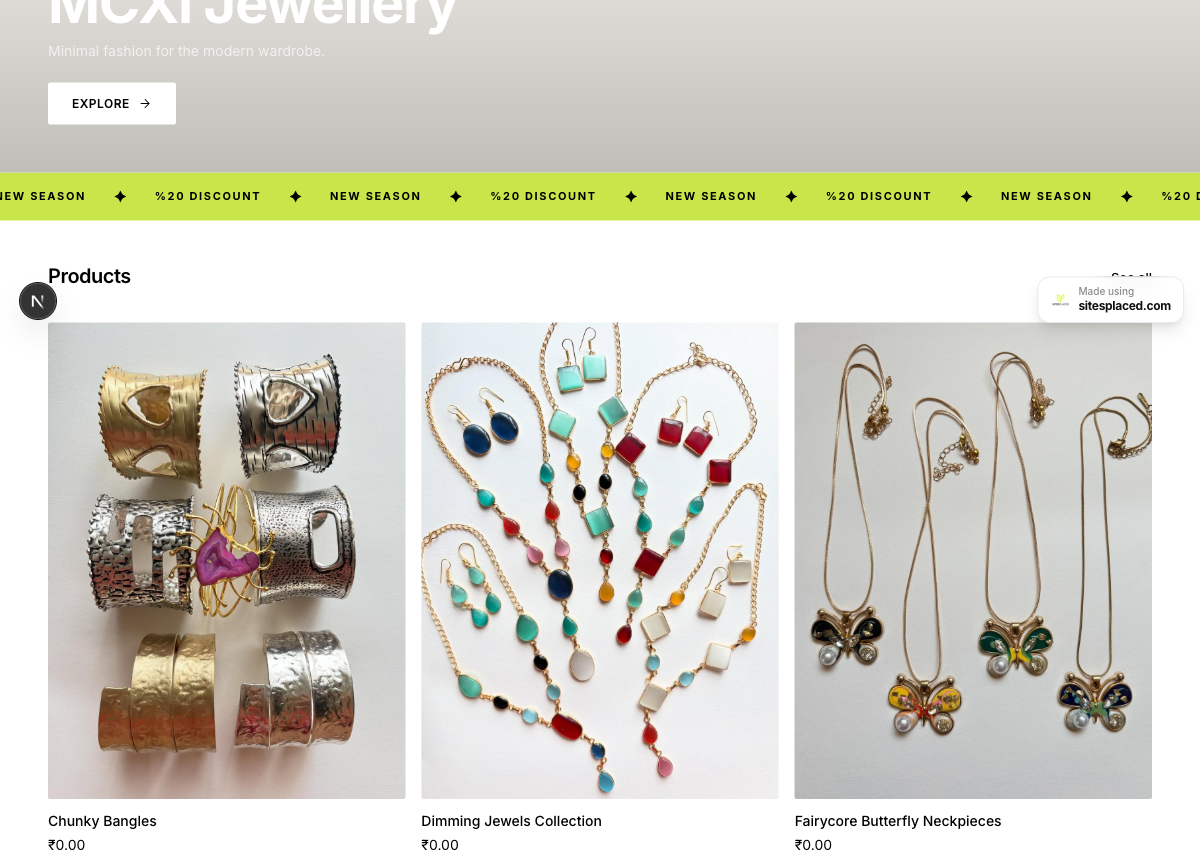
Bio, brand theme and 10 products pulled straight from her Instagram posts — a checkout-ready store.
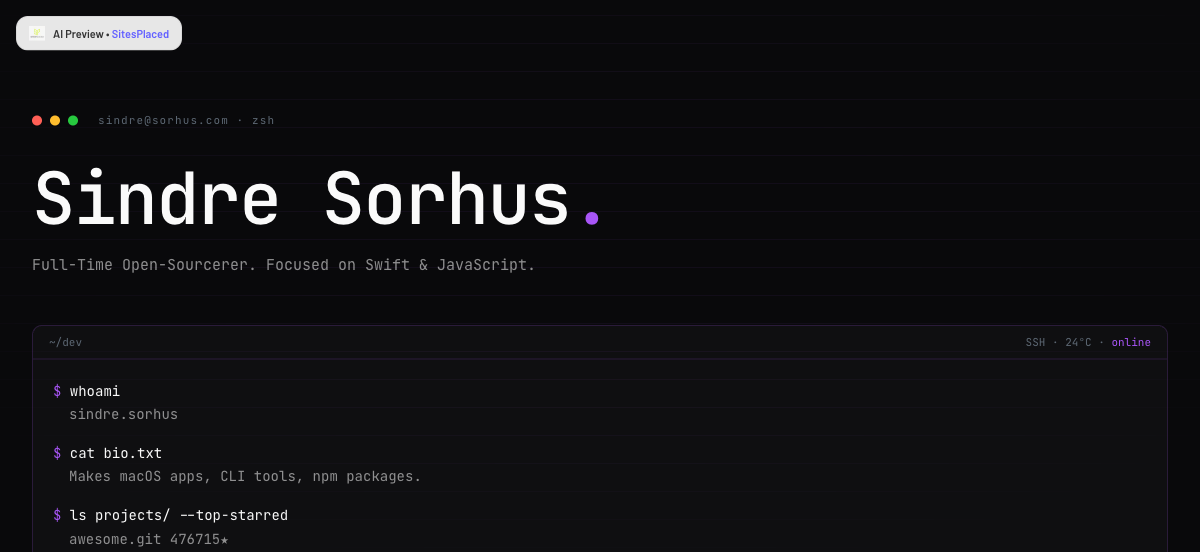
Bio, stack and top-starred repos turned into a terminal-style developer portfolio.
How to convert your TikTok into a website
Paste your handle
Go to /import, pick TikTok and type your @username. No login or account connection needed.
We read your profile
We pull your bio, profile photo, linked URLs and your video/content themes from your public TikTok profile.
AI builds your site
AI picks a theme that matches your vibe, writes your landing copy, and lays out your bio, links and content into a real creator page.
Preview & publish
Review the generated site, tweak anything, and publish free on your own sitesplaced.com URL — or add a custom domain.
What gets imported from your TikTok
The importer pulls everything it can from your public profile so you start with a finished creator site, not a blank canvas:
- ✓Your creator name, bio and profile photo (used as your logo)
- ✓Your bio link and any other external links you list
- ✓Your content themes and vibe — used to pick a matching design
- ✓A theme and colour palette tuned to your brand’s energy
- ✓Written homepage and about copy — no blank pages to fill
- ✓A clean links section so fans reach everything in one place
Built for creators, not just a bio link
A TikTok bio gives you one link and a few lines. This gives you a real website — your own URL, a written homepage, an about page, all your links, and room to grow into a newsletter, store or booking page later. The importer detects whether you’re a pure creator or also selling: creators get a bold landing page, sellers get a store with UPI, COD and WhatsApp checkout. Either way it’s yours to edit, and you keep using your TikTok link-in-bio to point fans at it.
Turn your TikTok into a website now
Paste your @handle and watch a complete creator site build itself from your profile. Free to build, free to publish — no credit card.
Import my TikTok free →Works with Instagram, website, Shopify, GitHub, Linktree and a PDF too.
Frequently asked questions
Can I turn my TikTok into a website for free?
Yes. Paste your TikTok @handle at sitesplaced.com/import and SitesPlaced builds a complete creator website from your profile — bio, profile photo, links and video themes. It's free to build and free to publish (with a small SitesPlaced badge); a custom domain and branding removal are optional paid upgrades.
How does the TikTok importer work?
We read your public TikTok profile — your bio, your linked URLs and your follower/video context — then AI picks a theme that fits your vibe, writes your landing-page copy, and lays out your links and content into a real site. You preview it and publish in one click on your own URL.
Do I need to connect or log into my TikTok account?
No. There's no login or account connection for public profiles — you just type your @handle. We only read what's already public on your TikTok.
Is this just another link-in-bio page?
No. A link-in-bio is a list of links; this is a real website with your own pages, your bio, your links and a written homepage — all on your own URL. You still keep your TikTok link-in-bio and point it at this site.
Can I sell merch or products from my TikTok site?
Yes. If you sell, the importer can build a store with UPI, COD and WhatsApp checkout instead of a plain creator page — and you can switch between a site and a store, or edit anything, after it's generated.