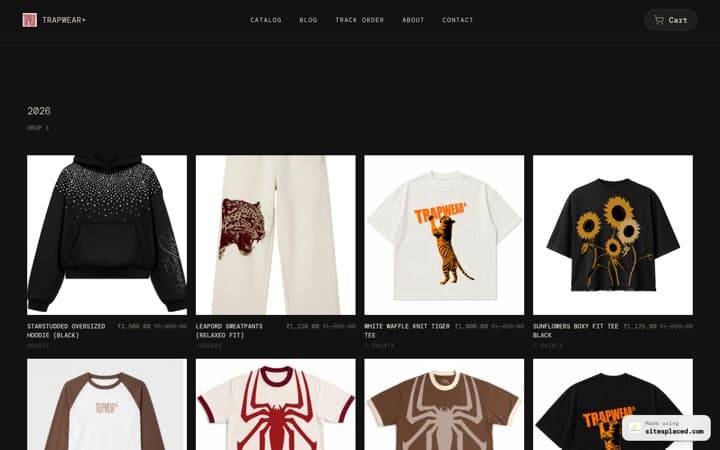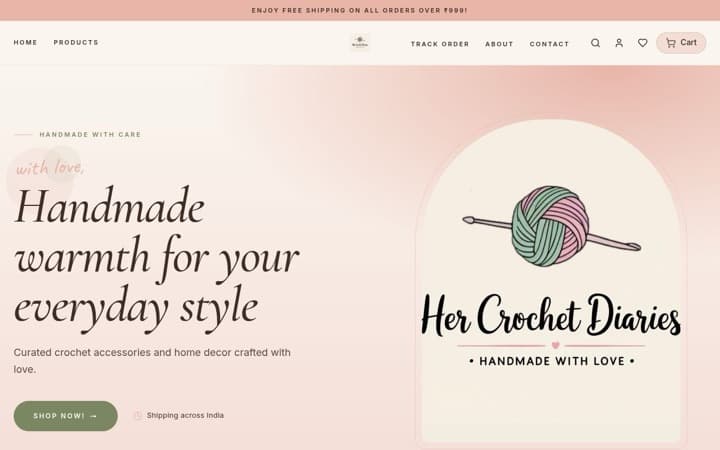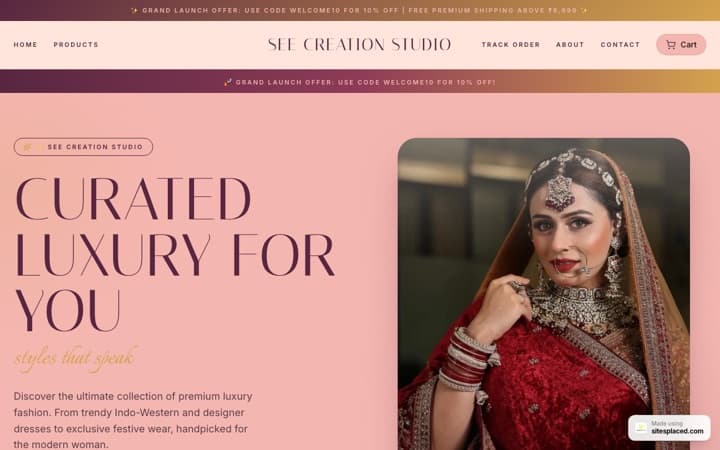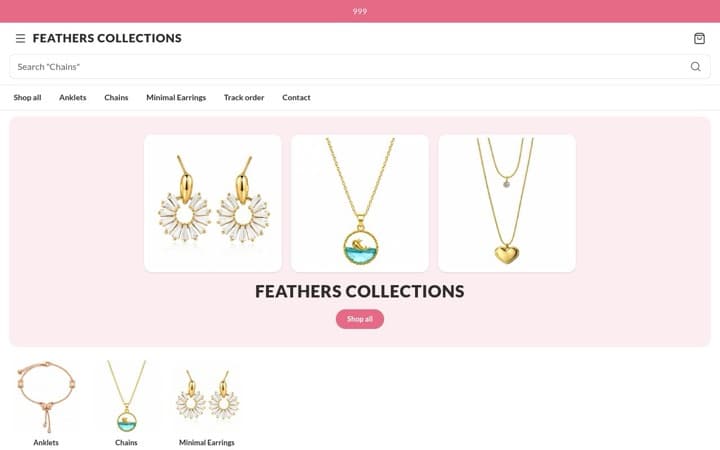

How to choose the right template for your online store in 2026: a 10-point checklist.
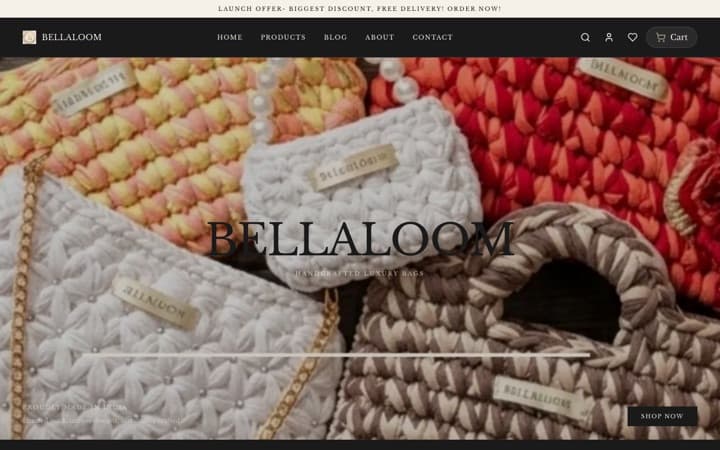
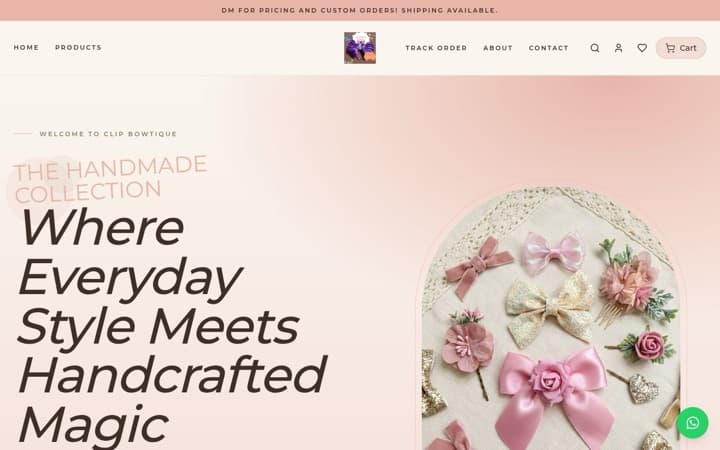
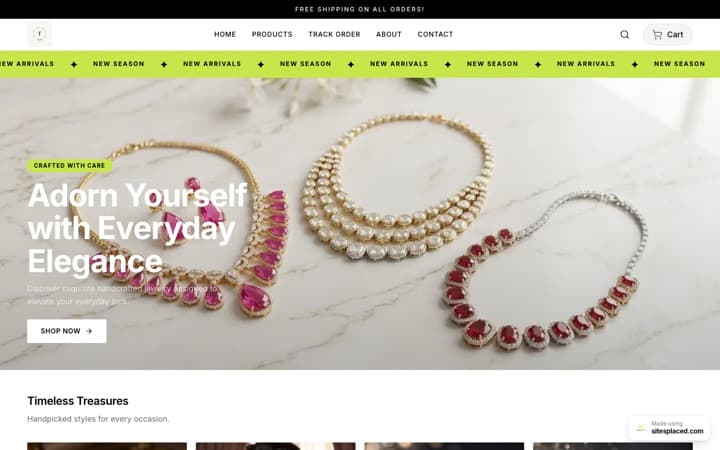
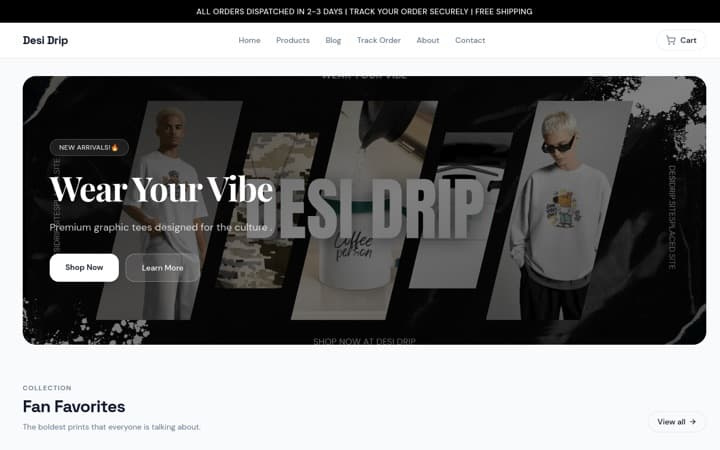
Choose with your phone in your hand and your own products in mind. The right template shows what your buyers check first, fills itself from your products and makes buying take as few taps as possible. Below are ten points to check, what each looks like in practice, and the free SitesPlaced templates that pass it.
The short answer
Key takeaway
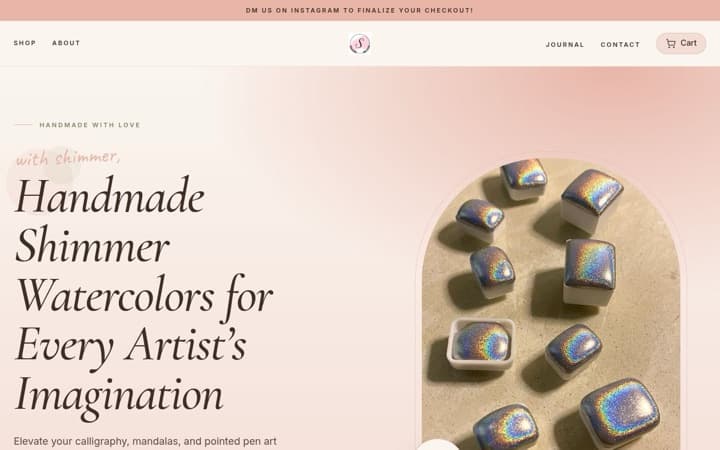
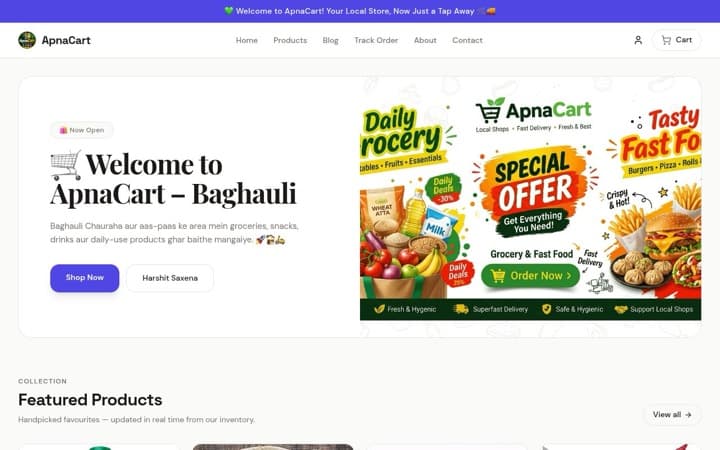
Shortlist two templates made for what you sell, open each one’s live showcase store on your phone, and run through the ten points below. The one that passes most for your products wins. If nothing fits your kind of product, start on the General Store.
All 16 SitesPlaced store templates are free, so price is not a reason to pick one over another. If you want them ranked first, see the 16 best online store templates of 2026.
1. Open it on your phone, not a laptop
Most of your buyers will arrive from Instagram or WhatsApp on a phone, so judge the template there. Can you read the price without zooming? Can your thumb reach Add to cart? Does the header eat half the screen? Does the menu sit where your thumb already is?
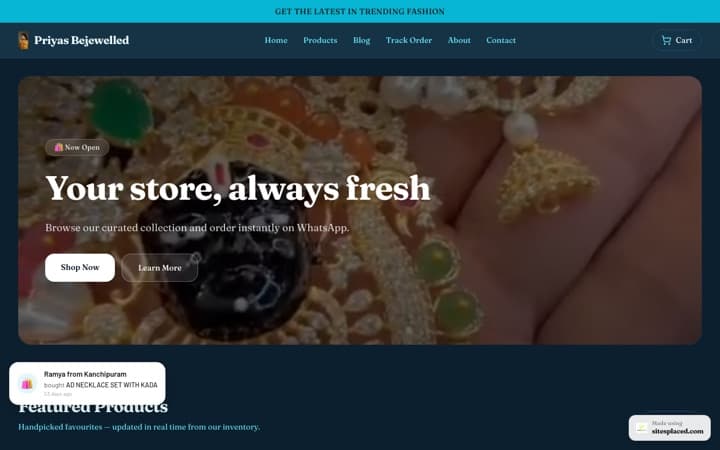
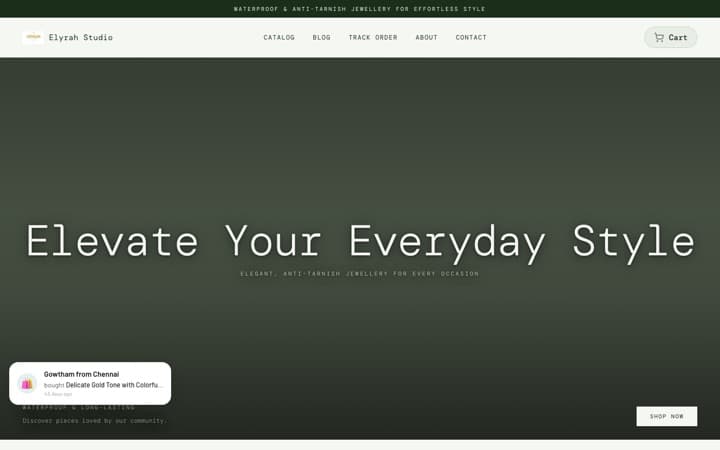
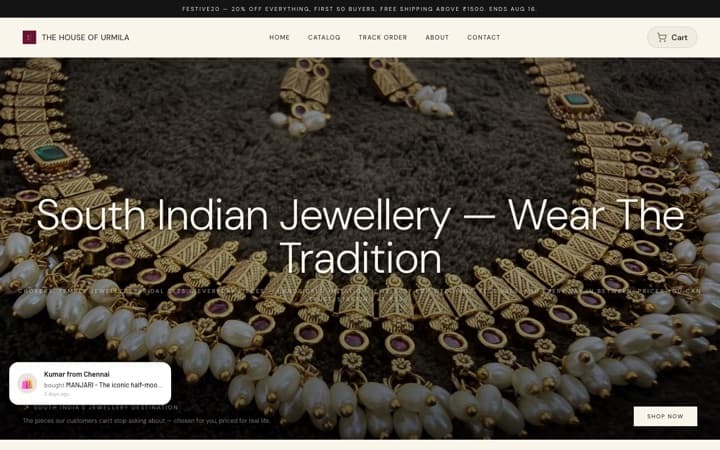
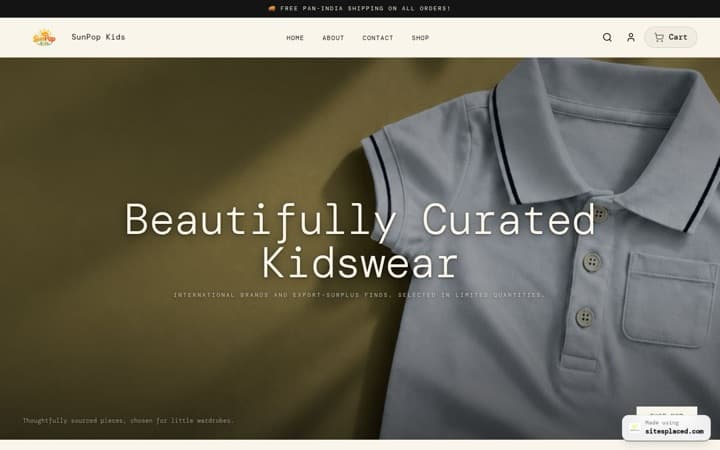
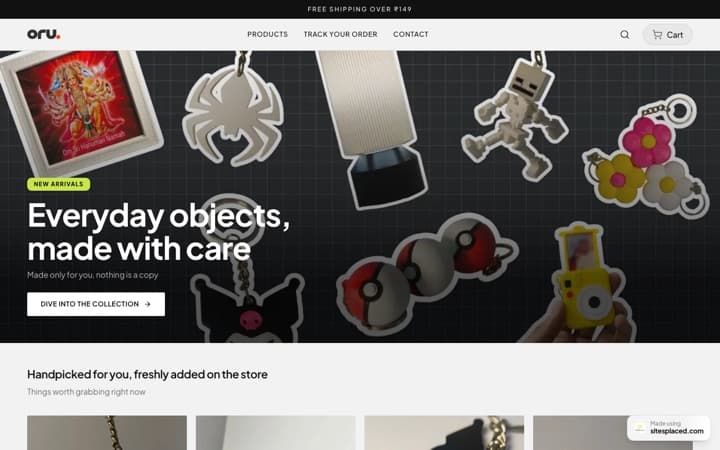
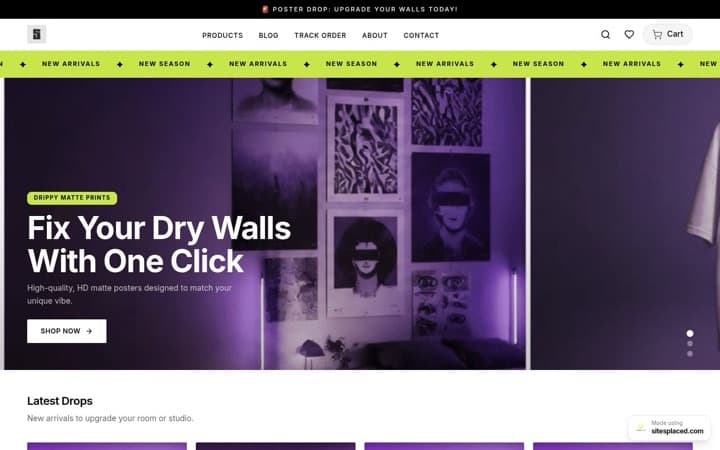
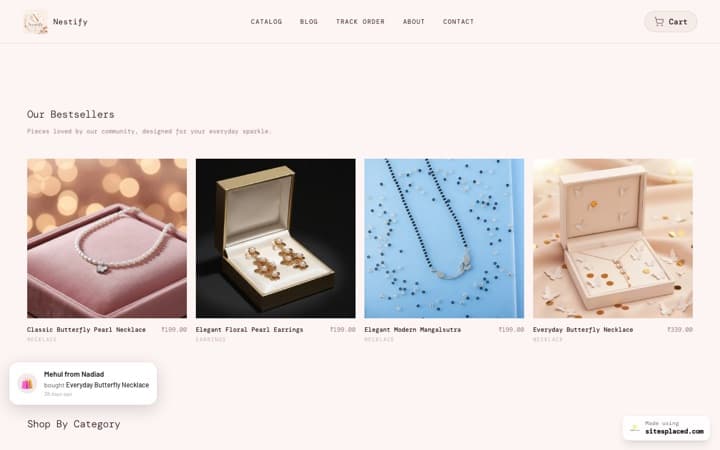
Passes: every brand-style template has a live showcase store to open on your phone: Clothing · Beauty · Jewellery · Home · Electronics · Food · Footwear · Gifts · Wellness · Pet · Furniture. Beauty Store, Jewellery Store, Electronics Store, Food Store, Wellness Store, Pet Store and Furniture & Mattress Store also pin a small menu to the bottom of the screen, the way big shopping apps do.
2. The product card shows what your buyer checks first
Every kind of product has one question buyers ask before they tap: is my size there, how big is the pack, what colours, what is the spec, what does it cost. A good template answers it on the card, from your product details, without you typing anything extra.
Passes: the Clothing Store shows the sizes still in stock, the Food Store shows pack sizes, the Footwear Store shows every colour as a photo, the Electronics Store puts the key spec across the photo, the Jewellery Store puts the price first, the Beauty Store adds a short benefit line you type on the product, and the Furniture & Mattress Store shows a “Starting from” price and how many sizes it comes in.
3. Shoppers can browse the way they think
Not everyone arrives knowing the product. Some think in budgets, some in problems, some in rooms or occasions. Check that the template has a way in that matches how your buyers think.
Passes: shop by price on the Jewellery Store (worked out from your own prices), shop by pet on the Pet Store, shop by concern on the Wellness Store, room tabs on the Furniture & Mattress Store and shop by occasion on the Gifts & Lifestyle Store. The pet, concern, room and occasion tiles come from a browse page you set up once, such as Dogs and Cats.
4. It fills itself from your products, with no sample text
This is the point most people miss. Many templates look lovely in the demo because the demo is full of sample paragraphs. On your store, those paragraphs stay unless you rewrite them, and most sellers never do: we have found the same sample sentences live on many different shops. Look at the showcase and ask: is every row products or categories? If I leave a section empty, does it hide, or does sample text come back?
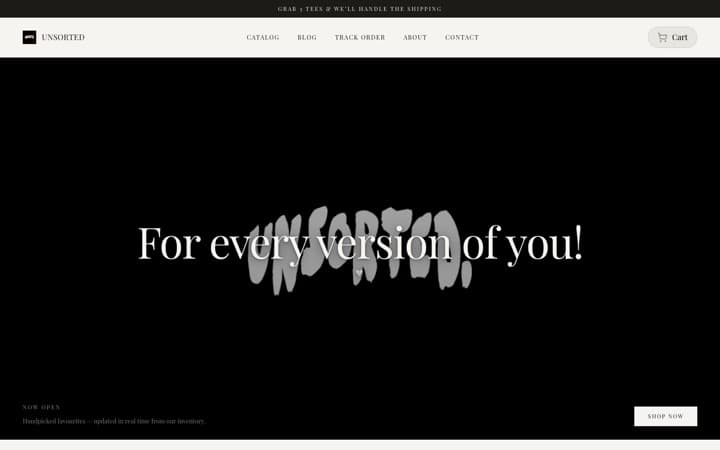
Passes: the eleven brand-style templates are built so that every section fills from your store or hides, and none ship with sentences you did not write.
5. It asks for one banner photo, not a photoshoot
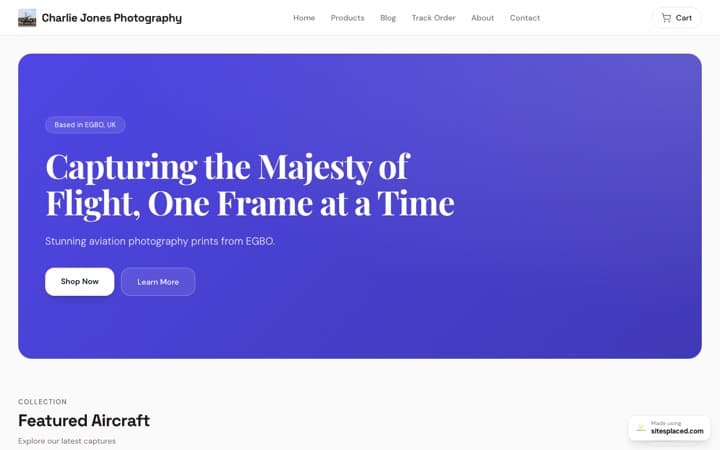
If a template only looks right with a dozen styled lifestyle photos, it will look unfinished on your store for months. Count the pictures it needs beyond your product photos.
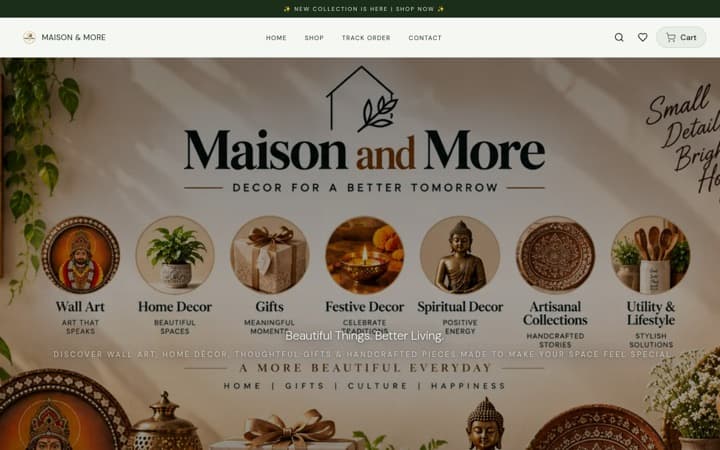
Passes: the Clothing Store fills its banner with your own product photos until you add one, the Food Store leads with a giant type headline instead of a photo, and the Gifts & Lifestyle Store and Home & Decor Store fill their category photos from your products.
6. Buying takes as few taps as possible
Two things matter most. Can a shopper add to cart from the product card, without opening the product? And on a long product page, does the buy button stay in reach as they scroll?
Passes: all eleven brand-style templates have both, free: quick add from the card (a small sheet asks for the size or pack when needed) and a buy bar that appears on phones once the main button scrolls away. The Grocery Store has its own one-tap add on a dense grid.
7. Delivery, COD and returns are answered next to the button
In India the question before a first order is “when will it come, and can I pay cash?” A template should answer it under the buy button, from your real settings, so it never promises something you do not do.
Passes: all eleven brand-style templates show a line with your dispatch time, delivery charge or free-delivery amount, cash on delivery and your returns promise. With a COD charge set, it also says how much the buyer saves by paying online, which helps cut fake COD orders.
8. Coupons and real proof show up where people decide
A shopper who sees your coupon code on the product page does not leave to hunt for one. A shopper who sees what others bought, and real ratings, trusts you sooner. Check that the template shows all three, and that none of it can be faked.
Passes: all eleven brand-style templates show the coupon codes you choose in an “Offers for you” box on the product page (the Electronics Store as swipe cards, and the Footwear Store also works out the price after your best code). Home-page rows can show bestsellers ranked from your real orders. Stars appear on cards only from real reviews, which are on the Growth plan.
9. It handles your awkward products
Every shop has a few: a piece priced on the day’s rate, a mattress in six sizes at six prices, a sold-out size, a mug with the buyer’s photo on it. Check that the template copes without showing ₹0 or a broken card.
Passes: “Price on request” instead of ₹0, with a button that asks you on WhatsApp, on the eleven brand-style templates and the Astrology & Consultation Store. Sizes or packs listed with their own prices on the Furniture & Mattress Store and Wellness Store product pages, and a “From” price on Home & Decor Store cards when sizes cost different amounts. Only in-stock sizes on the Clothing Store card. A preview of the buyer’s own photo on personalised products on the Gifts & Lifestyle Store.
10. It is free to start, and the look is easy to change
You should not have to pay for a template before you know it sells, or hire someone to change a colour. Check what is editable without code, and what is fixed.
Passes: all 16 SitesPlaced templates are free on every plan, with 0% commission. Colours, fonts, text, banners and sections are editable in the dashboard. The one thing to get right first time: in the dashboard, a store’s template is chosen when you create it, and changing it means creating a new store. That is why points 1 to 9 are worth fifteen minutes. More on costs in free vs paid store templates.
The checklist at a glance
| # | What to check | Templates that pass |
|---|---|---|
| 1 | Works one-handed on a phone; bottom menu | All 16 work on phones; bottom menu onBeauty, Jewellery, Electronics, Food, Wellness, Pet, Furniture |
| 2 | The card answers the buyer’s first question | Clothing, Food, Footwear, Electronics, Jewellery, Beauty, Furniture & Mattress |
| 3 | A way to browse that fits your buyers | Jewellery, Pet, Wellness, Furniture & Mattress, Gifts & Lifestyle |
| 4 | Fills from your products, no sample text | The eleven brand-style templates |
| 5 | Needs one banner photo at most | Clothing, Food, Gifts & Lifestyle, Home & Decor |
| 6 | Add from the card; buy bar on phones | The eleven brand-style templates |
| 7 | Delivery, COD and returns under the button | The eleven brand-style templates |
| 8 | Coupon codes on the product page; real bestsellers | The eleven brand-style templates |
| 9 | “Price on request”; sizes at their own prices | The eleven brand-style templates and the Astrology & Consultation Store |
| 10 | Free, editable without code | All 16 |
Pick the template for your genre first, then use this list to confirm it. For India-specific needs such as UPI, COD and WhatsApp orders, see the best ecommerce website templates for India.
A 15-minute way to decide
- Shortlist two. The template for your genre and one close alternative, for example the Clothing Store and the Simple Fashion Store for a clothing label. The genre guides help: clothing, boutiques, jewellery, beauty, food, home decor, pet, footwear, gifts, wellness, electronics and furniture.
- Open both showcases on your phone. Tap a product, add it to the cart, scroll a product page. Note which one you would buy from.
- Picture your own products in it. Do you have what the card shows: sizes, packs, colour photos, a spec? If not, the other one may suit you better.
- Create the store on your pick. Add three real products and one banner. The free plan allows more than one site, so if it feels wrong, try the second choice too.
- Publish and share. Put the link in your Instagram bio and WhatsApp catalogue. If orders are slow, read which website template will actually increase your sales before changing anything.
FAQs
How do I choose a template for my online store?
Start from what you sell, not from how the demo looks. Shortlist the template made for your kind of product, open its live showcase on your phone, and check that the product card shows what your buyers ask first, that it fills itself from your products, that buying takes few taps, and that delivery and cash-on-delivery details sit next to the buy button.
What should I look for in an ecommerce template?
A phone-first layout, a product card that shows sizes, packs, colours or price depending on your products, add to cart from the card, a buy button that stays in reach on phones, delivery, COD and returns details next to it, coupon codes on the product page, and no sample text that you would have to rewrite.
Can I change my store template later?
On SitesPlaced, colours, fonts, text, banners and sections can be changed any time without code. The template itself is chosen when you create the store in the dashboard; to move to a different one you create a new store. That is why it is worth testing the showcase stores on your phone first.
Should I choose a free or a paid template?
For most small sellers, free. What decides sales is what the template does, and SitesPlaced’s 16 templates are free on every plan, with quick add, a buy bar on phones, the delivery and COD line and coupon codes built into the eleven brand-style templates. Paying makes more sense for custom design work on a platform you already use.
Which store template is best for a beginner?
The one made for your kind of product, because it asks for the least writing: add products with their sizes or packs and one banner photo, and the rows fill themselves. If your products do not fit any genre, the General Store is the simplest start.
Do I need a designer to set up a store template?
No. Pick a template, add your products (or import them), add one banner photo and fill in your delivery and COD settings once. The brand-style templates fill their sections from your products, so there is very little to design or write.
Found your template? Open your store free.
Pick the template for what you sell, add your products and publish, with UPI, COD and WhatsApp checkout at 0% commission.
Open my store free →