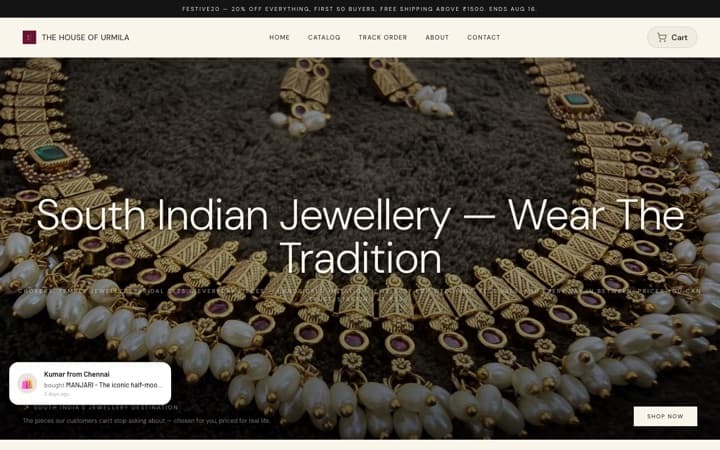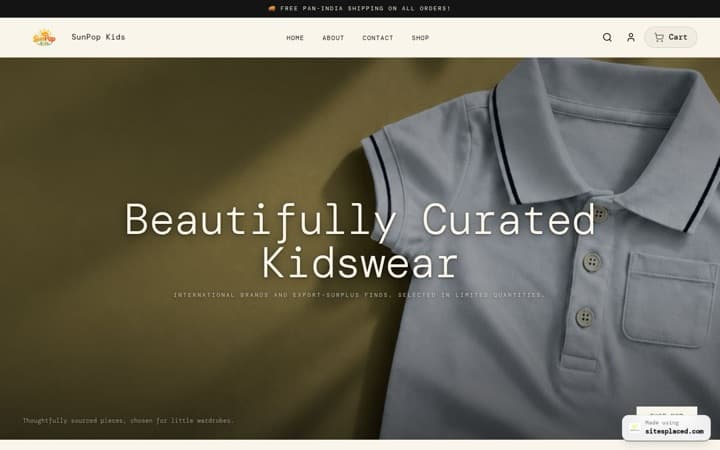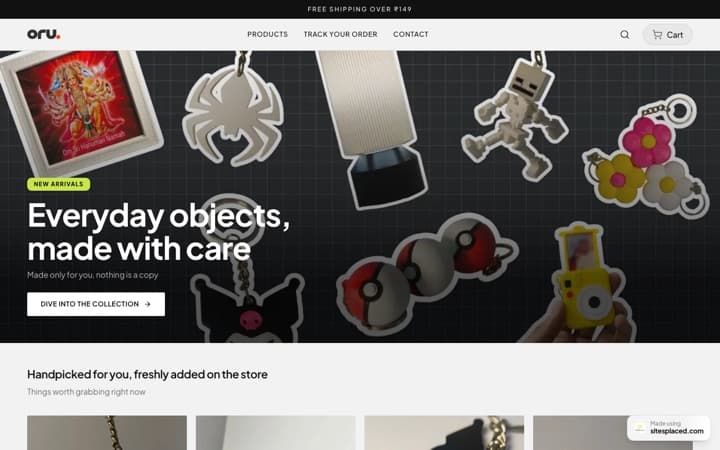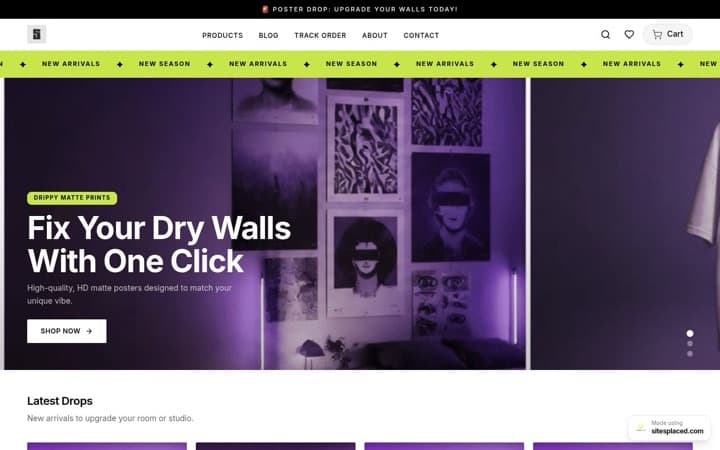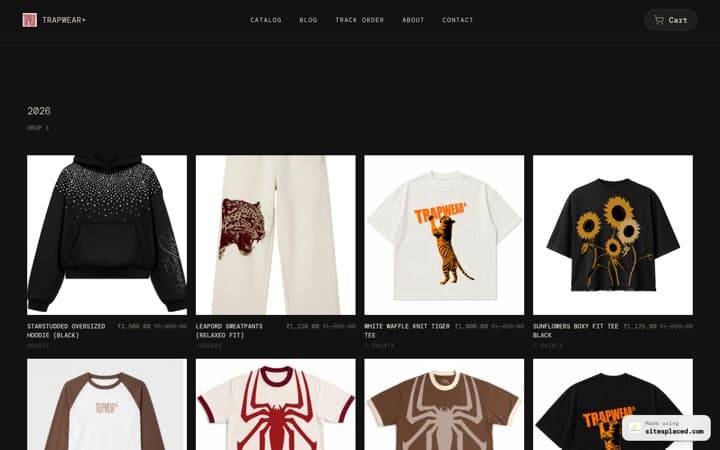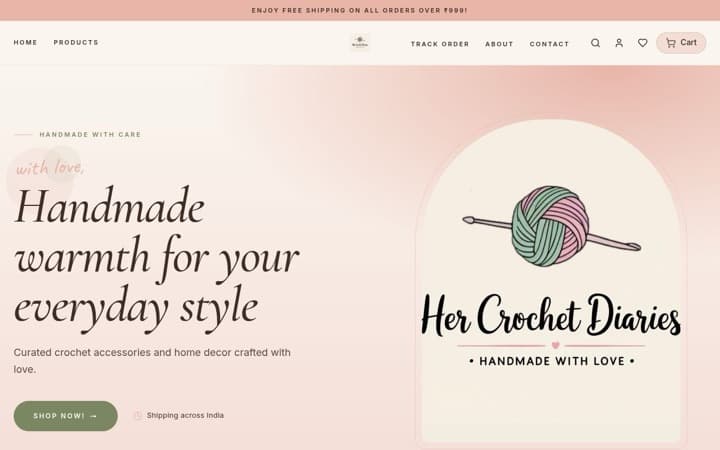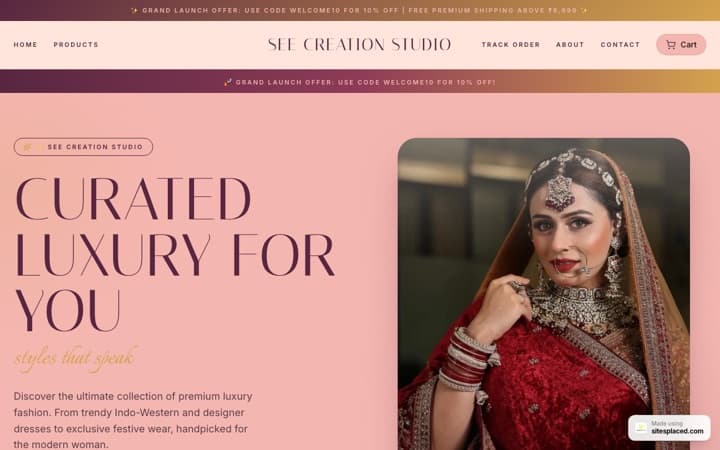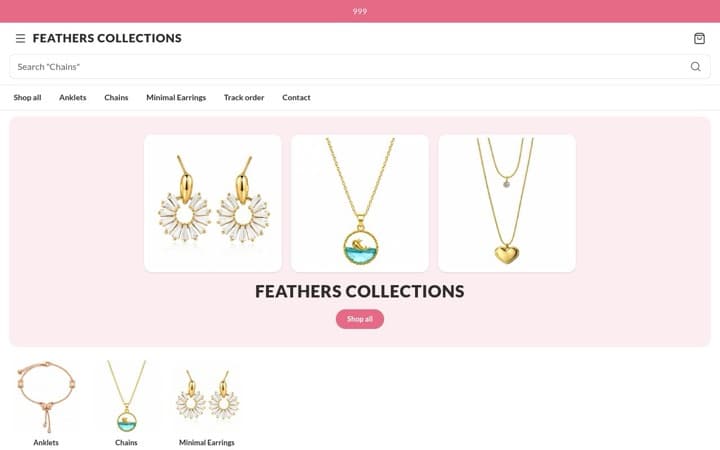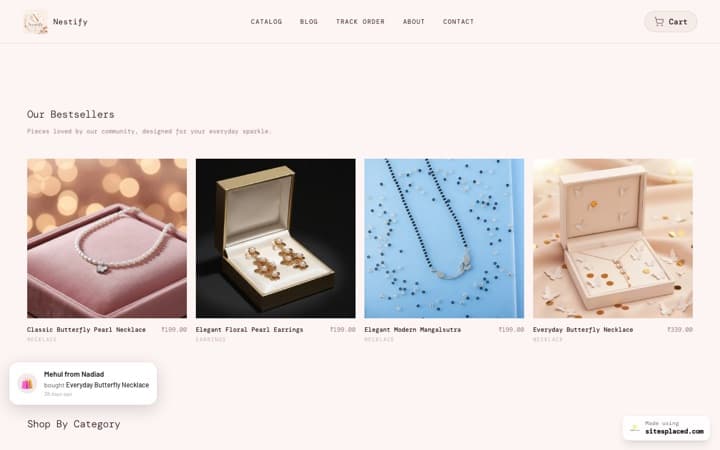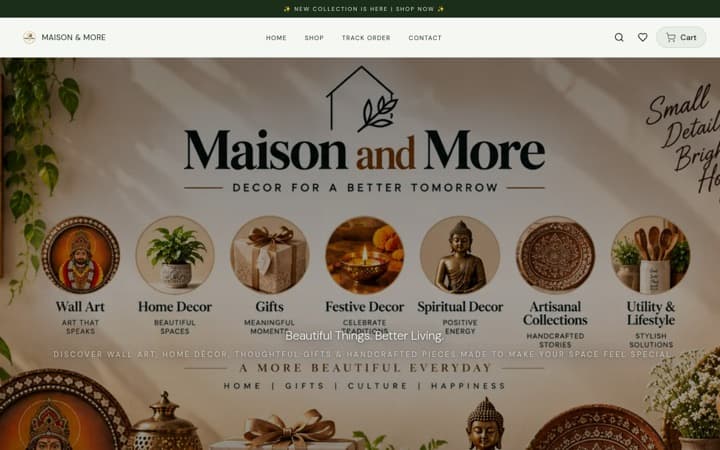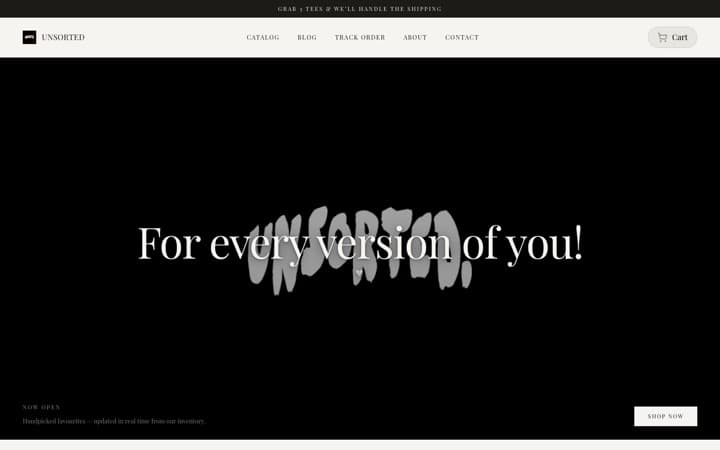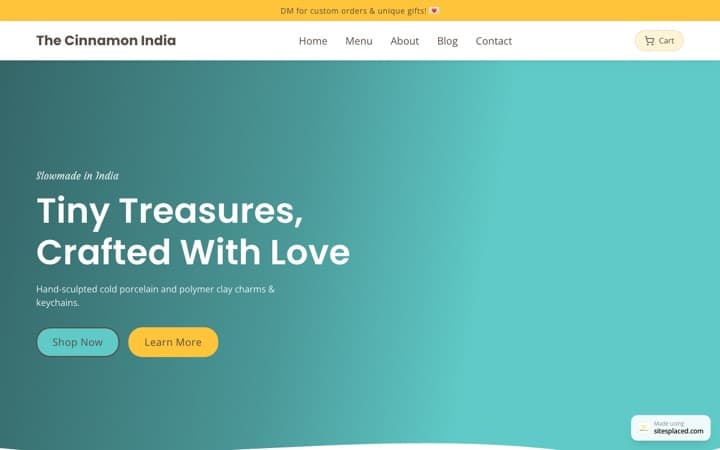



The best home decor website templates of 2026: rugs, candles, lamps, cushions and more.
Home decor sells on the photo. A buyer choosing a rug, a lamp or cushion covers wants to see the texture, the colours and how it sits in a room, then pick a design and a size. The best template for most small Indian decor brands in 2026 is the Home & Decor Store on SitesPlaced, laid out like Troost’s phone site: big photos, a calm two-column grid, a photo mosaic of your categories, and every design shown as a photo you tap. For giftable decor there is the Gifts & Lifestyle Store, and for handmade, higher-priced pieces the Premium Store. All three are free.
The short answer
Rugs, dhurries, cushion covers, bedsheets, curtains, lamps, planters, wall art and candles for the home: Home & Decor Store. Quirky decor people buy as presents, like mugs, printed cushions and scented candle gift sets: Gifts & Lifestyle Store. A small range of handmade or high-value pieces, such as brass, pottery or hand-knotted rugs, where you want a slower, gallery-like page: Premium Store.
Key takeaway
Pick the template that lets your photos compare designs for the buyer. The Home & Decor Store shows each design as a photo on the product page, reads “From ₹2,990” on the card when sizes cost different amounts, and builds its photo mosaic from your categories.
The three templates at a glance
| Home & Decor Store | Gifts & Lifestyle Store | Premium Store | |
|---|---|---|---|
| Best for | Rugs, cushions, lamps, bedding, home goods | Giftable decor and quirky lifestyle products | Handmade and higher-priced pieces |
| Laid out like | Troost’s phone site | Chumbak’s phone site | Its own warm, gallery-style design |
| Home page | Photo slider, category tiles, a two-column product grid, a photo mosaic | Big category photos stacked down the page, shop by occasion | Unhurried and photo-first |
| Designs as photos on the product page | Yes | Yes | No |
| Add from the card, phone buy bar, delivery line | Yes | Yes | No |
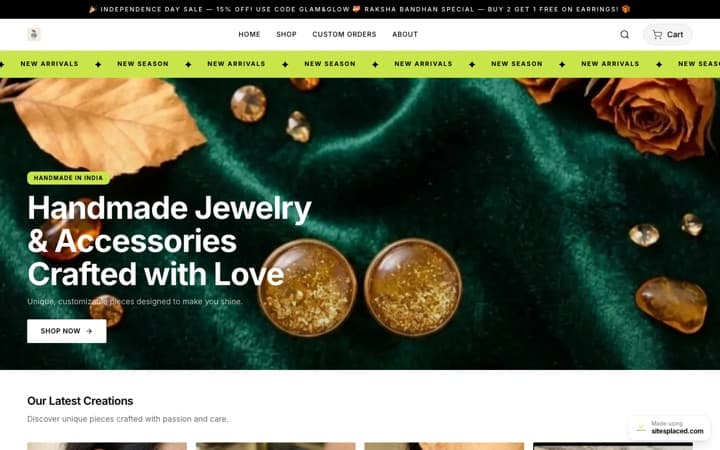
| See it | Gallery · Showcase shop | Gallery · Showcase shop | Gallery · Aura Jewels demo |
Troost and Chumbak are not involved with SitesPlaced. The two templates follow the layout of their phone sites; your store uses your own name, photos and products. The Premium Store demo shows the design with jewellery.
1. Home & Decor Store: laid out like Troost
Troost sells rugs and furnishings with little text and a lot of photo. The Home & Decor Store follows that layout:
- A solid dark header bar with your logo or name in the middle.
- A full-width photo slider with numbered dots. Until you add a banner, it shows your best product photo with your shop’s real name over it, never a grey box.
- Square category tiles with the name written on the photo. Each uses the category’s picture, or its first product photo if you have not set one.
- Products in a two-column grid, six to a block, with “View all” under the heading.
- Cards that only show what is true. A gold tag when the product really is discounted, the price, the old price struck through, “From” the lowest price when sizes cost different amounts, and the rating once you have real reviews.
- One big statement, a word or figure in very large type. Hidden until you write one, because a big number is a claim only you can make.
- A photo mosaic: a big photo, two small ones side by side, then a big one again, each with one word across it. Leave it empty and it builds itself from your categories.
- Your own questions and answers, and delivery and payment icons built from your settings.
On the product page, when every design of a product has its own photo, the designs appear as small photos to tap, the way a rug shop shows its colourways. A “Save 50%” style chip sits beside the price when the saving is real. The phone buy bar, the delivery and COD line and your published coupon sit on the same page.
Why it works: buyers compare patterns and colours, not paragraphs, and designs-as-photos lets them do it in seconds.
Get this layout: the Home & Decor Store, free on SitesPlaced. Add a picture to each category and the tiles and the mosaic fill themselves. Open the showcase shop on your phone to try it.
2. Gifts & Lifestyle Store: for decor people buy as presents
If your candles, mugs, planters and printed cushions are bought for someone else as often as for the buyer’s own home, the Gifts & Lifestyle Store, laid out like Chumbak, may sell better. Its home page is mostly big square category photos stacked one under another, each with its name in a white box, followed by rows of simple square cards and “Shop by occasion” tiles such as Birthday or Housewarming. Products that take the shopper’s photo get a “Preview your photo” panel on the product page.
Get this layout: the Gifts & Lifestyle Store, free on SitesPlaced. The occasion tiles come from a browse page you set up; the category blocks fill themselves from your categories. The full breakdown is in the best gift shop website templates. Open the showcase shop on your phone to try it.
3. Premium Store: for handmade and higher-priced pieces
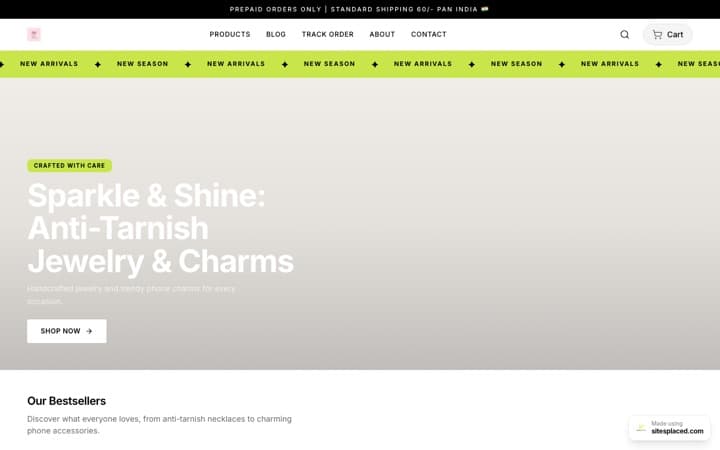
Warm cream, unhurried and photo-first. For a small range of expensive pieces, a slower page can make the price feel earned. Be clear about the trade: it is one of the older designs, so it does not have add to cart from the card, the buy bar on phones, the delivery line or designs shown as photos. If your range is more than a dozen pieces, or you sell in several designs and sizes, the Home & Decor Store will serve buyers better.
Get this layout: the Premium Store, free on SitesPlaced. The live demo, Aura Jewels, shows it with jewellery, so picture your own photos in its place. Open the showcase shop on your phone to try it.
Which one should you pick?
| If you sell | Pick | Why |
|---|---|---|
| Rugs and dhurries in several designs and sizes | Home & Decor Store | Designs as photos, “From” price on the card |
| Cushion covers, bedsheets, curtains, table linen | Home & Decor Store | Calm grid, sizes with their own prices |
| Lamps, planters, wall art, mirrors | Home & Decor Store | Photo mosaic and big category tiles |
| Scented candles, mugs and quirky decor sold as gifts | Gifts & Lifestyle Store | Shop by occasion and big category photos |
| A dozen handmade, high-value pieces | Premium Store | Slow, gallery-like pages |
| Mattresses, sofas, beds, dining tables | Furniture & Mattress Store | Call and WhatsApp buttons for big-ticket buys; see the furniture and mattress guide |
A store’s template is fixed once it is created, although colours, fonts, text and sections stay editable, so open the showcase shops on your phone before you choose. More on the decision in how to choose an online store template in 2026.
How to set up designs and sizes
- One product per item, with its designs as options. “Handwoven cotton dhurrie” is one product. Its four designs are values of an option called Design, and its sizes are values of an option called Size.
- Give every design its own photo. On each option, attach the photo of that design. The product page shows the designs as photos only when every design has its own, different photo; otherwise it shows them as buttons.
- Price each size. A 4 x 6 ft rug costs more than a 3 x 5 ft one. Give each combination its own price and stock, and the card reads “From” the lowest price. See selling sizes and options.
- Put products in categories, with a picture on each. Rugs, Cushions, Lighting, Wall decor. These fill the category tiles and the photo mosaic.
- Add your one banner. It is the only photo the layout asks for; until then it uses your best product photo.
Taking custom sizes or colours? A product with no price shows “Price on request” and an Ask for the price button that opens a WhatsApp chat naming the product.
Photos do most of the work
- One plain photo and one in a room. The plain one for the card, the room one to show scale.
- A close-up of the texture. Weave, glaze, grain: the thing a buyer cannot touch through a phone.
- The same light and angle for every design so the designs-as-photos row compares like with like.
- Real colours. A rug that arrives a shade different is a return. Shoot near a window, not under yellow bulbs.
How to take better product photos covers the basics with a phone, and product photos that sell covers turning a phone photo into a studio-style shot, including home decor. Selling handmade pieces on Instagram too? Read can I sell handmade items on Instagram.
What is free, and what is paid
| Feature | Plan |
|---|---|
| All three templates | Free |
| Designs as photos, sizes with their own prices and stock | Free |
| Add to cart from the card, the phone buy bar, the delivery and COD line (Home & Decor and Gifts & Lifestyle) | Free |
| Coupon codes (all three); showing a chosen code and “Price on request” on product pages (Home & Decor and Gifts & Lifestyle) | Free |
| UPI, cards, COD and WhatsApp checkout at 0% commission | Free |
| Your own domain and no SitesPlaced badge | Starter, ₹199/month |
| Product reviews and stars on cards | Growth, ₹499/month |
| Buy X Get Y offers and cart suggestions | Growth, ₹499/month |
Full details on the pricing page.
More template guides
All genres side by side: the best ecommerce website templates in India for 2026 and the 16 best online store templates of 2026. Weighing a paid Shopify theme? Read Shopify themes vs free store templates.
FAQs
What is the best website template for a home decor business?
For most small Indian decor brands, the Home & Decor Store on SitesPlaced. It is laid out like Troost’s phone site, with big photos, a two-column product grid, a photo mosaic of your categories and each design of a product shown as a photo on the product page. It is free, with UPI, COD and WhatsApp checkout at 0% commission.
Can I show every rug or cushion design as a photo on one product page?
Yes. Add the designs as an option on one product and attach a different photo to each design. The Home & Decor and Gifts & Lifestyle Stores then show the designs as small photos to tap; picking one switches the main photo.
How do I sell one cushion cover in three sizes at different prices?
Add one product with a Size option and give each size its own price and stock. The card shows “From” the lowest price, and the product page shows the price of the size the buyer picks.
Should I pick the Home & Decor Store or the Premium Store?
The Home & Decor Store for most decor shops: it has add to cart from the card, a buy bar on phones, a delivery and COD line and designs shown as photos. The Premium Store is an older, slower, gallery-style design that suits a very small range of high-value handmade pieces.
Can I take orders for custom sizes?
Yes. List a custom-size product without a price and it shows “Price on request” with an Ask for the price button that opens WhatsApp with the product named. You then quote and take the order in the chat.
Can I change my store’s template later?
No. The template is fixed once the store is created, because each template has its own sections. Colours, fonts, text and which sections show all stay editable. To use another template, create a new store with it before adding products.
Is Shopify better for a home decor brand?
Shopify is a capable platform and many large decor brands use it with paid themes and apps. For a small Indian decor brand, SitesPlaced is the better start: the Troost-style layout, designs as photos and UPI, COD and WhatsApp checkout are free at 0% commission, and you pay only for extras like your own domain or reviews.
Let your photos sell your decor.
Pick the Home & Decor Store, add your products with their designs and sizes, and publish free with UPI, COD and WhatsApp checkout at 0% commission.
Open my store free →