

How to link your website to your Instagram shop — turn taps into orders
Instagram is where people discover you. Your website is where they actually buy. Here's the exact way to connect the two — bio, Stories, Reels and product links — so every tap has somewhere real to go.
The short version: publish a store on your own domain → put its link in your bio → add link stickers in Stories → end Reels with a clear CTA → link bestsellers to their exact product pages. On SitesPlaced the store is free to build and publish (Starter, from ₹199/month, only adds a custom domain, branding removal and AI), and takes UPI, COD and WhatsApp orders the moment someone clicks.
The 6 steps
Step 1 — Publish a store to link to
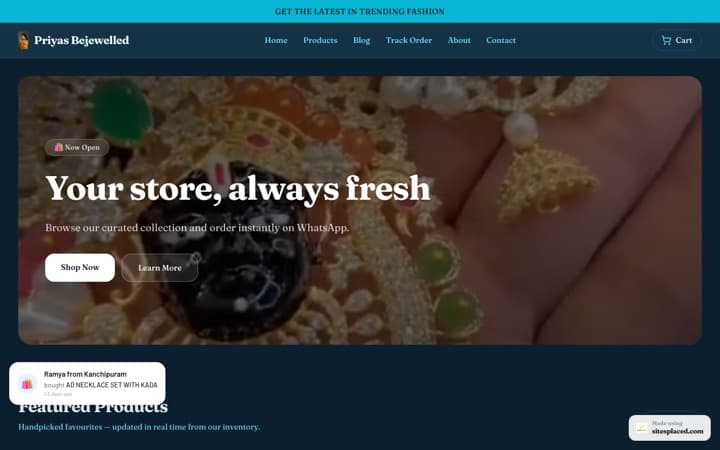
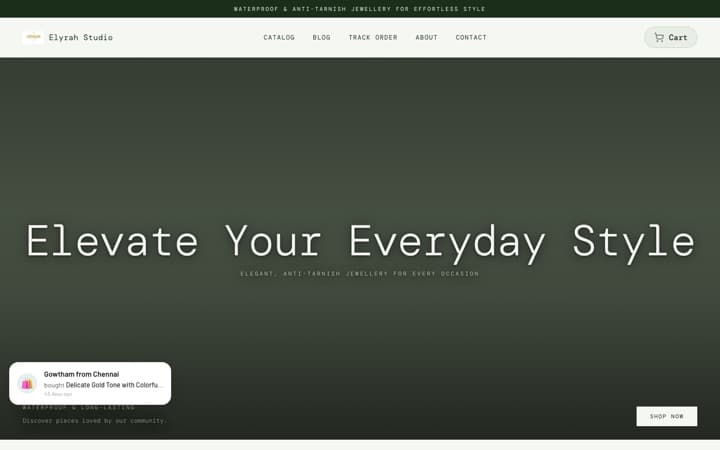
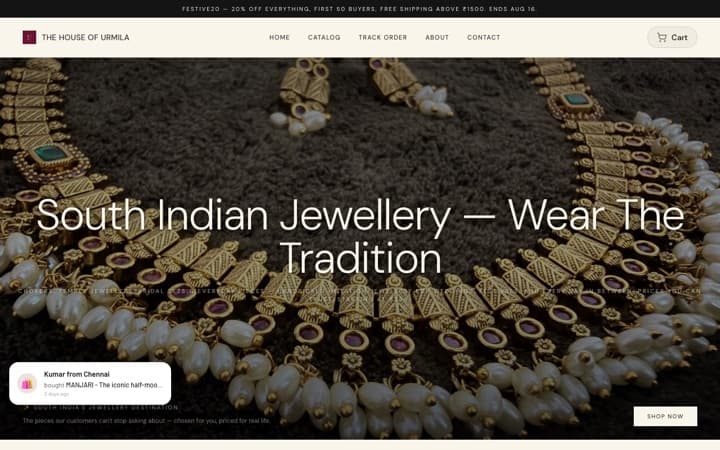
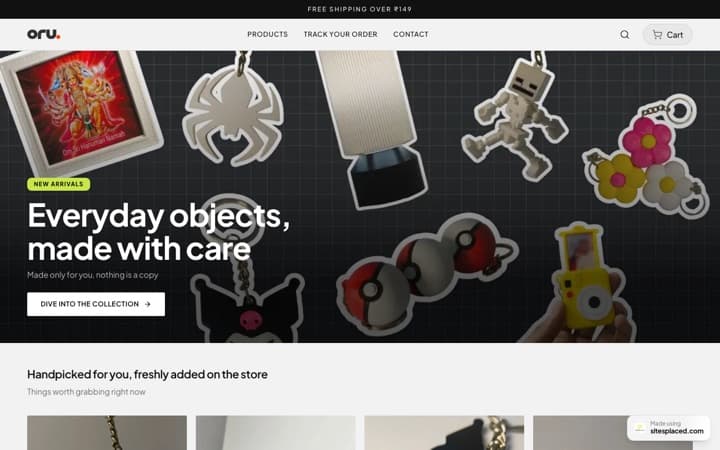
A link only works if it leads somewhere that can actually take an order. Build a SitesPlaced store with your own domain, products and UPI/COD/Razorpay/WhatsApp checkout, then publish it. Now your Instagram link has a real destination instead of a dead Linktree.
Step 2 — Add the store link to your bio
Edit your profile and paste your store URL in the website field. Use your own yourbrand.com (included on the paid plan) so the link reads as a real business, not a random subdomain. This single link is your highest-traffic spot — point it at the store, not a link-list with ten distractions.
Step 3 — Use link stickers in Stories
On a business or creator account, add a link sticker to Stories that points to a specific product page on your store. Tease the product in the Story, then let the sticker carry the tap straight to checkout — no 'DM to order' bottleneck.
Step 4 — Add CTAs to Reels and posts
End Reels and captions with a clear, specific call to action: 'Shop the link in bio' or 'Tap to order on our store'. Match the caption to whatever product you featured so the journey from watch to buy is obvious and short.
Step 5 — Link individual products
For launches and bestsellers, send people to the exact product page rather than your homepage. The fewer taps between seeing it and paying, the more orders close. SitesPlaced gives every product its own shareable URL.
Step 6 — Route every order to one checkout
Wherever the click starts — bio, Story, Reel or DM — it should land in the same place: your store's checkout, with native WhatsApp checkout turning chats into structured orders. One destination keeps your inventory, invoices and order dashboard in sync.
Why the link has to lead to a store you own
You can wire up every link sticker and Reel CTA perfectly, but if they all dead-end in a DM or a link-list, the work leaks away. The destination decides whether interest becomes income.
- One tap to checkout. A store link goes straight to products and a real checkout. A DM-only flow makes the buyer wait for you to reply, quote and confirm — and a lot of them simply don't.
- You keep the customer. Send traffic to your own domain and the order, address and contact details are yours. Sending it into the platform's checkout hands that data to Instagram.
- It survives the algorithm. A store on your domain keeps selling even when reach dips, because it also ranks on Google and accepts repeat orders directly.
Linking mistakes to avoid
- • Pointing your bio at a crowded link-list instead of straight at your store.
- • Sending Story taps to your homepage when you could send them to the exact product you just teased.
- • Saying "DM to order" when a link sticker could close the sale instantly.
- • Using a generic subdomain — a custom domain (included on SitesPlaced) reads as a real, trustworthy business.
- • Linking to a page that can't take UPI, COD or WhatsApp orders, so the click goes nowhere useful.
Frequently asked questions
How do I link my website to my Instagram shop?
Add your store URL to your Instagram bio's website field, use Story link stickers to point at specific product pages, and add 'shop the link in bio' CTAs to Reels and captions. With a SitesPlaced store on your own domain, every one of those links lands on a real checkout that takes UPI, COD, Razorpay and WhatsApp orders.
Can I add a clickable link to my Instagram bio?
Yes — the website field in your profile is clickable for everyone. Point it at your store rather than a busy link-list. Using your own custom domain (included on a SitesPlaced store) makes the link look trustworthy and keeps buyers on a page you control.
Do I need a Linktree to share my store?
Not really. A link-in-bio tool just adds an extra hop before the sale. Linking your bio straight to your SitesPlaced store removes that step, so the tap from your profile goes directly to products and checkout instead of a list of options that scatter your traffic.
How do I send Instagram traffic to a store I own?
Treat Instagram as discovery and your store as the cash register. Put your store link in your bio, in Story stickers and in Reel CTAs, and link bestsellers to their exact product pages. On SitesPlaced the store is on your domain with your checkout and customer data, so the audience you build becomes yours, not the platform's.
What should the link in my bio go to?
Your own store. A homepage with clear products or, even better, a current bestseller's product page converts far better than a generic link list. SitesPlaced stores are free to build and publish with 0% commission, so the traffic you drive turns into orders you actually keep; from ₹199/month (Starter) only adds a custom domain, branding removal and AI.
Give your Instagram link a real home
Publish a store so every bio, Story and Reel link leads to checkout — UPI, COD and WhatsApp. Free to build & publish, 0% commission; ₹199/month (Starter) adds a custom domain, branding removal and AI.