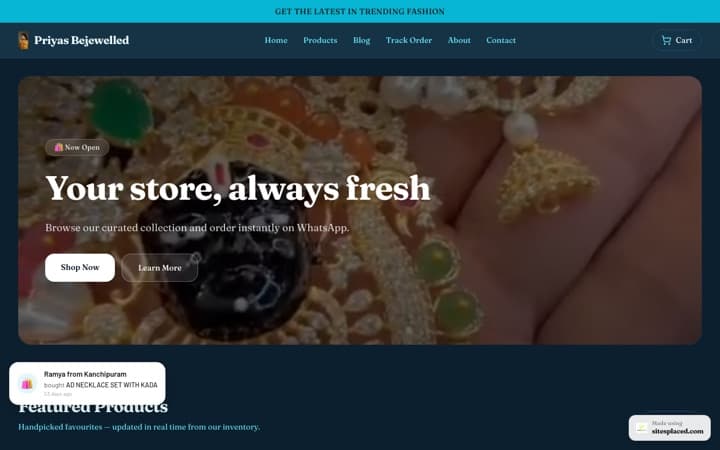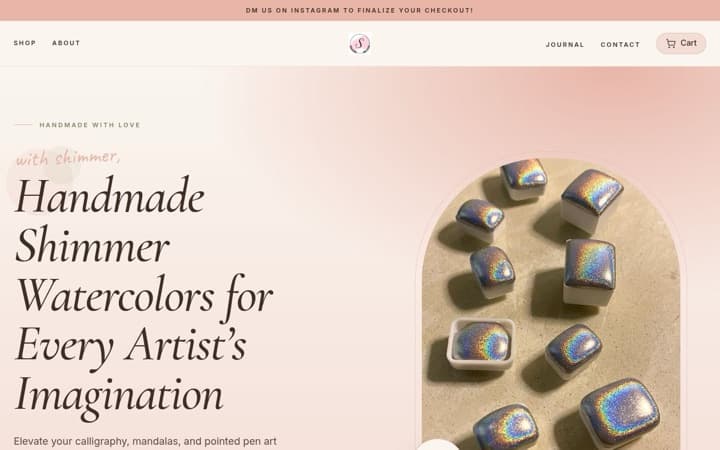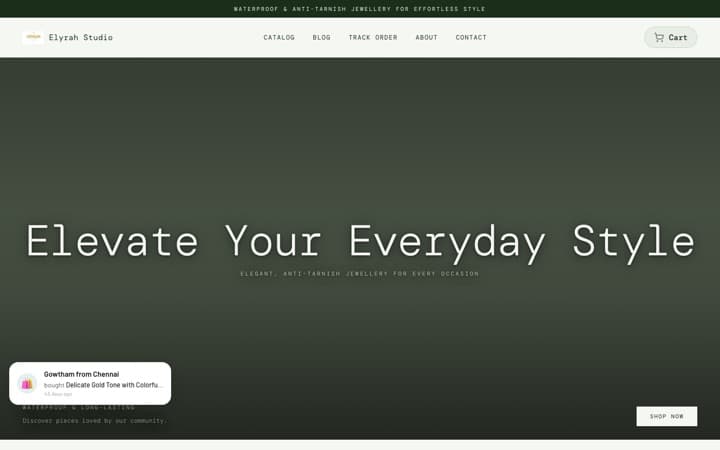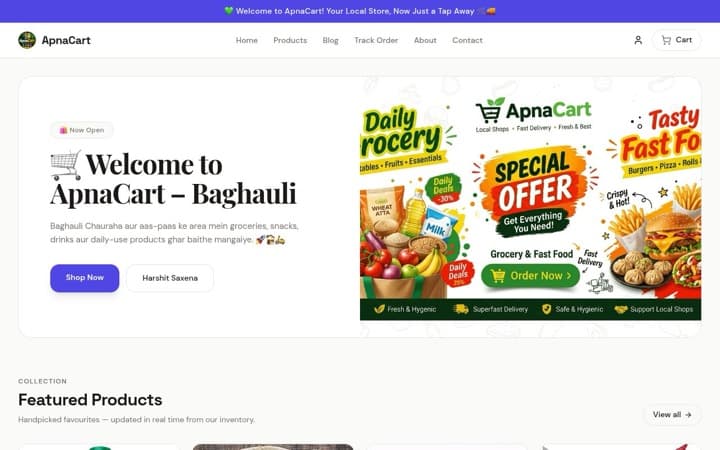



The best pet store website templates of 2026: sell pet food, toys and accessories online.
A pet parent shops for one animal. Someone with a beagle does not want to scroll past cat litter, and someone buying the same kibble every month wants the pack sizes and the saving at a glance. On SitesPlaced the template built for that is the Pet Store, laid out like Heads Up For Tails’ phone site: big All, Dogs and Cats buttons, a discount band and a quick Add on every card, deal tiles worked out from your real prices, and a bottom menu on phones. For a very large catalogue of everyday items, the Grocery Store is the alternative. Both are free.
The short answer
Pet food, treats, toys, collars and leashes, beds, bandanas, grooming products, whether it is your own brand or a range you resell: Pet Store. A neighbourhood pet supplies shop listing hundreds of everyday items that people reorder, where speed matters more than presentation: Grocery Store.
Key takeaway
Let buyers shop for their own pet in one tap, and show every saving honestly. The Pet Store opens with All, Dogs and Cats buttons, puts the real discount and a small Add button on every card, and builds its deal tiles only from products you have really reduced. No discounts, no deals.
The two templates at a glance
| Pet Store | Grocery Store | |
|---|---|---|
| Best for | Pet food, treats, toys and accessories | Hundreds of daily-use items, reordered often |
| Laid out like | Heads Up For Tails’ phone site | A quick-delivery grocery app |
| Shop by pet | Big All, Dogs and Cats buttons at the top | Category grid |
| Product card | Mint discount band, category, price and saving, small Add button | Compact card with the discount and an ADD button |
| Deals | A tile per category with its biggest real saving | Deal cards you write yourself |
| Product page | Pack sizes as pills with their own prices, plus the phone buy bar, delivery line and your published coupon | A simpler page with the options and buy buttons |
| Menu on phones | Home, Shop, Offers (while something is discounted) and Cart | No bottom menu |
| See it | Gallery · Showcase shop | Gallery · Showcase shop |
Heads Up For Tails is not involved with SitesPlaced. The Pet Store follows the layout of its phone site; your store uses your own name, photos and products.
1. Pet Store: laid out like Heads Up For Tails
- Search right in the header bar, its hint cycling through your own categories, such as “Search for Dog food”, so it never suggests something you do not sell.
- All, Dogs and Cats buttons. A row of big rounded buttons at the top of the home page: All, then one for each category on a browse page you set up, typically called “Shop by pet”. Each button opens that pet’s own page.
- Rounded banners that slide. Until you add one, a warm card shows your shop’s name and two product photos.
- Category tiles four across on soft colours, using your category pictures or each category’s first product photo.
- Product rows with category chips that swap the cards in place. On a bestsellers row, tapping Cats shows your best-selling cat products.
- Cards built for comparing: a mint band with the real saving, such as “25% off”, or “Up to 19% off” when packs cost different amounts; the price, the struck MRP and the saving in green; and a small Add button beside the price. Stars appear once you have real reviews.
- Deal tiles. One tile per category that has something reduced, showing its biggest real saving, such as “Up to 25% OFF”, with a Shop now button that opens the category sorted by the best offers.
- A bottom menu on phones with Home, Shop, Offers and Cart. Offers appears only while something in the shop is actually discounted, so it never opens an empty list.
On the product page, pack sizes are rounded pills, each carrying its own price when packs cost different amounts, above a − 1 + counter, Add to cart and Buy now. Your published coupons, the delivery and COD line and the phone buy bar are on the same page.
Why it works: the pet buttons and chips cut the shop down to one animal, and the saving on every card answers the repeat buyer’s question: is this a good price?
Get this layout: the Pet Store, free on SitesPlaced. Make a browse page called Shop by pet with your Dogs and Cats categories, and give products an MRP only when there is a real discount. Open the showcase shop on your phone to try it.
2. Grocery Store: for very large catalogues
If your shop is closer to a pet supplies warehouse than a brand, the Grocery Store is laid out like a quick-delivery app: offer banners, a category grid, deal cards and a dense grid of compact cards with an ADD button that turns into − 1 +.
Two honest notes. It is an older design, so a few sections arrive with sample text, such as “Deals of the day” and an “Easy returns” card; rewrite them or switch them off. And its product page is simpler: the phone buy bar, the delivery line, the coupon box and “Price on request” are on the Pet Store, not this one.
Get this layout: the Grocery Store, free on SitesPlaced. Put every product in a category, because the category grid and the filter chips are built from them. Open the showcase shop on your phone to try it.
Which one should you pick?
| If you sell | Pick | Why |
|---|---|---|
| Your own brand of dog treats or cat food | Pet Store | Pack sizes and savings on every card, deal tiles from real prices |
| Collars, harnesses, beds, bandanas and toys | Pet Store | Category chips let buyers switch between Walk, Sleep and Play in place |
| A mix of dog and cat products | Pet Store | The All, Dogs and Cats buttons split the shop in one tap |
| Handmade or custom pet accessories | Pet Store | A product with no price shows “Price on request” and an Ask for the price button that opens WhatsApp |
| Hundreds of everyday items for a local pet shop | Grocery Store | A dense, quick-delivery style grid |
A store’s template is fixed once it is created, though colours, fonts, text and sections stay editable, so open both showcase shops on your phone first. How to choose an online store template in 2026 covers the choice in general.
How to set up the Dogs and Cats buttons
- Make one category per pet. Dogs and Cats, plus any others you serve.
- Make categories for the type of product. Food, Treats, Toys, Walk & Wear, Grooming. These fill the category tiles and the chips over each row.
- Put each product in both. A harness goes in Dogs and in Walk & Wear. That is what makes the Cats chip on a bestsellers row show only cat products.
- Create a browse page called Shop by pet. In Settings → Categories → Browse pages, add your Dogs and Cats categories to it. The buttons appear at the top of the home page. See browse pages.
- Add a picture to each category. Until you do, each tile borrows the category’s first product photo.
Pack sizes, prices and honest discounts
- One product per food, packs as options. “Chicken and rice adult dog food” is one product with 1 kg, 3 kg and 7 kg as values of a Weight option, each with its own price and stock. The card reads “From” the lowest price. See selling sizes and options.
- An MRP only where there is a real saving. The mint band, the green saving, the deal tiles and the Offers button in the phone menu are all worked out from the MRP you enter against the selling price. No MRP, no band.
- Your coupon where buyers decide. Tick “Show this code on the store” on a coupon and it appears on product pages with a copy button. Codes you do not tick stay private.
Bringing pet parents back
Pet food runs out on a schedule, so a pet shop is a repeat business. What helps:
- Shopper accounts and a wishlist (free, switched on in Settings): buyers can see their past orders and have their details saved at checkout.
- Bestseller rows ranked from your real orders (free), so the food people keep buying stays at the top.
- Reviews with stars on the cards (Growth, ₹499/month). See how to collect product reviews.
- Loyalty stamp cards (Growth) to reward repeat orders.
Selling a single hero product, like a guide or one signature treat? The Pet Journal case study shows how one product can carry a whole website.
What is free, and what is paid
| Feature | Plan |
|---|---|
| The Pet Store and Grocery Store templates | Free |
| All, Dogs and Cats buttons, category chips, deal tiles | Free |
| Pack sizes with their own prices and stock | Free |
| Quick Add from the card, phone buy bar, delivery and COD line, coupon on product pages (Pet Store) | Free |
| UPI, cards, COD and WhatsApp checkout at 0% commission | Free |
| Your own domain and no SitesPlaced badge | Starter, ₹199/month |
| Product reviews and stars on cards | Growth, ₹499/month |
| Buy X Get Y offers, cart suggestions, loyalty stamp cards | Growth, ₹499/month |
| Fixed-price combos like “any 3 for ₹999” | Not available yet |
Full details on the pricing page.
More template guides
All genres side by side: the best ecommerce website templates in India for 2026 and the best-selling store templates for Indian D2C brands. If your store gets visits but few orders, read why your online store is not getting sales.
FAQs
What is the best website template for a pet store in India?
The Pet Store on SitesPlaced. It is laid out like Heads Up For Tails’ phone site, with All, Dogs and Cats buttons at the top, a discount band and a quick Add on every card, deal tiles worked out from your real prices and a bottom menu on phones. It is free, with UPI, COD and WhatsApp checkout at 0% commission.
How do I let shoppers pick Dogs or Cats?
Create a Dogs and a Cats category, put each product in its pet’s category, then add both to a browse page called, for example, Shop by pet. The Pet Store shows them as big buttons at the top of the home page, each opening that pet’s products.
Can I sell pet food in different pack sizes?
Yes. Add one product with a Weight option, such as 1 kg, 3 kg and 7 kg, and give each pack its own price and stock. The card shows “From” the lowest price, and the product page shows each pack as a pill with its own price.
Where do the deal tiles and discount bands come from?
From your own prices. When you enter an MRP above the selling price, the card shows the real saving, and each category with something reduced gets a deal tile showing its biggest saving. With no discounts, there are no bands and no deal tiles.
Should I use the Pet Store or the Grocery Store?
The Pet Store for most pet shops, including large ranges, because the pet buttons and category chips keep it easy to browse. The Grocery Store only if you list hundreds of everyday items and want a quick-delivery app layout; it is an older design with a simpler product page.
Is Shopify better for a pet brand?
Shopify is a capable platform, and larger pet brands often use it with paid themes and apps. For a small Indian pet brand or shop, SitesPlaced is the better start: the Heads Up For Tails-style layout, pack sizes and UPI, COD and WhatsApp checkout are free at 0% commission, and you pay only for extras like your own domain or reviews.
Open a pet shop pet parents can shop in one tap.
Pick the Pet Store, set up your Dogs and Cats buttons, add your products with their pack sizes, and publish free with UPI, COD and WhatsApp checkout at 0% commission.
Open my store free →