

Free Portfolio Website
Builder for Students (2026)
Placement season is brutal. 500 students. Same resume format. Same skills section. The ones who get shortlisted? They have a portfolio website. Here's how to build and publish one in 2 minutes — completely free, no plan needed.
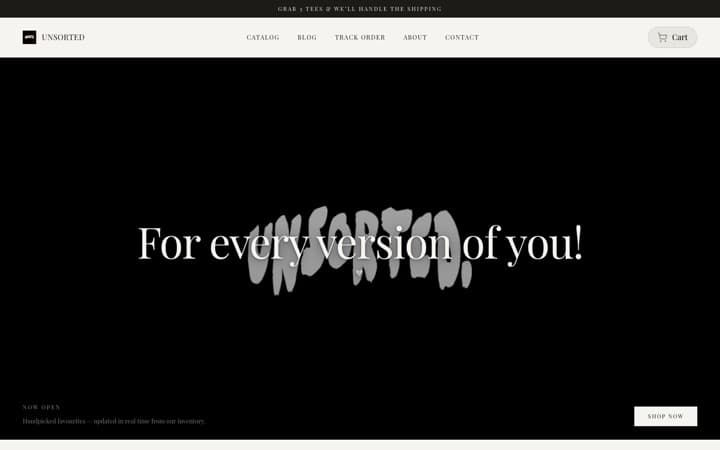
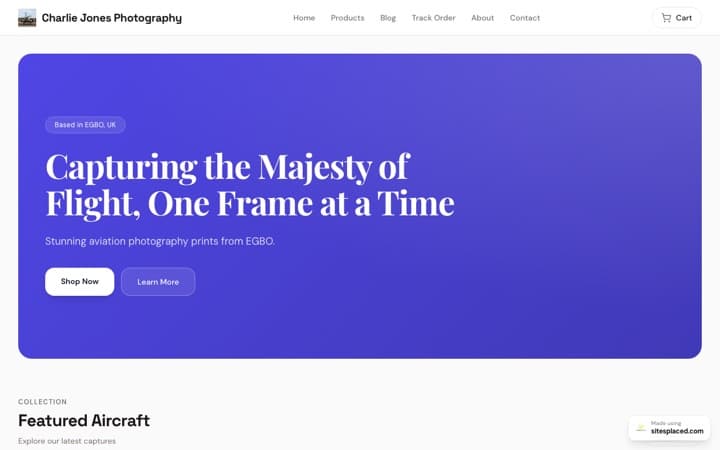
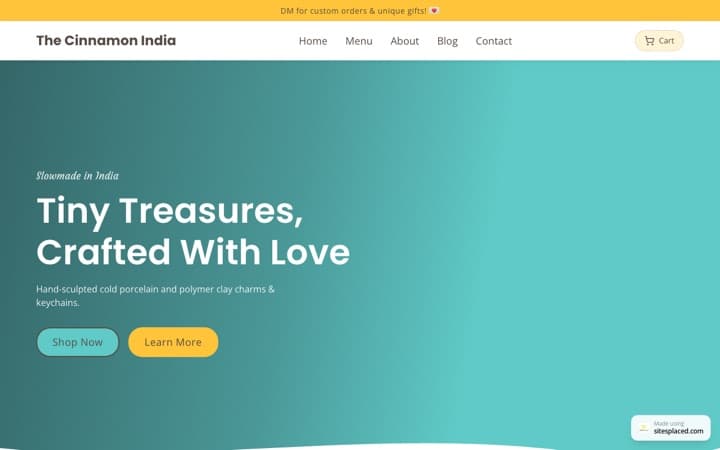
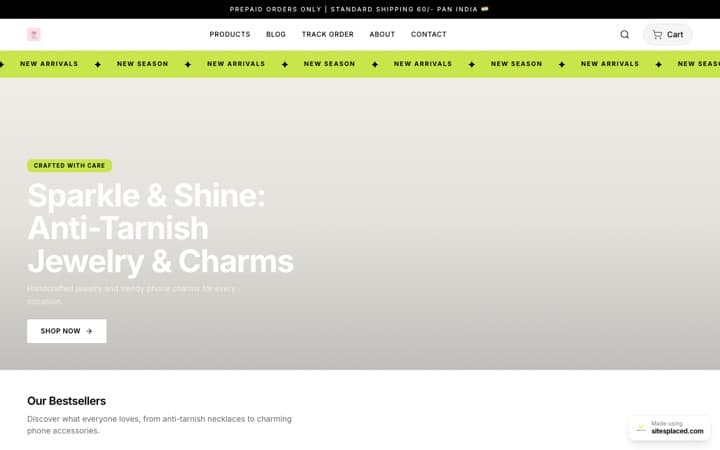
Update — May 2026: Student websites are now free to publish on SitesPlaced — including the premium Tesla, Apple, BMW M, Uber and Meta-style portfolios. No plan, no card. The ₹99 Student plan is now optional: it only adds a custom domain (yourname.com) and removes the small SitesPlaced badge.
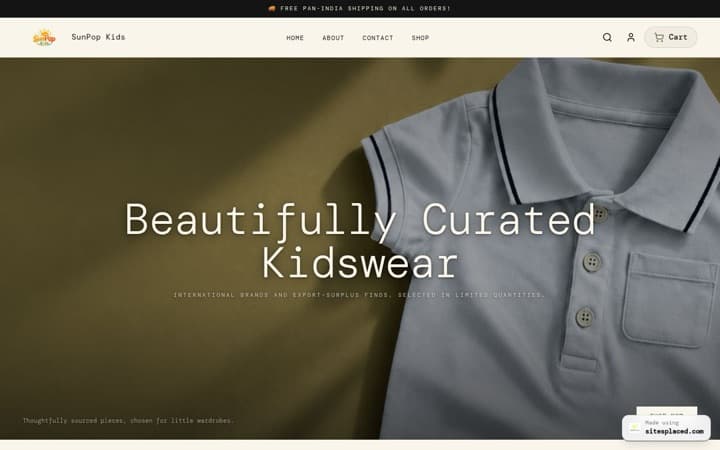
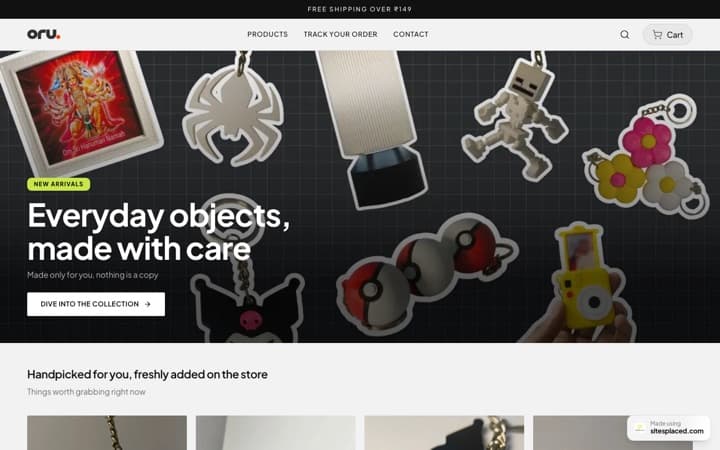
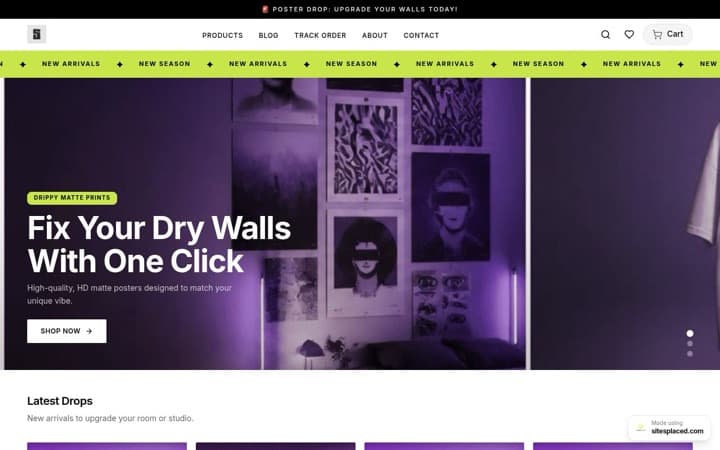
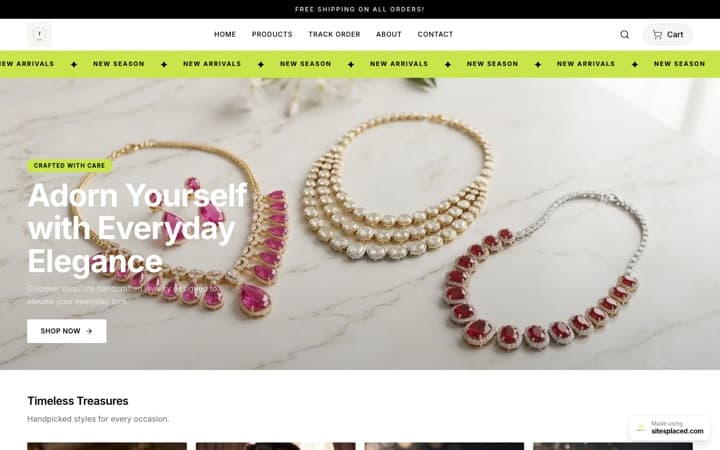
SitesPlaced is the only portfolio website builder that lets students publish for free — even the premium templates. Paste your resume — AI generates your entire portfolio with bio, skills, projects, and experience. Pick a template, customize, and publish. Your portfolio goes live in 2 minutes at yourname.sitesplaced.com — free, no plan and no card required. The optional ₹99 Student plan only adds a custom domain (yourname.com) and removes the small SitesPlaced badge — a model none of the other free portfolio website builders offer.
Why do students need a portfolio website in 2026?
Here's the harsh reality of placement season at any Indian college:
- 500+ students apply to the same company
- Every resume looks exactly the same — same format, same buzzwords
- Recruiters spend 6 seconds on each resume
- 76% of hiring managers Google candidates before shortlisting
A resume tells. A portfolio shows. When a recruiter clicks your portfolio link and sees your actual projects with screenshots, descriptions, and live demos — you instantly stand out.
Most students don't have a portfolio.That's your unfair advantage.
What should a student portfolio website include?
Hero Section
Your name, photo, degree, and a one-line intro. First impression in 2 seconds.
About / Bio
Who you are, what you're studying, what drives you. Keep it personal and authentic.
Skills & Tech Stack
Languages, frameworks, tools you know. Visual skill bars or tags work great.
Projects (Most Important)
3-5 best projects with screenshots, descriptions, tech used, and live/GitHub links.
Experience / Internships
Any work experience, internships, or freelance work. Even college committee roles count.
Education
Your college, degree, CGPA (if good), relevant coursework.
Contact Form
Let recruiters reach you directly. Way better than just listing an email.
Resume Download
A downloadable PDF link. Recruiters still need the paper version.
How to build a student portfolio with SitesPlaced
Sign up (free, 10 seconds)
Go to sitesplaced.com and create your account. No credit card. No payment. Your portfolio is free to create.
Pick your template
Choose the Student template — designed for placement season. Clean layout, projects-first design, recruiter-friendly. Also available: Developer, Designer, Freelancer templates.
Paste your resume (AI does the rest)
Upload your resume or paste the text. SitesPlaced AI extracts your name, skills, projects, experience and generates your entire portfolio automatically. You just review and tweak.
Publish free and share everywhere
Hit publish — no plan, no card. Your portfolio goes live for free at yourname.sitesplaced.com, even on the premium templates. Add this link to your resume header, LinkedIn profile, email signature, and WhatsApp bio. Recruiters will click it.
Portfolio tips for placement season
- Lead with projects, not education. Recruiters don't care about your CGPA as much as what you've built. Put your 3 best projects above the fold.
- Add screenshots and live links. A project without a screenshot is invisible. Even a basic UI screenshot makes your work 10x more credible.
- Write outcomes, not descriptions. "Built a task manager app" is weak. "Built a task manager used by 50 classmates, reducing missed deadlines by 40%" is powerful.
- Include a contact form. Make it easy for recruiters to reach you. Don't make them hunt for your email.
- Keep it updated. Add new projects after every semester, hackathon, or internship. A stale portfolio is worse than no portfolio.
- Share the link on everything. Resume header, LinkedIn headline, email signature, WhatsApp status. The more touchpoints, the better.
How much does a student portfolio cost?
For students, ₹0. Building and publishing a student portfolio is completely free on SitesPlaced — including the premium templates. The ₹99 Student plan is optional (custom domain + remove the badge), and the ₹199/month Starter plan is only for non-student / business sites that want AI features and social embeds.
Free Plan
₹0
- ✓ Publish for free — no plan, no card
- ✓ All student templates, incl. premium
- ✓ All section blocks & themes
- ✓ yourname.sitesplaced.com URL
- ✓ Edge-cached hosting
- • Small SitesPlaced badge
Student Plan
₹99 one-time
Optional · No subscription · No auto-renewal
- ✓ Everything in Free
- ✓ Custom domain (yourname.com)
- ✓ Remove SitesPlaced badge
- ✓ 500 MB storage
- ✓ One-time payment — forever
- ✓ All templates & AI included
$3 internationally · Pay once, badge gone for good
Starter Plan
₹199/month
Billed ₹1,990/year · Less than one coffee
- ✓ Everything in Free
- ✓ AI resume parsing & autofill
- ✓ AI content generation
- ✓ Social embeds (X, Instagram, LinkedIn)
- ✓ Custom domain support
- ✓ Lead generation forms
- ✓ Remove SitesPlaced branding
- ✓ Priority support
Frequently asked questions from students
I'm a first-year student with no projects. Should I make a portfolio?
Yes! Start now with whatever you have — class projects, personal experiments, even well-documented assignments. The portfolio grows with you. Students who start early always have a stronger portfolio by placement season.
Will a portfolio actually help in placements?
Absolutely. When 500 students have similar resumes, the one with a portfolio link in the resume header gets clicked first. It shows initiative, professionalism, and gives recruiters proof of your work.
I don't have money. Can I publish a portfolio for free?
Yes — publishing a student portfolio is completely free on SitesPlaced, including the premium Tesla, Apple, BMW M, Uber and Meta-style templates. No plan, no card. You get a full live portfolio at yourname.sitesplaced.com. The optional ₹99 Student plan only adds a custom domain (yourname.com) and removes the small SitesPlaced badge.
How do I add my portfolio link to my resume?
Add it right below your name in the resume header. Format: 'Portfolio: yourname.sitesplaced.com' or just the URL. Also add it to your LinkedIn headline and email signature.
Can I use this for applying to international companies?
Yes. Your SitesPlaced portfolio works globally with edge-cached delivery. It loads fast everywhere. You can connect a custom .com domain for a more professional look.
My college has a portfolio template. Why not use that?
College templates look the same for everyone. A custom portfolio with your branding, design choices, and personal touch signals effort and creativity. It makes you memorable.
Your free portfolio could land you a ₹20,000/month internship.
Paste your resume. AI builds your portfolio. Publish it live in 2 minutes — free, no plan and no card, even on the premium templates.
Publish a Free Student Portfolio →