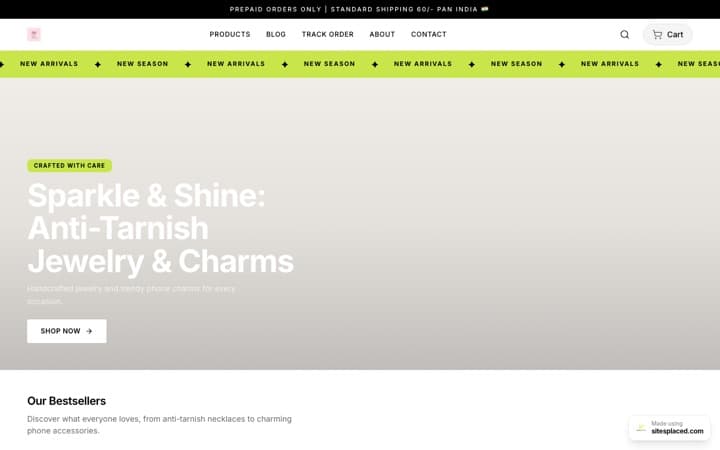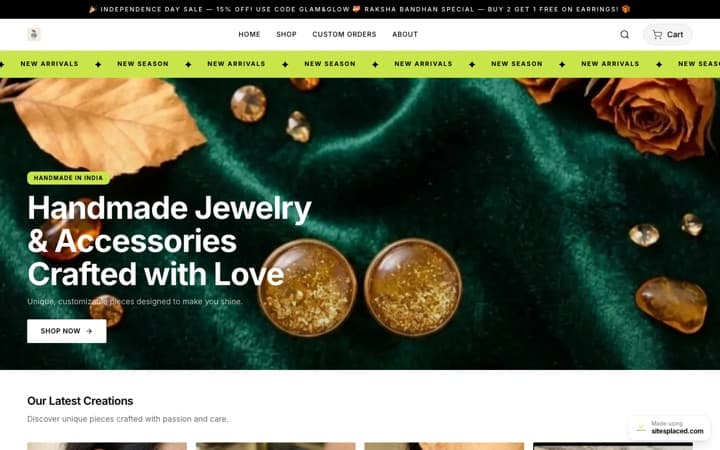



The best clothing store website templates for 2026: sizes on the card, COD at checkout, free.
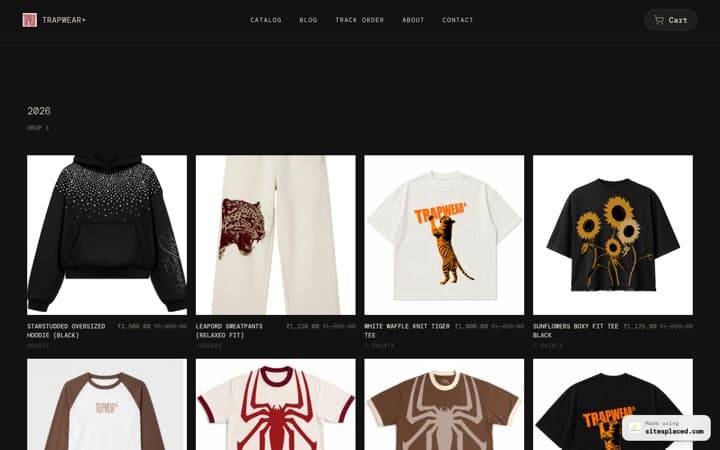
The best clothing store template for an Indian fashion brand answers one question before the shopper taps: is my size there? On SitesPlaced that is the Clothing Store, laid out like Jnorss, with edge-to-edge photos, a save-% tag on anything on sale and the sizes still in stock printed on every card. The Simple Fashion Store suits a label that wants a plain black-and-white look, and the Premium Store suits occasion wear and higher-priced pieces. All three are free, with UPI, cash on delivery and WhatsApp checkout at 0% commission.
The three picks at a glance
Key takeaway
Start on the Clothing Store unless you have a strong reason not to. It is the only one of the three that shows sizes on the card, lets shoppers add to cart from the card, keeps a buy bar on screen on phones and puts delivery, COD and returns under the buy button. Pick Simple Fashion or Premium only for the look.
| Template | Best for | What the product card shows | The product page | See it |
|---|---|---|---|---|
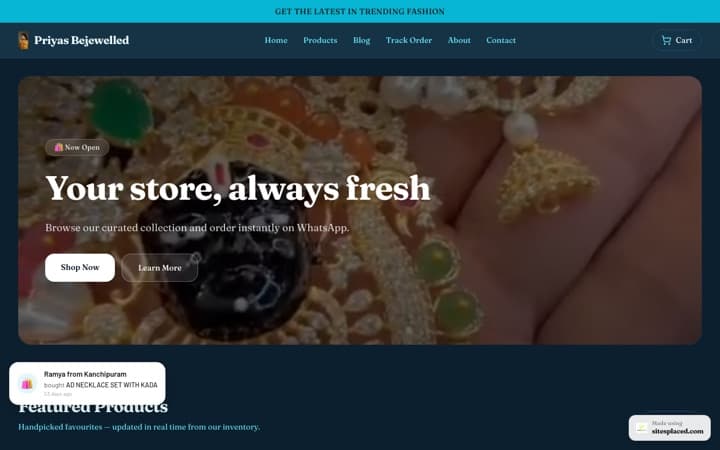
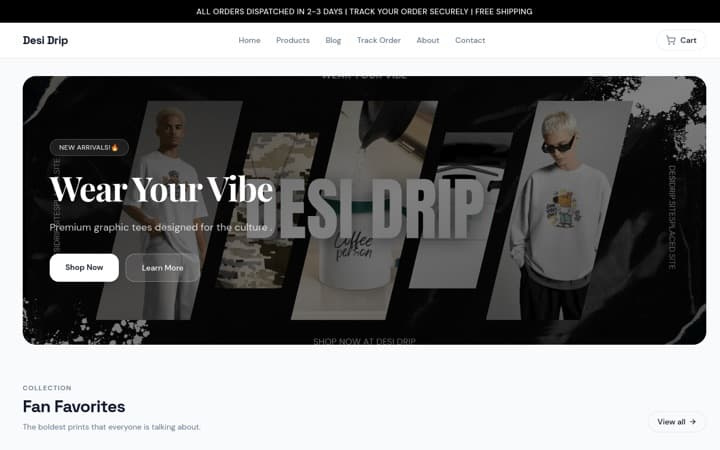
| Clothing Store | T-shirts, kurtas, kurtis, co-ords, streetwear, ethnic and everyday wear | A tall edge-to-edge photo, a red “Save %” tag, the MRP struck through, the sizes still in stock, and an Add button | Sizes as square buttons (sold-out sizes struck through), the size chart, the delivery, COD and returns line, your published coupons and a buy bar on phones | Template page · Showcase store |
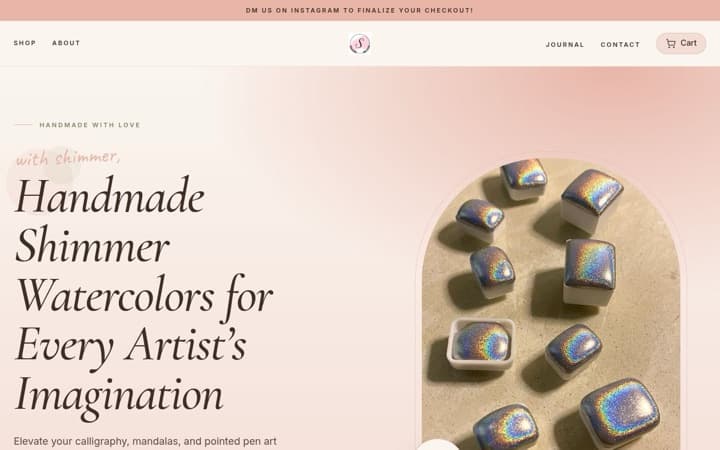
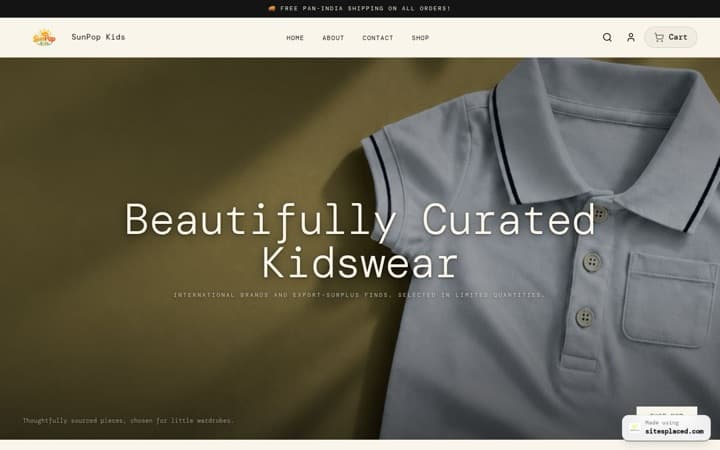
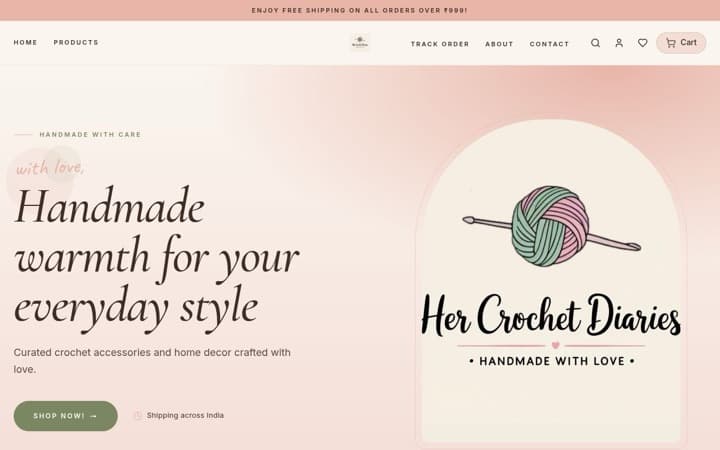
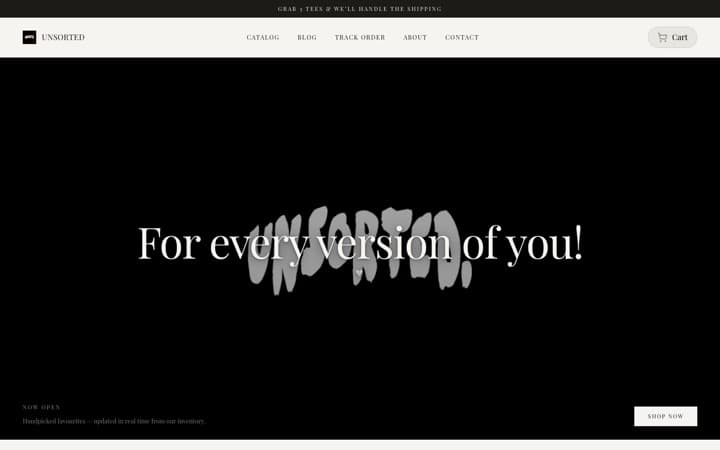
| Simple Fashion Store | A label that wants a plain black-and-white look | A big photo, the name, the price and the struck MRP; Add to cart appears on hover on a computer | Its own simple page with the options and the size chart link | Template page · Showcase store |
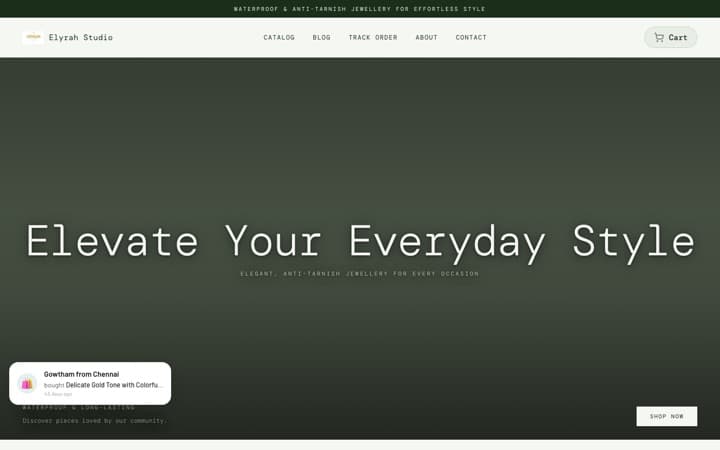
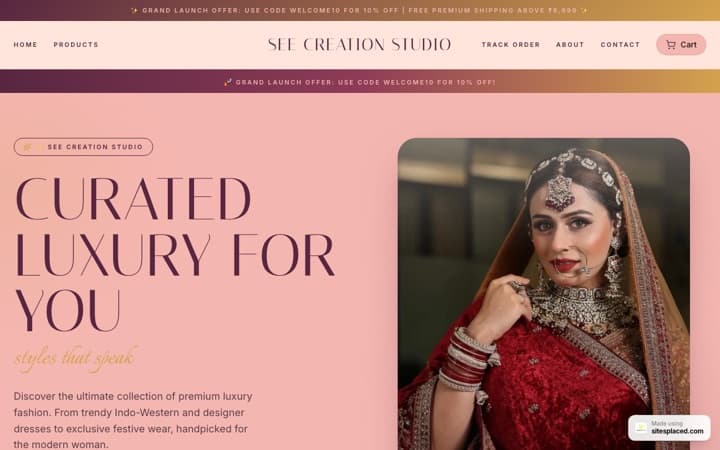
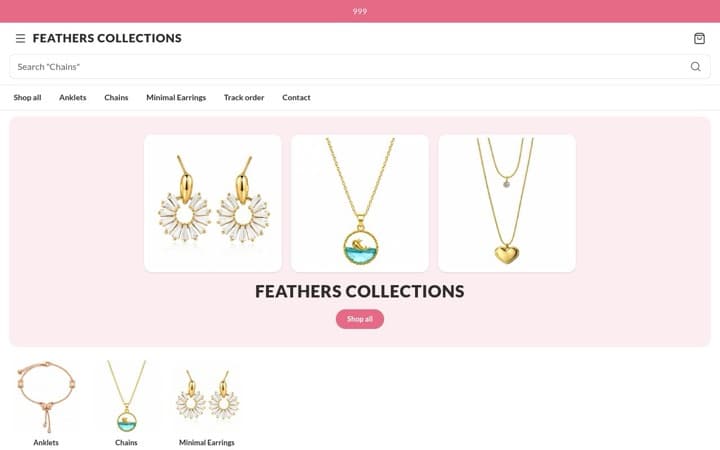
| Premium Store | Occasion wear, handloom and higher-priced pieces | Photo-first cards on warm cream | A calm, gallery-style page with the options and the size chart link | Template page · Showcase store |
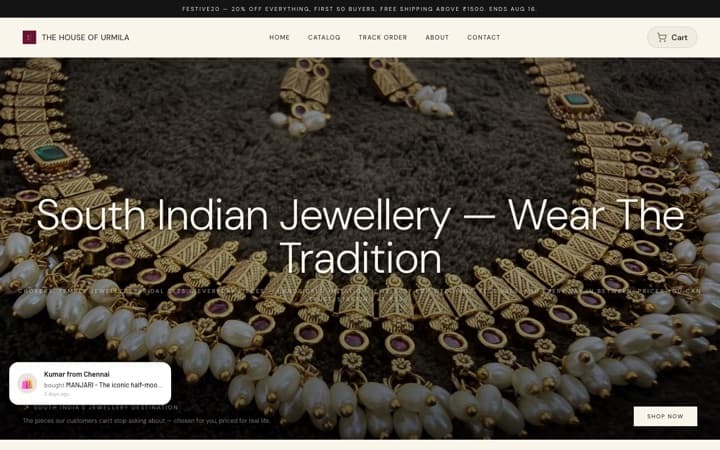
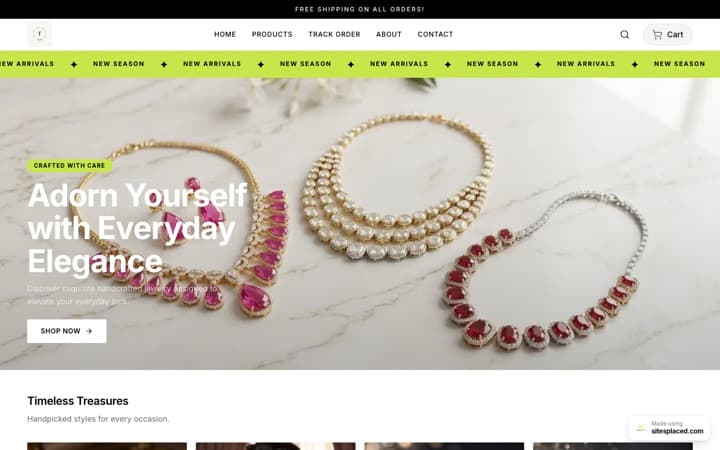
The Clothing Store follows the layout of Jnorss’s phone site. Jnorss is not involved with SitesPlaced, and your store uses your own name, photos and products. The Premium Store showcase is a jewellery shop; the layout is the same for clothing.
What a clothing store’s product card must show
A fashion shopper scrolls cards the way they scroll Instagram, so each card has to answer four things fast:
- How it looks on a body. A tall photo (4:5) shows fit and fall better than a small square. If your photos are square Instagram posts, switch the photo shape to square so nothing is cut at the sides.
- What it costs, and whether it is on sale. The price, the MRP struck through and the saving as a percentage. Shoppers compare quickly.
- Whether their size is left. This is the question that ends most browsing. Showing “S M L” on the card saves a tap and a disappointment.
- How to buy it now. An Add button on the card lets a shopper who already knows what they want skip the product page.
Colours matter too, but on a clothing card they crowd the sizes. The Clothing Store puts colours on the product page, where picking one switches the photo when you have given that colour its own picture.
What the product page must show
- Sizes as big, tappable buttons, with the sold-out ones crossed out rather than hidden, so the shopper knows the size exists and may come back.
- A size chart one tap away. Upload a chart image to each product and a “Size Chart” link opens it in a pop-up. It helps buyers pick the right size the first time, which means fewer exchange requests.
- Fabric, fit and care in the description. Say “relaxed fit, size down for a closer fit” if that is true.
- Delivery, COD and returns next to the button. When you dispatch, the order value for free delivery, whether COD is available, and your exchange rule.
- Your coupon code, where the decision happens. Tick “Show this code on the store” on a coupon and it appears in an “Offers for you” box with a copy button.
- A buy button that stays in reach once the shopper scrolls down to the details.
The Clothing Store’s product page does all six. The Simple Fashion and Premium Stores keep their own older product page: sizes and the size chart are there, but not the delivery line, the offers box or the buy bar on phones.
1. Clothing Store: laid out like Jnorss
Our pick for most clothing sellers. It fills itself from your products and settings, so there is almost nothing to write. The page on a phone, from the top:
- An offer strip, then a clean white header.
- Full-width banners. Until you add one, it fills the space with your own product photos and your store’s name, never a grey box.
- One line of text that scrolls under the banner, if you write one.
- Tall category tiles. A category with no picture borrows its first product’s photo.
- Product rows that scroll sideways with the next card peeking: bestsellers first, ranked from your real orders, then new arrivals. A wide banner sits between them once you add one.
- A delivery and payment strip built from your settings (COD, free-delivery amount, WhatsApp). It hides when there is nothing true to say.
Set up your products so the card works. Add a Size option (S, M, L, XL), and switch on stock per option so a sold-out size drops off the card by itself. Enter the MRP above the selling price and the “Save %” tag appears on its own. Give each colour its own photo, and upload a size chart image. See the template, or open the showcase store on your phone to try it with real products.
2. Simple Fashion Store: black and white, very little text
The Simple Fashion Store is plain black and white with big photos and small type. It suits a label whose photography is strong enough to carry the page, and a founder who wants the site to feel like a lookbook.
Two honest caveats. It is an older design, so its product page does not have the buy bar on phones, the delivery and COD line or the offers box, and its cards add to cart on hover, which works on a computer but not on a phone. It also ships with a few general sentences on the home and About pages, so read them and rewrite them in your own words before you share the link. Template page · Showcase store.
3. Premium Store: for occasion wear and higher-priced pieces
Warm cream, unhurried and photo-first. When a lehenga or a handloom saree costs several thousand rupees, a slower page makes the price feel earned. The showcase store sells jewellery, but the layout works the same for clothing.
The same caveats as Simple Fashion apply: an older product page without the buy bar, the delivery line or the offers box, and some default text to rewrite. Every piece also needs a price; “Price on request” is on the Clothing Store, not here. Template page · Showcase store.
COD, returns and exchanges: the part that decides the first order
A first-time buyer in India usually wants two answers before paying a new brand: can I pay on delivery, and can I exchange the size? Put both on the page.
- Cash on delivery is free on every plan. You can add a COD charge. When you do, the line under the buy button tells shoppers how much they save by paying online, which nudges more of them to prepay. Our guide to offering COD without losing money covers the rest, and how to reduce RTO and fake COD orders covers the orders that come back.
- Write your exchange rule once. Type it in Settings → Sales boosters (for example “Easy size exchange within 7 days”) and it appears under the buy button. Only promise what you will do. Our return and refund policy template is a good starting point for the full policy page.
Selling clothes online also raises a few paperwork questions. See do I need a licence to sell clothes on Instagram.
What is free and what you pay for
| Plan | Price | What it adds for a clothing store |
|---|---|---|
| Free | ₹0 | Every template, unlimited products and orders, UPI and cards on your own Razorpay, PhonePe or Cashfree account, COD, WhatsApp checkout, coupons, the free-shipping bar. On the Clothing Store: sizes on the card, quick add, the buy bar on phones, the delivery line, the offers box and bestsellers from real orders. 0% commission. |
| Starter | ₹199/month | Your own domain, no SitesPlaced badge, visitor and store analytics, Meta Pixel and Conversions API. |
| Growth | ₹499/month | Product reviews and stars on cards, Buy X Get Y offers, cart suggestions, a WhatsApp chat bubble on every page and other sales boosters. 7 days free with autopay. |
Fixed-price bundles such as “any 3 for ₹999” are not available. Full details on the pricing page.
Set up your clothing store in an afternoon
- Bring your products in. Paste your Instagram handle at /import to pull your posts in as products, or add them by hand with photos, price and MRP.
- Pick the Clothing Store. Open the showcase on your phone first. The template is fixed once the store is created, so pick it before you add products.
- Add sizes and a size chart. A Size option with stock per option, one photo per colour and a size chart image on each product.
- Add one banner. It is the only picture the layout asks you for. Everything else fills itself from your products and categories.
- Fill in delivery, COD and returns once. Dispatch time, free-delivery amount, COD charge and your exchange rule power the line under every buy button.
- Publish your Instagram code. Tick “Show this code on the store” on the coupon you post on Instagram. Private codes stay private.
- Share the link. Instagram bio, WhatsApp status and catalogue, and your ads.
Want to see a real launch? Read how Surroor House launched its T-shirt store. Every other store template is compared in the 16 best online store templates of 2026, and if you are still weighing them up, how to choose an online store template walks through the choice.
Template guides for other kinds of shop
- Boutique website templates for Instagram sellers
- Footwear store templates
- Jewellery website templates
- Beauty and skincare store templates
- Wellness and ayurveda store templates
- Home decor website templates
- Furniture and mattress website templates
- Gift shop website templates
- Food brand website templates
- Electronics store website templates
- Pet store website templates
FAQs
What is the best website template for a clothing store in India?
The Clothing Store on SitesPlaced, for most clothing brands. It is laid out like Jnorss: edge-to-edge photos, a save-% tag on sale items and the sizes still in stock on every card, with add to cart from the card, a buy bar on phones and the delivery, COD and returns line under the buy button. It is free, with UPI, COD and WhatsApp checkout at 0% commission.
Can my clothing website show the sizes in stock on the product card?
Yes, on the Clothing Store. Add a Size option to the product and switch on stock per option. The card then lists only the sizes that still have stock, and a size drops off by itself when it sells out.
How do I add a size chart to my clothing website?
Open the product, upload your size chart image under “Size chart / info popup” and set the link label. A “Size Chart” link then appears on the product page and opens the chart in a pop-up. This works on the Clothing, Simple Fashion and Premium Stores.
Can I offer cash on delivery on my clothing store?
Yes. COD is free on every SitesPlaced plan, alongside UPI, cards and WhatsApp checkout. You can add a COD charge, and the Clothing Store then tells shoppers how much they save by paying online.
Are these clothing store templates free?
Yes. All 16 SitesPlaced store templates are free on every plan, including Free. You pay only for extras such as your own domain (Starter, ₹199/month) or reviews and sales boosters (Growth, ₹499/month).
Can I change my store template later?
No. A store’s template is fixed once it is created, because each template has its own sections. Colours, fonts, text and sections stay editable. To use a different template, create a new store with it, ideally before you add your products.
Which is better for a small Indian clothing brand, Shopify or SitesPlaced?
Shopify is a strong platform with a huge theme and app store, and it suits a brand with a team and a monthly budget for apps. For a small Indian clothing brand, SitesPlaced is the better start: the Clothing Store gives you sizes on the card, quick add, COD, WhatsApp checkout and a delivery line free, at 0% commission, with no paid theme or apps to add.
Open your clothing store free.
Pick the Clothing Store, add your products with their sizes and publish, with UPI, COD and WhatsApp checkout at 0% commission.
Open my store free →