

How to Launch Your Instagram Store in 5 Minutes
No developer. No complicated setup. Add products, get your link, put it in your bio. Here's the exact playbook Indian Instagram sellers use to go live the same day.
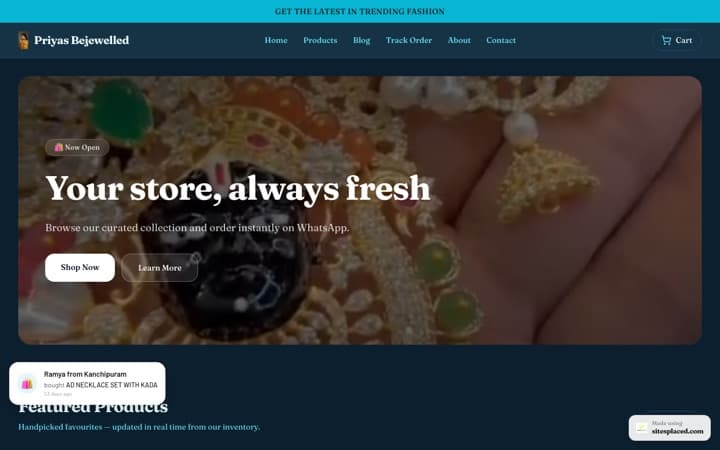
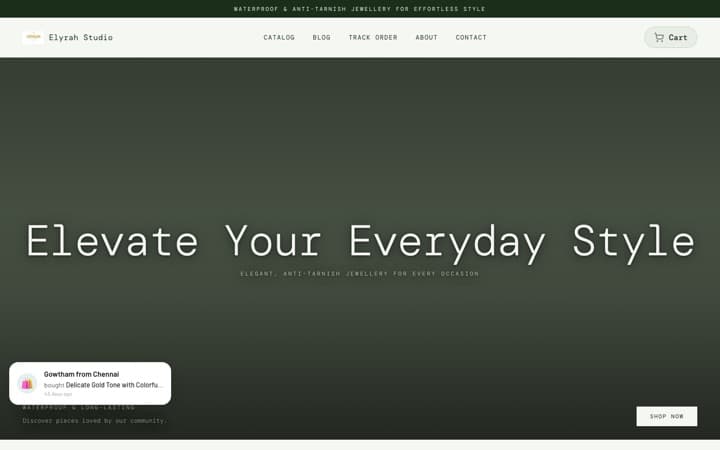
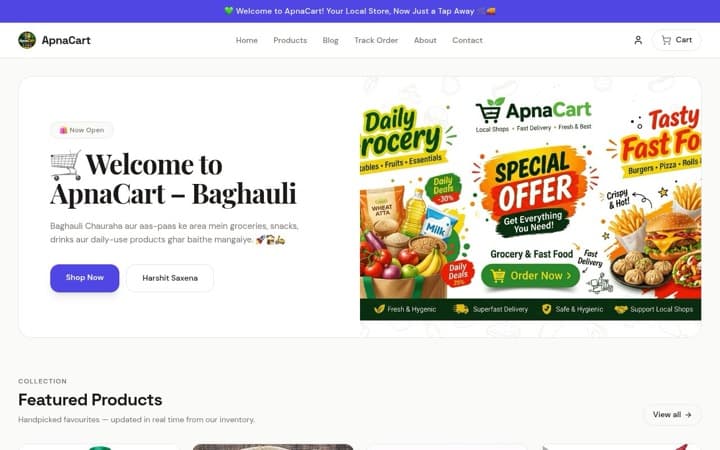
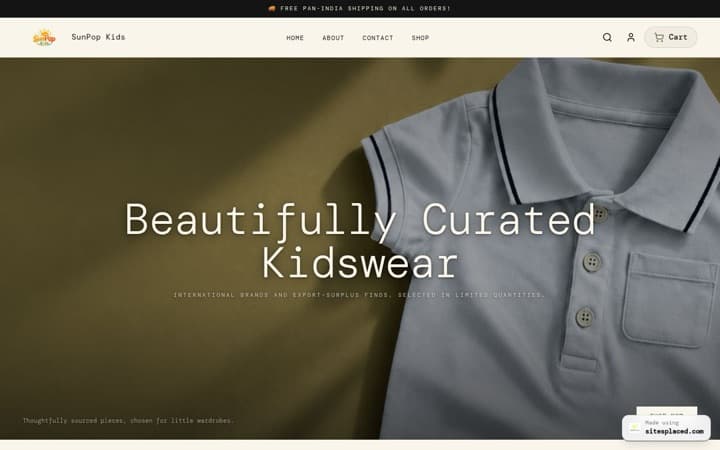
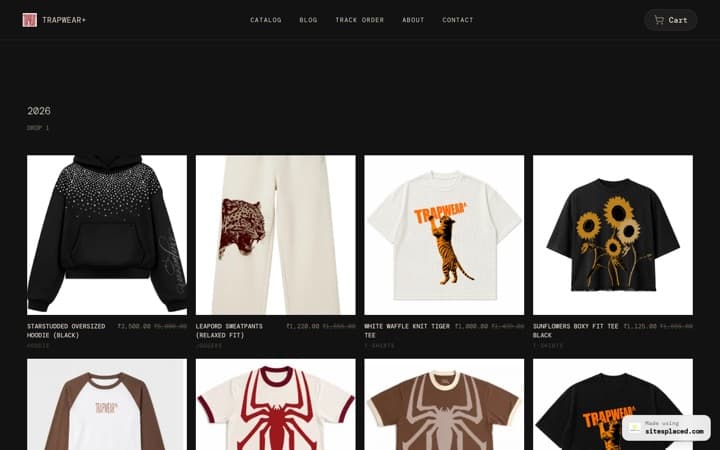
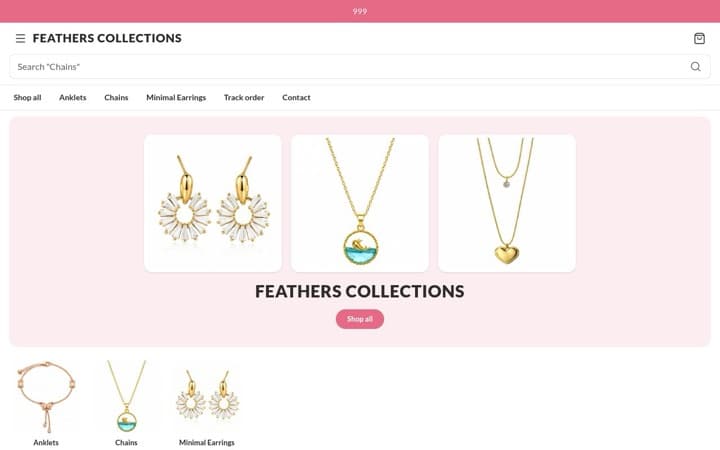
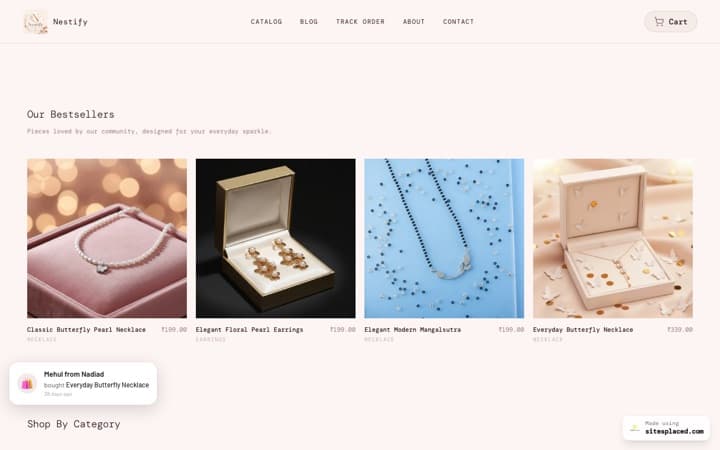
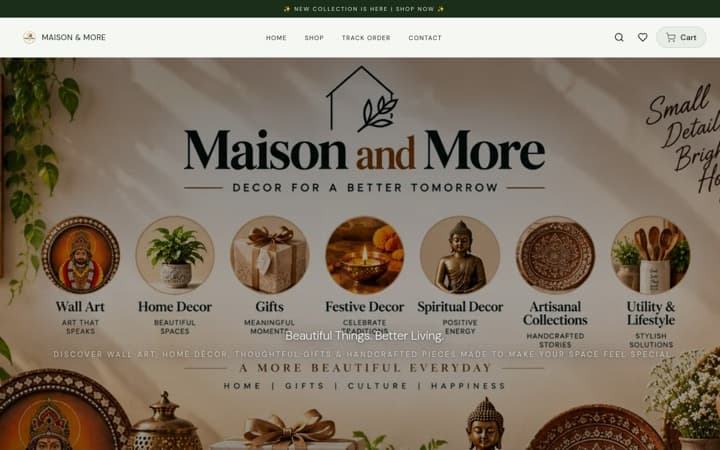
You can launch an Instagram store in under 5 minutes by signing up at SitesPlaced, adding your products with images and prices, and pasting your store link in your Instagram bio. SitesPlaced is built for Indian DM sellers — a full website for your Instagram business with 0% commission, WhatsApp checkout, and order management included from day one.
The 5-minute launch checklist
- 1
Sign up
Create your account at SitesPlaced. No credit card needed to start. Choose a store name and subdomain (e.g. yourstore.sitesplaced.com).
- 2
Add your first products
Upload product images, set names and prices. Add variants (size, color) if you need them. You can start with 3–5 products and add more later.
- 3
Turn on WhatsApp checkout
Enable WhatsApp checkout so customers send you structured order messages. You get their name, items, and address in one place.
- 4
Copy your store link
Your store has a permanent URL. Copy it and open Instagram → Edit profile → Website. Paste the link and save.
- 5
Go live
Post a story or reel telling followers your store is live. Start taking orders and manage everything from your SitesPlaced dashboard.
What you get from day one
- • Order management — paid, pending, shipped, cancelled in one place
- • Razorpay — accept online payments (when you enable it)
- • Shiprocket — generate shipping labels and track orders (when integrated)
- • PDF invoices — professional invoices with your branding
- • 0% commission — you keep what you earn
For deeper guides on payments and shipping, see Razorpay integration and Shiprocket for Instagram sellers.
Ready to launch?
Start your free store — build and publish at 0% commission, on a yourname.sitesplaced.com address. Upgrade from ₹199/month (Starter) only when you want a custom domain, branding removal and AI.
Get started