


How to Embed Social Media on Your Website — Complete Guide (2026)
Tweets, Instagram posts, LinkedIn updates, YouTube videos — embedding your social media content directly on your website is one of the most powerful ways to build trust, show social proof, and keep visitors engaged. Here's every platform's embed code, step by step — and the no-code shortcut.
To embed social media on a website, open the post, choose "Embed" from its share menu, copy the HTML embed code, and paste it into your page. Every major platform — Instagram, X/Twitter, YouTube, LinkedIn, and Facebook — offers free embed codes; this guide shows each one, plus a no-code way that takes about 30 seconds.
1. Why Embed Social Media on Your Website?
Your website is your home base. But your social media is where conversations happen. When you embed social media content directly on your website, you bridge the gap between the two — and it has measurable impact:
increase in time-on-site when social proof is visible
more likely to convert when visitors see real social proof
of consumers trust user-generated content over brand content
higher engagement on websites with embedded social feeds
Whether you're a freelancer showcasing client testimonials, a creator showing off viral content, or a business building credibility — social embeds are the fastest way to build trust.
2. What Social Platforms Can You Embed?
SitesPlaced supports embedding content from all major social platforms — including both native embeds (that render the actual widget) and iframe embeds:
X (Twitter)
- ✓ Individual tweets & threads
- ✓ Profile timelines
- ✓ Paste URL or embed code
- ✓ Posts & carousels
- ✓ Reels & IGTV
- ✓ Profile embeds via embed code
- ✓ Post embeds via embed code
- ✓ Article highlights
- ✓ Professional achievements
YouTube
- ✓ Video embeds
- ✓ Playlists
- ✓ Shorts & live streams
Spotify
- ✓ Track embeds
- ✓ Playlist embeds
- ✓ Podcast episodes
Others
- ✓ CodePen & CodeSandbox
- ✓ Figma prototypes
- ✓ Google Docs, Loom, Calendly
3. How to Embed Instagram Posts & Reels on a Website
Instagram offers a free, official embed code for any public post, reel, or carousel — no app or API key needed:
- Open the post or reel on instagram.com (desktop — the embed option isn't in the mobile app)
- Click the ··· menu on the post and choose Embed
- Click Copy embed code (optionally untick "Include caption")
- Paste the code into your website's HTML — or into a SitesPlaced Social Embeds card
The code Instagram gives you follows this pattern:
<blockquote class="instagram-media"
  data-instgrm-permalink="https://www.instagram.com/p/POST_ID/"
  data-instgrm-version="14">
</blockquote>
<script async src="https://www.instagram.com/embed.js"></script>
The embed.js script turns the blockquote into the live post — image, caption, and like counts included. Only public posts embed; private accounts and deleted posts render as a blank card. Reels embed exactly the same way and play inline.
4. How to Embed X (Twitter) Posts on a Website
X (formerly Twitter) has the oldest and most reliable embed system on the web:
- Open the post on x.com and click the share icon
- Choose Embed post — this opens publish.twitter.com with your code ready
- Copy the generated code and paste it into your page
The standard markup looks like this:
<blockquote class="twitter-tweet">
  <a href="https://twitter.com/username/status/TWEET_ID"></a>
</blockquote>
<script async src="https://platform.twitter.com/widgets.js"
  charset="utf-8"></script>
One widgets.jsscript handles every embedded post on the page, so don't paste it more than once. Threads embed from their first post; timelines and profiles can also be embedded from the same publish tool.
5. How to Embed YouTube Videos on a Website
YouTube embeds are plain iframes — no script needed, and they work everywhere:
- Open the video and click Share below the player
- Choose Embed
- Copy the iframe code (tick "Start at" to begin from a timestamp)
- Paste it into your page — done
<iframe width="560" height="315"
  src="https://www.youtube.com/embed/VIDEO_ID"
  title="YouTube video player" frameborder="0"
  allow="accelerometer; autoplay; clipboard-write;
         encrypted-media; gyroscope; picture-in-picture"
  allowfullscreen></iframe>
Swap youtube.com/embed/ for youtube-nocookie.com/embed/ if you want the privacy-enhanced player. Shorts embed with the same iframe — just use the Short's video ID. For portfolios, set a custom thumbnail on YouTube itself; the embed shows whatever the video's poster frame is.
6. How to Embed LinkedIn Posts on a Website
LinkedIn allows embedding for public posts — useful for testimonials, announcements, and thought-leadership proof:
- Open the post on LinkedIn (desktop) and click the ··· menu
- Choose Embed this post — only visible on posts set to public
- Copy the iframe code from the dialog
- Paste it into your page
LinkedIn's embed is an iframe in this pattern:
<iframe
  src="https://www.linkedin.com/embed/feed/update/urn:li:share:POST_ID"
  height="500" width="504" frameborder="0"
  allowfullscreen title="Embedded post"></iframe>
If you don't see "Embed this post", the post's visibility isn't public — ask the author to change it, or link to the post instead. LinkedIn embeds are fixed-width iframes, so check how they sit on mobile.
7. How to Embed Facebook Posts on a Website
Public Facebook posts and videos embed through Meta's social plugins:
- Open the public post and click the ··· menu
- Choose Embed (on some posts: "More options" → Embed)
- Copy the iframe code from Meta's embed dialog
- Paste it into your page
<iframe
  src="https://www.facebook.com/plugins/post.php?href=POST_URL"
  width="500" height="600" frameborder="0"
  scrolling="no" allowfullscreen></iframe>
Only posts from public Pages and public profiles offer the embed option. Group posts and friends-only posts can't be embedded at all.
The catch with all manual embeds:you're pasting raw HTML into your site, managing each platform's script, and debugging responsive sizing yourself. It works — but if you're embedding more than one or two posts, the no-code route below is faster and looks better.
8. The No-Code Way with SitesPlaced
With SitesPlaced, embedding social media on your website takes about 30 seconds:
Add Section
Click "Add Section" in the editor and choose Social Embeds or Embed Story.
Paste URL or Code
Paste a tweet URL, Instagram embed code, or any supported link. We handle the rest.
Publish
Choose your layout style, customize the headline, and publish. Live embeds render instantly.
No iframe debugging. No JavaScript SDKs. No CSS fixes. SitesPlaced handles lazy loading, provider script management, and responsive rendering automatically.
10. Embed Story — Scroll-Driven Storytelling
The Embed Story section takes social embeds to the next level. It combines narrative text with embedded social content in a scroll-driven experience — think Apple-style product pages, but for your social proof.
Left-side narrative copy scrolls while the right-side embed stays pinned. Active embed swaps as you scroll through chapters.
Scroll-reveal chapters that fade in as you scroll down. Each chapter has its own headline, description, and embedded post.
Alternating left/right blocks — text on one side, embed on the other. Clean, editorial feel.
Pro tip:Use Embed Story to tell your brand journey — from your first viral post to industry recognition to customer testimonials. It's like a case study that scrolls itself.
11. Best Use Cases for Social Embeds
Freelancers & Agencies
Embed client testimonial tweets, LinkedIn recommendations, and case study posts. Show prospects that real people vouch for your work.
Creators & Influencers
Showcase your most viral content — embedded reels, tweets, and LinkedIn posts. Brands checking your website see real engagement numbers.
Students & Job Seekers
Embed your best LinkedIn posts, project demos from YouTube, or CodePen examples. Make your portfolio a living, breathing showcase.
Startups & Businesses
Show press mentions, product launches, customer reviews, and social proof from real users. Builds instant credibility with visitors.
Event Organizers
Create a social wall of attendee tweets, Instagram posts from the event, and recap videos. Perfect for event landing pages.
Podcast & Newsletter Creators
Embed your latest Spotify episodes, YouTube interviews, and discussion threads. Turn your website into a content hub.
12. SEO Benefits of Social Embeds
Social embeds don't just look good — they help your SEO too:
- ✓Increased dwell time: Visitors stay longer when they can interact with embedded tweets and posts, signaling quality content to search engines.
- ✓Fresh content signals: Embedded social content is dynamic — it updates with likes, retweets, and comments, giving search engines signals of fresh content.
- ✓Rich snippet potential: Properly embedded social content can appear in Google's rich results, giving your pages more visibility in search.
- ✓Reduced bounce rate: Interactive embeds keep visitors engaged instead of bouncing. Lower bounce = better rankings.
- ✓Social signals correlation: While not a direct ranking factor, pages with visible social proof tend to get more backlinks and shares — which do impact SEO.
13. Best Practices for Social Embeds
Don't overdo it
3-6 embeds per page is the sweet spot. Too many heavy embeds slow down your site.
Use the Spotlight layout for social proof
One featured testimonial tweet with supporting posts creates maximum impact without visual noise.
Always add a title and caption
Even if the embed loads, context helps visitors understand why this post matters to your story.
Match your theme
SitesPlaced embeds respect your site's dark/light theme. Keep it consistent for a polished look.
Use Embed Story for narratives
If you're telling a story (brand journey, case study, portfolio highlights), use the scroll-driven Embed Story section for maximum engagement.
Keep embeds relevant
Every embedded post should serve a purpose — social proof, credibility, engagement. Don't embed random content.
14. Get Started — Embed Your Social Proof Today
Social embeds are available with the Starter Plan on SitesPlaced. You get two powerful section types:
Social Embeds Section
3 layout styles: Spotlight, Rail, Wall
- ✓ Embed tweets, Instagram posts, LinkedIn
- ✓ Live widget rendering
- ✓ Lazy loading & performance optimized
Embed Story Section
3 scroll styles: Pinned, Stacked, Split
- ✓ Scroll-driven storytelling
- ✓ Narrative text + live embeds
- ✓ GSAP-powered animations
Ready to add social proof to your website?
Create your free site, upgrade to Starter (₹199/mo), and start embedding.
Get Started — ₹199/moFrequently Asked Questions
Can I embed social media on my website for free?
The embed codes themselves are free — Instagram, X/Twitter, YouTube, LinkedIn, and Facebook all provide official embed HTML at no cost. On SitesPlaced, the dedicated social embed sections (Social Embeds & Embed Story) are part of the Starter Plan at ₹199/month; the free plan includes all other section types.
Can I embed my Instagram feed on my website for free?
Individual Instagram posts and reels embed free using Instagram's official embed code (··· menu → Embed). A full auto-updating feed is different — Instagram doesn't offer a free feed widget, so feeds require Meta's API or a third-party widget service. Most portfolios get better results curating 3-6 best posts as individual embeds.
How do I embed a YouTube video on my website?
Click Share below the video, choose Embed, copy the iframe code, and paste it into your page. No script is required — YouTube embeds are plain iframes. On SitesPlaced, just paste the video URL into a Social Embeds card and the player renders automatically.
Why is my Instagram or Twitter embed not showing?
The three usual causes: the post is private or deleted (only public posts render), the platform's embed script (embed.js or widgets.js) isn't loading — often blocked by an ad blocker or pasted more than once — or the embed HTML was pasted into a plain-text field instead of an HTML block. SitesPlaced handles script loading automatically, which removes the second cause entirely.
Do social embeds slow down my website?
Manual embeds can — each platform script adds weight. SitesPlaced uses lazy loading via IntersectionObserver, so embeds only load when they scroll into view, and provider scripts are loaded once and shared across all cards on the page.
Can I embed Instagram Reels on my website?
Yes. Open the reel on instagram.com, choose Embed from the ··· menu, and paste the code — reels play inline exactly like posts. On SitesPlaced, paste the reel's embed code or URL into a Social Embeds card and it renders responsively.
What happens if I delete the original social media post?
The embed will show a fallback card with the title and caption you provided. The original post URL will still be linked but the live widget won't render.
Can I use social embeds for a business website, not just a portfolio?
Absolutely. Social embeds work great for showcasing customer reviews, press mentions, product launches, and brand partnerships on business websites.
Related Articles
How to Create a Portfolio Website in 5 Minutes
Complete guide for students, freelancers, and developers.
Best Portfolio Websites for Students — 10 Free Examples
Inspiring portfolio examples and what makes them great.
Videographer Portfolio Website Guide
Vimeo vs YouTube embedding and showreel-first layouts.
Best Photography Portfolio Website Builder
Galleries, image hosting, and embedding Instagram on your portfolio.




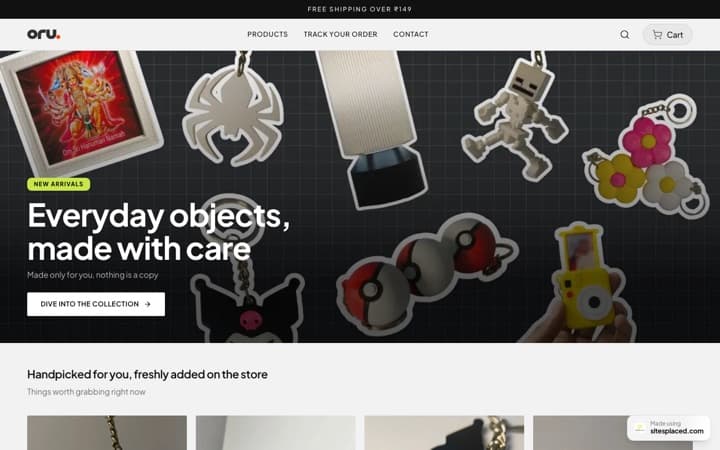
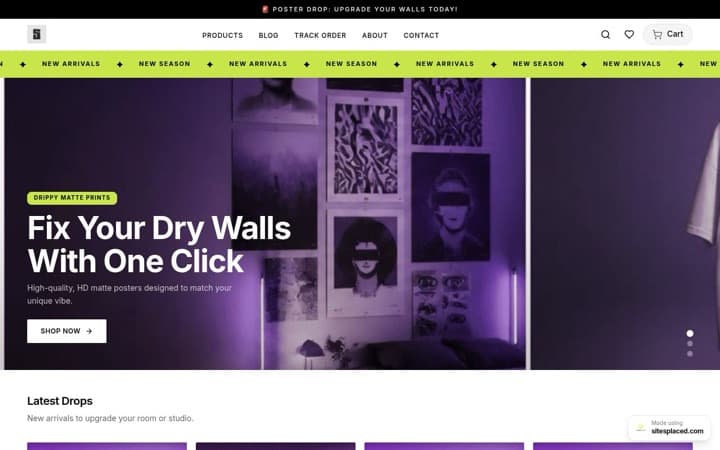



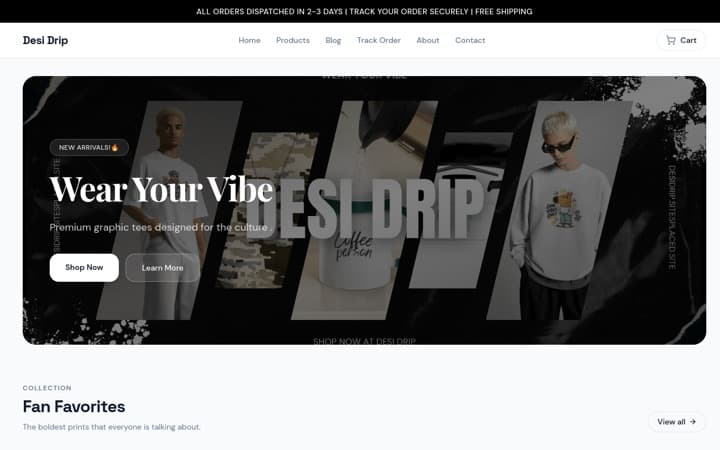
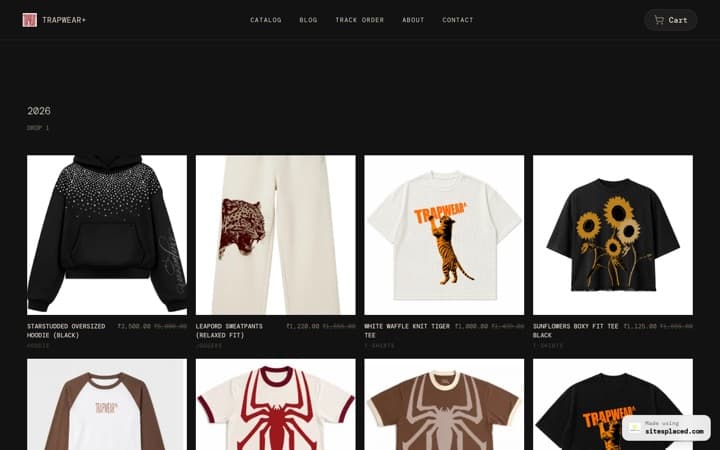










9. Social Embeds Section — 3 Beautiful Layouts
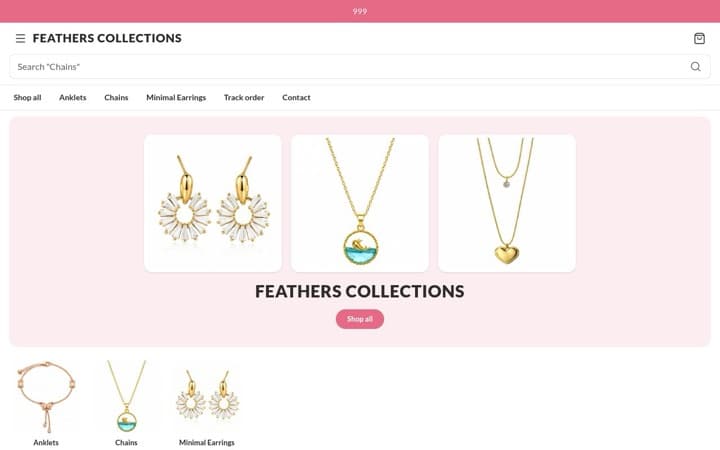
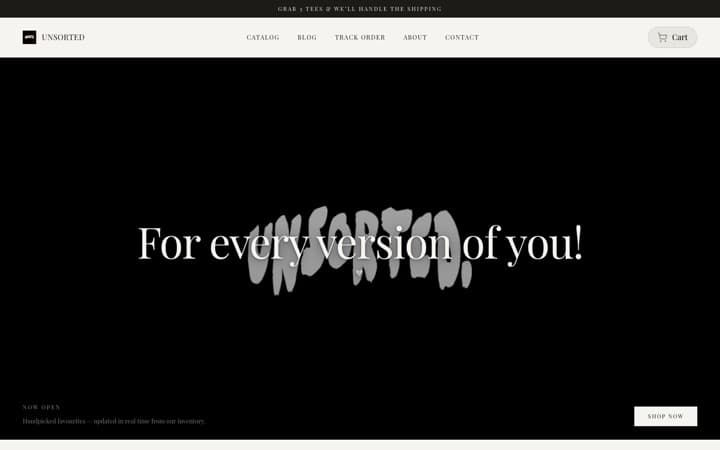
The Social Embeds section gives you three professionally designed layout styles to showcase your social content:
Spotlight Layout
One featured embed takes center stage with supporting cards around it. Perfect for highlighting a viral tweet or a major press mention.
Best for: 1 hero post + 2-3 supporting embeds
Rail Layout
A horizontally scrollable card rail that snaps on mobile. Great for showcasing multiple pieces of content without overwhelming the page.
Best for: 4-8 posts in a horizontal feed
Wall Layout
A staggered masonry grid with mixed card sizes. Creates a dynamic, Pinterest-style social wall that fills the section beautifully.
Best for: Creators with lots of visual content
Each embed card is lazy-loaded via IntersectionObserver — so your page stays fast even with multiple heavy embeds. Provider scripts (Twitter widgets.js, Instagram embed.js) are loaded only once and shared across all cards.