

How to Create a
Portfolio Website in 5 Minutes
Whether you're a student applying for internships, a freelancer landing clients, or a designer showcasing work — a portfolio website is your most powerful asset. Here's how to build one for free, without writing a single line of code.
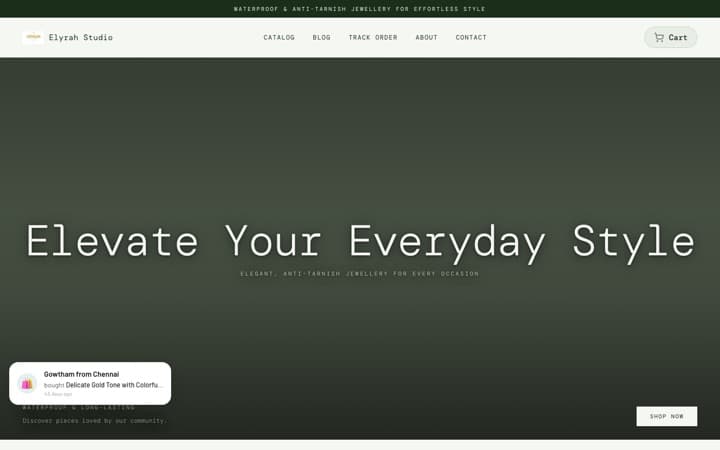
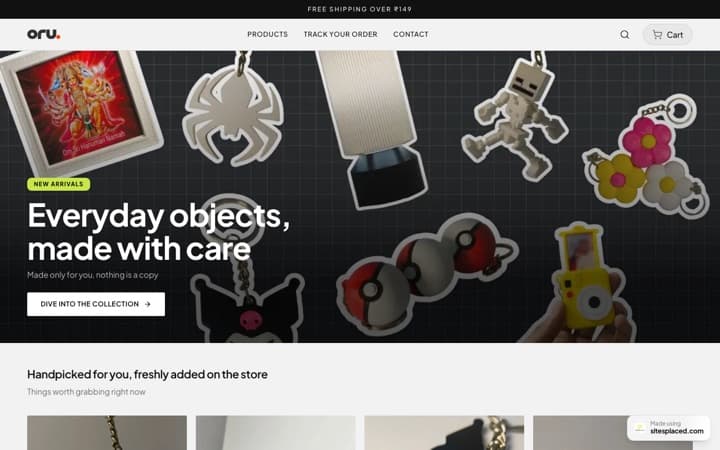
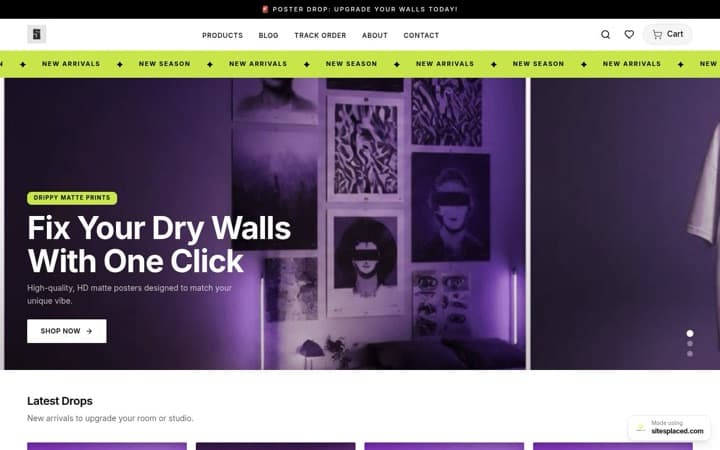
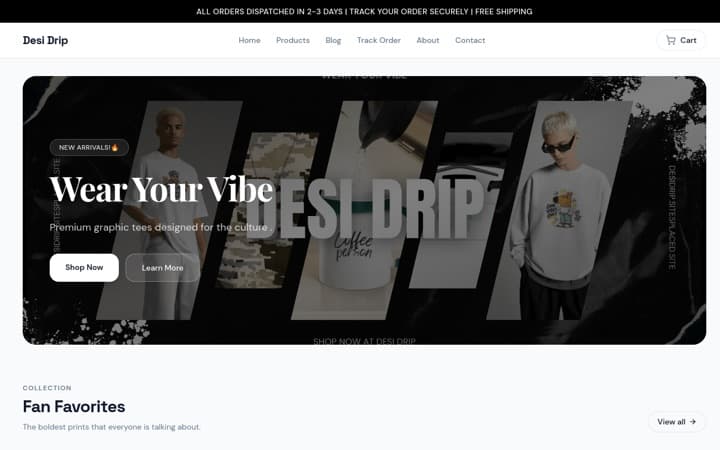
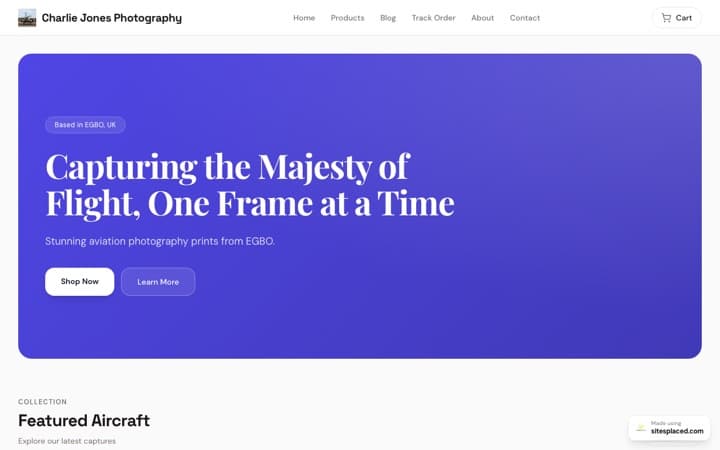
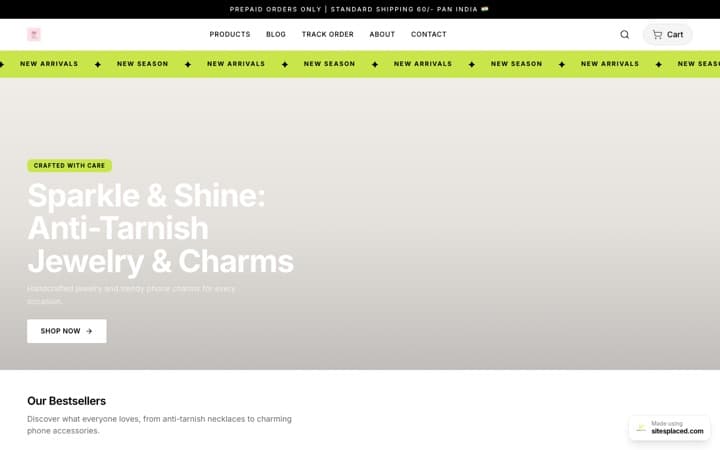
SitesPlaced is a free, no-code portfolio website builder for students, freelancers, and professionals in India. Sign up, pick a template, add your projects and skills, and publish — your portfolio is live in under 5 minutes at yourname.sitesplaced.com. Paid plans start at ₹199/month (billed annually) for custom domains. Want field-specific guidance? See the student portfolio examples and the photography portfolio builder guide.
- • Free plan: Portfolio + sitesplaced.com subdomain
- • Pro plan: ₹199/month — custom domain, remove branding, AI features
- • No coding required — visual drag-and-drop section editor
- • Built-in SEO — auto-generated meta tags, sitemaps, and JSON-LD schema
Why do students and freelancers need a portfolio website?
A resume tells recruiters what you did. A portfolio website shows them what you can do. In 2026, 73% of hiring managers say they prefer candidates who have a personal website over those who don't — and for independent work, a freelancer portfolio does the same job with clients.
- • Stand out from other applicants — most students don't have one
- • Show real projects with screenshots, links, and descriptions
- • Own your online presence — not tied to any social platform
- • Get found on Google — recruiters search for you by name
- • Share one link instead of separate resume, LinkedIn, GitHub links
How do you create a portfolio website with SitesPlaced?
Sign Up for Free
Go to sitesplaced.com/sign-up and create your account. No credit card required. Your portfolio is completely free to create and publish.
Choose "Personal Website"
Select the personal website option on the dashboard. Pick your custom slug (e.g., yourname.sitesplaced.com).
Add Your Sections
Use the visual section editor to add your hero introduction, skills, projects, experience, and contact form. Each section has multiple beautiful style variants — pick the one that matches your personality.
Customize Theme & Colors
Choose between dark and light mode, pick your accent colors, and select from professional fonts like Inter, Manrope, Playfair Display, and more.
Publish & Share
Hit publish and your portfolio is live at yourname.sitesplaced.com. Share it on LinkedIn, in emails, on your resume, and in job applications. Upgrade to connect a custom domain like yourname.com.
What should you include in a portfolio website?
Hero Section
Your name, role/title, and a professional photo or avatar
About / Bio
A brief introduction — who you are, what you do, what drives you
Skills
Technical and soft skills with proficiency levels
Projects
Your best 3-5 projects with descriptions, screenshots, and links
Experience
Work history, internships, or freelance projects
Contact Form
Let recruiters and clients reach you directly
Testimonials
Quotes from clients, professors, or colleagues
Resume/CV Link
A downloadable PDF of your resume
Do you need a portfolio website if you already have a resume?
Yes, you need both. A resume is a one-page summary. A portfolio website is the full picture. Think of your resume as the trailer and your portfolio as the full movie.
Your portfolio lets you show context — the problem you solved, the process you followed, and the impact of your work. This is what separates a great candidate from a good one.
How much does a portfolio website cost in India?
Most portfolio builders charge $10–$20/month. SitesPlaced is built for Indian students and freelancers with pricing in INR.
| Feature | SitesPlaced | Wix | WordPress |
|---|---|---|---|
| Free Plan | Yes | Yes (with ads) | No |
| Paid Plan Price | ₹199/month | ₹125/month | ₹250+/month (hosting) |
| Custom Domain | ✓ (Pro) | ✓ (Paid) | ✓ |
| No-Code Builder | ✓ | ✓ | ✗ (needs setup) |
| Setup Time | 5 minutes | 30 minutes | 2+ hours |
| Built for India | Yes (INR pricing) | No (USD) | No |
Frequently asked questions about portfolio websites
Is SitesPlaced really free?
Yes! You can create and publish a portfolio website for free. The free plan includes a sitesplaced.com subdomain. Upgrade for custom domains and to remove branding.
Do I need to know coding?
Not at all. SitesPlaced is a no-code builder. You add sections, type your content, and publish. The whole process takes under 5 minutes.
Can I use my own domain name?
Yes! On paid plans, you can connect your own domain (e.g., yourname.com) with full DNS setup support.
Will my portfolio show up on Google?
Yes. SitesPlaced automatically generates SEO metadata, JSON-LD schema, and sitemap entries for all published portfolios. Your portfolio is indexed by Google.
Can I add a portfolio later and switch to a store?
Absolutely. You can have both a portfolio and an online store on SitesPlaced — each with its own URL.
Ready to build your portfolio?
Join thousands of students and freelancers who built their portfolio with SitesPlaced. It takes less than 5 minutes and it's completely free.
Create Your Free Portfolio →