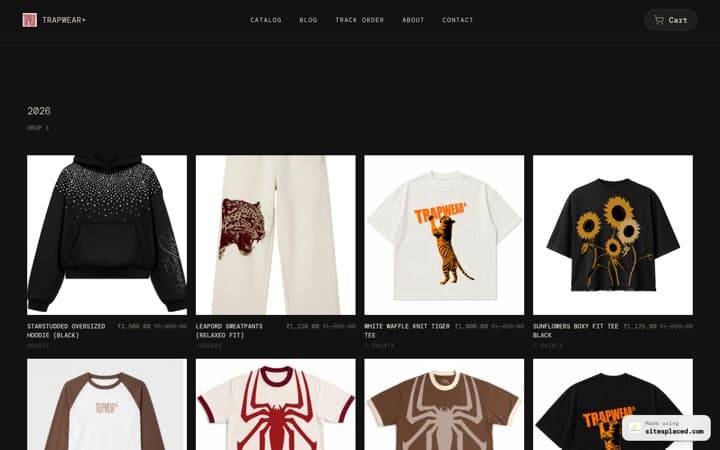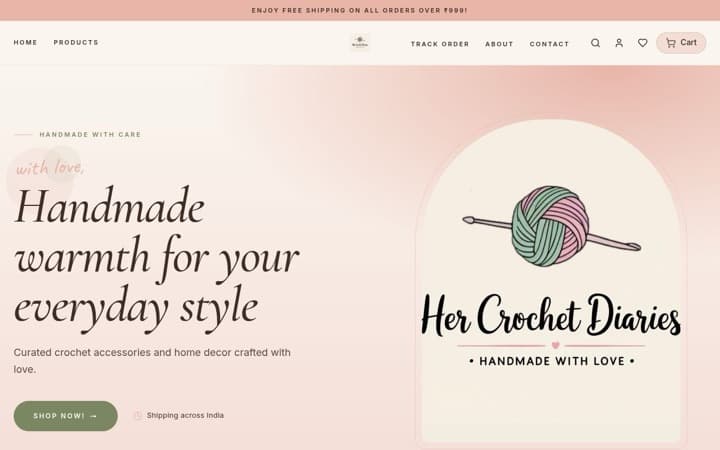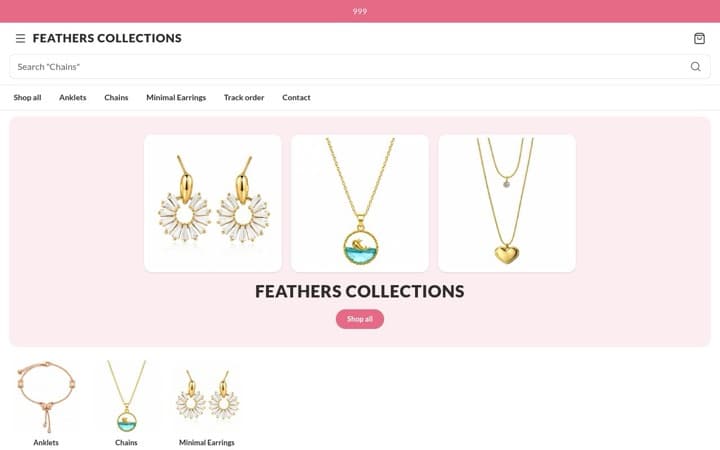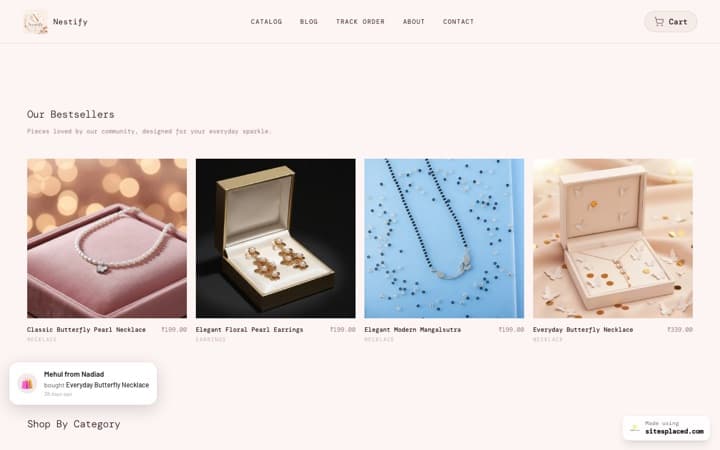



The best electronics and gadget store templates of 2026: earbuds, chargers and phone accessories.
If you sell earbuds, speakers, chargers, cables, power banks, smartwatches or phone covers, the best free template in 2026 is the Electronics Store on SitesPlaced. It is laid out like boAt: categories sit above the banner, every product card carries the one spec people compare, and the product page lays your coupon codes out as offer cards. If you sell gadgets next to lots of unrelated things, the General Store is the safer pick. Here is what each does on a phone and how to set it up so every spec on the page is true.
The short answer
Key takeaway
For a gadget or accessories shop, pick the Electronics Store. Give every product a short first badge with its key spec (like “40H playback” or “20W fast charging”), tick the coupons you want shown, and fill in your warranty, delivery and COD details once. It is free, publishes at 0% commission and takes UPI, cash on delivery and WhatsApp orders.
The Electronics Store is one of eleven SitesPlaced templates laid out like leading Indian D2C brands. boAt is not involved with SitesPlaced; the template follows the layout of its phone site, and your store uses your own name, photos and products.
How people shop for gadgets on a phone
Gadget buyers compare. They look at the spec, the price and the discount, check the warranty, and very often leave to look at the same thing somewhere else. A good electronics store answers all of that on the page, so there is less reason to leave.
| The buyer checks | Where the Electronics Store answers it |
|---|---|
| The key spec | A strip across the foot of the product photo on every card, taken from the product’s first badge. |
| The price and the saving | The price, the old price struck through and a green “% off”, worked out from your own MRP. |
| Which colours it comes in | Small colour dots on the card, read from your colour option names (Black, Navy, Sky Blue…). |
| Is there a code? | Your published coupon spelled out in the strip at the top of the site, and as offer cards on the product page with a tap-to-copy code. |
| Warranty, delivery, returns, COD | A row of four icons under the banner and on the product page, built only from your settings and your own trust badges. |
| Is it new, or is it popular? | A small “New” tag for products added in the last 30 days, and “Bestseller” only for your five real top sellers. |
1. Electronics Store: laid out like boAt
- A light offer strip on top that spells out your first published coupon from its own details (for example “10% off on orders over ₹999 | Code: …”), or shows your own announcement. With neither, there is no strip.
- A solid black header with your shop’s name or logo on the left, and search and the cart on the right.
- Category pictures above the banner, not below it, so the first screen already says what you sell. A category without a picture borrows its first product photo.
- A rounded banner card with dots under it. Until you add artwork, it shows your shop’s name and your first product.
- Four reassurance icons: your first trust badge (say, your warranty), free delivery, your returns line and cash on delivery.
- Dense product grids, three small cards to a row on phones, so a shopper sees many products at once. The first grid shows bestsellers by default.
- Pill tabs for New launches and On sale, and tall “Shop by” tiles from one of your browse pages (for example Shop by use: Gym, Travel, Work from home).
- A bottom menu on phones.
On the product page: the name comes first, large and bold, above the photos. The photos swipe with a “2 / 5” count. Then a big price with the saving, the options as chips (colours with a dot), Add to cart and Buy now side by side, the “Active offers” cards, the four reassurance icons and your badges listed as Highlights. The buy bar stays in reach once the main button scrolls away.
Get this layout: the Electronics Store, free on SitesPlaced. The showcase shop, Voltline, sells earbuds, headphones, smartwatches and chargers, with a spec strip on each card and a warranty badge in the icon row. Open the showcase store on your phone to try it.
2. General Store: for a shop that sells more than gadgets
If electronics are only part of what you sell, say phone covers alongside home gadgets, gifts and stationery, the Electronics Store’s black, spec-first look may feel wrong for the rest of the shop. The General Store is the neutral choice.
- A banner with three layouts to choose from (centred, split, or full width).
- Featured product rows that can show bestsellers, new arrivals, items on sale or one category.
- Category browsing, a trust badge row and colour themes to match your brand.
- Add to cart from the product list, the buy bar on phones and the delivery and COD line, as free switches in Settings → Sales boosters, and an “Offers for you” box on product pages for the coupon codes you choose to show.
- The same checkout as every SitesPlaced store: UPI, cards, COD and WhatsApp orders at 0% commission.
What it does not have: the spec strip on cards, the colour dots, the sideways “Active offers” cards, the bottom menu on phones, and “Price on request” for unpriced products, so give every General Store product a price. If most of your orders are gadgets, the Electronics Store will serve you better. See the General Store in the gallery. Selling hundreds of cheap small items, like a mobile-accessories wholesale list? The Grocery Store has a dense grid with one-tap add that suits a long list.
Electronics Store vs General Store
| Electronics Store | General Store | |
|---|---|---|
| Laid out like | boAt | Its own simple layout |
| First screen | Category pictures, then the banner | The banner |
| Product card | Spec strip, colour dots, % off, New or Bestseller tag | Photo, name and price, with the sale price when there is one |
| Cards on phones | Three small cards to a row | Larger cards, fewer to a row |
| Coupons on the product page | Sideways “Active offers” cards, built in | An “Offers for you” box for the codes you tick |
| Warranty, delivery, returns and COD icons | Under the banner and on the product page | A trust badge row you fill in |
| Add to cart from the card | Built in on every card | On the product list, switched on in Settings |
| Price on request for unpriced products | Yes | No |
| Bottom menu on phones | Yes | No |
| Best for | Earbuds, chargers, cables, wearables, accessories | Mixed shops |
| Price | Free | Free |
How to write the spec strip (and keep it true)
The spec strip is the first badge on each product, so the order of your badges matters. Put the one fact a buyer compares first, and keep it short enough to fit a small card: two or three words.
| Product | A good first badge | Other badges (shown as Highlights) |
|---|---|---|
| Wireless earbuds | 40H playback | Bluetooth 5.3 · Type-C charging · 1-year warranty |
| Wall charger | 20W fast charging | Type-C port · BIS mark (if your product has one) |
| Power bank | 10000mAh | Two outputs · 22.5W |
| Smartwatch | 1.8″ display | Up to 7 days battery · Heart-rate sensor |
| Phone cover | Fits iPhone 15 | Shockproof corners · Matte finish |
Illustrations only. Use the figures from your own product’s box or data sheet.
- Only claim a spec you can stand behind. If the box says “up to 40 hours”, write “Up to 40H”.
- Only put a warranty in the icon row if you honour it, and say who handles it (you, or the brand’s service centre) on the product page.
- No copies of branded products. SitesPlaced’s terms do not allow counterfeit goods, and “original” should only appear when it is true.
- Label refurbished or open-box items as exactly that, in the name and the description.
Show your coupons the way the big gadget brands do
Gadget buyers hunt for codes. If they cannot see one on your page, many will leave to search for one. The Electronics Store answers that in two places.
- Create the coupon. Percent or flat off, with an optional minimum order, a maximum discount, one category, or “not on sale items”. Coupons are free on every plan.
- Tick “Show this code on the store”. Only ticked codes appear. Influencer codes and win-back offers stay private.
- Let the template do the rest. Your first published code is written out in the strip at the top, and every published code becomes an offer card on product pages, with its conditions taken from the coupon’s own settings and a tap-to-copy code.
Want “buy 2, get 1 free” instead? Buy X Get Y offers are part of the sales boosters on the Growth plan (₹499/month). Fixed-price bundles like “any 3 for ₹999” are not available yet.
Set up your gadget store in an afternoon
- Pick the Electronics Store. Open the showcase shop on your phone first, then bring your products in with the store importer or add them by hand.
- Add colours and variants as options. Name colours plainly (Black, Navy, White) so the dots appear on the card.
- Order each product’s badges. Key spec first. The rest show as Highlights on the product page.
- Set an MRP where you really discount. The % off is worked out from it. No MRP, no discount shown.
- Fill in delivery, returns and COD once, and add a warranty trust badge if you give one. These fill the four icons and the line under the buy button.
- Make one browse page, then publish. For example Shop by use, which fills the tall tiles. Share the link in your Instagram bio and WhatsApp catalogue.
Everything above is free on every plan, including the free plan: the Electronics Store with its add to cart from cards, buy bar on phones, delivery and COD line, offer cards and bestsellers from real orders, plus unlimited products and orders, UPI, COD and WhatsApp checkout. Your own domain starts with Starter at ₹199/month; reviews with stars on cards and the sales boosters are on Growth at ₹499/month.
Selling in another genre too? See the best ecommerce website templates in India, the best home decor website templates, the best gift shop website templates and how to choose an online store template.
FAQs
What is the best website template for an electronics or mobile accessories store in India?
The Electronics Store on SitesPlaced. It is laid out like boAt: category pictures above the banner, the key spec on a strip across every product card, colour dots, the real % off, and coupon codes laid out as offer cards on the product page. It is free, with UPI, COD and WhatsApp checkout at 0% commission.
How do I show a product’s key spec on the product card?
Add it as the product’s first badge, for example “40H playback” or “20W fast charging”. The Electronics Store shows the first badge on a strip across the foot of the photo, and lists the other badges as Highlights on the product page. No badge means no strip.
Can I show coupon codes on the product page like boAt does?
Yes. Tick “Show this code on the store” on a coupon and the Electronics Store shows it as an offer card on product pages with a tap-to-copy code, and writes your first published code into the strip at the top of the site. Codes you do not tick stay private. Coupons are free.
Can I take cash on delivery for gadgets?
Yes. Cash on delivery is free on every plan. You can add a COD charge, which the product page turns into a “save by paying online” note, and limit how many unpaid COD orders one buyer can have open at once, which helps with fake orders.
Will star ratings show on my electronics store?
Only from real reviews. Product reviews are on the Growth plan at ₹499/month; you approve each one, and a product with no reviews shows no stars rather than an empty or made-up rating.
Is the Electronics Store linked to boAt?
No. It follows the layout of boAt’s phone site because gadget shoppers already know how to use it, but boAt is not involved with SitesPlaced. Your store uses your own name, logo, photos and products.
Open your gadget store, free.
Pick the Electronics Store, add your products with their key spec, and publish with UPI, COD and WhatsApp checkout at 0% commission.
Open my store free →