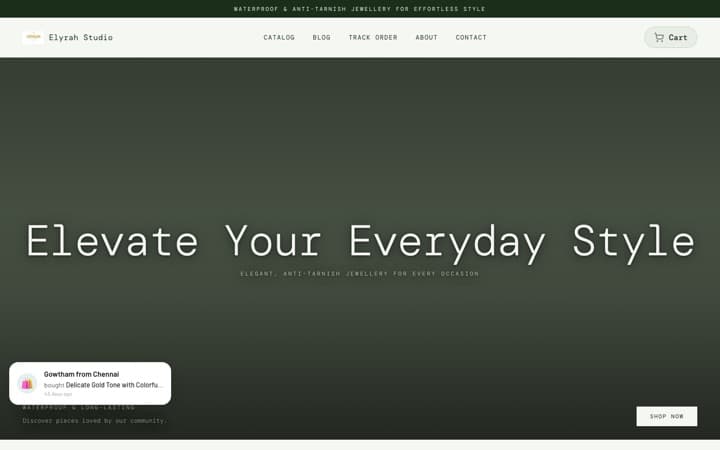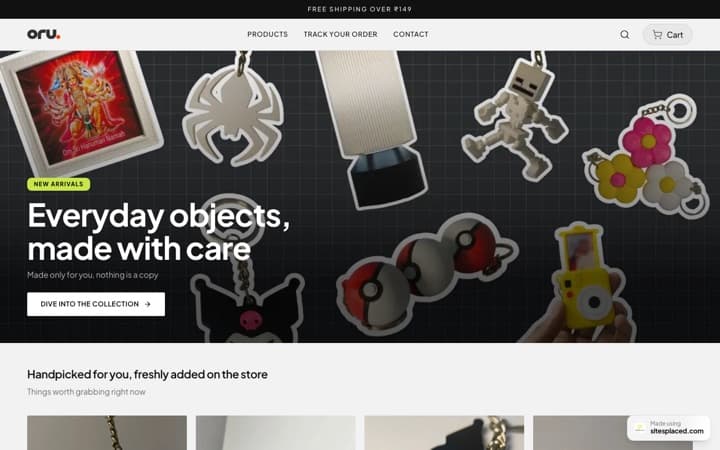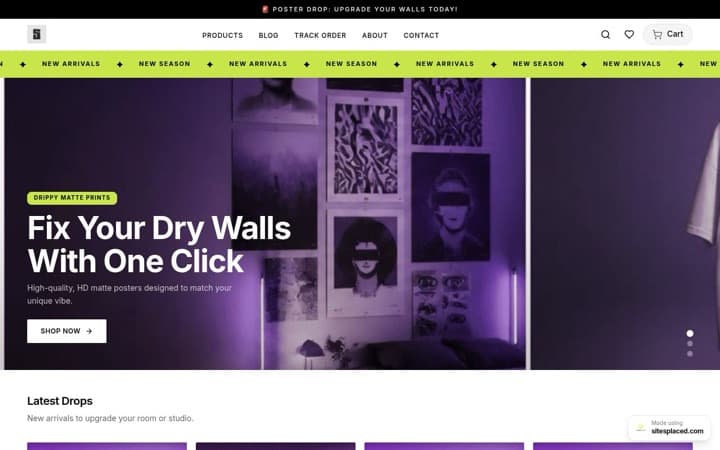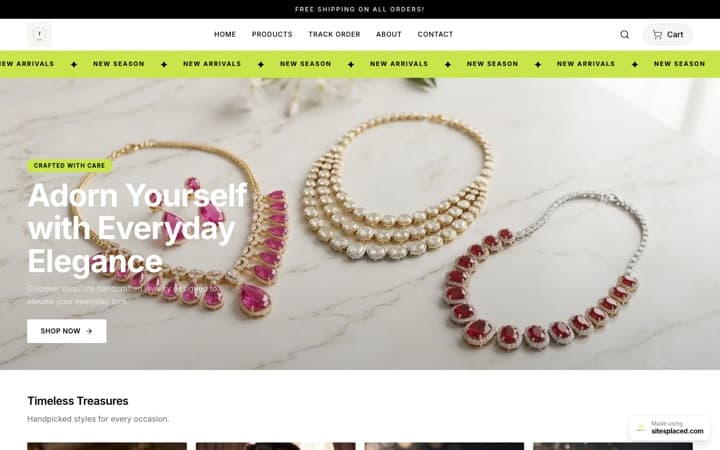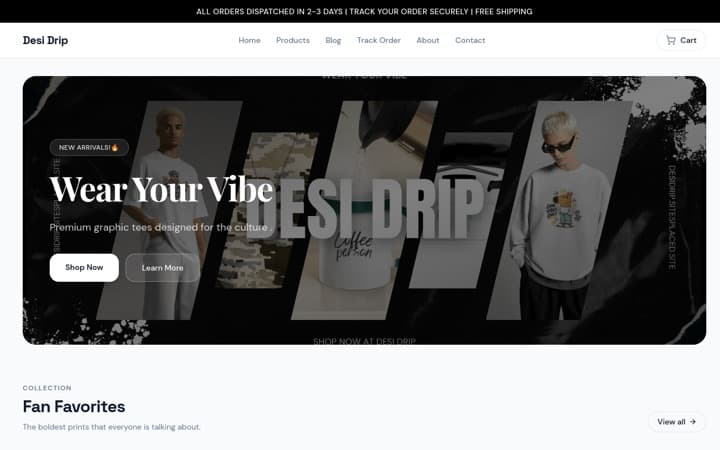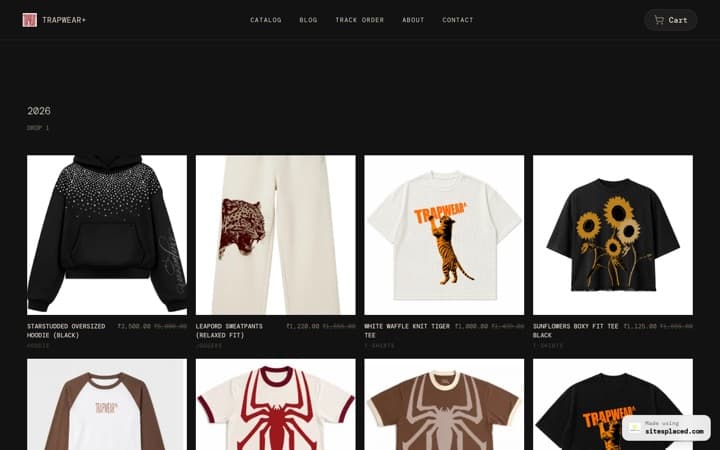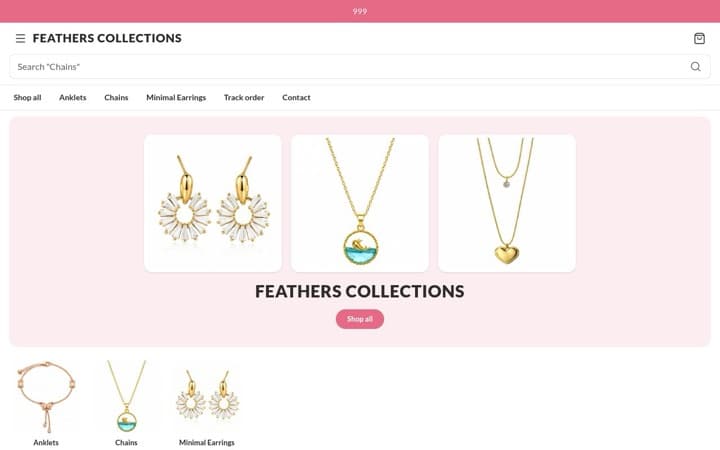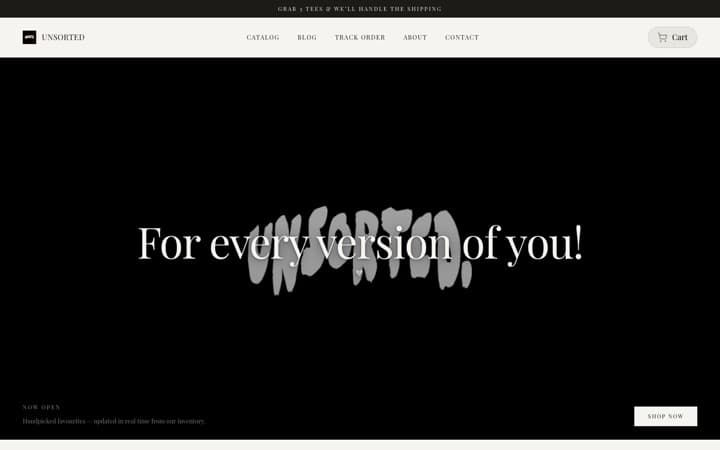



Social Media Manager Portfolio
that converts clients
Your Instagram bio link should lead somewhere that converts. Build a portfolio website that turns followers into paying clients — with embedded content, case studies, and smart CTAs.
A social media manager portfolio converts when it leads with results (reach, growth, revenue), embeds real posts and reels as proof, shows clear pricing tiers, and puts a "Book a Call" CTA in every section. You can build one in 5 minutes with SitesPlaced's Viral template — free to build and publish, with live social embeds and lead capture included; pay ₹199/month only for a custom domain or to remove the badge.
Why do social media professionals need a portfolio website?
Your social media profiles are rented land. A portfolio website is owned real estate. Here's why every social media manager, content creator, and marketing freelancer needs one:
Link-in-bio that sells
Replace Linktree with a full portfolio. One link → your complete professional story with case studies and pricing.
Close clients, not just DMs
DM conversations lose momentum. A portfolio with pricing and a lead form captures serious inquiries 24/7.
Stand out from 10,000 SMMs
Every social media manager says 'I grow brands.' A portfolio with real case studies proves it.
Google discoverability
'Social media manager [city]' searches are growing 40% YoY. Your portfolio ranks. Your Instagram doesn't.
Professional gatekeeping
Agencies and brands use your website to evaluate you. No website = not professional enough for ₹50K+ retainers.
Showcase live content
Embed your viral posts, reels, and campaigns directly. Live social proof > static screenshots.
6 strategies to build a high-conversion social media portfolio
Lead with Results, Not Services
Don't open with 'I manage social media.' Open with '3.2M organic reach generated for 14 brands in 2025.' Clients buy outcomes, not tasks.
42% higher inquiry rate when leading with metricsEmbed Your Best Content
Use the Social Embeds section to showcase viral posts, reels, and campaigns directly on your portfolio. Real content beats screenshots every time.
Social proof that can't be fakedDisplay Clear Pricing Tiers
Show starter, growth, and premium packages with deliverables and pricing. Clients who see pricing self-qualify — you only get serious inquiries.
68% fewer time-waster calls with visible pricingAdd Case Studies with Before/After
Show follower growth charts, engagement rate improvements, and revenue attribution. One case study with real numbers is worth 100 portfolio images.
Case studies increase conversion by 3xStrategic CTA Placement
Place a 'Book a Call' or 'Get a Quote' button in the hero, after case studies, and in the footer. Every scroll section should have an escape route to your contact form.
Multiple CTAs increase form fills by 55%Client Testimonial Wall
Stack 5-10 testimonials with client name, brand, and the specific result you achieved. Video testimonials on social media embedded directly perform even better.
92% of clients check testimonials before hiringWhat sections should a social media portfolio include?
| Section | What It Does | Layout Options |
|---|---|---|
| Hero with Stats | Bold headline, your profile, and 3 key metrics (followers managed, brands served, reach generated) visible above the fold. | Centered or Split Layout |
| Brand Marquee | Infinite-scroll logos of brands you've worked with. Instant credibility for new visitors. | Infinite Scroll or Logo Grid |
| Social Embeds | Live-embedded Instagram posts, tweets, and LinkedIn content directly in your portfolio. Visitors see your real work, not screenshots. | Spotlight, Rail, or Wall |
| Case Studies / Showcase | Before/after metrics, campaign breakdowns, and visual proof for your top 3-5 clients. | Grid Gallery or Carousel |
| Service Pricing | Tiered pricing (Social Management, Content Creation, Full-Service) with clear deliverables per tier. | Feature Grid or Comparison Table |
| Testimonials | Snap-scroll client reviews with photos, company names, and specific results mentioned. | Scroll Cards or Marquee Wall |
| Lead Form | Name, email, brand Instagram handle, budget range. Qualify leads before the first call. | Centered or Split Layout |
How to use social embeds to boost portfolio conversion?
SitesPlaced's Social Embeds section is a game-changer for social media professionals. Here's how to use it strategically:
Spotlight Layout
Feature your single best-performing post with full-width embed. Use this for a campaign that generated measurable ROI.
Rail Layout
Horizontal scroll of 5-8 posts from different platforms. Shows range and cross-platform expertise.
Wall Layout
Masonry grid of 10+ posts. Creates an overwhelming 'this person produces a LOT of good content' impression.
Pro tip: Place the Social Embeds section right before your pricing section. Visitors see your best work → then immediately see how to hire you. This sequence alone can double conversion rates.
Portfolio website vs Linktree — which is better for social media managers?
| Feature | SitesPlaced Portfolio | Linktree |
|---|---|---|
| Case Studies | Full sections with metrics | Not possible |
| Social Embeds | Live embeds from all platforms | Links only |
| Service Pricing | Built-in pricing tables | Not possible |
| Lead Capture Form | Built-in with CRM | Basic (paid plan) |
| SEO / Google Ranking | Full SEO with schema | Minimal |
| Custom Domain | Yes (yourname.com) | Paid plan only |
| Brand Customization | Full (colors, fonts, layout) | Limited |
| Monthly Cost | Free to build & publish (₹199/mo for domain + AI) | ₹300+/mo (Pro) |
Frequently asked questions
What's the best portfolio template for social media managers?
The SitesPlaced 'Viral' (Social Media Freelancer) template is purpose-built for social media professionals. It includes social embeds, case study sections, brand marquee, service pricing, and lead forms — everything you need to convert profile visitors into paying clients.
Can I embed my actual Instagram posts and tweets in the portfolio?
Yes. SitesPlaced has a dedicated Social Embeds section that supports live embeds from Instagram, X (Twitter), LinkedIn, and YouTube. You can showcase your viral posts, client content, and campaigns directly on your portfolio.
How do I make my social media portfolio rank on Google?
SitesPlaced auto-generates SEO meta tags, Open Graph data, and structured schema markup. Your portfolio will be indexed for your name + 'social media manager' + your city. Add relevant keywords in your hero text and service descriptions for better rankings.
Should I show pricing on my social media portfolio?
Yes. Displaying pricing tiers (e.g., Starter ₹15K/mo, Growth ₹30K/mo, Premium ₹50K/mo) helps clients self-qualify. You get fewer time-wasting inquiries and more serious leads who already know your rates.
Can I use this for my social media agency, not just freelance?
Absolutely. The Viral template works for both solo freelancers and agencies. Add team members in the team section, showcase multiple client case studies, and position yourself as an agency with the service pricing grid.
How much does it cost?
Building and publishing your portfolio is completely free — it goes live at yourname.sitesplaced.com with a small 'Made using sitesplaced.com' badge. You only pay ₹199/month (₹1,990/year) when you want a custom domain or to remove the badge; that plan also unlocks AI content generation. Social embeds and lead forms are included free.
Turn followers into clients today
Build a high-conversion social media portfolio in 5 minutes. Free to build and publish; ₹199/month only for a custom domain or to remove the badge.