
Why is my online store not getting sales? 11 honest reasons, and the fix for each.
An online store with no sales has one of two problems: not enough of the right people are visiting, or the people who visit aren’t buying. The fixes are completely different, so start by working out which one you have. Then go through the eleven reasons below. A quiet store often has more than one, and most of them take an afternoon to fix.
The short answer
Key takeaway
If few people visit, the store isn’t the problem yet: you need more reach from Instagram, WhatsApp, search or ads. If people visit but don’t buy, the store is losing them, usually because delivery charges, cash on delivery or returns aren’t clear, the page is full of filler, nothing tells a new visitor what to buy, or it takes too many taps to pay. Fix the store before you spend on ads; ads only send more people to the same leaks.
First: a visitor problem or a buying problem?
You need two numbers for the last two weeks: roughly how many people visited, and how many orders you got. On SitesPlaced, store analytics (visits, where people came from, top products) are on the Starter plan at ₹199/month. On the free plan, Instagram’s insights for professional accounts show how many people tapped the link in your bio, which is a fair stand-in if most of your visitors come from there.
| What you see | What it usually means | Start with reasons |
|---|---|---|
| Very few visits, few or no orders | A visitor problem | 1 and 2 |
| Plenty of visits, no orders | A buying problem | 3 to 11 |
| People add to cart but don’t finish | Something at checkout surprises or tires them | 4, 5 and 10 |
| People ask “price?” or “COD?” in DMs instead of ordering | The page doesn’t answer their questions | 5, 7 and 11 |
For example, 300 taps on your bio link and no orders in two weeks points at the page, not at your Instagram.
1. Not enough of the right people are visiting
A store does not bring visitors on its own. On a new store, nearly every visitor comes from something you did: a reel, a story, a WhatsApp status, a broadcast, an ad.
The fix: put the store link everywhere your buyers already are: Instagram bio, story link stickers, WhatsApp catalogue and status, and the first line of every DM reply. Put the price in the caption so the tap comes from someone who can afford it. SEO basics are free on every SitesPlaced store, but search takes months; treat it as a bonus. Start with how to get your first Instagram sales and how to get more sales on Instagram.
2. Visitors land on the wrong page
Someone taps a story about one saree and lands on a home page with forty other products. Some will search. Most won’t.
The fix: link to the exact product, or to the category (every category has its own clean link, like yourstore.com/sarees). Keep the home page for the bio link, and make sure its first screen shows products. We cover this, and eleven other store-page fixes, in how to increase Instagram store sales.
3. The store doesn’t look like a real, reachable business
A first-time buyer is asking one silent question: if something goes wrong, can I reach a person? A store with no phone number, no returns page and no address feels risky, however nice the photos.
The fix: add a real phone or WhatsApp number, your city, and proper policy pages for shipping, returns and privacy (policy pages are free; see our return and refund policy template). Add trust badges only for promises you keep. Your own domain helps a store look established; it starts with Starter at ₹199/month.
4. Delivery charges are a surprise at checkout
The buyer sees ₹599, adds it to the cart, and finds ₹99 delivery at the last step. A cost that appears only at the last step is a well-known reason people leave a cart behind.
The fix: say what delivery costs on the product page, before the cart. On SitesPlaced, the delivery and payment line under the buy button can say what delivery costs and the order value for free delivery, straight from your shipping settings. It is built into the eleven brand-style templates, and on the General Store you switch it on in Settings → Sales boosters. The free-shipping bar (“add ₹200 more for free delivery”) is free too, and nudges people up to the threshold instead of away from the cart.
5. Cash on delivery and returns aren’t answered before the button
For many Indian buyers ordering from a shop they don’t know yet, “can I pay on delivery?” and “can I return it?” decide the order. If the answers are buried in a policy page, or missing, they leave or they DM you and wait.
The fix: answer both next to the buy button. The same delivery and payment line shows “Cash on delivery available” and your returns rule (for example “7-day easy returns”) when you have set them. If you charge for COD, it tells the buyer how much they save by paying online, which also helps cut fake COD orders and returns.
6. Filler text you didn’t write
“We curate high-quality products with love.” “Our mission is customer satisfaction.” Buyers have read them on a hundred stores. They push your products down and make a real shop look unfinished.
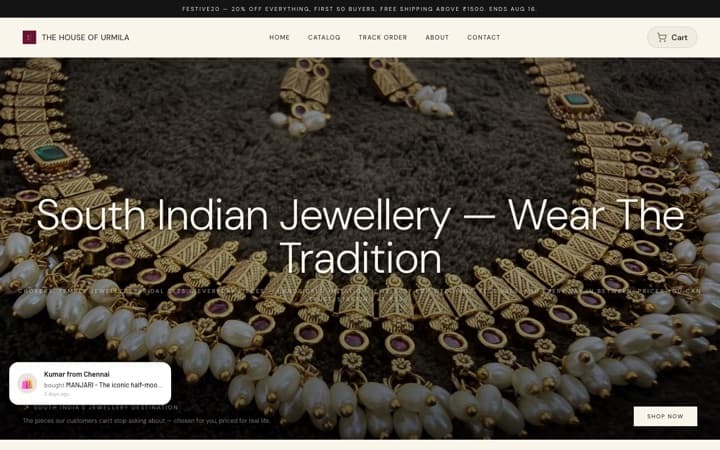
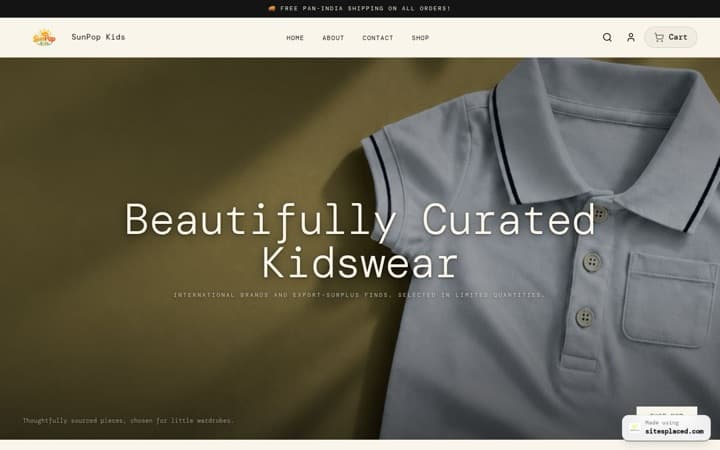
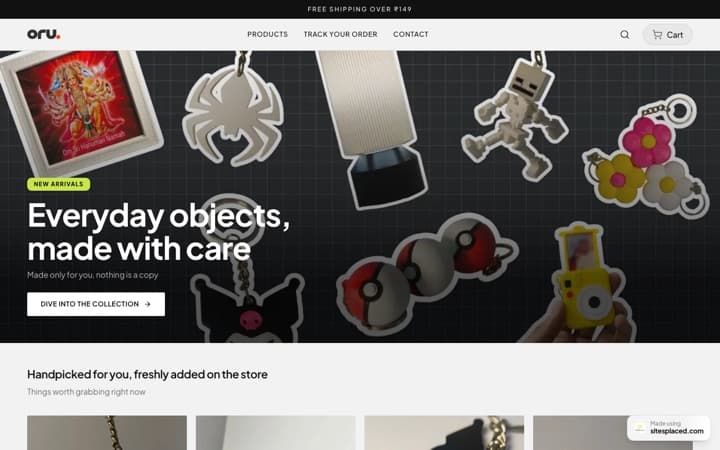
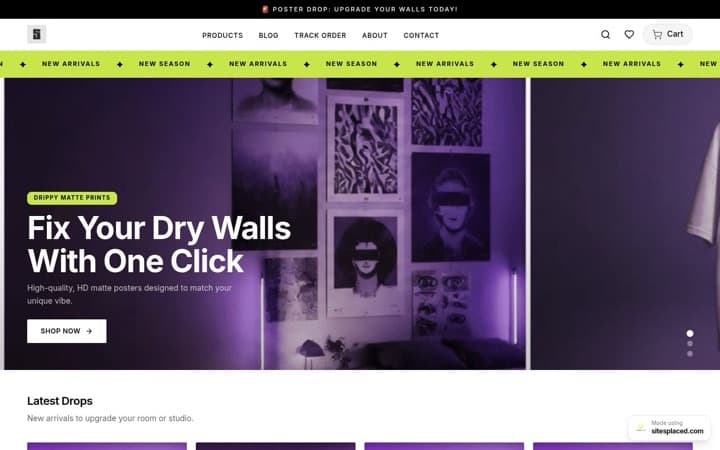
The fix: read every sentence on your home and About pages and ask “did I write this, and is it true?”. Rewrite it or hide the section. The eleven SitesPlaced brand-style templates, like the Clothing Store, have no stock sentences at all: every row fills from your products, and a section with nothing real to show stays hidden. If you are on an older template, the editor’s eye icon hides a section in one tap. For the words that matter, read how to write product descriptions that sell.
7. The layout doesn’t fit what you sell
A clothing buyer wants to know if their size is there. A shoe buyer picks a colour first. A gadget buyer compares specs. A food buyer wants the pack size. A generic layout makes every one of them tap into each product to find out.
The fix: use a template made for your genre. The Clothing Store shows the sizes still in stock on every card; the Footwear Store shows colours as photos; the Electronics Store puts the key spec on a strip; the Food Store shows pack sizes; the Furniture & Mattress Store keeps Call and WhatsApp one tap away for big purchases. All 16 are free and compared in the best online store templates of 2026.
8. Nothing tells a new visitor what to buy
A first-time visitor doesn’t know your range. A home page that lists products alphabetically, or shows whatever you added last, gives them no starting point.
The fix: lead with real bestsellers. On the brand-style templates and the General Store, home-page rows can show bestsellers ranked from your actual orders, new arrivals, or items on sale. On a brand-new store with no orders yet, hand-pick three or four products you know people like. Later, collect real reviews (a Growth plan feature at ₹499/month; you approve each one) so stars appear on cards. Never add fake reviews: buyers can tell, and it costs you the trust you are trying to build. More in why customer reviews matter for Instagram sellers.
9. Slow or cluttered pages
On mobile data, a heavy page is a closed page. Clutter does the same more quietly: three banners, a popup and two text blocks before the first product.
The fix: crop and compress photos before uploading, use one banner instead of five, and hide sections you don’t need. On SitesPlaced, popups are off unless you switch them on. For cleaner photos, see how to take better product photos.
10. Too many taps between “I want this” and “order placed”
Open the product, scroll for the size, scroll back up for the button, fill a long form. Every step loses some buyers.
The fix: let buyers add to cart from the product card, keep the buy button on screen as they scroll, and ask only for what the courier needs at checkout. On SitesPlaced, both are built into the eleven brand-style templates. On the General Store, they are free switches in Settings → Sales boosters: “Add to cart from the product list” and “Keep the buy button on screen”. Buyers don’t need an account to order, and extra fields like email or order notes can be switched off in Settings → Checkout.
11. There’s no way to ask on WhatsApp
Some buyers always want to ask one question first, especially about custom or expensive items. With no quick way to ask, they scroll on.
The fix: turn on WhatsApp checkout (free), which sends the buyer’s cart to your WhatsApp as an order. On the eleven brand-style templates, a product with no fixed price shows “Price on request” with a button that opens WhatsApp with the product already named, instead of an embarrassing ₹0. On the General Store, give every product a price. The floating WhatsApp chat bubble on every page is part of the sales boosters on the Growth plan. See WhatsApp checkout for Instagram stores.
The checklist, in one table
| Reason | Fix | On SitesPlaced |
|---|---|---|
| 1. Too few visitors | Link everywhere; price in captions | SEO basics free; analytics on Starter |
| 2. Wrong landing page | Link the product or category | Free |
| 3. Doesn’t look reachable | Number, policies, true badges | Free; own domain on Starter |
| 4. Surprise delivery charge | Say delivery cost on the product page | Free |
| 5. COD and returns unclear | Delivery and payment line | Free |
| 6. Filler text | Rewrite or hide | Free; brand-style templates have none |
| 7. Layout doesn’t fit | Brand-style template for your genre | Free |
| 8. No starting point | Bestsellers from real orders; real reviews | Bestsellers free; reviews on Growth |
| 9. Slow, cluttered pages | Smaller photos, fewer sections | Free |
| 10. Too many taps | Add from card, buy bar, short checkout | Free |
| 11. No WhatsApp | WhatsApp checkout, price on request | Free; chat bubble on Growth |
Fixes 4, 5 and 10 and “Price on request” are built into the eleven brand-style templates. On the General Store, the delivery line, add to cart from the list and the buy bar are free switches in Settings → Sales boosters.
What not to do: don’t add fake countdown timers, invented “12 people are viewing this” messages or made-up reviews. They might get a click today and cost you the repeat buyer tomorrow. SitesPlaced templates don’t include them.
Choosing a template for your genre? Start with how to choose an online store template, which website template increases sales, the best-selling store templates for Indian D2C or free vs paid store templates. Genre guides: clothing, jewellery, beauty, wellness, food and electronics.
FAQs
Why is my online store getting visitors but no sales?
Usually because the page loses them: delivery charges appear only at checkout, cash on delivery and returns aren’t explained near the buy button, the page is full of filler text, nothing shows what is popular, or it takes too many taps to pay. Try buying from your own store on your phone as a stranger and note every moment you hesitate.
How long does it take a new online store to get its first sale?
There is no fixed timeline. It depends on how many interested people you send to the store. A store shared with an existing Instagram or WhatsApp audience can get an order on day one; a store nobody has heard of can sit quiet for months.
Should I run ads if my store isn’t selling?
Fix the store first. Ads send more people to the same page, so if the page loses buyers, you pay to lose more of them. Once people who visit are buying at a steady rate, ads can multiply it.
Does a custom domain increase sales?
It can make a store look more established to first-time buyers, but it won’t fix a page that doesn’t answer delivery, COD and returns questions. On SitesPlaced it starts with Starter at ₹199/month.
Do fake reviews or countdown timers increase sales?
They may win a click, but shoppers recognise timers that reset and reviews that sound invented, and it costs you their trust. Real reviews from your own buyers work better over time.
Is it worth moving my store to another platform if it isn’t selling?
Only if your current platform can’t do the fixes in this list, or costs too much for what you sell. SitesPlaced is free to publish at 0% commission, and every fix above except analytics, your own domain, reviews and the WhatsApp chat bubble is free. On the Growth plan, the team moves your store over for you from Shopify, Dukaan, dm2buy or a website.
Fix the leaks, free.
Pick the template for what you sell, fill in delivery, COD and returns once, and publish with UPI, COD and WhatsApp checkout at 0% commission.
Open my store free →