How to increase Instagram store sales in 2026: 12 fixes to your store page, not your posts.
If your reels get views, your posts get saves and people keep asking “price?”, your content is doing its job. The sale is being lost after the tap, on the page your bio link opens. This guide is a checklist for that page: twelve places Instagram buyers drop off, how to fix each one, and the free SitesPlaced feature that does it for you.
The short answer
Key takeaway
Send every tap to the exact product or category it was about. Make that page answer size, price, delivery, cash on delivery and the code from the reel without scrolling. Let buyers add to cart from the card, keep the buy button on screen, and ask only for what you need at checkout. Every fix below is free on every SitesPlaced plan, and most are built into the eleven brand-style store templates.
This post is only about the store page. For growing your audience, read how to get more sales on Instagram. For the journey from follower to buyer, read how to turn Instagram followers into customers. And if you are still selling only in DMs, start with Instagram Shop vs your own website.
First, the 2-minute stranger test
Before changing anything, look at your store the way a buyer does. Log out, open Instagram on your phone, tap your own bio link, and try to buy your best-selling product. Time it. Note every moment you have to scroll, guess, go back or wonder “can I pay cash?”. Each of those moments is on the list below.
Also check one number. Instagram’s insights for professional accounts show how many people tapped the link in your bio. If lots of people tap and few buy, the store page is the problem and this checklist is for you. If very few people tap at all, the problem is earlier, and why your online store isn’t getting sales covers that too.
Fixes 1–4: where the tap lands
1. Send the tap to the product, not the home page. A reel about one pair of earrings should open that pair, not a home page the buyer has to search. Every product has its own link, and every category has its own clean link too (for example yourstore.com/earrings). Put the exact link in your story link stickers, your reel captions and your DM replies.
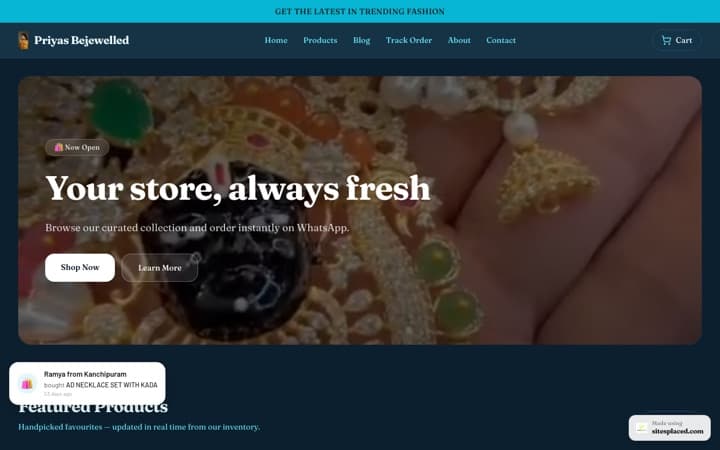
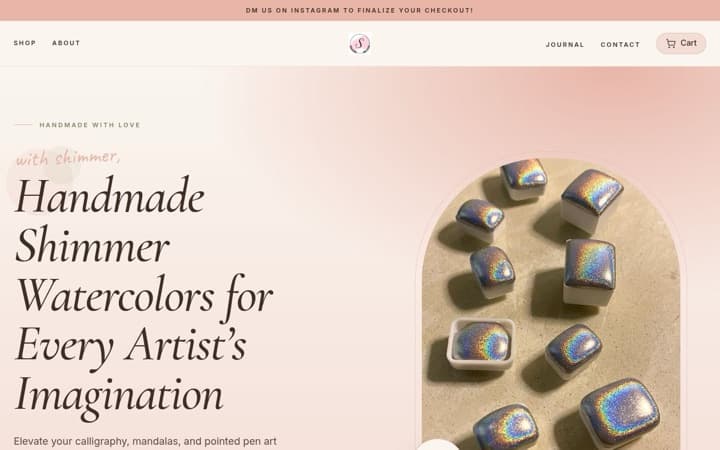
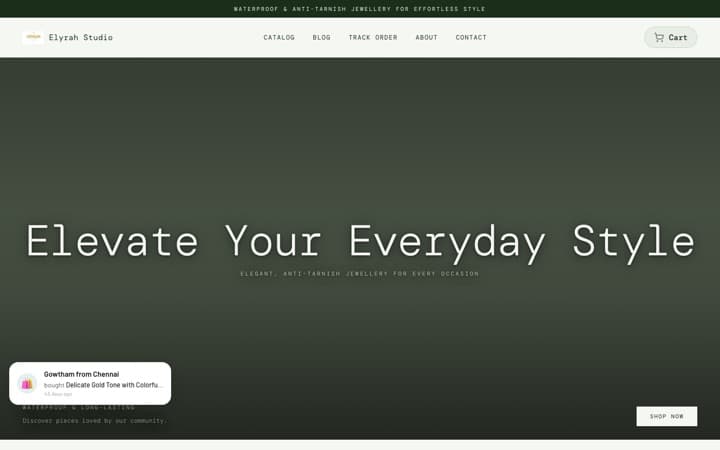
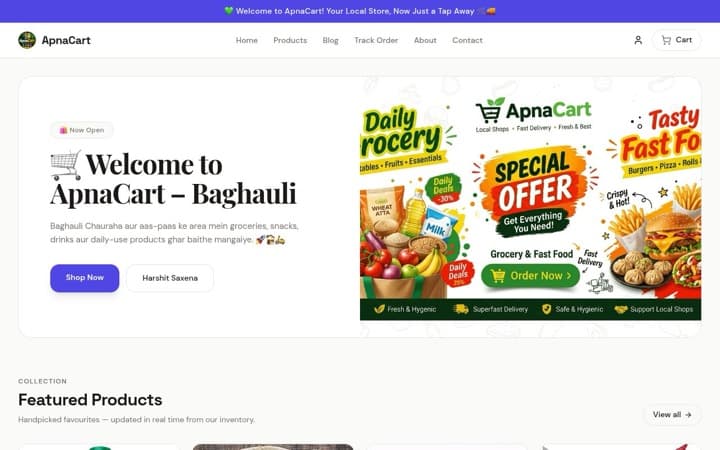
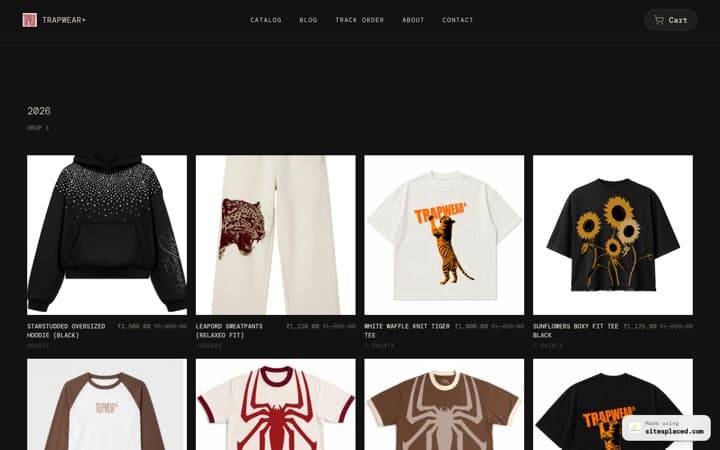
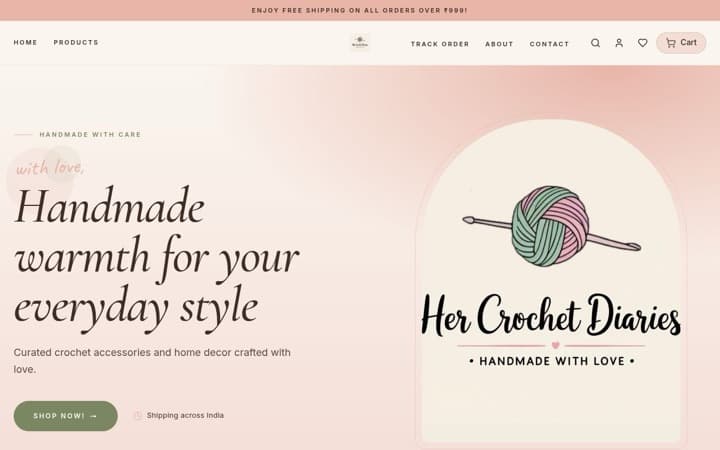
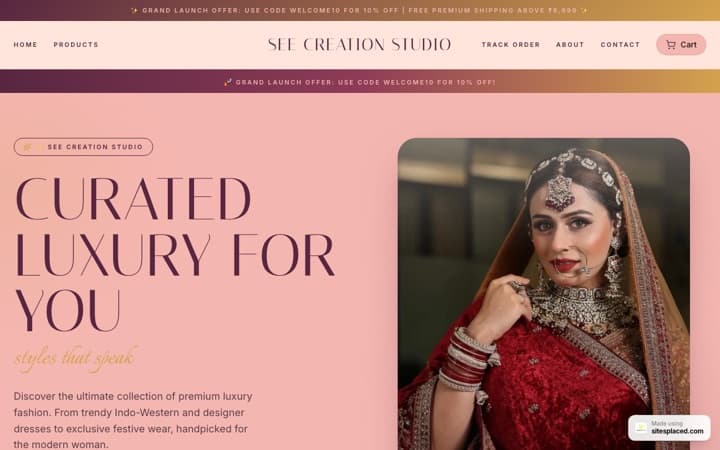
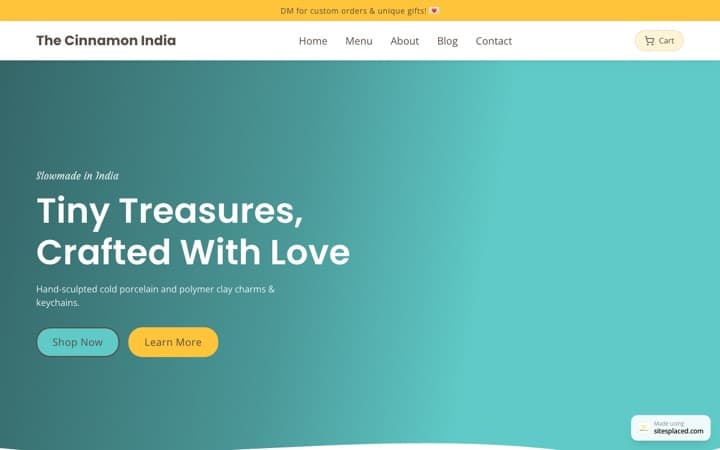
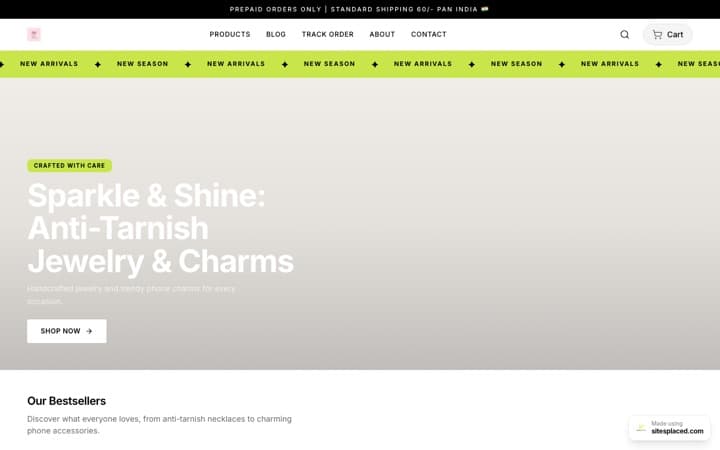
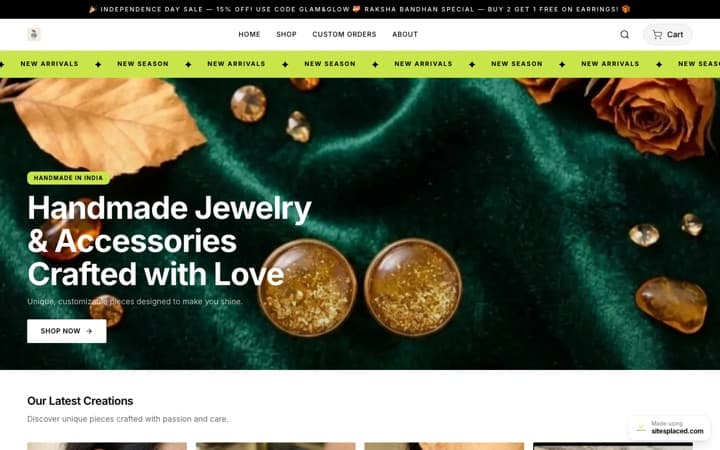
2. Make the first screen show products, not paragraphs. A buyer from a reel wants to see things to buy. Long welcome text and “our story” blocks push the products below the fold. The eleven SitesPlaced brand-style templates fill every row from your own products and hide any section with nothing real to show. On an older template, switch off text-only sections in the editor with the eye icon.
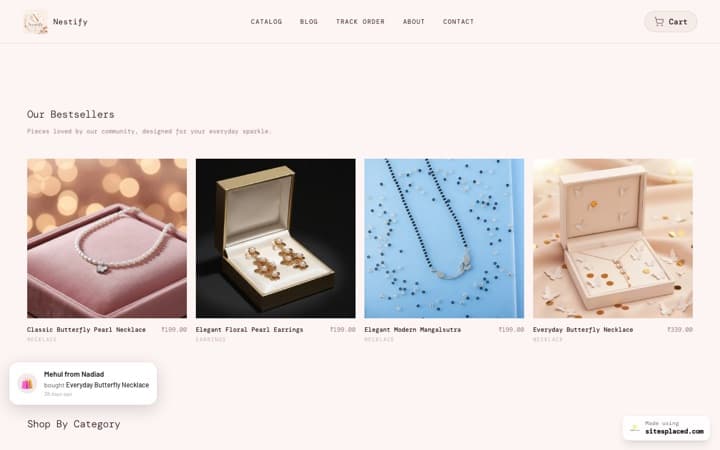
3. Put your real bestsellers first. A new visitor does not know your range. Showing what other people actually bought is the fastest way to help. On the brand-style templates and the General Store, home-page rows can show bestsellers ranked from your real orders. Until you have orders, the row keeps your catalogue order, so hand-pick your first few.
4. Match the photo from the post. If the reel showed the blue kurta, the first photo on its product page should be the blue kurta, not a flat-lay of five colours. Buyers check they have landed on the right thing in about a second.
Fixes 5–8: answer the questions before the DM
5. Show sizes, colours and packs on the card. Many “price?” DMs are really “do you have my size?”. The Clothing Store shows only the sizes still in stock on every card, the Footwear Store shows each colour as a photo, and the Food Store shows pack sizes. Nobody taps into a product only to find their size gone.
6. Put delivery, COD and returns next to the buy button. The questions before a first order from an Instagram shop are “when will it come?” and “can I pay on delivery?”. Fill in your dispatch time, delivery charge, COD and returns rule once in Settings → Sales boosters (“Delivery and payment line on the product page”). The line is built into the eleven brand-style templates and can be switched on for the General Store. It is built only from your settings, so it never promises what you don’t offer. If you charge for COD, it tells buyers how much they save by paying online.
7. Show the code you mentioned in the reel. If your reel says “use FIRST10”, the buyer should see FIRST10 on the product page, with a copy button. Tick “Show this code on the store” on that coupon and it appears on product pages in the brand-style templates and the General Store. The Electronics Store lays codes out as offer cards, and the Footwear Store works out the price after your best published code. Codes you don’t tick stay private. Keep one price everywhere and use codes for Instagram-only offers.
8. Handle “price on request” properly. Some products have no fixed price: custom orders, made-to-measure, bulk. Showing ₹0 looks broken. On the eleven brand-style templates, a product with no price shows “Price on request” and an ask button that opens WhatsApp with the product already named, or your contact page if you have no WhatsApp number. On the General Store, give every product a price.
Fixes 9–12: fewer taps to paid
9. Let buyers add to cart from the card. Someone who already knows what they want from your reel should not have to open a product page. The brand-style templates put an Add button on their product cards; on the General Store, switch on “Add to cart from the product list” in Settings → Sales boosters. If a product has sizes or options, a small panel asks which one. Sold-out and price-on-request products never show the button.
10. Keep the buy button on screen. Product pages on a phone are long. On the brand-style templates the price and Add to cart follow the buyer down the page once the main button scrolls away; on the General Store, switch on “Keep the buy button on screen” to get the same.
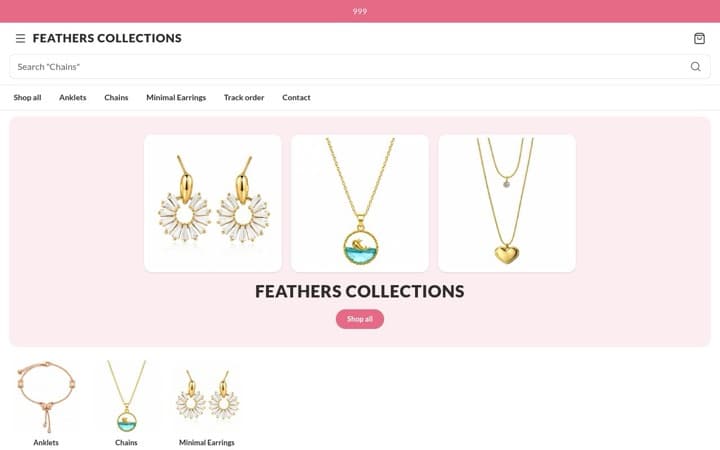
11. Give thumbs a menu at the bottom. Instagram buyers hold the phone in one hand. The Beauty, Jewellery, Electronics, Food, Wellness, Pet and Furniture & Mattress Stores pin Home, Shop and Cart to the bottom of the screen, the way big shopping apps do.
12. Ask only for what you need at checkout, and keep WhatsApp open. Every extra field costs you buyers. In Settings → Checkout you choose which extra fields to show, such as email, a landmark or order notes, so switch off the ones you don’t use. The name, phone and address a courier needs stay. Buyers don’t need an account to order. And for people who would rather talk, WhatsApp checkout sends the whole cart to your WhatsApp as an order you can confirm. It is free, like UPI, cards and COD.
All 12 fixes at a glance
| Fix | Brand-style templates | General Store | Plan |
|---|---|---|---|
| 1. Link to the product or category | Copy the link from your store | Same | Free |
| 2. Products on the first screen | Rows fill from your products | Hide text-only sections in the editor | Free |
| 3. Real bestsellers first | Set a home row to Bestsellers | Same | Free |
| 4. Match the photo from the post | Reorder the product’s photos | Same | Free |
| 5. Sizes, colours, packs on the card | Clothing, Footwear and Food Stores | Not on the card | Free |
| 6. Delivery, COD and returns line | Built in; fill in Settings → Sales boosters | Switch on in Settings → Sales boosters | Free |
| 7. The reel’s code on the product page | Tick “Show this code on the store” | Same | Free |
| 8. Price on request | Leave the price empty | Give every product a price | Free |
| 9. Add to cart from the card | Built in | Switch on in Settings → Sales boosters | Free |
| 10. Buy button stays on screen | Built in | Switch on in Settings → Sales boosters | Free |
| 11. Bottom menu on phones | Seven of the eleven | Not available | Free |
| 12. Short checkout and WhatsApp | Settings → Checkout | Same | Free |
The brand-style templates are the eleven laid out like leading Indian D2C brands. The Premium, Simple Fashion, Grocery and Astrology & Consultation Stores use their own older layouts, which don’t include most of these features; for an Instagram store, pick a brand-style template.
What we left out on purpose
- Fake countdown timers and made-up “20 people are viewing this” messages. Instagram buyers have seen them all, and they cost trust with the people most likely to buy again.
- Invented reviews. Stars on SitesPlaced come only from real reviews you approve (a Growth plan feature). A brand-new store with no stars looks more honest than one with suspicious ones.
- Popups on arrival. A buyer who just tapped from a reel wants the product, not a form. The welcome popup on SitesPlaced is off unless you switch it on (it is a Growth plan feature), so nothing stands between the reel and the product by default.
Pick the template for what you sell
Several of these fixes come from the layout itself. Each genre guide below shows the template that fits, and what it puts on the card:
| If you sell | Read |
|---|---|
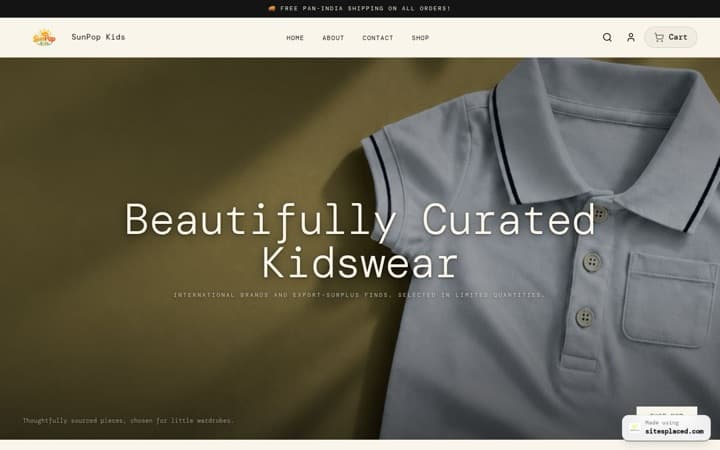
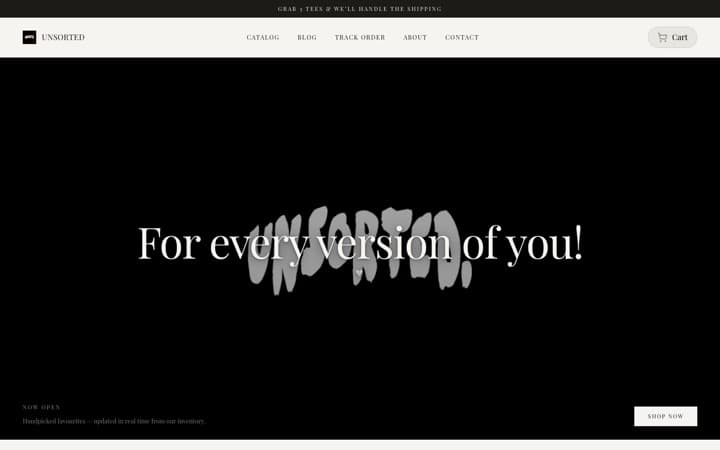
| Clothing, kurtas, streetwear | The best clothing store website templates · boutique website templates |
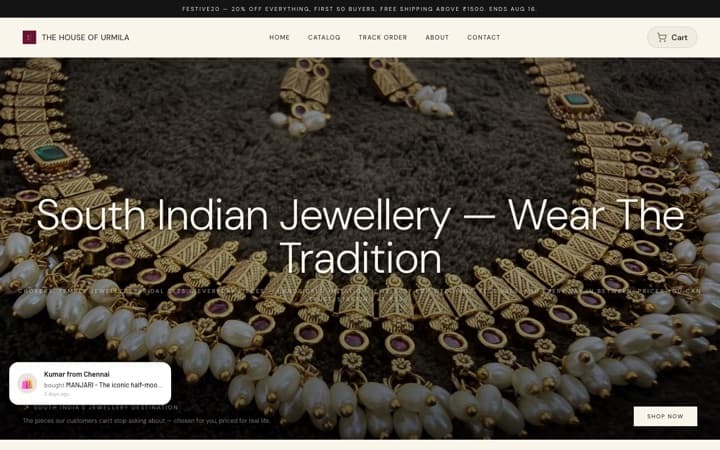
| Jewellery | The best jewellery website templates |
| Shoes and sandals | The best footwear store website templates |
| Skincare and daily care | The best beauty and skincare store templates |
| Supplements and ayurveda | The best wellness and ayurveda store templates |
| Snacks and packaged food | The best food brand website templates |
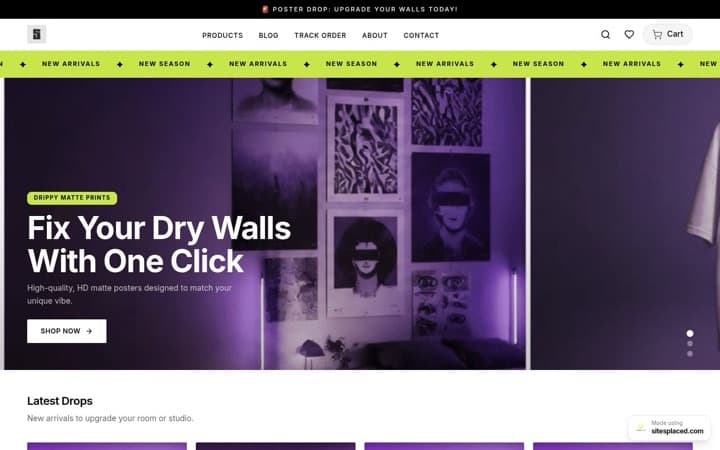
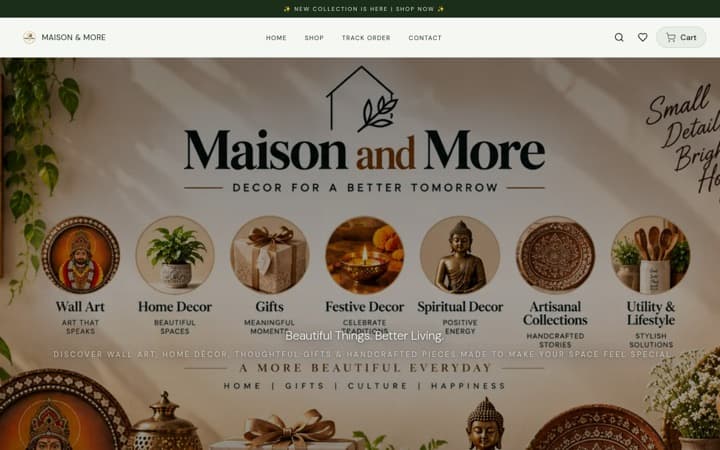
| Home decor | The best home decor website templates |
| Mattresses and furniture | The best furniture and mattress website templates |
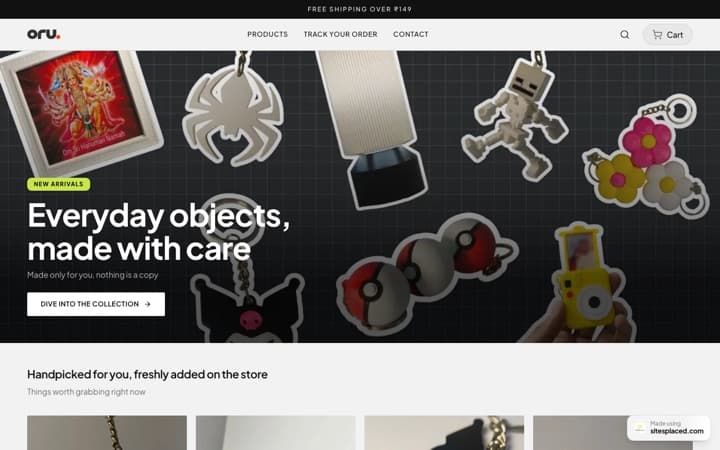
| Gifts | The best gift shop website templates |
| Pet supplies | The best pet store website templates |
| Gadgets and accessories | The best electronics store templates |
Not sure? Read how to choose an online store template or which website template increases sales.
FAQs
Why do people like my Instagram posts but not buy from my store?
Usually because the page they land on makes them work: it opens the home page instead of the product, hides sizes and delivery details, asks them to message you for the price, or has a long checkout. Your posts create the interest; the store page has to answer the buyer’s questions and let them pay in a few taps.
Should my Instagram bio link go to my home page or a product page?
The bio link can go to your home page, as long as its first screen shows products and bestsellers. Everything else, like story link stickers, reel captions and DM replies, should link to the exact product or category the post was about.
How do I show my Instagram discount code on my website?
On SitesPlaced, create the coupon and tick “Show this code on the store”. It then appears on product pages with a copy button. Codes you don’t tick, such as an influencer’s code, stay private. Coupons are free on every plan.
Does offering cash on delivery help Instagram sales in India?
Many first-time buyers are more comfortable paying on delivery to a shop they found on Instagram. Offering COD, and saying so next to the buy button, removes one reason to hesitate. To keep fake orders down, you can add a COD charge and limit how many unpaid COD orders one buyer can have open.
Do I need a website if I already sell on Instagram?
Instagram is where people find you; a store is where they can buy without waiting for your reply. A buyer who can see the price, pick a size, check delivery and pay or choose COD alone is more likely to finish than one who has to DM you at 11 pm.
Which store builder is best for Instagram sellers in India?
SitesPlaced, for most small Indian Instagram sellers. It is free to publish at 0% commission, takes UPI, COD and WhatsApp orders, can import your Instagram posts as products, and every fix in this guide is free on every plan and built into its eleven brand-style templates.
Fix the page, keep the posts.
Import your Instagram products, pick the template for what you sell and publish free, with UPI, COD and WhatsApp checkout at 0% commission.
Open my store free →