


How to take product photos that actually sell
You don't need a studio, a DSLR, or a photographer. With a window, a clean background and a few rules, your phone can produce photos that build trust and close sales — especially on a product page you own.
The short version: shoot in soft window light, keep the background clean, capture multiple honest angles, and stay consistent across your catalog. Mix one crisp white-background hero with a few lifestyle shots. Then place those photos where they can convert — on a real product page with checkout, not buried in a feed.
A photo's job changes once it's on your store
In a feed, a photo competes for a half-second of attention as someone scrolls past. On a product page, that same photo has a different, harder job: it has to answer questions, build enough confidence to spend money, and replace the experience of holding the item. That's why what works for a single "stop the scroll" Reel often isn't enough to actually sell.
The good news: photos shot for clarity and honesty work even harder on a clean product page than in a busy grid. There's no competing content, no algorithm — just your product, your details, and a buy button. So shoot for the page, not just the post.
Six rules for photos that convert
Light like it's free — because it is
Soft, natural window light beats any ring light for most products. Shoot near a large window during the day, position the product so the light comes from the side (not behind your phone), and use a sheet of white paper or thermocol to bounce light back into the shadows. Avoid harsh midday sun and overhead tube lights — they create ugly hotspots and colour casts.
Clean up the background
Clutter screams "amateur." A plain wall, a sheet of white chart paper curved up behind the product, or a neutral surface (wood, linen, marble tile) is enough. White and light backgrounds make colours read true and keep the focus on the product. Pick one or two background setups and reuse them for everything.
Shoot the angles buyers care about
One hero shot isn't enough to sell online. Capture the front, the back, a close-up of texture or detail, a sense of scale (in hand or next to a known object), and any flaw or fastening a buyer would want to see. The more honest angles you show, the fewer "what does the back look like?" DMs you get.
Stay consistent across the catalog
A store looks professional when every product is shot the same way — same background, same light, same framing, same distance. Consistency is what separates a real brand from a random grid. Lock your setup and your phone settings once, then repeat.
Mix lifestyle and white-background shots
White-background shots show the product clearly and look clean on a product page. Lifestyle shots — the kurta worn, the candle lit, the food plated — help buyers imagine owning it. Use white-background as the main image and lifestyle shots as supporting photos.
Edit lightly, never lie
Straighten, crop to a consistent ratio, and gently lift brightness and contrast. Match the colour to the real product — over-saturated photos cause returns and angry messages. Free phone apps are plenty; you don't need a desktop editor.
A 20-minute home shoot setup
- • Find the biggest window in your home and shoot during daylight.
- • Tape a sheet of white chart paper to the wall, curving onto the table to remove the back edge.
- • Put the product side-on to the window; bounce light back with white paper opposite.
- • Lock your phone's focus and exposure by tapping and holding on the product.
- • Shoot the same five angles for every item, same distance, same height.
- • Crop everything to one consistent ratio before uploading.
Where great photos pay off
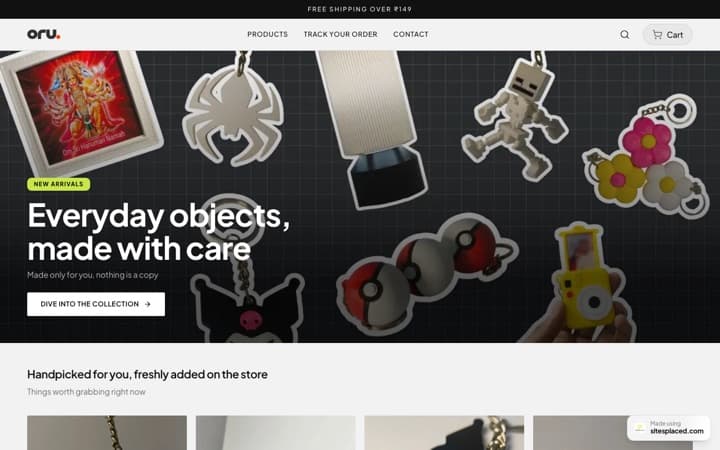
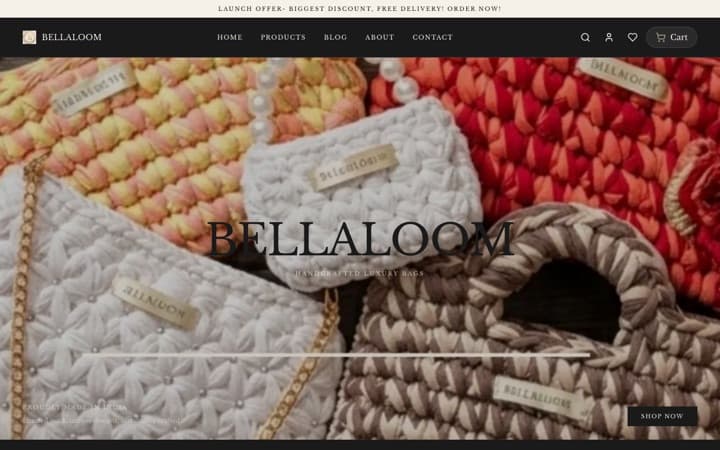
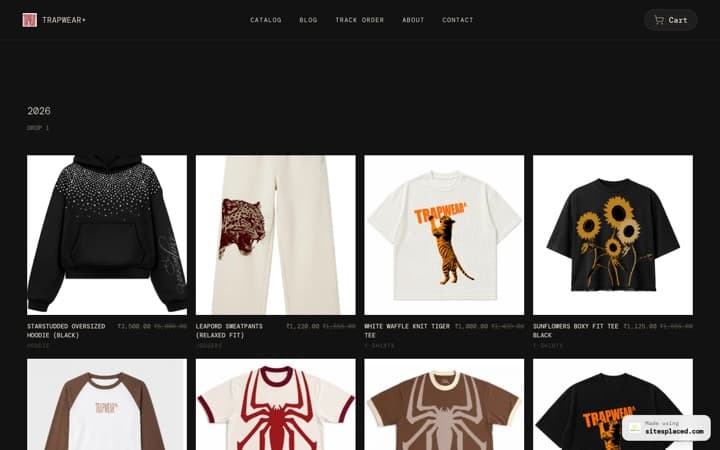
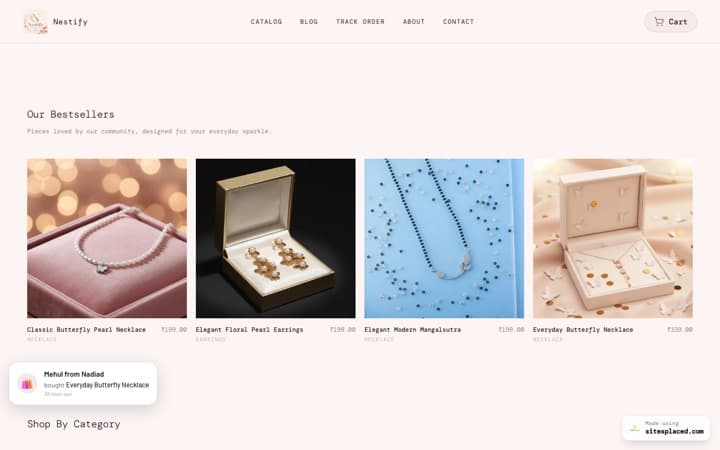
Once you've done the work, give your photos a home that shows them off. A SitesPlaced store lets you upload multiple images per product, display a clean white-background hero alongside lifestyle shots, and pair each with AI-written descriptions that match how buyers search. With 15 vertical-fit templates, the layout already suits your category — clothing, food, beauty, home or gifts — so your photos sit inside a design that looks like a brand.
And because checkout — UPI, Cash on Delivery, Razorpay, WhatsApp — is one tap from the photo, the confidence your images build converts into an order on the spot, with 0% commission so you keep every rupee.
Frequently asked questions
Can I take good product photos with just my phone?
Absolutely. A modern phone, soft window light, a clean background and consistent framing will out-perform an expensive camera used carelessly. The setup matters far more than the gear. Then put those photos to work on a clean product page — on a SitesPlaced store, a good photo sells harder than it ever could in a busy feed.
How many photos should each product have?
Aim for four to six per product: a clear main shot, the back, a close-up of detail or texture, a scale or in-use shot, and a lifestyle image. More honest angles mean more confidence and fewer questions before checkout.
White background or lifestyle photos — which is better?
Use both. A white-background shot is the cleanest main image for a product page because the product reads clearly. Lifestyle shots help buyers picture owning the item. On a SitesPlaced product page you can show the white-background hero plus supporting lifestyle photos in one place.
Why do my photos look great on Instagram but don't sell?
A feed rewards a single eye-catching image; a sale needs detail, trust and a place to buy. Even perfect photos can't close an order inside a DM. Pair good photos with a real product page and checkout — that's where browsing turns into buying.
Do better photos really increase sales?
Yes. Clear, honest, consistent photos reduce hesitation, returns and pre-purchase questions. When those photos sit on a store you own — with UPI, COD and WhatsApp checkout one tap away — the work your photos do is captured as actual orders, not just likes.
Give your photos a store that sells
Show multiple images per product on clean, category-fit pages with checkout built in. Free to build & publish, 0% commission; ₹199/month (Starter) adds a custom domain, branding removal and AI.