
Resume website templates — your CV, but a link
A PDF gets buried in an inbox. A resume website is one link a recruiter can open in a tap, always current, with your projects clickable. Turn your CV into a live page in minutes.
By Manan Agrawal, Founder · Updated June 10, 2026
Resume website templates turn your CV into a clean, linkable web page recruiters can open in one tap. Clone a template, let AI fill it from your existing résumé, and publish at yourname.sitesplaced.com in minutes — always up to date, with clickable project and work links. Free to build and publish for everyone.
Real student portfolios, live right now
Real students built and published these on SitesPlaced — open any in a new tab to see what a finished one looks like.
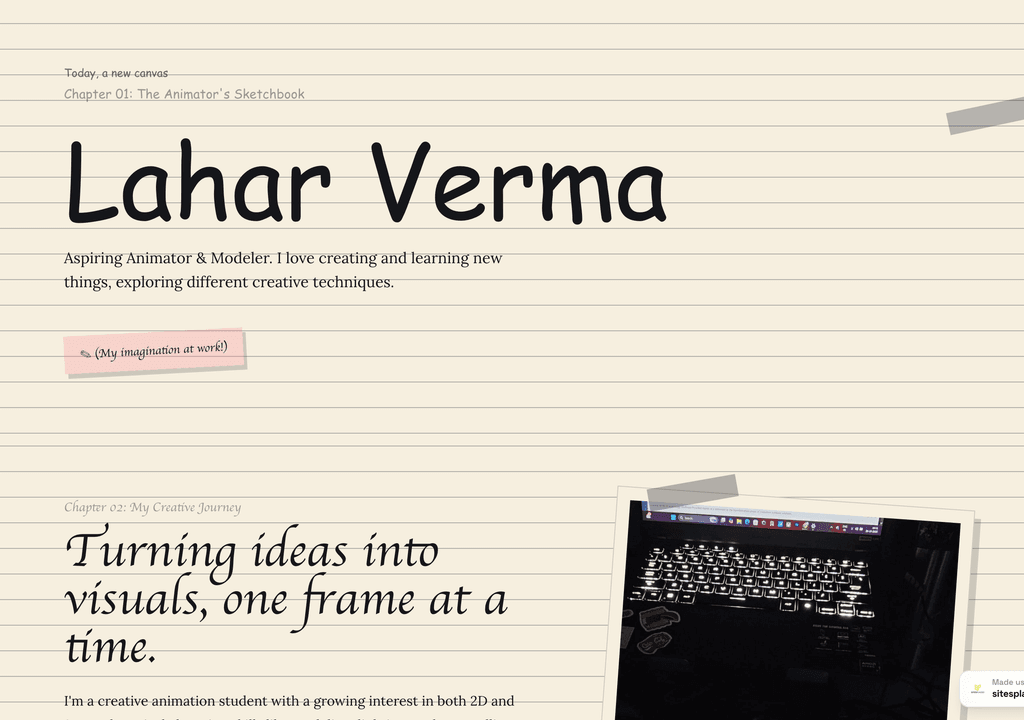
Lahar Verma
An aspiring animator's sketchbook-style portfolio — projects and creative journey, chapter by chapter.
Visit live site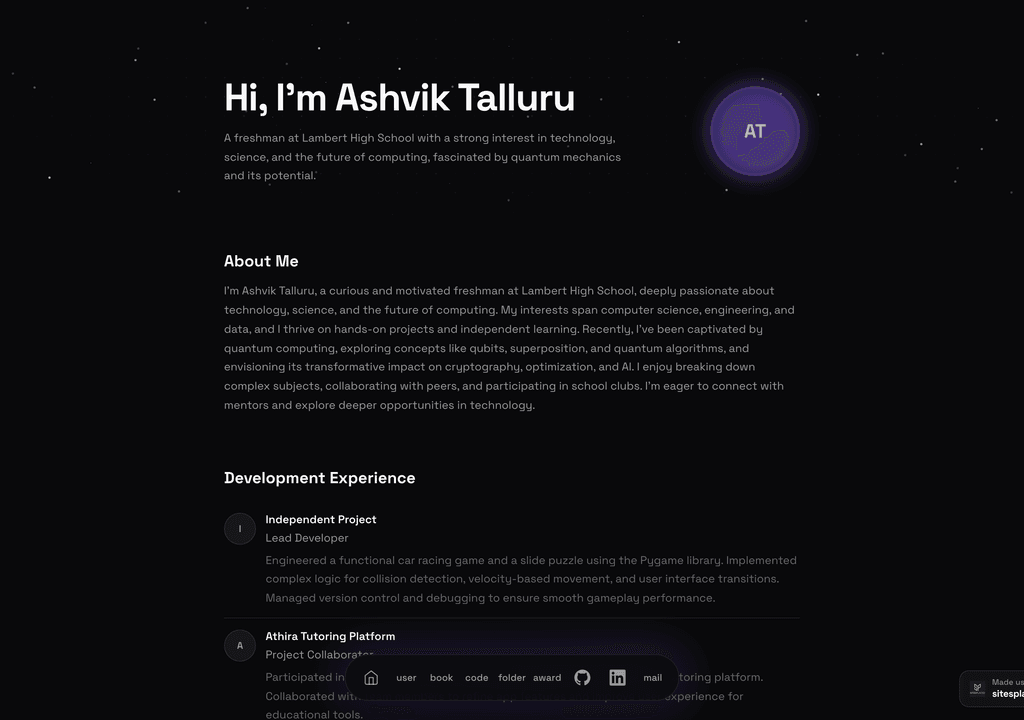
Ashvik Talluru
A computer-science student's project-first portfolio with real builds, experience and links.
Visit live site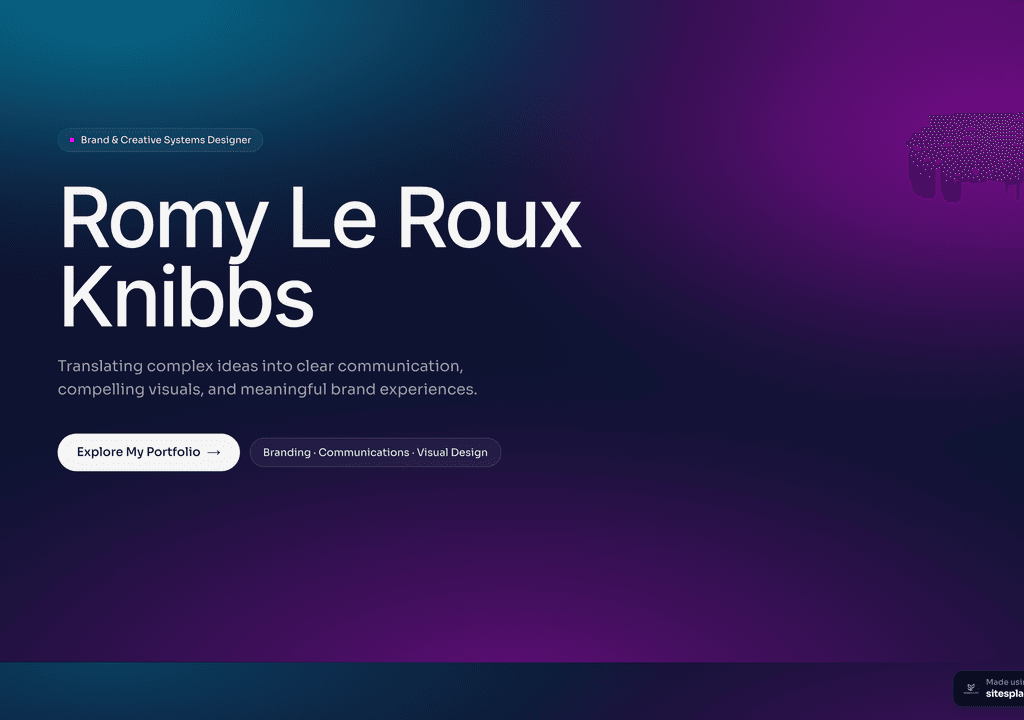
Romy Le Roux Knibbs
A brand & communications designer's portfolio — case studies in a polished, gradient-led layout.
Visit live siteGenerate your student portfolio in 60 seconds
Fill in four fields and watch a live preview build itself. When you like it, publish the real thing free on SitesPlaced — AI writes the first draft from your résumé.
No plan, no card. Publish at aisha-verma.sitesplaced.com
Portfolio
Aisha Verma
Software Engineer & Builder
VIT
About
Projects
Experience
Contact
Live preview · your real site is fully editable
Why does a resume website beat a PDF?
A PDF résumé is a dead end: it downloads, it sits in a folder, and the version a recruiter has is whatever you sent that day. A resume website is a living link — you update it once and everyone who has the link sees the latest, and they can click straight through to your projects, GitHub or work samples.
It is also simply easier to share. One link goes in your résumé header, your LinkedIn, your email signature and every application form. The recruiter taps once and your whole story opens, designed and current — no download, no outdated file.
Resume website vs PDF résumé
| Resume website | PDF résumé | |
|---|---|---|
| A link, not an attachment | ✓ One tap to open | Download required |
| Always up to date | ✓ Edit once, link stays | Re-send each version |
| Project & work links | ✓ Clickable | Plain text |
| Looks designed | ✓ Templates | Depends on doc |
| Trackable & shareable | ✓ Easy to share anywhere | Email only |
| Cost | Free to build & publish | Free |
Resume website templates
Open these live demos and clone the one that fits your CV — from clean one-pagers to fuller portfolio layouts.
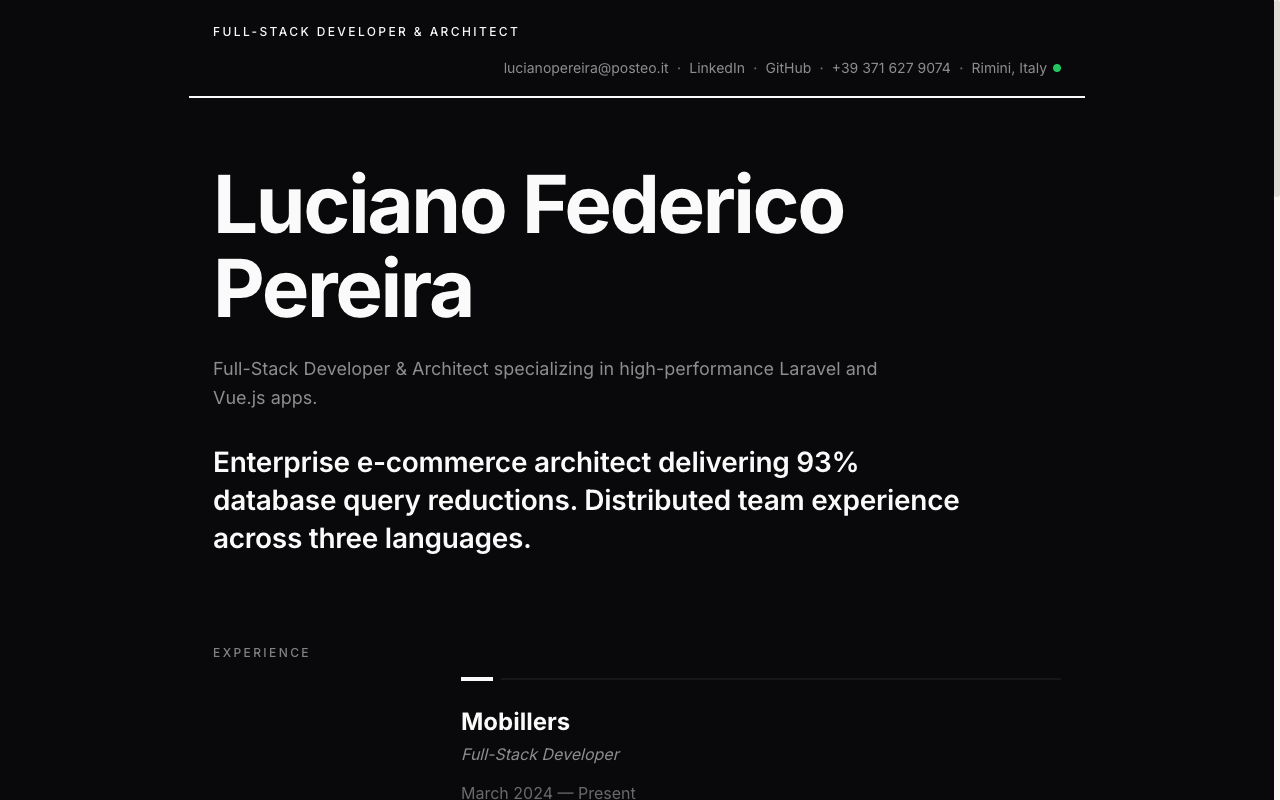 Resume
Resume Portfolio
Your CV as a website — a clean, linkable one-pager recruiters can skim in seconds.
View live demo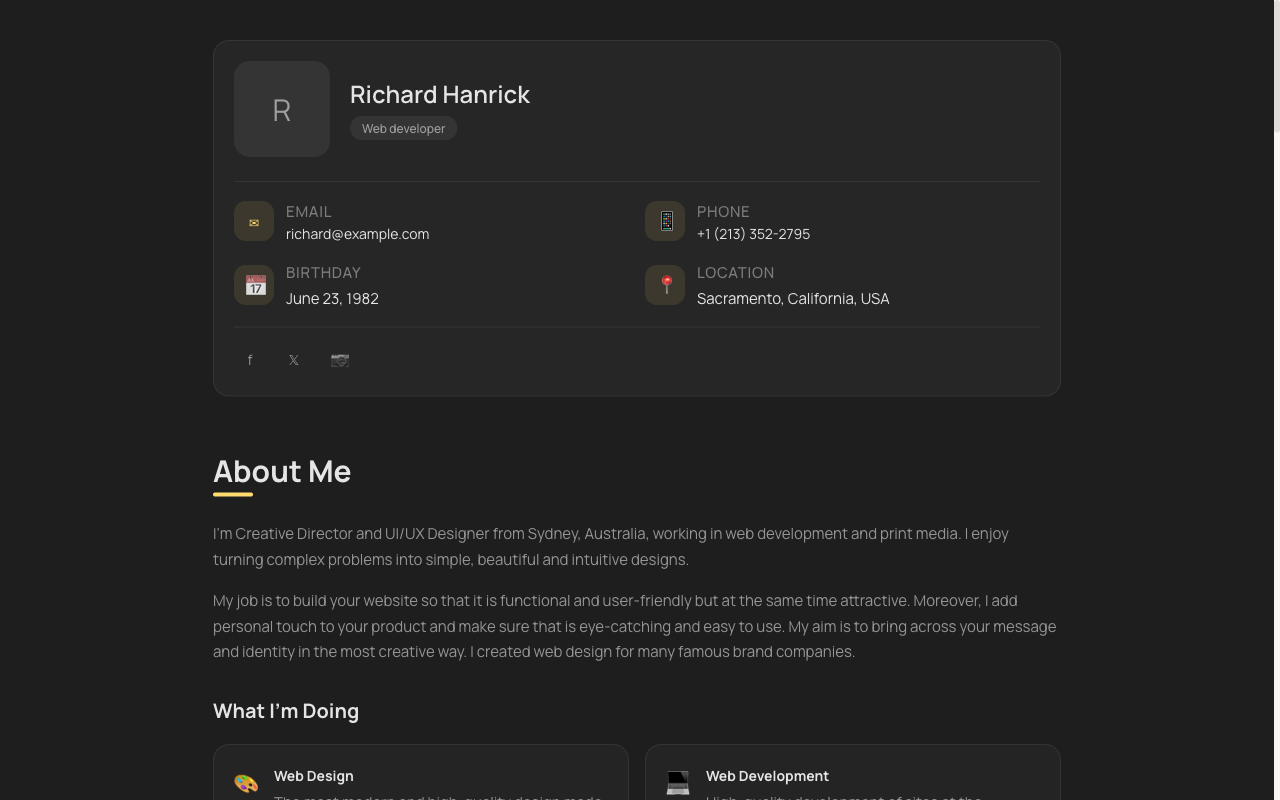 Minimal
vCard Portfolio
Compact digital visiting card — name, role, links and contact in one tidy, shareable page.
View live demo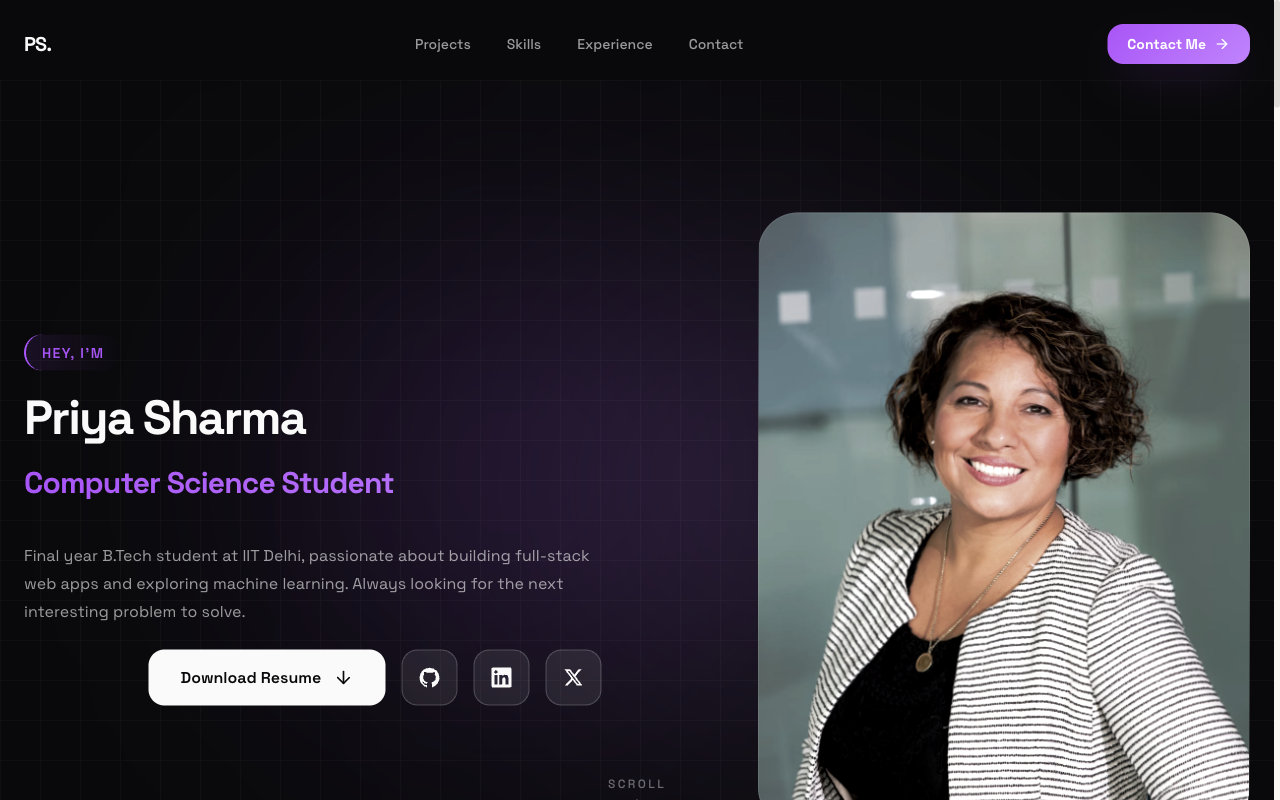 Popular
Flagship — Student Portfolio
Recruiter-friendly, projects-first layout. The safe, strong default for placements and internships.
View live demo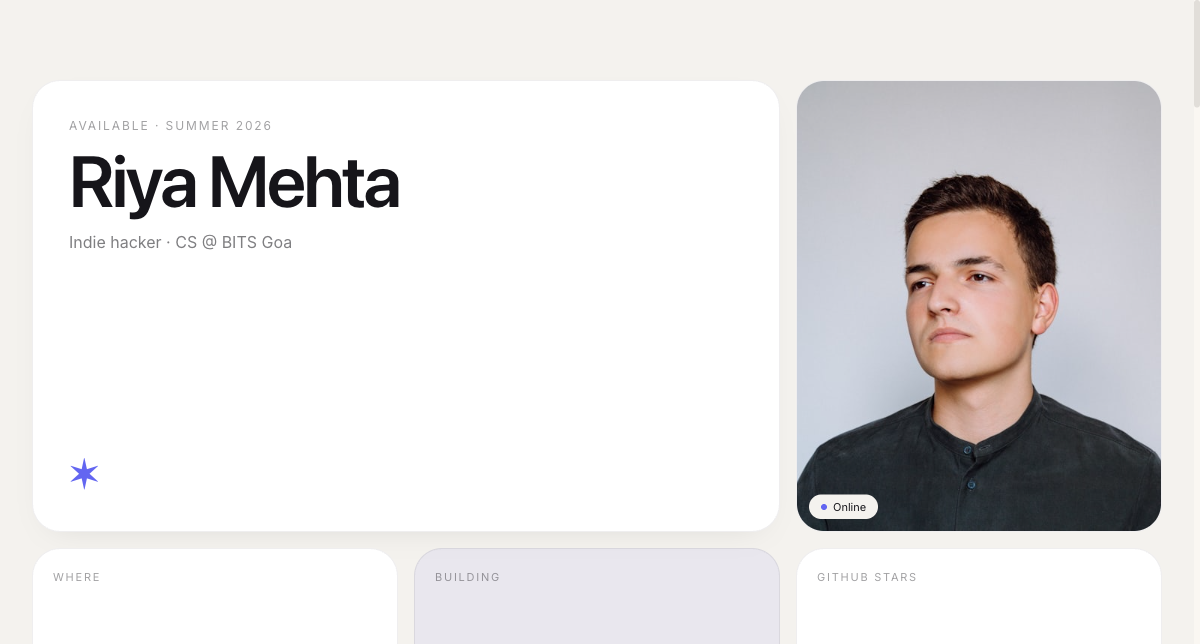 Modern
Bento Portfolio
Apple-style bento grid that organises skills, projects and links into tidy, scannable tiles.
View live demo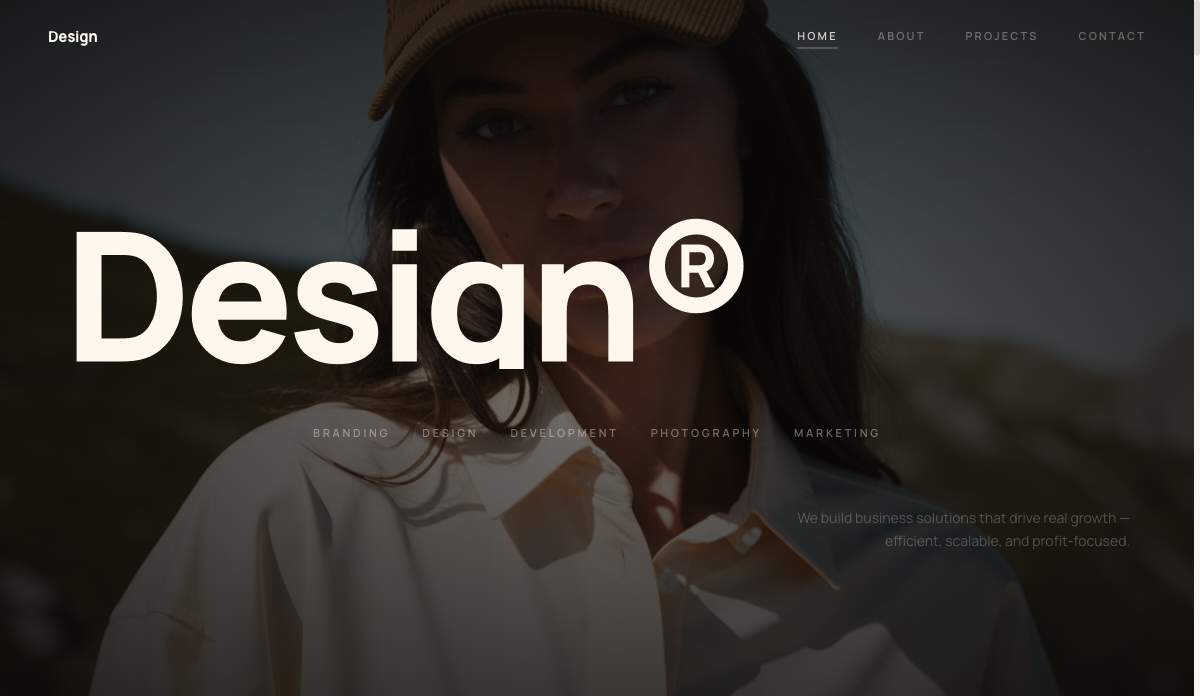 All-rounder
Personal Portfolio
Clean, all-purpose personal portfolio that suits any student or fresher and is simple to keep updated.
View live demo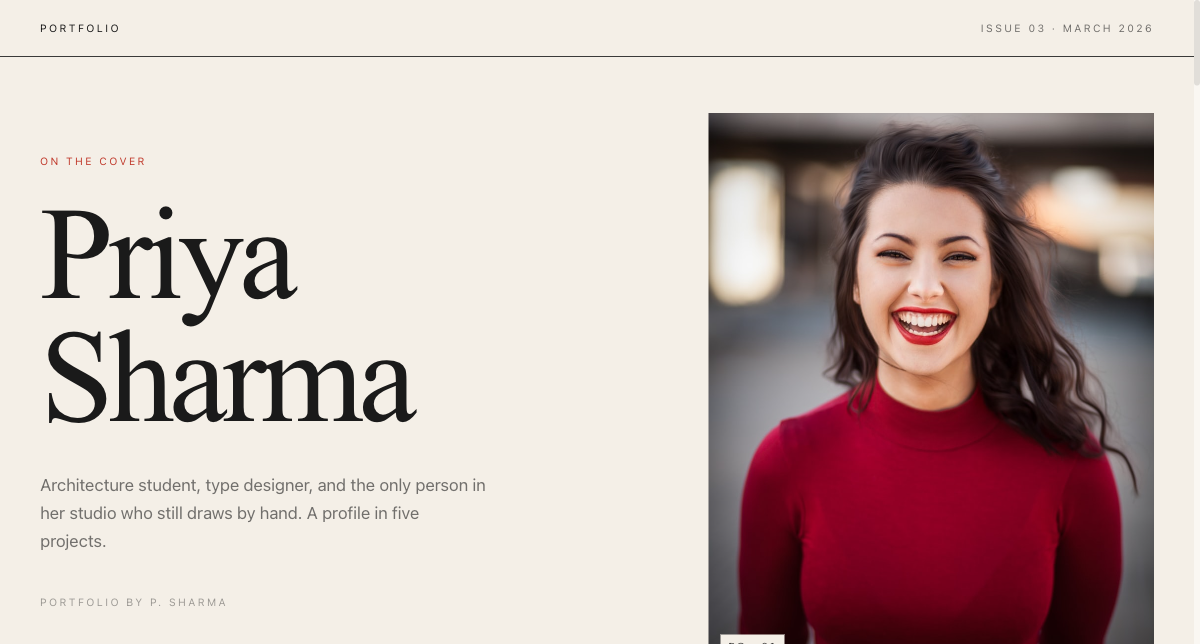 Editorial
Magazine Portfolio
Editorial magazine layout for design, media and communication students with a strong visual story.
View live demoWhat should you put on your resume website?
- ✓A one-line intro: who you are and what you do
- ✓Experience and education, kept concise and scannable
- ✓Skills and tools relevant to the roles you want
- ✓Projects or work samples with clickable links
- ✓Achievements, certifications and anything that sets you apart
- ✓A clear contact section and a link to your downloadable résumé
Turn your résumé into a website — free
Pick a resume website template, let AI fill it from your existing CV, and publish at yourname.sitesplaced.com in minutes. Free to build and publish, no card — share one link instead of an attachment.
Build my resume site free →Frequently asked questions
What is a resume website?
A resume website is your CV turned into a clean, linkable web page — your intro, experience, skills, projects and contact, all openable in one tap instead of downloaded as a PDF. It is easier to share, always up to date, and lets you link projects and work directly. SitesPlaced resume website templates make one in minutes, free to build and publish for everyone.
Why use a resume website instead of a PDF?
A PDF is static and gets buried in inboxes; a resume website is one link you can put in your résumé header, LinkedIn and applications, that opens instantly and stays current. It also lets recruiters click straight through to your projects and work, which a PDF cannot.
Which resume website template should I choose?
Pick based on how much you want to show. A clean one-pager (resume or vCard style) suits a simple, scannable CV; a fuller portfolio layout suits people with projects to showcase. You can switch templates anytime, so start with whatever fits your content.
Can I keep my résumé PDF as well?
Yes — most people do both. Use the resume website as your shareable link and keep a PDF for forms that require an upload. You can even link your PDF from your resume website so recruiters can download it if they prefer.
Are resume website templates free?
On SitesPlaced, everyone publishes resume websites for free, premium templates included, with no card — your site goes live at yourname.sitesplaced.com with a small “Made using sitesplaced.com” badge. AI drafts the content from your existing résumé, so it takes minutes.
Will a resume website work for non-technical roles?
Yes. A resume website suits any field — business, design, marketing, science, the arts. It is simply a cleaner, more shareable way to present your experience, skills and work, whatever your profession. Choose a layout that matches how much you want to show, from a tidy one-pager to a fuller portfolio.
How is a resume website different from a portfolio?
They overlap. A resume website is CV-led — experience, skills and education front and centre — while a portfolio leads with projects and work samples. On SitesPlaced you can lean either way with the same builder: start resume-first and add a projects section, or pick a fuller portfolio template if your work is the main story.