
Software engineer portfolio templates
Built for developers, not bent into shape for them. Terminal, bento and CS layouts with GitHub links, stack and projects baked in — clone one, link your work, and publish in minutes.
By Manan Agrawal, Founder · Updated June 10, 2026
SitesPlaced offers developer-first software engineer portfolio templates — terminal, bento and CS — with GitHub links, stack and projects built in. Clone the one you like, let AI draft your project write-ups, and publish instantly with no build or deploy step. Free to build and publish for everyone, at username.sitesplaced.com.
Real portfolios, live right now
Real freelancers, designers and creators built and published these on SitesPlaced — open any of them in a new tab.
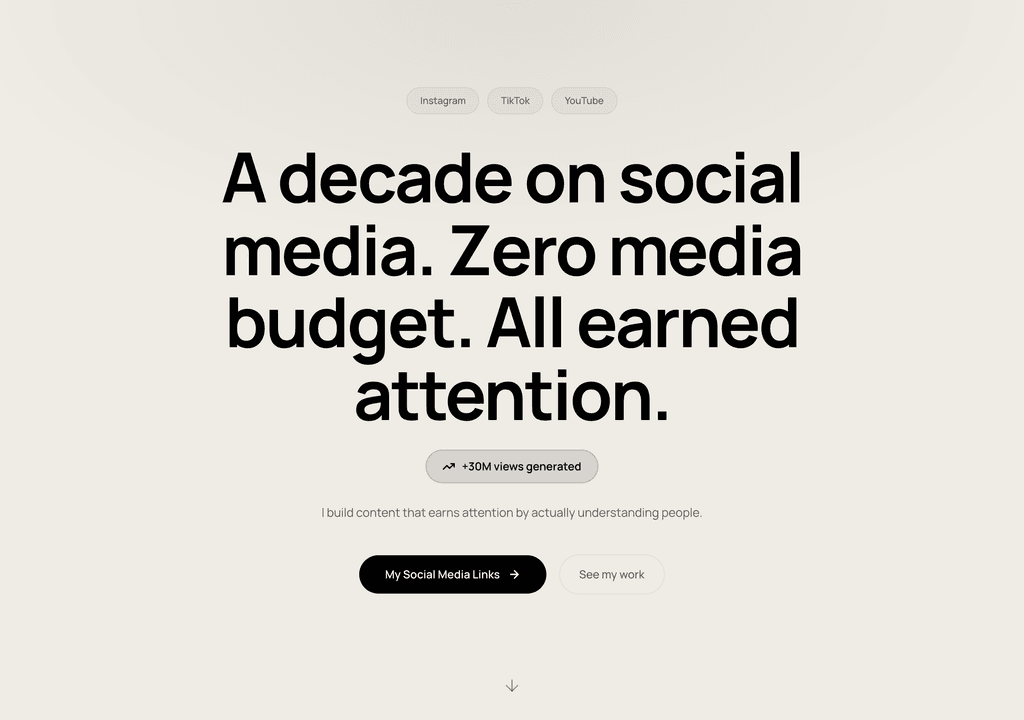
Steve Corbin Jr.
A social-media specialist's portfolio that turns a decade of earned attention into inbound clients.
Visit live site
J. Riley Brewington
A content specialist showcasing multi-platform growth, testimonials and a clear booking path.
Visit live site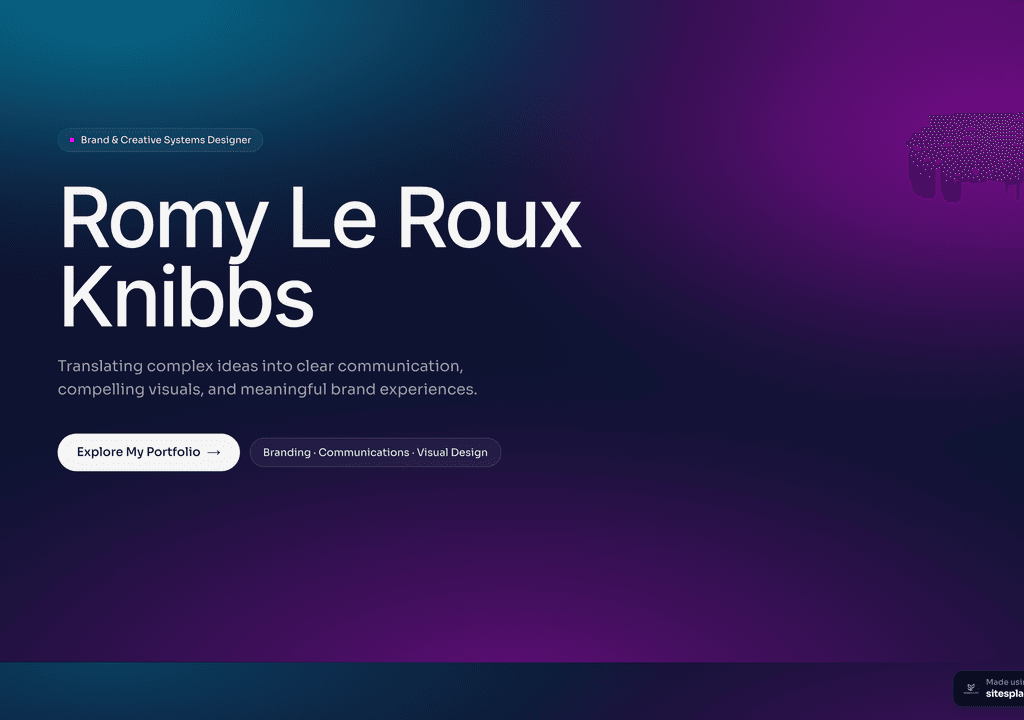
Romy Le Roux Knibbs
A brand & communications designer's portfolio — case studies in a polished, gradient-led layout.
Visit live siteGenerate your student portfolio in 60 seconds
Fill in four fields and watch a live preview build itself. When you like it, publish the real thing free on SitesPlaced — AI writes the first draft from your résumé.
No plan, no card. Publish at aisha-verma.sitesplaced.com
Portfolio
Aisha Verma
Software Engineer & Builder
VIT
About
Projects
Experience
Contact
Live preview · your real site is fully editable
Developer-first templates
These are live demos you can open and clone. Each is structured around what a developer portfolio actually needs: projects with repo and demo links, a clear stack, and a fast, clean read.
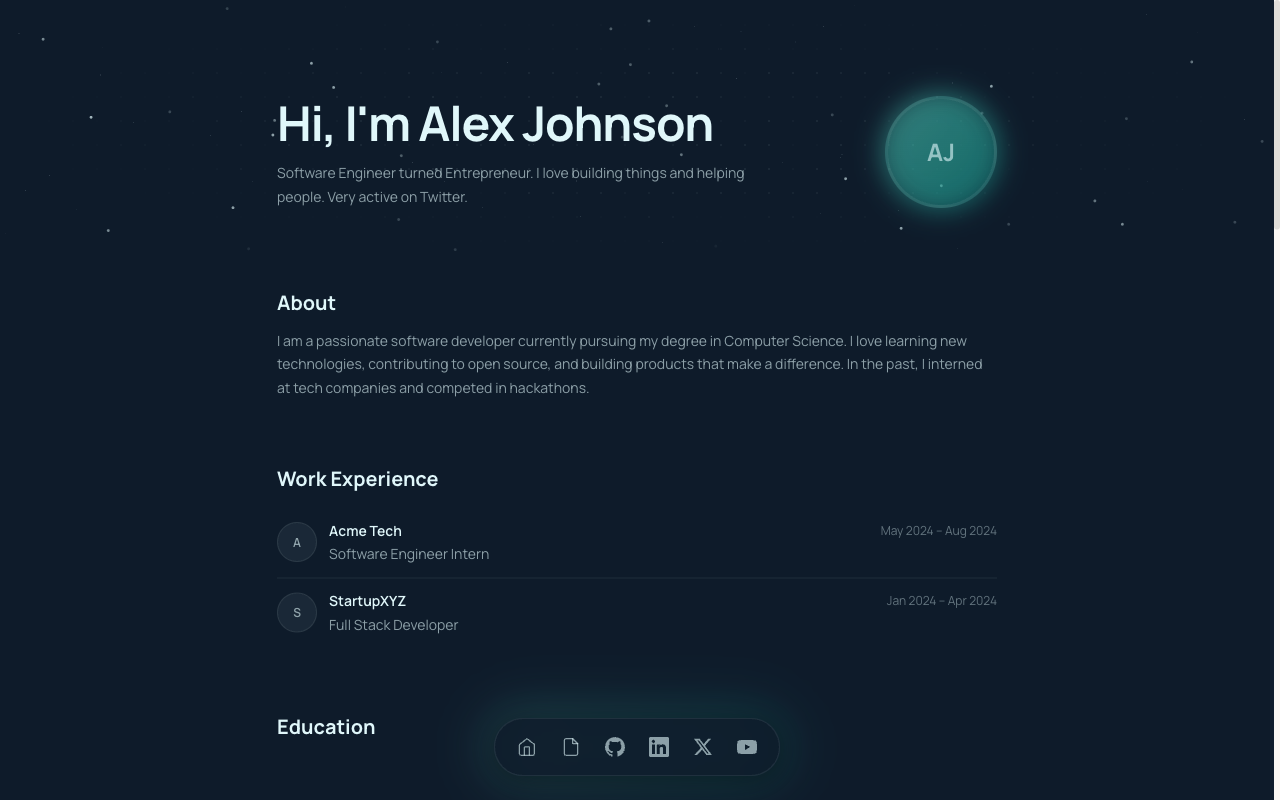 CS
CSCS Student Portfolio
Built for CS and B.Tech students — projects, GitHub, stack and experience in a developer-first layout.
View live demo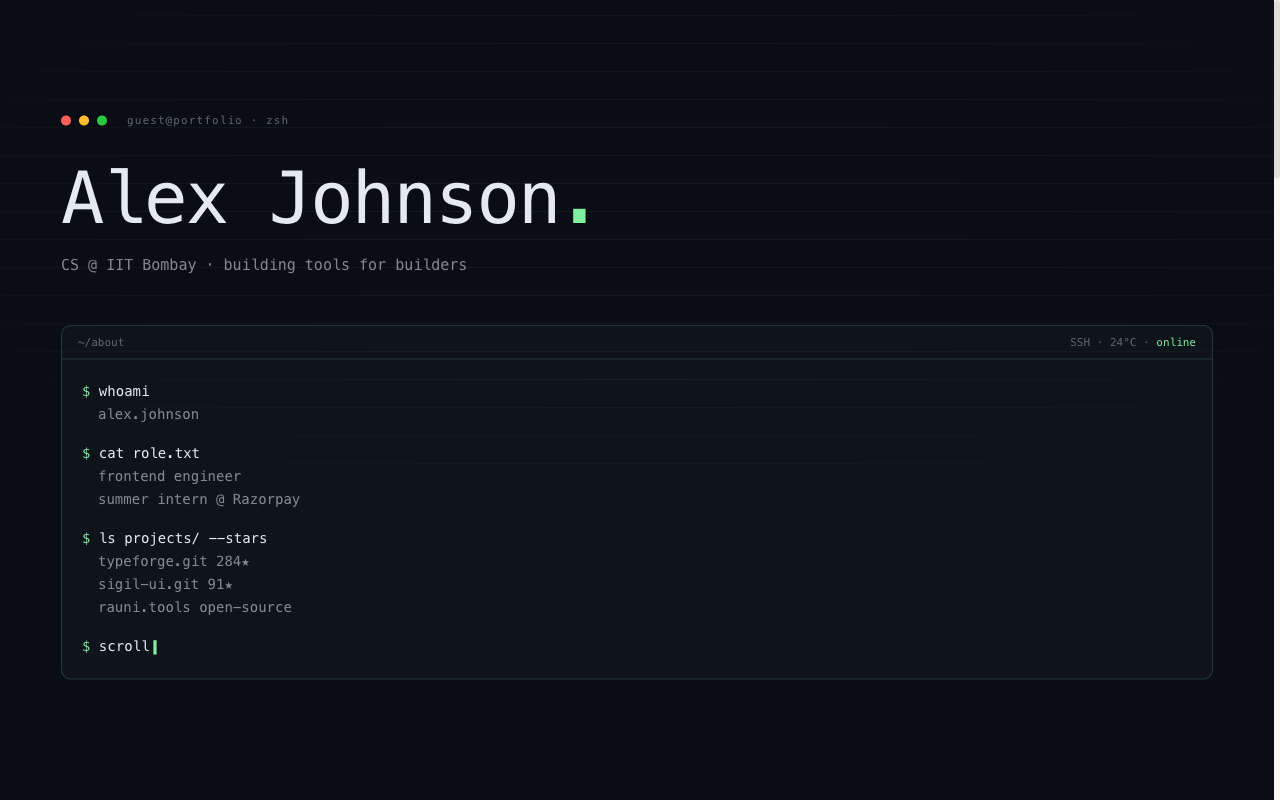 Developer
Terminal Portfolio
IDE / terminal aesthetic — code-style hero, mono type, projects laid out like a command log.
View live demo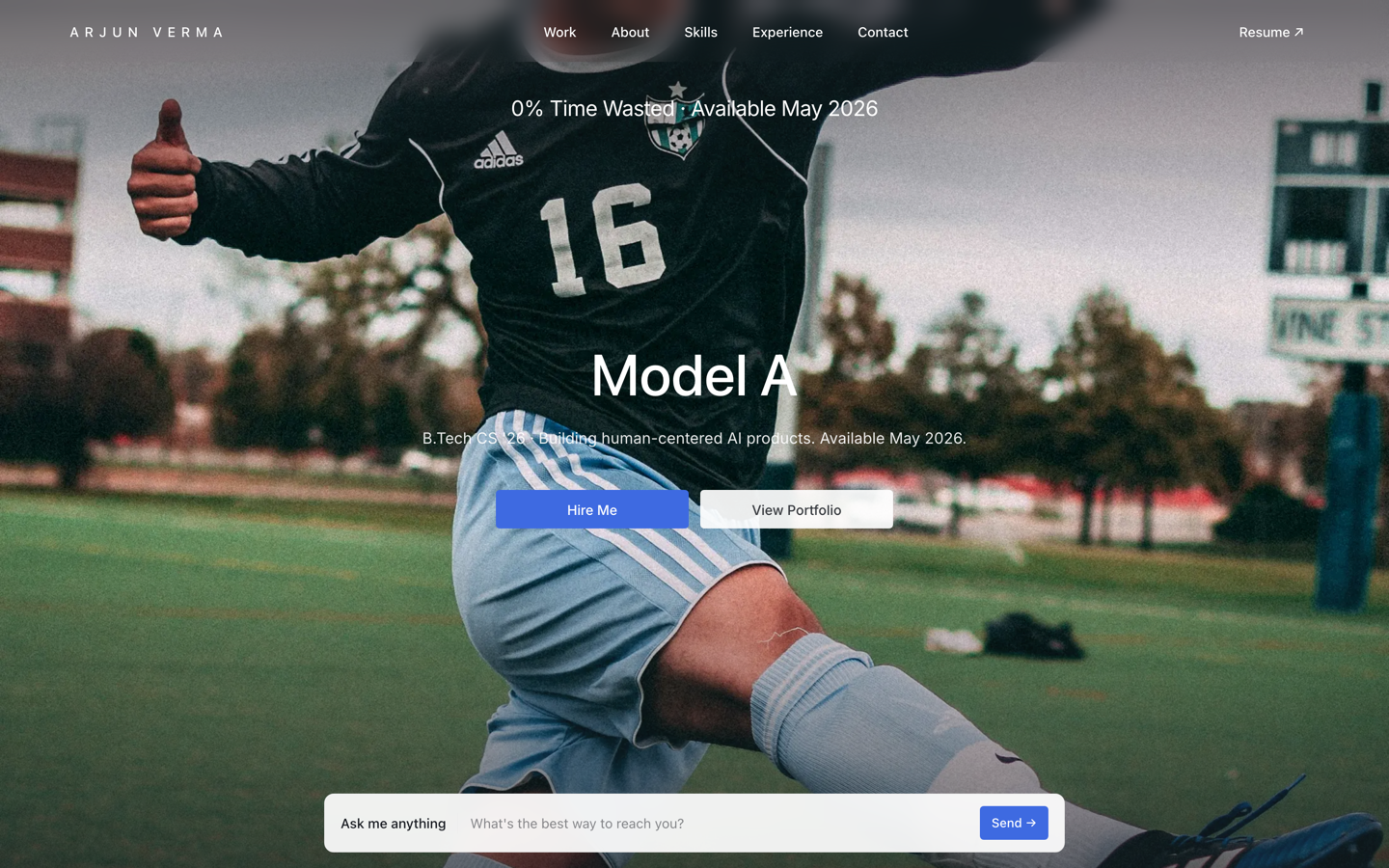 Premium
Tesla — Engineering Portfolio
Premium portfolio inspired by Tesla — full-viewport hero, electric-blue accent, scroll scenes.
View live demo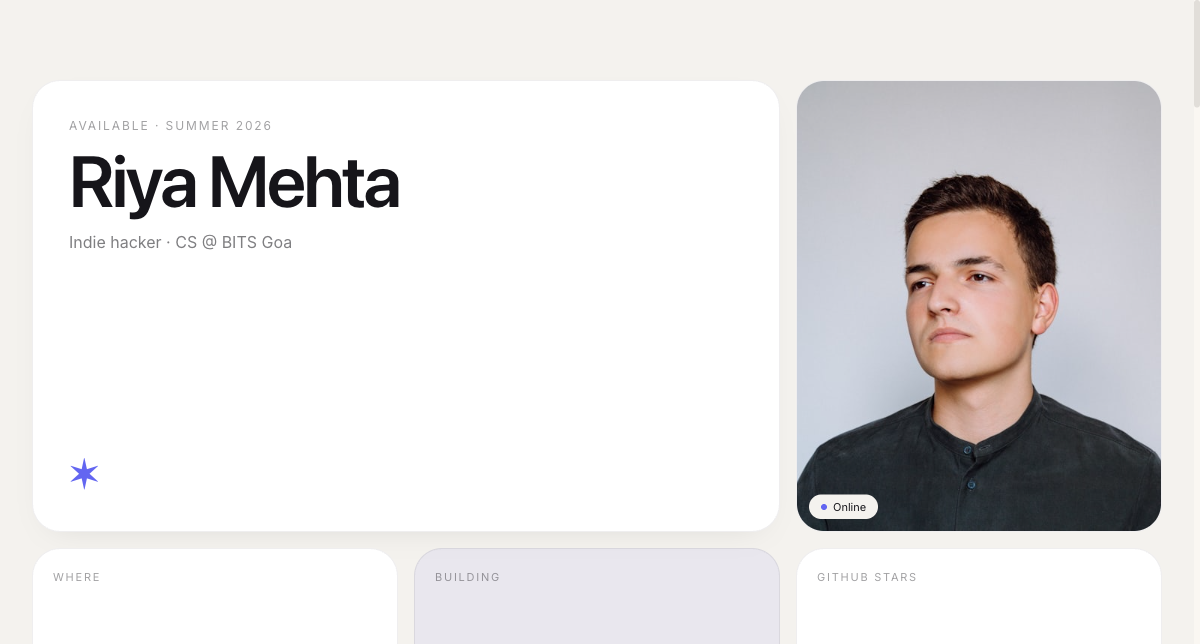 Modern
Bento Portfolio
Apple-style bento grid that organises skills, projects and links into tidy, scannable tiles.
View live demo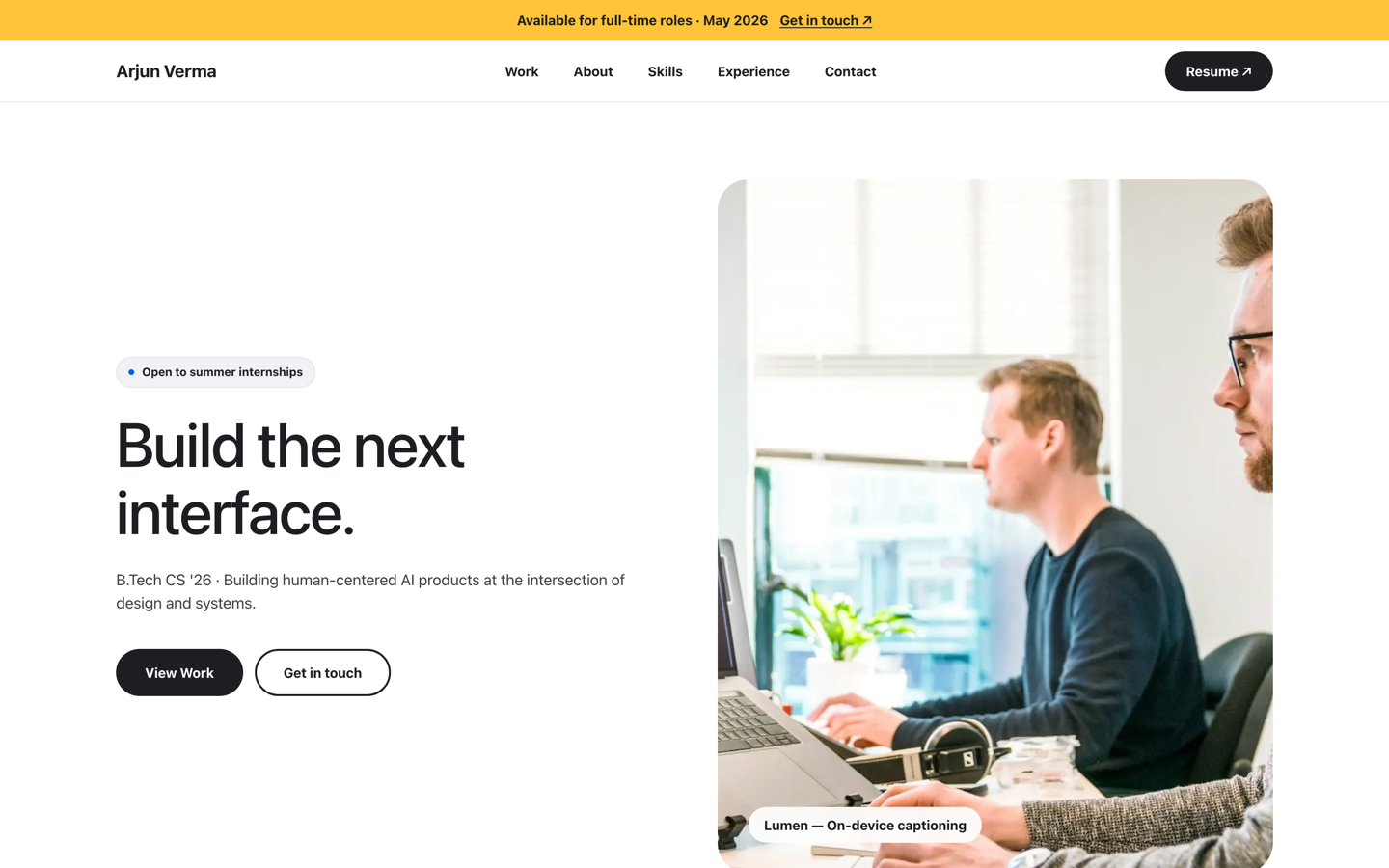 Premium
Meta — Builder Portfolio
Builder portfolio inspired by Meta — rounded photo tiles and a bold dual-CTA system.
View live demo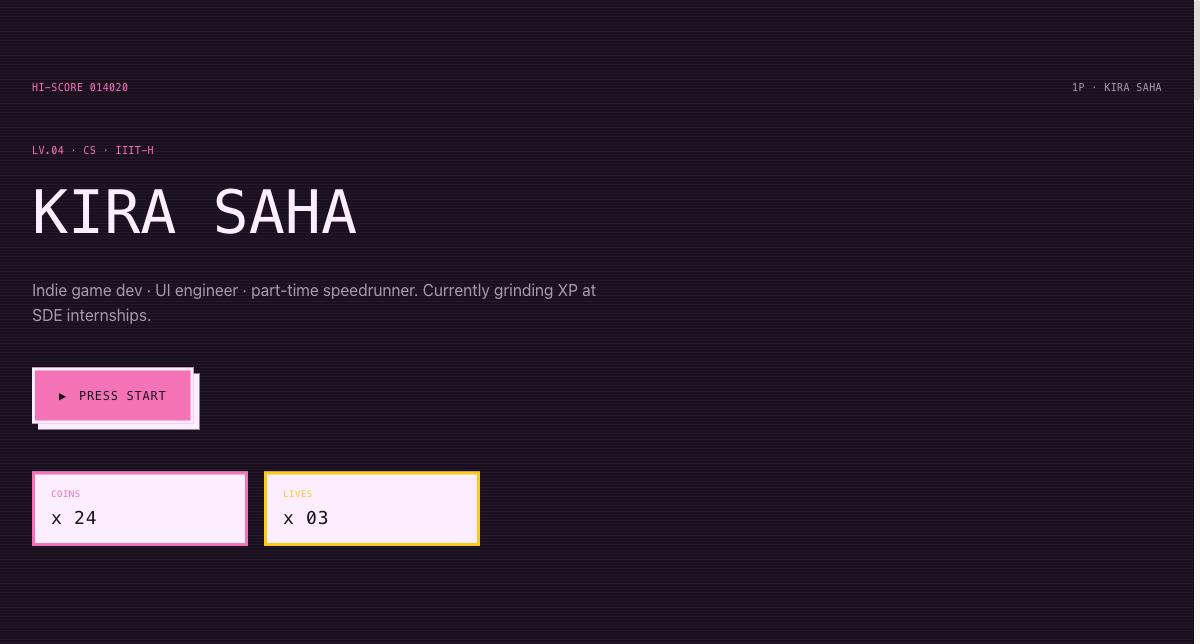 Playful
Arcade Cabinet Portfolio
Playful 8-bit arcade-cabinet portfolio — memorable, and great for game and creative-tech students.
View live demoWhich template style fits you?
Terminal / IDE
A code-forward aesthetic — mono type, command-log projects, dark theme. Signals 'developer' the instant a recruiter lands.
Bento grid
Apple-style tiles that organise projects, stack and links into a clean, scannable grid. Modern and recruiter-friendly.
CS layout
A straightforward, projects-first layout built for CS and B.Tech students — GitHub, stack and experience front and centre.
Premium engineering
Company-themed styles (Tesla, Meta) for engineers who want a polished, high-end look while staying projects-led.
Arcade / playful
An 8-bit, memorable style for game and creative-tech developers who want to stand out with personality.
What does every developer template include?
- ✓Projects with GitHub and live demo links, front and centre
- ✓A clear, scannable tech stack section
- ✓Space for experience, internships and open-source work
- ✓A fast, clean layout that reads well on desktop and mobile
- ✓Instant publishing — no Git, build or deploy step
- ✓AI-drafted project write-ups and bio from your résumé
Tips to make your developer portfolio stand out
The template gives you a strong starting point; these habits make it land with recruiters and hiring managers:
- ✓Lead with your two or three strongest projects — depth beats a long list of half-finished repos
- ✓For each project, write one line on the interesting technical decision, not just the tech used
- ✓Always link both the live demo and the GitHub repo so reviewers can choose how to dig in
- ✓Pin your portfolio link on your GitHub profile and in your résumé header
- ✓Keep the stack honest and focused — list what you can actually discuss in an interview
- ✓Make sure it loads fast and reads well on mobile; recruiters often open links on a phone
None of this requires more code — it is about framing. A focused, well-explained set of projects on a clean template reads as more senior than a sprawling site, and it is exactly what gets you the call.
Pick a developer template and ship it
Choose a terminal, bento or CS template, link your GitHub and projects, and let AI write the rest. Publish at yourname.sitesplaced.com in minutes — free to build and publish, no deploy step.
Build my portfolio free →Frequently asked questions
What is the best software engineer portfolio template?
It depends on the impression you want. The terminal/IDE template signals 'developer' immediately; the bento grid is clean and modern; the CS layout is straightforward and projects-first. All include GitHub links, a stack section and project space, and all are free to build and publish. You can switch between them anytime.
Do these templates support GitHub and live project links?
Yes. Every developer template is built around projects with both GitHub and live demo links, plus a clear stack section. That is the core of a strong developer portfolio, so it is front and centre in each layout.
Can I customise the developer templates?
Yes, fully and no-code. Change colours, sections, projects and text; AI drafts your project write-ups and bio from your résumé. The template handles the design so you focus on your projects.
Do I need to deploy or host anything?
No. Unlike hand-coding and deploying a site, these templates publish instantly — no Git, build or CI. You pick a template, link your projects, and go live in minutes.
Are they free?
Yes. Everyone builds and publishes on SitesPlaced for free — premium developer templates included, a free username.sitesplaced.com URL, no card. Your site shows a small "Made using sitesplaced.com" badge; students remove it forever with a one-time ₹99 (or $3), and a custom domain plus badge removal otherwise comes with the ₹199/month plan.