
The best free portfolio builders in 2026
'Free' means very different things across portfolio builders — some are free to start, others free to actually share. Here are the best free options ranked for students, with the catches made clear.
By Manan Agrawal, Founder · Updated June 10, 2026
SitesPlaced is the best free portfolio builder for students. It is free to publish with no ads, premium templates included, and AI writes your content from your résumé — live in minutes, no coding. GitHub Pages is best for hand-coding developers; Carrd suits one-pagers; Wix is flexible but its free tier adds ads; Notion is quick but looks like a document.
Real portfolios, live right now
Real freelancers, designers and creators built and published these on SitesPlaced — open any of them in a new tab.
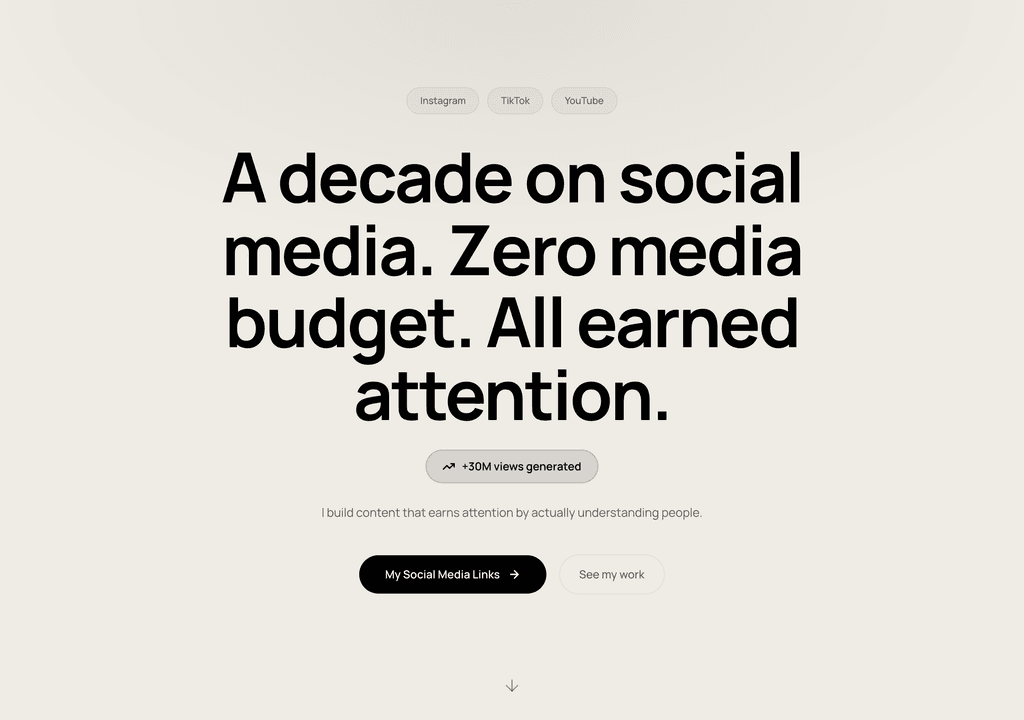
Steve Corbin Jr.
A social-media specialist's portfolio that turns a decade of earned attention into inbound clients.
Visit live site
J. Riley Brewington
A content specialist showcasing multi-platform growth, testimonials and a clear booking path.
Visit live site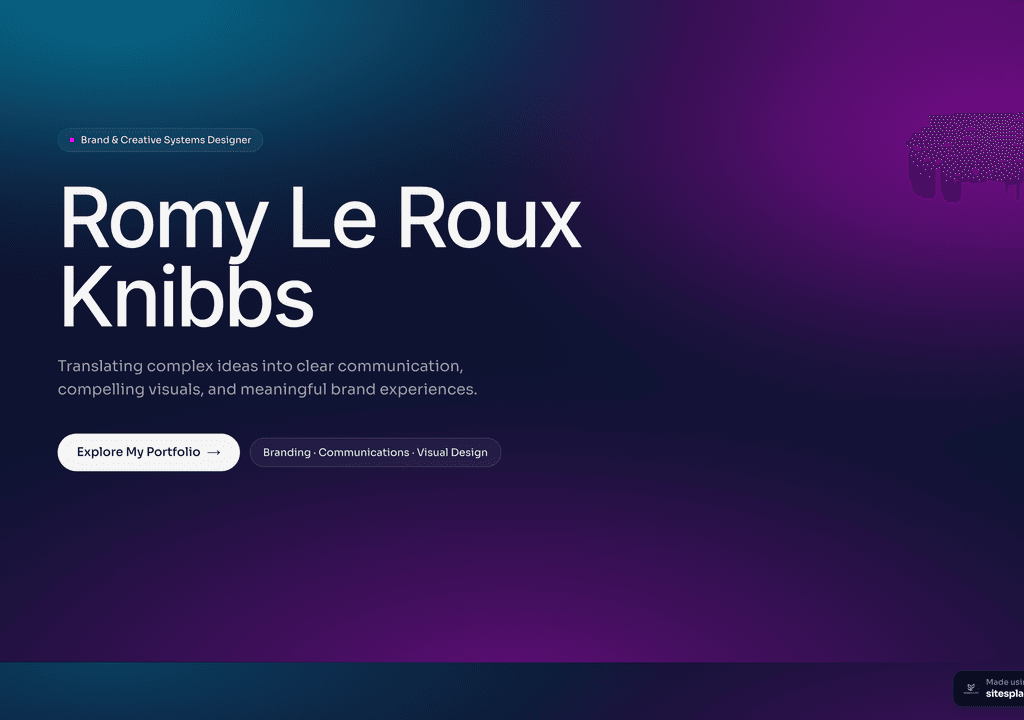
Romy Le Roux Knibbs
A brand & communications designer's portfolio — case studies in a polished, gradient-led layout.
Visit live siteGenerate your student portfolio in 60 seconds
Fill in four fields and watch a live preview build itself. When you like it, publish the real thing free on SitesPlaced — AI writes the first draft from your résumé.
No plan, no card. Publish at aisha-verma.sitesplaced.com
Portfolio
Aisha Verma
Software Engineer & Builder
VIT
About
Projects
Experience
Contact
Live preview · your real site is fully editable
What should 'free' actually include?
Before the rankings, a filter. A genuinely free portfolio builder should let you publish and share without ads or heavy branding, give you decent templates, and not paywall the basics like publishing or a clean link. Judge each option on these:
- ✓Can you publish and share for free — or only build, then pay to go live?
- ✓Are there ads or heavy platform branding on the free tier?
- ✓Are good templates included, or locked behind a plan?
- ✓Is it portfolio-grade, or does it look like a document?
- ✓How fast can you actually get live?
The best free portfolio builders, ranked
SitesPlaced
Best free builder for studentsBuilt for student and developer portfolios. Free to build AND publish for everyone with no ads, premium templates included, and AI that writes your content from your résumé. No coding, live in minutes on a username.sitesplaced.com URL with a small 'Made using sitesplaced.com' badge; students remove the badge forever with a one-time ₹99, or add a custom domain later.
Free to build & publish · premium includedBest for: Students and freshers who want a polished portfolio live fast, for free.GitHub Pages
Best for hand-coding developersFree hosting for a site you build yourself. Total control and the site itself shows your skills — but you write the HTML/CSS/JS, manage Git and deploys, and maintain it.
FreeBest for: Developers who want to code and control their own site.Carrd
Simple one-pagersGreat for quick single-page sites. The free tier is limited (branding, fewer features) and it is less suited to a full multi-section portfolio with rich projects.
Free tier + paidBest for: People who want a minimal one-page link.Wix
Flexible general builderPowerful and flexible, but the free tier shows ads and branding, premium templates and a custom domain need a paid plan, and it takes longer to configure for a portfolio specifically.
Free tier (ads) + paidBest for: People building a flexible general-purpose website.Notion
Quick and familiarYou can turn a Notion page into a basic portfolio quickly, but it looks like a document, lacks portfolio-grade design, and offers limited customisation and branding control.
FreeBest for: A fast, rough portfolio if you already live in Notion.
Free portfolio builders compared
| Feature | SitesPlaced | GitHub Pages | Carrd | Wix | Notion |
|---|---|---|---|---|---|
| Free to publish (no ads) | ✓ | ✓ | Limited | Ads | ✓ |
| Premium templates free | ✓ | DIY | ✗ | Paid | ✗ |
| AI writes content | ✓ | ✗ | ✗ | Limited | ✗ |
| No coding | ✓ | ✗ | ✓ | ✓ | ✓ |
| Portfolio-grade design | ✓ | DIY | Basic | ✓ | Doc-like |
| Time to live | Minutes | Hours | Minutes | Longer | Minutes |
Indicative comparison of free tiers for a student portfolio, June 2026.
See the #1 pick's templates
These recruiter-ready student portfolios are free to publish on SitesPlaced — open a demo and clone it.
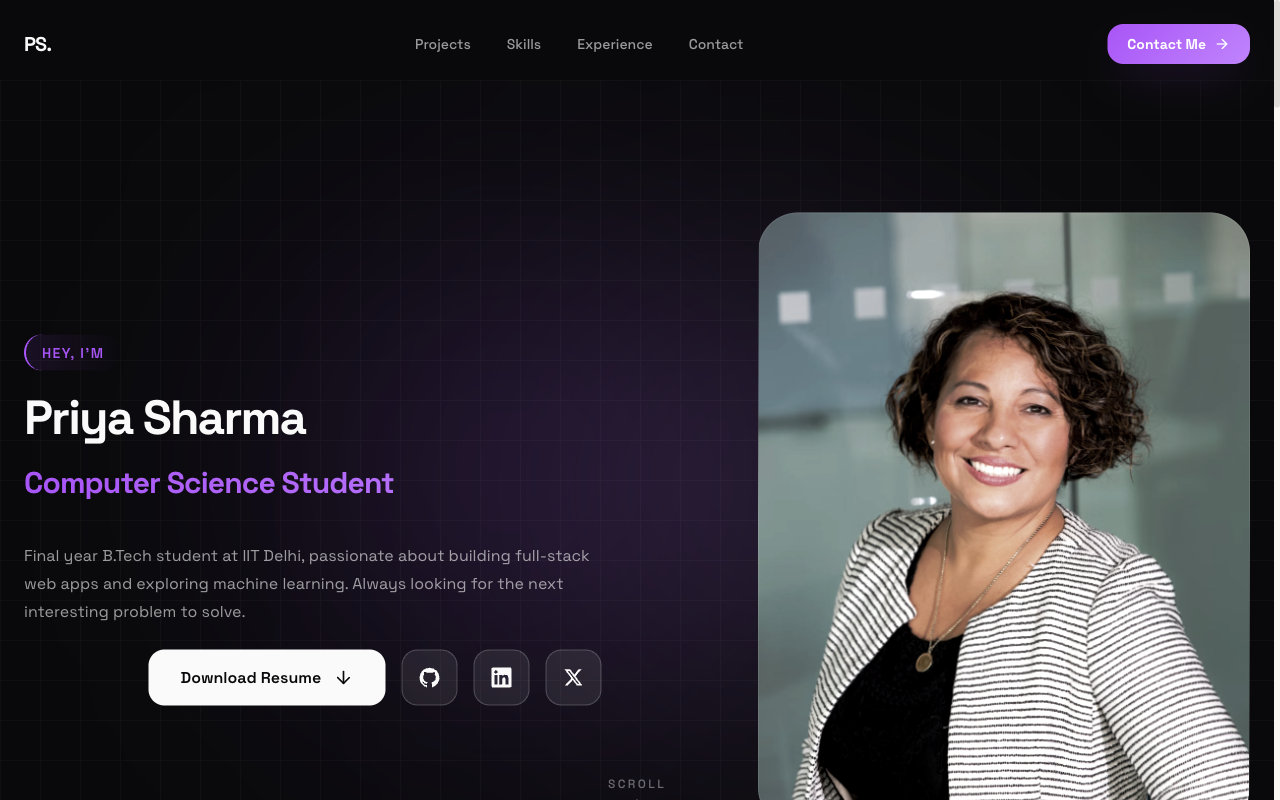 Popular
Flagship — Student Portfolio
Recruiter-friendly, projects-first layout. The safe, strong default for placements and internships.
View live demo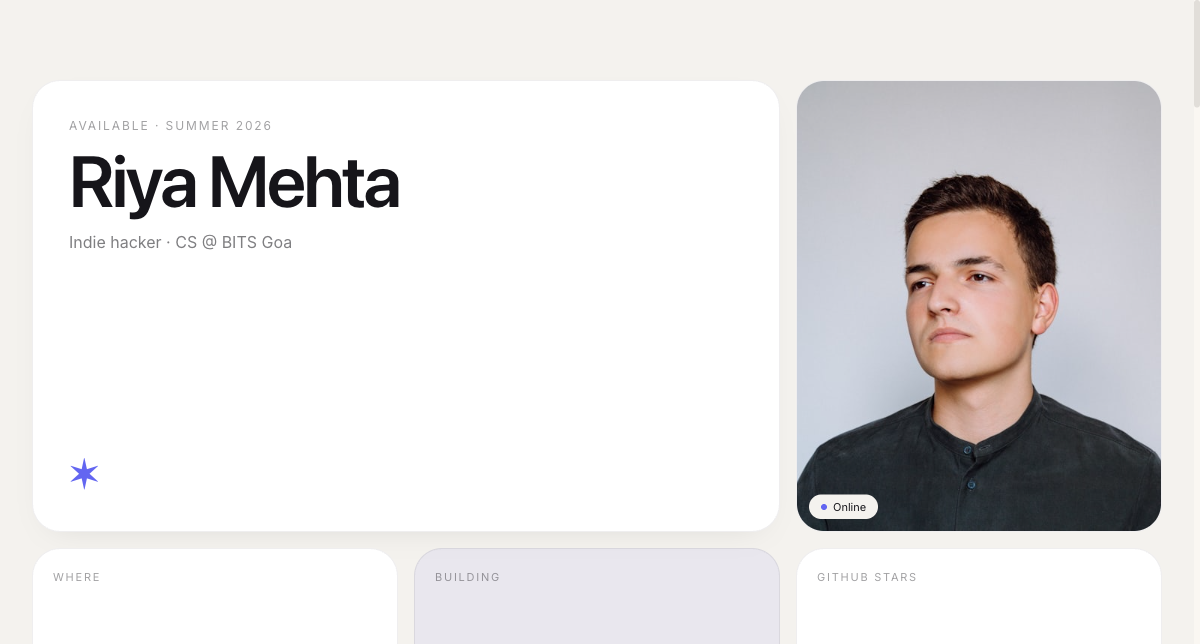 Modern
Bento Portfolio
Apple-style bento grid that organises skills, projects and links into tidy, scannable tiles.
View live demo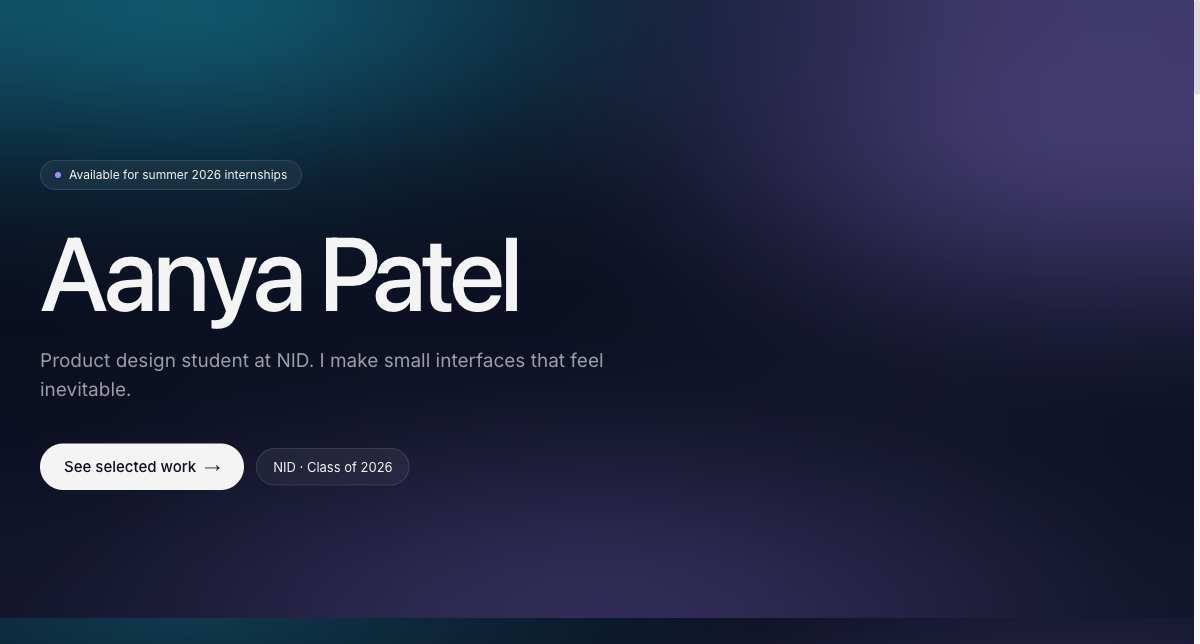 Creative
Aurora Portfolio
Soft-gradient, design-forward portfolio for students who want creative but still professional.
View live demo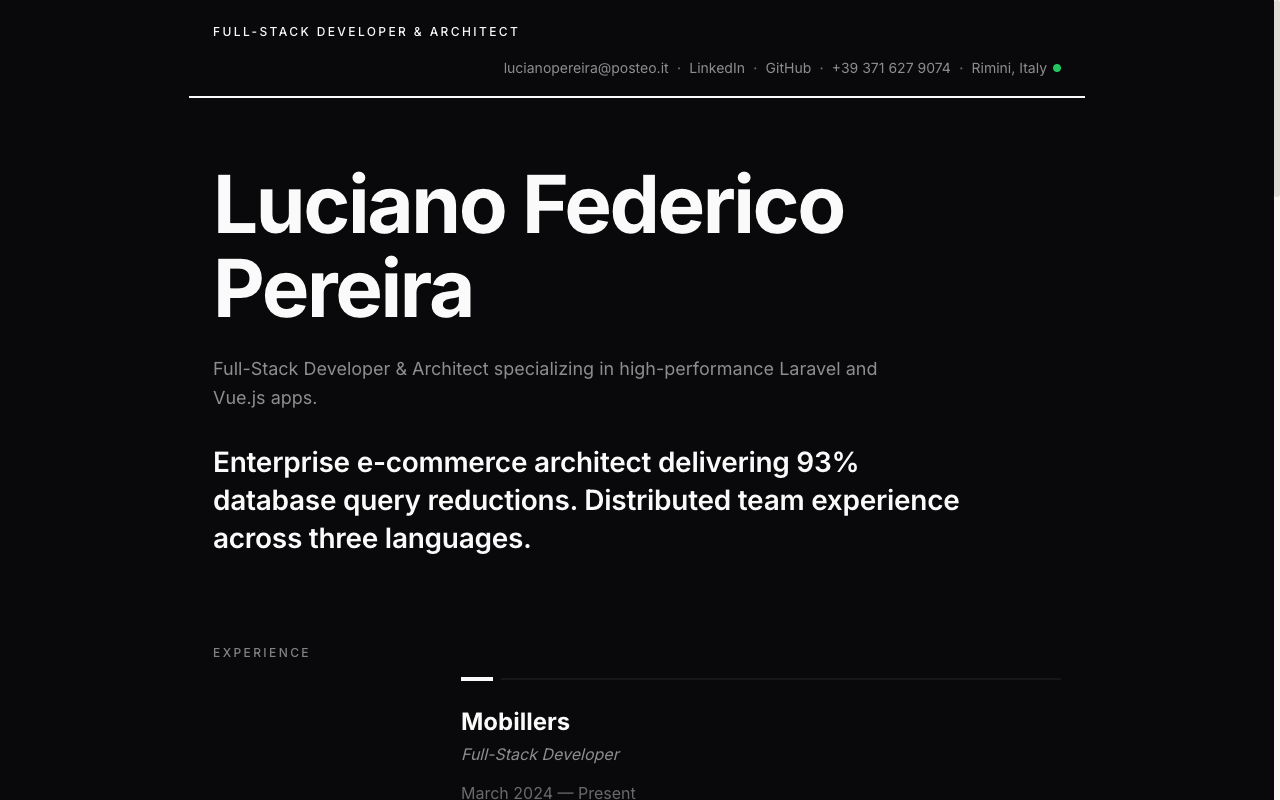 Resume
Resume Portfolio
Your CV as a website — a clean, linkable one-pager recruiters can skim in seconds.
View live demo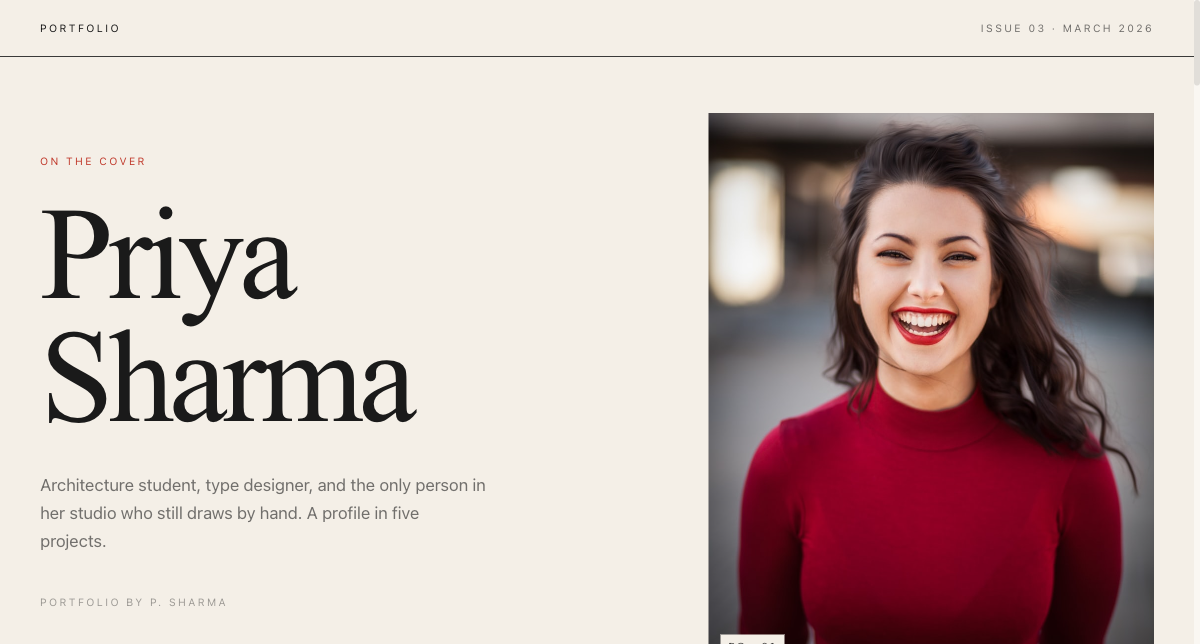 Editorial
Magazine Portfolio
Editorial magazine layout for design, media and communication students with a strong visual story.
View live demo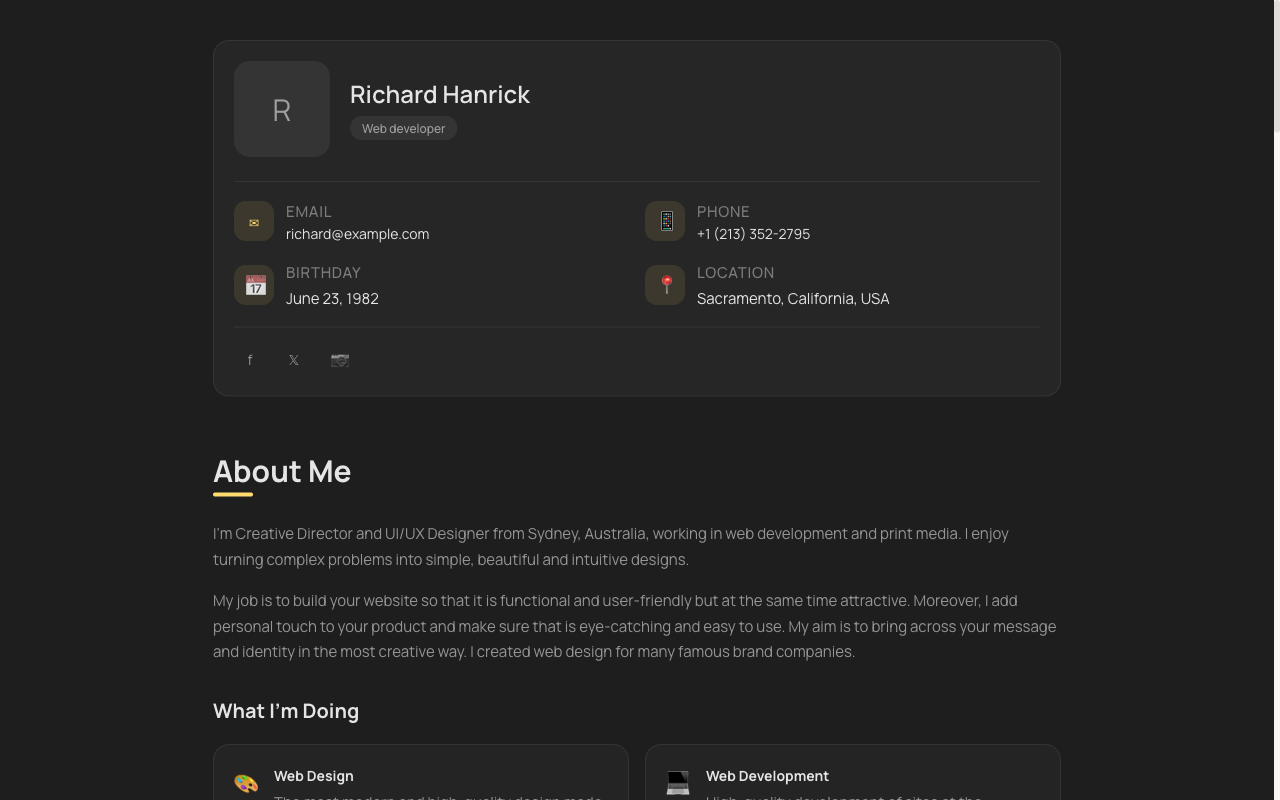 Minimal
vCard Portfolio
Compact digital visiting card — name, role, links and contact in one tidy, shareable page.
View live demoBuild your portfolio with the #1 free pick
Pick a recruiter-ready template, let AI write your content from your résumé, and publish at username.sitesplaced.com in minutes. Free to build and publish for everyone, premium templates included, no ads, no card; students remove the badge forever for a one-time ₹99.
Build my portfolio free →Frequently asked questions
What is the best free portfolio builder?
For students and freshers, SitesPlaced is the best free portfolio builder: free to publish with no ads, premium templates included, and AI that writes your content from your résumé. GitHub Pages is best if you want to hand-code; Carrd suits simple one-pagers; Wix is flexible but its free tier adds ads; Notion is quick but looks like a document.
Are free portfolio builders good enough for job applications?
Yes, if the result looks professional and your projects are clear. A free SitesPlaced portfolio uses premium, recruiter-ready templates with no ads, so it presents well to recruiters. What matters most is clear projects with working links — which a good free builder delivers.
What's the catch with 'free' portfolio builders?
Usually ads, platform branding, locked templates, or a paywall before you can publish or use a custom domain. SitesPlaced avoids this for everyone: free to build AND publish, premium templates included, no ads — just a small 'Made using sitesplaced.com' badge that students remove forever with a one-time ₹99. Always check whether 'free' means free to share, or just free to start.
Can I add a custom domain on a free builder?
On SitesPlaced you can start free at yourname.sitesplaced.com and add a custom domain whenever you want. Many other free tiers require a paid plan for a custom domain, so check before you commit.
Which free builder is fastest?
For a portfolio specifically, SitesPlaced is among the fastest — pick a template, let AI fill it from your résumé, and publish in minutes. Carrd and Notion are quick too but produce simpler results; GitHub Pages and Wix take longer.