


Diwali Instagram post ideas for a small business — a day-by-day plan to 8 November
Post in this order: launch your Diwali collection in the first week of October, share gift guides by budget in mid-October, show packing reels and real customer unboxings as orders go out, count down to your last order date, post on Dhanteras (Friday 6 November), send wishes with no selling on Diwali (Sunday 8 November), and say thank you after. Here is the plan, with what to post and why.
Key takeaway: count down to your order-by date, not to Diwali. Your order-by date is the last day you can take an order and still deliver before the festival, and it comes a week or more before 8 November. A countdown that ends on Diwali tells buyers they have more time than they do. Everything in this plan builds towards that date, then turns warm and personal once it has passed.
TL;DR
- • Early October: teaser, making-of reel, then the full collection with prices.
- • Mid-October: gift guides by budget (under ₹499, ₹999, ₹1,999) and by person.
- • Late October: packing reels, unboxings with permission, an FAQ carousel, the countdown.
- • Early November: last-order post, Dhanteras wish, Diwali wishes, then thank-you.
- • Every post: price in the caption, the Diwali category in your bio, a link sticker on Stories.
Before you post: three things to set up
- Your order-by date. Ask your courier, or Shiprocket or Shipmozo if you book through them, for their last hand-over date for delivery before Diwali. Subtract your packing time. In this plan we use Wednesday 28 October as an example; use your own.
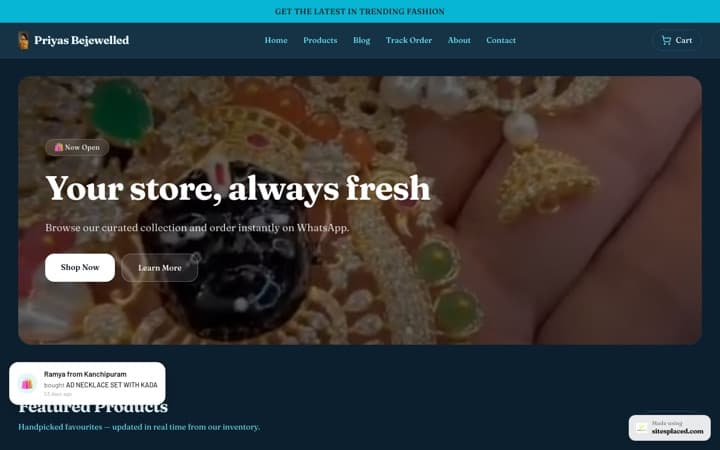
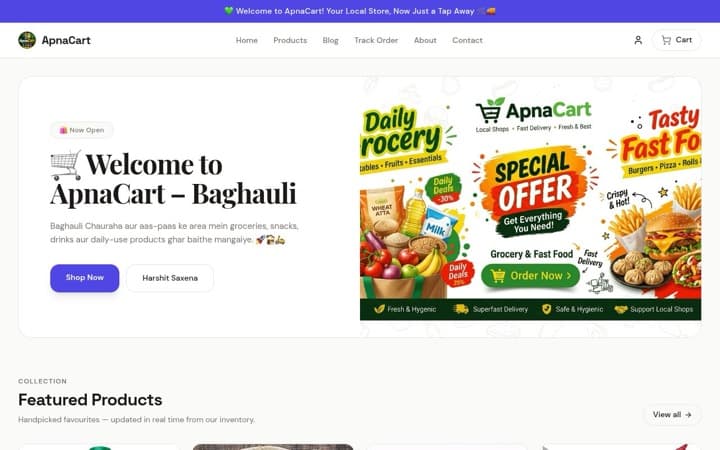
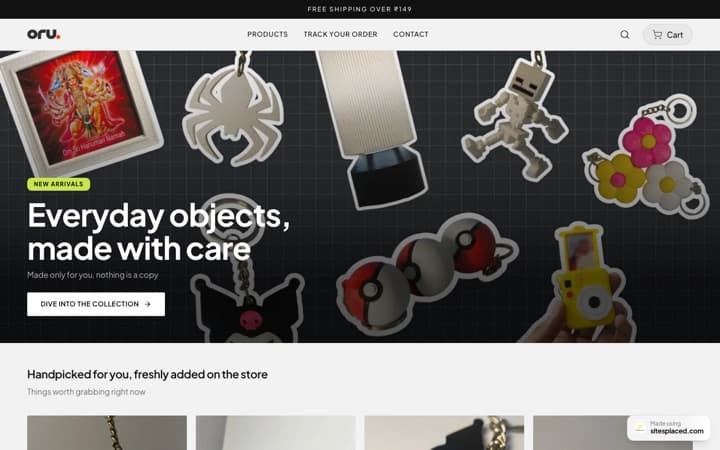
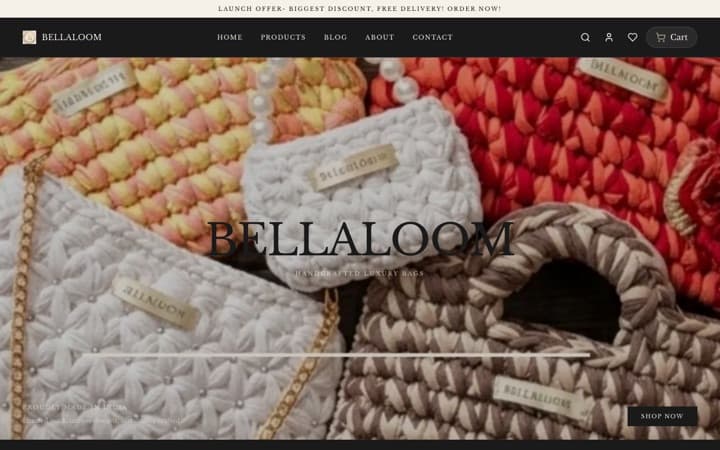
- One link for everything Diwali. Put your festive products in a “Diwali” category on your store. On SitesPlaced every category gets its own clean link, like
yourbrand.sitesplaced.site/diwali. That goes in your bio for five weeks. - A “Diwali” Story highlight. Every Story from the plan goes in it, so a new visitor can catch up in one tap.
For how to plan content in general (pillars, batching, a monthly calendar), see how to create an Instagram content calendar. This post is only the Diwali season.
The plan at a glance
| When | What to post | Why |
|---|---|---|
| Thu 1 – Sun 4 Oct | Teaser, a reel of you making or sourcing the collection, a Story poll on designs | Warm people up; learn what they like |
| Mon 5 – Sun 11 Oct | Collection launch carousel, one reel per bestseller, early-bird offer if you run one | Show everything, with prices |
| Mon 12 – Sun 18 Oct | Gift guides by budget and by person; pin the best one | Help people choose |
| Mon 19 – Sun 25 Oct | Packing reels, first customer unboxings, an FAQ carousel, your order-by date | Trust, and the deadline |
| Mon 26 Oct – your order-by date | Daily countdown Stories, a “last few days” post, styling reels | Urgency that is real |
| Your order-by date | The last-order-date post, pinned; update your bio line | Keep the promise |
| Fri 6 Nov | Dhanteras wish, plus what you can still deliver locally | A warm touch, honest dates |
| Sun 8 Nov | Diwali wishes. No selling | Be a person, not an advert |
| From Mon 9 Nov | Thank-you post, customer photos, what’s next | Turn buyers into followers |
A pace most one-person businesses can keep: three or four feed posts or reels a week, and Stories most days. Batch-shoot on one weekend in early October so you are not hunting for content in the busiest week.
1. Early October: the teaser and the launch
Start with a short reel of the collection being made, painted, packed or sourced. People who watch the making care more about the finished thing. Add a Story poll (“Gold or maroon?”) and use the answers; it also tells you what to stock more of.
Then the launch: a carousel with every Diwali product, one per slide, each with its price on the slide. Follow it with one reel per bestseller over the week. Caption example: “Our Diwali collection is here. Hand-painted diya sets from ₹349, candles from ₹299. UPI and cash on delivery. Order by Wed 28 Oct for delivery before Diwali. Link in bio → Diwali.”
2. Mid-October: gift guides by budget and by person
Diwali buyers are often shopping for someone else, with a budget already in mind. A carousel called “Diwali gifts under ₹999” answers their question before they ask it. Make three: under ₹499, under ₹999 and under ₹1,999. The cover slide says the budget in big type, each slide shows one product and its price, and the last slide says where to buy.
Then one guide by person: for your mother, for a sister who lives far away, for a colleague, a gift to take when you visit someone’s home. Pin the guide that does best to the top of your profile until your order-by date.
Make the link match the guide. A “Gifts under ₹999” category on your store means the buyer lands on exactly the products from the carousel. For hampers in these price bands, see how to sell Diwali gift hampers online.
3. Late October: packing reels, unboxings and the FAQ
Packing reels are the easiest content of the season: tissue, a handwritten note, the box closing, the stack of parcels. They show care, and they quietly tell people that orders are going out. Never show a customer’s name, phone number or address on a label in the video.
Customer unboxings. When a buyer tags you in a Story, ask if you can share it, then add it to your Diwali highlight. Only share what real customers sent, with their permission. Never stage one and pass it off as a customer’s.
An FAQ carousel answers the DMs you keep getting: When will it arrive? Is cash on delivery available? Can I add a gift message? Can I return it? Each slide one question. Post it with your order-by date on the last slide. Good packaging ideas for these reels are in Diwali packaging and gift-wrapping ideas.
4. The countdown and the last-order-date post
From about a week before your order-by date, post a short Story each day: “3 days left to order for Diwali delivery.” Instagram’s countdown sticker in Stories lets followers tap to be reminded when it ends, which suits a deadline well. Put a link sticker on each one.
On the day itself, a feed post with the date in big type: “Last day to order for delivery before Diwali: today, Wed 28 Oct.” Pin it. The next morning, change your bio line to say what happens now, for example “Orders now deliver after Diwali. Same-city delivery still open.” Say the same on your store, in the announcement bar at the top.
Honest deadlines are the only urgency you need. Don’t use fake “only 2 left” stickers or countdowns that restart; followers notice, and they remember.
5. Dhanteras, Diwali and after
Dhanteras (Friday 6 November): a wish first. If you can still deliver in your own city, or sell things that are welcome after the festival, such as jewellery or home décor, say so in one line with honest dates. Jewellery sellers have more to do that day; see Dhanteras sale ideas for a jewellery store.
Diwali (Sunday 8 November): wishes only. A photo of your workspace, your family or your hands with diyas lit, and two warm lines. No price, no link.
From Monday 9 November: a thank-you post to everyone who ordered, with customer photos you have permission to share. Then tell followers what comes next, whether that is a clearance of festive stock or your wedding-season range. That week is covered in what to do after Diwali.
Make every post easy to buy from
- Price in the caption. “DM for price” loses the buyers who won’t DM.
- Answer delivery and cash on delivery in the caption or the FAQ carousel.
- Link the exact product from Stories with a link sticker; keep the Diwali category in your bio.
- A few relevant hashtags, not thirty. See the best hashtags for online stores.
When a reel does well, many people tap the link at once. On every paid SitesPlaced plan (Starter at ₹199/month and up), your store’s pages are kept ready close to shoppers and answer about 4× faster than on the free plan: about 75 ms instead of about 330 ms, measured on live paid stores on 28 September 2026. “Answer” means the moment the page starts arriving on the phone, before the photos load. Your edits and stock changes still show at once.
Short on time for creatives? On the AI Co-founder plan (₹1,499/month), the creative studio’s Diwali gifting style turns one phone photo of your product into a festive 4:5 post, with lit diyas and marigolds around it and your headline and offer written on it, and the carousel builder makes gift-guide slides. Check every image before you post it. More in Instagram carousel posts with AI and your Diwali campaign, planned by AI.
Frequently asked questions
What should a small business post on Instagram for Diwali?
In order: a collection launch in early October, gift guides by budget and by person in mid-October, packing reels and real customer unboxings as orders ship, a countdown to your last order date, a Dhanteras post, Diwali wishes with no selling, and a thank-you post after. Put the price in every caption and link your Diwali category in your bio.
When should I start posting Diwali content?
In the first week of October. Diwali is on Sunday 8 November 2026, but your real deadline is your order-by date, the last day you can take an order and still deliver before Diwali. That is usually late October, so buyers need to see your products for two or three weeks before it.
How often should I post before Diwali?
Pick a pace you can keep for five weeks: for most one-person businesses, three or four feed posts or reels a week and Stories most days. A plan you keep beats a daily plan you abandon in week two.
What is a good Diwali caption for a small business?
Say what it is, the price, the last date to order for Diwali delivery, and where to buy. For example: “Hand-painted diya set of 6, ₹549. Order by Wed 28 Oct for delivery before Diwali. Link in bio → Diwali.” Add a few relevant hashtags at the end, not a wall of them.
Should I post a sale on Diwali day?
No. Post wishes only. An order placed on Diwali can’t arrive in time to be used for it, and a sales post on the day reads as tone-deaf. A warm photo of your workspace or family with diyas lit does more for the brand.
How do I turn Diwali posts into orders?
Make buying one tap away. Link your Diwali category in your bio, use a link sticker in Stories that goes to the exact product, and answer price, delivery date and cash on delivery in the caption, so people don’t have to DM and wait.
Give your Diwali posts a link worth tapping
Build a free store with a Diwali category, prices, UPI, cash on delivery and WhatsApp checkout, and put its link in your bio. 0% commission, always.