


What to do after Diwali — your online store’s first week after the festival
The week after Diwali, from Monday 9 November 2026, has five jobs: sort out returns, exchanges and late parcels quickly; thank every buyer and ask for a review once they have used what they bought; give festive buyers a reason to come back; clear or store leftover festive stock; and get the store ready for the wedding season that follows. None needs a budget. Most take an afternoon.
Key takeaway: the festive season doesn’t end when the orders stop. It ends when every problem is solved and every buyer has heard from you. A calm, quick answer to a broken diya or a late parcel is what makes someone buy from you again. Then turn your festive buyers, most of them gift buyers, towards the wedding season, and write down what you learned while you still remember it.
TL;DR
- • Problems first: answer every return, damage report and late parcel within a day.
- • Thank, then ask: a thank-you after delivery; a review request a few days later.
- • Bring them back: a private thank-you code, a loyalty card, and something new for weddings.
- • Leftovers: keep year-round stock at full price, store the Diwali-only pieces, clear what won’t keep.
- • Look back: one page of notes for next Diwali, written this weekend.
The week, day by day
| Day | Job |
|---|---|
| Mon 9 Nov | Go through every return, exchange, damage report and late parcel. Reply to each one. |
| Tue 10 Nov | Send thank-you messages to buyers whose orders have arrived. |
| Wed 11 Nov | Count leftover stock and sort it into keep, store and clear. |
| Thu 12 Nov | Put the clearance live. Archive Diwali-only products. |
| Fri 13 Nov | Ask for reviews from buyers who have had their order for a few days. |
| Sat 14 – Sun 15 Nov | Write down what you learned. Switch the store’s front page to the wedding season. |
The days around Diwali are still festive for many families, so keep the first messages of the week warm and short, with no selling.
1. Returns, exchanges and late parcels
Answer every request within a day, even if the answer is “I’m checking with the courier”. Follow the policy you published before the season, and be a little more generous than it requires where the fault was yours or the courier’s. The usual festive cases:
- Damaged in transit. Ask for a photo or the unboxing video, then replace or refund. Don’t argue over a ₹300 diya set; the buyer will remember how you handled it far longer than the diyas.
- Arrived after Diwali. Apologise first. Offer a choice: return it, or keep it with a small credit for next time. A private coupon code works as that credit (below).
- Wrong size or colour. Offer an exchange. If the gift went to someone else, the recipient may be the one asking; the order number is all you need.
- Can’t be returned. Food and personalised items usually can’t, but only if you said so before they paid. If you didn’t, treat it like any other return this year and add the line to your policy for next year.
Refund prepaid orders through your payment gateway’s dashboard (Razorpay, PhonePe or Cashfree), and cash-on-delivery orders by UPI to the buyer. Keep a simple log of each case: order number, reason, what you did. If your policy page was vague, rewrite it now with the free return policy generator, or start from our return and refund policy template.
2. Say thank you, then ask for a review
Send a short thank-you a day or two after each order arrives. Wait a few more days for the review request, until people have used what they bought and the festive rush has passed. Ask once, with a direct link, and ask for an honest review. Never pay for good reviews or offer a discount only for five stars. Ready-to-copy wording for both is in Diwali WhatsApp messages for customers.
On SitesPlaced, product reviews are part of the Growth plan (₹499/month). With them switched on, a buyer who gave an email gets a review link when you, or your courier, mark the order delivered, and every order has a Copy review link button for WhatsApp. You approve reviews before they show, and approved ones can bring star ratings to your products in Google results. Reviews collected now are what next Diwali’s first-time buyers will read. More in how to collect product reviews.
3. Turn festive buyers into repeat buyers
Diwali buyers are often gift buyers, and they have more gifts to buy before the year ends: weddings, birthdays, the next festival. Some of the people who received your gifts are new customers too. Give both a reason to come back:
- A private thank-you code. For example THANKYOU10, 10% off with an expiry date at the end of December, sent only to Diwali buyers. On SitesPlaced, coupons are free and private unless you tick Show this code on the store, so only the people you send it to see it.
- A loyalty card. On Growth, the loyalty programme can give a stamp for every paid order (you can set a minimum order value), matched to the buyer’s phone number. A full card earns a reward the buyer types at checkout like a coupon, and a cancelled order takes its stamp back. It works for online orders and for scans at a counter, if you also have a shop.
- A list you own. Newsletter sign-ups on your store are free and land in your Subscribers tab. Ask buyers if they would like to hear about new products, and message only the ones who say yes.
The full, year-round version of this is in how to get repeat customers for your online store, and stamp card design is in a QR stamp card customers actually use.
4. Clear or store leftover festive stock
Count what is left, then sort it into three piles. The mistake to avoid is putting everything on sale: a discount on things that sell all year only teaches buyers to wait for your next sale.
| Pile | What goes in it | What to do |
|---|---|---|
| Keep selling | Sells all year: brass diyas, candles, jewellery, everyday décor | Leave at full price. Discounting it teaches buyers to wait. |
| Store for next year | Keeps well but only sells at Diwali: painted diyas, Diwali-motif torans, rangoli kits, Diwali cards | Pack dry and labelled. Archive the products; restore them next October. |
| Clear now | Won’t keep: sweets, dry-fruit boxes near their best-before, anything seasonal you won’t store | Mark down this week, never past the best-before date. |
For the clearance pile, set a sale price with the original shown struck through (free on SitesPlaced), and put the items in one “Last few” category so you can share a single link. Never go below what an item cost you plus the delivery you pay; check with the free profit margin calculator. Bundling two or three slow items into one set often moves them without a deep cut.
For the store-for-next-year pile, don’t delete the products. Archive hides a product from your store and keeps its photos, description and price ready; next October, Restore to store brings it back in one tap.
5. Get ready for the wedding season
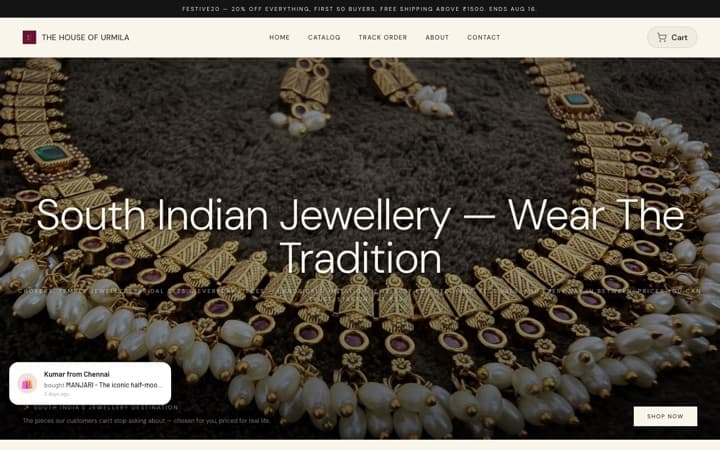
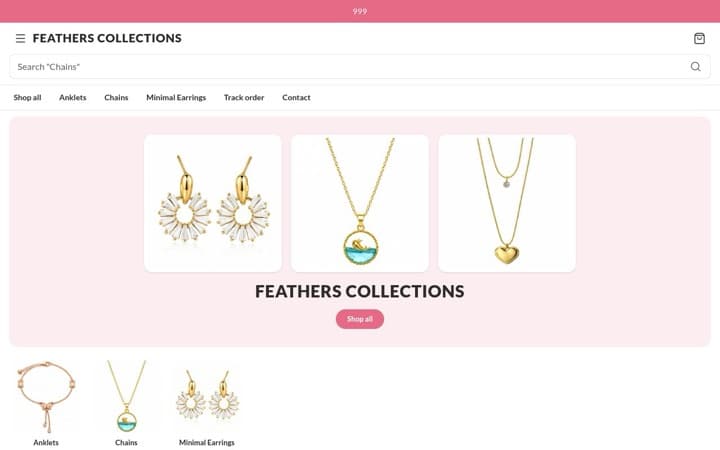
The wedding season follows Diwali, and a lot of what you sold for the festival carries straight over: jewellery, ethnic wear, dry-fruit boxes, hampers that become return gifts and favours, shagun envelopes, torans, urlis and lanterns.
- Swap the front of the store. A new banner, a “Wedding gifts” or “Return gifts” category in place of “Diwali”, and a new line in the announcement bar.
- Reshoot the top sellers with wedding styling: marigold garlands and mehendi hands instead of diyas and rangoli.
- Get ready for bulk. Return-gift orders come in tens and hundreds, with deadlines. They work much like corporate orders, which are covered in how to win and deliver corporate gifting orders.
If Diwali showed you the store is worth investing in, this is a good week to move to your own domain. Starter (₹199/month) adds it, removes the SitesPlaced badge, and keeps your store’s pages ready close to shoppers, so they answer about 4× faster than on the free plan: about 75 ms instead of about 330 ms, measured on live paid stores on 28 September 2026. “Answer” means the moment a page starts arriving on the phone, before photos load. Code FREE7 gives 7 days free when you set up autopay; cancel before the first charge and you pay nothing.
6. Write down what you learned
Next October you will not remember which diya design sold out in four days, or which courier lost two parcels. Write one page this weekend:
- • What sold out, and when. What barely sold.
- • Which posts, reels or messages brought orders.
- • Your real order-by date, and whether the courier kept to it.
- • How many cash-on-delivery parcels came back, and why.
- • What went wrong in packing, and what you changed.
Your Orders tab has every order on every plan. Starter adds store analytics (visits, where they came from, top products), which shows which links actually brought people. On the AI Co-founder plan, a Monday digest emails you your numbers with five suggestions. Next year, start from your notes and the Diwali checklist.
Frequently asked questions
What should an online store do after Diwali?
Five jobs, in order: handle returns, exchanges and late parcels quickly; thank every buyer and ask for a review once they have used what they bought; give festive buyers a reason to come back; clear or store leftover festive stock; and switch the store to the wedding season. Diwali 2026 is on Sunday 8 November, so this is the week from Monday 9 November.
How do I handle returns after Diwali?
Reply to every request within a day and follow the policy you published. Replace or refund anything damaged in transit (ask for a photo or unboxing video), offer exchanges for size or colour, and be generous with parcels that arrived after Diwali. Refund prepaid orders through your payment gateway and cash-on-delivery orders by UPI, and keep a simple log of each case.
When should I ask Diwali customers for a review?
A few days after delivery, once they have used the product and the festival rush is over, usually in the week after Diwali. Ask once, with a direct link, and ask for an honest review. Never pay or give discounts only for good reviews.
Should I put leftover Diwali stock on sale?
Only what won’t keep or won’t sell again until next Diwali, and only if you don’t want to store it. Products that sell all year should stay at full price. Never mark anything below what it costs you plus delivery, and never sell food past its best-before date.
How do I get Diwali customers to buy again?
Make the first order good, say thank you, and give them a reason to return: a private thank-you code with an expiry date, a loyalty stamp card, and new products for the wedding season. Diwali buyers are often gift buyers, and they have more gifts to buy before the year ends.
What sells after Diwali?
The wedding season follows Diwali, so jewellery, ethnic wear, return gifts and favours, shagun envelopes, dry-fruit boxes and décor keep selling. Year-round products like candles and brass diyas carry on too. Refresh your photos, banner and categories for weddings instead of Diwali.
Keep the festive buyers coming back
Private thank-you codes, sale prices and archiving are free on every SitesPlaced store. Growth adds reviews with Google star ratings and a loyalty programme; Starter adds your own domain and faster pages.