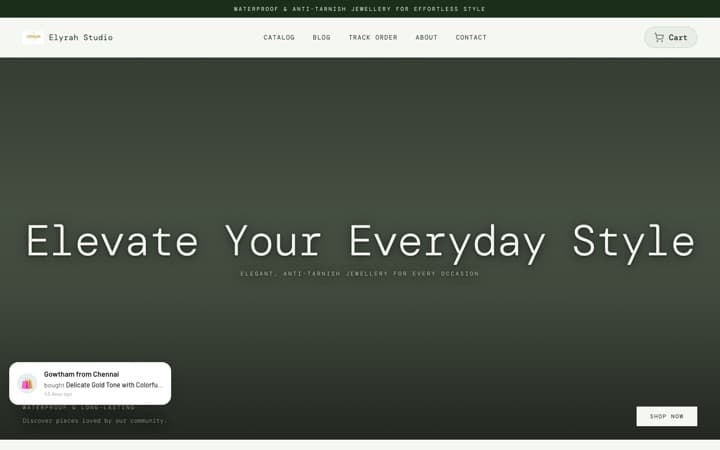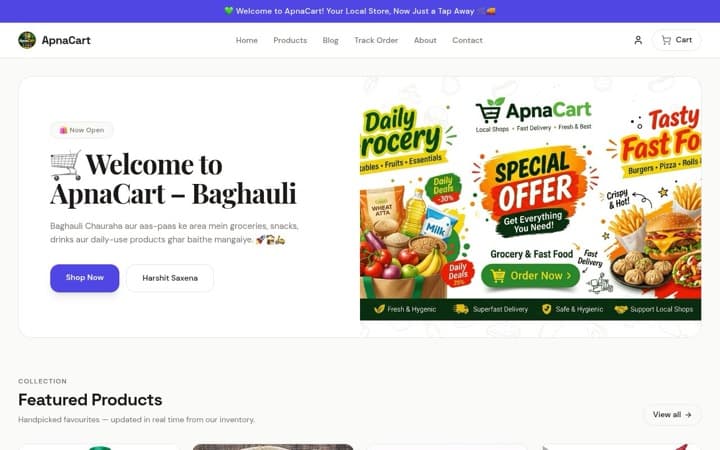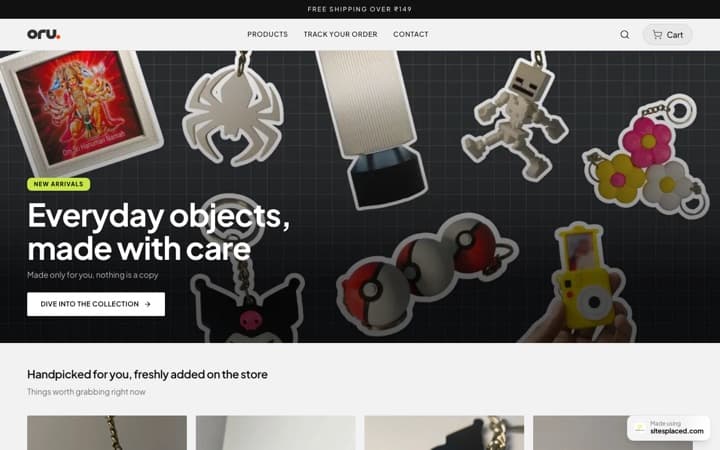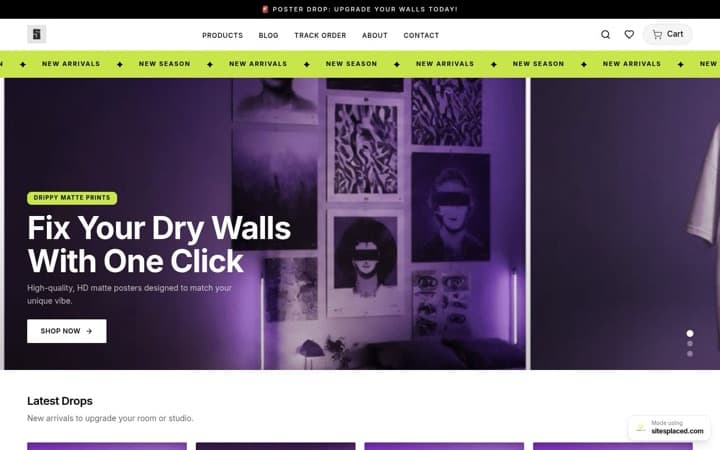



Instagram carousel posts with AI: slides, copy and caption from one topic.
A carousel is the Instagram post people save. A single photo gets a like and is gone; a carousel that explains something (five reasons, a sizing guide, a gifting list) gets saved for later and sent to a friend, and saves and shares are what Instagram has said it looks at when deciding how far a post travels. The catch is the work: seven slides is seven designs. The carousel builder in SitesPlaced AI Co-founder takes one topic and returns the slide copy, the rendered slides in one consistent style, and a caption with hashtags. This guide covers what to make, how the builder works, what it costs and how to post it.
Why carousels earn saves and shares
Instagram's head has said publicly, more than once, that sends (a post shared in a DM) are one of the strongest signals the app uses to decide what to show more people, and that saves matter too. A carousel is built for both. A post that lists seven Diwali gifts under ₹999 is worth saving because you will want it in October; a post that explains how to wash a handloom saree is worth sending to the friend who just bought one. A single product photo is rarely either.
There is a mechanical reason as well. Instagram has described showing a carousel a second time to someone who scrolled past it, starting from a later slide. A carousel gets more than one chance; a photo gets one.
For a seller, carousels also solve a quieter problem: what to post when there is no new product. A store with twenty products has twenty things to explain, and every explanation is a carousel. The sizing guide, the care instructions, the how-it-is-made, the five reasons. None of that needs a new photoshoot.
Eight carousel ideas for a seller
Each of these is a topic you can type into the builder more or less as written. The slide plan is what a good version looks like; the builder decides the exact split for the slide count you choose.
| Idea | Topic you type | Slide plan | Best for |
|---|---|---|---|
| 5 reasons | "5 reasons our cold-pressed groundnut oil is different" | Slide 1 hook, slides 2–6 one reason each, slide 7 CTA | Any product with a real point of difference: ingredients, process, material, origin |
| How it's made | "How our terracotta planters are made, from clay to kiln" | One step per slide, in order, ending on the finished piece | Handmade, food, textiles, anything with a process buyers do not see |
| Before and after care | "How to care for a handloom saree so it keeps its colour" | The mistake, then the right way, then a checklist slide | Sarees, jewellery, leather, plants, woodwork |
| Sizing guide | "How to pick your size in our cotton kurtas: bust, length, fit" | One measurement per slide, a how-to-measure slide, a size table | Clothing, footwear, rings, bangles |
| Festival gifting list | "7 Diwali gifts under ₹999 from our store" | One product per slide with its real price, a CTA slide with the store link | Every store, every festival: Diwali, Rakhi, Eid, Christmas |
| FAQ | "The 5 questions we get asked most in DMs: COD, delivery time, returns, sizing, customisation" | One question and its answer per slide | Any store that answers the same DMs every day |
| Behind the scenes | "A packing day at our studio: how every order goes out" | Sourcing, making, checking, packing, shipping | Small brands where the maker is the brand |
| Customer proof | "What buyers said about our brass diyas" | One review per slide, quoted exactly, with the buyer's first name | Only with real, approved reviews from your store, with the buyer's permission. Never write one. |
Customer proof means real customers
The builder will write whatever topic you give it, including "testimonials". Do not. Use the reviews sitting in your store's Reviews tab (verified purchases, approved by you) and paste them in the topic box word for word. A carousel of invented praise is a fake testimonial, and it is the first thing a sharp buyer checks against your product page.
How the carousel builder works
The builder lives under AI Co-founder → Carousels in the store dashboard. The whole flow is one form and one button.
- Type the topic. One line. "5 reasons our cold-pressed oil is different" is the example the form shows. The more specific the topic, the better the slides: name the reasons, the steps or the products yourself if you already know them.
- Choose the number of slides. 3 to 7. The dropdown shows the credit price next to each option: 3 slides is 36 credits, 5 slides is 60, 7 slides is 84. A slide is 12 credits, which is standard image quality.
- Pick a style. Bold text slides puts a large headline on a solid brand-colour background with small geometric accents and no photos, so it reads instantly in the feed. Product + text slides places your product photo in the lower half of every slide with the message above it, rendered with consistent lighting and framing so the slides match. Pick the product for the second style; its cover photo is the reference.
- Press Generate. The builder writes the copy for every slide first, then renders each slide. It tells you to expect about 15 seconds a slide, so a five-slide carousel is a little over a minute.
- Review the slides. Each slide appears as a 4:5 image with its headline. If a slide fails to render, its tile says so and the credits for that slide are returned; the rest of the carousel is unaffected.
- Copy the caption and hashtags. Below the slides is the caption with a one-tap Copy button that grabs the caption and the hashtags together, ready to paste into Instagram.
- Post from your phone. Download the slides and post them from the Instagram app in order. The builder does not post to Instagram for you; you keep the publish button.
| Style | What the slides look like | Best for |
|---|---|---|
| Bold text slides | One large, crisp headline per slide on a solid background in your brand colour (warm off-white if you have not set one), a smaller supporting line beneath, your store name in a corner. No photos. | Reasons, FAQs, care guides, sizing: anything where the words are the point |
| Product + text slides | Your product in the lower half on a clean neutral or brand-tinted background, the headline in the upper half, the same framing on every slide. | 5 reasons, gifting lists, how-it-is-made: anything where the product should be seen on every slide |
Both styles share the same rule as the rest of the creative studio: the text on the slide is rendered exactly as written, and where a product photo is used it is kept identical in shape, colour and label. Read every slide before you post; text rendering is good now but a long line can still slip.
Posting tips
- The first slide is the hook. It is the only slide most people see, and it decides whether they swipe. A number and a promise ("5 reasons", "7 gifts under ₹999") outperform a title. If the builder's first slide reads like a heading, regenerate with a topic that starts with the hook.
- The last slide is the call to action. Say where to buy and how: "Shop at [your store link], or DM us". Put the store link in your bio and say "link in bio" in the caption too, because Instagram does not make links in captions clickable. A custom domain is easier to remember than a subdomain; the Growth plan includes one.
- Four to six hashtags. Specific ones (#handloomsaree, #diwaligifting, #homemadepickle) beat huge ones (#love, #instagood). The builder gives you a set; trim it to the ones that describe the post. More on that in the best Instagram hashtags for online stores.
- Post when your buyers are awake. Check your own insights before trusting any general rule; the starting points are in the best times to post on Instagram.
- Reuse the slides. A good carousel is five Stories the following week, one slide at a time. Instagram fits a 4:5 slide on the Story canvas with a background fill; add the link sticker to the product beneath it. Bold text slides work especially well this way.
- Plan them. One carousel a week, four a month, is a realistic rhythm for a one-person store. A month of topics fits on one line of a calendar: how to create an Instagram content calendar.
What to avoid
- Too many words per slide. A slide is read in a second. If the builder returns a paragraph on a slide, your topic was too broad; split it into two carousels.
- Seven slides of filler. Pick 3 if you have three things to say. A carousel that runs out of content by slide four gets abandoned, and abandonment is a signal too.
- Mixing styles in one post. All slides in a carousel come from one style so they match. Do not combine a Bold text run with slides from another tool; the change in look reads as a change of author.
- Invented reviews, invented numbers. "Loved by 10,000 customers" when you have shipped 400 orders is a claim you cannot support, and the builder will render it if you type it. Use numbers from your Orders tab or none.
- Posting unchecked. Read every slide for spelling and for the product. It takes thirty seconds.
- The same carousel twice. Reposting a carousel that did well is tempting; it also trains your followers to skip you. Make the sequel instead: "5 more reasons".
What a carousel costs
A slide is 12 credits, and one credit is ₹1 of face value. SitesPlaced AI Co-founder includes 1,500 credits every month for ₹1,499, alongside everything in the ₹499 Growth plan.
| Carousel | Credits | ≈ Rupees |
|---|---|---|
| 3 slides | 36 | ₹36 |
| 5 slides (the default) | 60 | ₹60 |
| 7 slides | 84 | ₹84 |
| A month of four 5-slide carousels | 240 | ₹240 |
| A month of eight 5-slide carousels | 480 | ₹480 |
Eight carousels a month leaves 1,020 credits for ad creatives, agent messages, product copy, a campaign plan and an SEO audit. The full table is in AI credits explained.
The price is shown next to the button before you press it, the balance updates when the carousel lands, and any slide that fails to render has its 12 credits returned. Top-up packs, if you need more in a festival month, are 500 credits for ₹499, 1,000 for ₹999 and 2,500 for ₹2,499, and they never expire while you are subscribed.
If you only need the caption
Sometimes the slides already exist, shot on your phone, and what is missing is the words. Bloom, the growth agent, writes Instagram captions and hashtags from your real products for 1 credit a message. Ask it in the agent chat: "Write a caption for a carousel about how our planters are made, ending with a link-in-bio CTA." It writes; you post. The agents are described in the AI marketing assistant for WhatsApp and Instagram.
Any SitesPlaced store owner can subscribe from the pricing page or from the AI Co-founder tab in the store dashboard. Payment is in place, through Razorpay in India and Dodo elsewhere, and sellers on the Growth plan who upgrade keep everything they have.
FAQs
How many slides should an Instagram carousel have?
Five is a good default and is what the builder starts on. Use three for a quick tip or a single announcement, and seven for a guide that genuinely has seven parts, such as a gifting list. The builder allows 3 to 7. More slides only help if every slide earns the next swipe.
Does the builder post the carousel to Instagram for me?
No. It gives you the rendered slides to download, plus the caption and hashtags to copy. You post from the Instagram app, in the order you want, at the time you want. Scheduling and auto-posting are not part of the product today.
Can I edit the slide copy before it renders?
Not in the middle of a run; the builder writes the copy and renders the slides in one go. You steer it with the topic. If you already know your five reasons or your seven products, put them in the topic box and the slides follow. If a slide's wording is off, regenerate with a more precise topic.
What does one carousel cost in credits?
12 credits a slide, so 36 for three slides, 60 for five and 84 for seven. One credit is ₹1 of face value, and the plan includes 1,500 credits a month. The price is shown in the dropdown next to each slide count before you generate.
Can the slides use my own product photo?
Yes. Choose the Product + text slides style and pick the product; its cover photo becomes the reference, and every slide places it in the lower half with the message above. The product is kept identical in shape, colour and label, and the framing is consistent so the slides match. Bold text slides use no photo at all.
What happens if a slide fails to render?
That slide's tile says it failed and its 12 credits are returned automatically. The other slides are unaffected, and you can generate again. A slide that renders but that you dislike is charged, so make the topic specific before you press the button.
One topic in, a carousel out.
SitesPlaced AI Co-founder is ₹1,499 a month with 1,500 credits: the carousel builder, the creative studio, the campaign planner, four agents and everything in the Growth plan. Every price is shown before you press the button.
See the AI Co-founder →