


How to use Instagram Stories to sell more — the swipe-to-store play
Stories are where your warmest audience already lives — people who chose to tap through, frame by frame. Here's how to turn that attention into orders with link stickers, teasers and countdowns that all point to one place: a store you own.
The short version: hook with a teaser → build intent with polls and behind-the-scenes → drop a link sticker to a real product page. Stories create the desire; your SitesPlaced store takes the order with UPI, COD and WhatsApp checkout built in.
Why Stories outsell almost everything else
Feed posts and Reels are top-of-funnel — they find new people. Stories are bottom-of-funnel — they convert the people who already follow you. That's the crucial difference. A Story viewer has actively tapped to see your next frame; they're leaning in, not passively scrolling. That intent is gold for a seller, and it's exactly why Stories deserve a real strategy instead of random reposts.
The catch: a Story disappears in 24 hours and a view evaporates the moment someone taps away. If there's no clear next step, you've entertained them for free. The link sticker is the bridge from "nice product" to "I bought it" — and where that link points decides whether you actually get paid.
Five Story plays that convert
The teaser → reveal
Open with a close-up that hides the full product ('guess what just landed'), then reveal it on the next frame with a link sticker to that exact product page. Curiosity earns the tap; the link earns the sale.
The poll → product
Ask a two-tap question ('Black or beige?') to get fast engagement, then immediately show the winner with a link to buy. Polls warm up the algorithm and tell you what to stock more of.
The countdown drop
Add a countdown sticker for a restock or limited batch. People can tap to get reminded, so they return when you go live — and your link sticker sends them straight to the product when the timer ends.
Behind-the-scenes trust
Show packing, making or sourcing. This is where small sellers beat big brands — buyers feel they know you. Close the Story with a link to the collection they just watched you make.
The customer proof
Reshare a customer photo or message (with permission), add 'order yours,' and link the product. Social proof on Stories quietly removes the 'is this real?' doubt before they even reach checkout.
The link sticker is only as good as where it lands
Here's the part that quietly kills sales: most sellers send the link sticker to their DMs. "Swipe up and DM me to order." It feels personal, but it doesn't scale — you're now manually quoting prices, confirming sizes and chasing addresses across dozens of chats, and orders slip through the cracks at exactly the moment buyers are most ready.
Instagram is a discovery channel. It's superb at building desire in a 15-second Story. But it doesn't give Indian sellers a real checkout — no native UPI, no Cash on Delivery, no structured order capture, and no ownership of the customer. Send a Story link into a DM and you've poured high-intent traffic into a bucket with a hole in it.
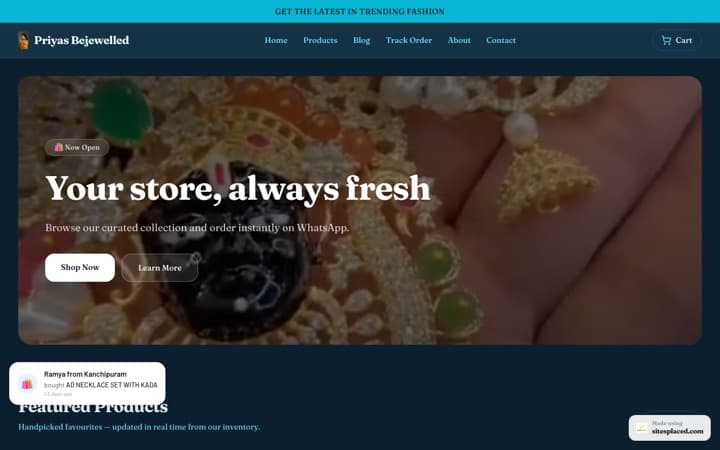
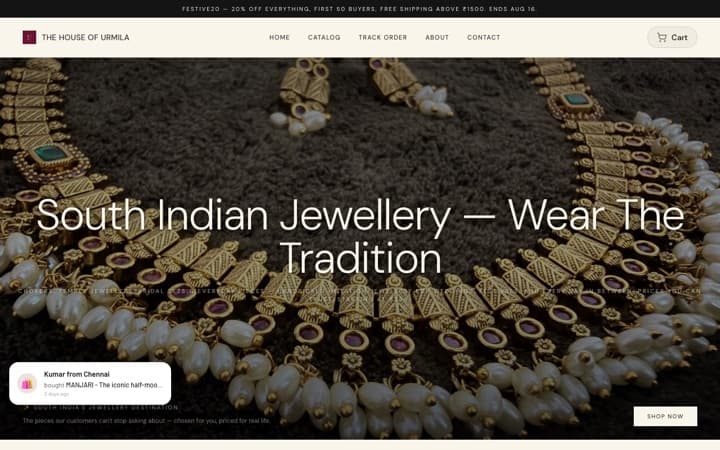
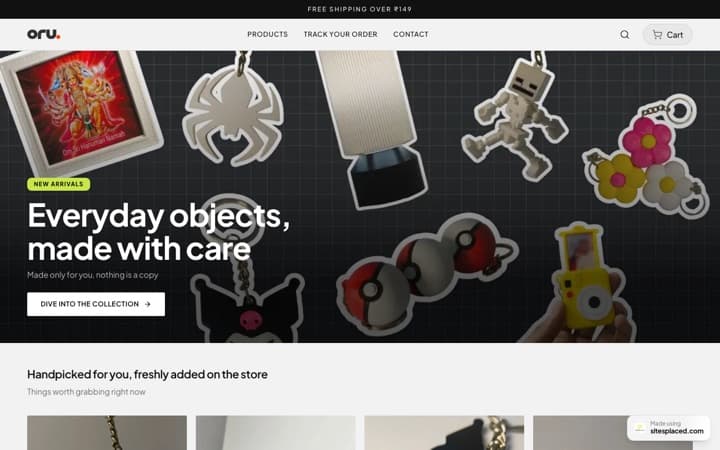
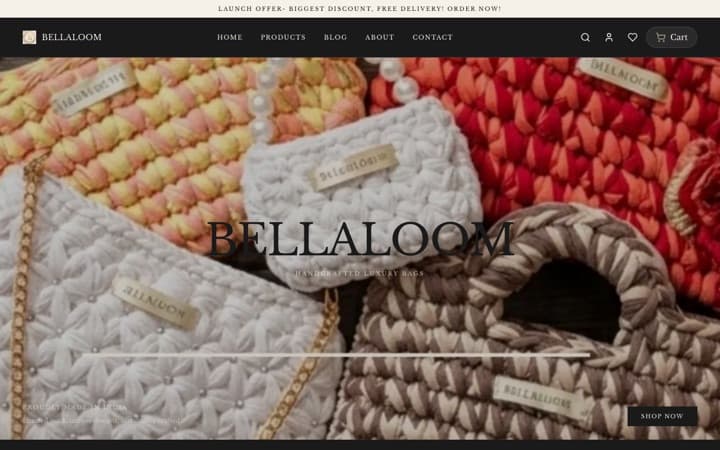
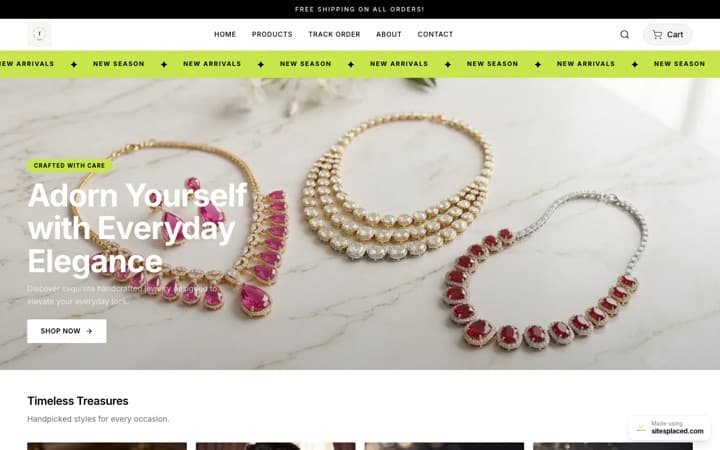
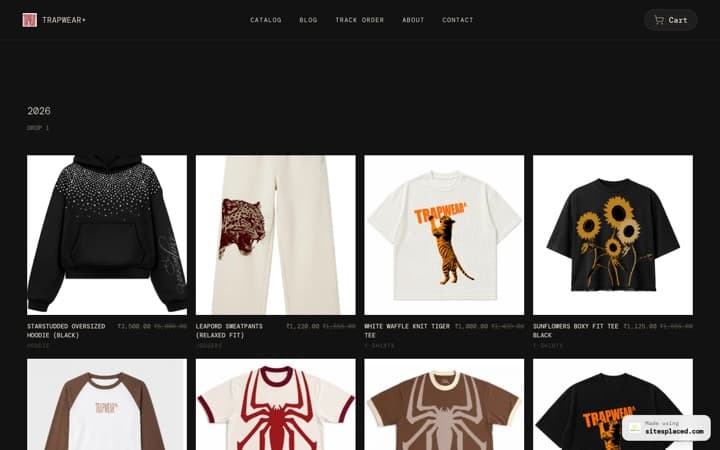
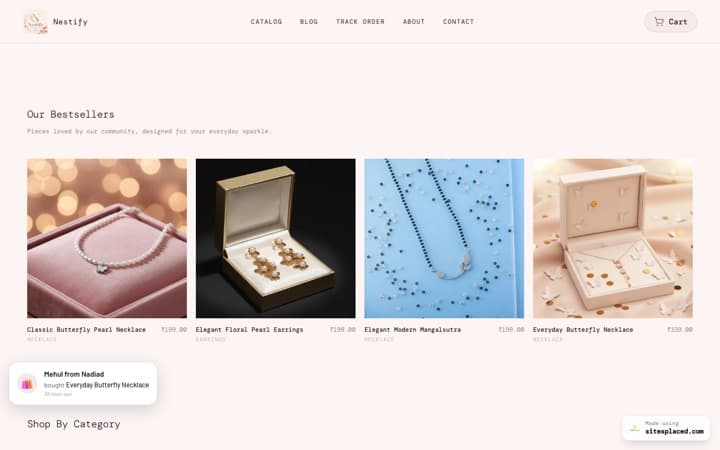
Point the link at a store you own instead. A SitesPlaced store gives each product its own clean page on your own domain, with UPI, Cash on Delivery, Razorpay and native WhatsApp checkout built in (0% commission). The WhatsApp checkout even turns a chat into a structured order — item, size, address, amount — so nothing gets lost. Your Story creates the impulse; your store captures it before it cools.
A repeatable Stories formula
- • Frame 1 — Hook: a question or close-up that stops the tap-through.
- • Frame 2 — Value: show the product in use, the price, or the problem it solves.
- • Frame 3 — Proof: a customer photo, review, or "selling fast" note.
- • Frame 4 — Action: link sticker to the exact product page with "tap to order."
- • Highlight it: save best-sellers to a Story Highlight so the link works long after 24 hours.
Frequently asked questions
How do I add a shopping link to my Instagram Story?
Use the link sticker. After capturing your Story, tap the sticker icon, choose 'Link,' and paste your product or store URL. The cleanest destination is your own store — a SitesPlaced store gives you a branded product-page link with checkout built in, so viewers go straight from Story to buy.
Do Stories actually drive sales, or just views?
Stories are one of the highest-intent surfaces on Instagram because viewers chose to tap through, one frame at a time. They drive real sales when each Story has a clear next step — a link sticker to a product page that can take the order. Without that link, you get views; with it, you get orders.
How many Stories should a seller post per day?
Aim for a small daily set — roughly three to seven frames that tell a mini story: hook, value or product, and a clear link. Quality and a clear call to action matter more than volume. Always include at least one 'tap to shop' frame pointing to your store.
Where should my Story links send people?
To a place that can complete the order, not your DMs. A SitesPlaced store gives each product its own page with UPI, Cash on Delivery, Razorpay and WhatsApp checkout built in, so a Story tap becomes a paid order in seconds instead of a chat that gets lost.
What's better for selling — feed posts or Stories?
Use both. Feed posts and Reels bring discovery and reach; Stories convert the people who already follow you and are most likely to buy. The smartest sellers use feed content to grow and Stories to sell — with every Story pointing to a store they own.
Give your Story links somewhere worth tapping
Send viewers from a Story to a real product page, not your DMs. Build a SitesPlaced store with UPI, COD and WhatsApp checkout — free to build & publish, 0% commission; ₹199/month (Starter) adds a custom domain, branding removal and AI.