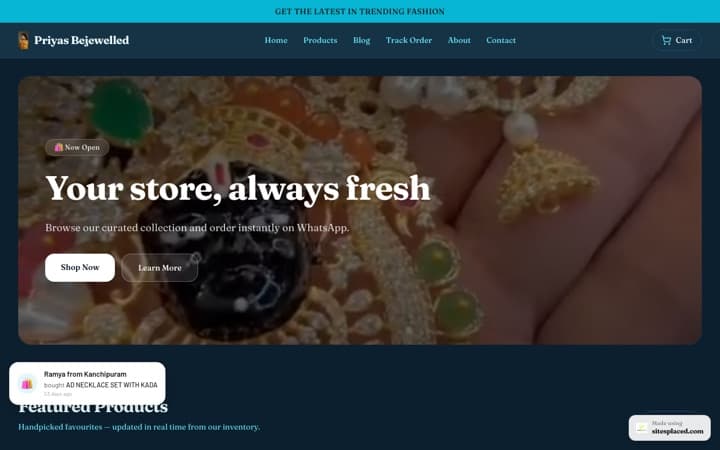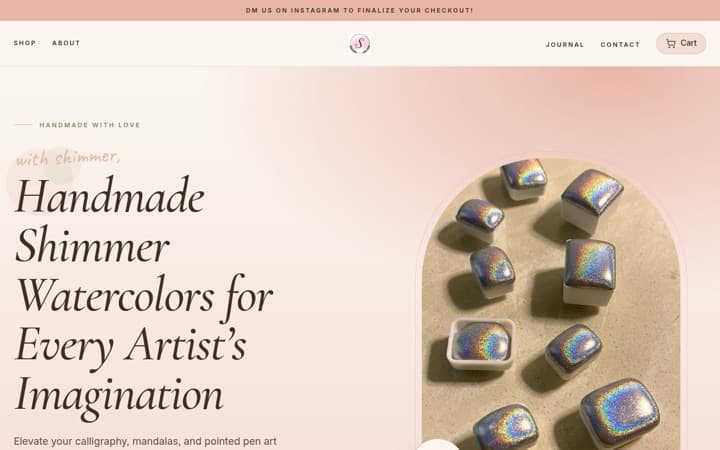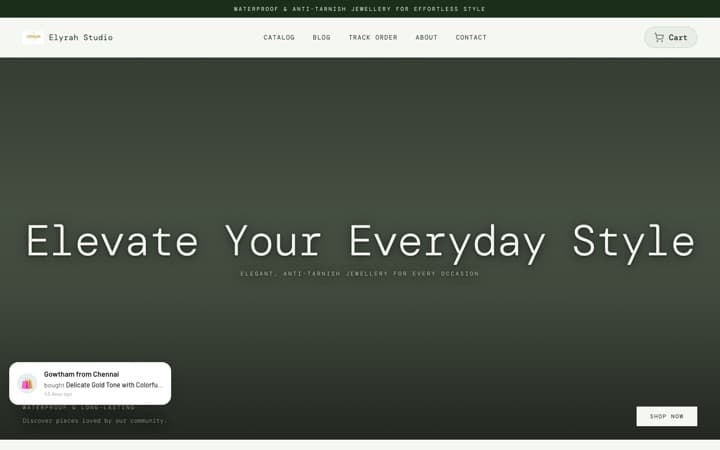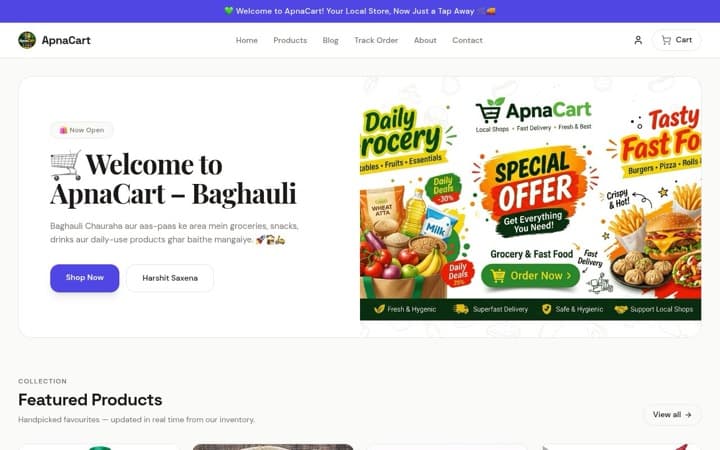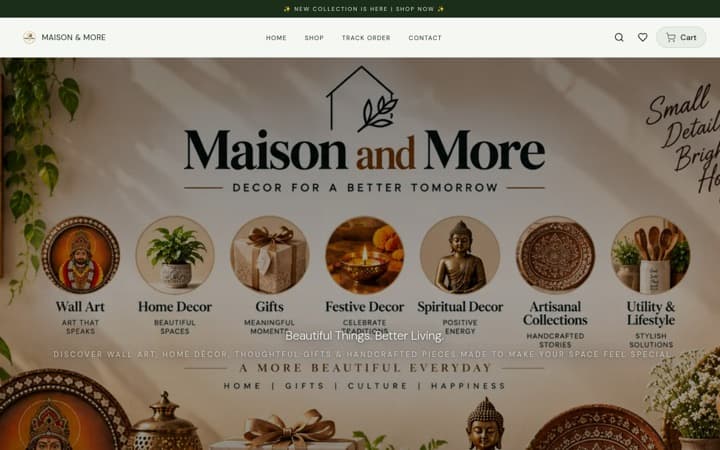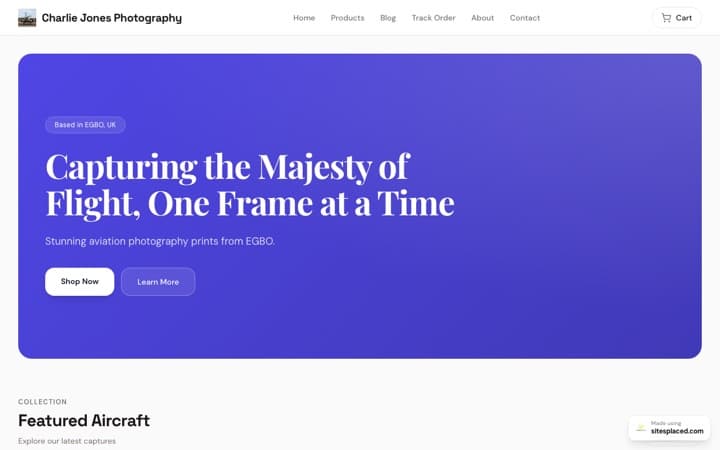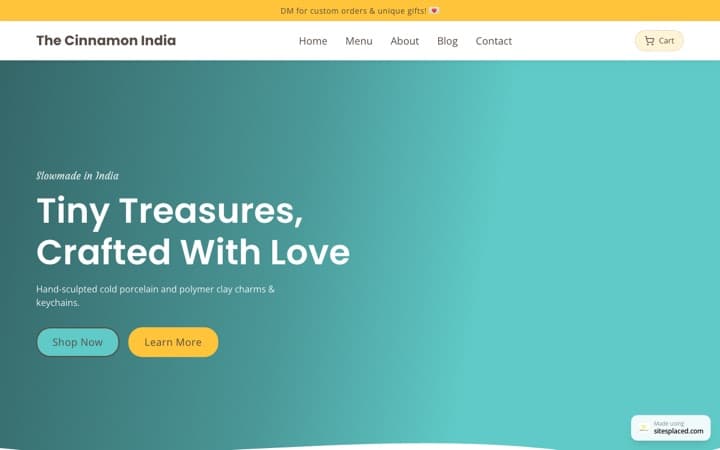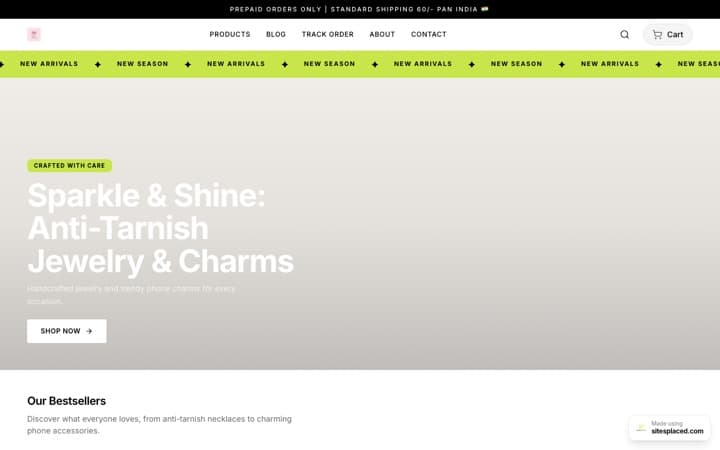


Your Diwali campaign, planned by AI: a 4-week plan for a small Indian store.
Diwali falls in early November 2026, and for most small stores it is the biggest month of the year. It is also the month when ad prices climb, couriers slow down and every seller on Instagram is shouting at once. The stores that do well are not the ones with the biggest budget — they are the ones that started four weeks early and did things in the right order. This is that order, with the SitesPlaced AI Co-founder campaign planner writing the plan from your real best-sellers so you spend your time selling, not guessing.
Why Diwali takes four weeks, not four days
A festival campaign has three parts that cannot be rushed. Stock has to be counted and photographed before you promote it. Creatives and offers have to exist before ads can run. And ads need a week of real data before you know which one to put money behind. Compress all of that into the last week and you end up boosting a post on Dhanteras with no idea whether it works, while your courier is already backed up.
There is a money reason too. In the last ten days before Diwali every brand in India is bidding for the same Meta audiences, so the same ad costs more to show. Starting two weeks out means your best hook is already found — and already reaching warm audiences — when the expensive week arrives.
Where the AI fits
The SitesPlaced AI Co-founder (₹1,499/month, everything in the ₹499 Growth plan included, 1,500 AI credits a month) has a Campaign planner, a Creative studio with a Diwali gifting style, a carousel builder, an SEO audit and a retargeting kit inside your store dashboard. It plans, writes and renders. You approve, send and ship — nothing changes on the live store without you pressing Apply.
The 4-week timeline at a glance
| When | Focus | You do | The AI Co-founder does |
|---|---|---|---|
| 4 weeks out (mid-October) | Stock + photos | Count stock, pick 5–8 products to push, take one clean phone photo of each | Studio packshots, product copy rewrites, an SEO audit so Google has time to index the changes |
| 3 weeks out | Creatives + gifting bundles | Set up Buy X Get Y offers and hamper products, decide the offer | Diwali gifting creatives, a gift-guide carousel, the first campaign plan |
| 2 weeks out | Ads + WhatsApp broadcasts | Launch the 7-day ad plan, send the broadcast to past customers, post daily | Five hooks, audiences, the schedule, paste-ready WhatsApp and Instagram copy |
| Final week | Retargeting + COD confirmations | Scale the winner, confirm COD orders on WhatsApp, ship every day, publish your order-by date | Retargeting checklist, product feed for Meta Catalog, a second short plan for the last push |
Diwali is in early November 2026, so "four weeks out" is roughly the middle of October. If you are reading this later, start wherever the calendar puts you and skip nothing — just do it faster.
Four weeks out: stock and photos
Open your Orders tab and look at what actually sold in the last three months. Those products, not the ones you like most, are the Diwali push. Ask Ledger, the co-founder agent, for your best-sellers by units and by revenue — it only reports numbers it has read from your store, so if it says a product has three orders, it has three orders. Pick five to eight. Then count stock honestly, including what is with the tailor or the supplier, and write the number in Inventory so the store stops selling when you run out.
- One clean phone photo per product. Daylight, plain background, product filling most of the frame. That single photo is the base for everything the Creative studio makes. The checklist is in product photos that sell.
- Studio packshots for the product pages. In the AI Co-founder tab open Creative studio, choose Studio packshot, pick the product, generate (12 credits at standard quality), check it, press Set as cover. The product keeps its shape, colour and label; only the background changes.
- Rewrite the descriptions. Ask Brix, the builder agent, to rewrite the descriptions of your Diwali products with a gifting angle. Each rewrite comes back as an Apply card; read it, fix anything it got wrong, then apply. One credit per message.
- Run the SEO audit now, not later. SEO → Run audit (5 credits) scores the store, suggests a store title and description and writes a meta description for every product. Tick the ones you want and apply. Google needs weeks to notice — which is why this is a week-four job.
Make the gifting category now
Create a Diwali Gifts category and put the push products in it. Every offer, link and ad in the next three weeks points at that one page, and the category gets its own address on your store.
Three weeks out: bundles with Buy X Get Y, and the gifting creatives
Diwali buyers are buying for other people, often several at once. The two things that lift order value in festive season are bundles and a reason to add one more. On a SitesPlaced store both come from Settings → Discounts → Offers, where a Buy X Get Y offer runs automatically at checkout with no code, can be limited to one category, and has an expiry date. It is one of the Ecommerce sales boosters, so it is included on the AI Co-founder plan.
- Buy 2, get 1 free on the Diwali Gifts category. The classic. Works best on items under ₹500 where the third one costs you little — diyas, candles, sweets boxes, small decor.
- Buy 3, get the 4th at a discount instead of free, for higher-priced items like kurtas or jewellery, so the margin survives.
- A hamper as its own product. Photograph three or four items together, list the hamper at a price a little under the sum of the parts, and give it its own packshot. Hampers sell to people who do not want to choose.
- A gift note and gift wrap option. Add them as product options or a low-priced add-on product. Buyers sending to a relative in another city ask for this every year.
Then make the creatives. In the Creative studio the Diwali gifting style puts your product on a warm surface with lit diyas, marigold petals and soft fairy lights, in a gold and maroon palette, and renders your exact headline and offer text on the image. It defaults to the premium (2K) tier, 25 credits, because text on an image needs the sharper tier. The Festival sale banner style (16:9, 12 credits) is the wide version for your store's hero banner. Generate two or three, keep the best, and check every one — the studio is told to keep your product identical, but you are the one who knows what the product looks like.
For Instagram, use Carousels to make a five-slide gift guide: topic “Diwali gifts under ₹999 for every person on your list”, style Product + text slides, and it returns the slide copy, the rendered slides, a caption and up to six hashtags. Five slides cost 60 credits. Post it in week three and pin it.
Two weeks out: the campaign planner, field by field
This is where the plan gets written. Open AI Co-founder → Campaigns. The form has six fields, and the more honest you are in them the better the plan.
- Goal. Write it the way you would say it: “Get 60 orders of the Diwali Gifts category before the shipping cut-off.” English, Hindi or Hinglish — the plan comes back in the language you wrote.
- Budget per day. ₹300 to ₹500 a day is where a first festive campaign makes sense for a small store. Below that Meta cannot find enough people to learn from; above it you are spending before you know what works.
- Days. Seven. The planner always writes a 7-day schedule, and one week is exactly the test window you want two weeks before Diwali.
- Your margin %. Optional, but fill it in. With a margin the plan works out your break-even ROAS — how many rupees of sales each rupee of ads must bring back before you are losing money — and says so in plain words.
- Festival. Type “Diwali”. This is what makes the hooks, the WhatsApp copy and the creative briefs festive instead of generic.
- Products to push. Leave it empty and the planner picks from your real best-sellers, or choose your Diwali Gifts products directly.
Press generate. Five credits. What comes back is one page you can work from for the rest of the week:
- One to three products, each with a one-line reason it was chosen from your numbers.
- The budget line — ₹/day × days, the break-even ROAS if you gave a margin, and a note on what that means.
- Five hook angles for Meta ads, each with primary text and a headline within Meta's limits, with a Copy button.
- Three or four creative briefs that match the Creative studio styles (Diwali gifting, offer poster, story ad), with headline, offer and CTA already written so you can generate them straight away.
- Audiences in order: broad first, then interests, then retargeting through the Pixel and Conversions API already in your store — and when to switch each on.
- A 7-day schedule: which hook runs which day, when to compare, when to move budget.
- A WhatsApp broadcast and a follow-up, short lines, one CTA, no emoji wall.
- An Instagram caption with at most six hashtags.
- Kill and scale rules — two or three plain sentences such as “stop any ad that has spent ₹600 with no add-to-cart”.
- Risks — honest caveats. If your store has too little order history to choose products confidently, the plan says so here rather than pretending.
Run the ads exactly as the schedule says, one hook per ad set, and do not touch them for the first three days. The longer version of running a first Meta campaign from a plan like this is in plan your first Meta Ads campaign with AI.
Sending the broadcast
The AI Co-founder writes the WhatsApp broadcast, and on the AI Co-founder plan you send it from the dashboard: Broadcasts goes to your newsletter subscribers and past buyers — by email now, and on WhatsApp through a Meta-approved template once your WhatsApp Cloud API is connected — up to 2,000 recipients a send and three sends a day, and every campaign plan has a Send to subscribers link that pre-fills it. If your Cloud API is not connected, paste the text into a broadcast list in the WhatsApp Business app (each list holds up to 256 contacts, and a broadcast only reaches people who have saved your number) or into your WhatsApp Business API tool. Send it once in week two to everyone who bought from you this year, and send the follow-up three days later only to people who did not reply.
Final week: retargeting, COD confirmations and the shipping cut-off
By now you have a week of ad data. Apply the kill rules from the plan: stop the hooks that did nothing, move their budget to the one that brought orders, and switch the retargeting audiences on. Open AI Co-founder → Retargeting for the checklist — the Meta Pixel and Conversions API are already part of your store on the Growth plan, so the audiences (visited in the last 7 days, added to cart and did not buy) fill on their own. The kit also gives you a product feed at yourstore/feed.csv to paste into Meta Catalog, so your retargeting ads show the exact product each person looked at. If you want the background on why the Conversions API matters for small stores, read Meta Conversions API for small Indian stores.
Run a second, short campaign plan for the last push — same form, new goal (“clear remaining stock of the hamper before cut-off”), three or four days. Five more credits, and the hooks will lean on urgency because you told it the deadline.
Two operational things matter more than any ad in the final week:
- Confirm every COD order on WhatsApp before it ships. Festival COD orders have the highest return-to-origin rate of the year — gifts get refused at the door when the sender forgot to tell the recipient. One message (“Confirming your Diwali order of ₹1,299, delivering to Jaipur by Friday — reply YES to dispatch”) cuts it sharply. The full method is in how to reduce RTO and fake COD orders.
- Publish an order-by date and honour it. Ask your courier partner for their Diwali cut-off for standard delivery and put it on the store — an announcement bar and a line on every Diwali product. Couriers slow down in the last seven to ten days before the festival, so the safe date is earlier than you think. After the cut-off, keep selling but switch the copy to “delivered after Diwali” or express-only. Nothing loses a customer faster than a gift that arrives on the wrong side of the festival.
What to avoid
- Starting ads in the last week. You will pay the highest prices of the year to learn what you could have learned for less two weeks earlier.
- Discounting the margin away. A Buy 2 Get 1 on a 30% margin product loses money. Give the planner your real margin and respect the break-even ROAS it gives back.
- Bundles that break stock. If the free item in your offer is the one that runs out first, the offer becomes a support ticket. Set stock on every item in a bundle.
- Launching a brand-new product during Diwali week. New products need reviews and a learning period. Launch in September or wait for the new year — there is a separate guide to launching a product with the AI Co-founder.
- Sending the broadcast three times. One send, one follow-up. A third message is how people block a small business.
- Skipping the image check. Every AI image can be wrong in a small way — a label, a count, a colour. Look at each one before it goes on a product page or an ad.
- Running ads without the Pixel. Without the Pixel and Conversions API you cannot retarget, and retargeting is where festive money is made.
The same plan for Eid, Rakhi, Navratri and Christmas
Nothing above is specific to Diwali except the creative style and the dates. Type “Eid”, “Raksha Bandhan”, “Navratri” or “Christmas” in the planner's Festival field and the hooks and copy change with it. In the Creative studio the Festival sale banner style takes the festival name in its details box and swaps the motifs and palette. Rakhi is the one to plan even earlier, because the delivery has to reach a sibling in another city by a fixed day; Christmas is where sellers shipping abroad through Shippo should start in October.
What a full Diwali season costs in credits
Credits are shown before every action, one credit is ₹1 of face value, and failed generations are refunded. A realistic season for a store pushing eight products looks like this:
| Action | Credits each | How many | Total |
|---|---|---|---|
| SEO audit | 5 | 1 | 5 |
| Studio packshot (standard) | 12 | 8 | 96 |
| Diwali gifting creative (premium) | 25 | 4 | 100 |
| Story / Reel cover (standard) | 12 | 2 | 24 |
| Festival sale banner (standard) | 12 | 1 | 12 |
| Gift-guide carousel, 5 slides | 12 per slide | 1 | 60 |
| Campaign plan | 5 | 2 | 10 |
| Agent messages (Brix, Ledger, Bloom) | 1 | ~30 | 30 |
| Season total | 337 |
The plan includes 1,500 credits every month, so a full Diwali season uses about a fifth of one month's allowance. Top-ups start at 500 credits for ₹499 if you go bigger.
One thing to be clear about: the 7-day free trial you get by setting up autopay on Growth covers the Ecommerce features — Buy X Get Y, the Pixel and Conversions API, reviews, analytics — not the AI Co-founder. The planner, studio and agents are on the ₹1,499/month plan from /pricing, and that plan includes everything in Growth, so nobody pays for both.
FAQs
When should a small store start its Diwali campaign?
About four weeks before the festival, which for Diwali 2026 means the middle of October. Week one is stock and photos, week two is bundles and creatives, week three is ads and WhatsApp broadcasts, and the final week is retargeting, COD confirmations and the shipping cut-off. Starting later works, but each week you skip costs you either data or margin.
Does the campaign planner invent numbers or results?
No. It is given your real products, best-sellers and, where available, visit and order counts, and it is instructed never to invent prices, discounts or results. If your store has too little history to choose products confidently, it says so in the Risks section of the plan rather than guessing. The break-even ROAS is arithmetic from the margin you type in.
Does the AI send the WhatsApp broadcast for me?
The planner writes the broadcast and a follow-up, and on the AI Co-founder plan you send them from the dashboard: Broadcasts goes to your newsletter subscribers and past buyers by email now, and on WhatsApp through a Meta-approved template once your WhatsApp Cloud API is connected — up to 2,000 recipients a send, three sends a day, with a Send to subscribers link on the campaign plan that pre-fills it. Without the Cloud API, you paste the text into the WhatsApp Business app. Abandoned-cart reminders on the same plan go out on their own — by email after 1 hour and again after 24 hours, and on WhatsApp through an approved template. Posting to Instagram is still you. Order alerts to customers through the WhatsApp Business API are a separate, live feature of the Growth plan.
Can I reuse the same plan for Eid, Rakhi, Navratri or Christmas?
Yes. The timeline is the same; only the dates and the creative style change. Put the festival name in the planner's Festival field and the hooks, WhatsApp copy and Instagram caption adapt to it. In the Creative studio, the Festival sale banner style takes the festival name in its details box. Rakhi needs even earlier shipping cut-offs because the parcel must reach a sibling by a fixed day.
How much ad budget does a Diwali campaign need?
For a small store, ₹300 to ₹500 a day for the 7-day test is enough to learn which hook and audience work, then move the budget to the winner in the final week. The planner's form accepts anything from ₹50 a day, but below about ₹300 Meta struggles to find enough people to learn from. Give the planner your margin and it tells you the break-even ROAS, which is the number that decides whether to scale.
Do I need the AI Co-founder plan for Diwali, or can I do this on the free plan?
The free plan publishes a real store with unlimited products and orders, 0% commission, coupon codes, COD and WhatsApp checkout, so you can sell through Diwali on it. Buy X Get Y offers, the Meta Pixel and Conversions API, reviews and analytics are on the ₹499/month Growth plan, which you can try free for 7 days with autopay. The AI Co-founder at ₹1,499/month includes all of that and adds the campaign planner, the Creative studio, carousels, the SEO audit, the retargeting kit and the four agents, with 1,500 credits a month. If you would rather write the plan and make the creatives yourself, the free and Growth plans are enough; the AI plan is for sellers who want the planning and creative work done in an afternoon.
Plan Diwali before everyone else does.
The SitesPlaced AI Co-founder plans the campaign from your real best-sellers, renders the Diwali creatives from one phone photo, writes the broadcast and the captions, and hands you the retargeting kit — ₹1,499/month with 1,500 credits, everything in the Growth plan included. You approve every change.
See the AI Co-founder →