

How to create an Instagram content calendar — a system that survives busy weeks
The sellers who grow aren't the ones who post the most — they're the ones who post consistently without thinking about it. A content calendar turns "what do I post today?" into a system, and makes sure every week pushes people toward your store, not just your likes.
The short version: pick a few content pillars → assign them to a weekly cadence → batch-create and schedule → and always reserve slots for "drive-to-store" posts. The calendar keeps you consistent; your store turns that consistency into sales.
Step 1 — Choose your content pillars
A pillar is a recurring theme you'll always have something to post about. Pick four or five and you'll never stare at a blank screen again. Here's a set that works for almost any store:
Product
Show what you sellNew arrivals, close-ups, styling, bundles. The catalog content — but make every one tappable to a real product page, not just a 'DM to order' caption.
Proof
Build trustCustomer photos, reviews, unboxings, your branded-hashtag UGC. Proof is what turns a discovered follower into a confident buyer.
Behind-the-scenes
Build connectionHow it's made, packing orders, your workspace, your story. People buy from people — BTS makes a small brand feel real and human.
Education / value
Earn the followTips, how-tos, care guides, size help. Useful posts get saved and shared, expanding reach beyond your followers.
Drive-to-store
Make the saleDirect CTAs — 'link in bio', 'shop now', drops, restocks, limited offers — pointing straight at your store's checkout. The post type sellers skip the most.
Step 2 — Map a weekly cadence
Assign your pillars to days so the rhythm becomes automatic. A simple, repeatable week might look like: Monday a product post, Tuesday education, Wednesday behind-the-scenes, Thursday social proof, Friday a drive-to-store CTA — with Stories every day for the casual, low-effort touchpoints. The exact layout doesn't matter; the repeatability does.
| Day | Pillar | Goal |
|---|---|---|
| Monday | Product | Show the goods |
| Tuesday | Education / value | Earn saves & shares |
| Wednesday | Behind-the-scenes | Build connection |
| Thursday | Proof | Build trust |
| Friday | Drive-to-store | Make the sale |
Illustrative — adapt the days and mix to your audience and analytics.
Step 3 — Batch and schedule
The single biggest unlock is batching. Instead of creating one post a day under pressure, block one session a week to shoot photos, write captions and queue everything. Posting then becomes a scheduling task, not a creative scramble — which is exactly what keeps small sellers consistent through busy or low-motivation weeks.
Keep a lightweight tracker — even a spreadsheet — with columns for date, pillar, caption, hashtags and the link the post points to. That last column matters more than it looks.
The post type most sellers leave out
Scroll through most small-store feeds and you'll see lovely product shots, the odd reel, plenty of engagement — and almost no posts that actually tell someone where and how to buy. Engagement feels productive, but likes don't pay rent. If your calendar is all "build the audience" and no "convert the audience," followers pile up while sales don't move.
That's why every calendar needs a standing drive-to-store slot: a post whose only job is to route people to your checkout — a drop, a restock, a "link in bio to shop." And those CTAs only work if there's a real store on the other end of the link.
Where your calendar should always lead
A content calendar is a discovery engine. It fills the top of your funnel with people who like what you make. But Instagram is the discovery channel — the place sales actually happen is a store you own. If your drive-to-store posts dump people into a DM or a dead link-in-bio, the friction undoes all that consistent posting.
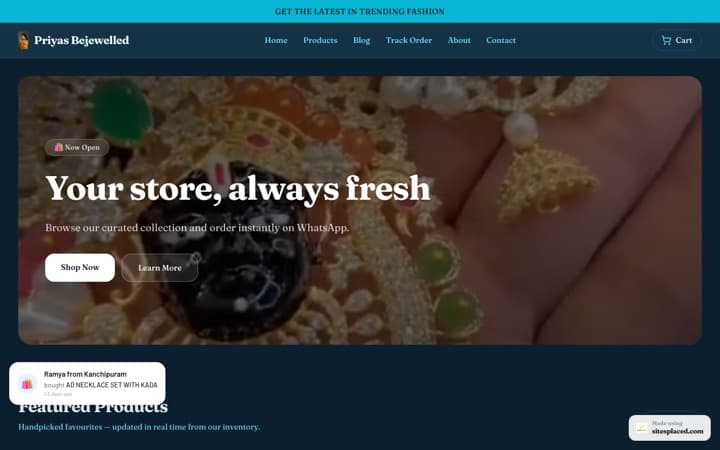
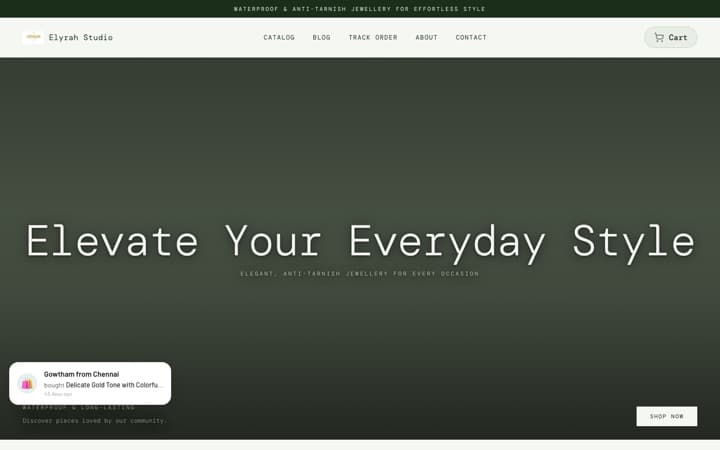
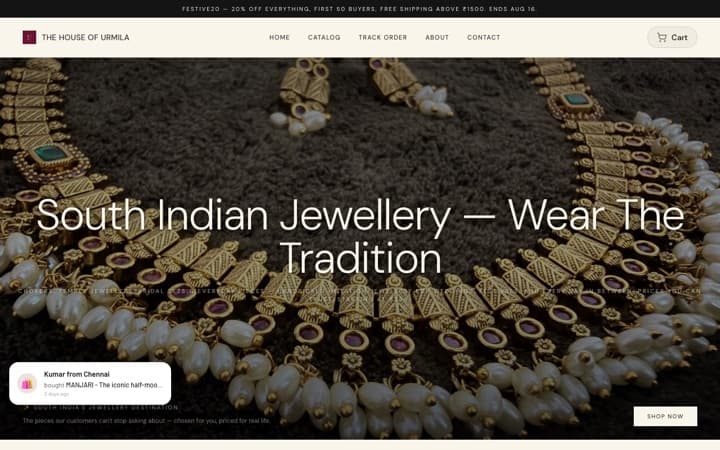
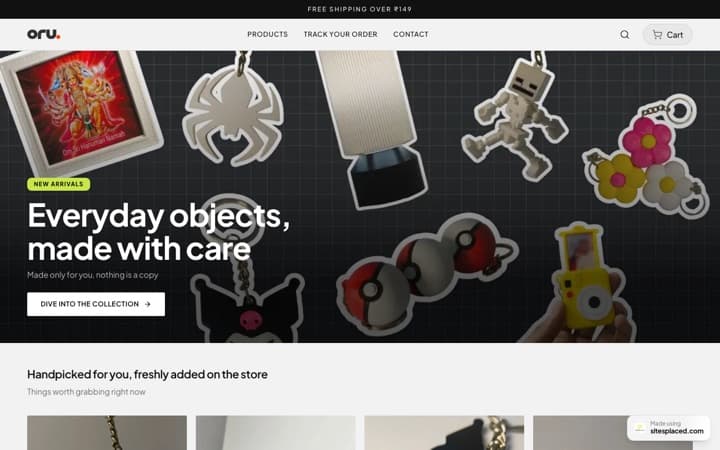
Point your bio link at a SitesPlaced store and the whole calendar pays off: every post — whichever pillar it belongs to — has a clear path to real product pages with UPI, Cash on Delivery, Razorpay and WhatsApp checkout, with GST-ready invoices and an order dashboard handling the rest. It's free to build and publish, at 0% commission; pay from ₹199/month (Starter) only when you want your own custom domain or to remove the badge. You focus on showing up; the store closes the sale.
Frequently asked questions
How often should a small store post on Instagram?
Consistency beats frequency. A sustainable rhythm — for example 3–5 feed posts or Reels a week plus daily Stories — is far better than a burst followed by silence. Pick a cadence you can actually keep, and make sure a share of those posts are 'drive-to-store' CTAs that send people to your checkout, not only engagement posts.
What should an Instagram content calendar include?
Map your posts across a few content pillars: product, social proof, behind-the-scenes, education/value, and drive-to-store. Plan a weekly cadence, batch the creation, and schedule it. The mistake to avoid is a calendar full of likeable content with no posts that actually route followers to a place they can buy.
Why include 'drive-to-store' posts in my calendar?
Because engagement isn't revenue. If every post chases likes and none direct people to a checkout, followers never become customers. Reserve a regular slot for posts whose only job is to send traffic to your store. With a SitesPlaced store behind your bio link, that traffic lands on real product pages with UPI/COD/WhatsApp checkout.
How do I keep posting consistently without burning out?
Batch. Set aside one session to shoot and write several posts at once, then schedule them. A simple calendar with set pillars per day removes the daily 'what do I post?' decision. And keep your store doing the heavy lifting — your order dashboard, invoices and WhatsApp checkout run on their own, so your energy goes into content, not chasing DMs.
Where should every post ultimately lead?
To your store. Instagram is a discovery channel; sales happen where there's a real checkout. Your bio link should point to a SitesPlaced store on your own domain, so that no matter which post someone discovers you through, there's always a clear, low-friction path to buy.
Give every post a place to convert
Plan the content, then send it to a store you own — real product pages and UPI/COD/WhatsApp checkout behind your bio link. Free to build and publish, 0% commission; from ₹199/month (Starter) only for a custom domain or to remove the badge.