
Software developer portfolio examples
The best way to build a developer portfolio is to start from one that already works. These are real, clickable developer portfolios — see what makes them convert, then clone the closest fit and link your own projects.
By Manan Agrawal, Founder · Updated July 26, 2026
The best software developer portfolio examples share three things: real projects with working demo and repo links, a one-line story per project, and a clearly stated stack. The live examples below — real published portfolios plus terminal, bento and CS templates you can clone — do exactly this. Everyone builds and publishes on SitesPlaced free, with AI to draft the project write-ups. And starting from an example is fast in a measurable way: in our data from 469 real builds, 72% of the sites live today were published within 10 minutes of starting.
Why real examples beat template galleries
A template screenshot shows you a layout. A real example shows you judgment: which three projects a working developer chose to lead with, how much they cut, how they wrote about a half-finished side project honestly, where they put the résumé link. That editorial layer — not the CSS — is what actually converts a recruiter, and it is the part you can only learn from portfolios that real people ship and stand behind.
It is also why “real projects > templates” is the rule for the portfolio itself. Recruiters open developer portfolios to answer one question — can this person build? — and only working links to real code answer it. A stunning layout wrapped around lorem-ipsum projects loses to a plain page with three clickable, running builds every single time. Study the examples below for their structure, then fill that structure with your own evidence.
Real portfolios, live right now
Proof beats promises — real people published these on SitesPlaced, including a CS student's project-first portfolio with real builds and links. Open any of them in a new tab.
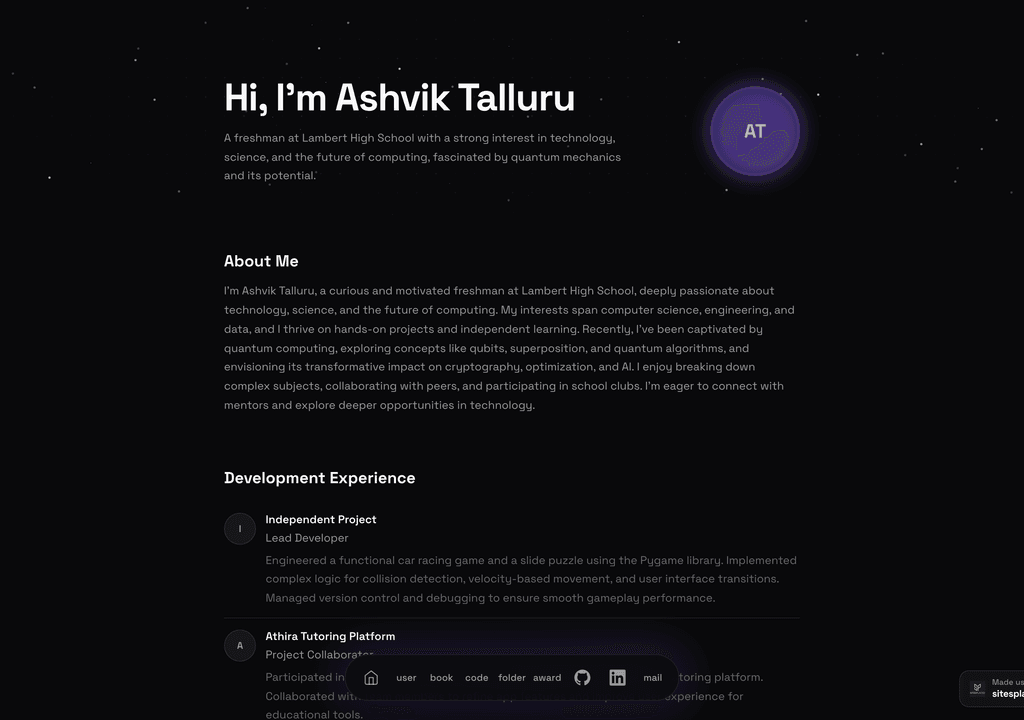
Ashvik Talluru
A computer-science student's project-first portfolio with real builds, experience and links.
Visit live site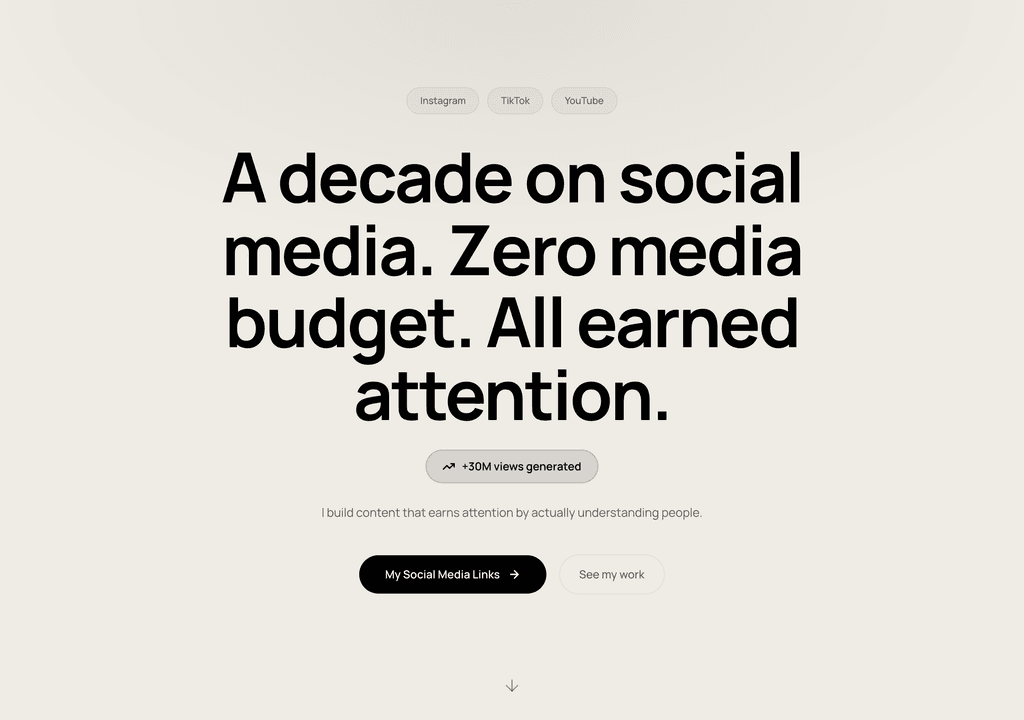
Steve Corbin Jr.
A social-media specialist's portfolio that turns a decade of earned attention into inbound clients.
Visit live site
J. Riley Brewington
A content specialist showcasing multi-platform growth, testimonials and a clear booking path.
Visit live siteGenerate your student portfolio in 60 seconds
Fill in four fields and watch a live preview build itself. When you like it, publish the real thing free on SitesPlaced — AI writes the first draft from your résumé.
No plan, no card. Publish at aisha-verma.sitesplaced.com
Portfolio
Aisha Verma
Software Engineer & Builder
VIT
About
Projects
Experience
Contact
Live preview · your real site is fully editable
How fast do these portfolios ship? Our real data
We measured creation-to-publish timestamps across 469 real websites and stores built on SitesPlaced between February and July 2026. If you are weighing a weekend of hand-coding against cloning an example, the numbers are blunt:
of live sites went from blank account to published within 10 minutes
of live sites were published the same day they were started
real builds analyzed — February to July 2026, snapshot July 4
sites built on SitesPlaced are websites and portfolios, not stores
The distribution is a cliff, not a curve: sites that weren’t published on day one mostly never got published at all. Treat your portfolio like a deploy, not a rewrite — ship the working version from an example in one sitting, then iterate on a live URL. Methodology, caveats and the full findings are in the build-time data study.
Developer portfolio examples — live demos
These are working portfolios you can open, not screenshots. Notice how each leads with projects, links the repo and the demo, and keeps the stack easy to scan — the same pattern the real portfolios above follow.
 CS
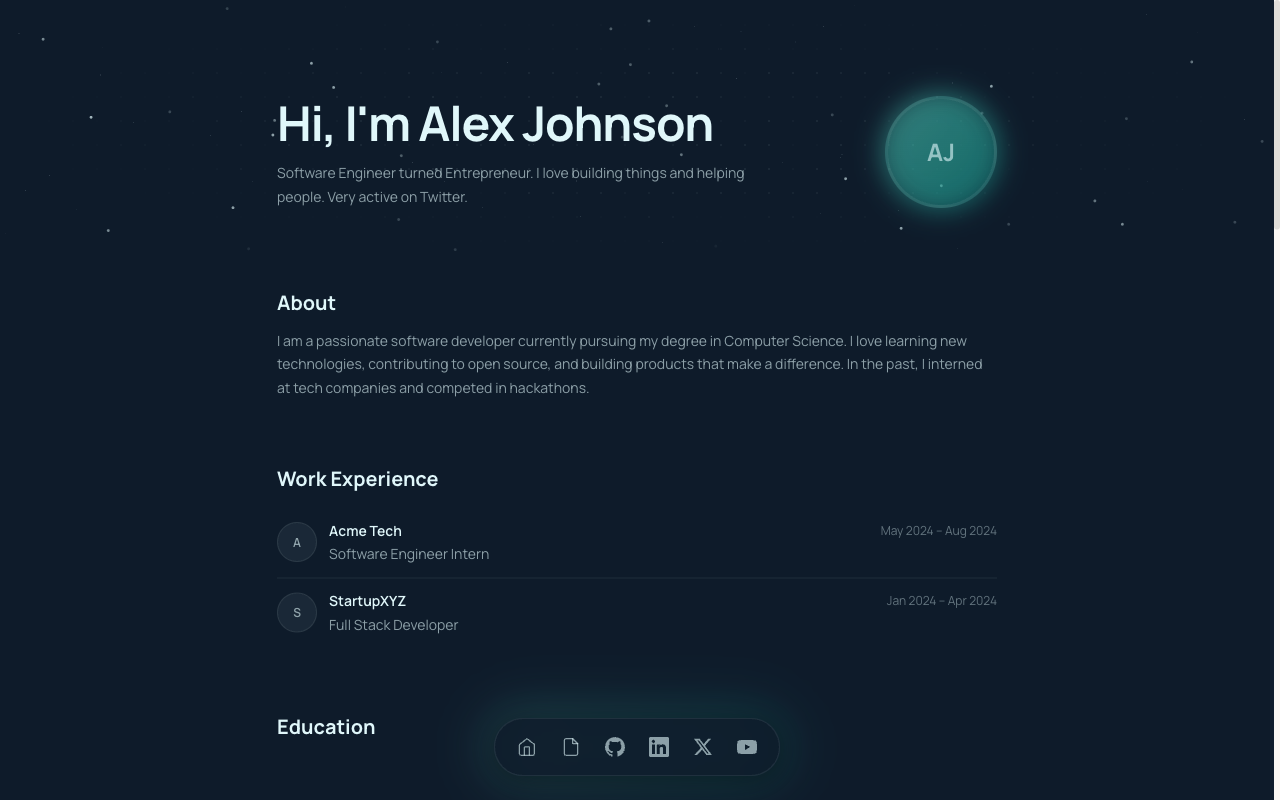
CSCS Student Portfolio
Built for CS and B.Tech students — projects, GitHub, stack and experience in a developer-first layout.
View live demo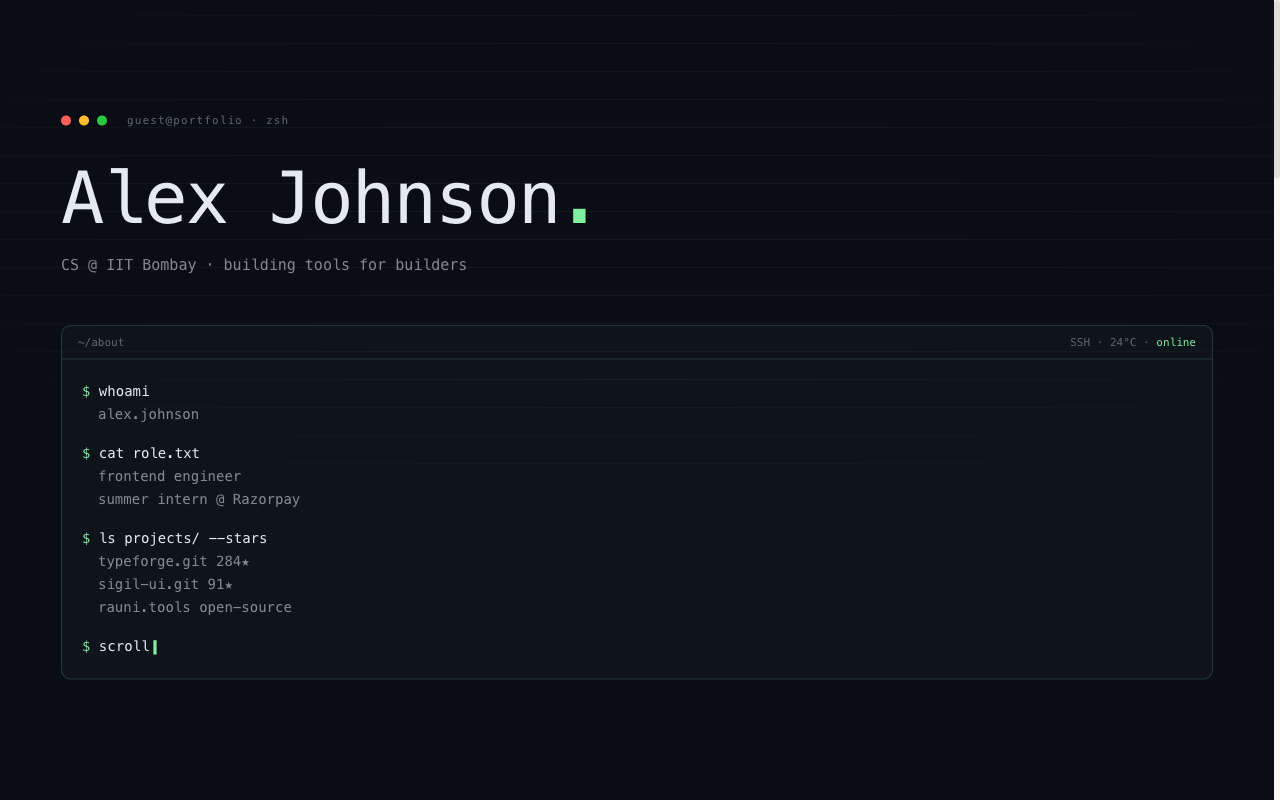 Developer
Terminal Portfolio
IDE / terminal aesthetic — code-style hero, mono type, projects laid out like a command log.
View live demo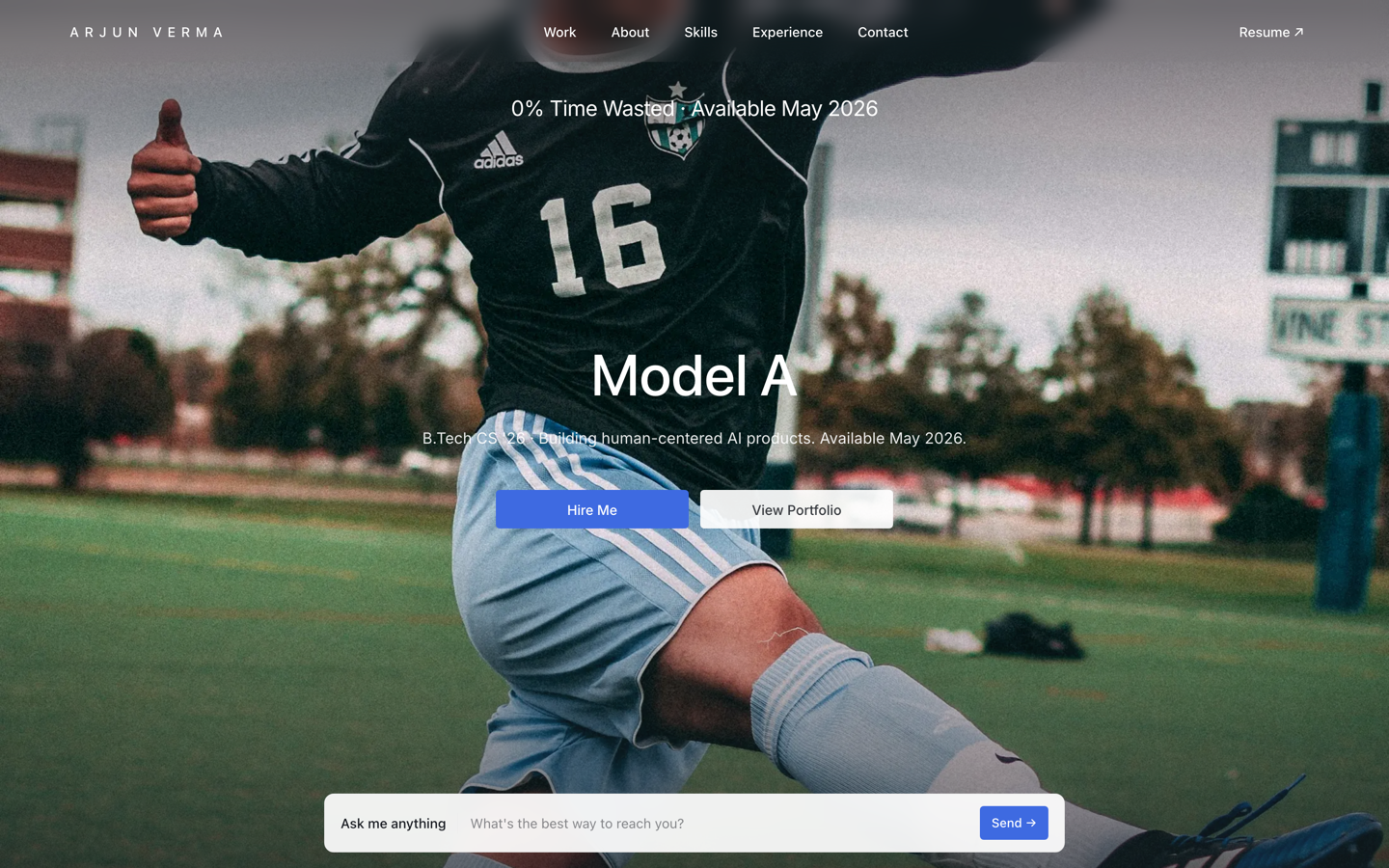 Premium
Tesla — Engineering Portfolio
Premium portfolio inspired by Tesla — full-viewport hero, electric-blue accent, scroll scenes.
View live demo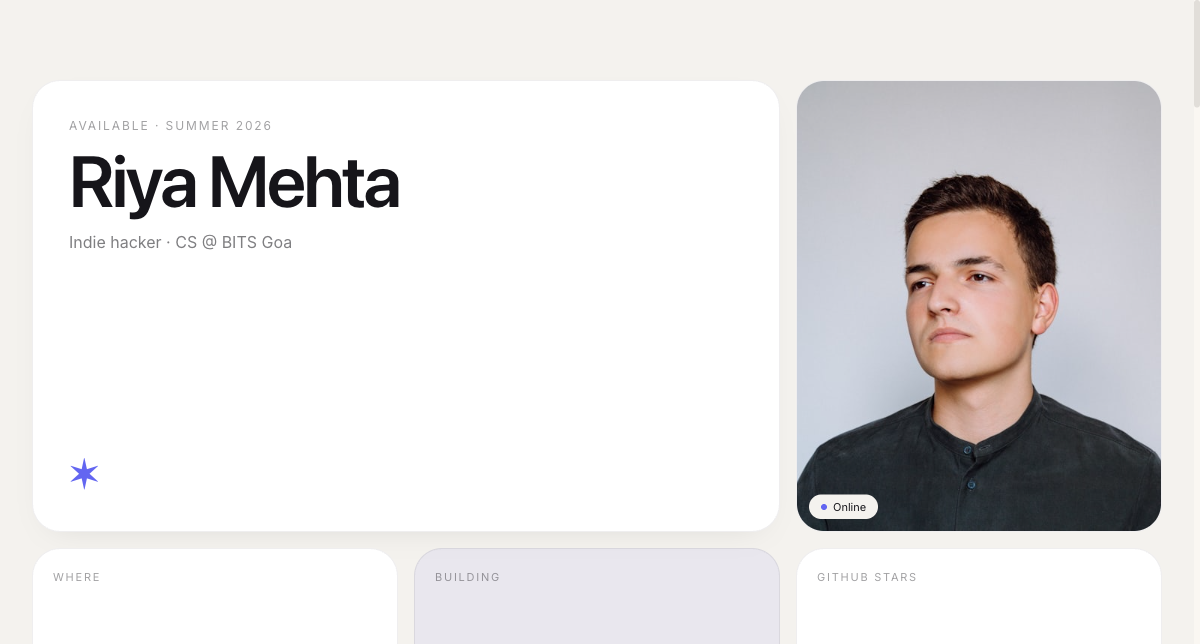 Modern
Bento Portfolio
Apple-style bento grid that organises skills, projects and links into tidy, scannable tiles.
View live demo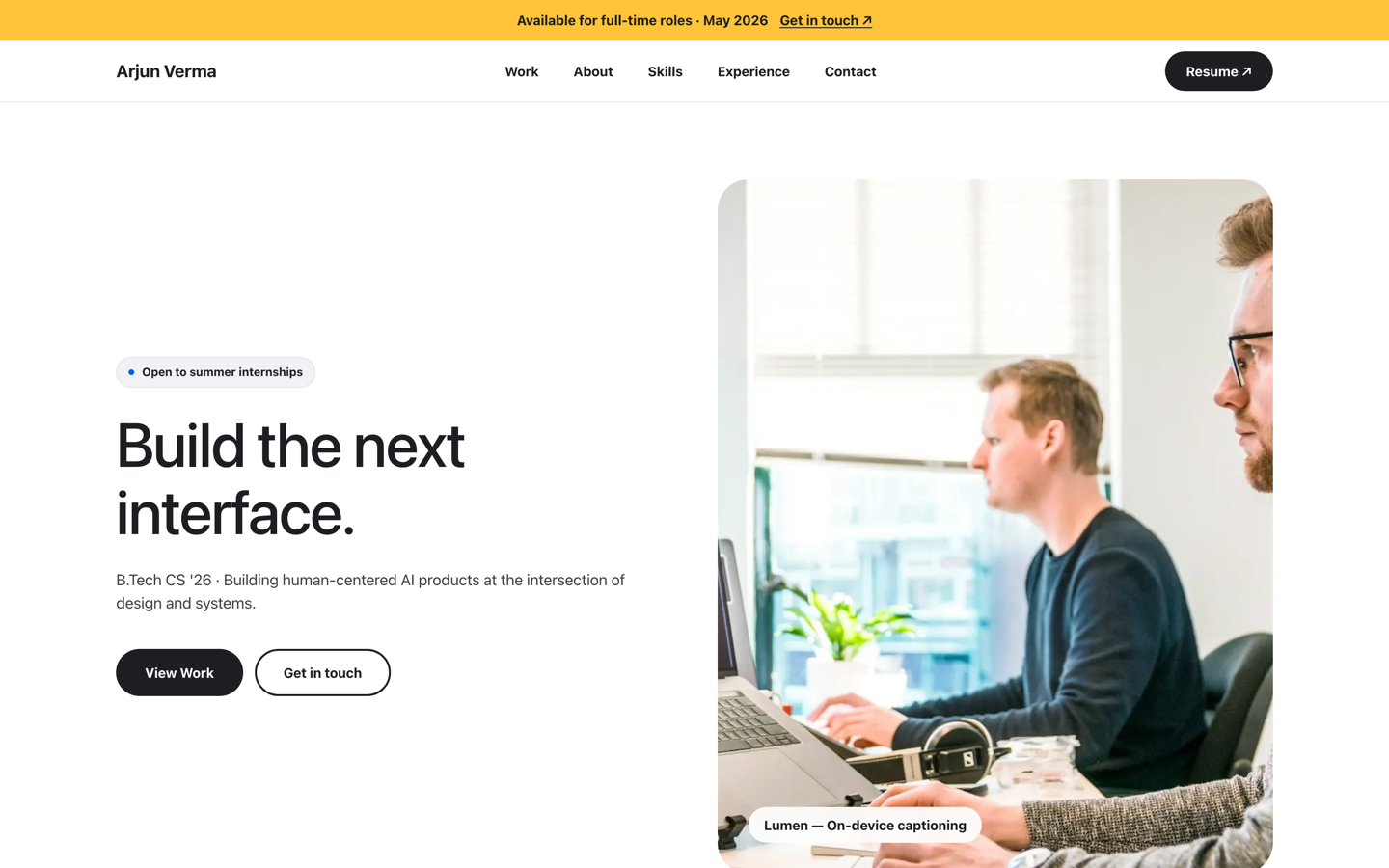 Premium
Meta — Builder Portfolio
Builder portfolio inspired by Meta — rounded photo tiles and a bold dual-CTA system.
View live demo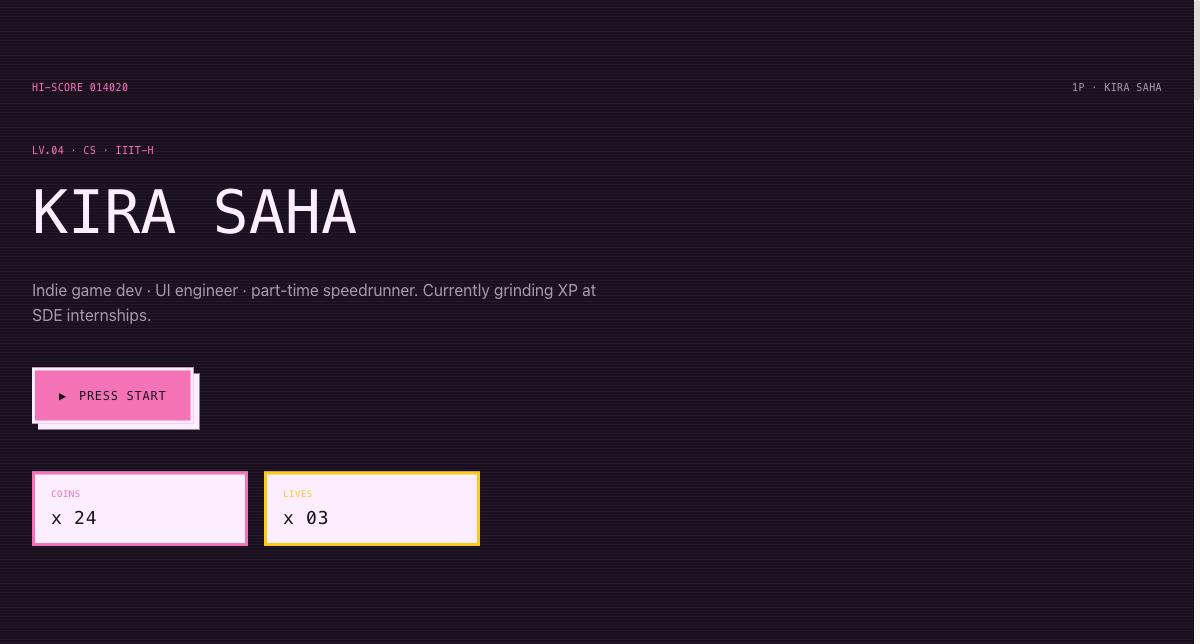 Playful
Arcade Cabinet Portfolio
Playful 8-bit arcade-cabinet portfolio — memorable, and great for game and creative-tech students.
View live demo5 things the best developer portfolios get right
Strip the visual styling away from any strong developer portfolio — including every example on this page — and the same five decisions are underneath:
Projects with live + GitHub links
The strongest developer portfolios let a recruiter open a demo and the repo for each project. Two clicks beat a paragraph of description.
A one-line story per project
What it does, who it's for, and the interesting technical decision. This is what separates a portfolio from a list of repos.
Stack shown clearly
A tidy, honest stack section — languages, frameworks, tools — tells a recruiter at a glance whether you fit the role.
Fast and clean
Developers are judged on craft. A fast, well-structured portfolio is itself a signal of how you build.
Easy contact + résumé
An obvious way to reach you and a résumé link mean a convinced recruiter does not have to hunt for the next step.
Match the example to the role you want
The layout you clone should echo what the role rewards. A recruiter for a frontend position and a hiring manager for a platform team scan the same portfolio for completely different signals:
Frontend roles
The portfolio itself is exhibit one — polish, speed and responsive detail get judged before a single project is opened. Lead with live demos people can click around, and let one project show real UI craft.
Backend / platform roles
Nobody expects visual flair; they expect substance. Lead with an API, CLI tool or service, link a well-documented repo with a real README, and write about the design decision — the queue, the cache, the trade-off.
Full-stack roles
One deployed application with real users (even five) beats six toy apps. Show the whole surface: the running product, the repo, and a sentence on how it's hosted and monitored.
Data / ML roles
Notebooks don't demo well — ship one model or analysis behind a simple interface people can try, and pair it with a short write-up of the dataset, the metric and what didn't work.
Targeting your first job or an internship? The same role-matching logic applies with student projects — we cover it in the internship portfolio guide.
How do you turn an example into your developer portfolio?
Going from example to published portfolio is a checklist, not a project. The whole point of starting from a working example is that the structural decisions are already made:
- ✓Pick the layout that matches your style — terminal, bento or CS
- ✓Add three to six projects, each with a live demo and GitHub link
- ✓Write a one-line story per project (AI can draft it from your notes)
- ✓List your stack honestly and map it to the roles you want
- ✓Publish at yourname.sitesplaced.com and add the link to your résumé and GitHub profile
Already have everything on GitHub? You can also generate a portfolio straight from your GitHub username and edit from there.
What are the common developer portfolio mistakes?
Strong developers often undersell themselves with avoidable mistakes. Watch for these as you build:
- ✓Dumping every repo — a curated three to six projects reads far stronger than twenty
- ✓No live demo, only a repo — recruiters want to see it run, not just read code
- ✓Describing what the tech is instead of what you built and decided
- ✓Dead or broken links, which undo all your effort in one click
- ✓A wall of skills with no context — list what you can actually defend in an interview
- ✓Forgetting the basics: a clear contact, your résumé link, and a fast mobile layout
Build your developer portfolio from a proven example
Clone the example you like, link your projects, and let AI write the rest. Publish at yourname.sitesplaced.com in minutes — free for everyone, no build step, no maintenance; students remove the badge forever for a one-time ₹99.
Build my portfolio free →Frequently asked questions
What should a software developer portfolio include?
Three to six projects with live demos and GitHub links, a one-line story for each, your stack and skills, experience or internships, and a contact section plus résumé link. Lead with the projects closest to the roles you want, and make sure every link works.
Can I use these developer portfolio examples as templates?
Yes. Each example here is a live SitesPlaced template you can open and clone — terminal/IDE, bento grid and CS-focused layouts. Link your projects, let AI draft the write-ups, and publish free at yourname.sitesplaced.com. Students remove the badge forever with a one-time ₹99 ($3 outside India).
Should I copy a portfolio example exactly?
Copy the structure, never the content. What makes these examples work — projects first, demo and repo links, a clear stack — transfers to any developer. But recruiters read dozens of portfolios; a cloned layout filled with your real projects reads as taste, while copied project descriptions or invented work reads as a red flag. The example is scaffolding for your own evidence.
How many projects should a developer portfolio have?
Quality over quantity — three to six strong projects beat a dozen weak ones. Choose work that shows range and depth: maybe a full-stack app, an API or tool, and something you genuinely enjoyed building. Each should have a working link.
How long does it take to build a portfolio from one of these examples?
Minutes, when you start from a working example instead of a blank page. Across 325 live sites on SitesPlaced, 72% were created, edited and published within 10 minutes of starting, and 88% within the same day — numbers from our study of 469 real builds. The slow part is choosing which projects to feature, not building the site.
Do I need a custom domain for a developer portfolio?
No. A clean yourname.sitesplaced.com link is perfectly professional for applications, and you can add a custom domain later if you want one. What matters is that your projects and links are solid.
Are these examples free to build?
Yes — for everyone, not just students. Anyone builds and publishes on SitesPlaced for free, premium developer templates included, with no card and no build or deploy step. Your site goes live at yourname.sitesplaced.com with a small 'Made using sitesplaced.com' badge; students remove the badge forever with a one-time ₹99 ($3 outside India).