
Computer science student portfolio
DSA gets you through the screening round. Projects get you remembered. A CS portfolio turns your GitHub and course work into one link that proves you can build — and it is free to publish as a student.
By Manan Agrawal, Founder · Updated June 10, 2026
A computer science student portfolio should lead with projects, link your GitHub, and show your stack clearly. SitesPlaced has developer-first templates — terminal, CS and bento — that do this out of the box, with AI-written content and instant publishing. It is free for CS and B.Tech students, live at yourname.sitesplaced.com in minutes.
Real student portfolios, live right now
Real students built and published these on SitesPlaced — open any in a new tab to see what a finished one looks like.
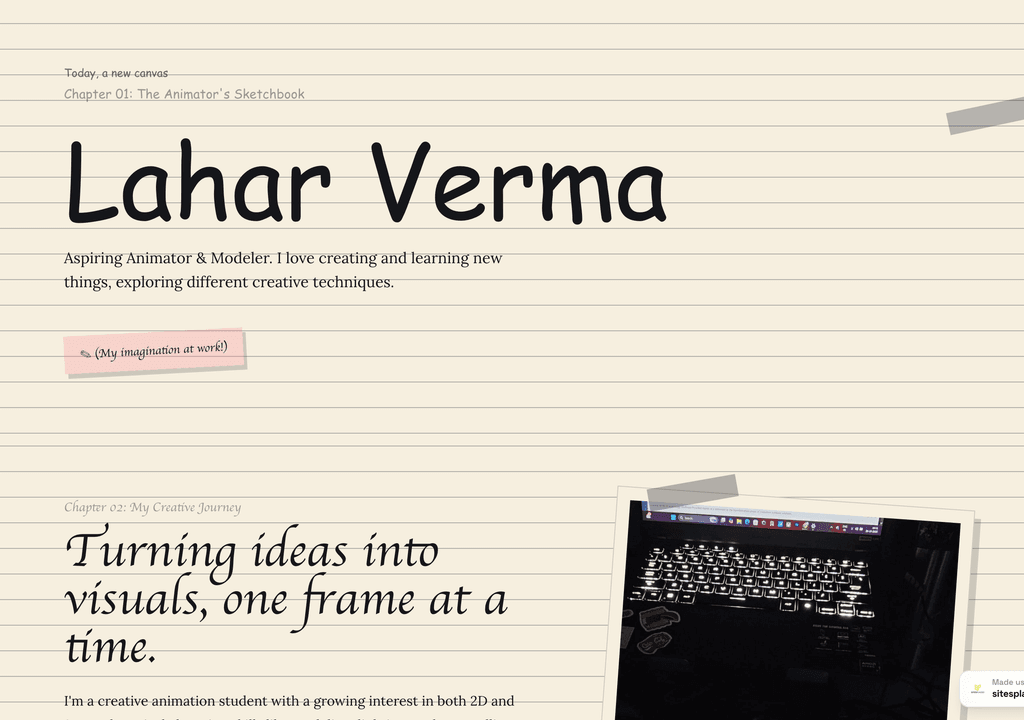
Lahar Verma
An aspiring animator's sketchbook-style portfolio — projects and creative journey, chapter by chapter.
Visit live site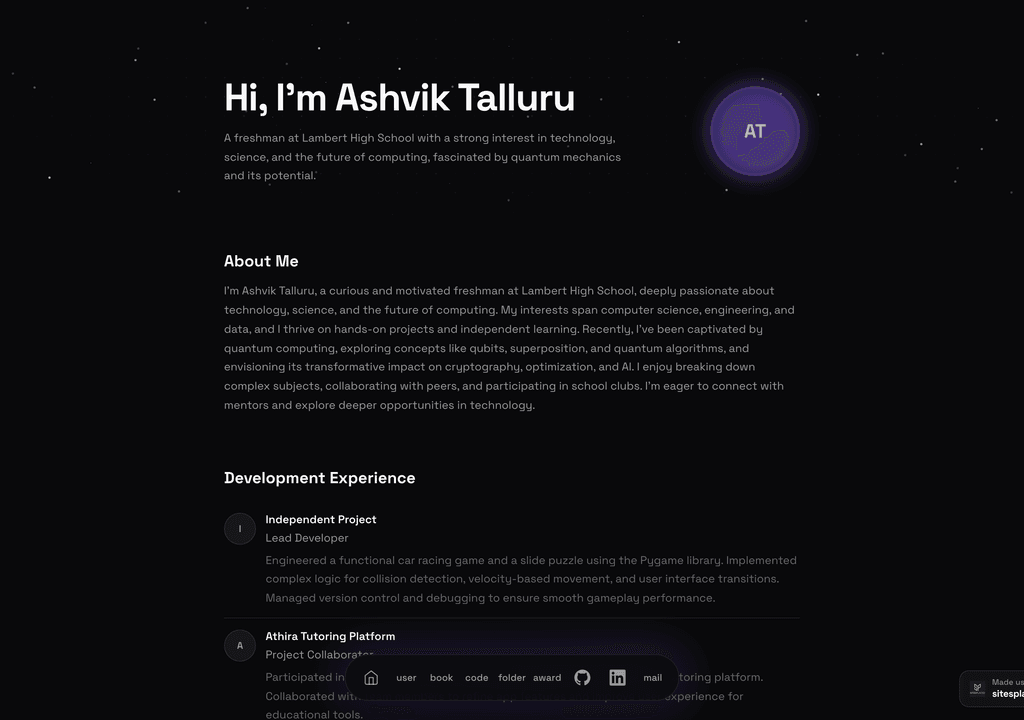
Ashvik Talluru
A computer-science student's project-first portfolio with real builds, experience and links.
Visit live site
Romy Le Roux Knibbs
A brand & communications designer's portfolio — case studies in a polished, gradient-led layout.
Visit live siteGenerate your student portfolio in 60 seconds
Fill in four fields and watch a live preview build itself. When you like it, publish the real thing free on SitesPlaced — AI writes the first draft from your résumé.
No plan, no card. Publish at aisha-verma.sitesplaced.com
Portfolio
Aisha Verma
Software Engineer & Builder
VIT
About
Projects
Experience
Contact
Live preview · your real site is fully editable
Why does a portfolio matter for CS placements?
Every CS student grinds DSA and lists the same coursework. What sets you apart in placements is proof you can ship: a couple of real projects a recruiter can open, with a clear story and a working link. That is exactly what interviews probe for, and a portfolio answers it before you are even in the room.
It also compounds. Build it now with your current projects, and keep adding through your degree — hackathons, internships, side projects. By placement season you have a polished, GitHub-linked portfolio ready to drop into every application, instead of scrambling to assemble one under deadline.
What should you include in a CS portfolio?
- ✓A one-line identity: year, branch and what you build
- ✓Three to six projects with GitHub and live demo links
- ✓A clear tech stack — languages, frameworks, tools
- ✓Internships, research, or notable open-source contributions
- ✓DSA / competitive programming or hackathon achievements, if relevant
- ✓Contact section and résumé link
Why CS students choose SitesPlaced
Developer-first templates
Terminal/IDE, CS and bento layouts built around projects, GitHub links and stack — not a generic site you have to bend.
AI writes the words
Paste your résumé and AI drafts your bio and project write-ups, so the writing never blocks your launch.
Instant publish, no deploy
No Git, no build, no CI — pick a template, link projects, go live in minutes. Spend your time on the projects themselves.
Free for students
Build and publish at no cost, premium templates included, no card required.
CS student portfolio templates
Live demos you can open and clone — developer-first and free for students.
 CS
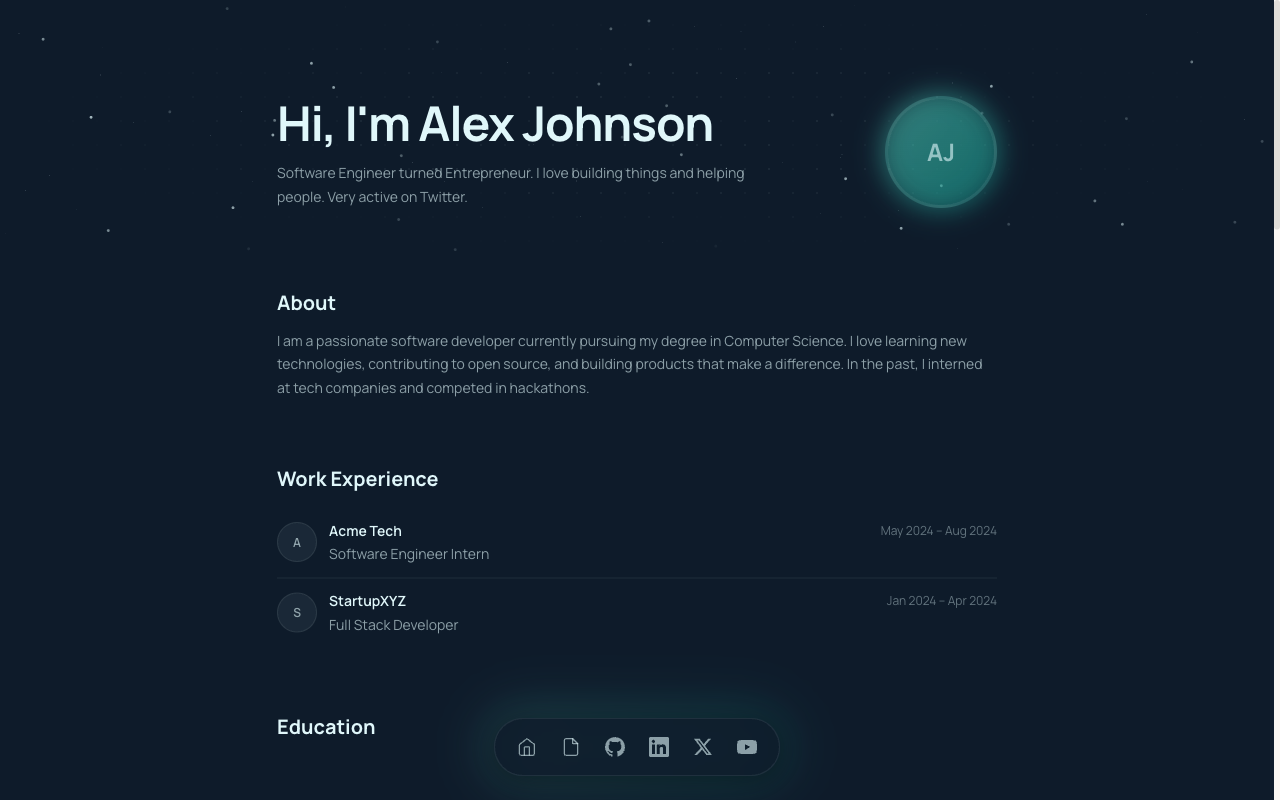
CSCS Student Portfolio
Built for CS and B.Tech students — projects, GitHub, stack and experience in a developer-first layout.
View live demo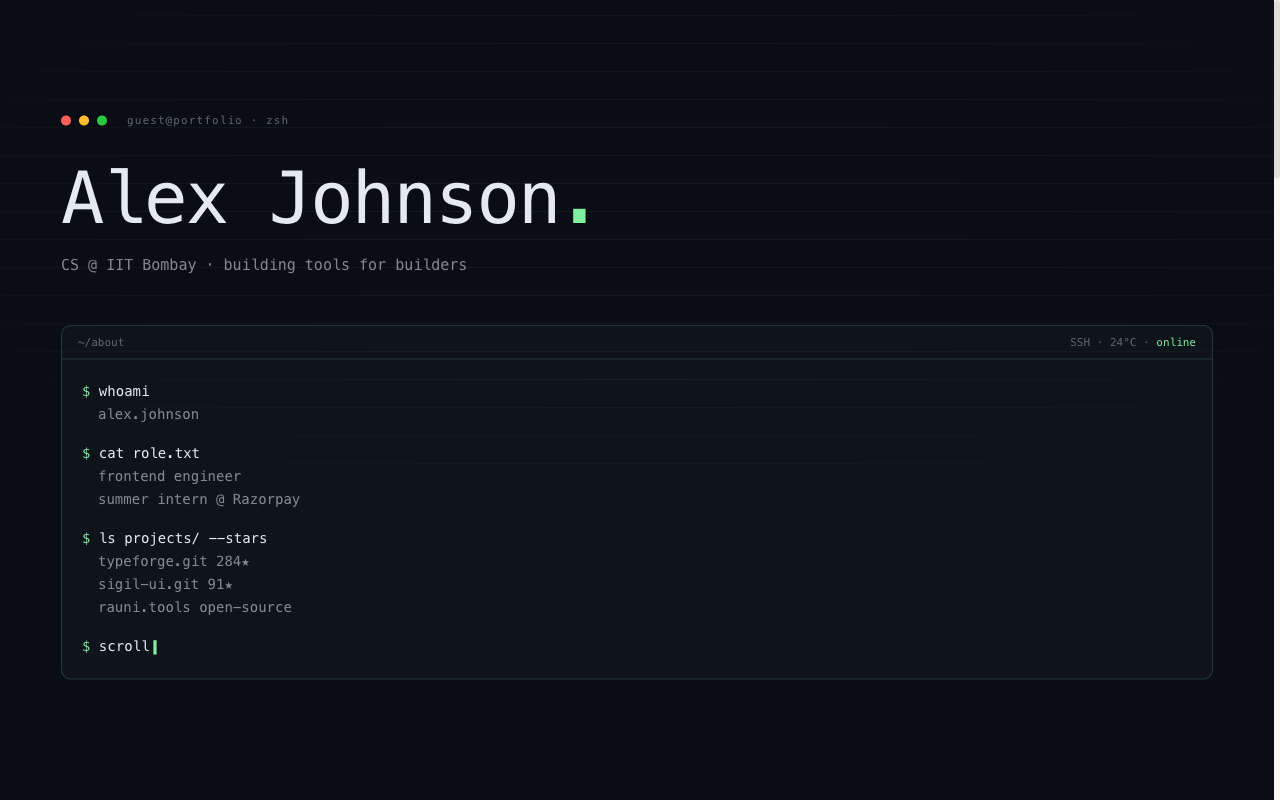 Developer
Terminal Portfolio
IDE / terminal aesthetic — code-style hero, mono type, projects laid out like a command log.
View live demo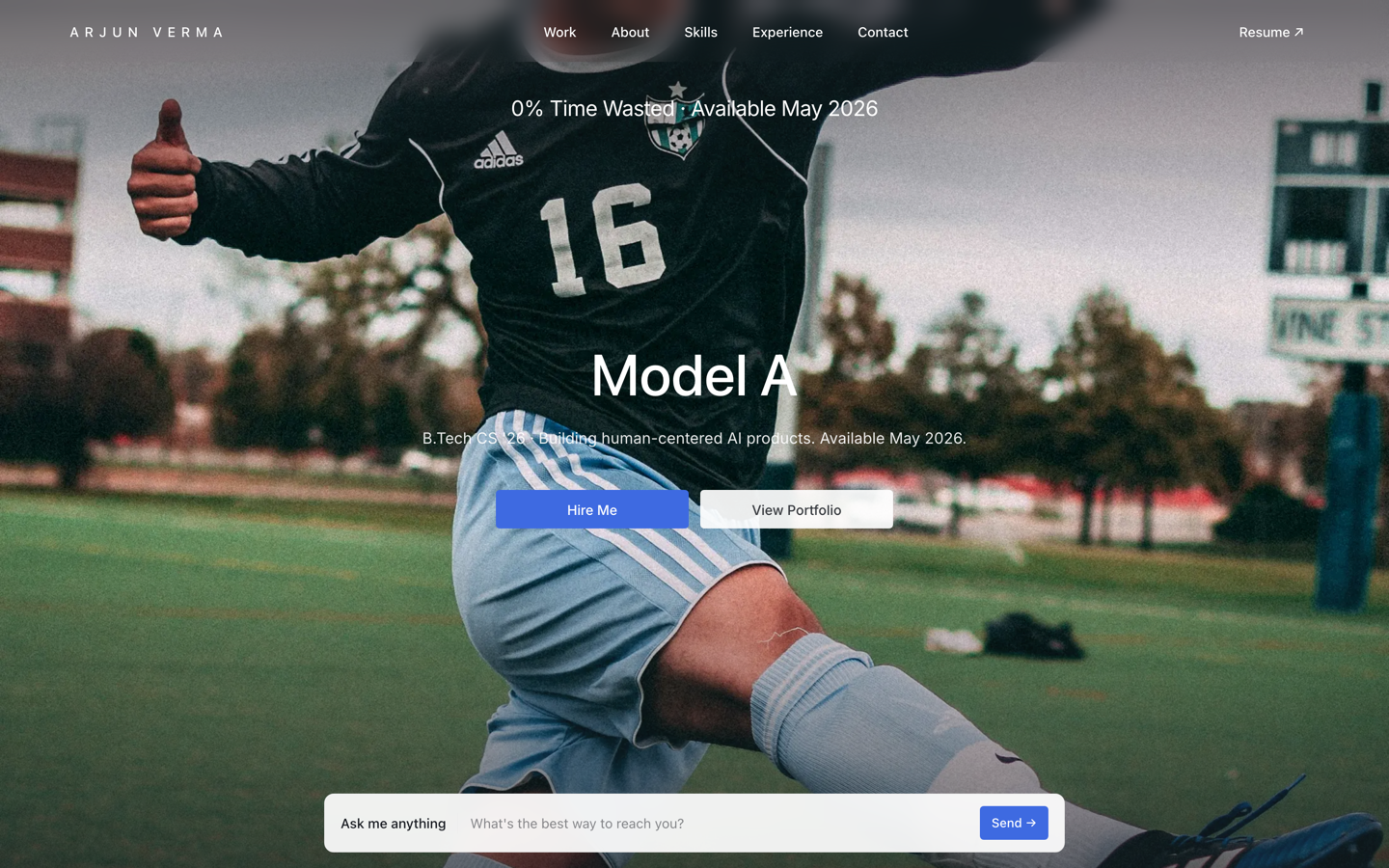 Premium
Tesla — Engineering Portfolio
Premium portfolio inspired by Tesla — full-viewport hero, electric-blue accent, scroll scenes.
View live demo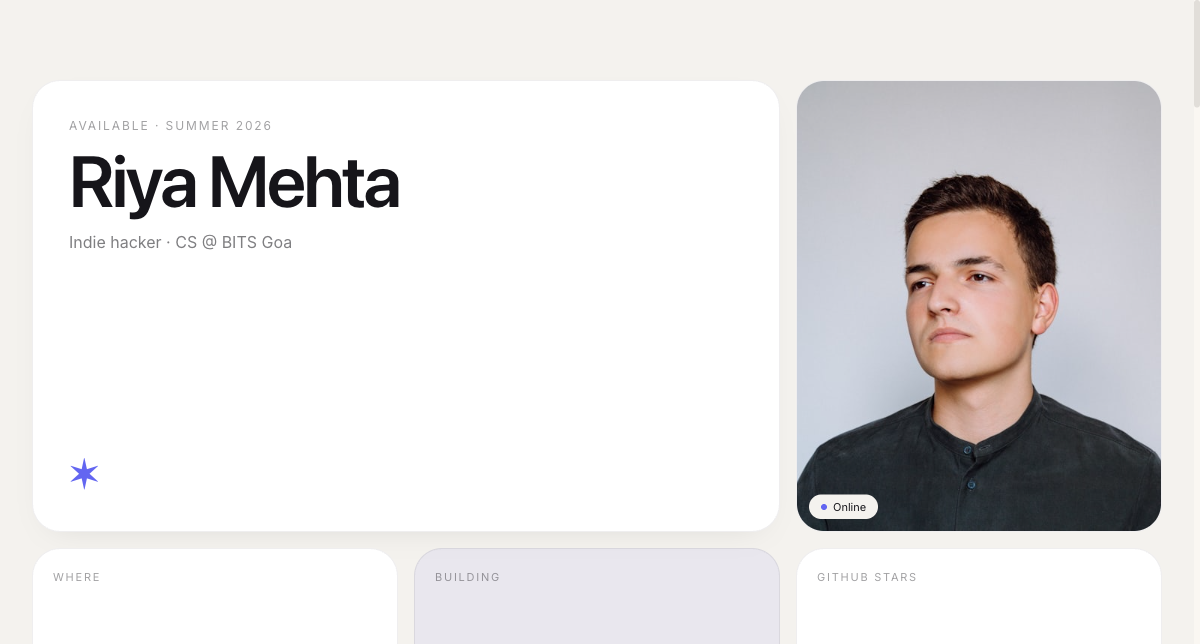 Modern
Bento Portfolio
Apple-style bento grid that organises skills, projects and links into tidy, scannable tiles.
View live demo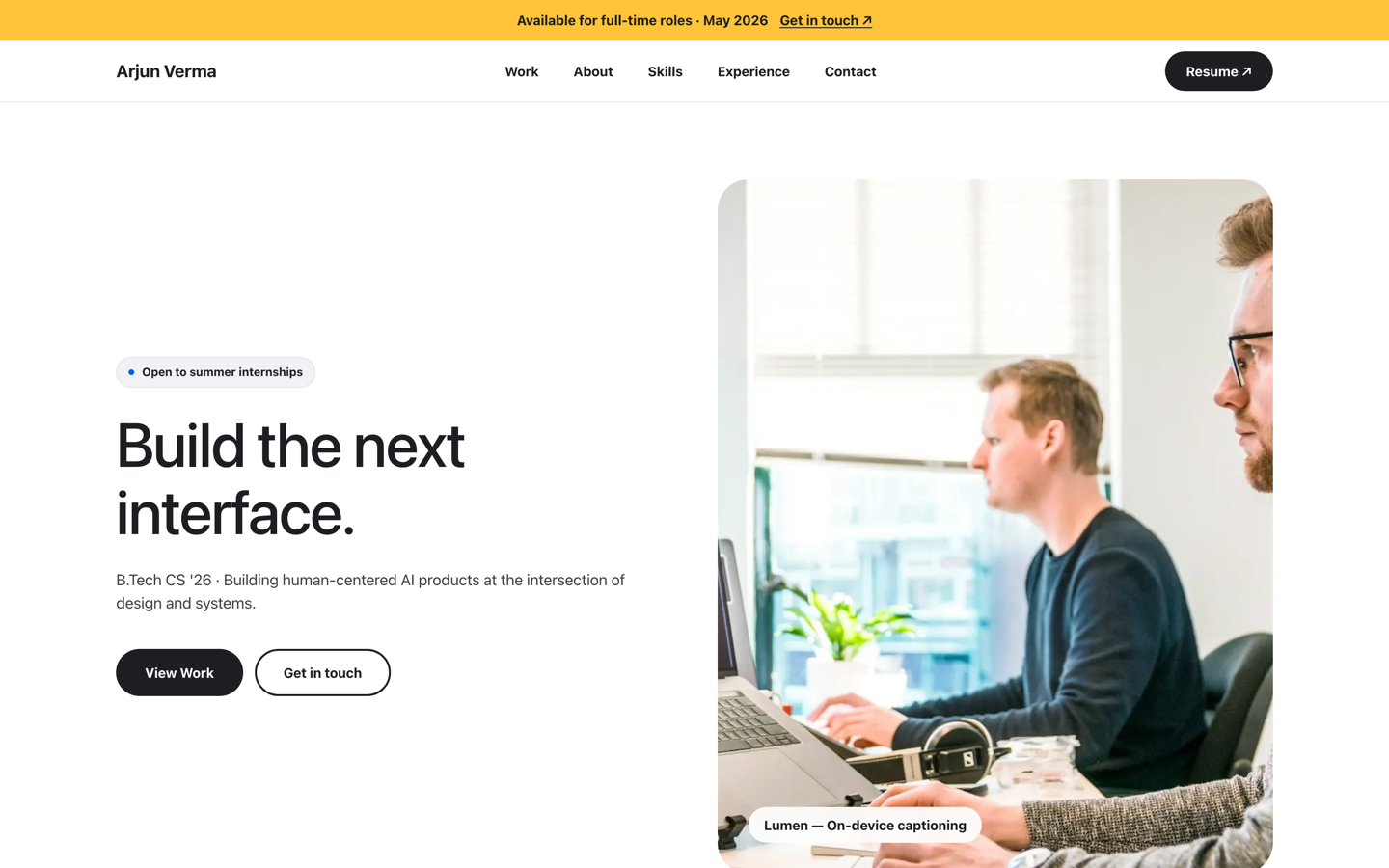 Premium
Meta — Builder Portfolio
Builder portfolio inspired by Meta — rounded photo tiles and a bold dual-CTA system.
View live demo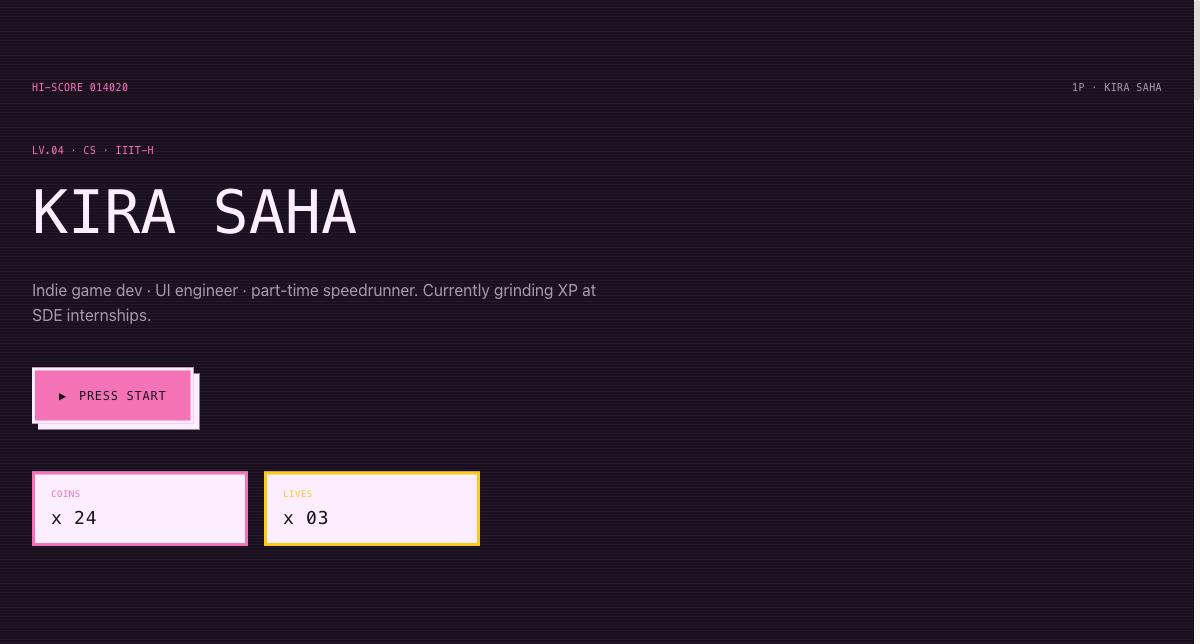 Playful
Arcade Cabinet Portfolio
Playful 8-bit arcade-cabinet portfolio — memorable, and great for game and creative-tech students.
View live demoBuild your CS portfolio free
Pick a developer-first template, link your GitHub and projects, and let AI write the rest. Publish at yourname.sitesplaced.com in minutes — free for CS students, no build step.
Build my portfolio free →Frequently asked questions
What should a computer science student put in a portfolio?
A one-line intro (e.g. 'Final-year CSE student building full-stack apps'), three to six projects with GitHub and live links, your tech stack, any internships, DSA or competitive programming achievements, and a contact section with your résumé. Lead with the projects that match the roles you want — SDE, data, ML, web.
Do CS students really need a portfolio for placements?
Yes. In placements and internship hunts, a portfolio with working projects is strong evidence you can actually build, not just clear DSA rounds. It is one link that shows your GitHub, your projects and your stack — far more memorable than another résumé in the pile.
Which template is best for a CS student?
It depends on your vibe. The terminal/IDE template suits developers who want a code-forward look; the CS template is a clean, projects-first layout; the bento grid is modern and easy to scan. All include space for GitHub, stack and projects, and all are free for students.
Can I build it without spending hours on design?
Yes. You pick a template, link your projects, and AI drafts your bio and project write-ups from your résumé. There is no design work and no coding the site itself — you go live in minutes and spend your time on your actual projects.
Is it free for CS students?
Yes. CS and B.Tech students build and publish on SitesPlaced for free, premium developer templates included, with no card required.