
SitesPlaced vs GitHub Pages for a student portfolio
Both are free, and both can host a great portfolio. The real question is whether you want to hand-code and control everything, or have a polished site live in minutes. Here is an honest comparison.
By Manan Agrawal, Founder · Updated June 10, 2026
Use SitesPlaced for speed and polish; use GitHub Pages for total control. SitesPlaced gets a recruiter-ready portfolio live in minutes with no coding and AI-written content, free for students. GitHub Pages lets you hand-code a fully custom site that itself shows your skills, at the cost of time and maintenance. Many students do both: SitesPlaced now, custom site later.
Real portfolios, live right now
Real freelancers, designers and creators built and published these on SitesPlaced — open any of them in a new tab.

Steve Corbin Jr.
A social-media specialist's portfolio that turns a decade of earned attention into inbound clients.
Visit live site
J. Riley Brewington
A content specialist showcasing multi-platform growth, testimonials and a clear booking path.
Visit live site
Romy Le Roux Knibbs
A brand & communications designer's portfolio — case studies in a polished, gradient-led layout.
Visit live siteGenerate your student portfolio in 60 seconds
Fill in four fields and watch a live preview build itself. When you like it, publish the real thing free on SitesPlaced — AI writes the first draft from your résumé.
No plan, no card. Publish at aisha-verma.sitesplaced.com
Portfolio
Aisha Verma
Software Engineer & Builder
VIT
About
Projects
Experience
Contact
Live preview · your real site is fully editable
What is the honest trade-off?
GitHub Pagesis loved for good reason: it is free, it is yours, and for a developer the site is a portfolio piece in itself. The catch is time and upkeep — you write the code, wrangle Git and deploys, and maintain it while juggling coursework and placements. For many students, “I’ll build my portfolio site this weekend” quietly never happens.
SitesPlaced removes that friction. You pick a developer-first template, link your projects, let AI draft the write-ups, and you are live in minutes — polished and recruiter-ready. You give up some custom control in exchange for actually having a portfolio when you need one. Neither is wrong; they suit different priorities.
SitesPlaced vs GitHub Pages — side by side
| Factor | SitesPlaced | GitHub Pages |
|---|---|---|
| Time to live | Minutes | Hours (code + deploy) |
| Coding required | None | HTML/CSS/JS + Git |
| Design quality out of the box | Premium templates | Whatever you build |
| AI writes your content | ✓ | ✗ |
| Project & GitHub links | ✓ Built in | ✓ (you add) |
| Maintenance | None | You maintain it |
| Full custom control | Template-based | ✓ Total |
| Custom domain | ✓ Optional | ✓ |
| Cost | Free for students | Free |
Which should you choose?
Choose SitesPlaced if you…
- • Want a polished portfolio live in minutes, free
- • Would rather link projects than build and deploy a site
- • Want AI to draft your bio and project write-ups
- • Are short on time during placements or internships
- • Want premium developer templates without coding them
Choose GitHub Pages if you…
- • Want to hand-code a fully custom front end
- • Want the site itself to show your CSS/JS skills
- • Are comfortable with Git, build tools and deploys
- • Have time for ongoing tweaks and maintenance
- • Value total control over speed
Developer-first templates (no coding)
If you choose the faster route, these are the developer-first portfolios you can clone — free for students.
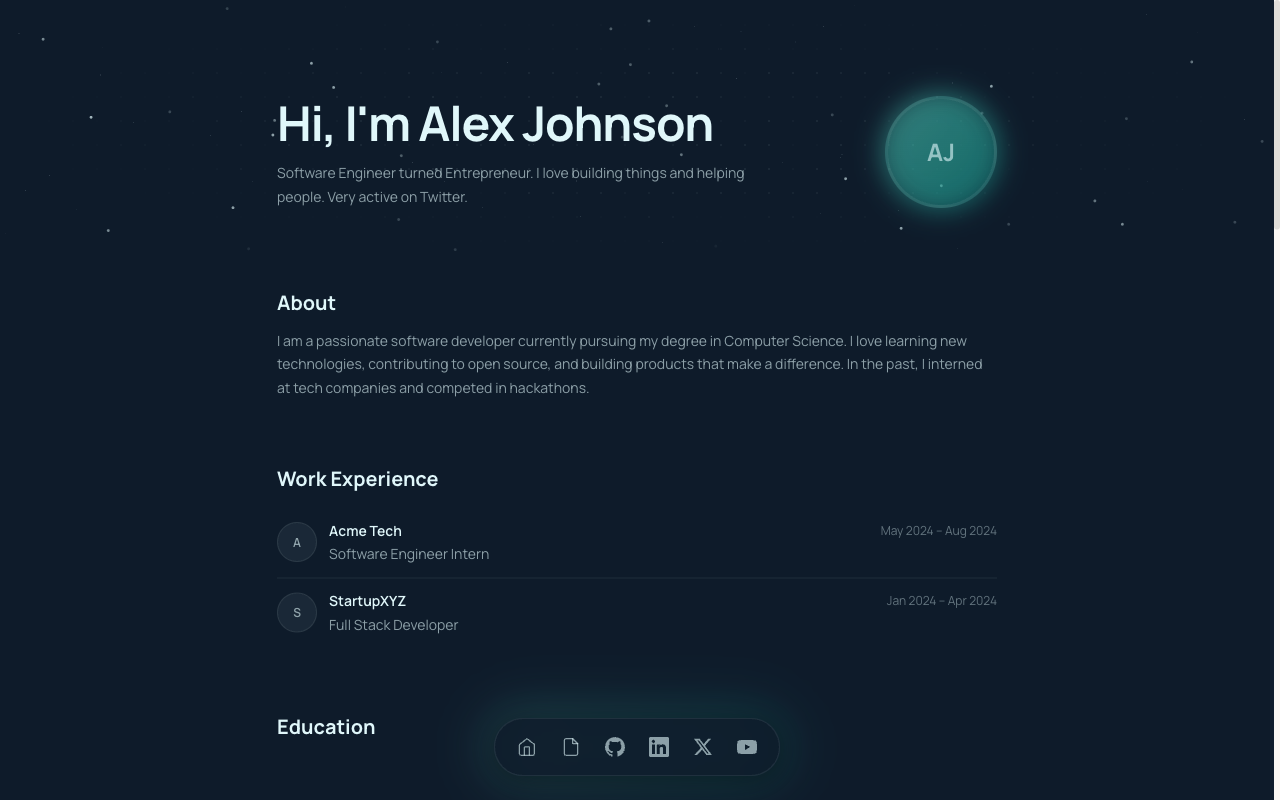 CS
CSCS Student Portfolio
Built for CS and B.Tech students — projects, GitHub, stack and experience in a developer-first layout.
View live demo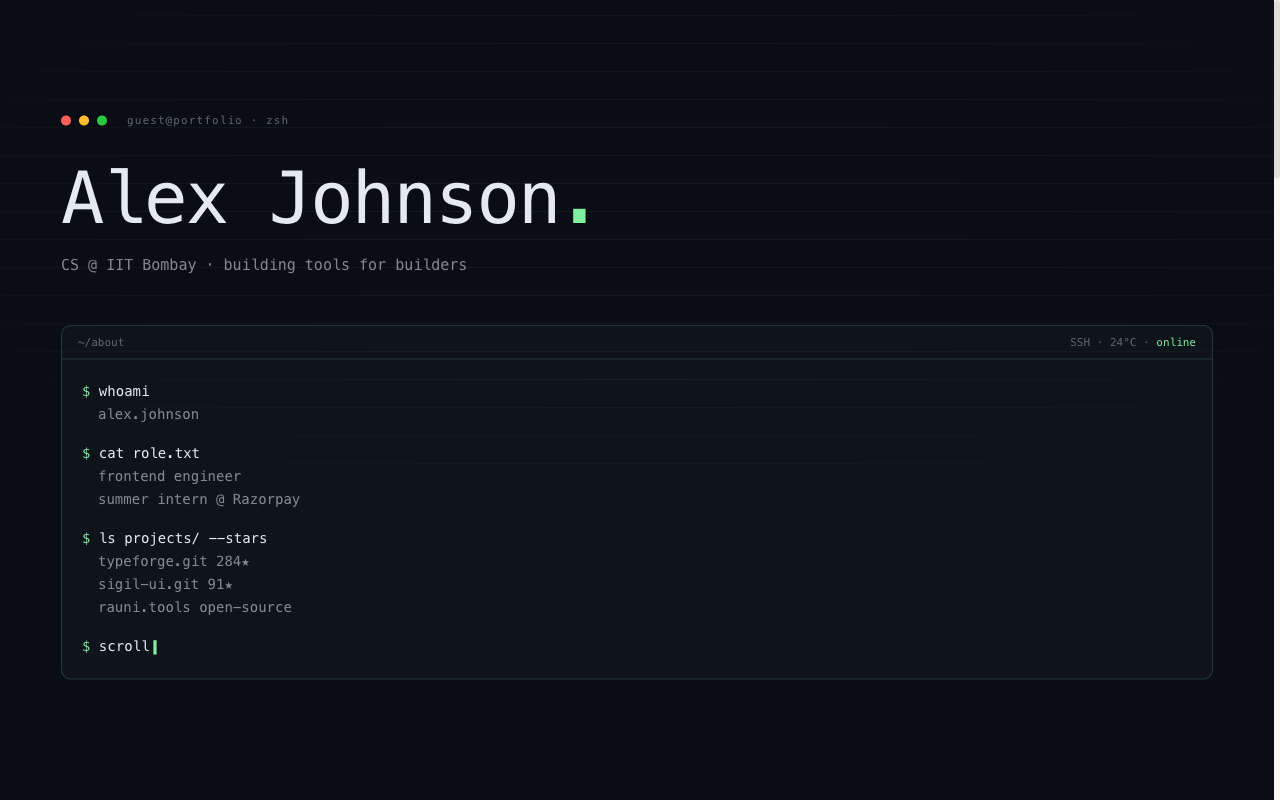 Developer
Terminal Portfolio
IDE / terminal aesthetic — code-style hero, mono type, projects laid out like a command log.
View live demo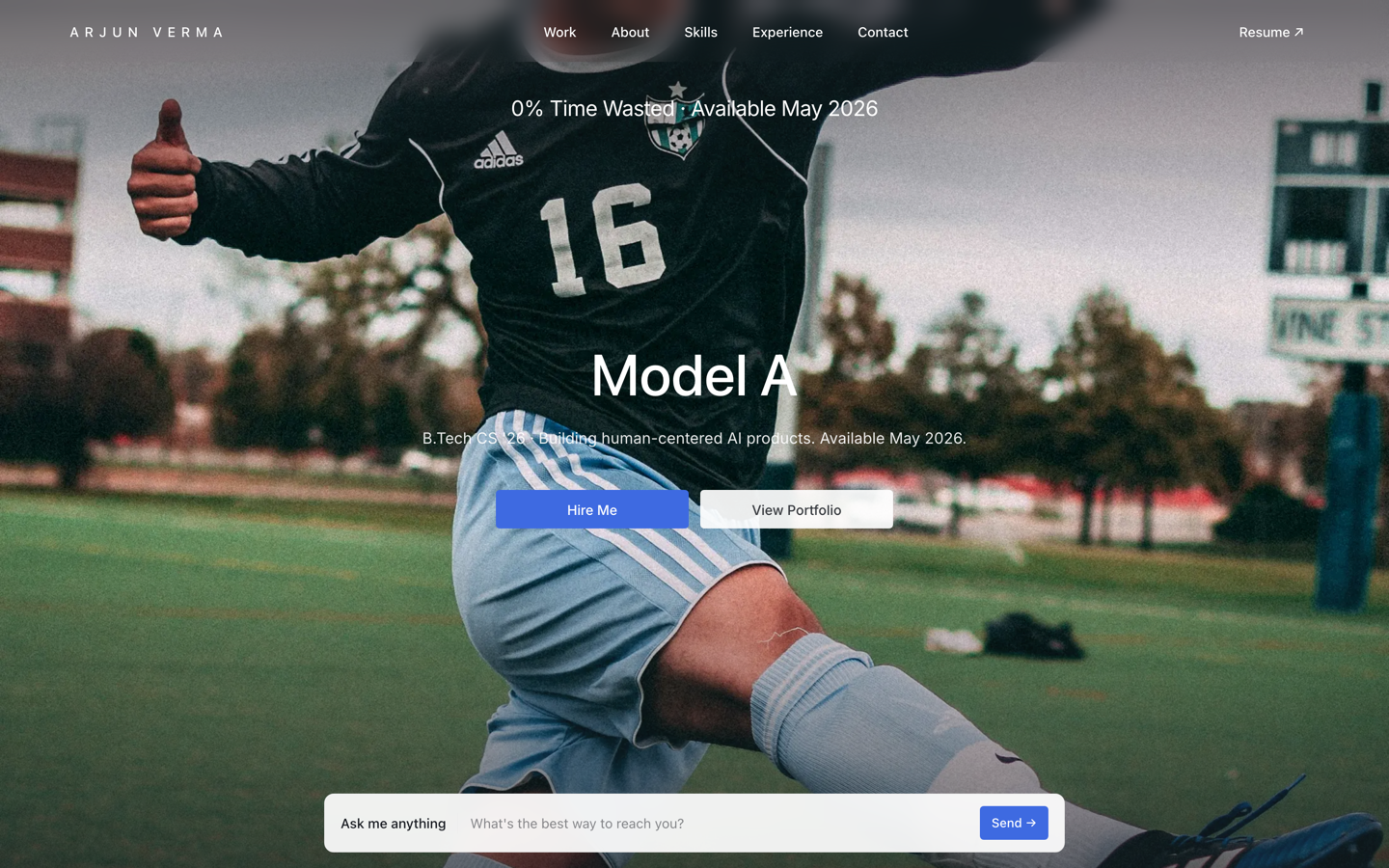 Premium
Tesla — Engineering Portfolio
Premium portfolio inspired by Tesla — full-viewport hero, electric-blue accent, scroll scenes.
View live demo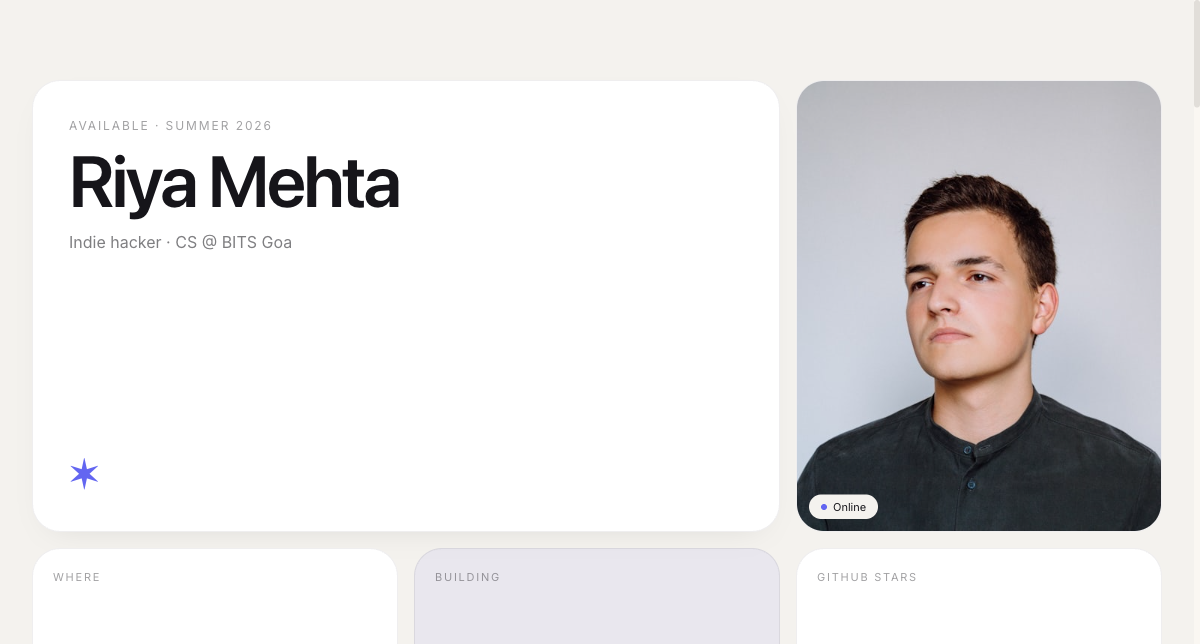 Modern
Bento Portfolio
Apple-style bento grid that organises skills, projects and links into tidy, scannable tiles.
View live demo Premium
Meta — Builder Portfolio
Builder portfolio inspired by Meta — rounded photo tiles and a bold dual-CTA system.
View live demo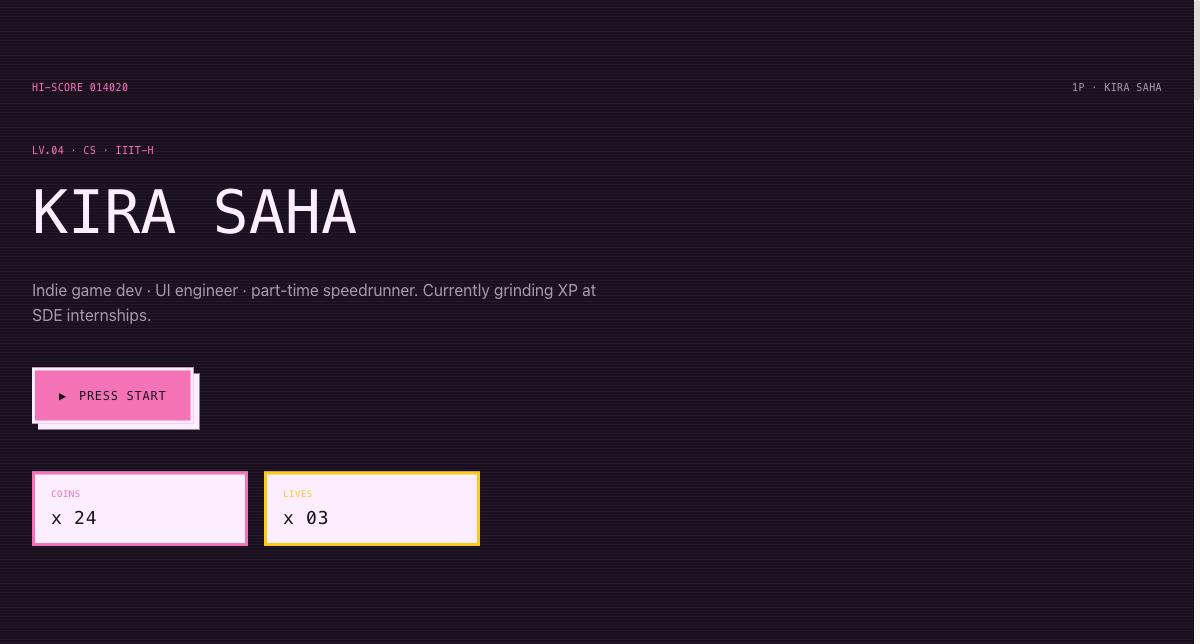 Playful
Arcade Cabinet Portfolio
Playful 8-bit arcade-cabinet portfolio — memorable, and great for game and creative-tech students.
View live demoHave a portfolio live today — free
Pick a developer-first template, link your GitHub and projects, and let AI write the rest. Publish at yourname.sitesplaced.com in minutes — free for students, including a custom domain. Only a one-time ₹99 removes the SitesPlaced badge. Hand-code a custom site later if you want; have one ready now.
Build my portfolio free →Frequently asked questions
Is SitesPlaced or GitHub Pages better for a student portfolio?
Both are free; the difference is speed and control. SitesPlaced gets a polished, recruiter-ready portfolio live in minutes with no coding and AI-written content — free to build and publish for students, with all templates, AI and a custom domain included. The only optional charge is a one-time ₹99 (or $3) to remove the small SitesPlaced badge. GitHub Pages lets you hand-code a fully custom site, which takes longer but gives total control and shows off front-end skill. Many students use SitesPlaced now to have a portfolio ready, then build a custom GitHub Pages site later.
Is GitHub Pages good for a developer portfolio?
Yes — for developers who want to hand-code and maintain their own site, GitHub Pages is excellent and free, and the site itself demonstrates your skills. The trade-off is time: you write the HTML/CSS/JS, manage Git and deploys, and maintain it. If you would rather link projects and ship in minutes, SitesPlaced is faster.
Can I move from SitesPlaced to GitHub Pages later?
Absolutely. A common path is to publish on SitesPlaced now so you have a strong portfolio during placements, then hand-build a custom GitHub Pages site when you have time. Your content and projects are yours; you are just changing where the site lives.
Does GitHub Pages require coding?
Yes. GitHub Pages hosts a site you build yourself, so you need HTML/CSS (and usually some JS), plus Git to publish. SitesPlaced requires no coding — you pick a template and fill in your details.
Which looks more professional to recruiters?
Both can look great. A well-built GitHub Pages site shows craft; a SitesPlaced template gives you a polished, recruiter-ready look instantly. What matters most to recruiters is clear projects with working links — and both can deliver that.