
SitesPlaced vs Wix for students
Wix is a capable, flexible website builder. But for a student who just wants a clean portfolio live — for free, without ads — the fit is different. Here is an honest, student-focused comparison.
By Manan Agrawal, Founder · Updated June 10, 2026
For a student portfolio, SitesPlaced is usually the better and cheaper choice than Wix. It is free to publish with premium templates included and no ads, built specifically for student portfolios, and AI writes your content from your résumé. Wix is powerful and flexible, but its free tier adds ads and branding and locks the best templates and a custom domain behind paid plans.
Real student portfolios, live right now
Real students built and published these on SitesPlaced — open any in a new tab to see what a finished one looks like.
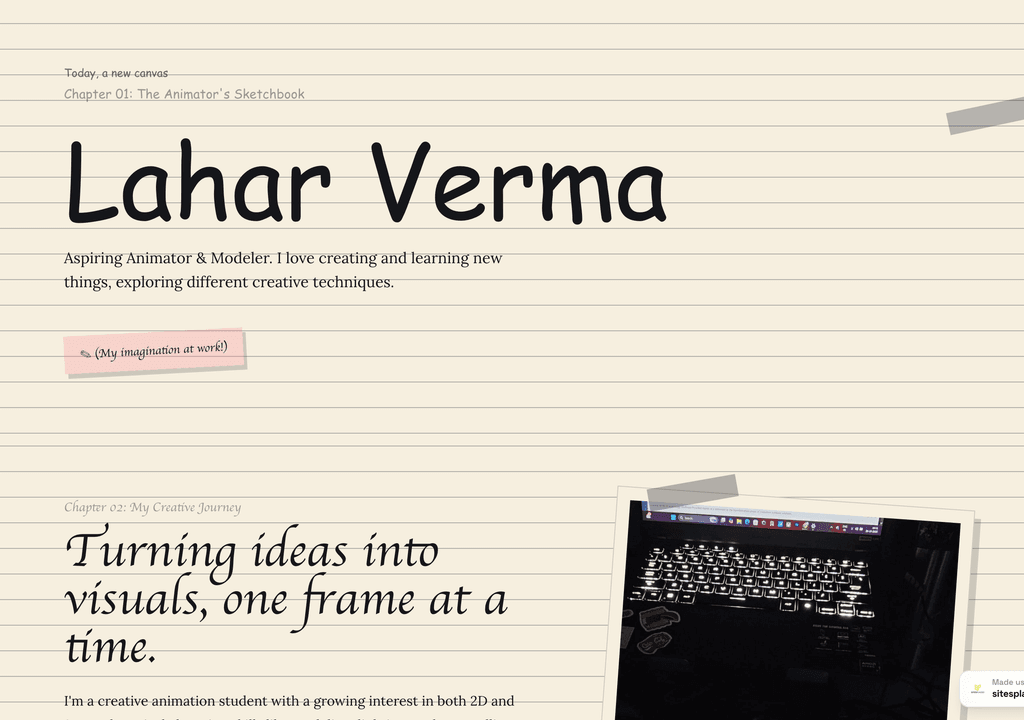
Lahar Verma
An aspiring animator's sketchbook-style portfolio — projects and creative journey, chapter by chapter.
Visit live site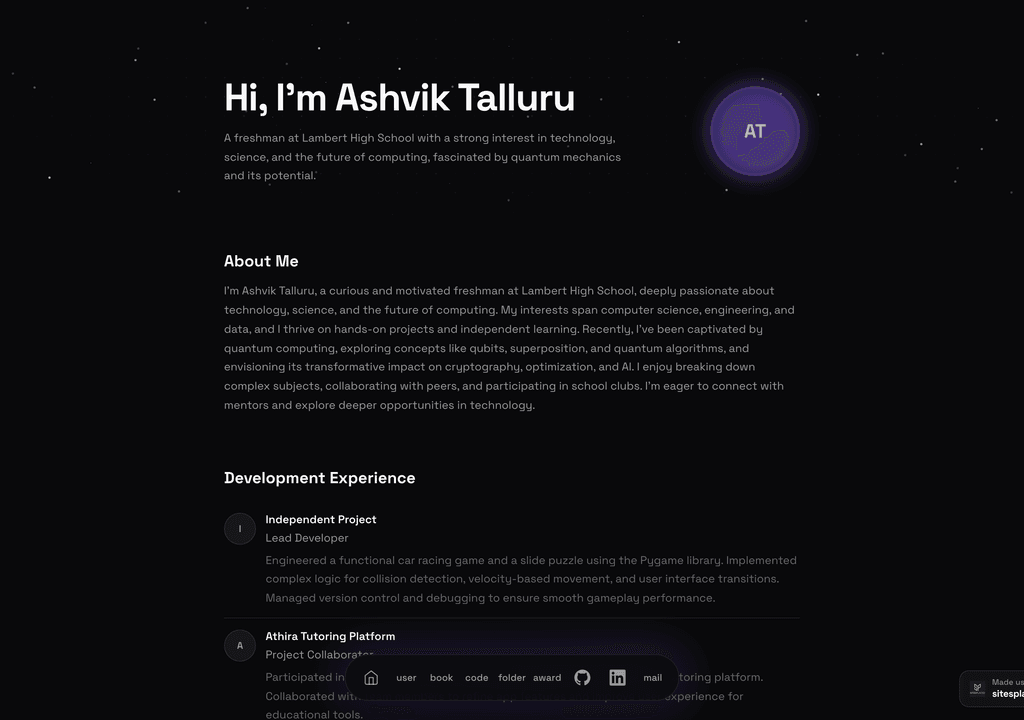
Ashvik Talluru
A computer-science student's project-first portfolio with real builds, experience and links.
Visit live site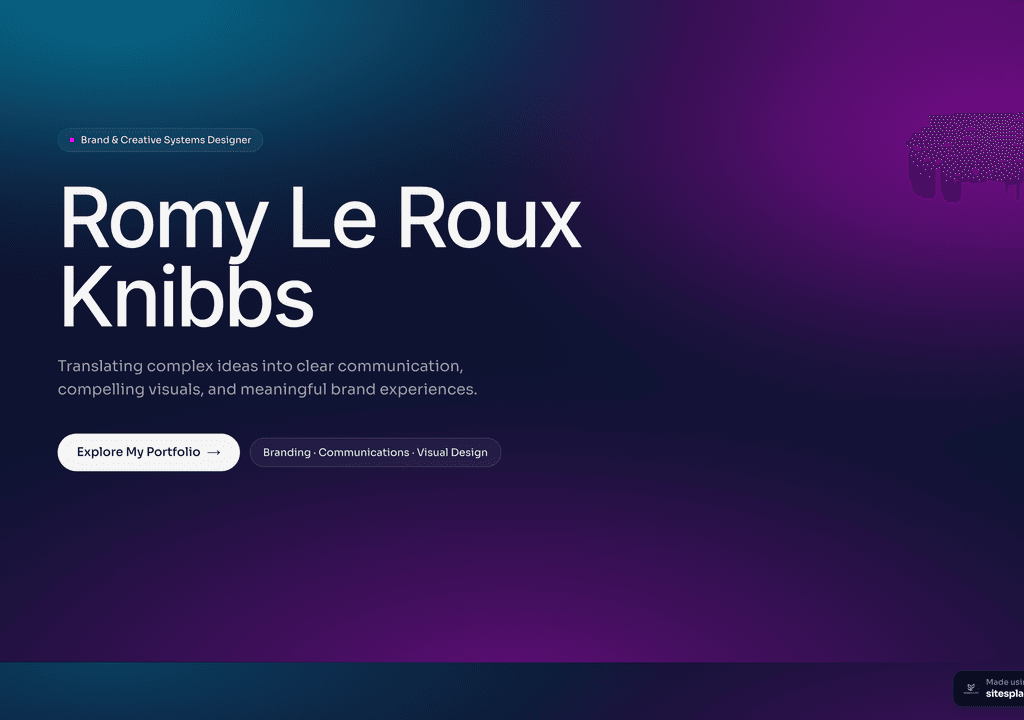
Romy Le Roux Knibbs
A brand & communications designer's portfolio — case studies in a polished, gradient-led layout.
Visit live siteGenerate your student portfolio in 60 seconds
Fill in four fields and watch a live preview build itself. When you like it, publish the real thing free on SitesPlaced — AI writes the first draft from your résumé.
No plan, no card. Publish at aisha-verma.sitesplaced.com
Portfolio
Aisha Verma
Software Engineer & Builder
VIT
About
Projects
Experience
Contact
Live preview · your real site is fully editable
Built for portfolios vs built for everything
Wix is a general-purpose builder — it can make almost any kind of website, which is its strength and, for a student, its weakness. That flexibility means more choices to configure and templates designed for businesses and shops as much as portfolios. You can build a great student site on Wix, but you do more of the shaping yourself.
SitesPlaced is narrower on purpose: it is built for portfolios and student profiles. The templates are recruiter-ready, the structure already fits how students present projects, and AI drafts your content. You get a polished result faster because the tool is opinionated about exactly the thing you are making.
How do SitesPlaced and Wix compare side by side?
| Factor | SitesPlaced | Wix (free tier) |
|---|---|---|
| Free to publish (no ads) | ✓ Premium included | Free tier has ads/branding |
| Made for student portfolios | ✓ Recruiter-ready templates | General-purpose |
| AI writes your content | ✓ From your résumé | Limited |
| Time to live | Minutes | Longer (more options to configure) |
| Premium templates free | ✓ For students | Paid plans |
| Custom domain | ✓ Optional | Paid plan |
| Best for | Students & freshers | General websites |
Indicative comparison for a student building a portfolio, June 2026. Wix features vary by plan.
Which should a student choose?
Choose SitesPlaced if you…
- • Want a free, ad-free student portfolio with premium templates
- • Want AI to write your content from your résumé
- • Want a recruiter-ready portfolio live in minutes
- • Are a student or fresher focused on placements
- • Don't want to configure a general-purpose builder
Consider Wix if you…
- • Want a flexible builder for more than a portfolio
- • Plan to build a complex site with many page types
- • Are willing to pay for premium templates and a domain
- • Want maximum design flexibility over speed
Free student portfolio templates
These recruiter-ready portfolios are free to publish on SitesPlaced — open a demo and clone it.
 Popular
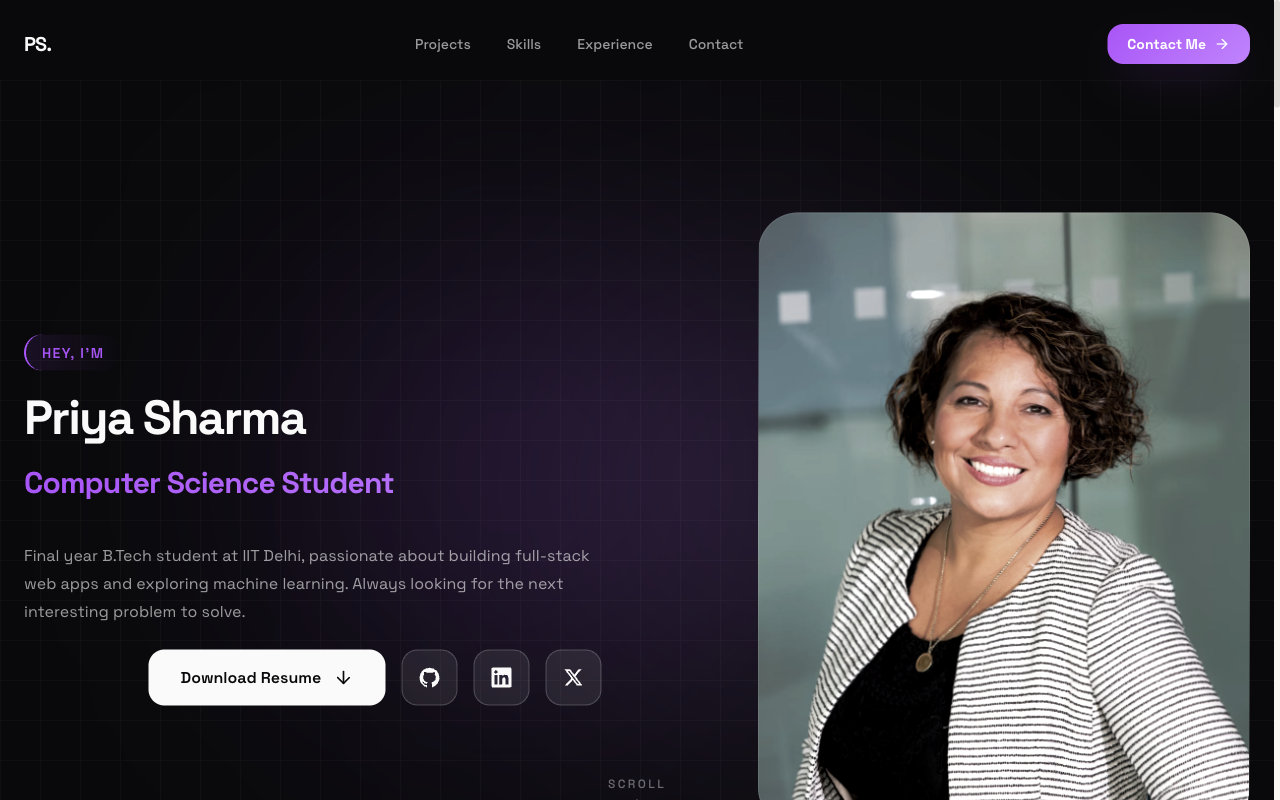
Flagship — Student Portfolio
Recruiter-friendly, projects-first layout. The safe, strong default for placements and internships.
View live demo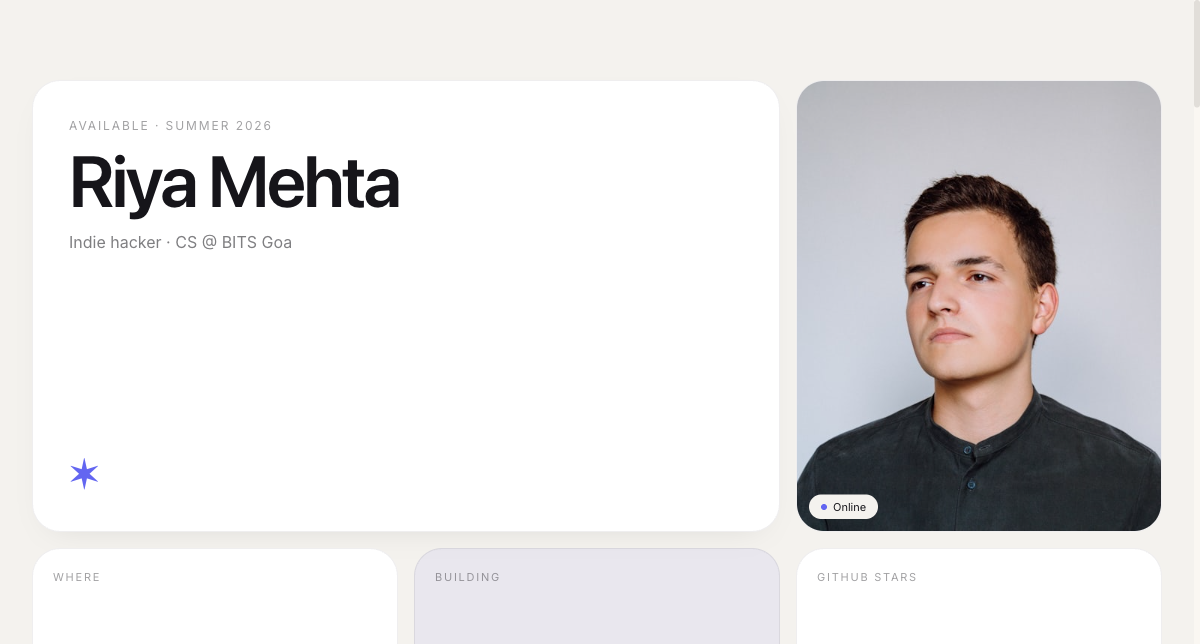 Modern
Bento Portfolio
Apple-style bento grid that organises skills, projects and links into tidy, scannable tiles.
View live demo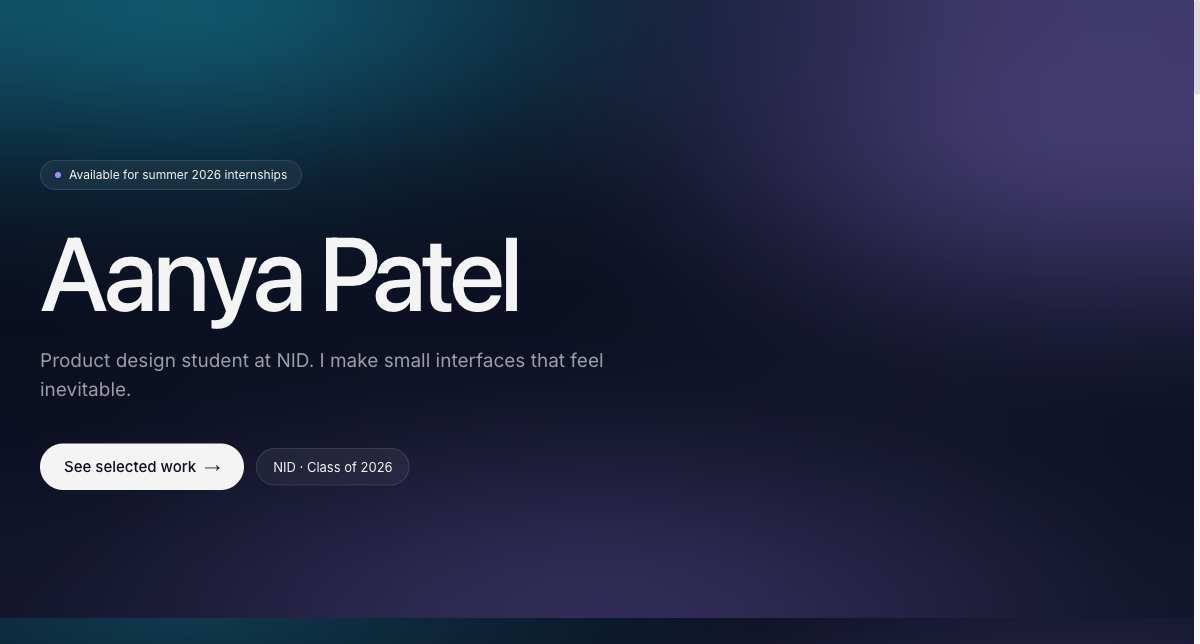 Creative
Aurora Portfolio
Soft-gradient, design-forward portfolio for students who want creative but still professional.
View live demo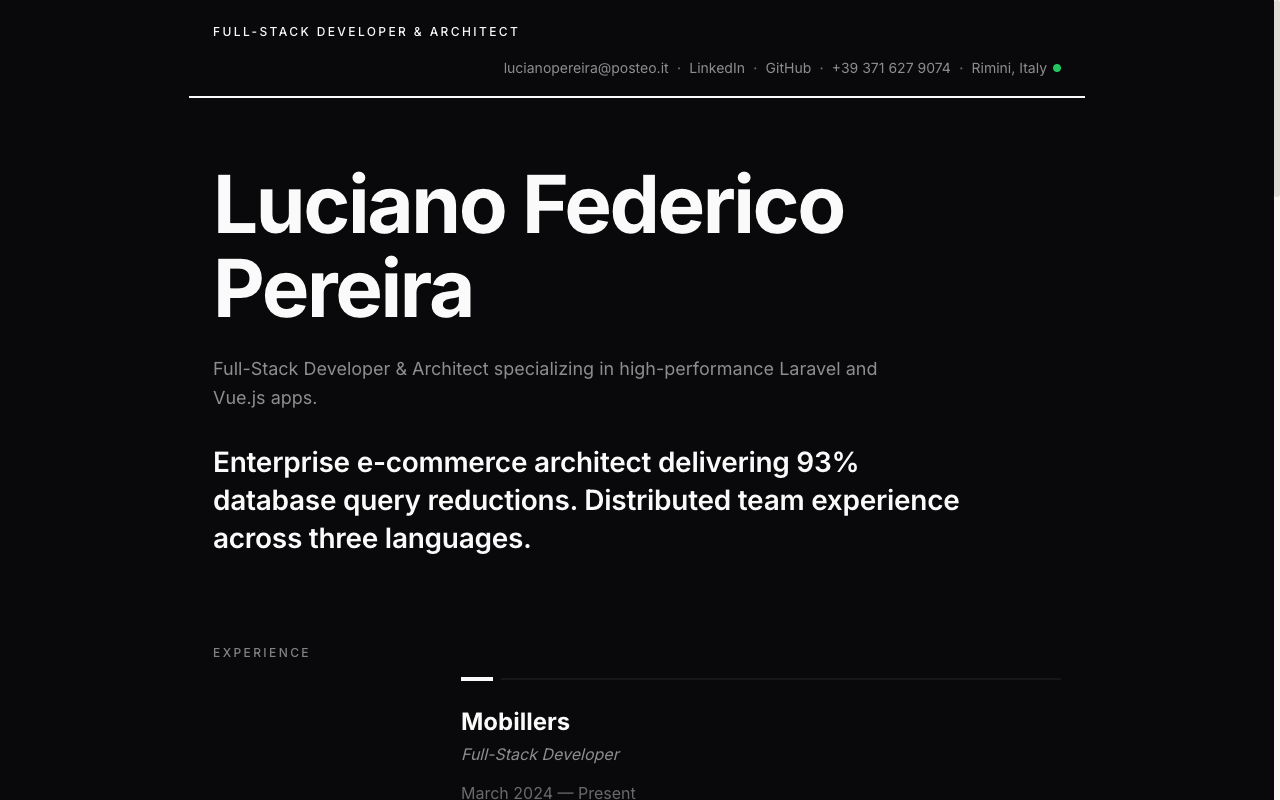 Resume
Resume Portfolio
Your CV as a website — a clean, linkable one-pager recruiters can skim in seconds.
View live demo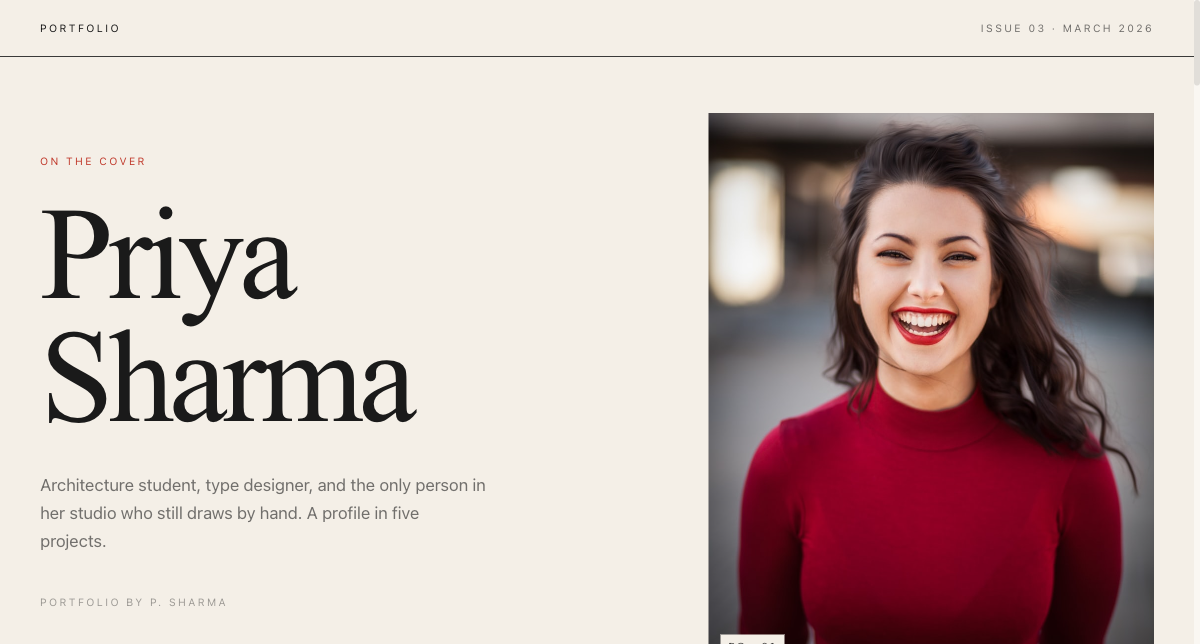 Editorial
Magazine Portfolio
Editorial magazine layout for design, media and communication students with a strong visual story.
View live demo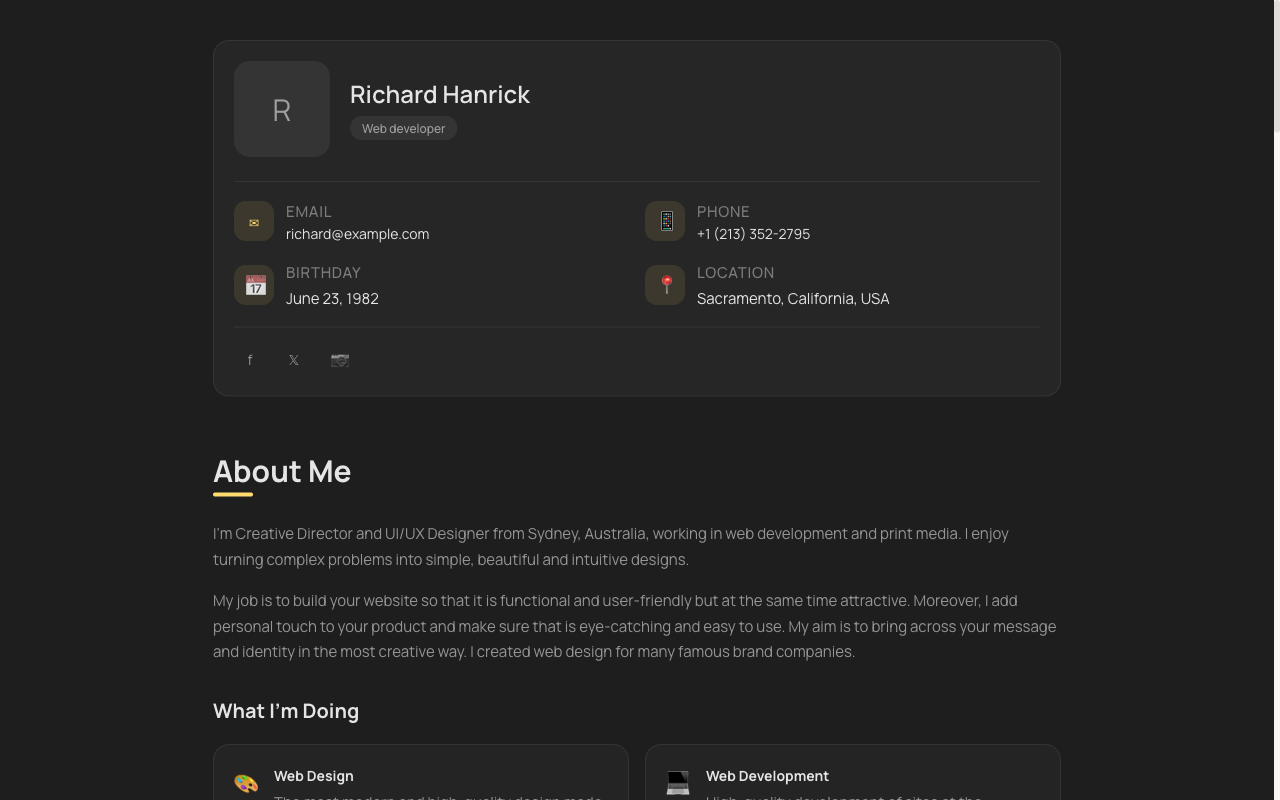 Minimal
vCard Portfolio
Compact digital visiting card — name, role, links and contact in one tidy, shareable page.
View live demoBuild a free, ad-free student portfolio
Pick a recruiter-ready template, let AI write your content from your résumé, and publish at yourname.sitesplaced.com in minutes. Free for students, premium templates included, no ads, no card.
Build my portfolio free →Frequently asked questions
Is SitesPlaced or Wix better for a student portfolio?
For students, SitesPlaced is usually the better fit: it is free to publish (premium templates included), built specifically for student portfolios, and AI writes your content from your résumé. Wix is a powerful general-purpose builder, but its free tier adds ads and branding, the good templates and a custom domain need a paid plan, and it takes longer to configure.
Is Wix really free for students?
Wix has a free tier, but it shows Wix ads and branding, uses a Wix subdomain, and locks premium templates and a custom domain behind paid plans. SitesPlaced's student tier is free to publish with premium templates included and no ads, which is a meaningful difference for someone sharing a portfolio with recruiters.
Which is faster to set up?
SitesPlaced is faster for a portfolio specifically: you pick a recruiter-ready template, AI drafts your content, and you publish in minutes. Wix's flexibility means more options to configure, which is great for a complex site but slower when you just want a clean portfolio live.
Can I use a custom domain on either?
Yes, on both. On SitesPlaced you can start free at yourname.sitesplaced.com and add a custom domain later. On Wix, a custom domain requires a paid plan.
Which looks more professional for placements?
Both can look good, but SitesPlaced's templates are tuned specifically for student portfolios and placements, and the free tier has no ads — so a free SitesPlaced portfolio often presents more professionally to recruiters than a free Wix site.