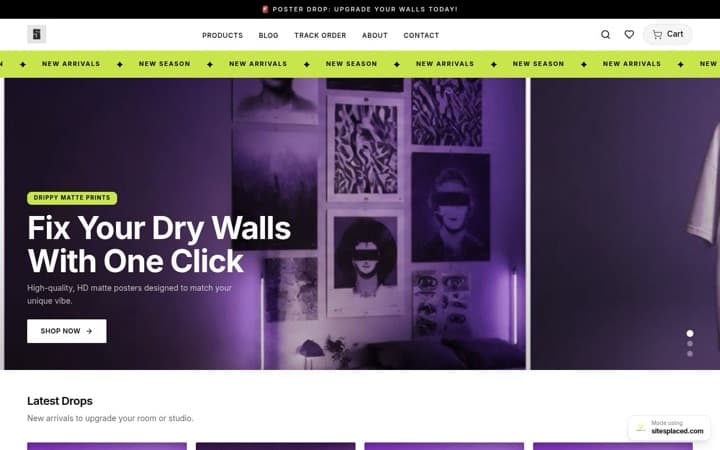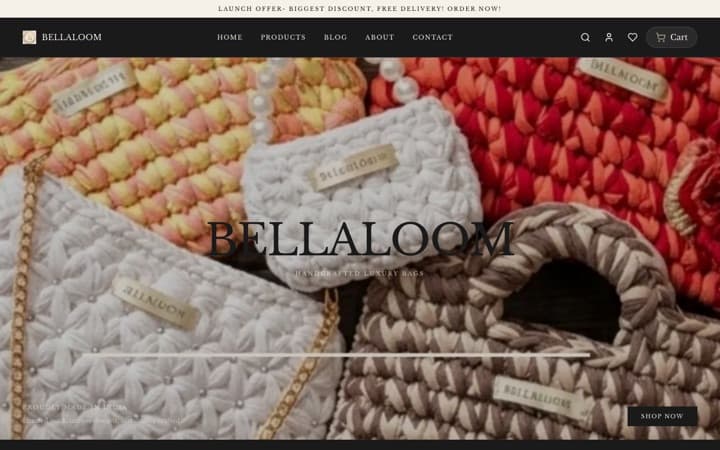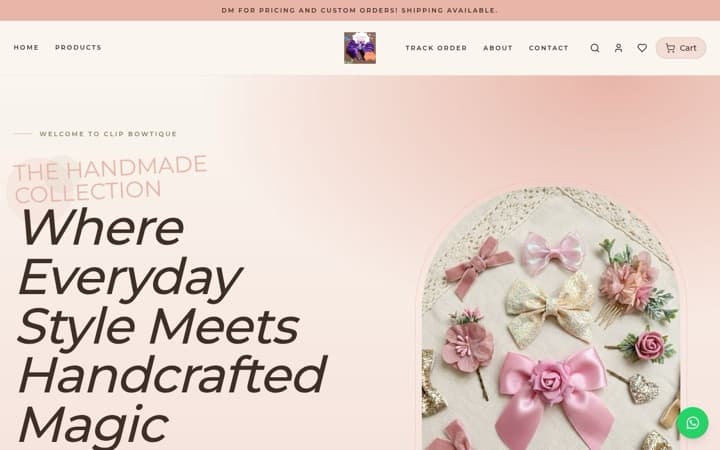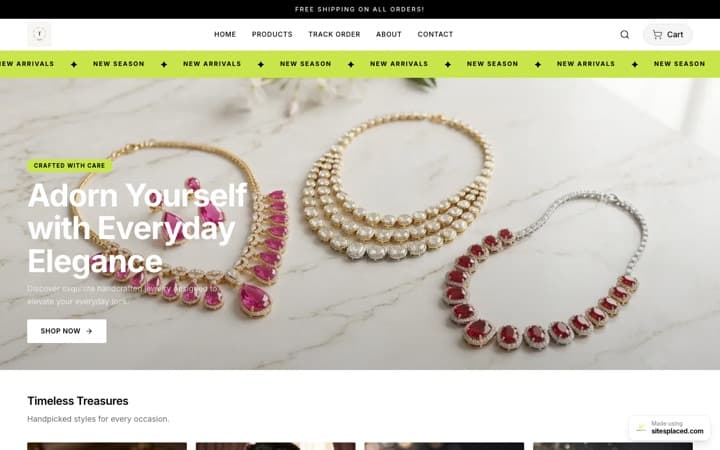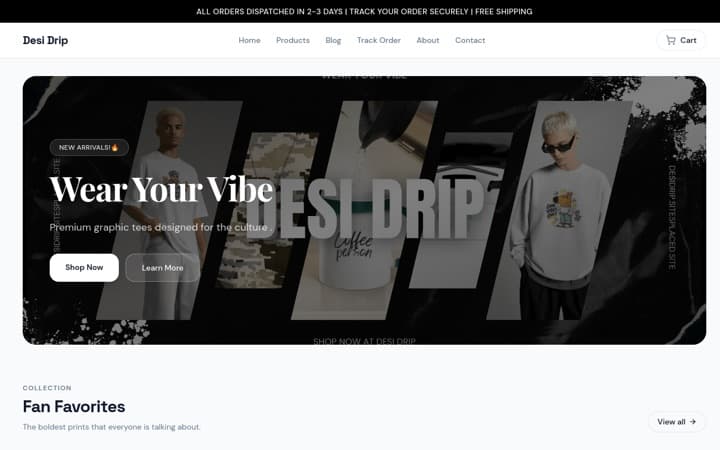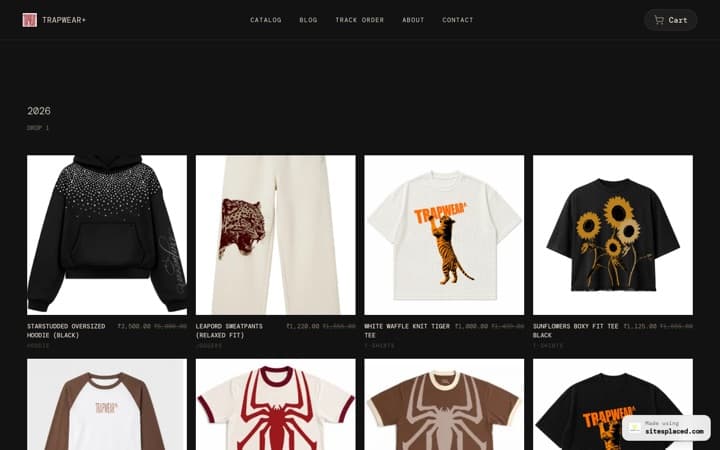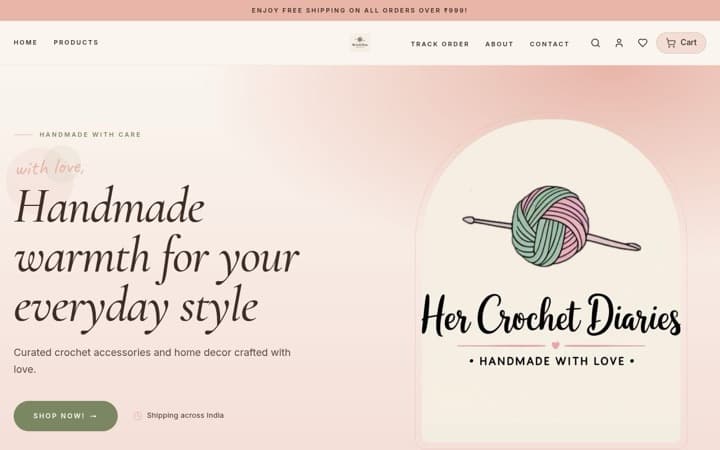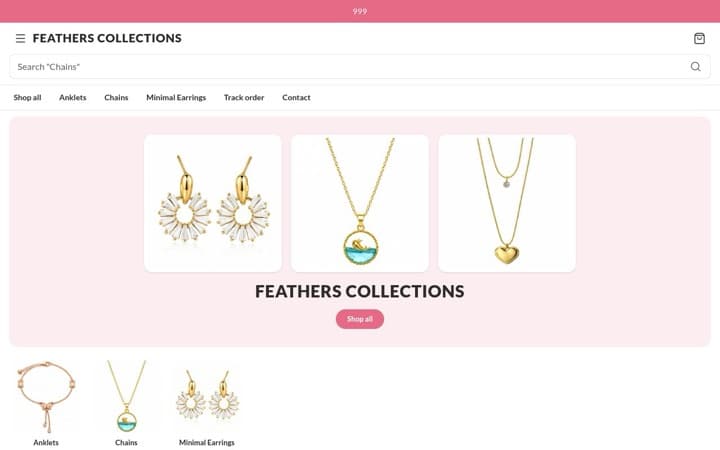



A free Diwali website for your shop — take orders from the customers you already have
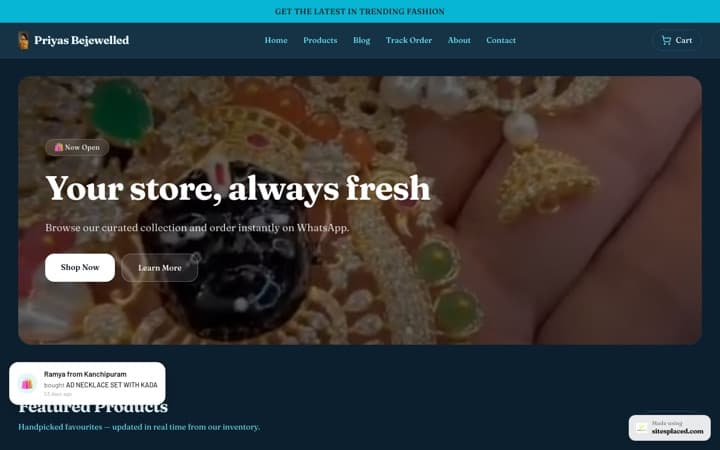
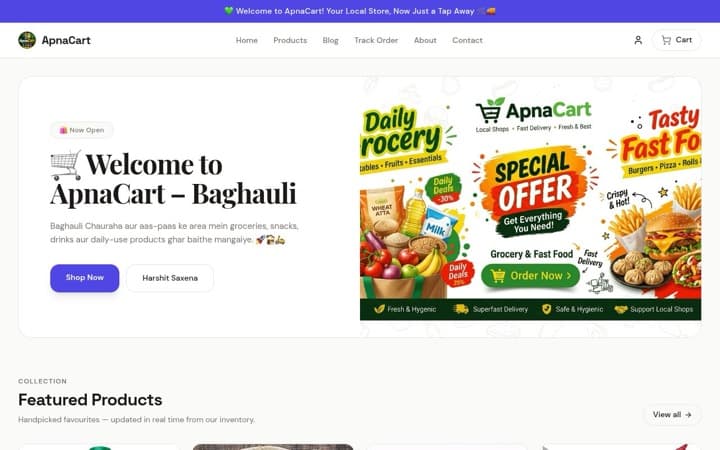
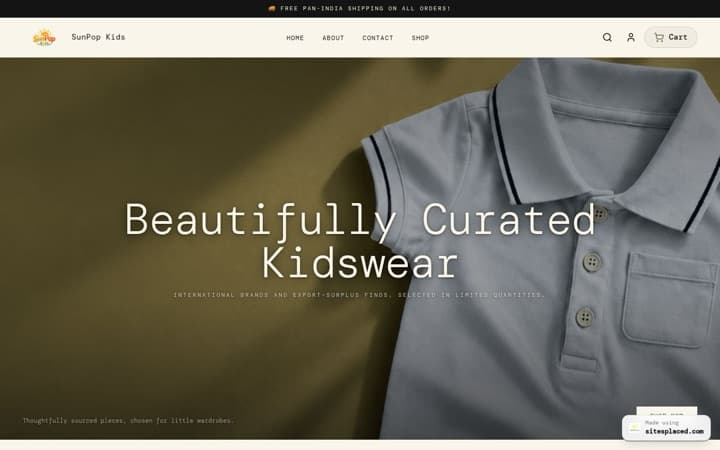
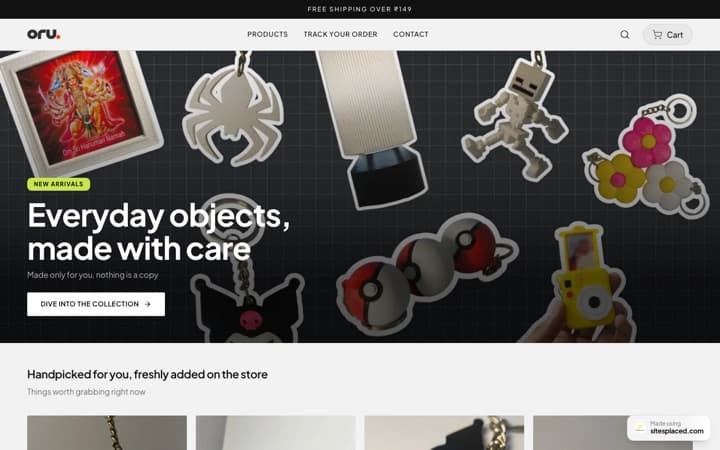
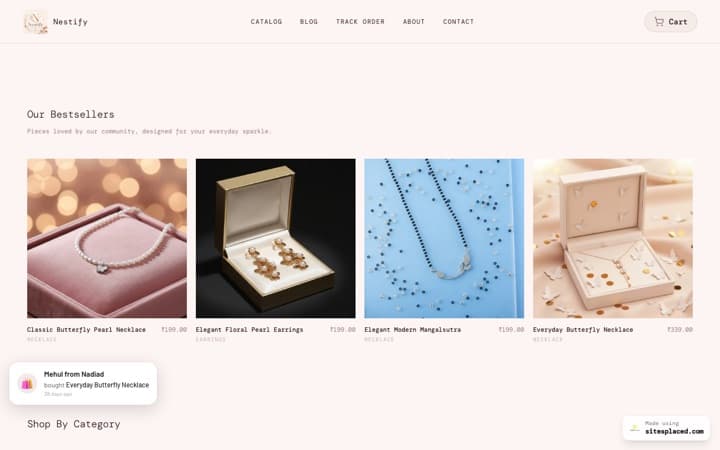
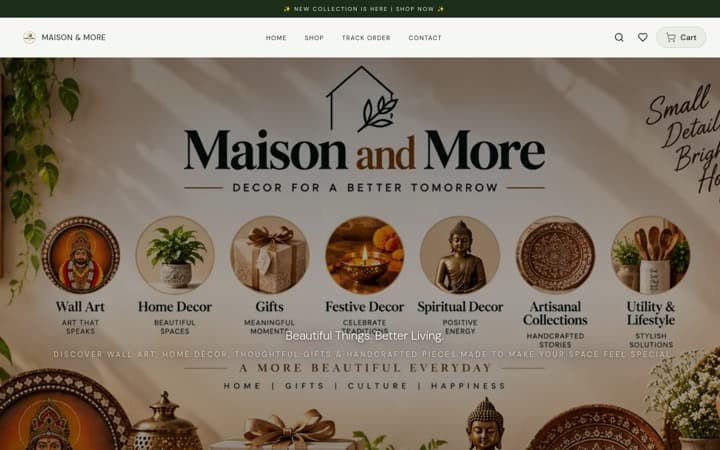
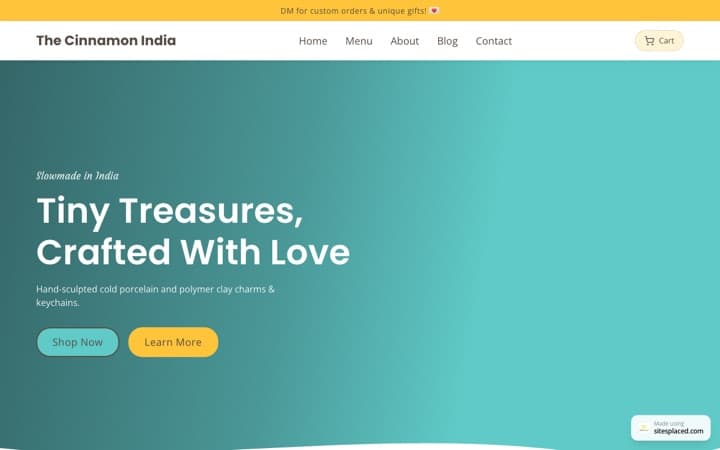
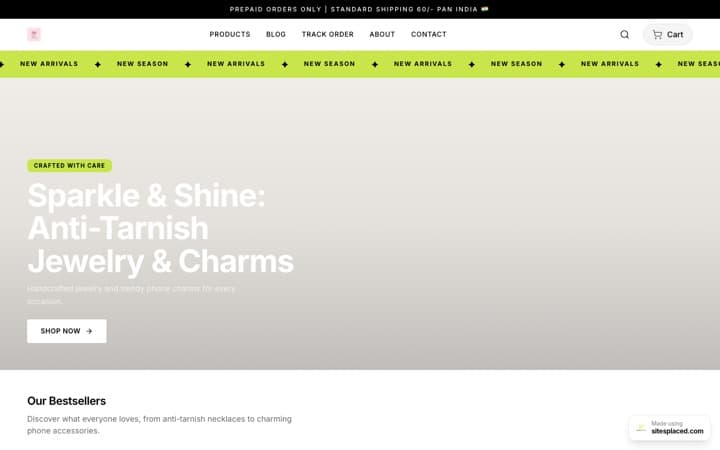
Yes, your shop can have a website for Diwali at no cost, and it can be taking orders this week. You do not need to ship across India or learn anything technical. What a sweet shop, boutique, gift shop, kirana or jeweller needs is small: a page with your Diwali items and prices, an order button that sends the order to your WhatsApp, delivery in your area or pickup from the shop, and a QR code at the counter. On SitesPlaced all of that is free, with 0% commission.
Key takeaway: this website is for the customers who already know your shop. They scan the QR code at your counter today and order from home next week, for themselves or for a relative across town. Put fifteen to thirty festive items online, take orders on WhatsApp with cash on delivery, offer pickup, and print the QR code. Diwali is on Sunday 8 November 2026 and Dhanteras on Friday 6 November, so set it up now, while the counter is still quiet.
TL;DR
- • What it is: a simple catalogue store with your Diwali range, not a big online business.
- • How people order: on WhatsApp, with cash on delivery or UPI.
- • Delivery: one charge for your area, free above an order value, or pickup from the shop.
- • How people find it: a QR code at the counter, on the bill and on your boxes, and your WhatsApp status.
- • Cost: ₹0. Your own domain starts at ₹199/month.
- • Limits: one flat delivery charge, and no blocking of orders by pincode.
Why a shop needs this in the Diwali weeks
- The counter gets crowded. A customer who can order from home does not have to stand in the queue, and does not walk away from it.
- Phone orders get lost. An order taken on a call and written on a slip has no address check, no total and no record. An order from the website has all three.
- People send gifts to other addresses. A regular customer wants a box of sweets delivered to a relative. On the website they type that address themselves.
- You can show the festive range once. You stop answering “what boxes do you have and how much?” forty times a day.
What the shop needs, and where it is on SitesPlaced
| What the shop needs | How it works | Plan |
|---|---|---|
| A catalogue of your Diwali items with prices | Products with photos, prices, options such as weight or size, and a stock number | Free |
| Orders on WhatsApp | WhatsApp checkout. It can be one option or the only way to order | Free |
| Payment at the door or at the counter | Cash on delivery | Free |
| Payment by UPI | Your own Razorpay, PhonePe or Cashfree account, or a direct transfer to your UPI ID | Free |
| A delivery charge for your area | One delivery charge, and free delivery above an order value you choose | Free |
| Pickup from the shop | A checkbox at checkout, with your own label, that removes the delivery charge | Free |
| A smallest order you will deliver | Minimum order value, with your own message | Free |
| A QR code for the counter | Store QR code in your dashboard: PNG, SVG or a ready card to print | Free |
| Your last order date, and a closed sign | Announcement bar, and pause ordering with your own message | Free |
| A stamp card for regular customers | Loyalty programme with its own QR stand | Growth, ₹499/month |
What to put online, by type of shop
| Shop | Put these online for Diwali | Free template |
|---|---|---|
| Sweet shop | Boxes by weight (250 g, 500 g, 1 kg as options), dry fruit boxes, gift packs | Food Store |
| Boutique | Festive kurtas, sarees and sets, with sizes as options | Clothing Store |
| Gift shop | Ready hampers, and a build-your-own hamper page | Gifts & Lifestyle Store |
| Kirana | Dry fruits, gift packs, puja items and festive staples | Grocery Store |
| Jeweller | Dhanteras pieces. Leave the price blank where it changes with the day’s rate | Jewellery Store |
| A mix of things | Your fifteen to thirty best festive items | General Store |
Do not put the whole shop online. Pick the festive items people ask for most and photograph those well. On the Jewellery Store, a product with no price shows “Price on request” with a button that opens WhatsApp with the product already named, which suits pieces priced on the day’s rate. Choose the template with care, because changing template later means making a new store.
Guides for each kind of shop: selling sweets and dry fruits online for Diwali, Dhanteras sale ideas for jewellery stores and how to sell Diwali gift hampers online.
Set it up in an afternoon
- 1. Start from what you have. Open the importer, choose PDF / Photo, and upload your catalogue or a clear photo of your price list. It reads the items and prices into a store you can edit. Check every price afterwards. Or pick a template and add the items yourself, which takes about 10 to 20 minutes with your own text and photos.
- 2. Add photos and stock. One clear photo for each item, taken in daylight. Put a stock number on anything you can run out of, so the website stops taking orders for it at zero.
- 3. Choose how people order. Under Settings → Checkout, keep WhatsApp checkout and cash on delivery switched on. If you want every order to arrive as a WhatsApp message, tick “WhatsApp is the only way to order”.
- 4. Set delivery and pickup. See the next section.
- 5. Write your dates at the top. Put your last order date and your delivery area in the announcement bar (Settings → Branding).
- 6. Publish and place a test order from your own phone. Ask someone at the shop to do it too, without your help.
- 7. Print the QR code and put it where customers wait.
Local delivery and pickup: the settings and the limits
Everything here is under Settings → Shipping and Settings → Checkout, and all of it is free.
- Delivery charge. One charge for the store, for example ₹40. Set “free delivery above” to an order value, for example ₹999, and a bar in the cart shows the customer how much more to add.
- Pickup. Switch on the delivery charge waiver and label the checkbox “I will collect from the shop”. When the customer ticks it, the delivery charge becomes ₹0. It works on trust, so look at the order before you confirm it.
- Faster delivery. Delivery speed options add a second choice at an extra charge, with your own label. Offer it only if your delivery person can really do it.
- Smallest order. Set a minimum order value, with your own message, so you are not sending someone across town for one small packet.
- Landmark. Switch on the Landmark field at checkout. A nearby shop or building finds a door faster than a pincode.
- Closing time. When you stop taking Diwali orders, pause ordering with your own message. Customers can still see the catalogue.
The limits, plainly. The store has one flat delivery charge, not a table by area or weight. It cannot block orders by pincode. So write your delivery area clearly, in the announcement bar and at checkout, and read the address on every order before you confirm it. If an order comes from outside your area, message the customer on WhatsApp and offer pickup or a refund.
For sending parcels to other cities, you can book Shiprocket or Shipmozo from the order, free on every plan. How to price delivery is in how to set shipping charges.
The QR code at the counter
A QR code is the square pattern a phone camera can read. Your store has one. After you publish, open the Home tab of your store dashboard and find the Store QR code card. You can download it as a PNG made for printing, download it as an SVG for a printer or designer, or press Print to get a ready card with your shop’s name and the words “Scan to shop”. A customer points their phone camera at it and lands on your store. It is free.
- • At the billing counter, at eye level, where people wait.
- • On the bill and on a sticker on every box and carry bag.
- • On the shop window, so people can order when you are closed.
- • On your WhatsApp status, as a photo, with the link typed below it.
Two practical points. Your counter probably has a UPI payment QR already, so label them clearly: “Scan to pay” on one and “Scan to order” on the other. And the store QR code points to your store’s link. If you plan to move to your own domain, connect it first and print after, so the printed code carries your own address.
Need a QR that opens a WhatsApp chat with you instead? Use the free WhatsApp QR code generator. For a payment QR, use the UPI QR code generator.
Payments, in shop terms
- Cash on delivery (COD) means the customer pays when the order reaches them. For a local shop this is the natural choice: your delivery person collects cash or UPI at the door, and a pickup customer pays at the counter.
- Direct UPI or bank transfer. Save your UPI ID in the store’s payment settings. The customer places the order and sees your details to pay.
- Online payment through a gateway. Connect your own Razorpay, PhonePe or Cashfree account and customers can pay by UPI, card or net banking at checkout. The gateway checks your documents first, so apply early. The money goes to your account, and SitesPlaced takes 0% commission.
Two rules to check before you sell
Food. A shop that makes or sells food generally needs an FSSAI registration or licence, which is applied for on FSSAI’s FoSCoS portal. If your shop already has one, ask FSSAI or your consultant whether selling online changes anything for you.
Tax. Ask your CA how online orders should appear in your books and on your invoices. SitesPlaced makes a PDF invoice for every order; what goes on it is your decision with your CA. This post is not legal or tax advice.
When a paid plan is worth it
Starter, ₹199/month. Your own domain (yourshop.com), no SitesPlaced badge, and store pages that answer about 4× faster than on the free plan: about 75 ms instead of about 330 ms, measured on live paid stores on 28 September 2026. “Answer” is the moment the page starts arriving on the phone, before the photos load. It also comes with a dedicated setup person who helps you connect payments, couriers and your domain.
Growth, ₹499/month. The loyalty programme: a second QR, on a stand at the counter, that gives each customer a stamp card on their phone and a reward when it fills. Growth also has Buy X Get Y offers and product reviews. How the stand works is on SitesPlaced for local shops.
The code FREE7 gives 7 days free on Starter or Growth when you set up autopay. Cancel before the first charge and you pay nothing. There is no Diwali discount. Anyone can message us on WhatsApp at 9517156355 with a question.
What this website will not do
- • It will not bring new customers by itself. It serves the ones you have. To be found by people nearby, also set up your Google Business Profile.
- • It will not deliver. You still need a delivery person, or a courier for other cities.
- • It will not watch the orders for you. Decide who at the shop checks WhatsApp and the Orders tab, and how often.
- • It will not charge different delivery rates for different areas, or refuse an order by pincode.
For a shop that wants to serve its own customers better this Diwali, none of these is a reason to wait. Open the store, print the code, and follow the week-by-week plan on the Diwali hub.
Frequently asked questions
Can a small shop get a free website for Diwali?
Yes. On SitesPlaced a shop can publish a store for ₹0 with 0% commission and no limit on products or orders. It includes WhatsApp checkout, cash on delivery, UPI through your own gateway account, a delivery charge, a pickup option, and a QR code to print for the counter. The store sits on a free yourshop.sitesplaced.site address with a small SitesPlaced badge.
Do I have to deliver all over India?
No. You can serve only your own area. Say where you deliver in the announcement bar and at checkout, offer pickup from the shop, and check the address on each order before you confirm it. The store has no setting that blocks orders by pincode, so the wording has to be clear.
How do customers order from the shop’s website?
They scan the QR code at your counter or tap your link on WhatsApp, pick the items, and type their name and address once. They can send the order to your WhatsApp, choose cash on delivery, or pay by UPI. They do not need an app or an account. Every order is saved in your Orders tab and emailed to you.
How do I get a QR code for my shop’s website?
Publish the store, then open the Home tab of the store dashboard. The Store QR code card lets you download a PNG for printing, download an SVG, copy the link, or print a ready card that says “Scan to shop”. Customers scan it with their phone camera and land on your store.
Can customers collect their order from the shop?
Yes. Under Settings → Shipping, switch on the delivery charge waiver and give the checkbox your own label, such as “I will collect from the shop”. When a customer ticks it, the delivery charge becomes ₹0. If you only do pickup, you can hide the delivery address fields at checkout.
Is the counter QR code the same as the loyalty QR stand?
No. The store QR code is free and opens your store. The loyalty QR stand gives customers a stamp card on their phone and a reward when it fills; it is part of the Growth plan at ₹499/month.
What does it cost if I want my own domain?
Starter is ₹199/month or ₹1,990/year. It puts the store on your own domain, removes the badge, makes store pages answer about 4× faster than on the free plan, and comes with a dedicated setup person. The code FREE7 gives 7 days free with autopay; cancel before the first charge and you pay nothing.
Put your shop’s Diwali range online, free
A catalogue, WhatsApp orders, cash on delivery, pickup and a QR code for your counter, at 0% commission.