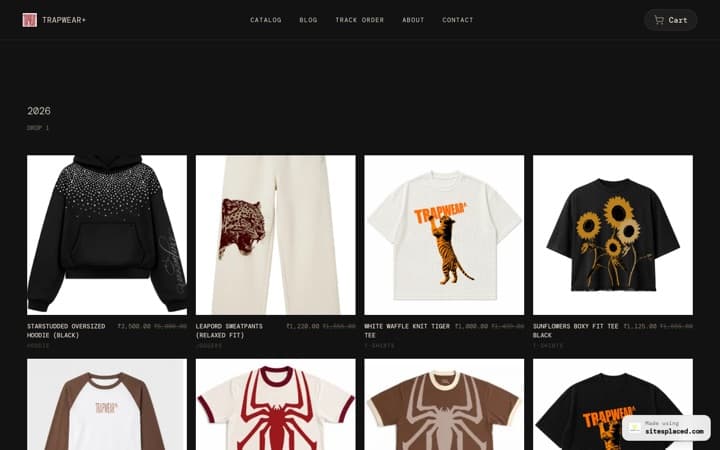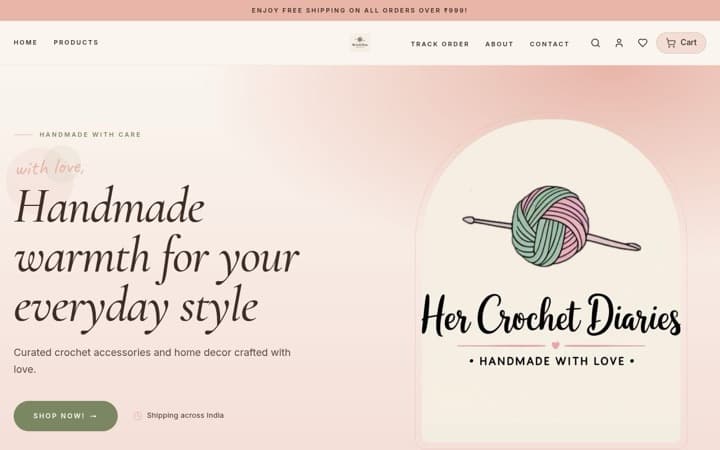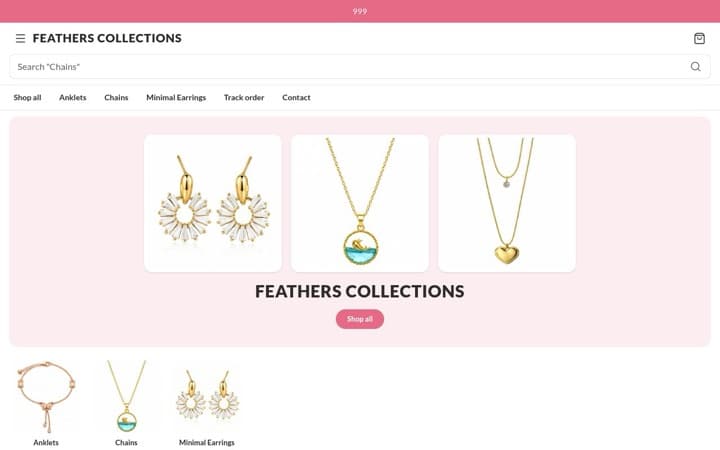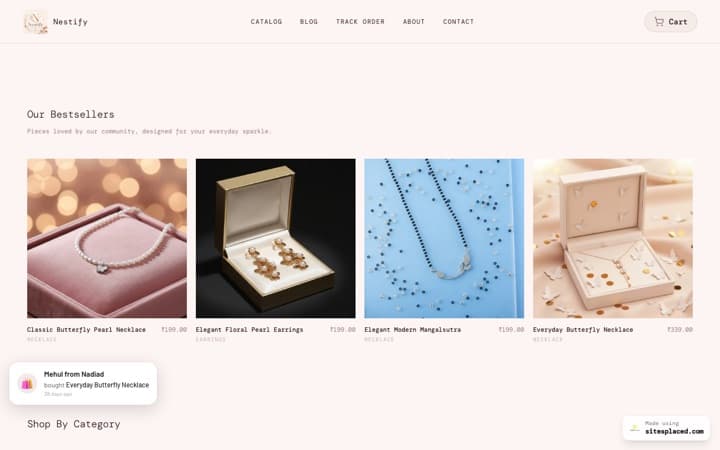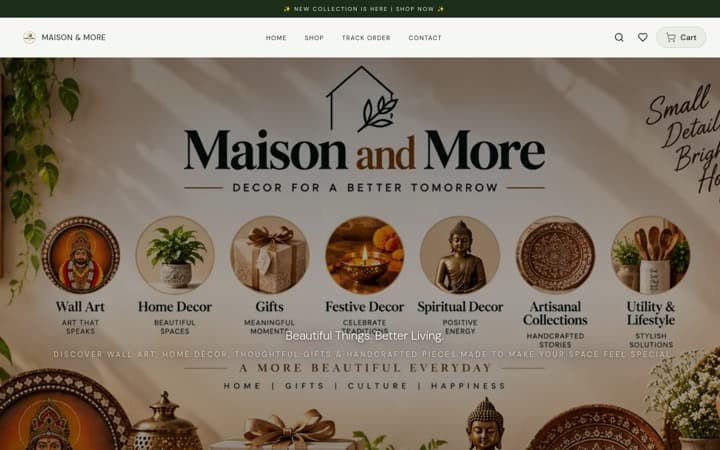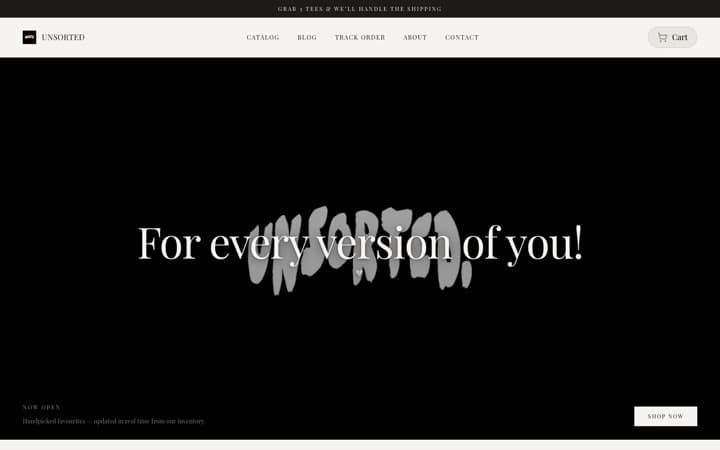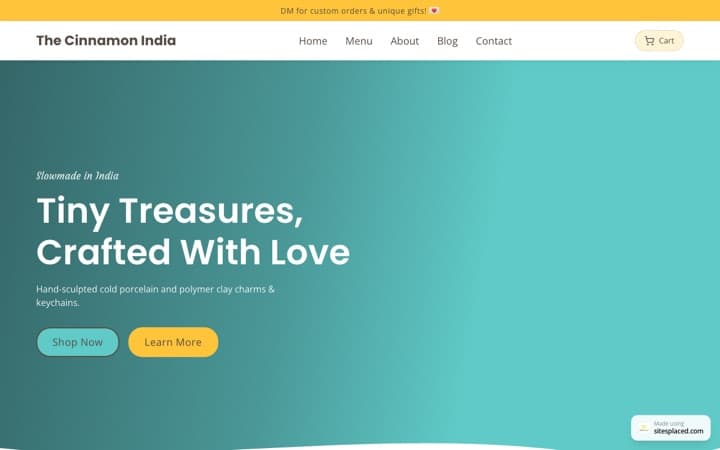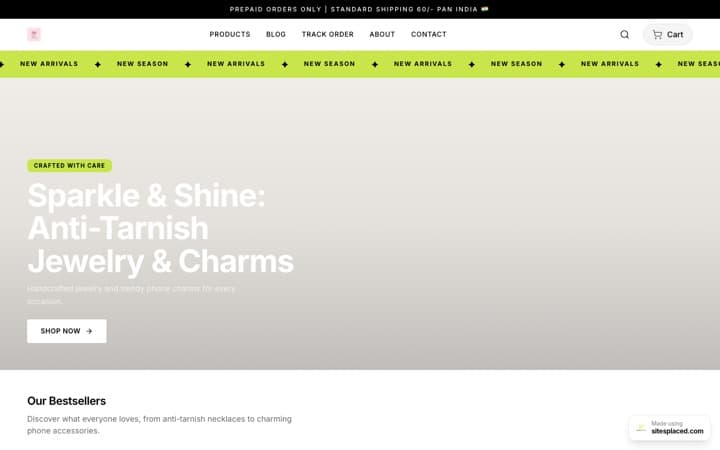


Taking Diwali orders in Instagram DMs? Where orders get lost in the rush
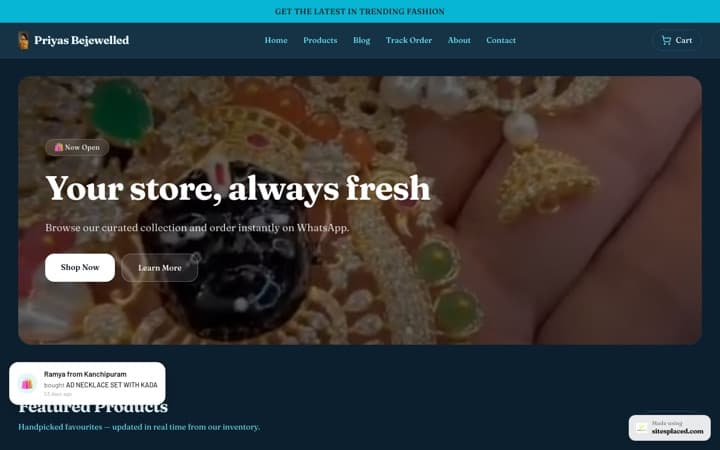
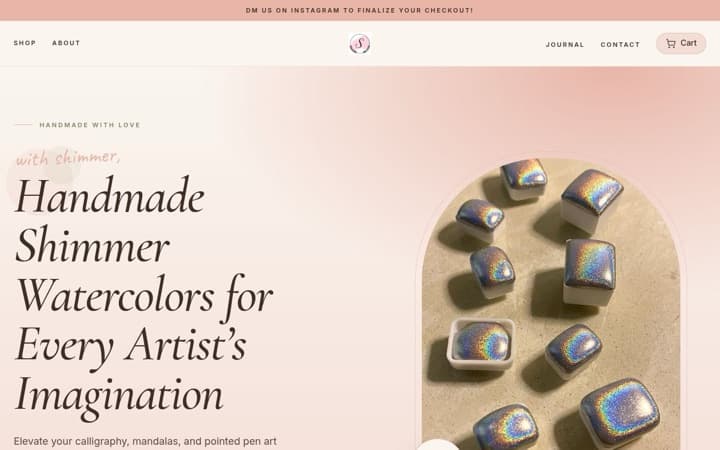
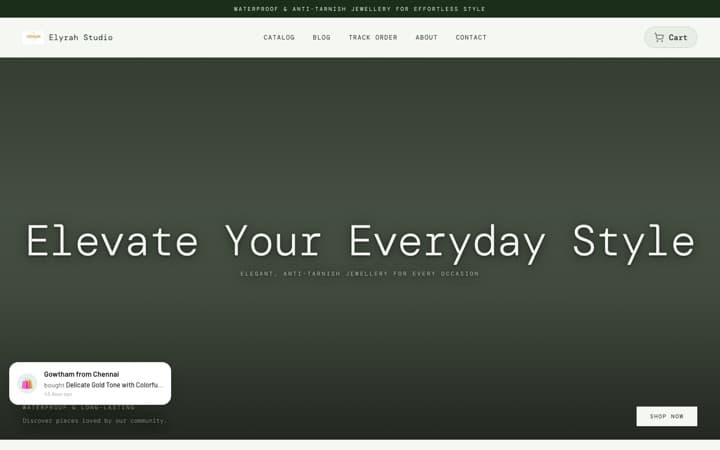
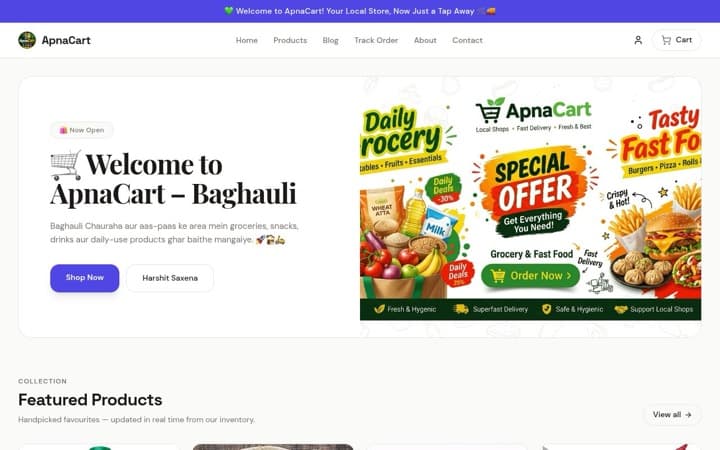
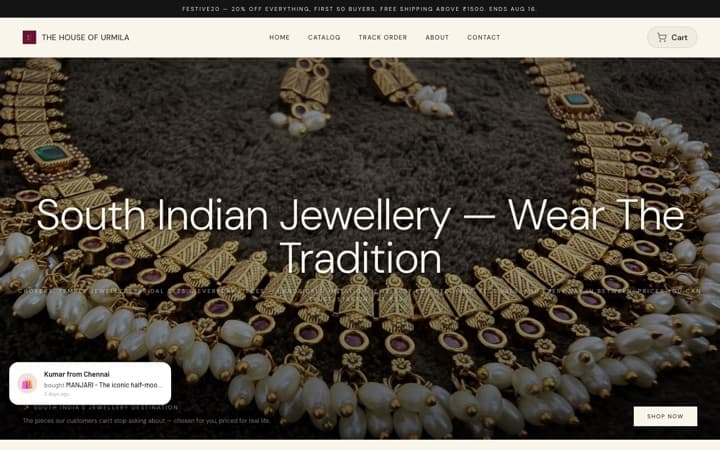
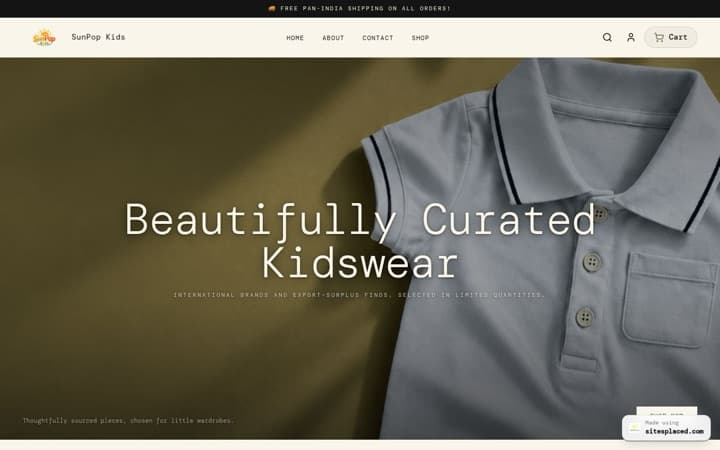
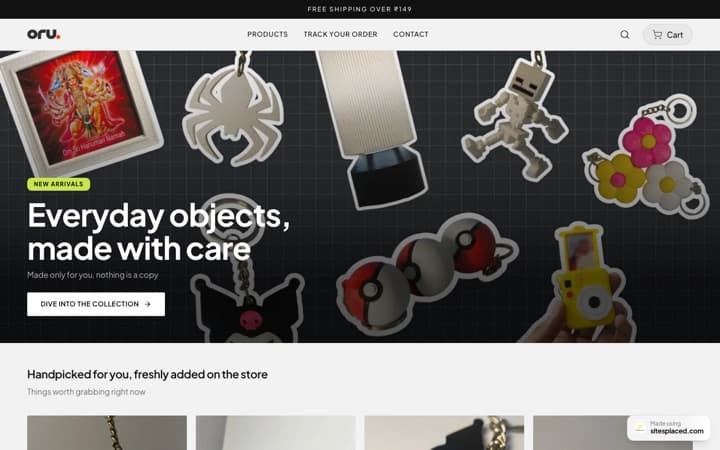
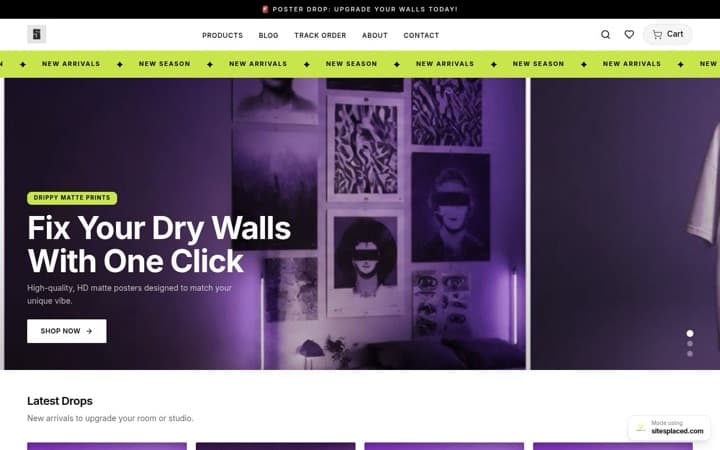
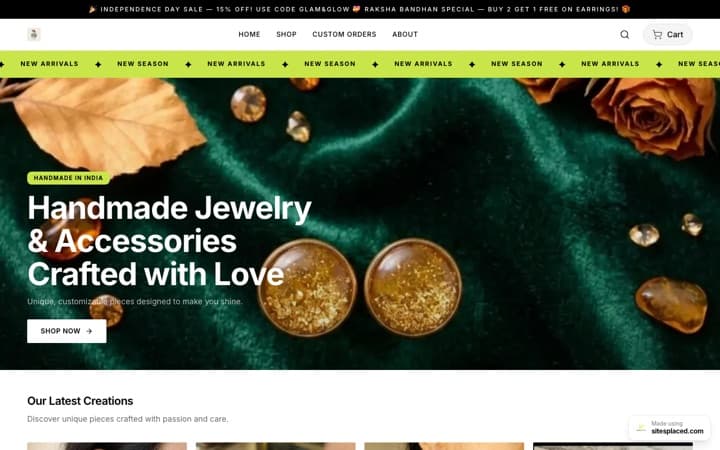
DMs work when you get a few orders a day. In the weeks before Diwali they lose orders in four places: messages you see too late, payment screenshots you match by hand, stock that nobody is counting, and addresses spread across forty chats. You do not have to leave Instagram to fix this. Put a store link in your bio, keep your DMs for questions, and let the store take the order. It takes one evening, and on SitesPlaced it is free.
Key takeaway: the problem with DMs in a rush is that every order needs you, and there is only one of you. A store takes the price question, the payment, the address and the stock count off your hands, so your replies go to the buyers who really need a person. Diwali is on Sunday 8 November 2026. Move this week, before the rush, not during it.
TL;DR
- • Four leaks: missed messages, payment screenshots, no stock count, no order list.
- • The fix: a store link in your bio. DMs stay open for questions and custom orders.
- • Time: one evening. The importer builds the store from your handle in about a minute.
- • Cost: ₹0, with 0% commission, UPI, cash on delivery and WhatsApp checkout.
- • Personal touch: WhatsApp checkout, a gift message field, and the same replies you send today.
Why the Diwali rush is different
Three things change in the festive weeks.
- Orders arrive in bursts. A reel or a story does well and the messages come together, in one evening, not spread across the week.
- You are busy with your hands. The hours you would spend replying are the hours you now spend packing.
- Buyers have a deadline. A gift has to arrive before Diwali. A buyer who is waiting for your reply can message another seller in the same minute.
The four places DM-only orders get lost
| The leak | In DMs | With a store link |
|---|---|---|
| 1. Missed messages | A message from someone new can land in your requests folder. Busy chats push older ones down. You reply hours later, or not at all | The buyer orders without waiting for you. Every order is saved to your Orders tab and emailed to you |
| 2. Payment screenshots | You send a UPI ID, the buyer sends a picture, and you match each picture against your bank app by hand | An online payment is confirmed by your payment gateway, not by a picture. COD and WhatsApp orders are marked as such |
| 3. No stock count | Nothing in a chat knows you have 20 pieces. You find out at the 23rd order | Each product and each option has a stock number. At zero, it cannot be ordered |
| 4. No order list | Names, addresses and phone numbers are spread across chats. You copy each one out to book a courier | One list with the items, address, phone and payment method, a PDF invoice, and courier booking from the order |
1. Missed messages
A message from someone who has never written to you before can land in your requests folder, not your main inbox. New chats push older ones down the list. A story reply looks the same as an order. When thirty people write in one evening, the one you miss is an order you never knew you had.
A store does not wait for you. The buyer taps the link, picks the product, and orders. The order is saved to your Orders tab and you get an email for each one, so you can pack first and read messages later.
2. Payment screenshots
In a chat, payment is a picture. You send a UPI ID, the buyer sends a screenshot, and you open your bank app to find the matching amount. A picture can be for the wrong amount, sent twice, or sent for a payment that did not go through. With five orders that is a small job. With fifty it is an evening of matching.
On a SitesPlaced store, online payments go through your own Razorpay, PhonePe or Cashfree account, and the gateway confirms each payment. You can also offer cash on delivery, with an extra COD charge if you want one, and a direct UPI or bank transfer for buyers who prefer it. Setting it up is covered in how to accept UPI payments on your website.
3. No stock count
Here is an example with round numbers. You have 20 diya sets. A reel does well and 26 people message to order. In DMs you say yes to each one as you read it, and you find out you are six short when you start packing. Now six buyers need a refund and an apology a week before Diwali.
On a store, every product and every option (each size, each colour) has a stock number. Stock goes down as orders come in. At zero the product shows as out of stock and cannot be ordered, so the 21st buyer sees the truth before paying.
4. No order list
In DMs, your order book is your memory. The address is in one message, the phone number in another, the colour in a voice note. To book a courier you copy each one out by hand, and one wrong digit in a pincode sends a gift to the wrong city.
A store keeps one list. Each order has the items, the address the buyer typed, the phone number and how they paid. Each has a PDF invoice. You can book Shiprocket or Shipmozo from the order, and the buyer can follow the parcel on your Track Order page without messaging you. All of this is on the free plan.
Move to a store link in one evening
| Step | What to do | How long |
|---|---|---|
| 1 | Build the store from your Instagram handle with the importer, or pick a template | About a minute to import; 10 to 20 minutes from a template |
| 2 | Check every price, put a stock number on every product, archive what you will not sell this Diwali | Depends on how many products you keep. Keep the range small |
| 3 | Switch on cash on delivery and WhatsApp checkout, add your UPI ID, apply to a payment gateway | A few minutes; the gateway’s approval comes later |
| 4 | Set the delivery charge, free delivery above a value, and your last order date in the announcement bar | A few minutes |
| 5 | Place a test order from your own phone | A few minutes |
| 6 | Change the link in your bio and post a story showing how to order | A few minutes |
About the importer. Open the importer, choose Instagram and type your handle. It reads your public posts, photos and captions, and builds a store with products. It cannot fully read a private profile. A post with no price in the caption comes in at ₹0, so go through every product before you publish. What it reads and how is on Instagram to website.
About the template. Choose with care. Changing template later means making a new store.
About payments. A payment gateway checks your documents before it approves you. Apply the same evening. Until it is approved, your store takes cash on delivery, WhatsApp orders and direct UPI or bank transfers. If you have a whole weekend, not one evening, the slower plan is in how to move from Instagram DMs to an online store.
How to keep the personal touch
Buyers come to small sellers because a person answers. A store should not take that away. It should take away the typing.
- Keep replying. Answer the question in the DM, then send the link to that exact product. For example: “Yes, it comes in a gift box. You can order here, and cash on delivery is available.”
- Turn on WhatsApp checkout. The buyer’s cart reaches you as a WhatsApp message, so the order still starts a conversation. It is saved in your Orders tab before the chat opens.
- Ask for the gift message. Under Settings → Checkout, switch on the Order Notes field and give it your own label, such as “Gift message”. For a name or a photo on a product, use that product’s personalisation settings, which can ask for one note and one photo.
- Show the reel that sold it. Each product has a field for an Instagram reel link, so the reel your followers liked shows on the product page.
- Write the note by hand. A store does not pack the parcel. The card inside is still yours to write.
- Keep custom and bulk orders in the chat. A hamper made to a budget or forty boxes for an office needs a conversation. Everything standard goes to the link.
What a store will not fix
- • It will not bring followers. The people who reach your store are the people your posts reach.
- • It will not stop every DM. Some buyers like to ask first, and that is fine.
- • It will not remove the risk of a refused cash-on-delivery parcel. A COD charge and a quick WhatsApp check on large orders help.
- • It will not decide your last order date. Ask your courier for their last pickup that still arrives before Diwali.
When a paid plan is worth it
Start free. If your posts send a lot of people to the link at once, look at Starter at ₹199/month. On every paid plan, store pages answer about 4× faster than on the free plan: about 75 ms instead of about 330 ms, measured on live paid stores on 28 September 2026. “Answer” is the moment the page starts arriving on the phone, before the photos load. Starter also puts the store on your own domain, so the link in your bio reads yourbrand.com, and removes the SitesPlaced badge.
Growth at ₹499/month adds the sales boosters, including a WhatsApp chat bubble on every page, Buy X Get Y offers and cart upsells. The code FREE7 gives 7 days free on Starter or Growth when you set up autopay; cancel before the first charge and you pay nothing. What to post once the link is up is in Diwali Instagram post ideas, and the full season plan is on the Diwali hub.
Frequently asked questions
Can I take Diwali orders only through Instagram DMs?
You can, and at a few orders a day it works. In the Diwali rush it loses orders in four places: messages you see too late, payment screenshots you match by hand, stock that nobody is counting, and addresses spread across chats. A store link in your bio takes the order for you, and DMs stay open for questions.
How long does it take to move from DMs to a store link?
One evening. The SitesPlaced importer builds a store from your Instagram handle in about a minute. The rest is checking prices, setting stock, switching on cash on delivery and WhatsApp checkout, placing a test order and changing the link in your bio. A payment gateway’s approval takes longer and runs on the gateway’s timeline, so apply the same evening.
Will I lose the personal touch if I use a store?
No. Keep replying to DMs, and send the product link when the buyer is ready to order. With WhatsApp checkout the order still arrives as a chat. A gift message field at checkout and a note on personalised products carry the buyer’s words to you. What moves to the store is the typing: price, UPI ID, address and stock.
Do buyers need an account or an app to order from my store?
No. The store opens in the phone’s browser from your link, and guest checkout is always available. The buyer picks the product, types the address once, and pays online, chooses cash on delivery, or sends the order on WhatsApp.
Is the store free?
Yes. The SitesPlaced free plan is ₹0 with 0% commission and no limit on products or orders. It includes UPI and cards through your own Razorpay, PhonePe or Cashfree account, cash on delivery, WhatsApp checkout, coupons and the importer. Starter at ₹199/month adds your own domain, removes the badge and makes store pages answer about 4× faster than on the free plan.
What happens to buyers who still message me to order?
Serve them. Answer the question, then send the link to that exact product and tell them cash on delivery and WhatsApp ordering are both there. Buyers who want a custom piece or a bulk order can stay in the chat from start to finish.
Put a store link in your bio tonight
Built from your Instagram handle, free, with UPI, cash on delivery and WhatsApp checkout at 0% commission. Your DMs stay open for questions.