
An engineering student portfolio website
Whatever your branch — mechanical, electrical, civil, CSE, ECE or design — your projects are your best argument. A portfolio website turns them into one link recruiters can open, and it is free to publish as a student.
By Manan Agrawal, Founder · Updated June 10, 2026
Every engineering branch benefits from a portfolio website — it turns projects, CAD, prototypes or code into proof a recruiter can open. SitesPlaced has templates tuned to each field, with AI-written content and instant publishing, free for students. Pick the look that fits your branch and go live at yourname.sitesplaced.com in minutes.
Real student portfolios, live right now
Real students built and published these on SitesPlaced — open any in a new tab to see what a finished one looks like.
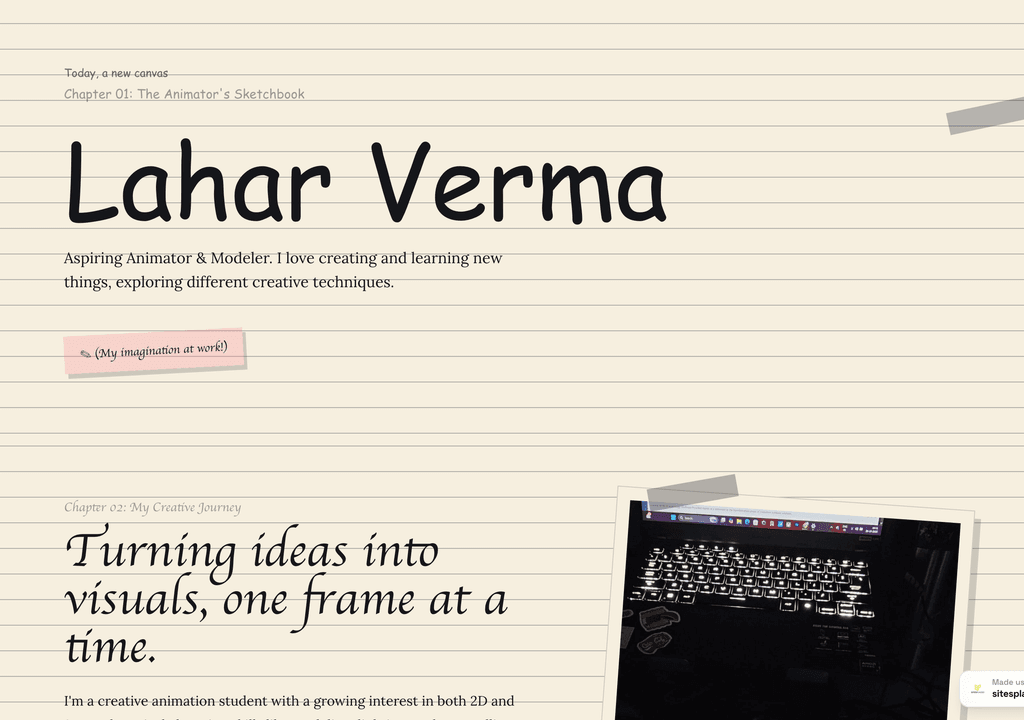
Lahar Verma
An aspiring animator's sketchbook-style portfolio — projects and creative journey, chapter by chapter.
Visit live site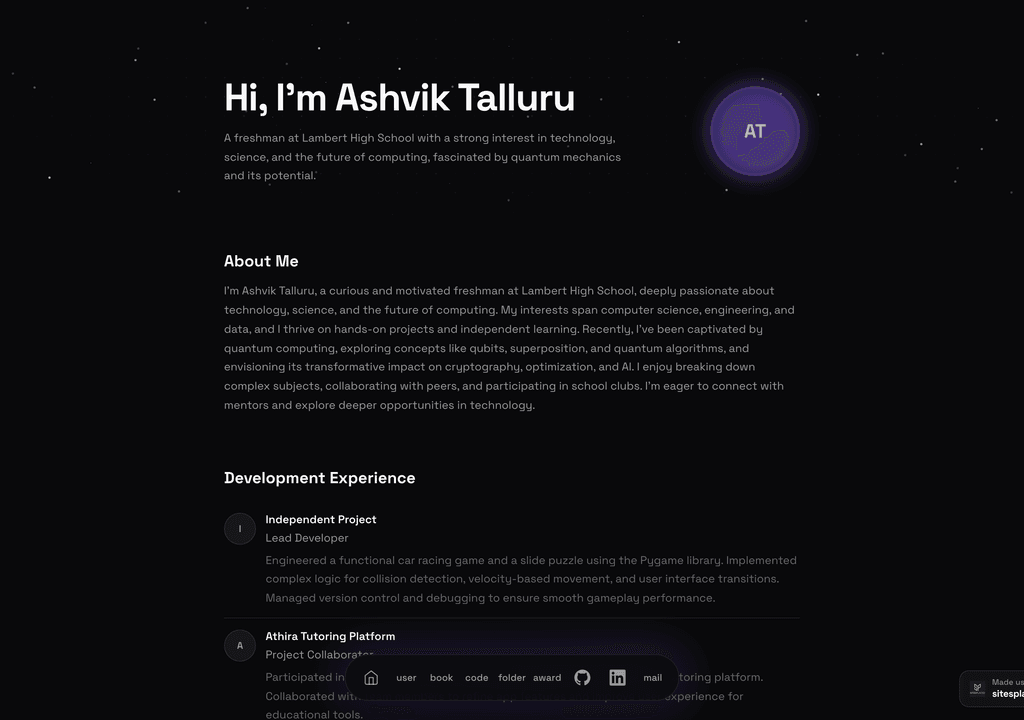
Ashvik Talluru
A computer-science student's project-first portfolio with real builds, experience and links.
Visit live site
Romy Le Roux Knibbs
A brand & communications designer's portfolio — case studies in a polished, gradient-led layout.
Visit live siteGenerate your student portfolio in 60 seconds
Fill in four fields and watch a live preview build itself. When you like it, publish the real thing free on SitesPlaced — AI writes the first draft from your résumé.
No plan, no card. Publish at aisha-verma.sitesplaced.com
Portfolio
Aisha Verma
Software Engineer & Builder
VIT
About
Projects
Experience
Contact
Live preview · your real site is fully editable
Why does a portfolio work for every engineering branch?
A portfolio is not just for coders. A mechanical student showing CAD models and a prototype, a civil student presenting plans and site work, an ECE student demoing an embedded build — all of them stand out in placements by showing, not telling. Recruiters remember the candidate whose work they could actually see.
The best part is timing. Build it now with your current projects and add to it each semester, and by placement season you have a polished, branch-appropriate portfolio ready to drop into every application — no scramble, no starting from zero.
What should you show, by branch?
Computer Science / IT
Lead with projects, GitHub and stack. Terminal, CS and bento templates fit best.
Mechanical / Automobile
Show CAD work, design projects and prototypes. The Tesla and BMW M engineering templates suit this well.
Electronics / ECE / EEE
Highlight embedded, circuit and signal projects, plus any hardware demos and internships.
Civil / Architecture
Present plans, models and site work. The Drafting Plate template is built for plates and scale models.
Product / Industrial Design
A visual, case-study-led layout that walks through process from brief to outcome.
Any branch
Projects, skills, internships and achievements in a clean, recruiter-ready layout — free to publish.
What to include in an engineering portfolio
- ✓A one-line intro with your branch, college and year
- ✓Three to six projects — code, CAD, prototypes, plans or demos — with links or images
- ✓Your skills, software and tools
- ✓Internships, research or industry training
- ✓Achievements: competitions, certifications, publications
- ✓A contact section and your résumé link
Engineering portfolio templates
Live demos you can open and clone — across engineering styles, all free for students.
 Premium
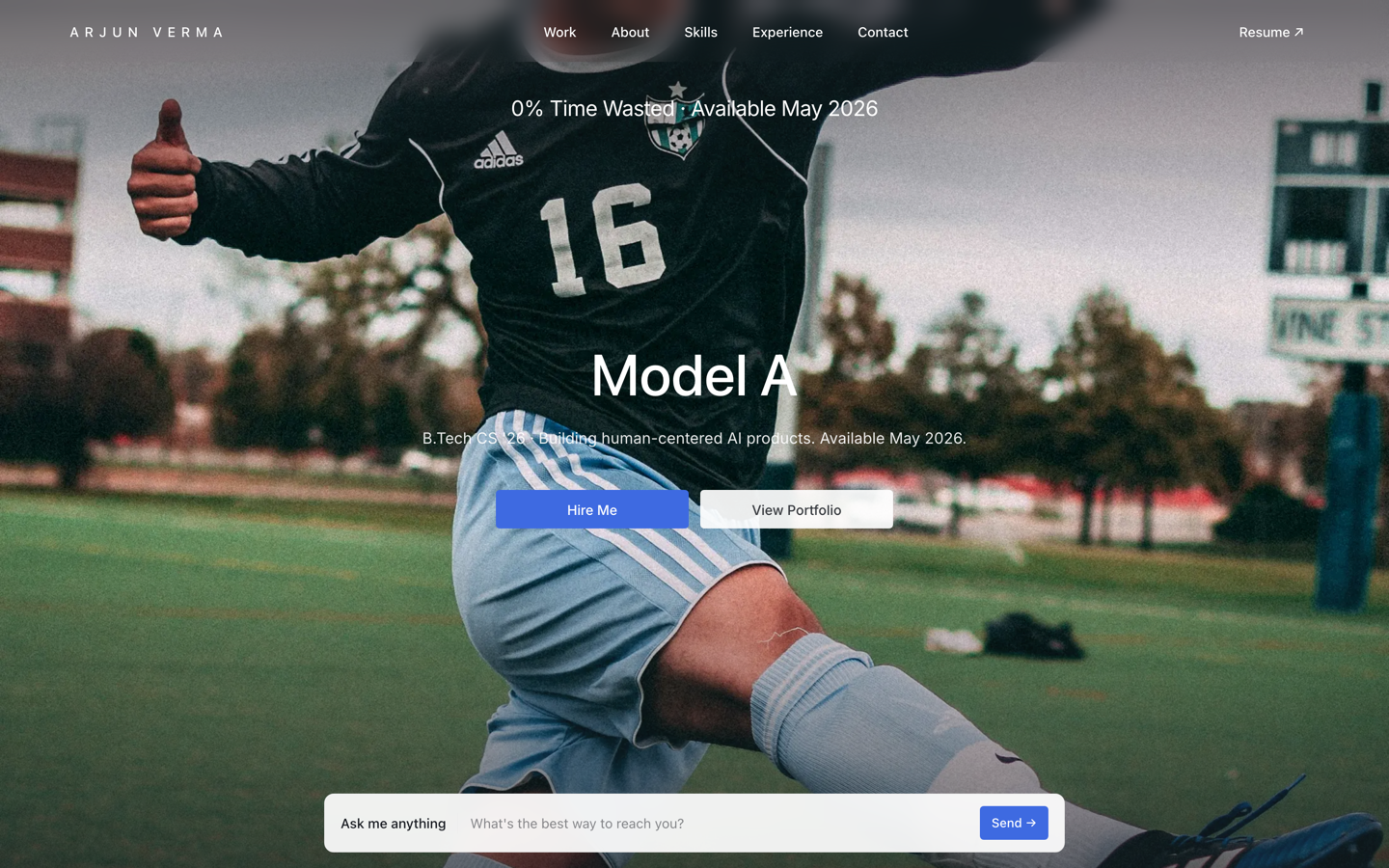
Tesla — Engineering Portfolio
Premium portfolio inspired by Tesla — full-viewport hero, electric-blue accent, scroll scenes.
View live demo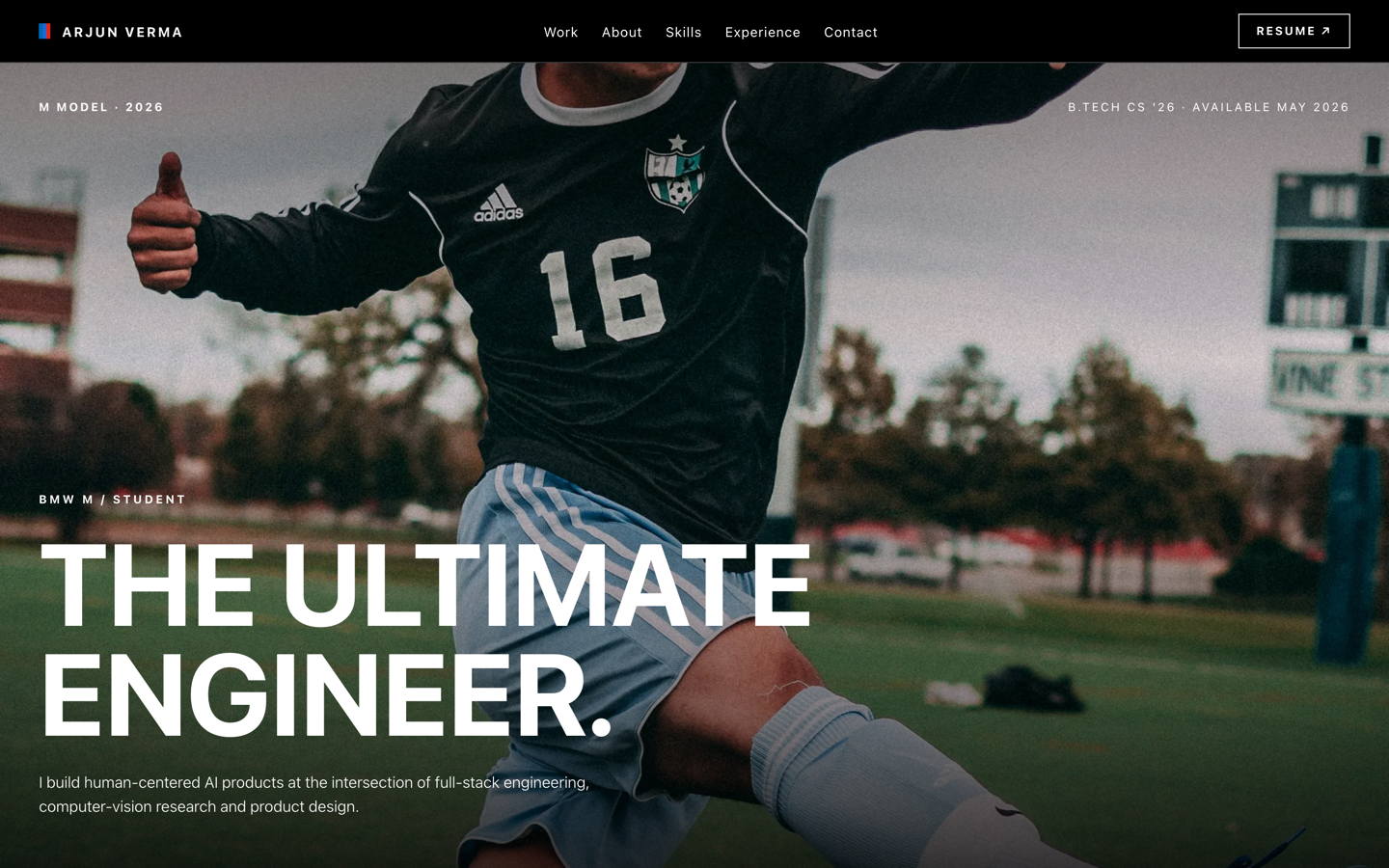 Premium
BMW M — Motorsport Portfolio
Motorsport-grade portfolio inspired by BMW M — pure black, tricolor accents, full-bleed photography.
View live demo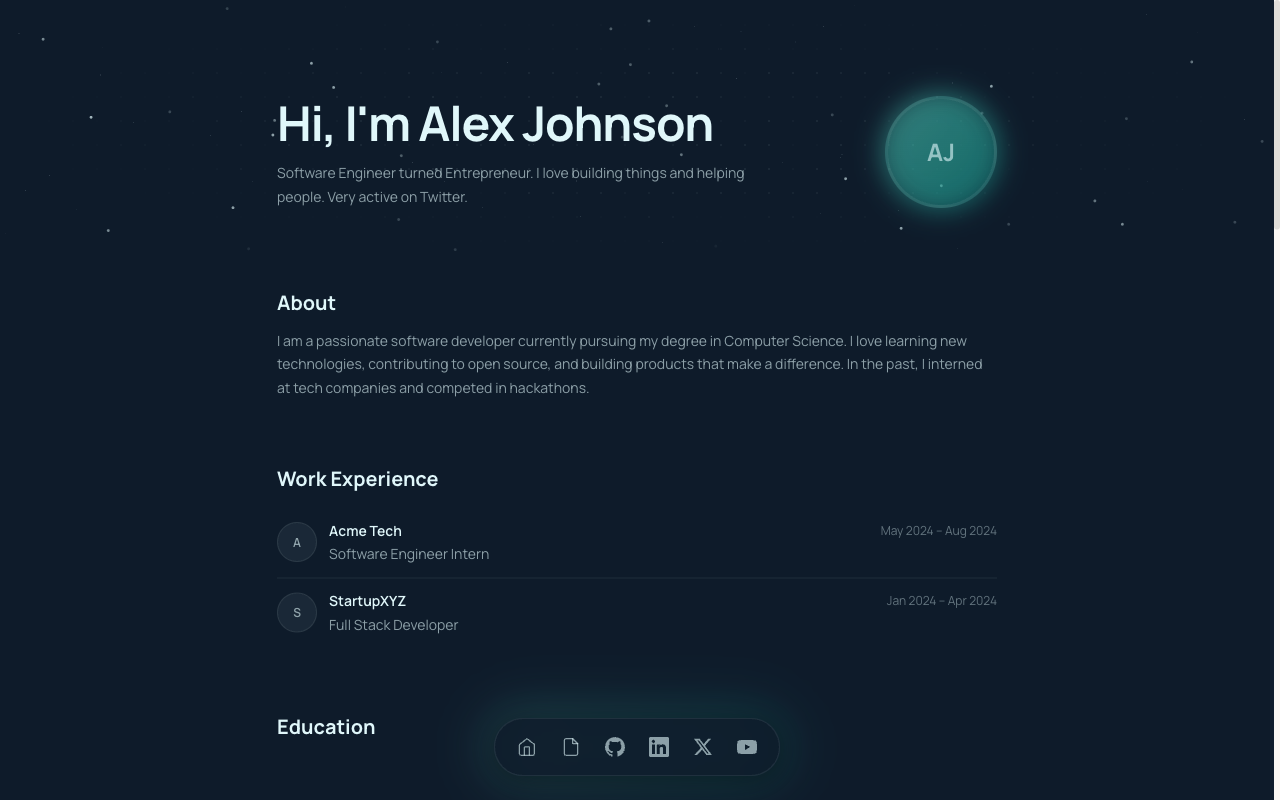 CS
CSCS Student Portfolio
Built for CS and B.Tech students — projects, GitHub, stack and experience in a developer-first layout.
View live demo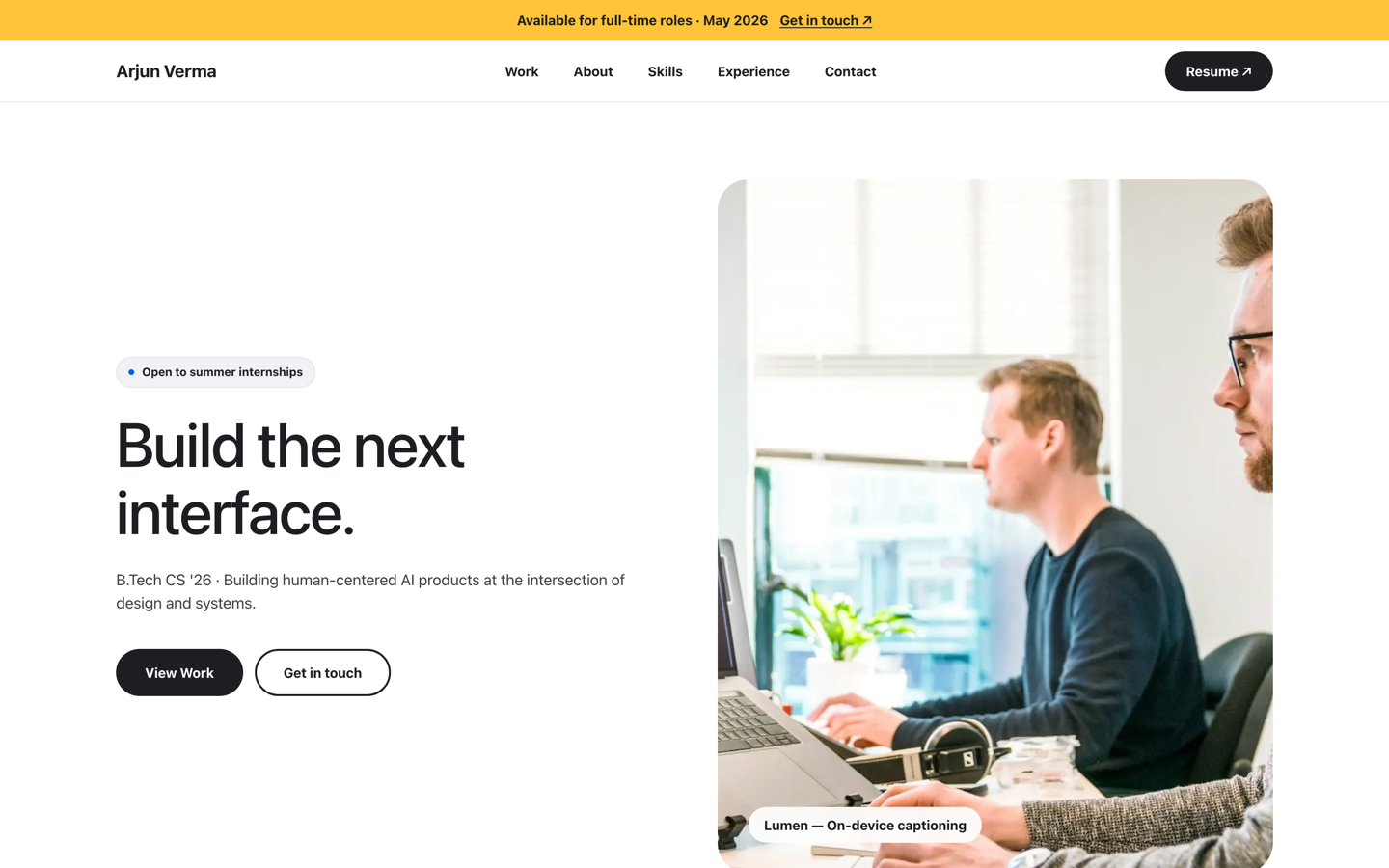 Premium
Meta — Builder Portfolio
Builder portfolio inspired by Meta — rounded photo tiles and a bold dual-CTA system.
View live demo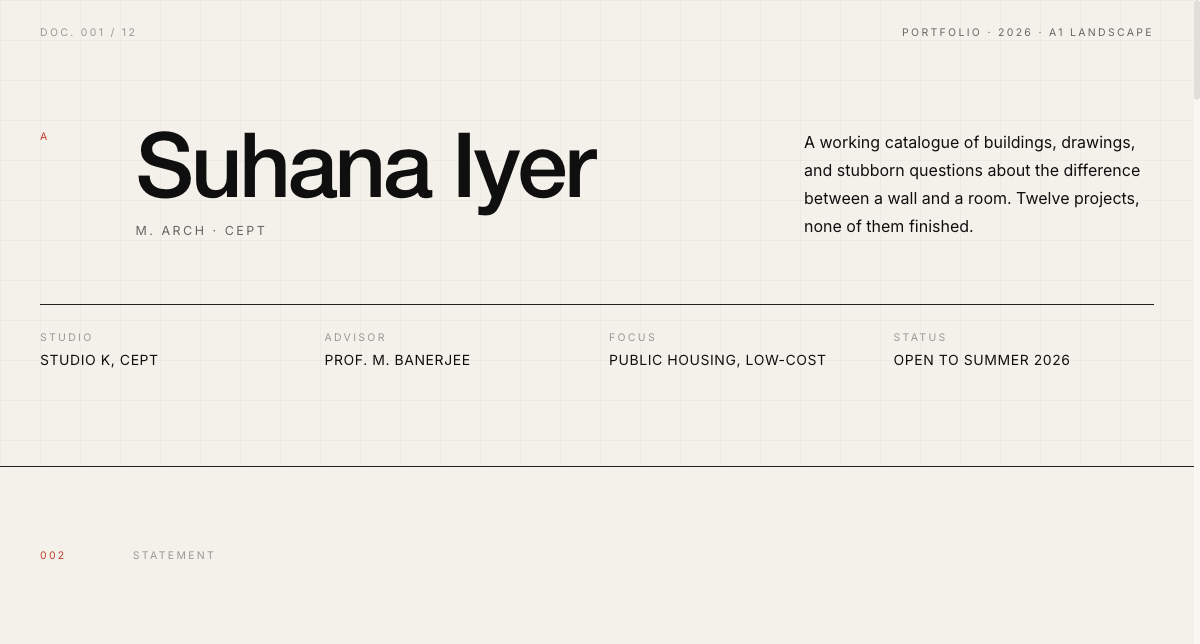 Architecture
Drafting Plate Portfolio
Drafting-plate portfolio for architecture and civil students — plates, plans and scale models.
View live demo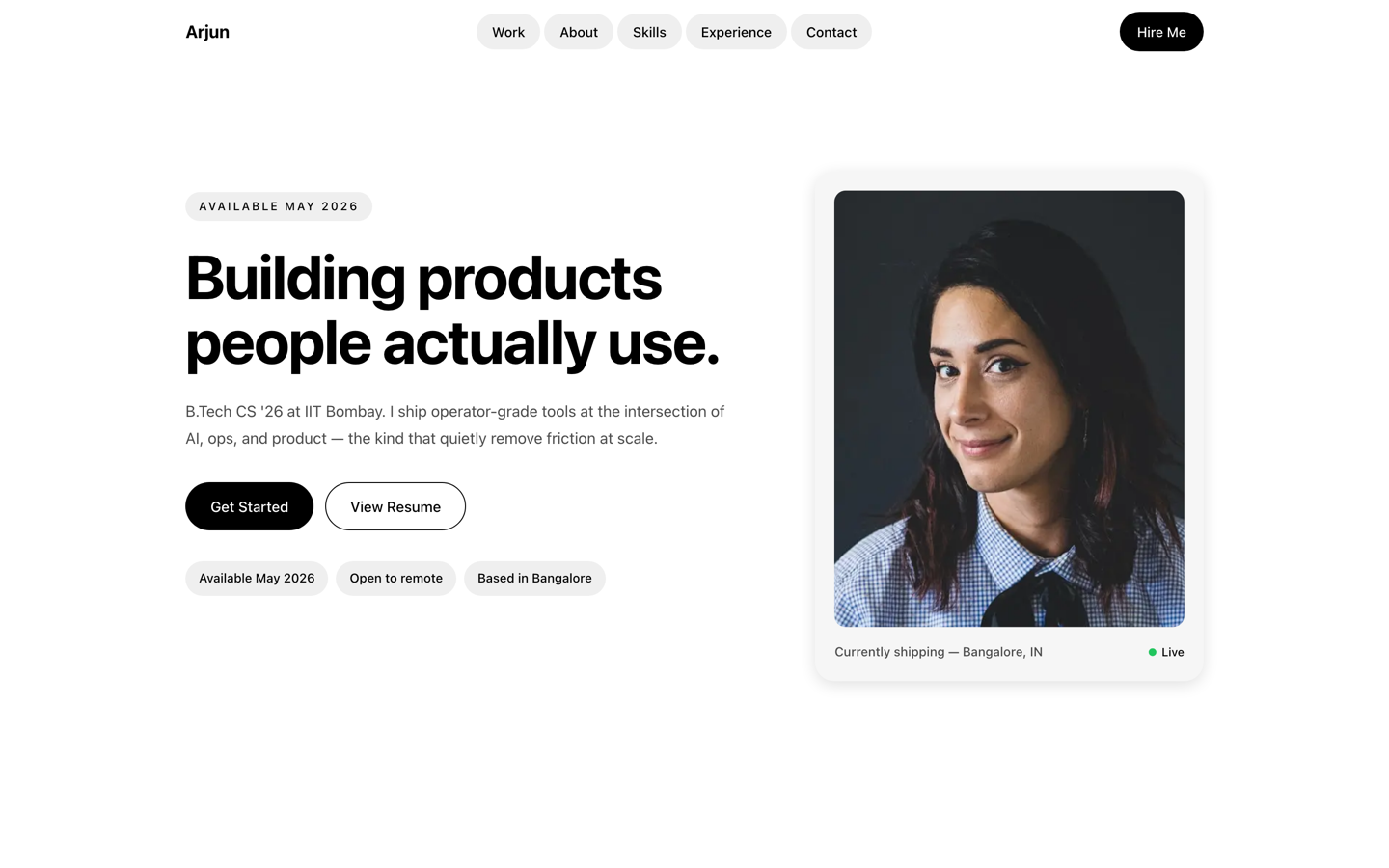 Premium
Uber — Operator Portfolio
Operator portfolio inspired by Uber — pill shapes and clean cards for PM, ops and CS students.
View live demoBuild your engineering portfolio free
Pick a template that fits your branch, add your projects, and let AI write the descriptions. Publish at yourname.sitesplaced.com in minutes — free for engineering students, no coding.
Build my portfolio free →Frequently asked questions
Do engineering students need a portfolio website?
Yes — across every branch. A portfolio website turns your projects, CAD work, prototypes or code into one link recruiters can open, which sets you apart in placements and internship applications. On SitesPlaced it is free for students, so it costs nothing to have one ready.
Which template suits my engineering branch?
CSE/IT students often pick the terminal, CS or bento templates; mechanical and automobile students suit the premium engineering styles (Tesla, BMW M); civil and architecture students fit the Drafting Plate template; any branch can use a clean recruiter-ready layout. AI drafts your content whatever you choose.
What should an engineering portfolio include?
A one-line intro with your branch and college, three to six projects (with CAD, prototypes, code or demos), your skills and tools, internships or research, achievements, and a contact section plus résumé link. Lead with the work most relevant to the roles you want.
I don't code — can I still build a portfolio?
Absolutely. The templates suit every engineering branch, not just CS, and there is no coding involved — you pick a template, link or upload your work, and AI writes the descriptions. Mechanical, civil, electrical and design students all build strong portfolios this way.
Is it free for engineering students?
Yes. Engineering students of every branch build and publish on SitesPlaced for free, premium templates included, with no card required.